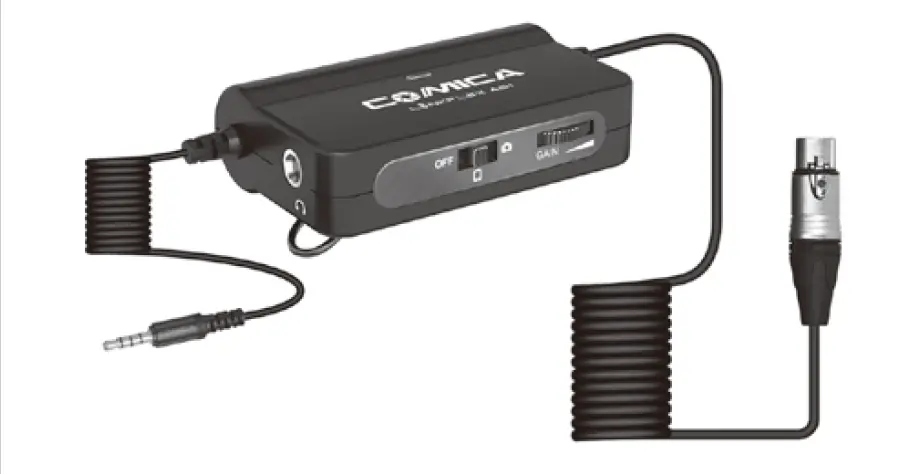
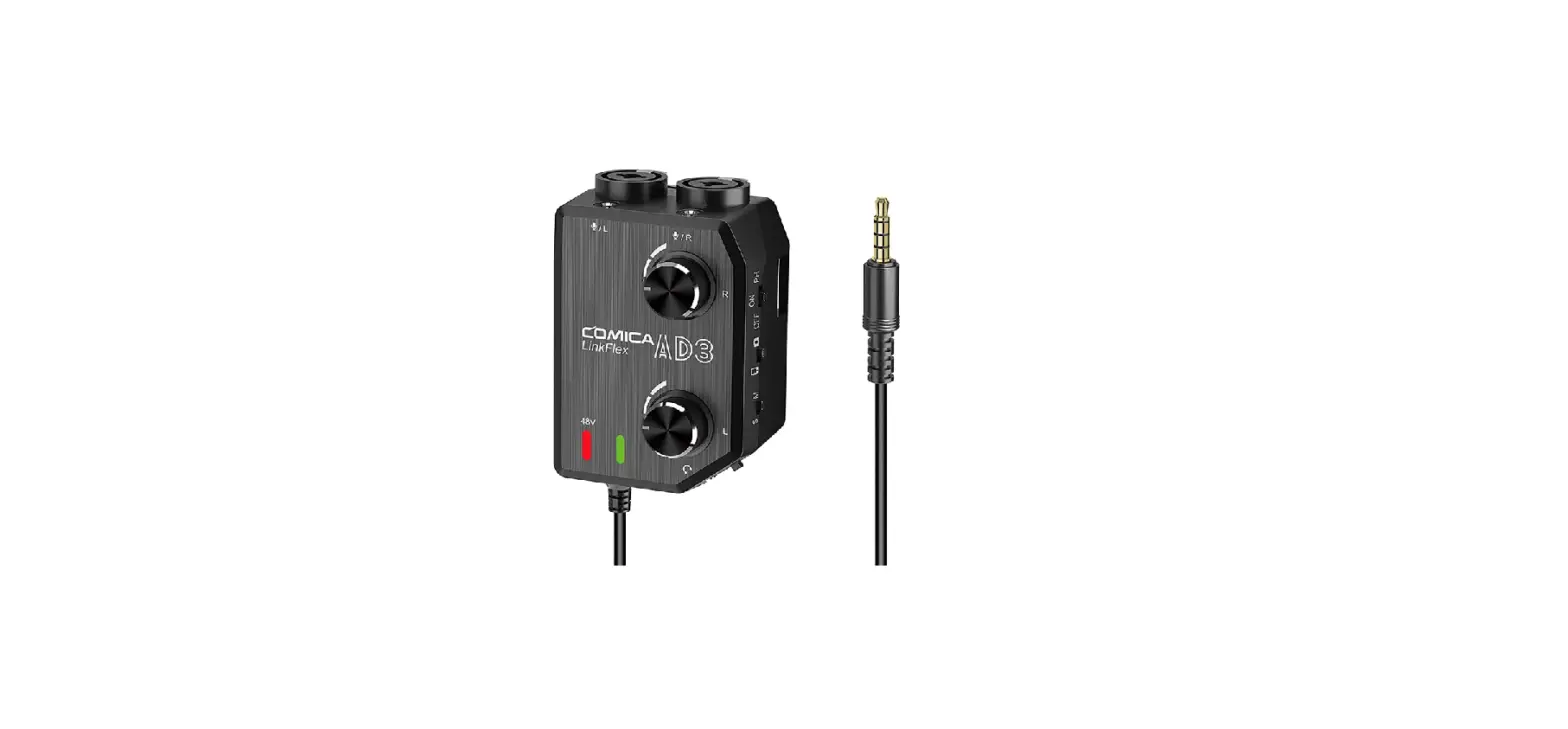
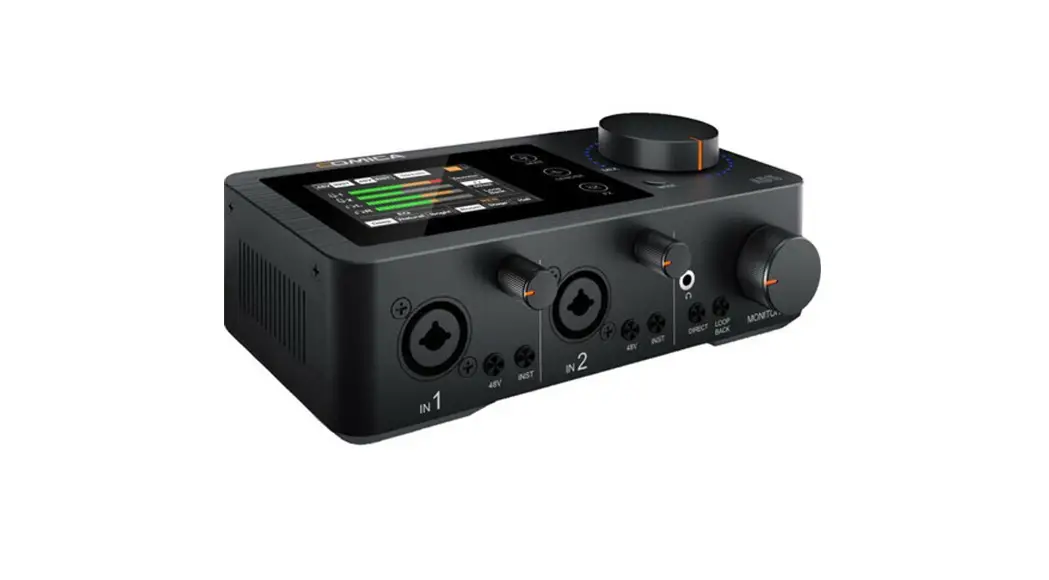
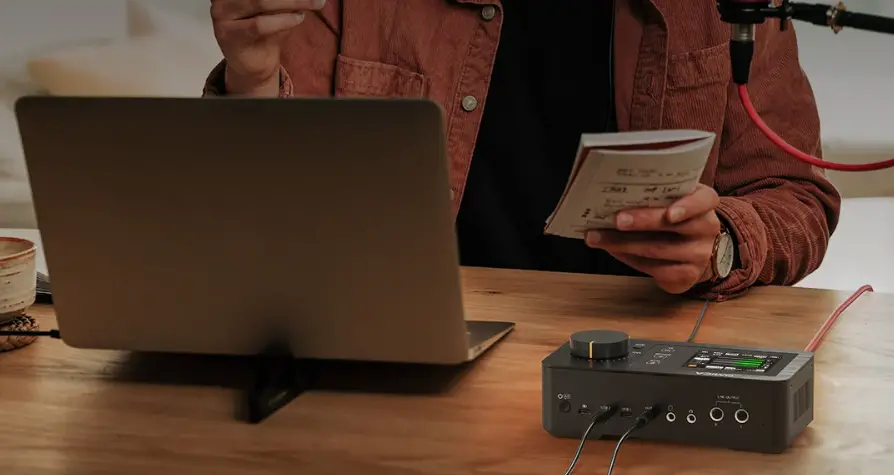
LINKFLEX AD2 XLR/6.35mm Audio Preamp Adapter, Interface for Camera and Smartphone
Product Information
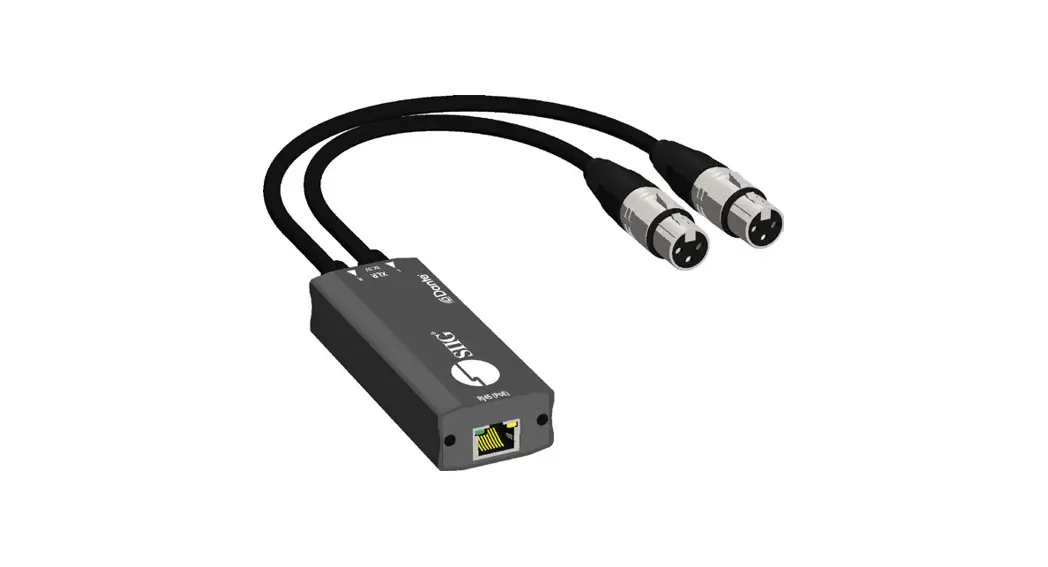
The COMICA LINKFLEX AD2 is an XLR/6.35mm audio preamp
adapter/interface designed for use with cameras and smartphones. It
features universal compatibility, support for 48V phantom power,
audio preamp and gain control, and mic/device two ways audio
monitoring. The adapter has a belt-clamp and magic-tape design at
the bottom for easy attachment.
Main Features:
- XLR/6.35mm (For Instrument like Guitar etc.) Audio Adapter
Interface - Universal for Camera and Smartphone
- Support 48V Phantom Power
- Audio Preamp and Gain Control
- Mic/Device (Phone) Two Ways Audio Monitor
- Belt-clamp and Magic-tape Design at the Bottom
Notice:
- When using the adapter with other high-sensitivity products,
adjust the gain to avoid sonic boom or howling. It is recommended
to start with the minimum gain setting and gradually increase as
needed. - When using with Lightning devices, use the original adapter
cable. - For smartphones with Android system, the mic may not be
compatible with some smartphones in video mode. It is suggested to
try using third-party apps like TikTok or Kwai. For smartphones
with iOS system, the mic works well in both audio and video
mode. - Avoid dropping, colliding, or pounding the product as it is a
high-precision instrument. - Do not use the adapter near heat sources or interference
sources such as radiators, ovens, refrigerators, or air
conditioners. - Keep the product in a dry environment.
Packing List:
- Audio Adapter/Interface
- Belt Clamp
- XLR/6.35mm Audio Preamp Adapter/Interface for Camera and
Smartphone - Magic-tape
- User Manual
- Warranty Card
Product Usage Instructions
Battery Installation:
1. Press the battery cover and open it in the direction of the
arrow.
2. Install the 9V battery according to the corresponding
positive and negative poles.
Note: Ensure the positive and negative poles of the battery
match the product.
Usage Method:
1. Hang the belt clamp on the belt for use.
2. Pass the magic-tape through the magic-tape fixing slot and
attach it to the fixer for use.
Audio Input:
This product supports XLR/6.35mm audio jack. When using, insert
the microphone plug into the corresponding jack.
Note: The 6.35mm and XLR inputs are in the same jack and cannot
be used simultaneously.
Installation Method (Using XLR Audio Plug):
- After installing the recording device, adjust the output mode
according to the device:- :Smartphone Mode
- :Camera Mode
- After installing the monitor headphones, adjust the monitor
mode according to requirements:- :Smartphone Playback Monitoring Mode
- :Microphone Real-time Monitoring Mode
- Step 1: Install the microphone.
- Step 2: Install the monitor headphones.
XLR/6.35mm Audio Preamp Adapter / Interface for Camera and Smartphone
User Manual
Foreword
Thanks for purchasing COMICA LINKFLEX AD2
Main Features
. XLR/6.35mm (For Instrument like Guitar etc.) Audio Adapter Interface . Universal for Camera and Smartphone . Support 48V Phantom Power . Audio Preamp and Gain Control . Mic/Device (Phone) Two Ways Audio Monitor . Belt-clamp and Magic-tape Design at the Bottom
1
Notice
When working with other products which have high sensitivity, the gain of our product should be adjusted to the appropriate position to avoid the situation of sonic boom or howling (it is recommended to adjust the gain to the minimum state when the product is turned on, and then adjust it step by step)
When using with Lightning devices, please use the original adapter cable
For smartphones with Android system, this Mic works well in audio mode, it may not be compatible with partial smartphones in video mode (Then we suggest you to try the 3rd party APP, such as TikTok, Kwai, ect.) For smartphones with iOS system, this Mic works well in audio&video mode and the 3rd party APP
This product belongs to high-precision instruments, please avoid falling, collision or pounding
Do not use this equipment in the vicinity of heat source or interference source, such as radiator, oven, refrigerator or air conditioner
Please keep the product in a dry environment
Packing List
Audio Adapter / Interface Belt Clamp
XLR/6.35mm Audio Preamp Adapter / Interface for Camera and Smartphone
Magic-tape
User Manual
2
User Manual
Warranty Card
Components and Instruction
1 XLR Audio Input Jack
2 6.35mm Audio Input Jack
3 Gain-Control Knob
4 Power / Phantom Power Switch
5 Phone/Camera Audio Output Switch
6 Phone/Mic Monitor Switch
7 3.5mm Audio Output Plug
8 Power Indicator Light
9 Phantom Power Indicator Light
10 3.5mm Audio Monitor Output Jack
11 Battery Cover
12 Magic-tape Fixing Slot 13 Belt Clamp
8
9
1
2
3 4 5 6
10 11
7
12
13
3
Installation and Usage
1.Battery installation Press the battery cover and open it in the direction of the arrow.Install the 9V battery according to the corresponding positive and negative poles
Battery Cover
Positive Pole
9V Battery Negative Pole
Please note that the positive and negative poles
of the battery should corresponding to the positive
4
and negative poles of the product
2. Usage method Hang the belt clamp on the belt to use
Pass the Magic-tape through the Magic-tape Fixing Slot and attach it to the fixer for use
5
3. Audio input This product supports XLR/6.35mm audio jack, please insert the microphone plug into the corresponding jack when using
XLR Audio Plug
6.35mm Audio Plug
The 6.35mm and XLR are in the same jack and cannot be used at the same time
6
4.Installation method (Take XLR audio plug for example)
1. After installing the recording device, adjust the output mode according to the device
:Smartphone Mode
:Camera Mode 2. After installing the monitor
headphones, please adjust the monitor mode according to the requirements
:Smartphone Playback Monitoring Mode
:Microphone Real-time Monitoring Mode
Step 1: Install the microphone
Step 2: Install the monitor headphone
Step 3:
Install the recording device
(smartphone or camera)
7
5. Gain-control knob Rotate the audio gain-control knob to adjust the gain of the audio input Audio Input
Audio Gain-Control Knob (Adjust the gain of the Audio Input)
6.MIC/Smartphone monitoring switch :Smartphone Playback Monitoring Mode :Microphone Real-time Monitoring Mode
Smartphone Playback Monitoring Microphone Real-time Monitoring
In the camera output mode, the switch does
not work and only the microphone real-time
8
monitoring works
7. Smartphone/Camera output mode switch :Smartphone Output Mode; :Camera Output Mode
Without the correct switch to the corresponding output mode will result in an unsuccessful recording Camera Output Mode Smartphone Output Mode
8. Power/ Phantom power switch OFF: Turn off ON: Turn on PH: Phantom Power
Turn on Turn off Phantom Power
If your microphone requires phantom power to work, please set the switch to PH
9
Tech Parameters
Input
Audio Output Monitoring Output Frequency Response Gain THD Battery
Consumption
Net Weight Dimension Working Temperature Storage Temperature
XLR x 1 6.35mm x 1 3.5mm TRS 3.5mm TRS/TRRS 20Hz~20kHz, ±1dB Maximum 20dB <0.1%, RL=2k, f=20Hz~20kHz, Vo=1Vrms 9V 6LR61/6F22 x 1 Phantom Power OFF: 60mW Phantom Power ON: 130mW 109g 53 x 43 x 102mm 0 ~ +50 -20 ~ +60
10
/6.35mm /
LINKFLEX AD2
. /6.35mm() . / . 48V . . MIC/ .
1
LightningLightning Android iOSiPhone
2
XLR/6.35mm Audio Preamp Adapter / Interface for Camera and Smartphone
User Manual
1 2 6.35mm 3 4 / 5 / 6 / 7 3.5mm
8 9 10 3.5mm 11 12 13
1
2
8
9
3
10
4
5
6
11 7
12
13
3
1. 9V
9V
4
2.
5
3. XLR6.35mm
XLR
6.35
XLR6.35mm
6
4.XLR
1.
2.
7
5.
“”
6./
8
7./
8.
OFFONPH
“PH”
9
XLR x 1 6.35mm x 1 3.5mm TRS 3.5mm TRS/TRRS 20Hz~20kHz, ±1dB 20dB <0.1%, RL=2k, f=20Hz~20kHz, Vo=1Vrms 9V 6LR61/6F22 x 1 : 60mW 130mW 109g 53 x 43 x 102mm 0 ~ +50 -20 ~ +60
10
Email: [email protected]
 audio.com - a better way to upload and share audio online