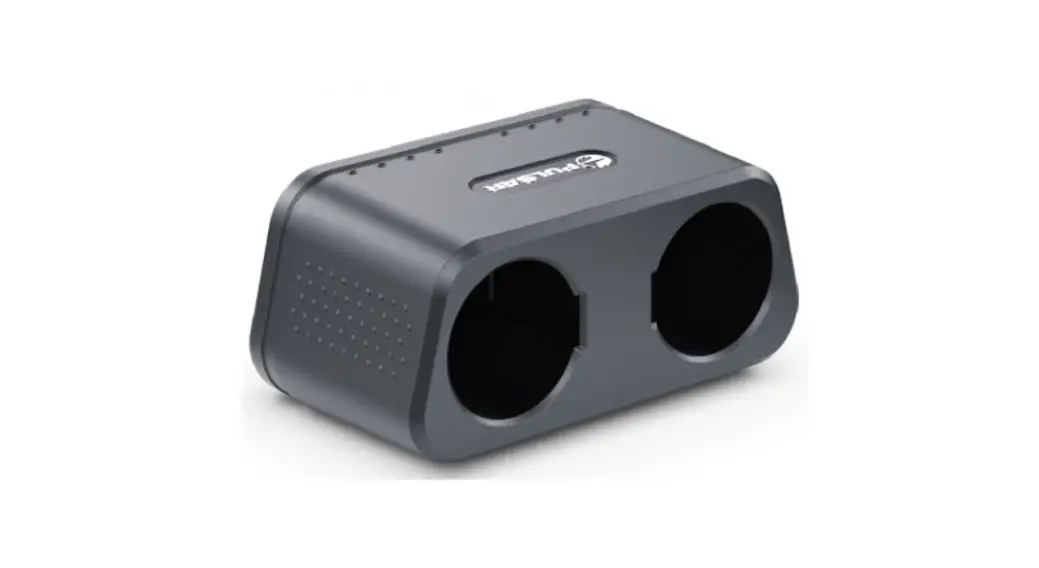
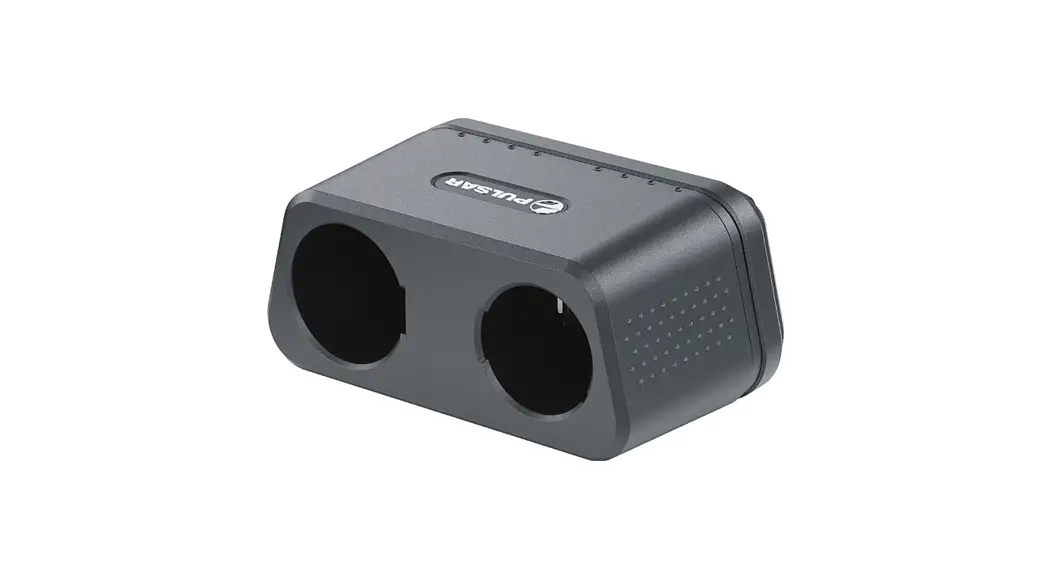
79186 APS-V Battery Charger
APS-V Battery Charger
Specifications
| SKU | Power adapter input voltage | Power adapter output voltage and current | APS-V charger input voltage and current | Rated output voltage | Battery compatibility | Charging temperature range |
|---|---|---|---|---|---|---|
| 79186 | 100-240 V (110 V for US) | 5 V 2 A / 9 V 3 A | 5 V 2 A / 9 V 3 A (Slot A) | APS 5/5T/3/2 rechargeable batteries | Not specified | Not specified |
Description
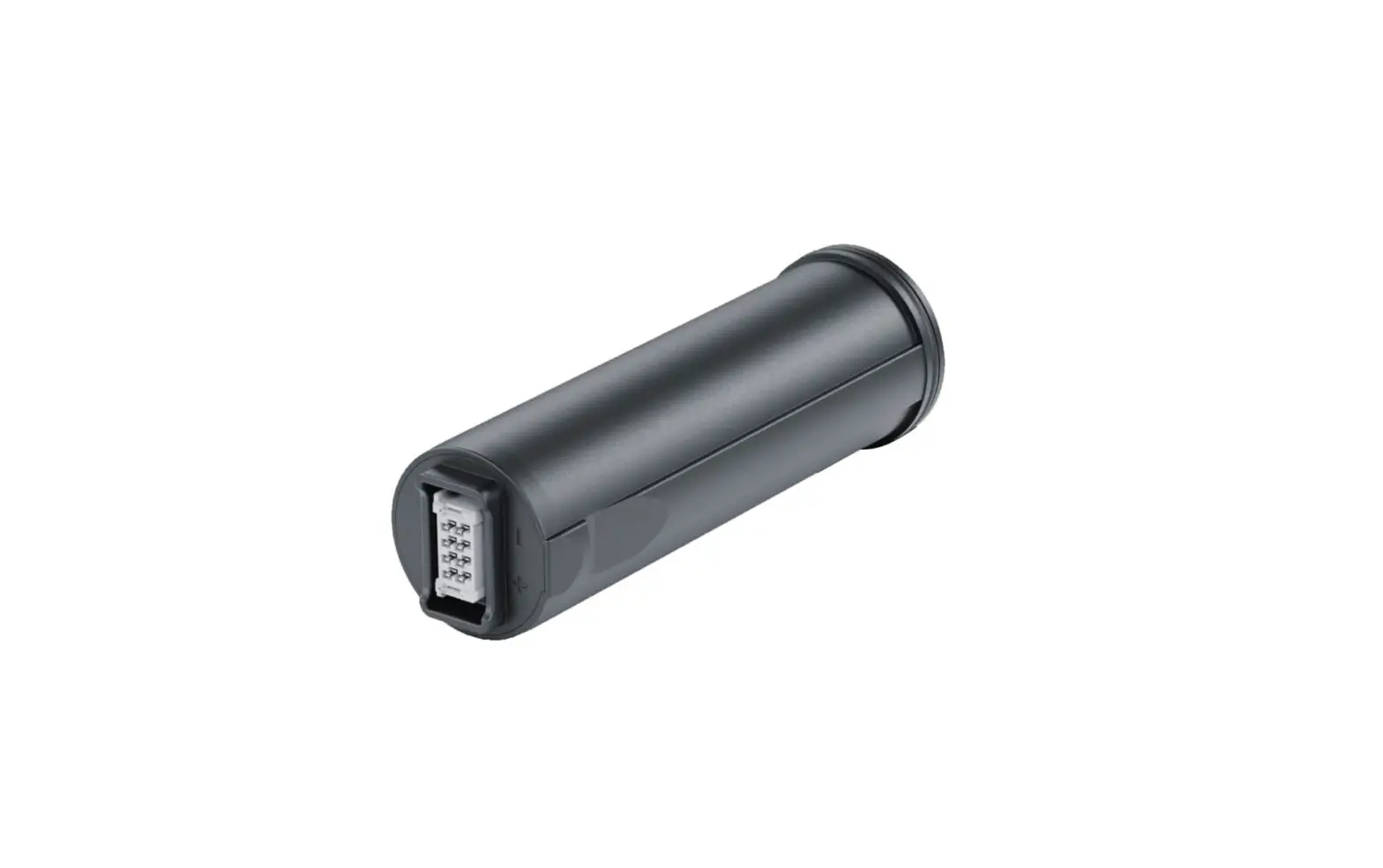
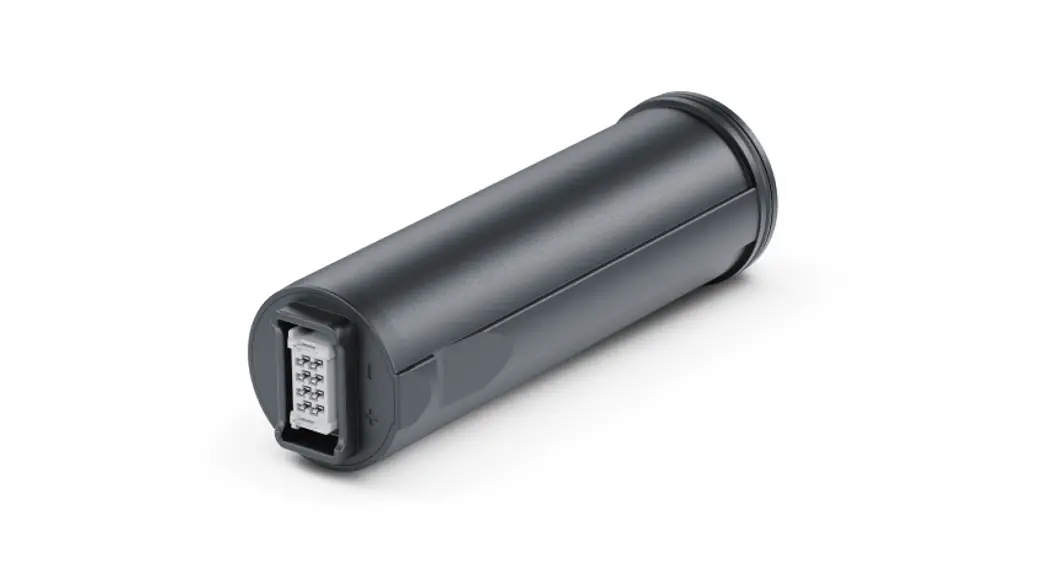
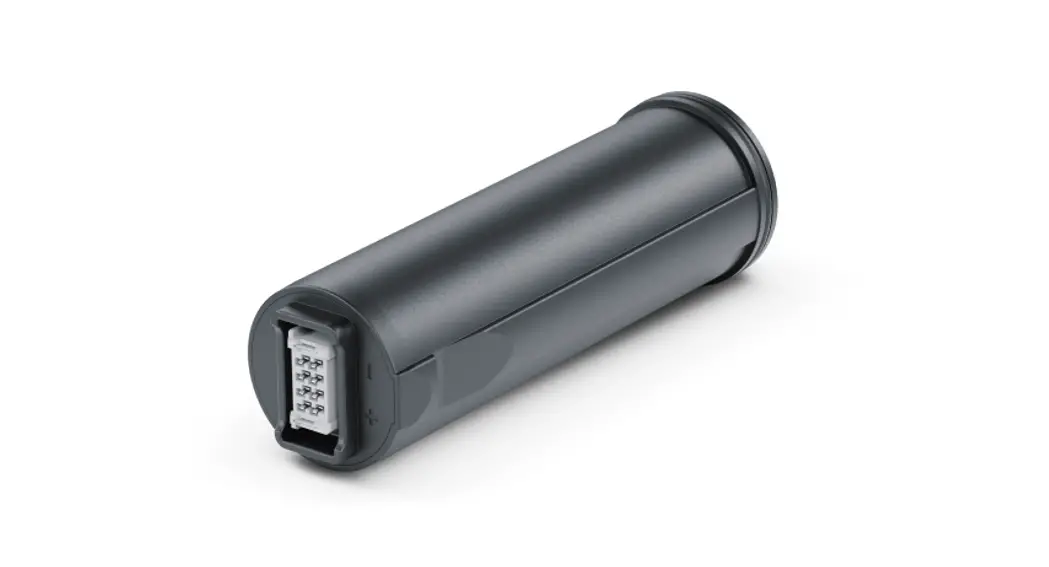
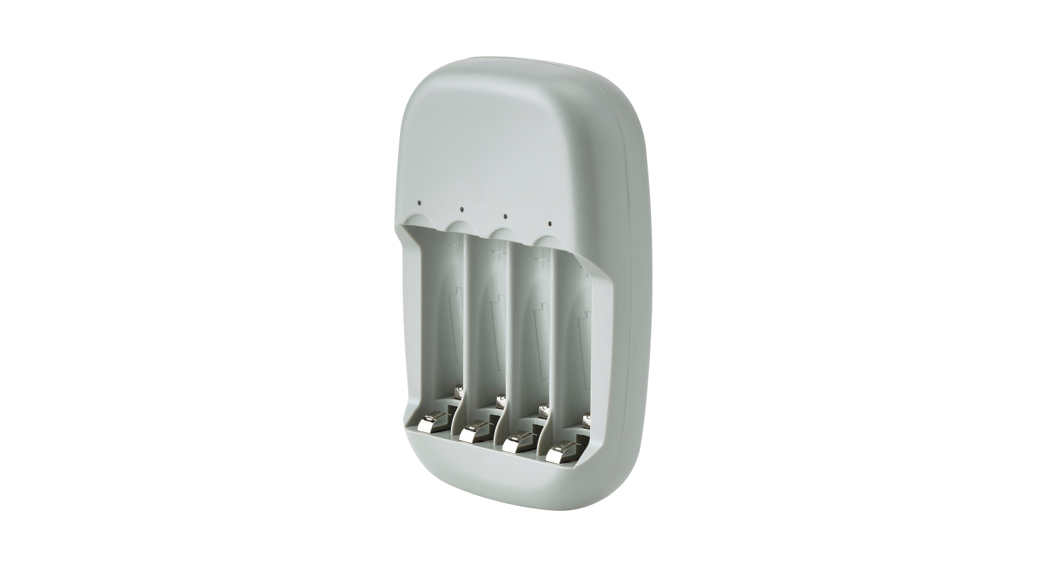
The APS-V charger is designed to charge APS 5/5T/3/2
rechargeable batteries used with Pulsar devices. It supports USB
Power Delivery fast charging technology for APS 5 and APS 5T
batteries using a standard charging kit (USB Type-C cable, power
adapter).
Package Contents
- APS-V charger
- Power adapter
- USB Type-C Cable
- Operating Manual
Precautions
Before using the APS-V charger, please read the precautions and
recommendations for use provided in the user manual.
Recommendations for Use
Battery Charging
- Insert the battery* (1) along the guide to the stop into the
APS-V charger slot (4) (see Fig.). - Point D on the APS 2/3 battery and Point C on the charger
should be aligned. - Connect the plug of the USB Type-C cable (7) to the USB Type-C
connector of the power adapter (3). - Connect the other end of the USB Type-C cable to the USB Type-C
connector (5) of the charger (4) by removing the USB Type-A
adapter. - Plug the power adapter (3) into a socket 100-240 V (6) (110 V
socket for US). - LED indication (2) displays battery charging level (see table
below). - Two batteries can be charged at the same time. Slot A is for
APS 5 and APS 5T batteries. Slot B is for APS 3 and APS 2
batteries.
* Purchased separately or supplied as package contents of a
device.
| LED indication (2) in the battery charging mode | Battery Level |
|---|---|
| Battery level is from 0% to 25% | Battery level is from 26% to 50% |
| Battery level is from 51% to 80% | Battery level is from 81% to 99% |
| The battery is fully charged. Charging will automatically stop. The battery can be disconnected from the charger. | Defective battery. It is forbidden to use the battery. |
**LED indication (2) in the standby mode
| Battery Level |
|---|
| Battery level is from 0% to 25% |
| Battery level is from 26% to 50% |
| Battery level is from 51% to 80% |
| Battery level is from 81% to 99% |
| The battery is fully charged. It can be disconnected from the charger. |
| Defective battery. It is forbidden to use the battery. |
Attention! When charging an APS 5 or APS 5T battery with a power
adapter that does not support USB fast charging technology, the
charge time increases and it is indicated by a slow flashing LED
light.
Attention! The charger heats up during fast charging. Excess
heat is removed through the radiator and does not affect the device
operation.
Legal Compliances and Disclaimers
The manufacturer reserves the right at any time, without
mandatory notice, to make changes to the package contents, design,
and characteristics that do not impair the quality of the product.
For technical support, please contact [email protected].
Answers to frequently asked questions about the devices can also be
found in the FAQ section.
APS-V Battery Charger
Manual
Content
Specifications Description Package Contents Precautions Recommendations for Use Battery Charging Legal Compliances and Disclaimers
Specifications
APS-V
SKU Power adapter input voltage Power adapter output voltage and current APS-V charger input voltage and current Rated output voltage Battery compatibility Charging temperature range
Dimensions
Weight
79186 100-240 V (110 V for US)
5 V 2 A / 9 V 3 A
5 V 2 A / 9 V 3 A (Slot A)
4.2 V APS 5/5T/3/2 0 °…+35 ° (+32 °F…+95 °F) 77x52x37 (3 x 2.05 x 1.46 inches) 0.13 kg (4.59 oz)
Description
APS-V charger is designed to charge APS 5/5T/3/2 rechargeable batteries used with Pulsar devices and supports USB Power Delivery fast charging technology for APS 5 and APS 5T batteries using a standard charging kit (USB Type-C cable, power adapter).
Package Contents
APS-V charger Power adapter USB Type-C Cable Operating Manual
Precautions
Always use this charger or APS 5 charger (for APS 5 and APS 5T) or APS charger (for APS 3 and APS 2) supplied with the device to charge APS 5/5T/3/2 batteries. Using the unsuitable charger can cause irreparable damage to the battery and fire. Do not charge the battery immediately after brining it from cold to warm. Wait at least 30 minutes for the battery to warm up. Do not leave the battery unattended while charging. Do not use the charger if it has been modified or damaged. Do not leave the battery in a charger connected to the network after charging is complete. Do not expose the battery and charger to high temperatures and naked flame. Do not disassemble or deform the battery or charger. Do not drop and strike the battery and charger. The charger is not designed to be immersed in water. Keep the charger out of the reach of children.
Recommendations for Use
The battery is to be charged at an ambient temperature of 0 °C…+35 °C (+32 °F…+95 °F). Otherwise, lifespan of the battery will decrease significantly. Do not use the charger at temperatures outside the range of 0 °C…+35 ° (+32 °F…+95 °F).
Battery Charging
1. Insert the battery* (1) along the guide to the stop into the APS-V charger slot (4) (see. Fig.).
2. Point D on the APS 2/3 battery and Point C on the charger should be aligned.
3. Connect the plug of the USB Type-C cable (7) to the USB Type-C connector of the power adapter (3).
4. Connect the other end of the USB Type-C cable to the USB Type-C connector (5) of the charger (4)by removing the USB Type-A adapter.
5. Plug the power adapter (3) into a socket 100-240 V (6) (110 V socket for US).
6. LED indication (2) displays battery charging level (see Table). 7. Two batteries can be charged at the same time. Slot A is for APS 5 and
APS 5T batteries. Slot B is for APS 3 and APS 2 batteries.
LED indication (2) in the battery charging mode
Battery Level
Battery level is from 0% to 25%
Battery level is from 26% to 50%
Battery level is from 51% to 80%
Battery level is from 81% to 99%
The battery is fully charged. Charging will automatically stop. The battery can be disconnected from the charger.
Defective battery. It is forbidden to use the battery.
LED indication (2) in the standby mode**
Battery Level
Battery level is from 0% to 25%
Battery level is from 26% to 50%
Battery level is from 51% to 80%
Battery level is from 81% to 99%
The battery is fully charged. It can be disconnected from the charger.
Defective battery. It is forbidden to use the battery.
* Purchased separately or supplied as package contents of a device.
** Standby mode an operating mode in which batteries are inserted into the charger, but the power adapter is not connected. In this mode, the indication is on for 10 seconds.
Attention!When charging an APS 5 or APS 5T battery with a power adapter that does not support USB fast charging technology, the charge time increases and it is indicated by a slow flashing LED light.
Attention! The charger heats up during fast charging. Excess heat is removed through the radiator and does not affect the device operation.
Legal Compliances and Disclaimers
The manufacturer reserves the right at any time, without mandatory notice, to make changes to the package contents, design and characteristics that do not impair the quality of the product. For technical support please contact [email protected]. Answers to frequently asked questions about the devices can also be found in the FAQ section.
 Home | Vision
 FAQ | Pulsar