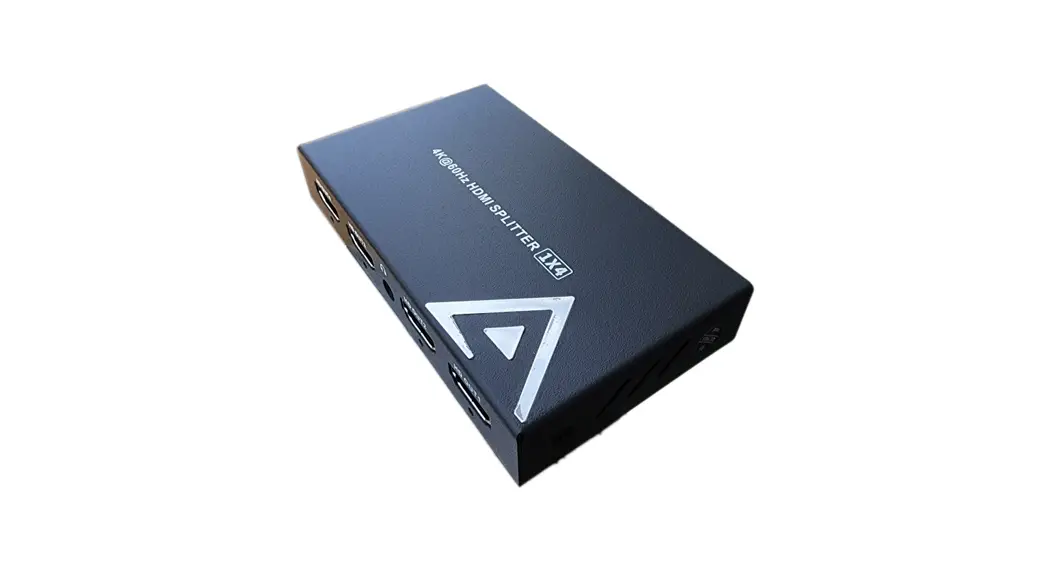
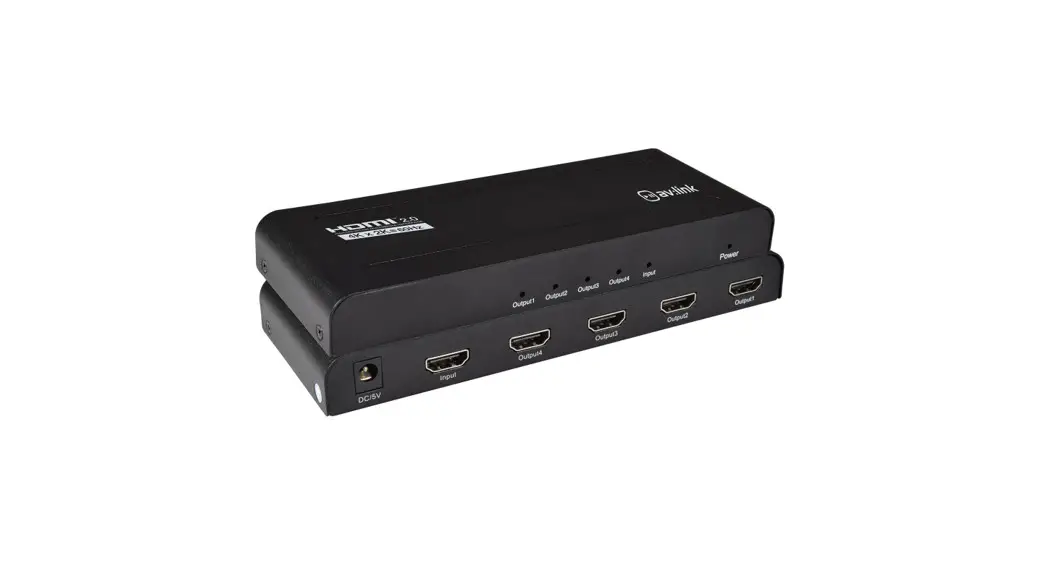
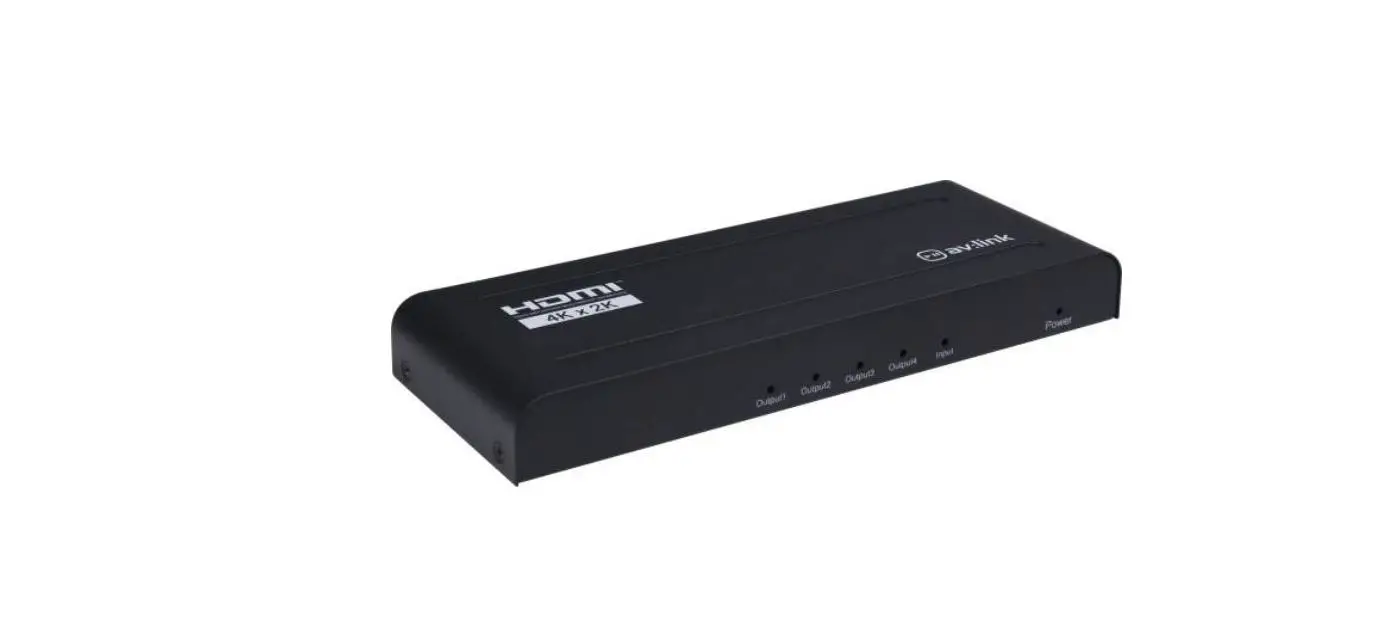
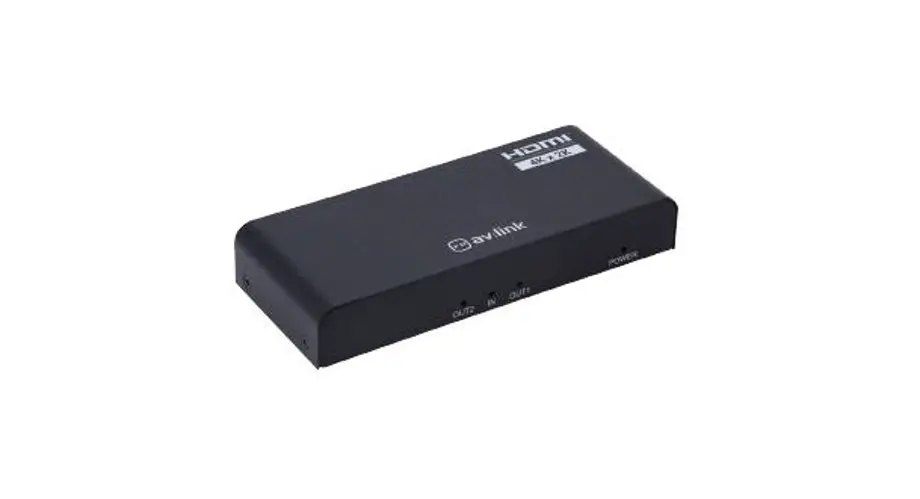
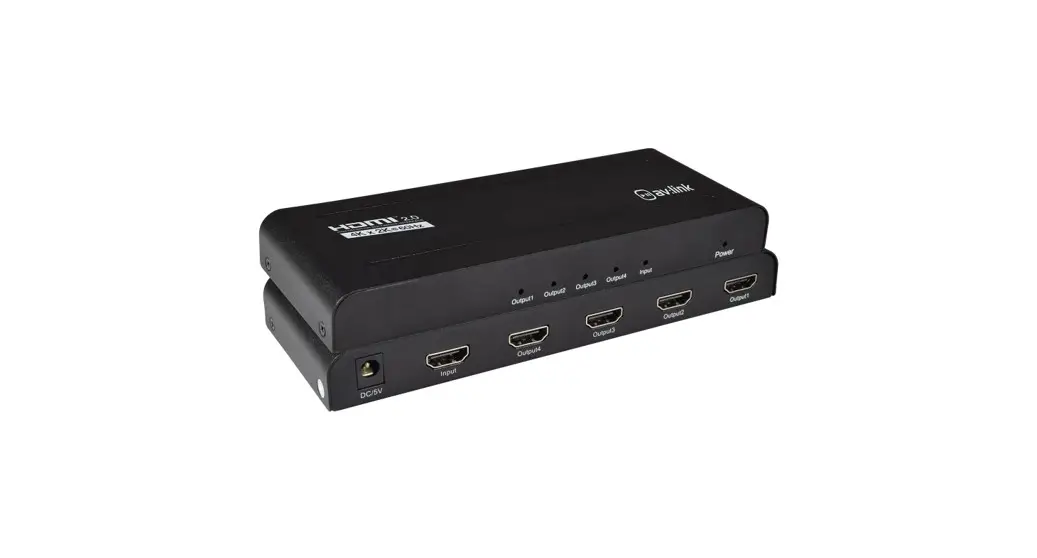
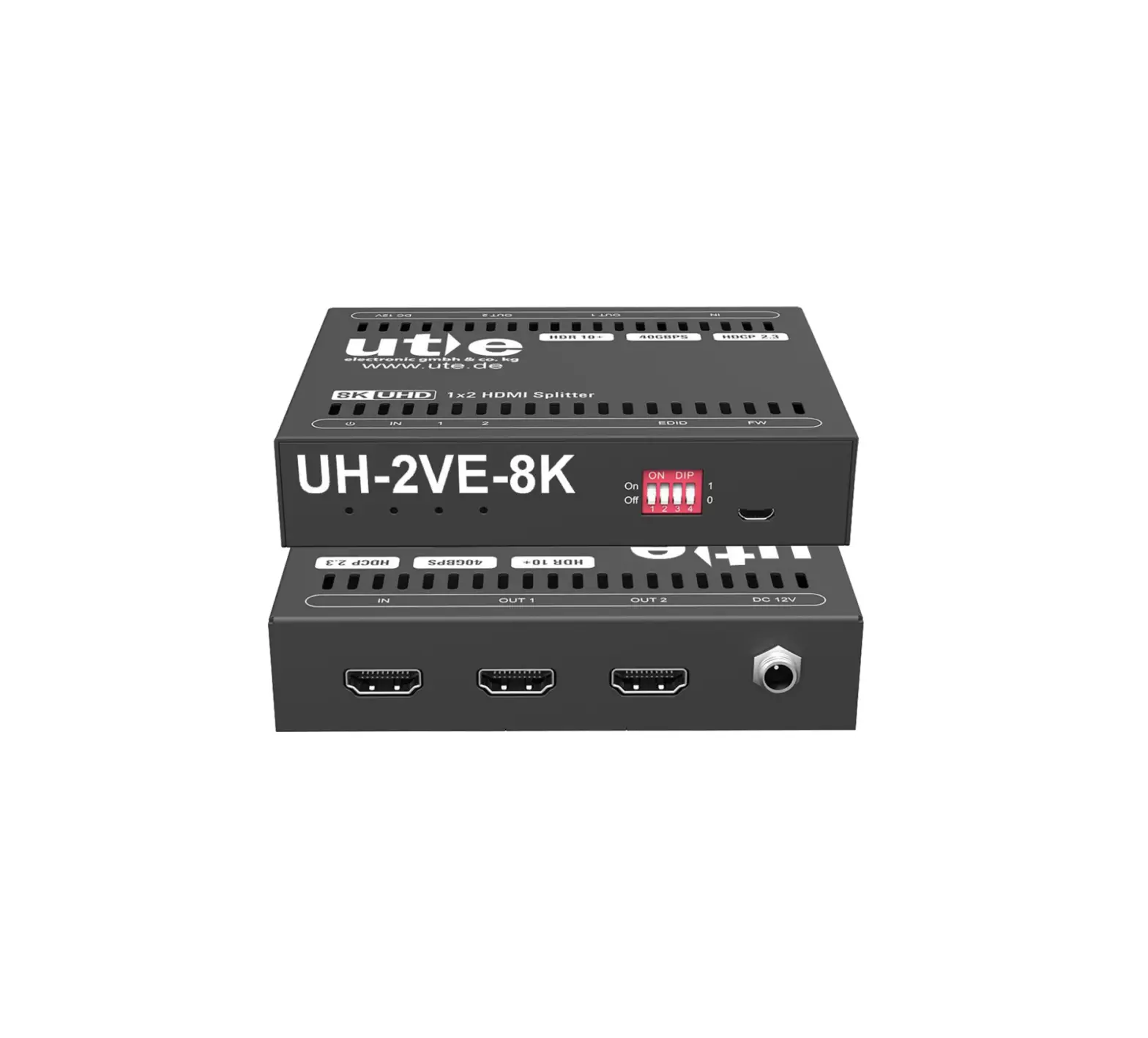
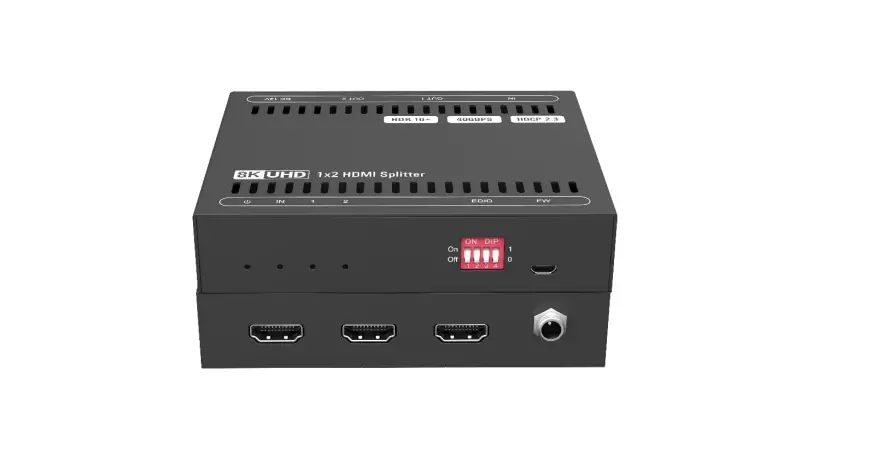
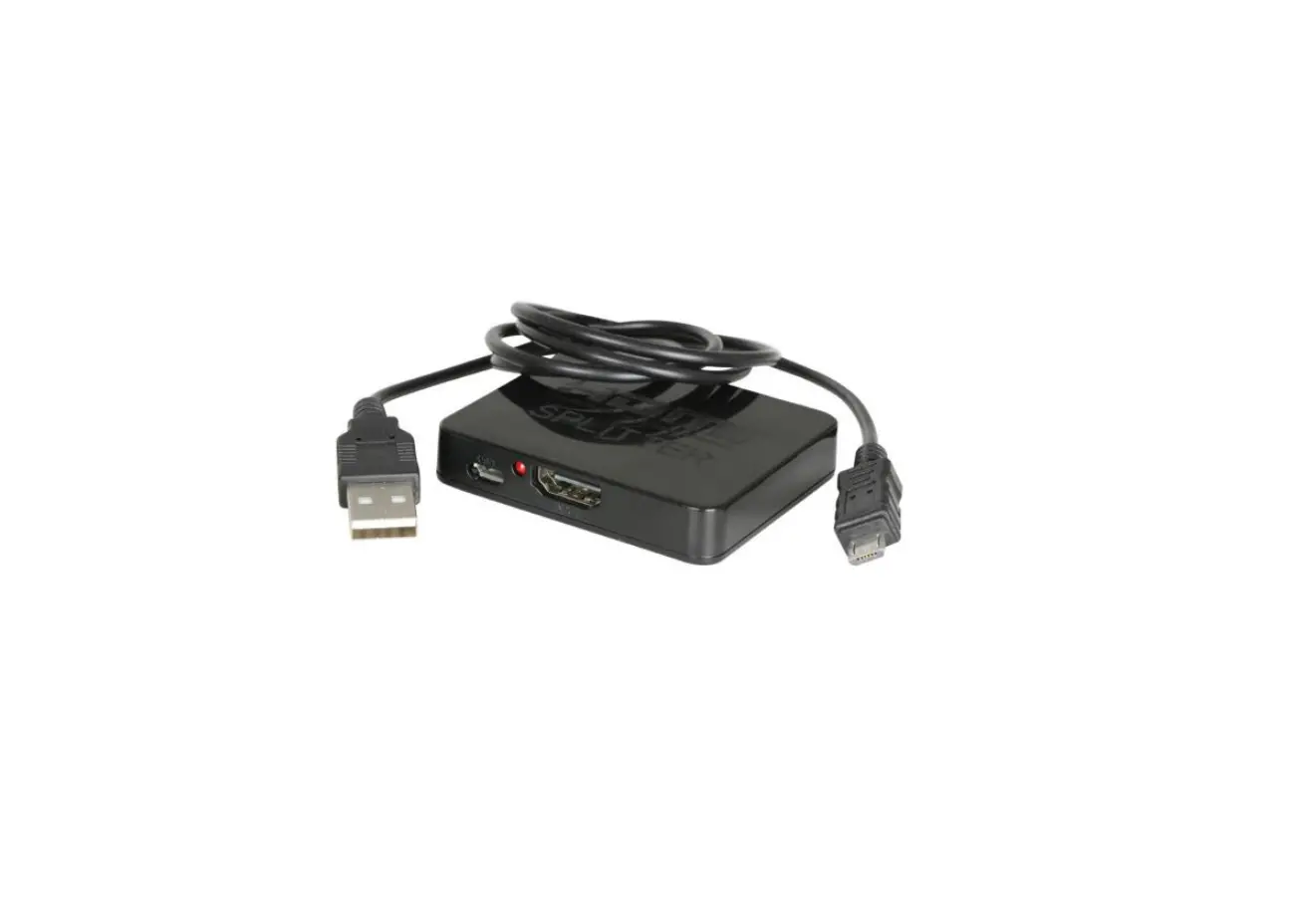
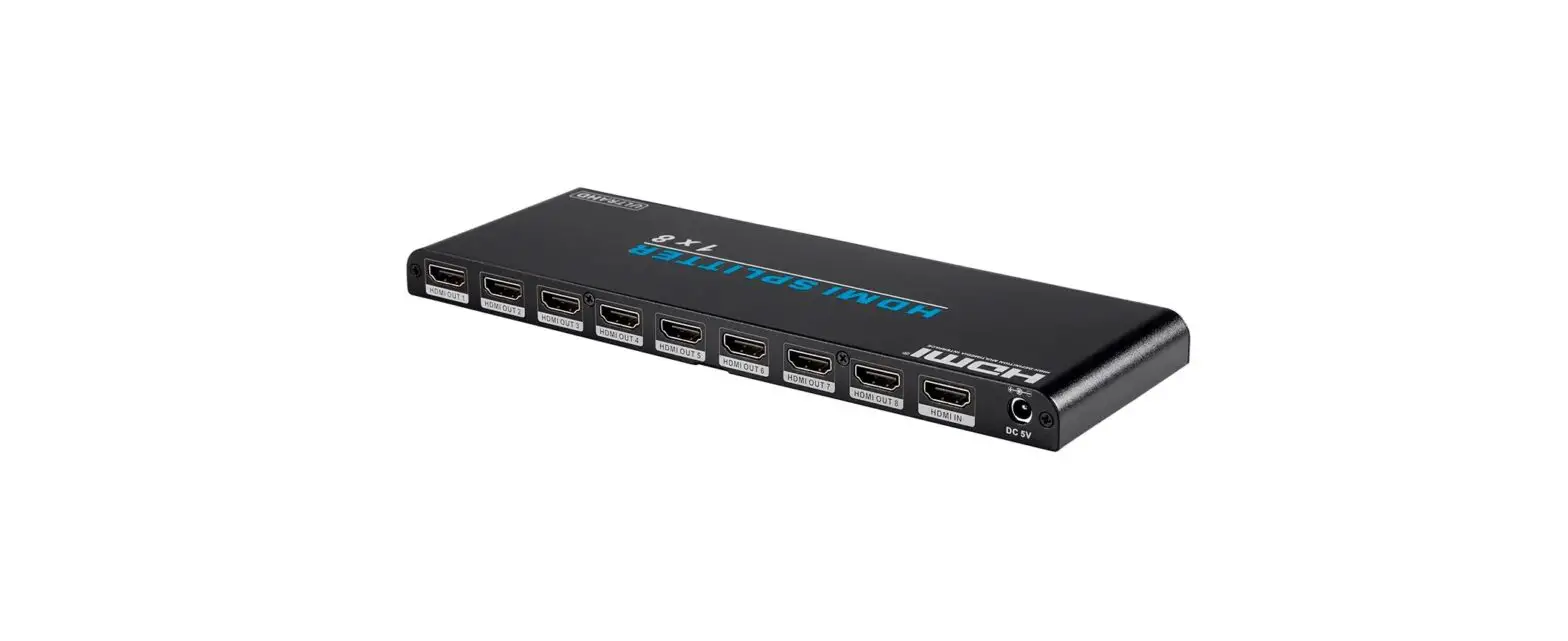
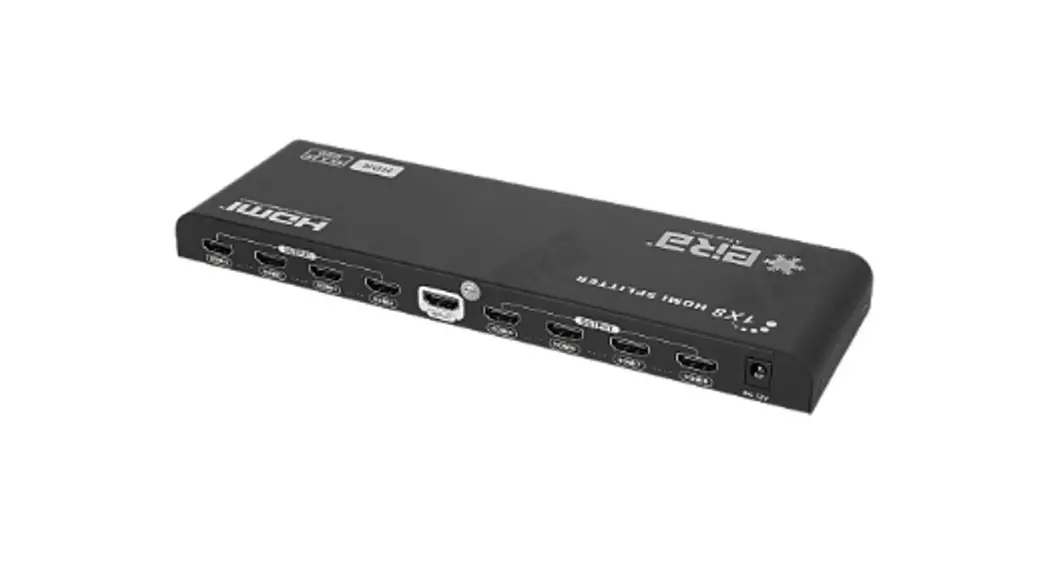
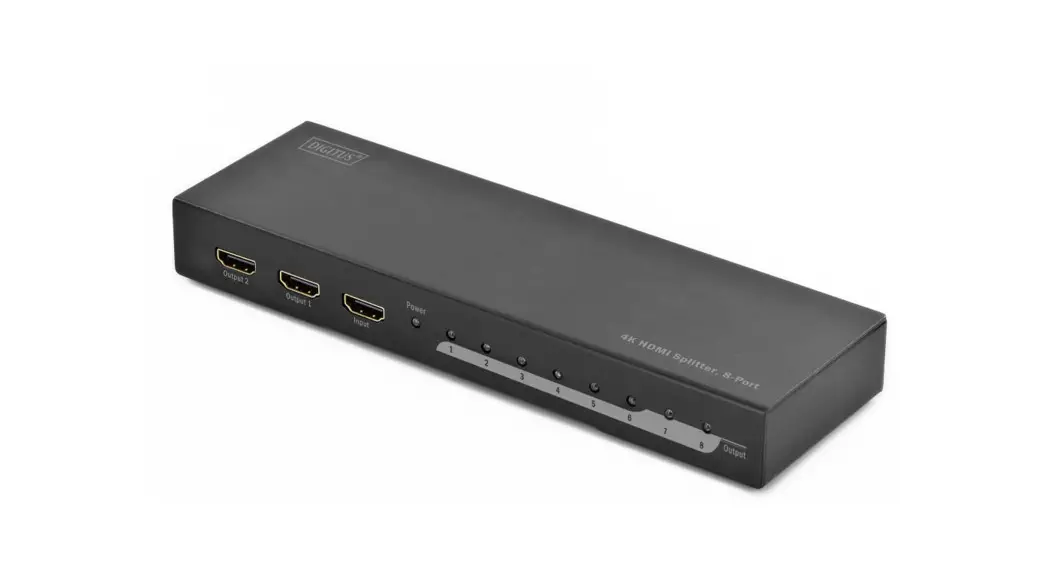
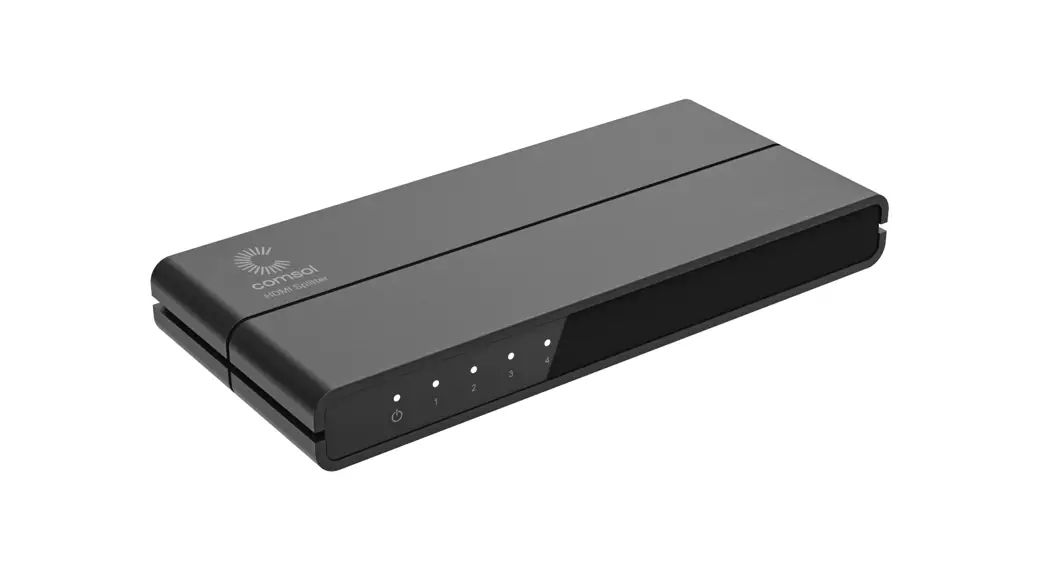
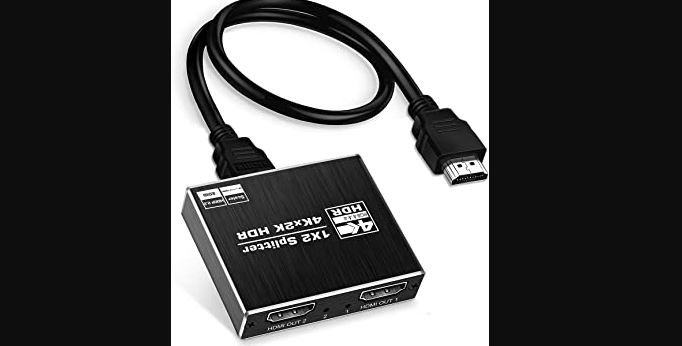
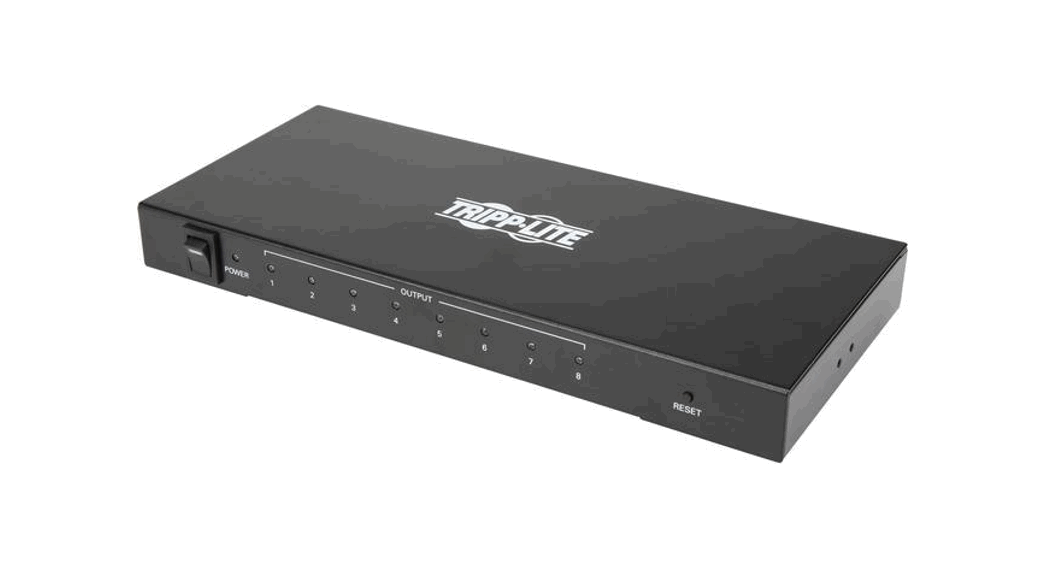
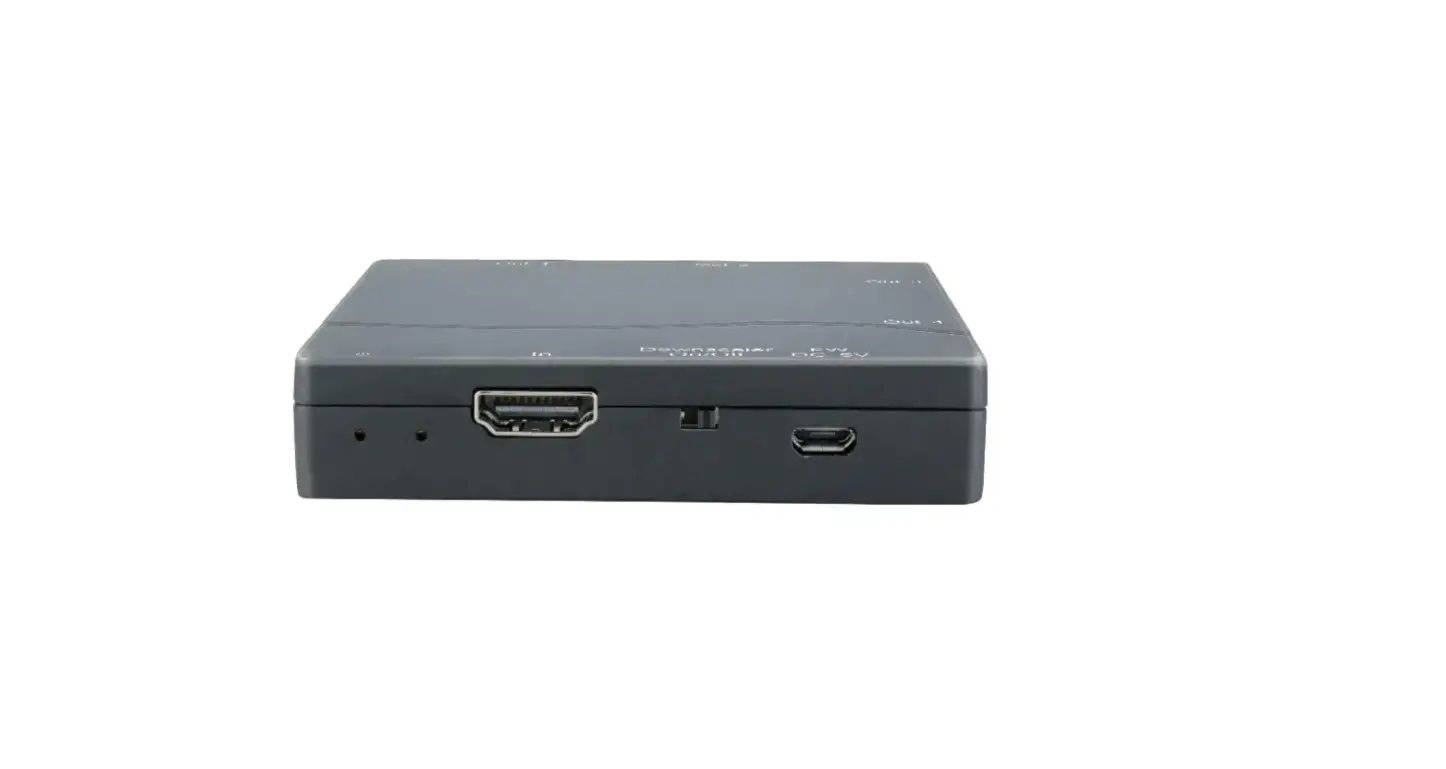
AVS-H102K3 HDMI 4K Splitter
Product Information:
Product Name: ANGUSTOS Pro-AV
Product Type: High-End Digital Signage System
Model: AVS-H102K3
Features:
- Splitter device that allows 1 video source to be split into 2
destinations - Supports Ultra HD 4K resolution up to 3840 * 2160 @ 30 Hz
- Compliance with HDMI 1.4 and HDCP 1.4
- Automatically matches the EDID for high compatibility
- Built-in automatic adjustment system
- Built-in 3.5mm Audio extractor output
- Simple installation with plug and play functionality
Specifications:
- Operating Temperature: -5o to 70oC
- Operating Humidity: 5 to 90%RH
- Video Input Connectors: 1 x HDMI
- Video Output Connectors: 2 x HDMI
- Data Rate / Pixel Clock: 10.2 Gbps / 225MHz
- Audio Format Support: DTS-HD Master Audio, Dolby True HD
- Transmission Distance: Up to 5m with standard HDMI cable /
26AWG - HDMI Standard: HDMI 1.4 / HDCP 1.4
- Max Resolution: 3840×2160 @ 30Hz
- Power Supply / Consumption: 5 volt / 2W (Max)
- Dimension (L x W x H): 64 x 62 x 14
- Connector / Impedance: HDMI – A / 100
Product Usage Instructions:
1. Connect the video source (e.g., PC, recorder, laptop, DVD) to
the “IN” port on the back of the HDMI splitter. 2. Connect one end
of an HDMI cable to the “Out 1” port on the back of the HDMI
splitter. 3. Connect the other end of the HDMI cable to the display
device or destination where you want to output the video. 4. If you
have a second display device, connect another HDMI cable from the
“Out 2” port on the back of the HDMI splitter to the second display
device. 5. If you want to extract audio, connect a 3.5mm audio
cable from the HDMI splitter’s “3.5mm Audio Extractor” port to an
audio output device. 6. Ensure that all connections are secure. 7.
Connect the included Micro USB power cord to the HDMI splitter and
a power source. 8. Power on the HDMI splitter using the power
switch located on the front. 9. The video source will be split and
displayed on the connected display devices simultaneously. 10.
Adjust the resolution settings on your video source device if
necessary to match the capabilities of your display devices. 11. To
turn off the HDMI splitter, switch off the power using the power
switch on the front. For any further assistance or inquiries,
please visit our website at www.angustos.com or email us at
[email protected].
PRO – AV
HI-END SERIES
ANGUSTOS
HIGH-END DIGITAL SIGNAGE SYSTEM
Why choose ANGUSTOS Pro-AV ?
We can provide you the best solution that suits your TVs, interactive screens, meeting room high-end projector, digital signage and videowall system. We do not just simply sell the equipments but also a smart solution that is just as well designed as it is functional. Solutions that guarantee and define our
brand:
·Ease-of-use
·Design
·Innovation
·Reliability
·Ease-of-installation. To help you find the exact solution you need, Angustos has an extensive product range that is possible to compose a solution for nearly every Pro AV application. Our highly skill solution teams are happy to help you to quickly find the best solution for your installation, saving you the time and effort and hassle for complex system.
ANGUSTOS PRO AV APPLICATIONS
Media – Telecom – Broadcast Education – Training Manufacturing – Quality Control Retail – Advertising Meeting Room – Conference Healthcare visual system Entertainment Government – Control Room
WWW.ANGUSTOS.COM
ANGUSTOS
AVS-H102K3
HDMI 4K SPLITTER 1X2 Model : AVS-H102K3
FEATURES
Splitter device 1 video source into 2 destinations.
Ultra HD
4K
Resolution up to 3840 * 2160 @ 30 Hz
Compliance with HDMI 1.4;
Comply with HDCP 1.4
Automatically match the EDID
High compatibility, can auto-match source and display device
Built-in automatic adjustment system
Built-in 3.5mm Audio extractor output
Simple to install, plug and play
SPECIFICATION
Package content
HDMI Splitter
x 1
Micro USB Power cord
x 1
Operating Temperature Operating Humidity Video Input Connectors Video Output Connectors Data Rate / Pixel Clock Audio Format Support
-5o to 70oC 5 to 90%RH 1 x HDMI 2 x HDMI 10.2 Gbps / 225MHz DTS-HD Master Audio Dolby True HD
Transmission Distance
5m with standard
HDMI cable / 26AWG
Standard
HDMI 1.4 / HDCP 1.4
Max Resolution
3840×2160 @ 30Hz
Power Supply /Consumption 5 volt / 2W (Max)
Dimension (L x W x H) Connector / Impendance
64 x 62 x 14 HDMI – A / 100
CONNECTION DIAGRAM
INPUT
PC Recorder Laptop
DVD
FRONT
PWR PWR STA
IN
5V
HDMI
BACK Out 1 Out 2
3.5mm Audio Extractor
HDMI
HDMI
OUTPUT
Ultra HD
4K
ANGAUNSGTOUSSTOS
WebsiWtee: bhtstipte:/: /hwttpw:/w/.awnwgwus.taonsg.cuosmtos.com Email: [email protected]
 ANGUSTOS - The Best Selling IT & Pro AV in USA Market!