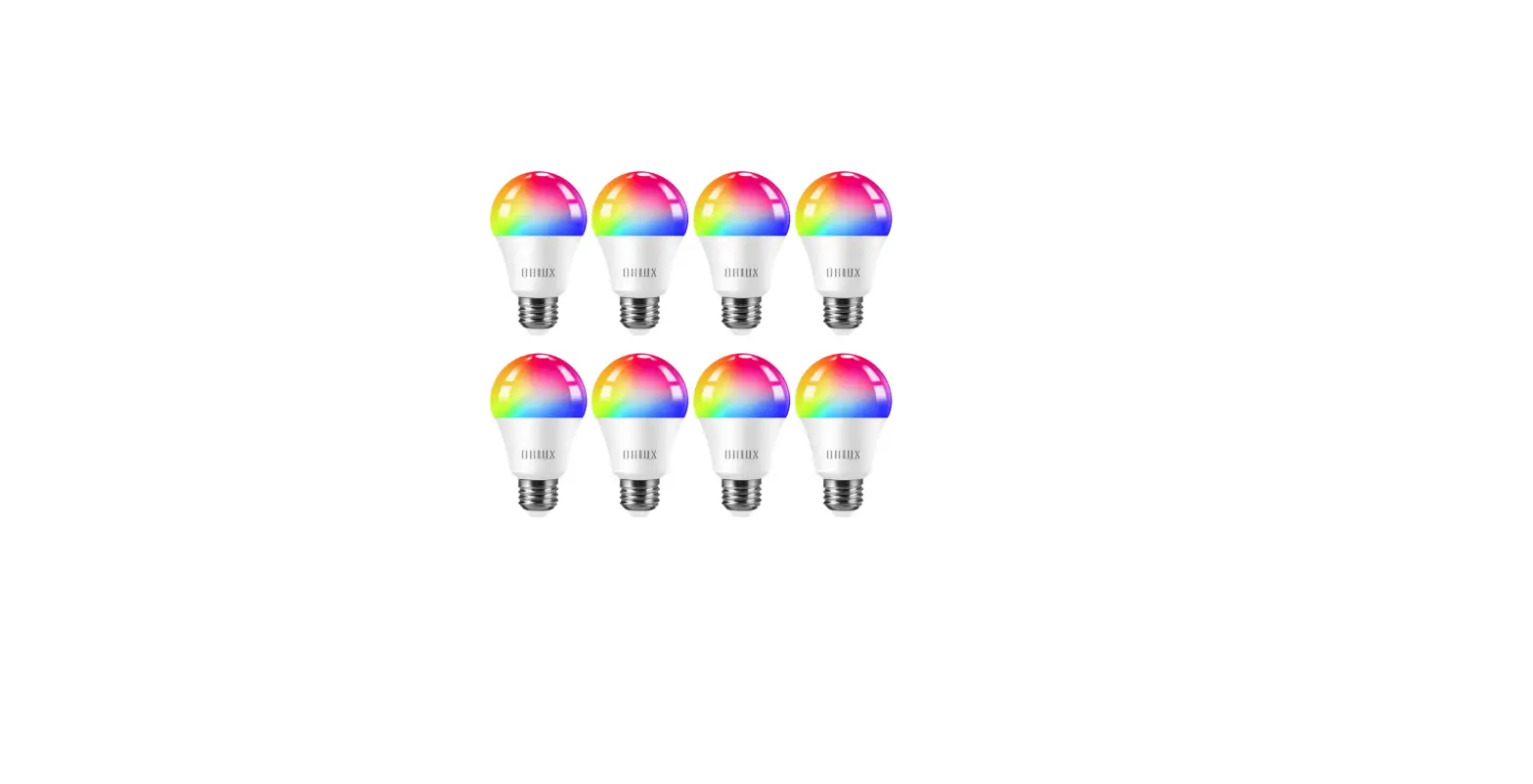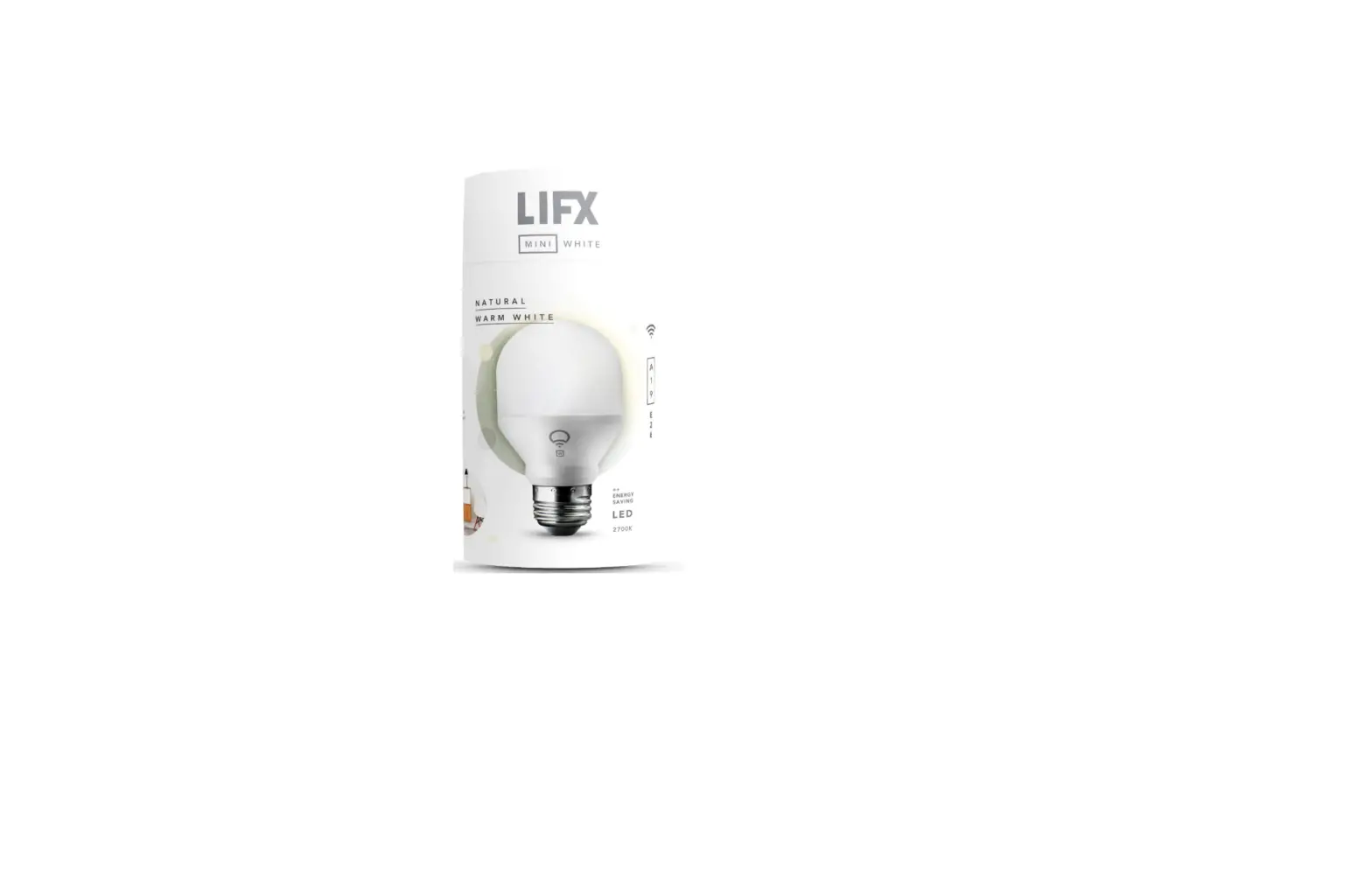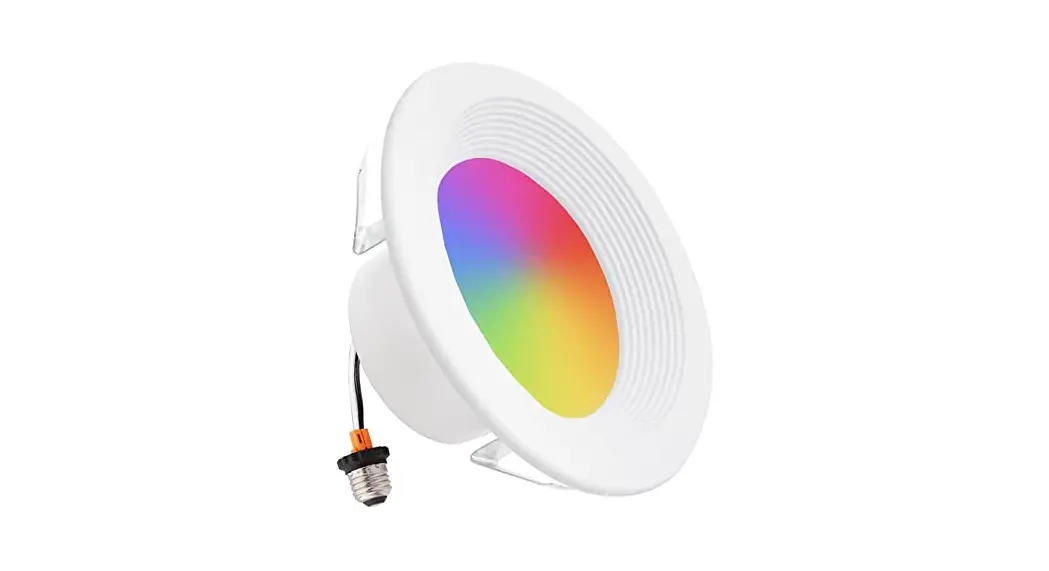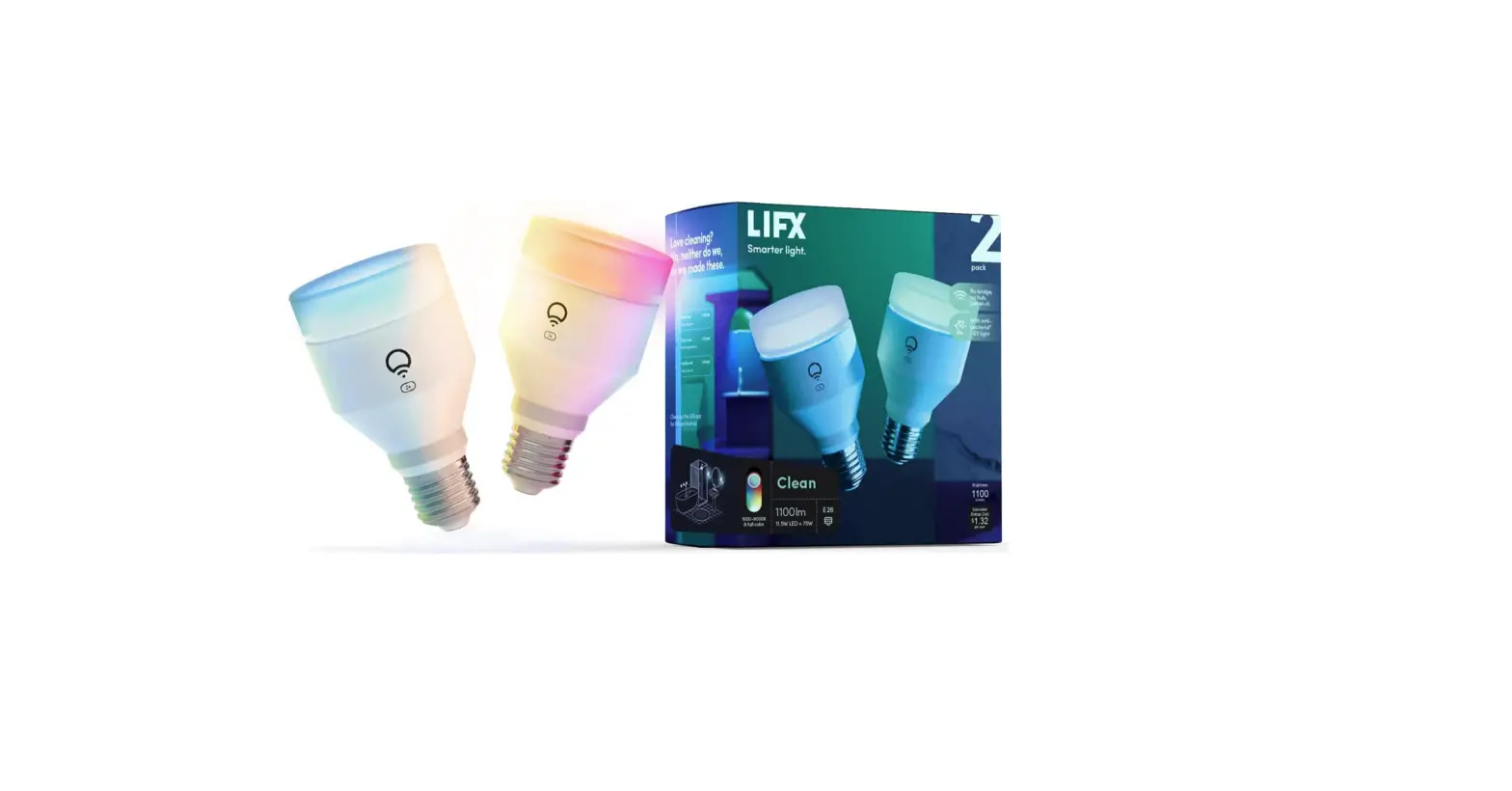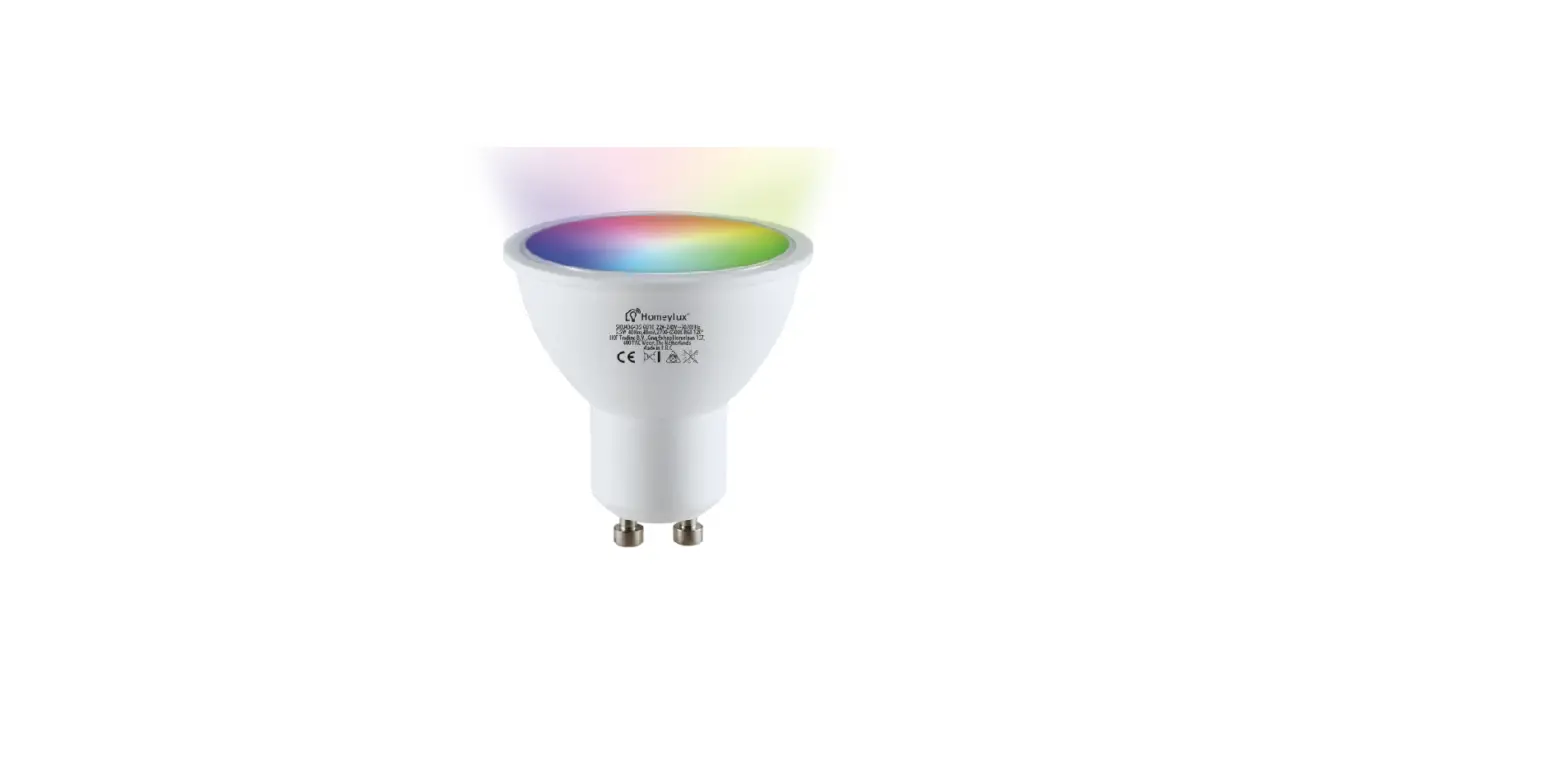
USER INSTRUCTIONS
WIFI SMART LIGHTS
APP INSTRUCTIONS
©2020 HOF Trading B.V. | Graafschap Hornelaan 137, 6001 AC Weert | The Netherlands. All rights reserved.
USER INSTRUCTIONS
WIFI SMART LIGHTS APP INSTRUCTIONS
Please read these instructions and retain them for future reference.

IMPORTANT INFORMATION
It is recommended that the fittings are installed by a qualified electrician ensuring

the installation complies with current IEE wiring regulations & local building control. These products are designed for connection to a 220-240V mains supply. Always switch off mains supply before installation.
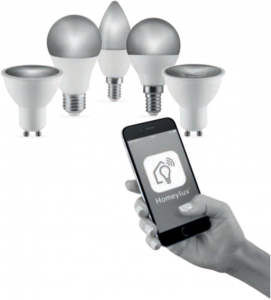
1 Download HomeyLux App – Scan the QR code on the right to download the HomeyLux App. You can also search “HomeyLux” in either Apple App Store or Google Play to install the App.
2 Register a HomeyLux account and sign in the App – You will be prompted to enter your mobile number or email address to register. The system automatically recognises your country / area. You can also select your country code. Note: If you use a Mobile number you will be sent a text message with your confirmation code to complete your account registration.
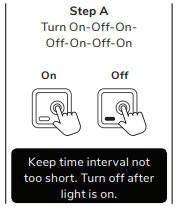
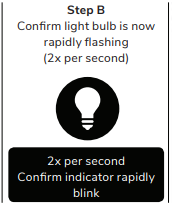
3 Add lamp to HomeyLux App – Tap the icon “+” on the top right corner of “Home” page, choose ‘Lighting’ and your device type – Smart light, then follow the instructions to connect the lamp. The lamp needs to be set to flash rapidly. Please follow Step A and B below:
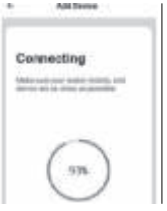
4 Enter Wi-Fi password, then connect. Make sure your router, mobile and lamp are as close as possible.
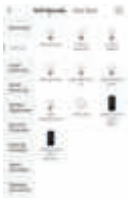
5 After connection, the lamp will appear in your list and you can control it from anywhere in the world. You can also rename the lamp and group more lamps.
COMPATIBLE WITH AMAZON ALEXA AND GOOGLE ASSISTANT