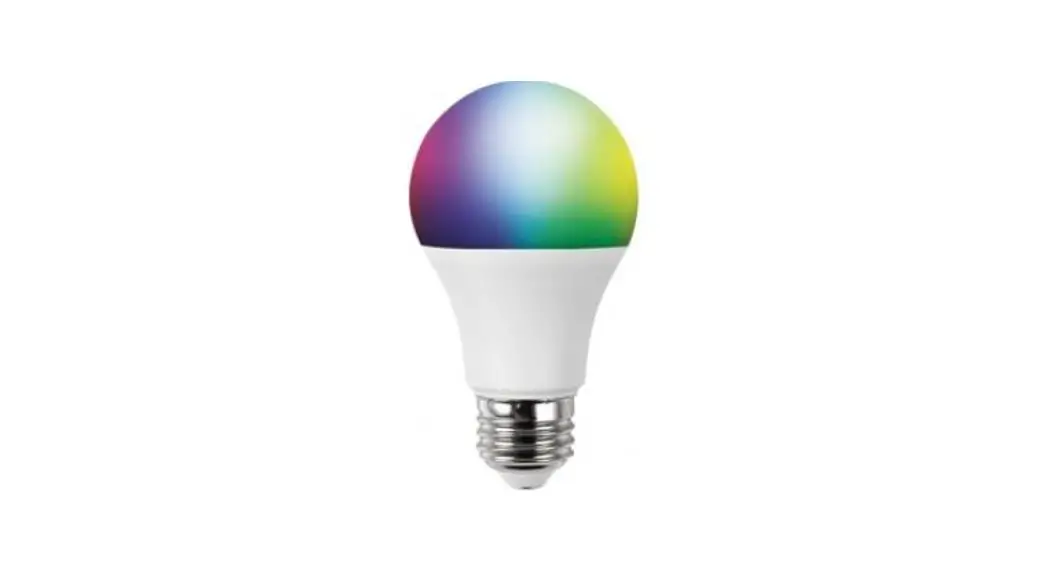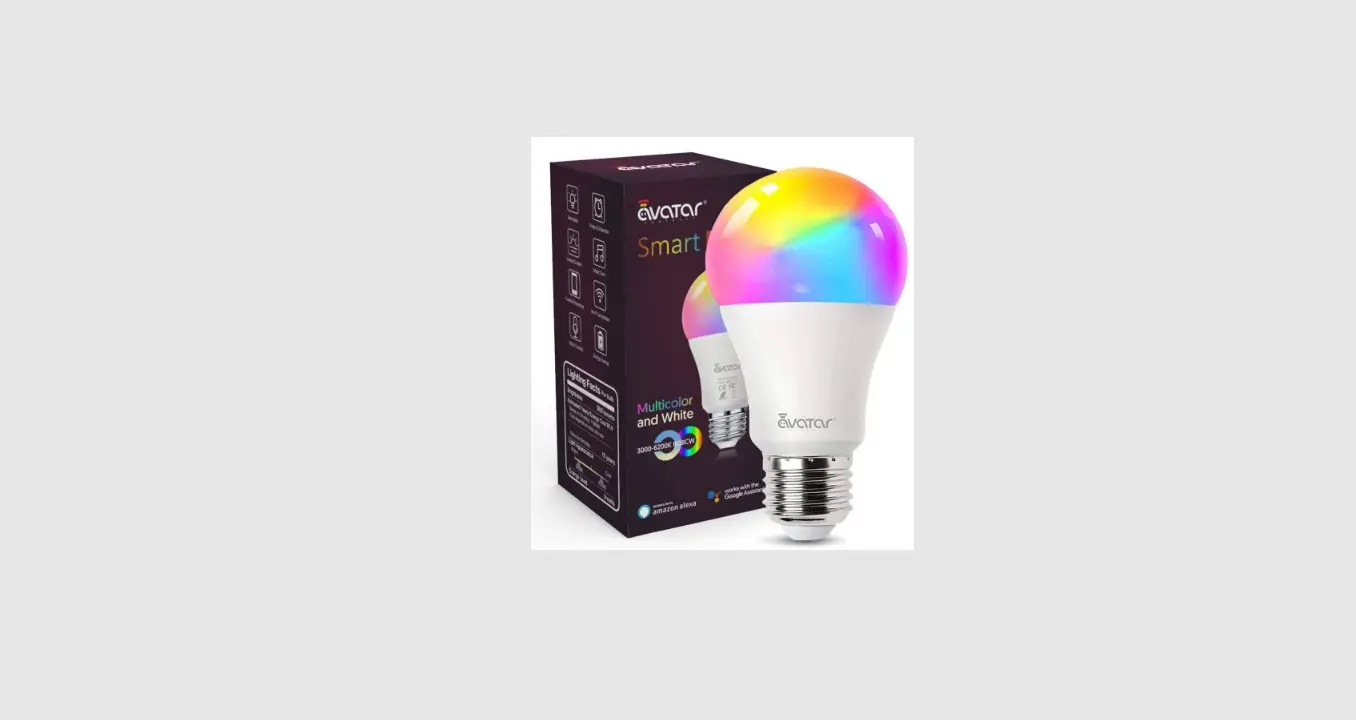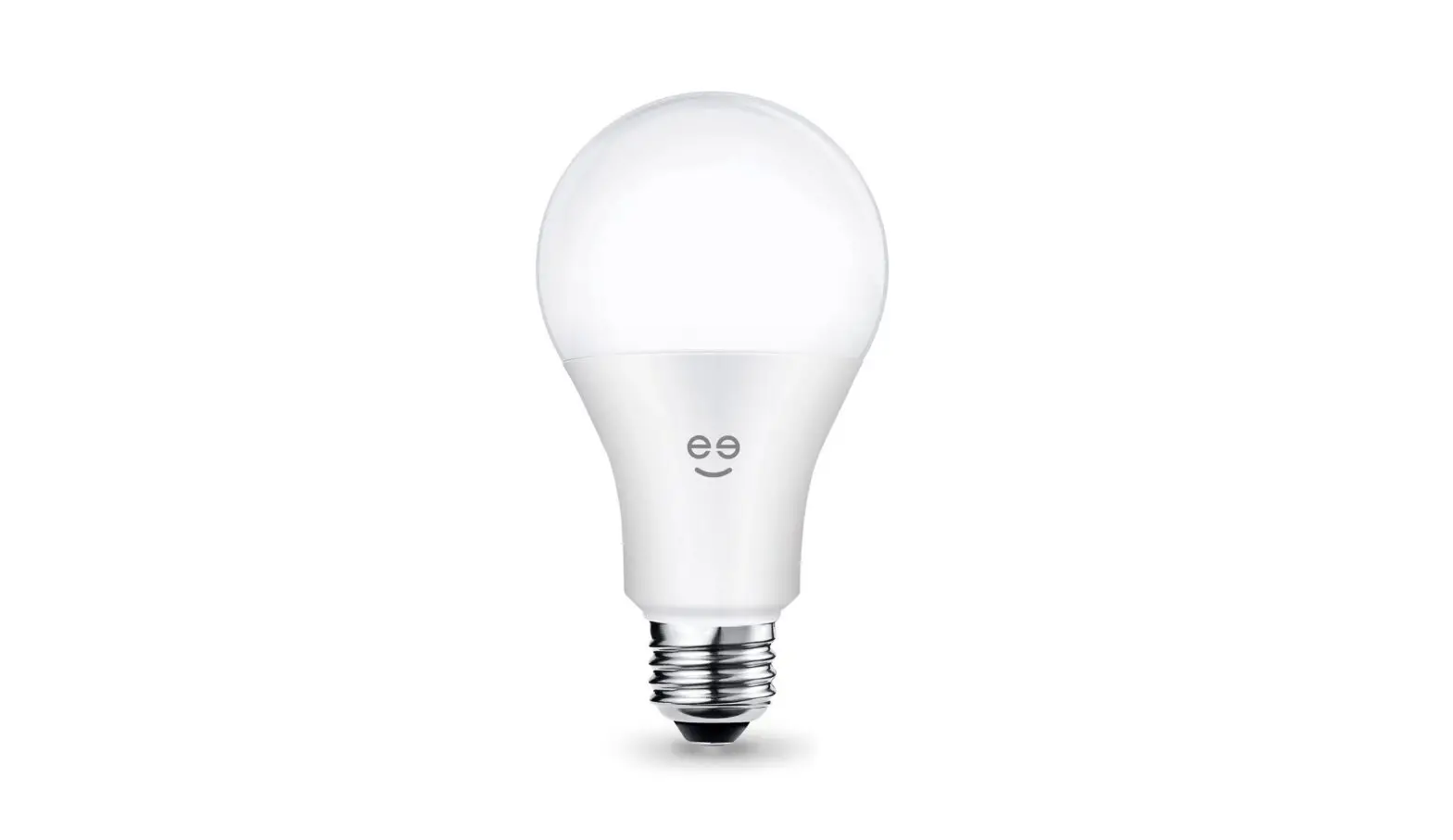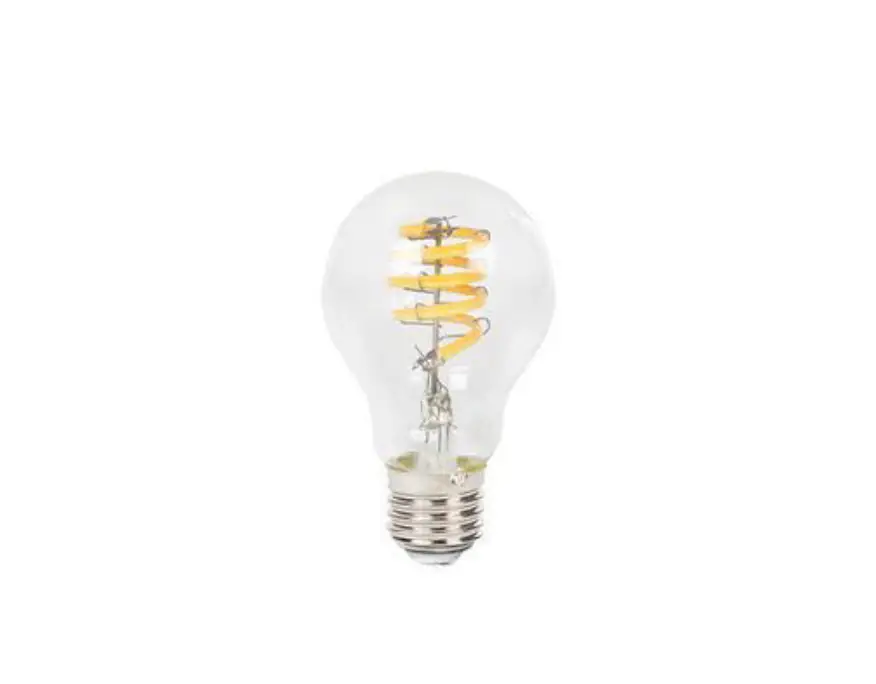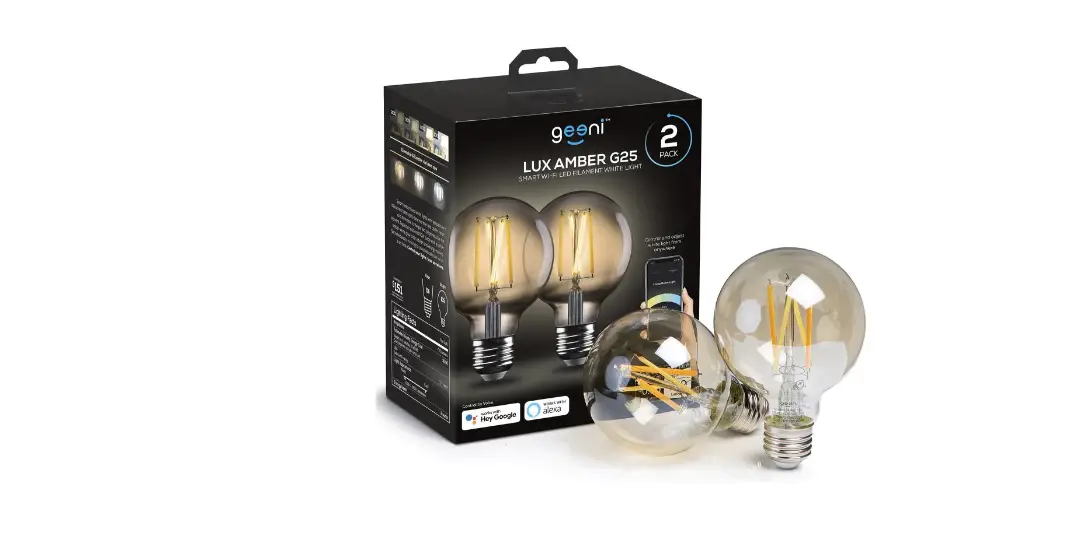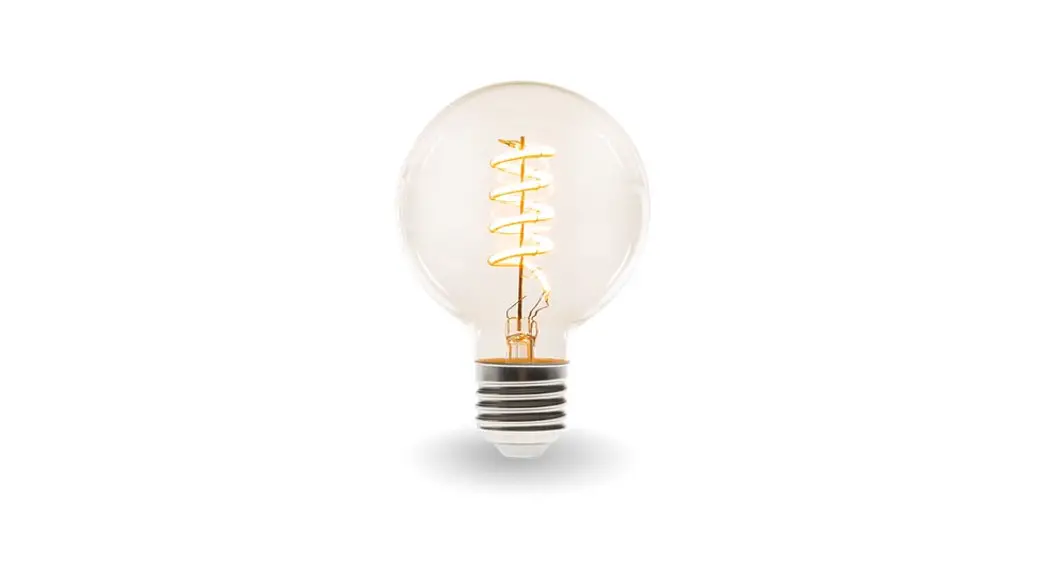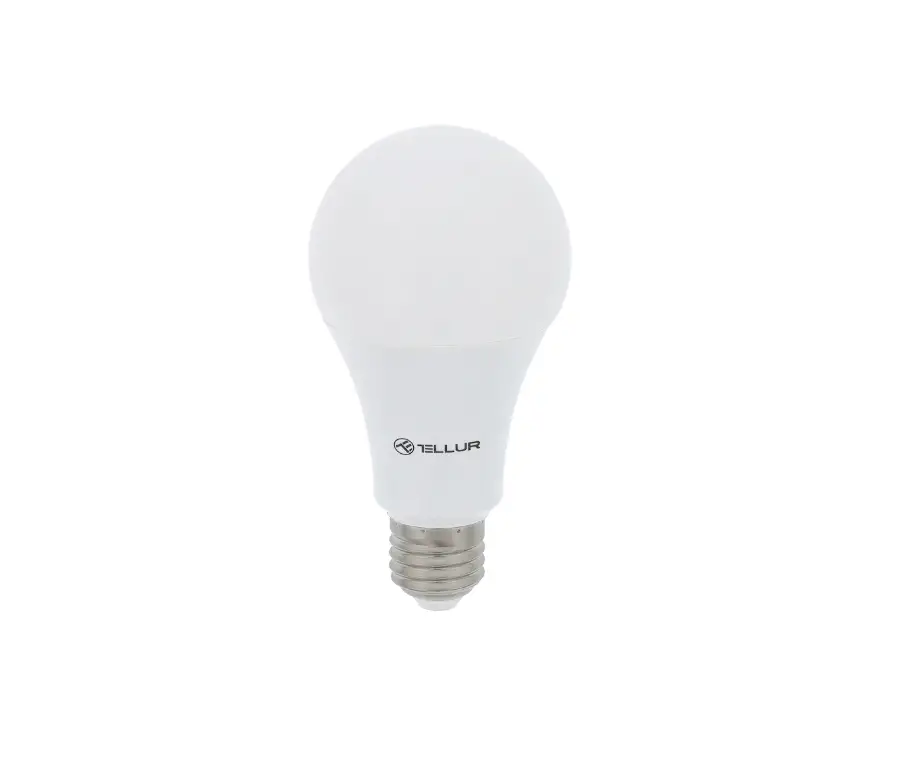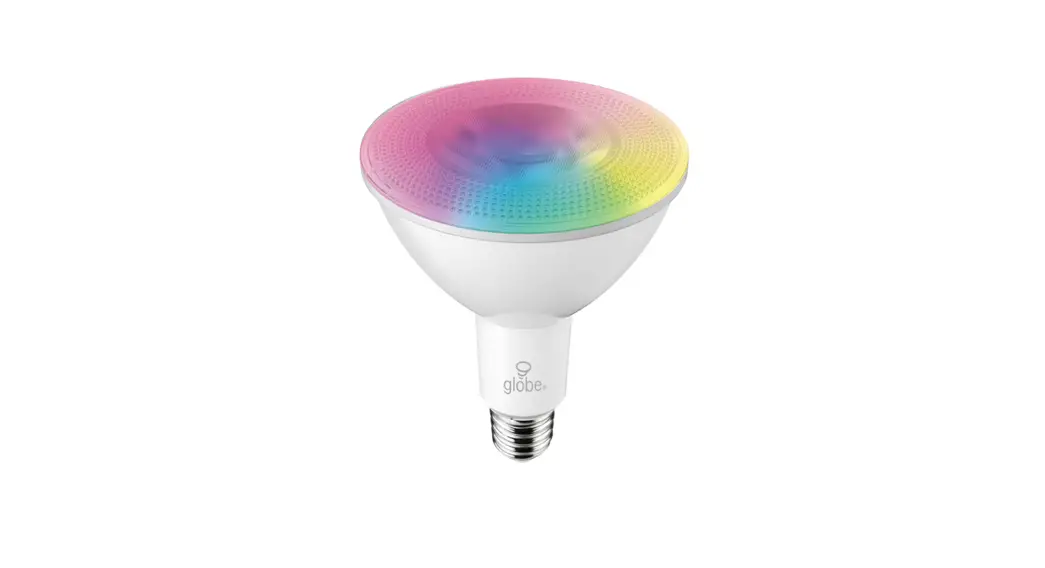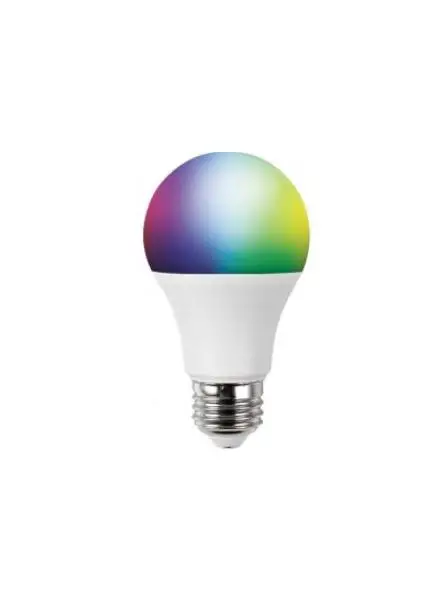

Hangzhou Lijiacheng Electric G10A199W WiFi Smart Bulb
Control Smart Bulb by Voice
After the above operation is successful, you can control the bulb via Echo.
Discover devices
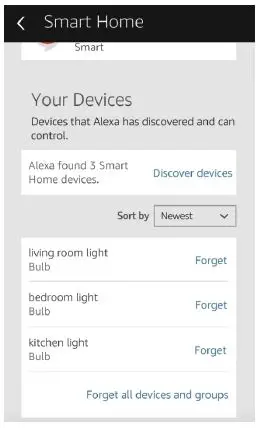
Firstly, you need to say to Echo: Echo(or Alexa), discover my devices. Echo will start to find the devices which is added in Sm Life APP which will take about 20 seconds, then it will tell you the result. You can also click “Discover devices in Alexa APP, then it will show the devices that found successfully
Control devices by voice
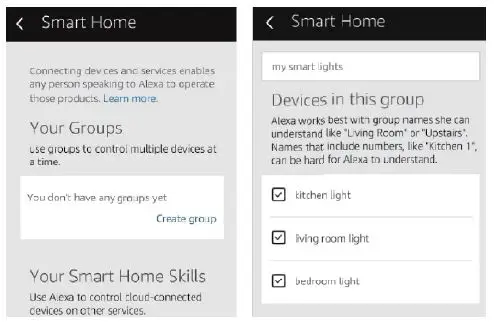
Attention: The name of the device must be consistent with the addition of Smart Life app. You can also group the bulbs and give instructions to control them together,
Bluetooth function operation instructions
Please connect the bulb to the power turn on-off-on-off-on-off-on and then the bulb will flash and enter the state and network match. Connect the phone to wifi and turn on the Bluetooth ensure that the phone network is smooth
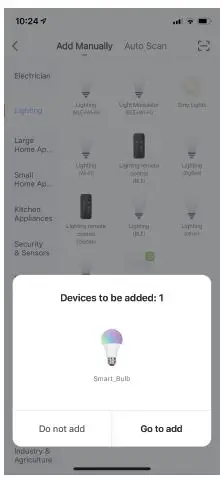
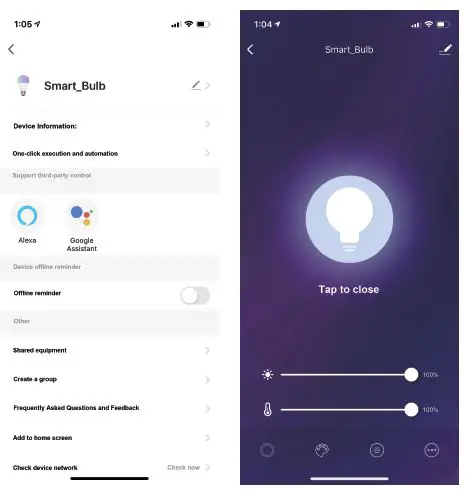
After opening and logging in to the “SmartLife” APP “clickthe “Add button, the dual-mode bulb lamp will automatically pop up the connection window, click ‘Connect”, after it is successful, the smart control can be realized, and the smart bulb lamp can be controlled through the mobile phone APP.
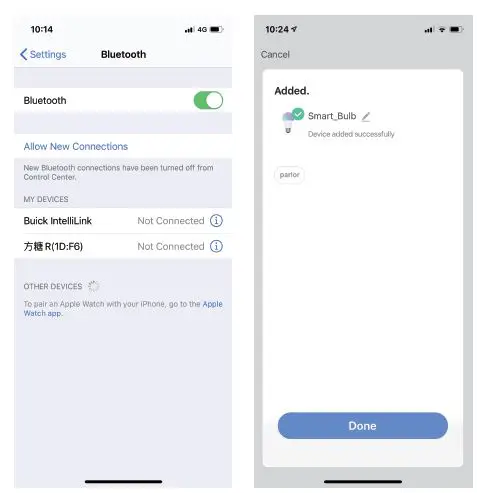
After opening and logging in to the “SmartLife” APP clickthe Add button, the dual-mode bulb lamp will automatically pop up the connection window, click Connect”, after it is successful, the smart control can be realized, and the smart bulb lamp can be controlled through the mobile phone APP