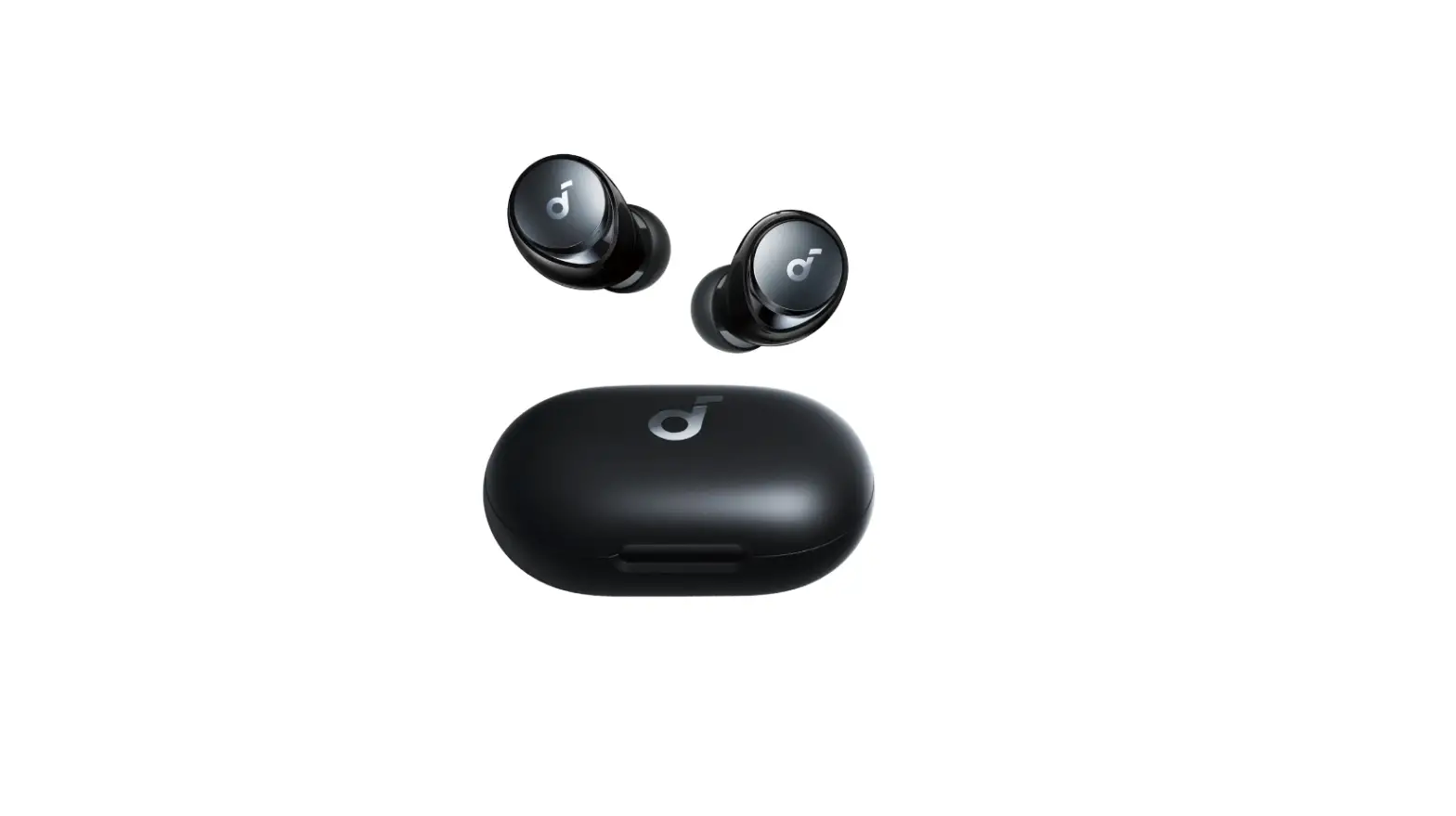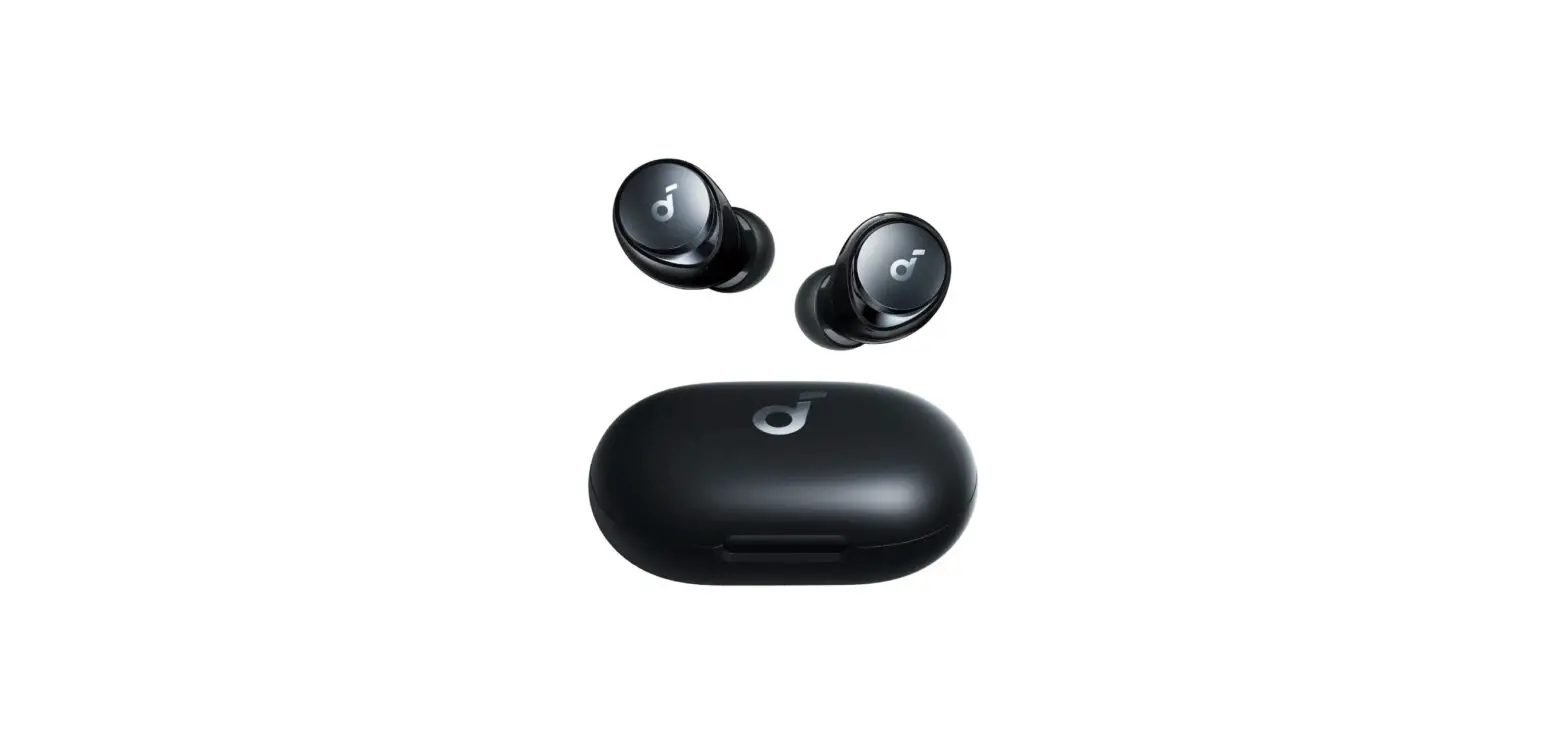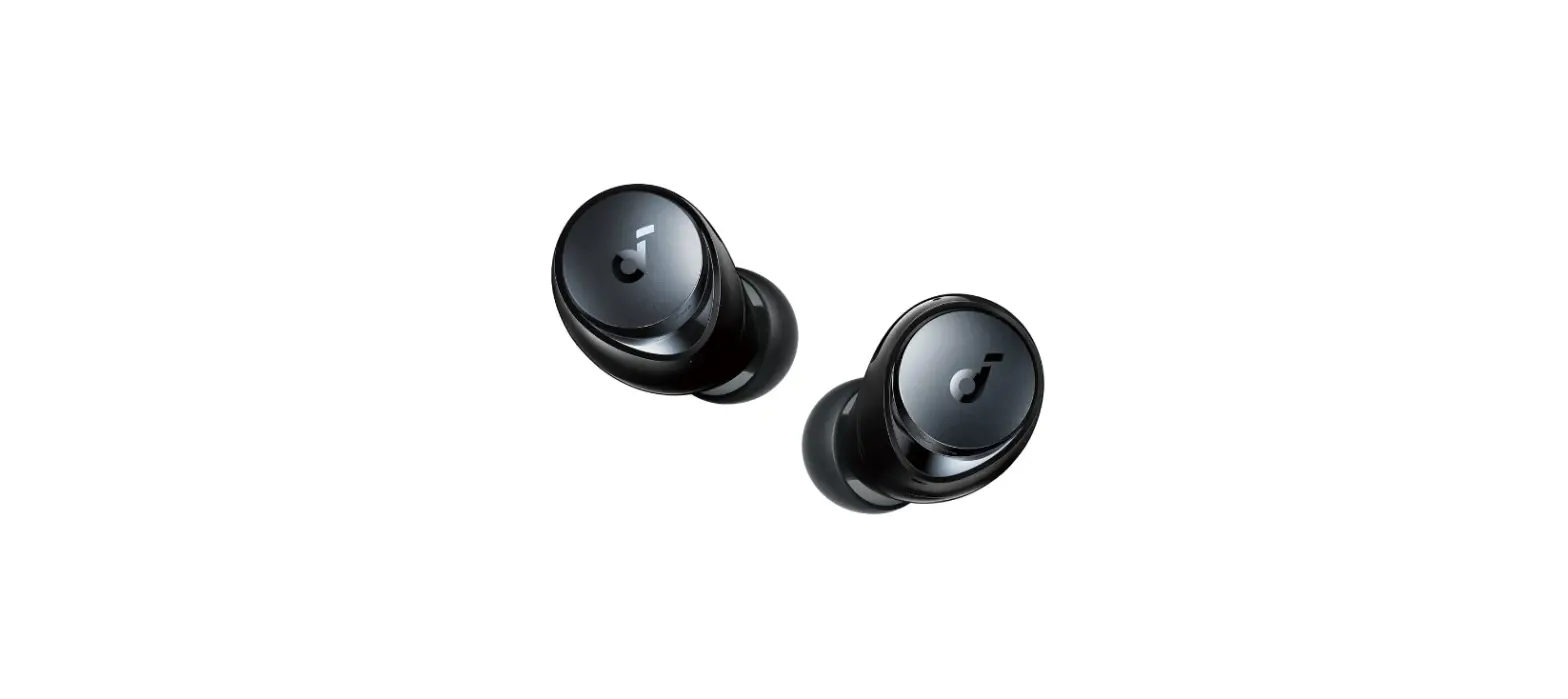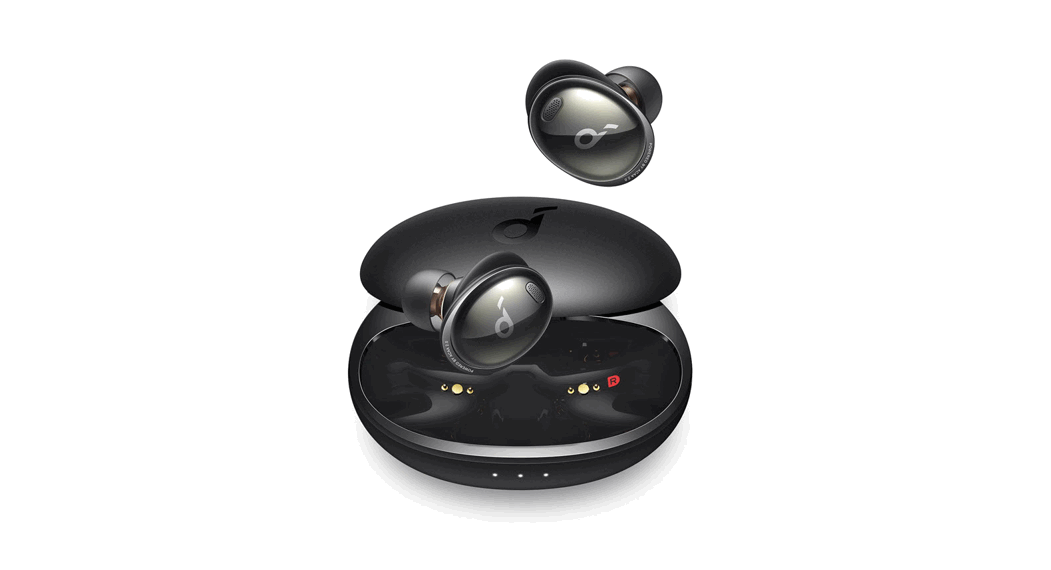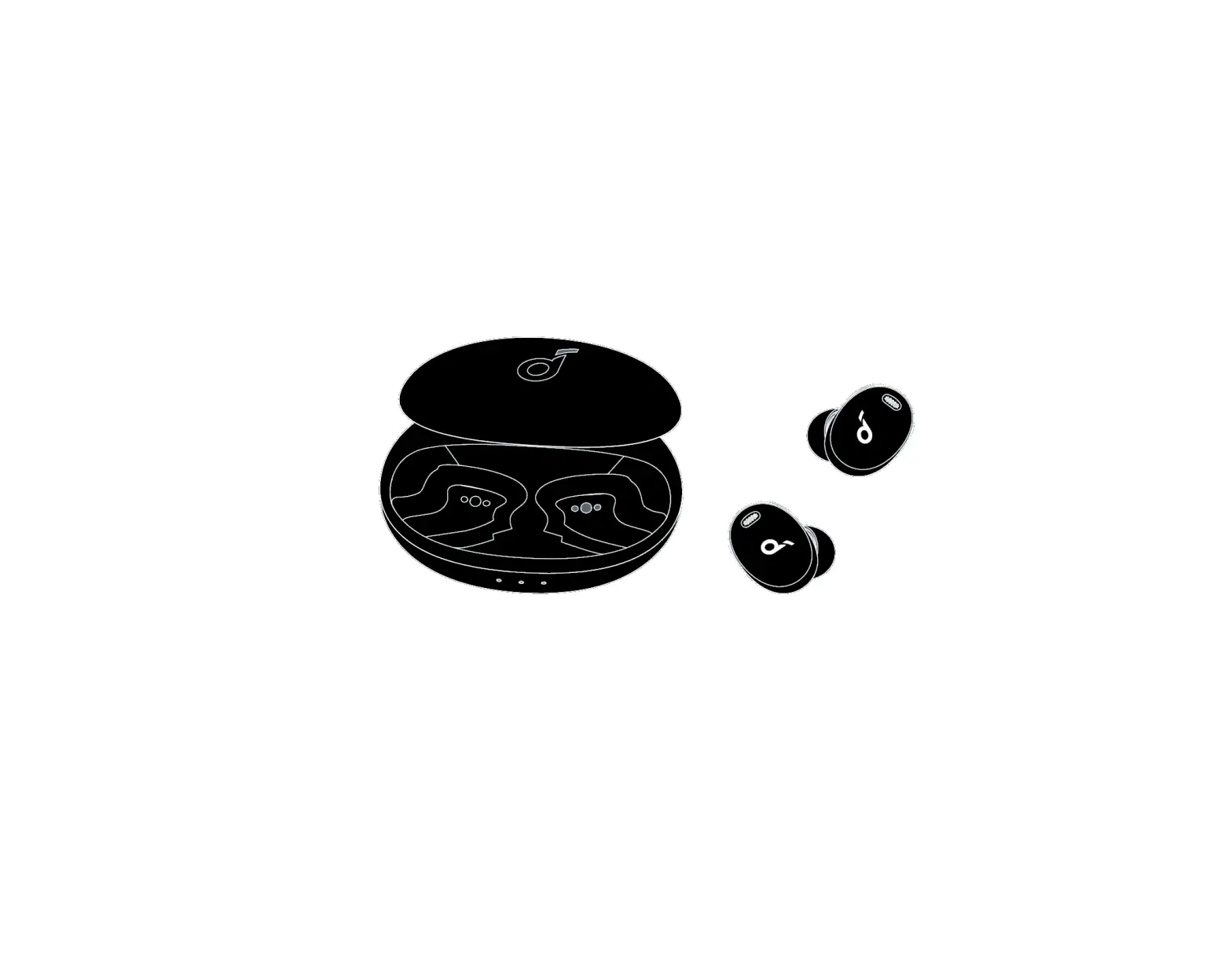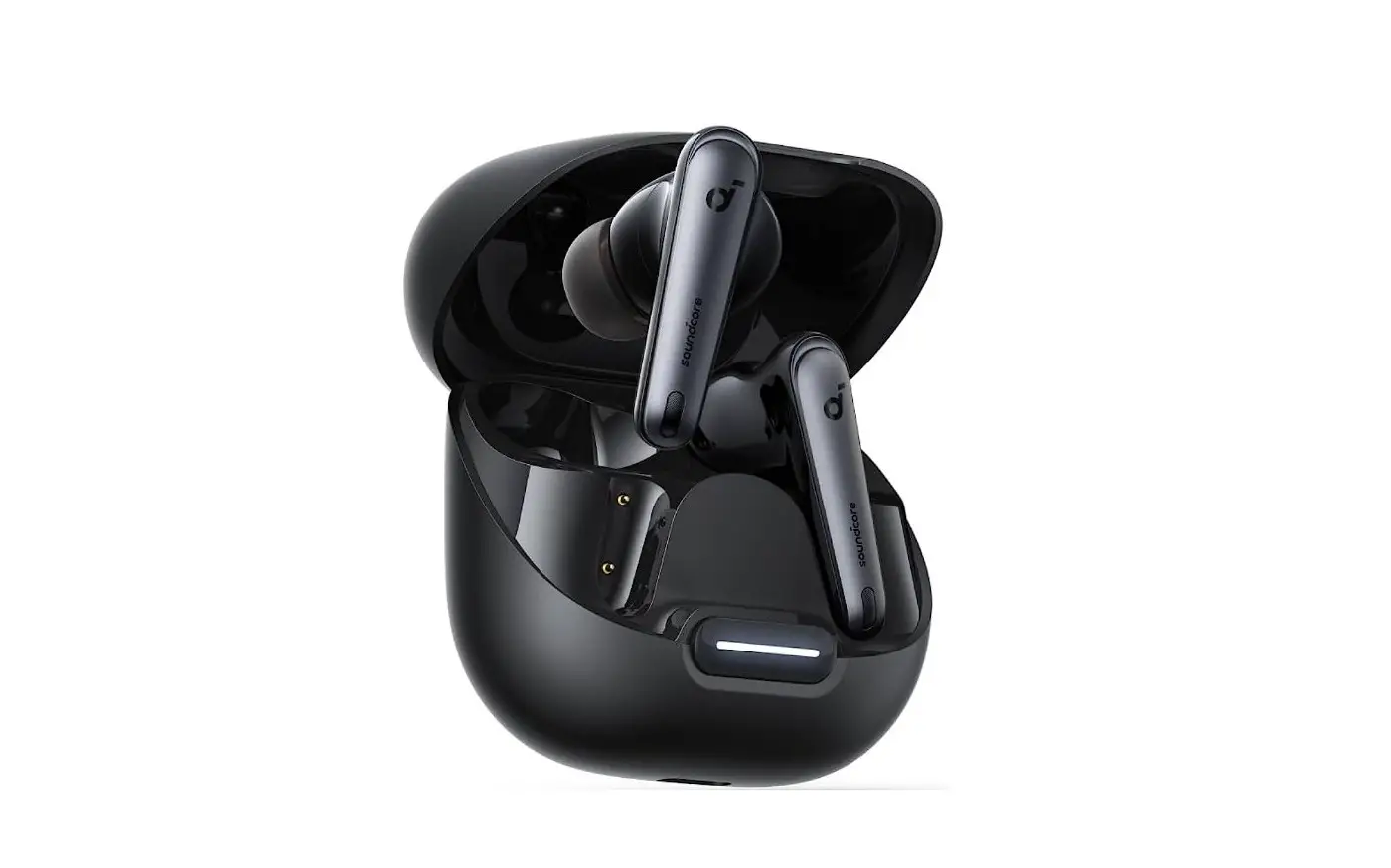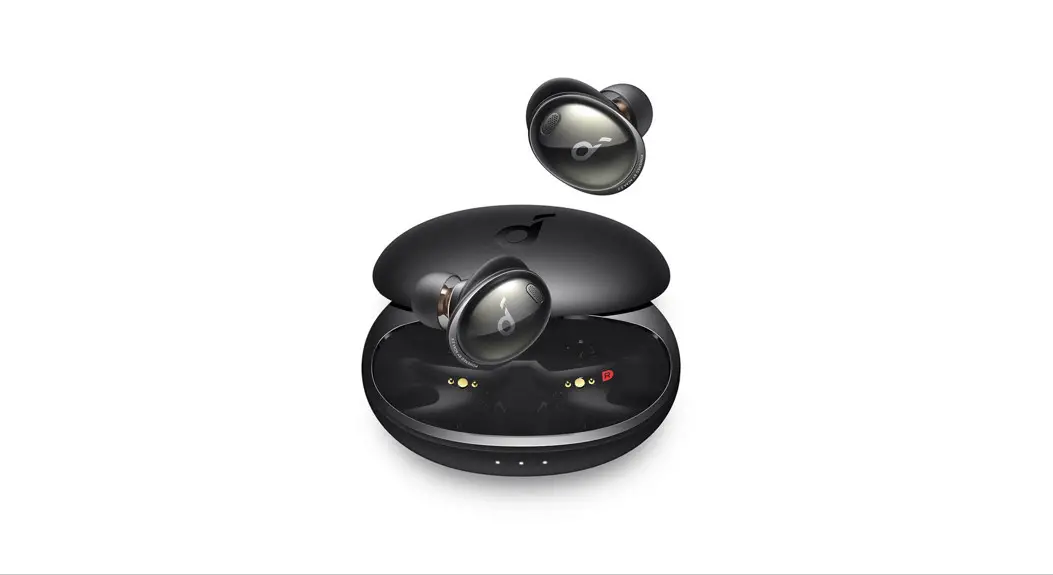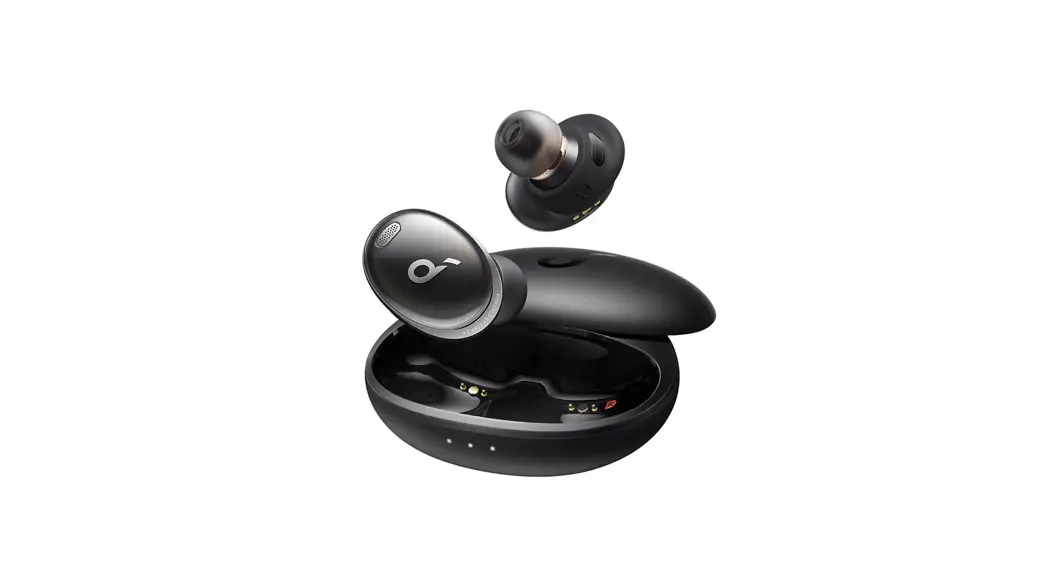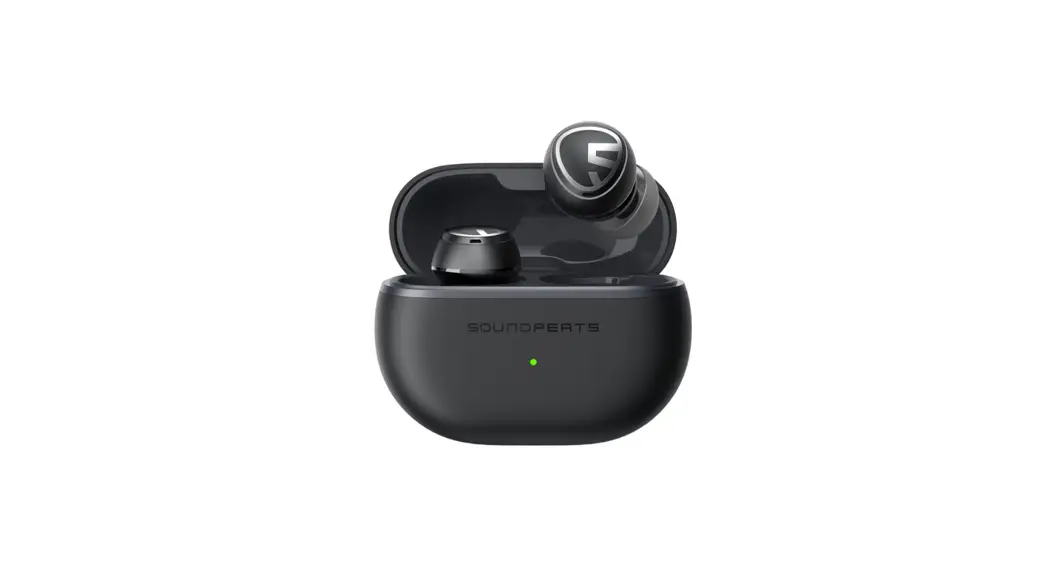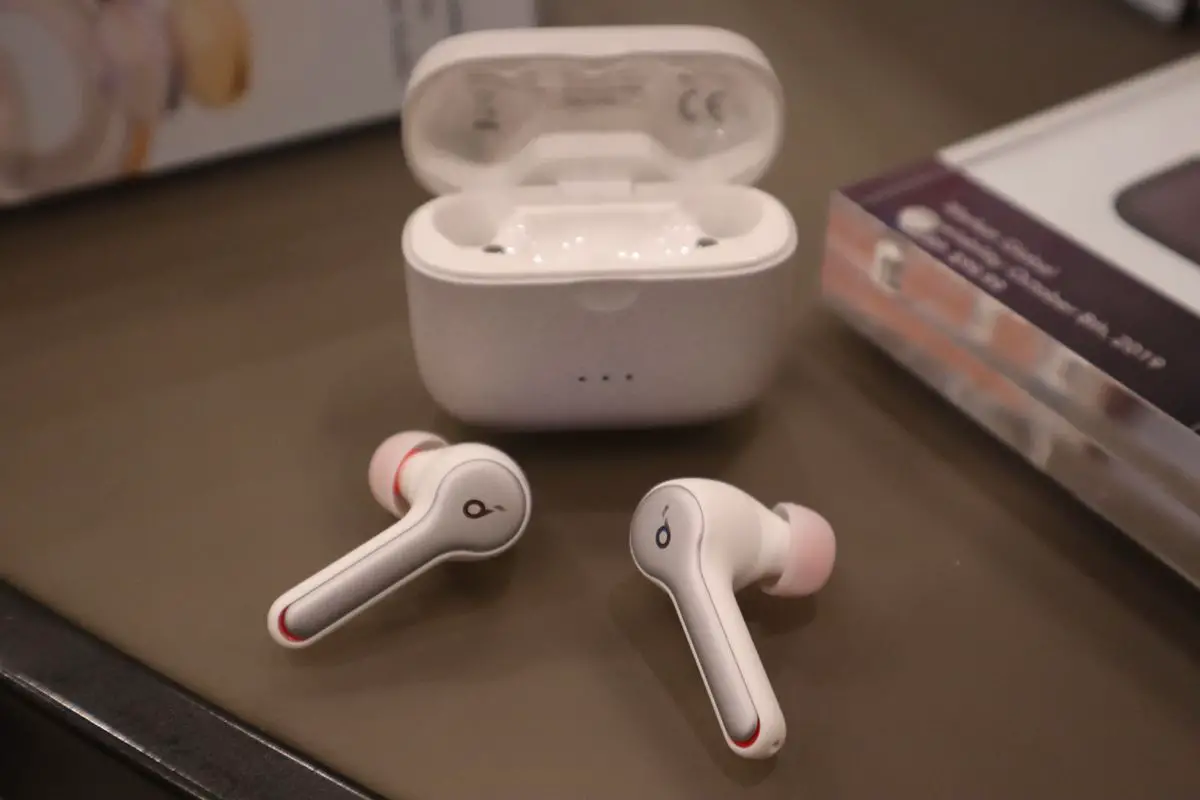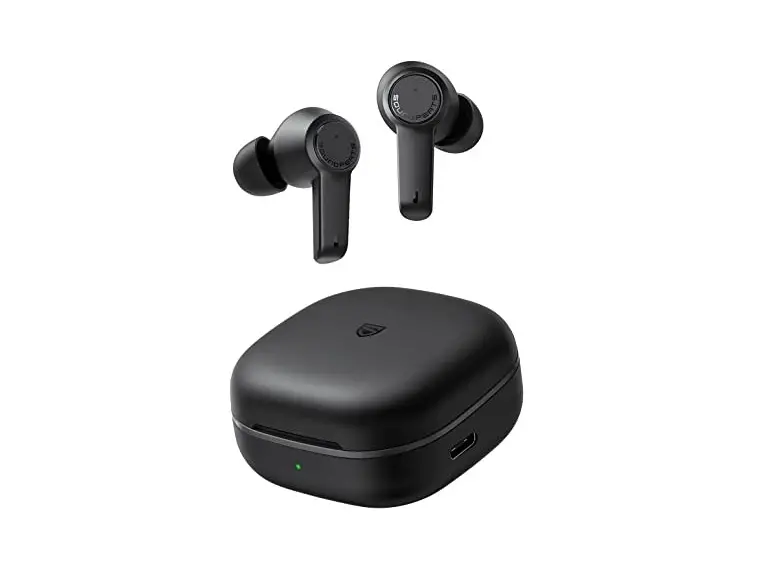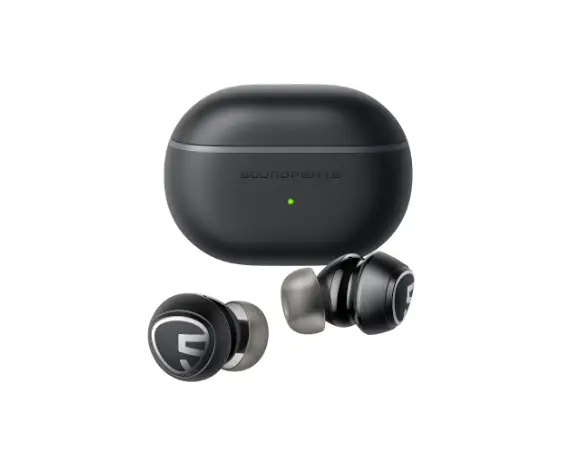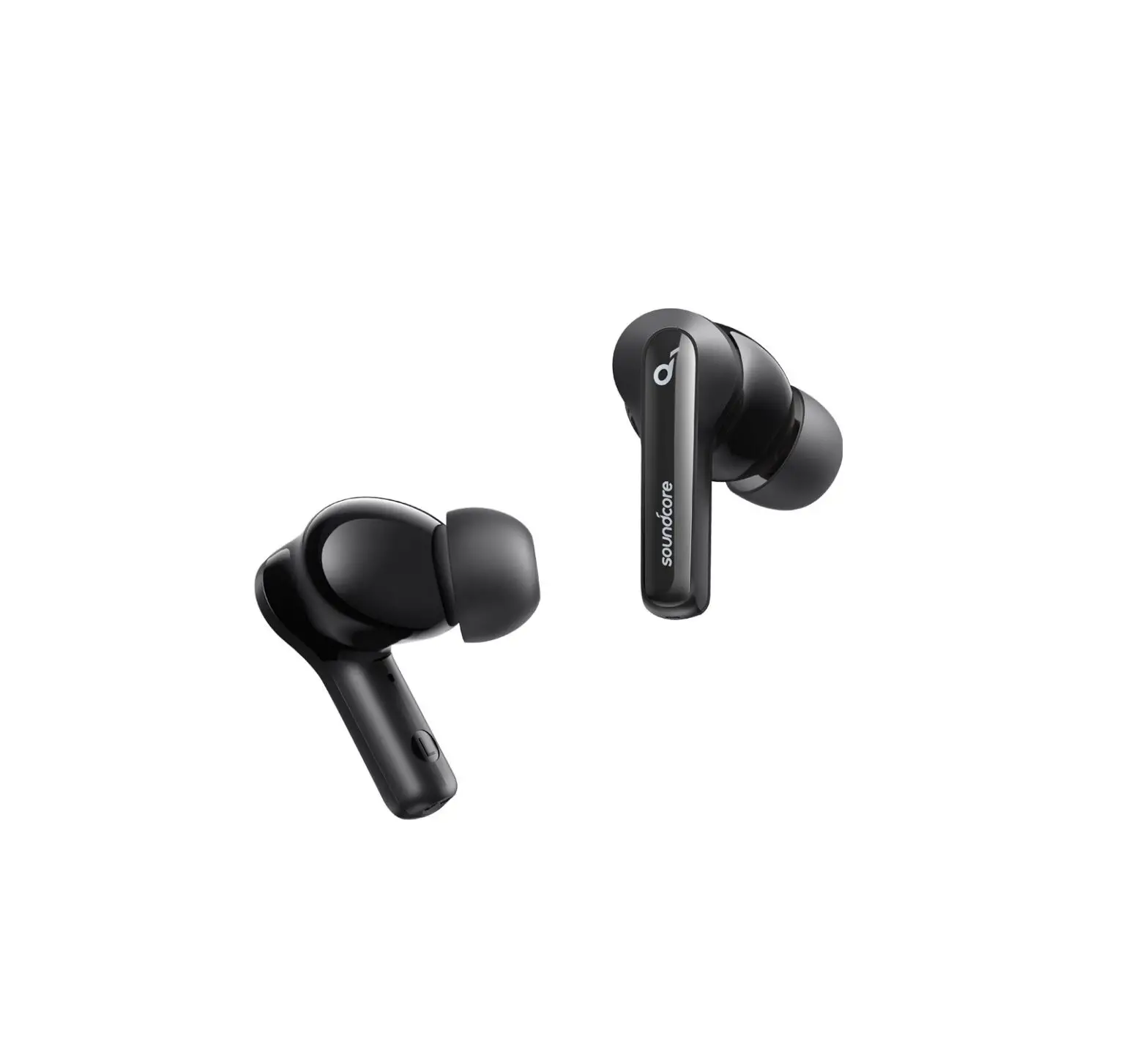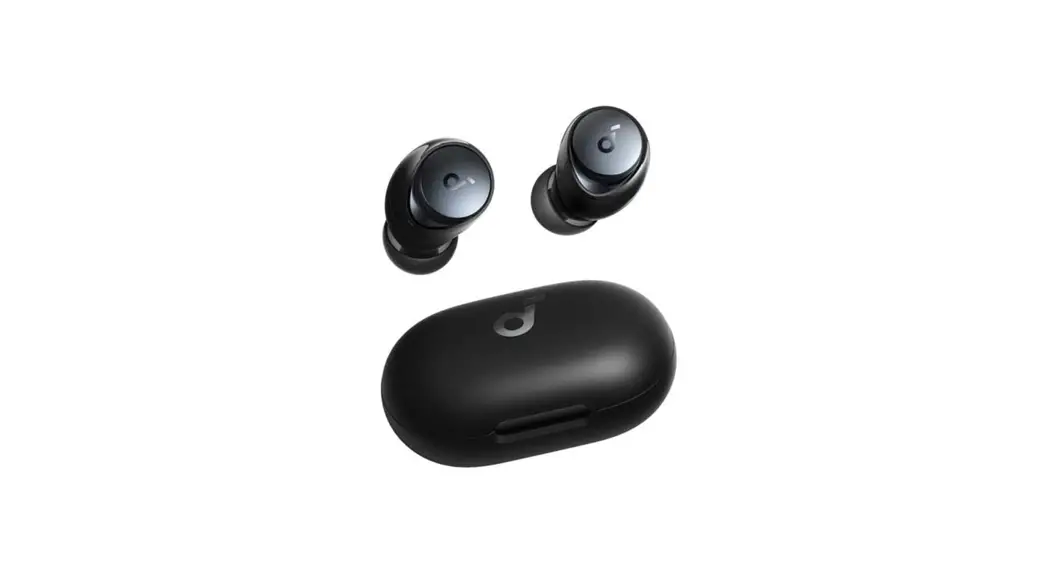
 Space A40 All New Noise Cancelling Wireless Earbuds
User Guide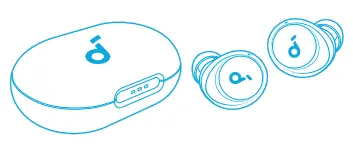
Space A40 All New Noise Cancelling Wireless Earbuds
 SUPPORT
 Please visit www.soundcore.com/support for more information.
 APP
APP Download the Soundcore app to enhance your experience (Ambient Sound modes, adaptive noise control, HearID Sound, equalizer tuning, custom controls, firmware update, and more).
 WEARING
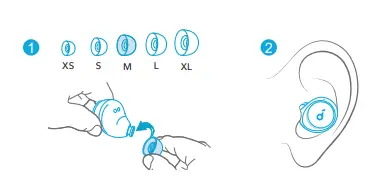 Choose the Ear Tips that fit your ears best and take a fit test in the Soundcore app to ensure you get the best ANC performance.
 CHARGING
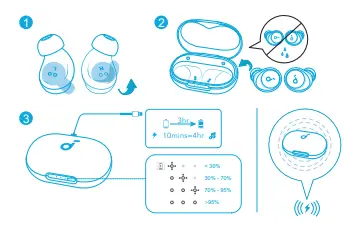 Fully dry off the earbuds and the USB-C charging port before charging. For wireless charging, position the charging case at the center of your wireless charger.
 POWERING ON & PAIRING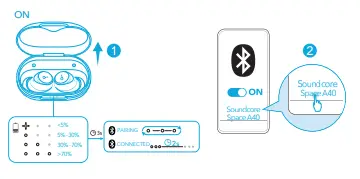
 MULTIPOINT CONNECTION
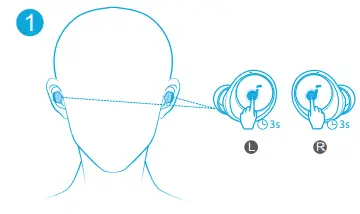 The earbuds can connect with two devices at the same time so you can switch between them effortlessly.
To pair with another device, wear the earbuds, then press and hold the touchpad on both earbuds for 3 seconds simultaneously.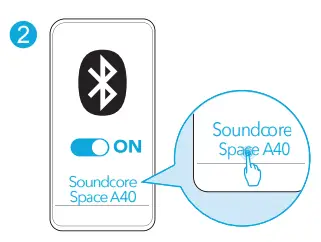 Select “Soundcore Space A40” from your device’s Bluetooth list to connect.
 MANUAL PAIRING
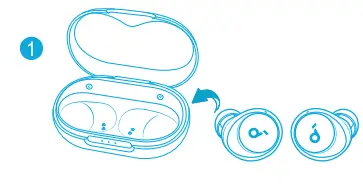 To manually enter Bluetooth pairing mode, place the earbuds in the charging case and leave the case open.
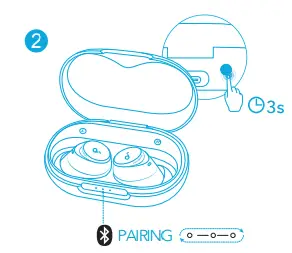 Then press and hold the button on the charging case for 3 seconds until the LED indicators flash white in sequence continuously.
 CONTROLS
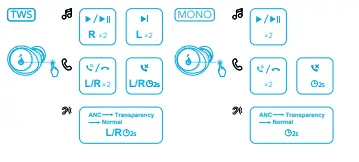 x2: Tap twice
2s: Tap and hold for 2 seconds
*You can also customize controls in the Soundcore app. NOISE CANCELLATION
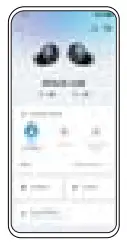 To reduce unwanted ambient noise, select a noise cancellation mode in the Soundcore app.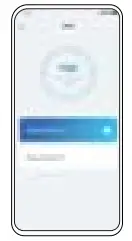
- Adaptive Mode: Automatically switch to the most suitable noise cancelling equalizer for different user scenarios.
- Manual Mode: Set the level of noise cancellation manually.
 TRANSPARENCY
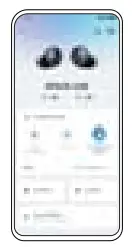 To stay aware of your surroundings while listening to music, select a transparency mode in the Soundcore app.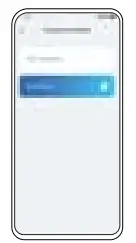
- Fully Transparent: Hear all ambient sounds.
- Vocal Mode: Voices stand out more clearly from other ambient sounds.
 LDAC
LDAC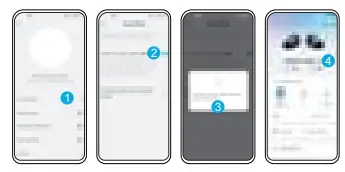 Use devices powered by Android 8.0 or later to experience LDAC quality sound. POWERING OFF
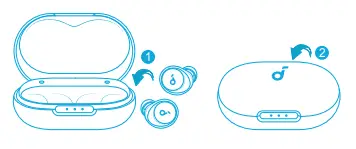 Return the earbuds to the charging case and close the case.
 RESET
RESET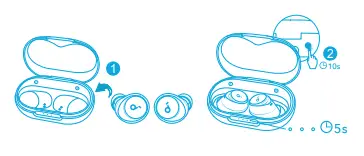 Place the earbuds in the charging case and leave the case open, then press and hold the button on the case for 10 seconds until the LED indicators turn white for 5 seconds.
  Customer Service
Kundenservice
18-month limited warranty
Lifetime technical support
Our warranty is additional to the legal rights consumers have buying this product.
Bluetooth
The Bluetooth® word mark and logos are registered trademarks owned by the Bluetooth SIG, Inc. and any use of such marks by Anker Innovations Limited is under Iicense.Other trademarks and trade names are those of their respective owners.
LDAC and LDAC logo are trademarks of Sony Corporation.
FCC ID: 2AOKB-A3936L IC: 23451-A3936L 210-159398
FCC ID: 2AOKB-A3936R IC: 23451-A3936R 210.189410
Based on the SGS Lab testing result, the deepest band of noise reduction is up to 38dB, and the comprehensive noise reduction is up to 23dB. Key word of “Reduces Noise By Up to 98%*” represents the noise reduction performance of the deepest frequency band.
 [email protected]
[email protected] (For Middle East and Atrica Only) +1 (800) 988 7973 (US/CA) Mon-Fri 6:15AM – 5:00PM (PT)
+44 (0) 1604 936200 (UK) Mon-Sat 6:00 – 19:00 Sun 6:00 – 14:00
Input: 5V  0.65A
0.65A
Anker Innovations Limited
Room 1318-19, Hollywood Plaza, 610 Nathan Road, Mongkok, Kowloon, Hong Kong
The following importer is the responsible party (contract for EU and UK matters) Anker Technology (UK) Limited
GNR8, 49 Clarendon Road, Watford, Hertfordshire, WD17 1HP, United Kingdom
Anker Innovations Deutschland GmbH
Georg-Muche-Strasse 3, 80807 Munich, Germany
soundcore.com/support @SoundcoreAudio
 @soundcoreaudio
 @soundcoreaudio
 Soundcore EN
 Soundcore EN