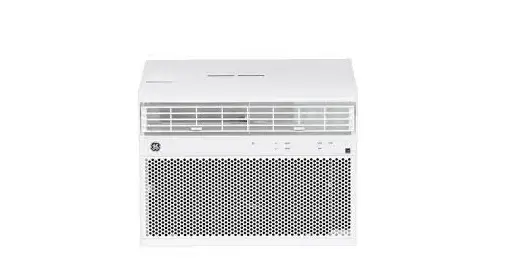
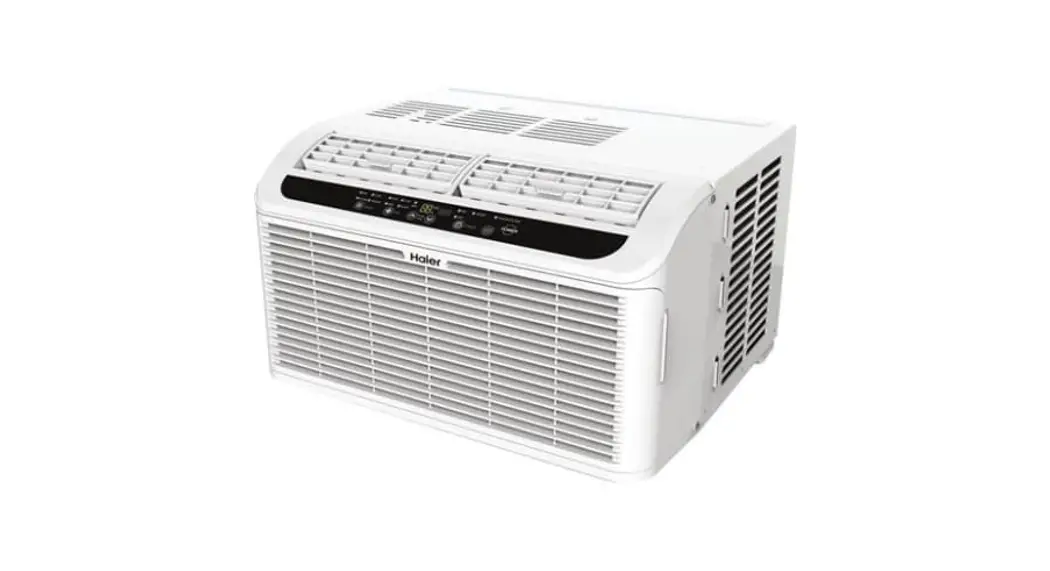
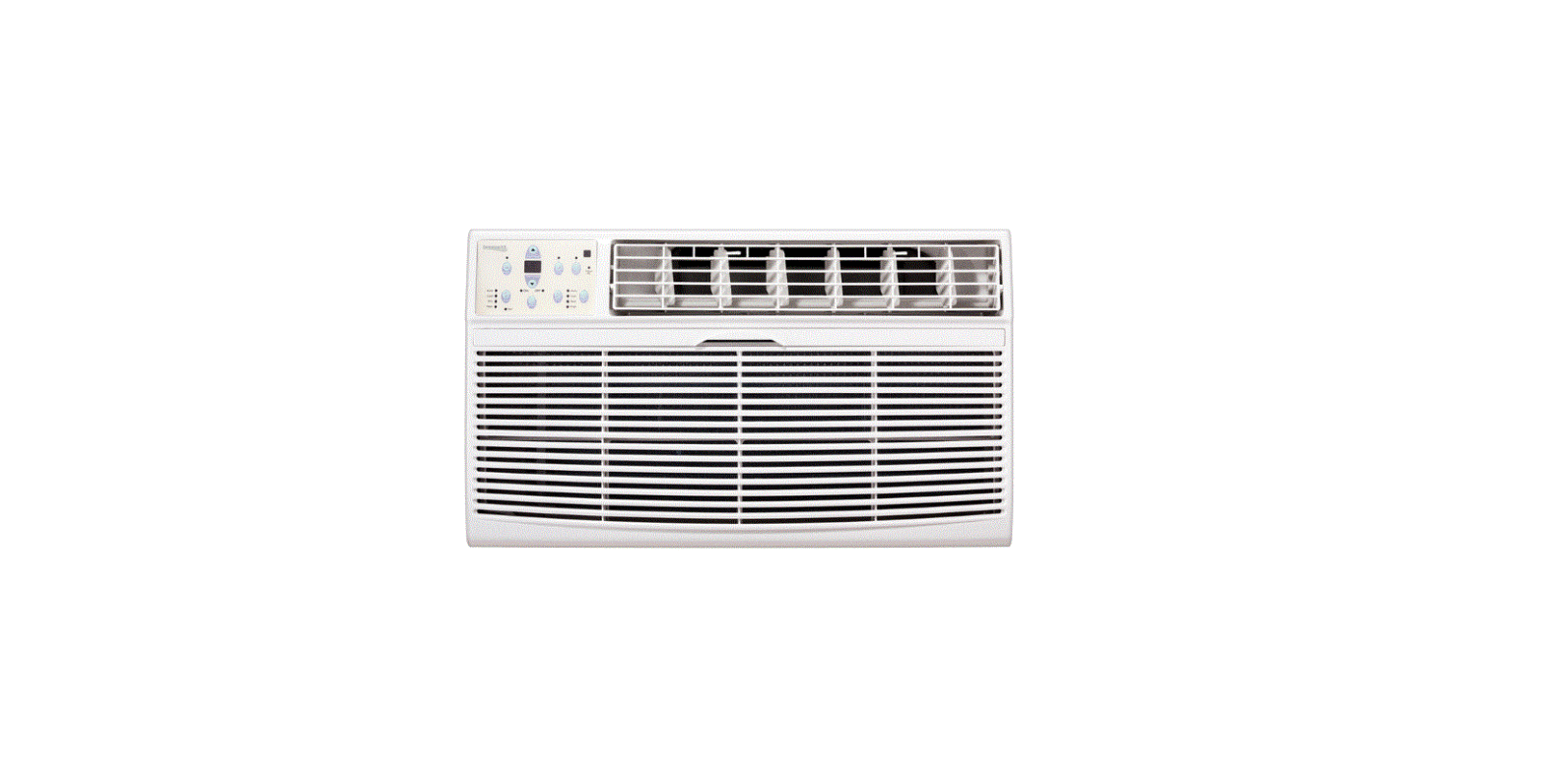
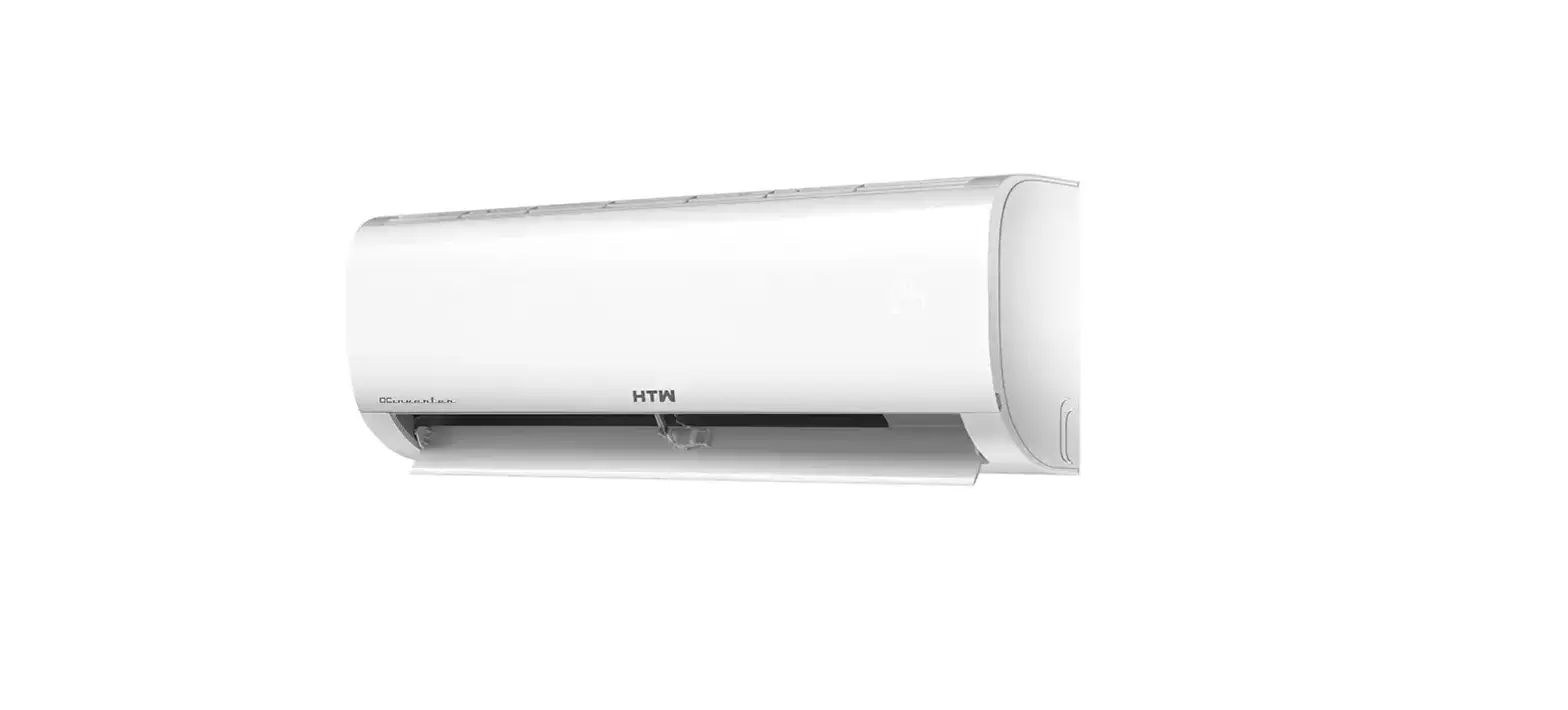
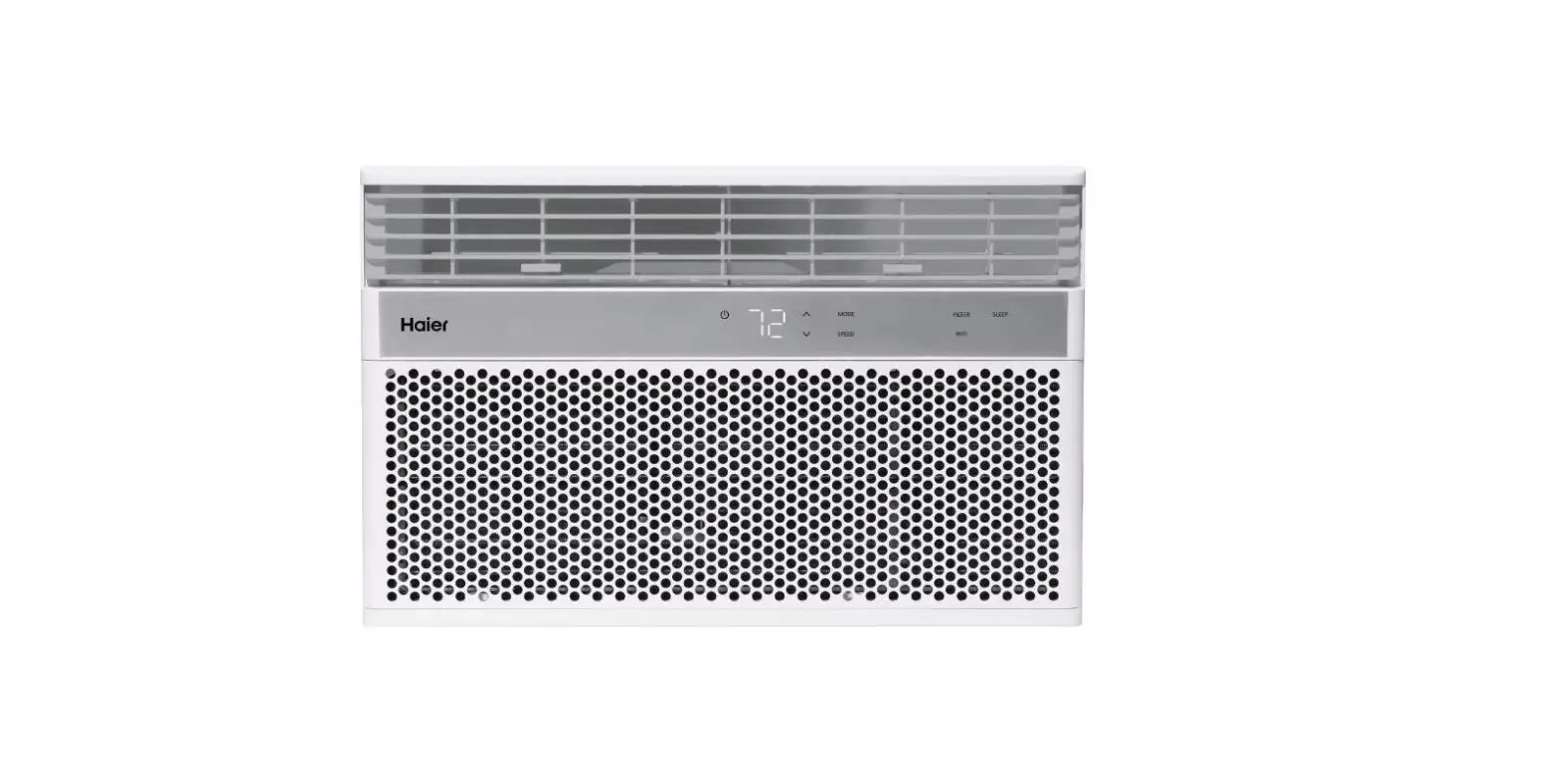
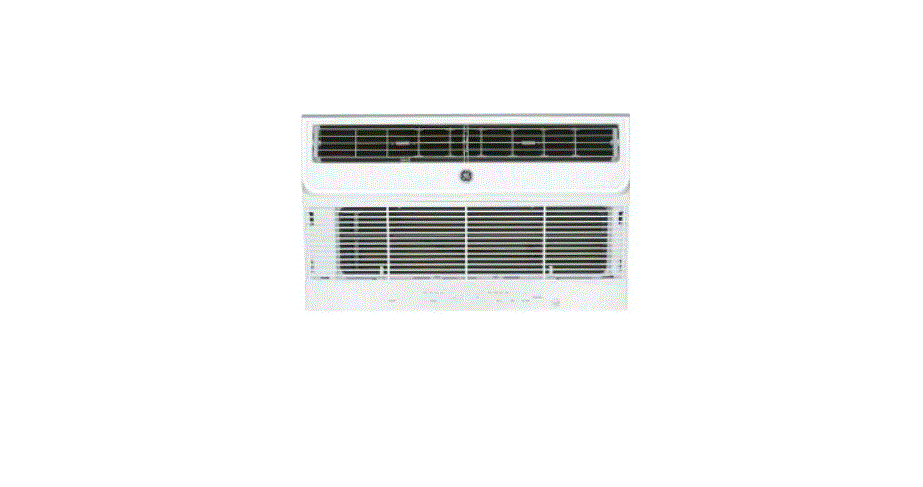
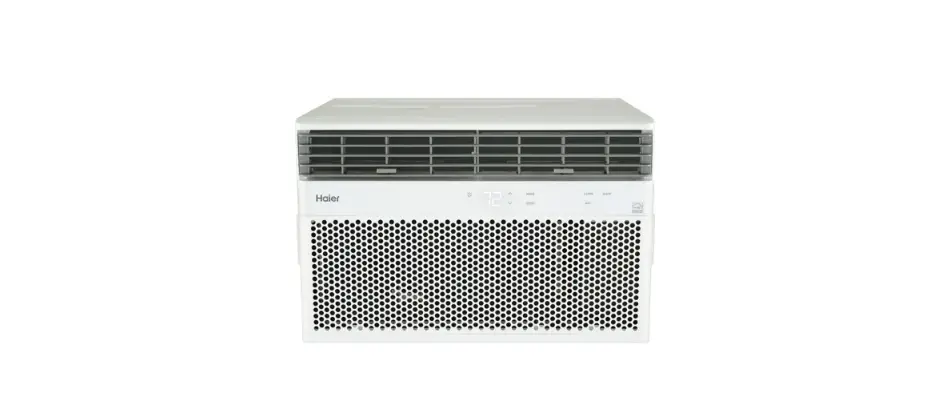
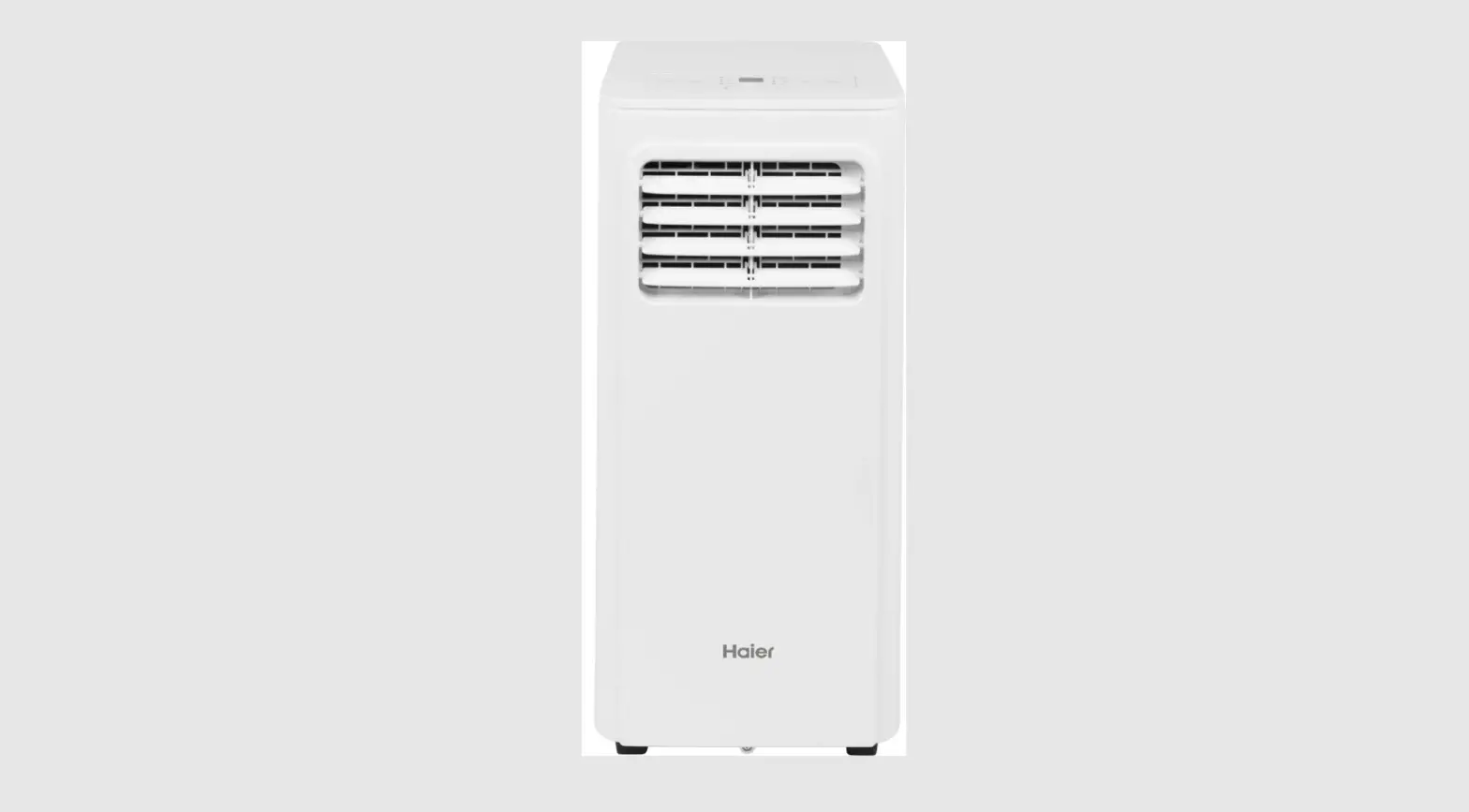
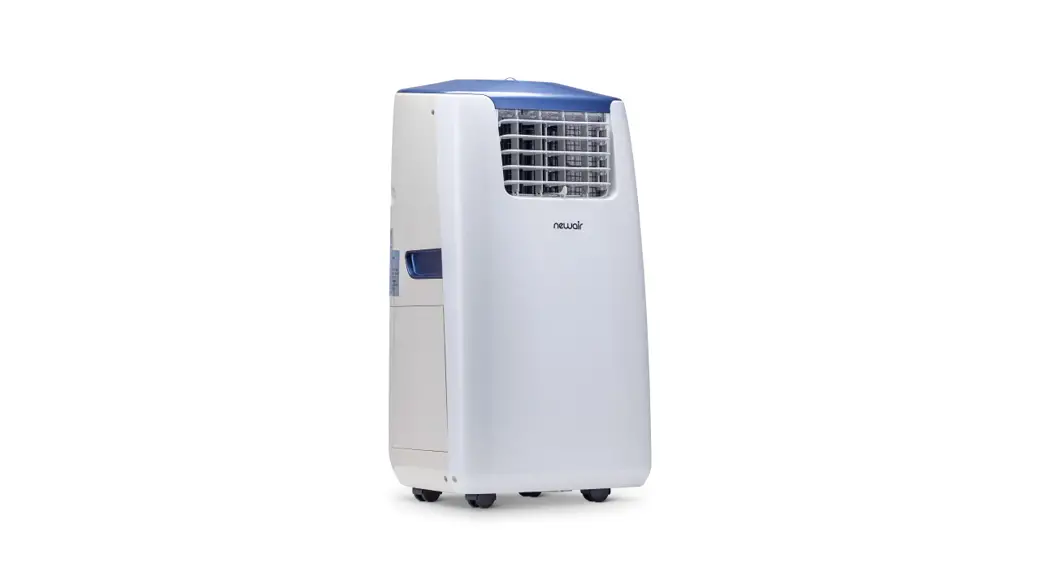
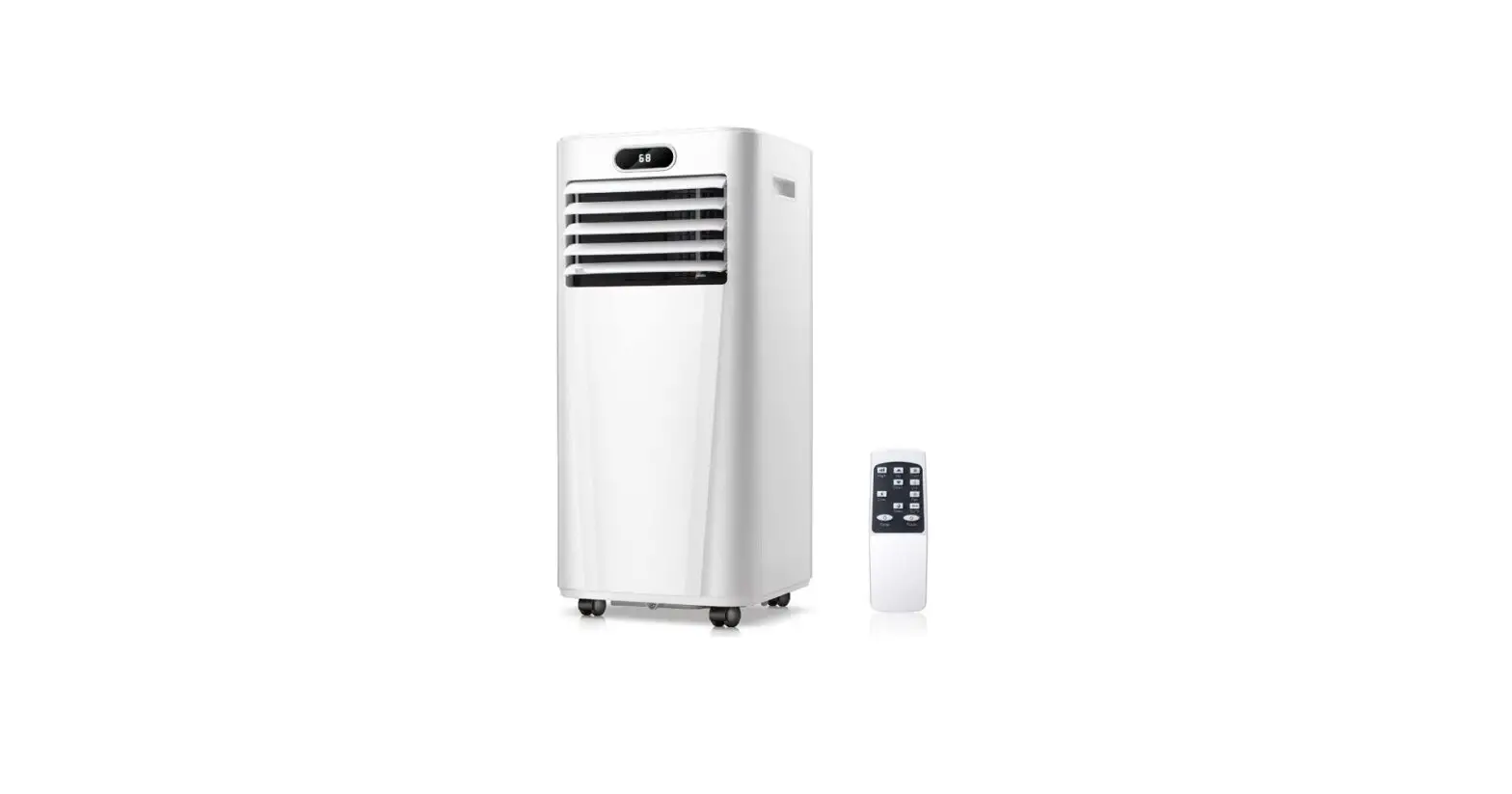
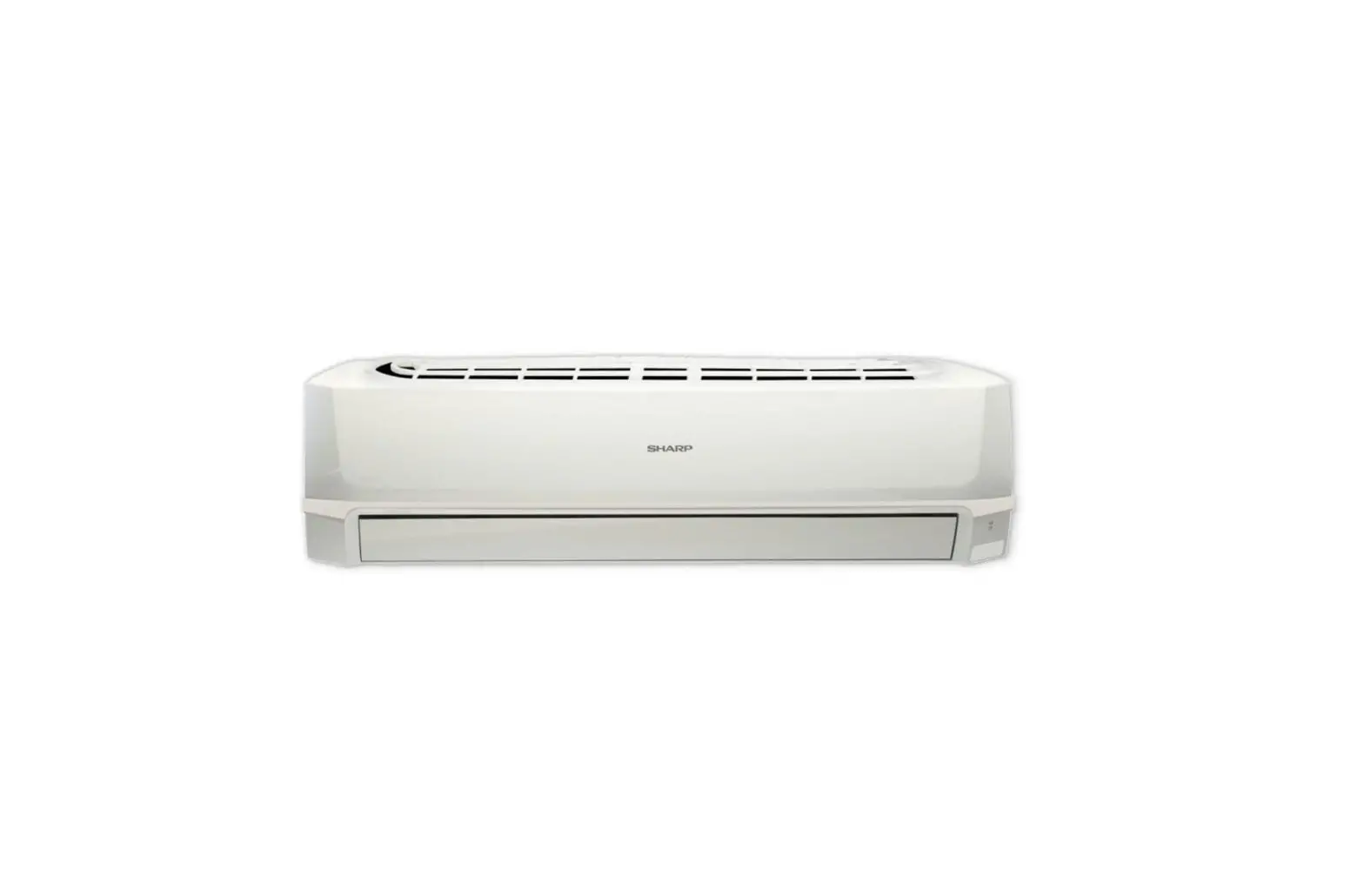
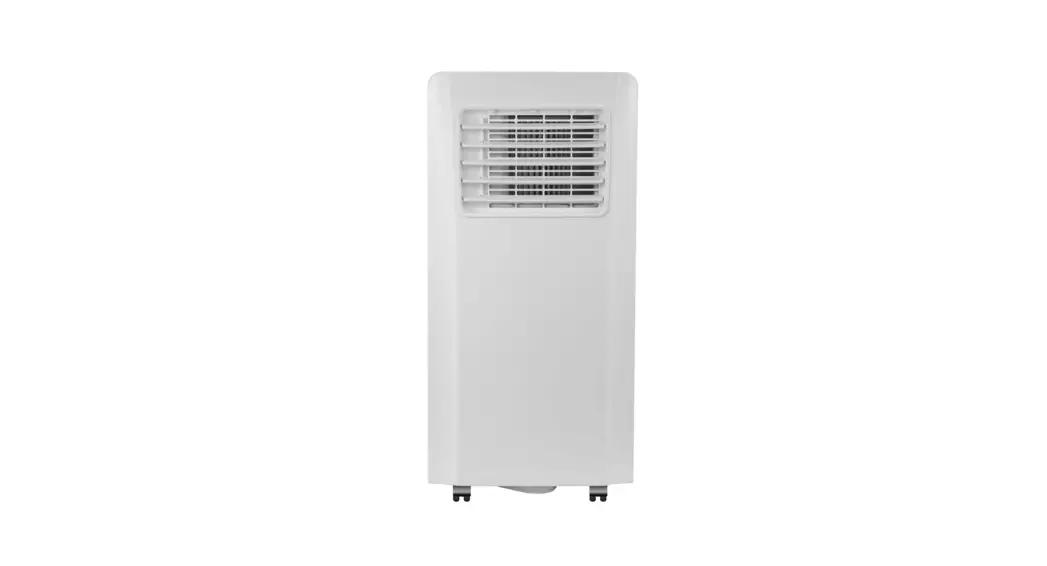
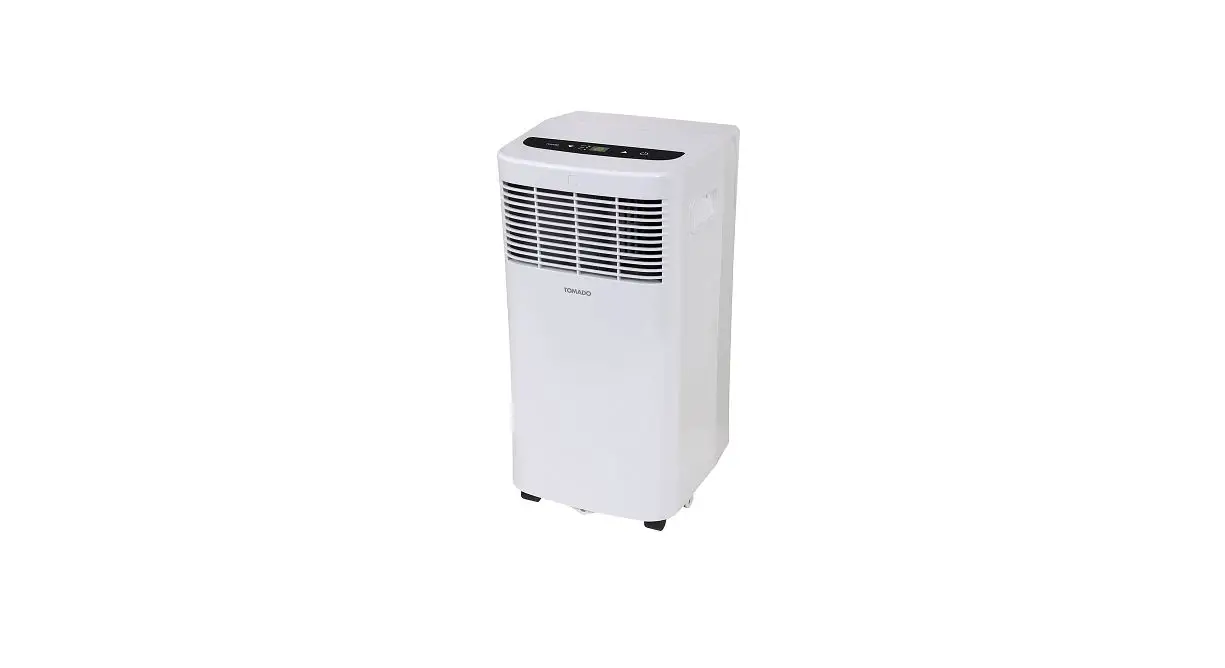
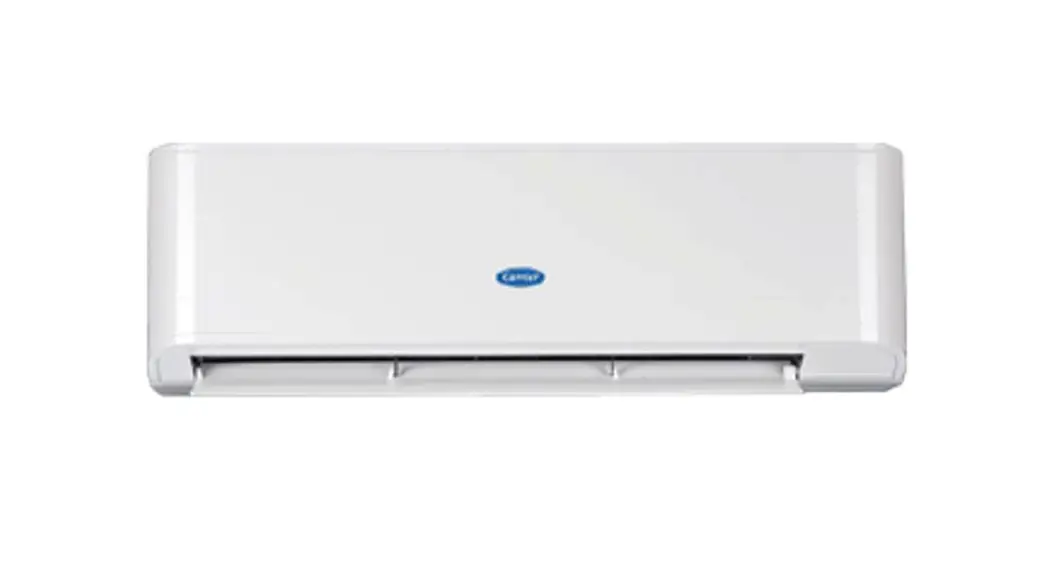
HWA16 Room Air Conditioner
Product Information
The product is a room air conditioner available in four models:
HWA16, HWA22, HWA09R, and HWA13R. It comes with an owner’s manual
that contains information on its installation, operation,
electrical specifications, care and maintenance, and
troubleshooting guide. The air conditioner has a front cover, air
inlet grille (indoor), cabinet, air outlet grille (indoor), air
inlet grille (outdoor), vent lever, control panel, air filter, and
a remote controller. The control panel has buttons for adjusting
airflow direction, setting or canceling timer operation, changing
operation mode, selecting fan speed, setting room temperature mode
or timer mode, and activating the sleep function. The remote
controller allows the user to transmit signals to the system to
control its operation.
Product Usage Instructions
- Read the owner’s manual carefully and thoroughly before
installing and operating the air conditioner. - Retain the owner’s manual for future reference after reading it
thoroughly. - To operate the air conditioner using the control panel, press
the relevant button for the desired function. - To operate the air conditioner using the remote controller, use
the following buttons:- (TEMP UP) – Increase the temperature or time by 1 unit
- (TEMP DN) – Decrease the temperature or time by 1 unit
- ON/OFF – To switch the conditioner on and off
- FAN – To select the fan speed of auto/low/mid/high
- TIMER – To set automatic switching-on/off
- SLEEP – To activate the function SLEEP
- MODE – To select the mode of operation
- SWING – To activate or deactivate of the movement of the
DEFLECTORS
- Press the timer button to set or cancel timer operation. When
the unit is in operation, set OFF TIMER. When the unit is off, set
ON TIMER. Timer setting range is 0 to 24 hours. - If the OFF TIMER is set, the timer LED displays the remaining
time to turn off the unit for only 10 seconds, then LED shifts to
display set temperature. If you press TIMER button within the 10
seconds, OFF TIMER will be canceled. - If the ON TIMER is set, the timer LED displays the remaining
time to turn on the unit. If you want to cancel ON TIMER, press
TIMER button. - Press button number 3 to start or stop the air
conditioner. - Press button number 4 to change the operation mode in sequence:
COOLING, FAN ONLY, HEATING, COOLING. - Press button number 5 to select fan speed in sequence auto,
high, mid, and low. - Press button numbers 6 and 7 at the same time for more than
three seconds to alternate between displaying set temperature and
set timer. - Press button number 7 to activate the sleep function.
- The outlooking and some function of remote control may vary
according to the model. The shape and position of buttons and
indicators may vary according to the model, but their function is
the same.
HWA16 HWA22 HWA09R HWA13R
IMPORTANT
Please read this owner’s manual carefully and thoroughly before installing and operating your room air conditioner. Please retain this owner’s manual for future reference after reading it thoroughly.
Table of Contents
Introduction Operating Instructions Electrical Specifications Installation Instructions Care and Maintenance Trouble Shooting Guide
Page
2 4 5 6 9 10
– 1 –
Introduction
For remote control model
Fig.1-1
Front Cover Air inlet grille (Indoor) Cabinet Air outlet grille (Indoor) Air inlet grille (Outdoor) Vent Lever
Control Panel
Air filter
SLEEP TIMER ON TMIER OFF
FEEL
AUTO
COOL
HIGH
DRY
MID
FAN
LOW
SWING
SLEEP TIMER
MODE
FAN SWING ON/OFF
Remote Controller
Control Panel – 2 –
Operating Instructions
For remote control model
You can easily operate this air conditioner by press relevant button on the
control panel as well as the remote controller.
No. Button Function
1
Used to adjust airflow direction.
Used to set or cancel timer operation.
When the unit is in operation, you can set OFF TIMER.When
the unit is off, you can set ON TIMER. Timer setting range is
0 to 24 hours.
If the OFF TIMER is set, the timer LED displays the remaining
2
time to turn off the unit for only 10 secconds, then LED shifts
to display set temperature.
If you press TIMER button within the 10 seconds, OFF TIMER
will be canceled.
If the ON TIMER is set, the timer LED displays the remaining
time to turn on the unit. If you want to cancel ON TIMER, press
TIMER button.
3
Everytime you press this button, the air conditioner will be
started when it is energized or will be stopped when it is in
operation.
4
Everytime you press this button, the operation mode ischanged
in sequence:COOLING FAN ONLY HEATING COOLING
5
Used to select fan speed in sequence auto, high, mid and low.
This button Used to set room temperature mode or used to
set time in TIMER mode.If the two keys are pressed at the
same time last more than three seconds, the temperature
6
LED display will alternate between and .
NOTE: Temperature setting range is from 61 (16 )
To 88 (31 ).
7
To activate the function SLEEP
Indication symbols of LED on control panel
No. Button
1 2 3 4 5 6 7 8 9 10 11
Function Timer Cooling Heating Fan only Sleep Display set temp./Display set timer Low fan speed Mid fan speed High fan speed Auto fan speed Compressor running
– 3 –
Operating Instructions
Remote controller
The remote controller transmits signals to the system.
No. Button Function
1
(TEMP UP) Increase the temperature or time by 1 unit
2
(TEMP DN) Decrease the temperature or time by 1 unit
3
ON/OFF To switch the conditioner on and off.
4
FAN
To select the fan speed of auto/low/mid/high
5
TIMER To set automatic switching-on/off
6
SLEEP To activate the function SLEEP
8
MODE To select the mode of operation
9
SWING To activate or deactivate of the movement of the DEFLECTORS .
The outlooking and some function of remote control may vary according to the model.
The shape and position of buttons and indicators may vary according to the model, but their function is the same.
The unit confirms the correct reception of each press button with a beep.
– 4 –
Electrical specifications
1. All wiring must comply with local and national electrical codes and must be installed by a
Electric Shock Hazard !
qualified electrician. If you have any questions
The air conditioner has a serial rating
regarding the following instructions, contact a qualified electrician. It is necessary to allow disconnection of the appliance from the supply after installation. The
volts. It must have its own fuse or circuit breaker, and no other device or unit should be operated on the fuse or circuit breaker.
disconnection can be achieved by having the
plug accessible or by incorporating a switch in
To avoid the possibility of personal
the fixed wiring in accordance with the wiring rules.
injury, disconnect power to the unit before installing or servicing.
2. Check available power supply and resolve any
wiring problems BEFORE installing and operating this unit.
RECEPTACLE AND FUSE TYPES
If the supply cord is damaged, it must be replaced RATED VOLTS
250
by the manufacturer, its service agent or similarly
qualified persons in order to avoid a hazard.
AMPS
3.15
3. For your safety and protection. This unit is grounded through the power cord when plugged into a matching wall outlet. If you are not sure whether your wall outlet is properly grounded, please consult a qualified electrician.
4. The rating plate on the unit contains electrical and other technical data. The rating plate is located on the right side of the unit. Make sure to use correct power supply according to the rating plate of your air conditioner.
– 5 –
Installation instructions
REMOVE ALL THE SHIPPING PARTS BEFORE INSTALLATION LOCATION Select a location that can support the weight of the air conditioner and one that will not cause increased operation noise and vibration. Direct sunlight is unfavorable for efficient cooling. Select a place where there is no obstacles near the air inlet and outlet.
Less than 210
5-10mm Less than 210
More than 55 wall thickness is less than 210
45 Scrape
lf the wall thickness is more than 210 scrape the wall as shown above.
Make rear side lower so that waterwill drain out smoothy.
less than 210
more than 400
more more than 400
than 500
– 6 –
Installation instructions
CAUTION The installation parts must be strong against corrosion,especially in case the air conditioner will be installed near the sea or hot spring. Do not install air conditioner in the place where inflammable gas leaks are a possibility. The minimum clearance from the appliance to combustible surfaces is 100mm; (Only for Electric heating ) The range of external static pressures at which the appliance was tested is 0-5Pa
OPERATION Check the capacity of wiring and power outlet. The power outlet should be used exclusively for the air conditioner. Do not use it with other appliances. Ground the air conditioner to prevent danger of electric shock. Connect the air conditioner with power source securely. Use a fuse as below.
CAUTION Before installation,turn off the operation switch and disconnect the power cord. This appliance is not intended for use by persons(including children) with reduced physical, sensory or mental capabilities,or lack of experience and knowledge, unless they have been given supervision or instruction concerning use of the appliance by a person responsiblefor their safety. Children should be supervised to ensure that they do notplay with the appliance. The appliance is fitted with means for disconnection from the supplymains having a contact separation in all poles that provide full disconnection under overvoltage category III conditions, and these means must beincorporated in the fixed wiring in accordance with the wiring rules.
– 7 –
Installation instructions
1) Remove the front panel. (Fig.5) Remove the air filter. (Fig.6) Remove screw at the botton of the front panel. (Fig.7) Open the panel cover.
2) Remove the screws fix the chassis-fixing board and cabinet. some Models have two more screws on the back of the cabinet. (Fig.8)
3) Grasp the handle on the front of the chassis and carefully slide the air conditioner unit out of the cabinet. (Fig.9)
4) lnstall the drain tube connection into the hole provided at the rear of the air conditioner chassis.(Fig.11) (Available for Only) To meet different requirement of different type of air conditioner, there are two kinds of methods for your choice to treat the condensed water. You can choose back drainage or bottom drainage. Bottom drainage way: the drain tray is fixed in position through four pcs of screws and use the flare nut to block the back drainage hole.(Fig.15) Back drainage way using the flare nut to block the bottom drainage hole and use water outlet pipe to connect the back drainage hole pay attention to increase the sealing ring to prevent water leakage.(Fig.16)
5) lnstall the air conditioner cabinet on the installation shelf (not included) with screws.(Fig.10)
6) Carefully slide the unit back into the cabinet.(Fig .12) 7) Reinstall the retaining bracket,front panel and mounting
screws.(Fig.8,7,13) 8) Reinstall the air filter.(Fig.14)
Fig.5 Fig.6
Fig.7 Fig.8
Screw
Fig.9
Wall Cabinet
Installation shelf
Fig.10
Fig.11
Fig.14
Fig.12
Fig.15
drain tray screw
falre nut
falre nut
– 8 –
Fig.13
Fig.16
sealing ring water outlet pipe
Care and Maintenance
AIR FILTER
The air filter should be washed at least once a month. lf the air filter remains full of dust, the air flow will decrease and the cooling capacity will be reduced. The filter is behind the cover and to be pulled out from right hand side. Wash the air filter with water an detergent. Rinse with clean water and dry it before reinstalling.
Fig.15
Fig.16
CAUTION
Do not use hot water above 40 C for washing the air filter. Let the filter dry thoroughly in the shade before reinstalling. Do not expose it directly on the sun. Do not operate the air conditioner with the filter removed. T1 condition: The ambient temperature for cooling: 18~43 ;
The ambient temperature for heating: -5~20 . T3 condition: The ambient temperature for cooling: 25~52 ;
The ambient temperature for heating: -5~20 .
AIR CLEANING FILTER
The air cleaning filter is attached to the air filter. Wash the air cleaning filter as well when wash air filter.
FRONT COVER,ETC
Hot Water
The front cover will accumulate dirt and dust. To clean it, wipe it with a soft dry cloth. When it is excessively dirty, wipe it with a soft cloth dampened with warm water or mild soap, then wipe it again thoroughly with a soft dry cloth.
Benzine,acid,etc.
– 9 –
Troubleshooting Guide
Never use hot water above 50 ,benzine,gasoline,acid,thinner or brush to wipe off dirt because they will damage the plastic surface and the coating.
LONG OFF PERIOD MAINTENANCE
Operate the fan alone (“LOW FAN”or”HIGH FAN”) for half a day to dry out the inside of the unit. Turn off power and remove plug from wall socket. After a long off period and going to use the air conditioner again , clean the CONDENSER(at the rear)and EVAPORATOR (at the front)fins by using a soft brush or vacuum cleaner.
CAUTION Be careful not to damage the fins during the cleaning.
BEFORE ASKING FOR SERVICE
Check the following points before requesting for repairs or service. lf the malfunction persists,pelase contact our customer service.
Faults
Does not operate
Does not cool effectively
Cause
ls the power off? ls the fuse blown? ls the voltage extremely high or low? ls the operation dial set to”off”?
ls the air filter remain full of dust or dirt? See air filter instructions on page 9. Is the sunlight fall directly on the unit? ls the air flow on the rear side obstructed? Leave a space of 500mm behind the rear side of the air condition? The doors or windows may be opened widely or there are other sources of heat in the room? The temperature dial may not set to the colder position. Turn the dial further clockwise. ls the ventilation damper opened?
– 10 –