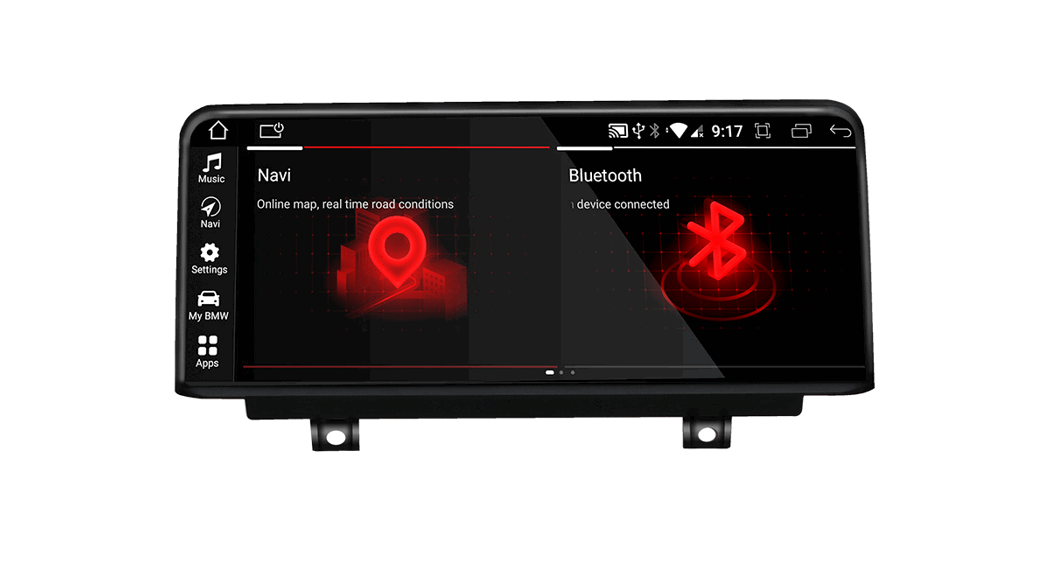
Product Information
The product comes with various connection options for different
types of vehicles. It includes:
- Power Cable Option: There are two cable
options (Cable A and Cable B) depending on whether the vehicle has
a sound system or not. - Fibre Optic Cable: This is used for data
transfer and communication between different vehicle
components. - Canbus Connector: This connector must be
plugged in correctly for proper functioning of the product. - Rear Camera Connection: This allows the user
to connect a rear camera to the product for better visibility while
reversing the vehicle. - USB Connector: There are two options to use
the USB connector – either use the Android USB cable or use the USB
adapter to continue using the original USB socket. - Sound Settings: The product has various sound
settings that can be accessed through the system settings
menu.
Product Usage Instructions
- Power Cable Option: Use Cable A if the vehicle
does not have a sound system and Cable B if it does. - Fibre Optic Cable: Connect the fibre optic
cable for proper data transfer and communication between different
vehicle components. - Canbus Connector: Ensure that the Canbus
Connector is plugged in correctly by referring to the picture in
the user manual. - Rear Camera Connection: Connect a rear camera
to the product for better visibility while reversing the
vehicle. - USB Connector: Choose between the two options
– either use the Android USB cable or use the USB adapter to
continue using the original USB socket. - Sound Settings: Access the sound settings by
going to System > Factory Settings and entering the code 7890.
Scroll down to the end and select “Original with AMP”.
TAFFIO® JPQ-X SERIES QUICKGUIDE
1) POWER CABLE OPTION
Fahrzeug ohne Soundsystem / Car without Soundsystem > Cable A Fahrzeug mit Soundsystem / Car with Soundsystem > Cable
Connection Cable A (Car without Soundsystem)
Connection Cable B (Car with Soundsystem)
2) Fibre Optic Cable
Nur für Fahrzeug mit Soundsystem! Lichtleiterkabel vom Original Radiostecker abstecken, mit dem Adapter zusammnstecken und in das Android Radio einstecken Only for Car with Soundsystem ! Remove Fibre Optic Cable from Original Head Unit Plug and plugin to Android Head Unit
3) Canbus Connector
Bitte gehen Sie sicher, dass der Canbus Stecker korrekt angeschlossen ist wie im Bild unten zu sehen Please check if the Canbus Connector is plugged in correctly as in the picture below
4) Rear Camera Connection
bei Nachrüst- Rückfahrkamera Cinch Video Stecker an Stecker B anschließen for Aftermarket Camera connect Cinch Video Connector with Connector B bei Originalrückfahrkamera verbinden Sie Stecker A mit B for Factory Rear Camera please connect connector A with B
5) USB Connector
Wählen Sie ob Sie das Android USB Kabel nutzen möchten (Option 2) oder die Originale USB Buchse weiternutzen möchten indem Sie den USB Adapter nutzen (Option1)
Choose whether you want to use the Android USB cable (option 2) or continue to use the original USB socket by using the USB adapter (option 1)
5) Sound Settings
Einstellungen > System > Werkseinstellungen > Code 7890 eingeben Settings > System > Factory Settings > Code 7890
Scrollen Sie bitte bis runter bis zum Ende Hier stellen Sie bitte ein bei > Original with AMP
>Für Fahrzeug ohne Soundsystem ( KABEL A ) > AUSSCHALTEN
>Für Fahrzeug mit Soundsystem ( KABEL B ) > EINSCHALTEN Bitte hiernach SAVE & REBOOT betätigen das Gerät wird sich neustarten Scroll down till last options Please set the option > Original with AMP: > For Car without Soundsystem ( CABEL A ) > OFF > For Car with Soundsystem ( CABEL B ) > ON Please tap now SAVE & REBOOT