Wireless Door bell
User Manual
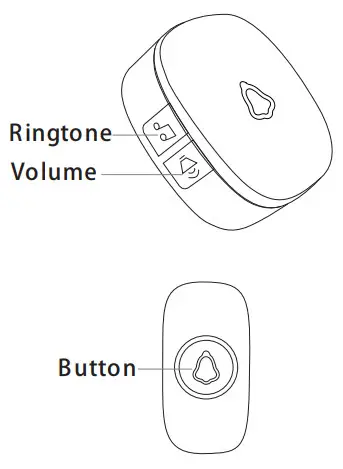
Product Introduction
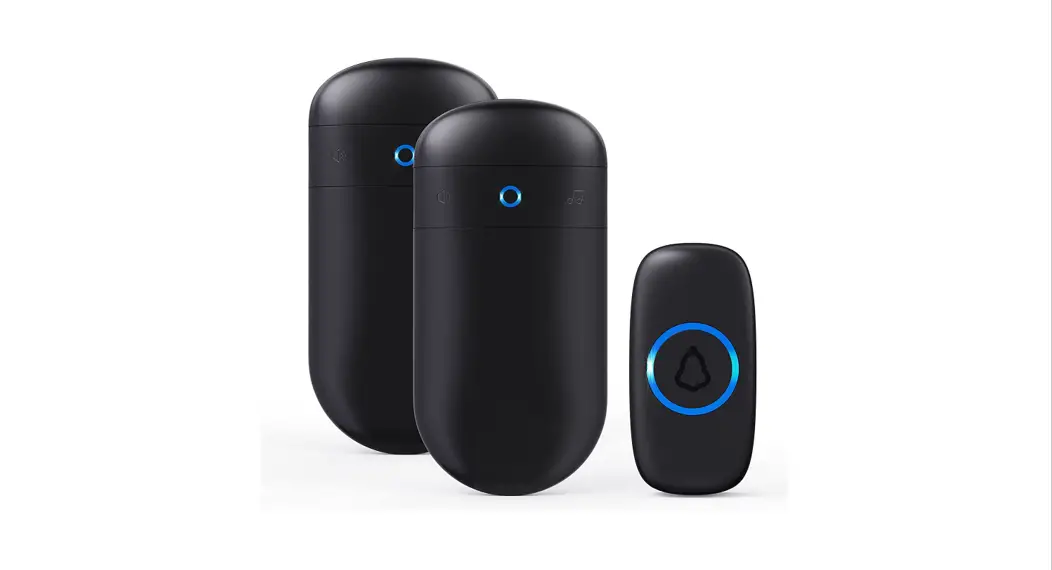
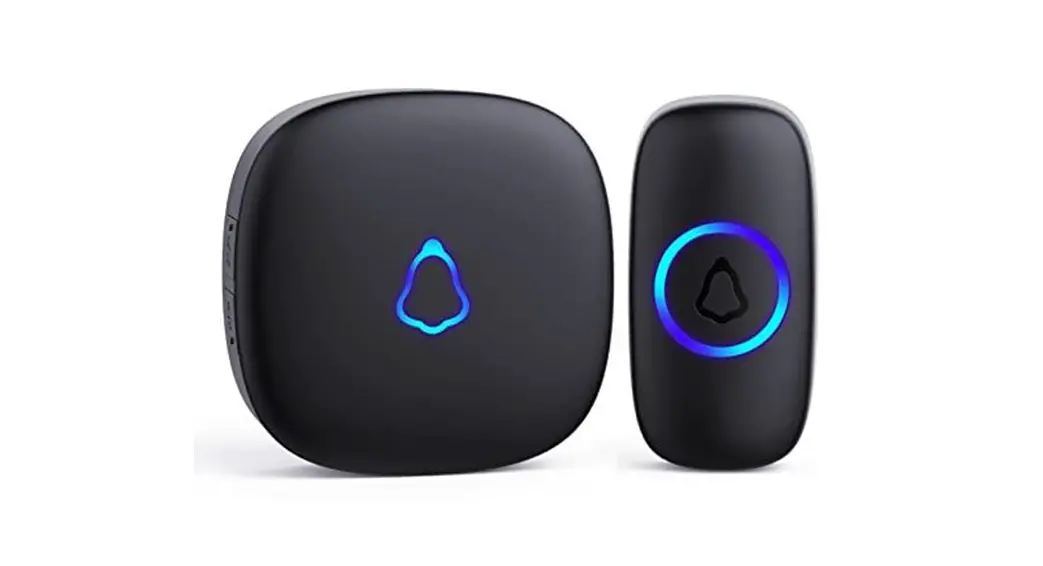
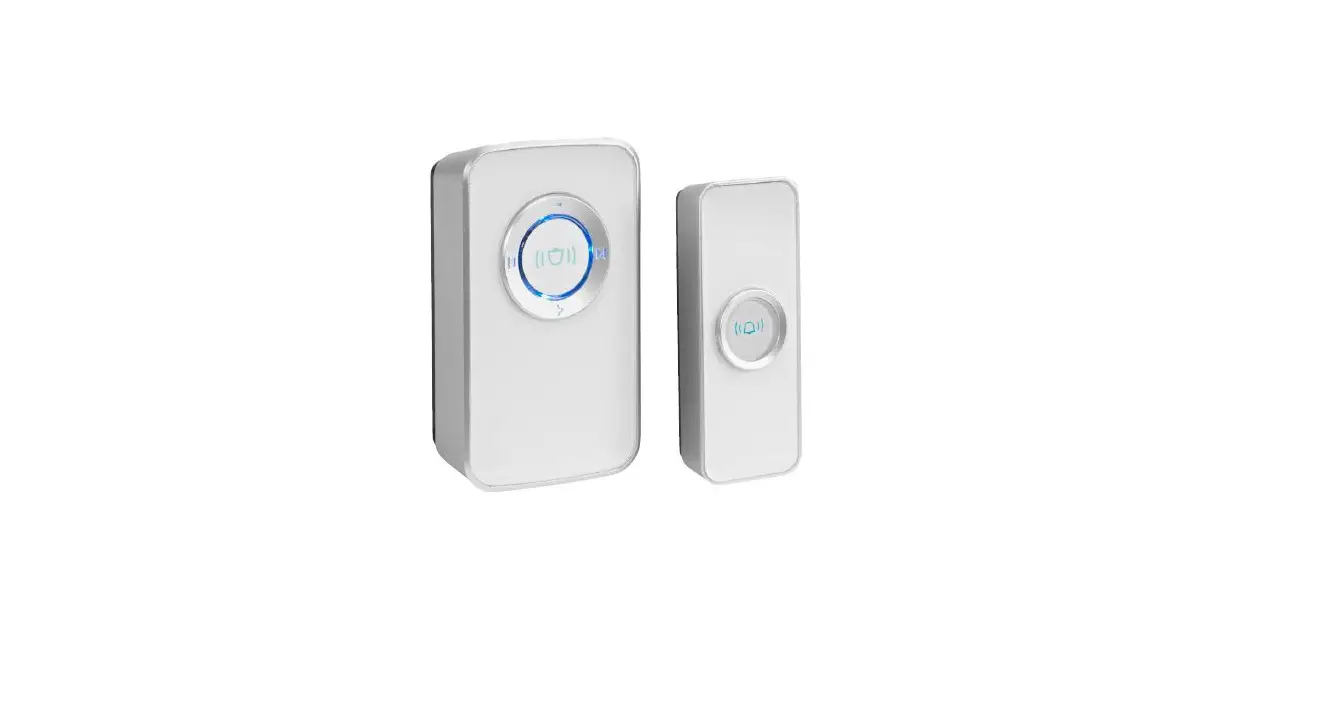
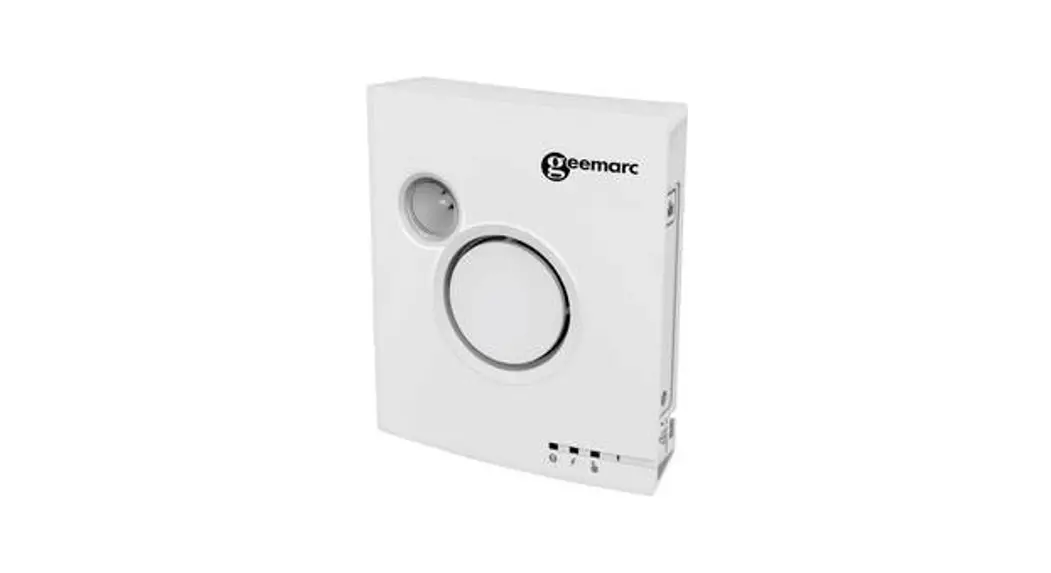
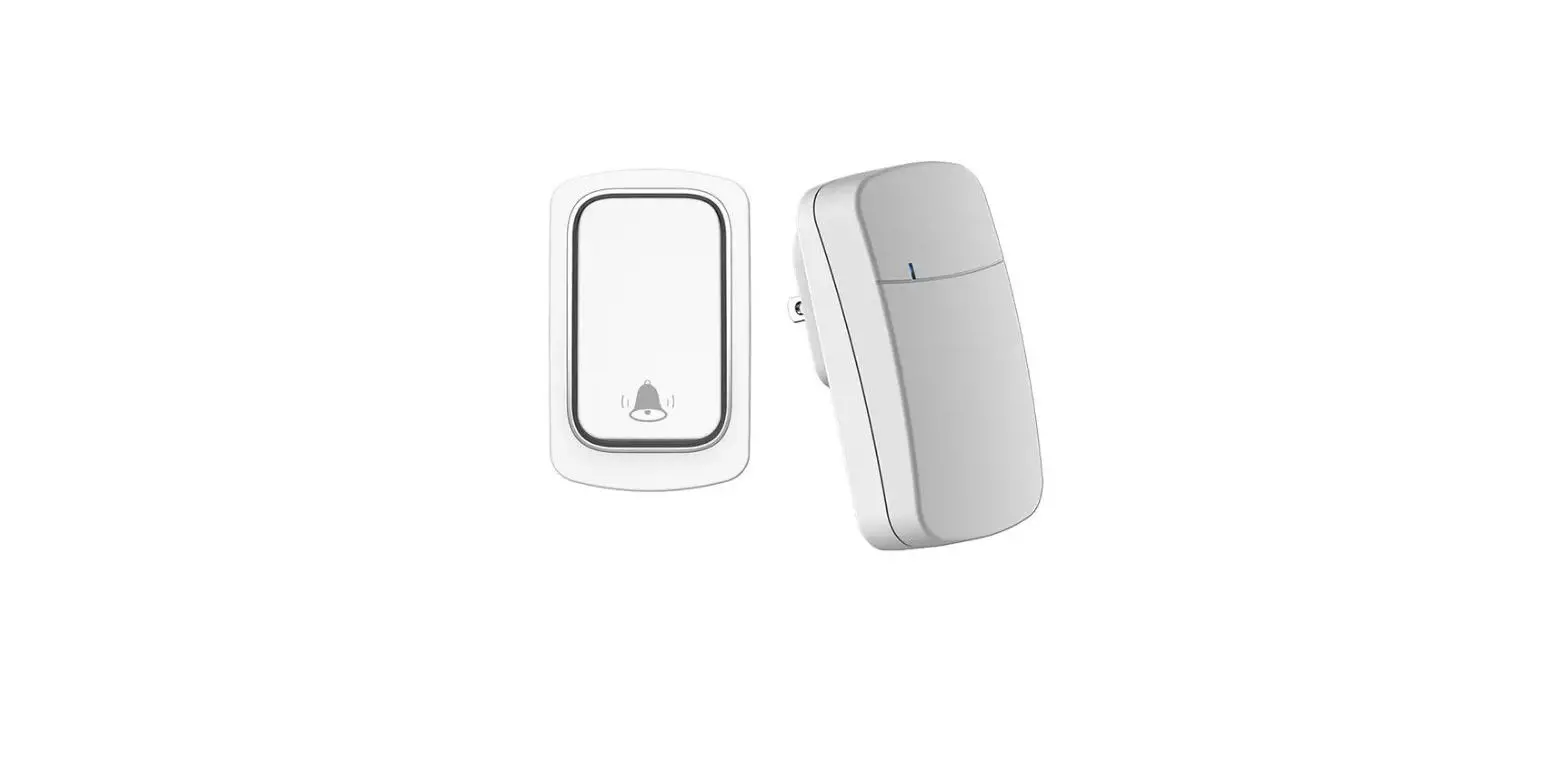
The wireless doorbell uses advanced wireless reception technology, high-quality voice processing technology, and integrates up to 32 music. Suitable for apartments, villas, storefronts,
hotels, hotels, homes, o  c e buildings, conference rooms, etc.
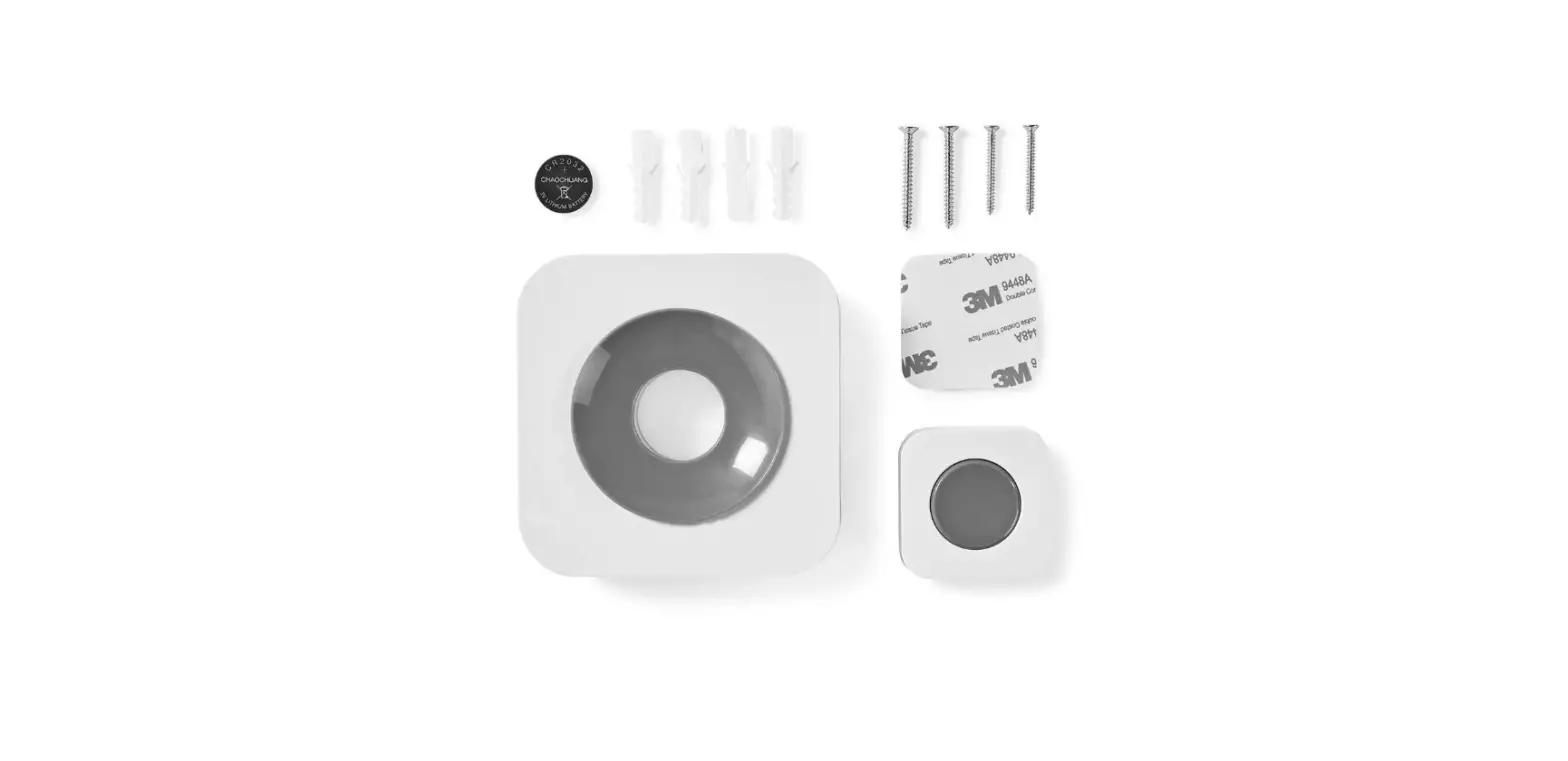
Package
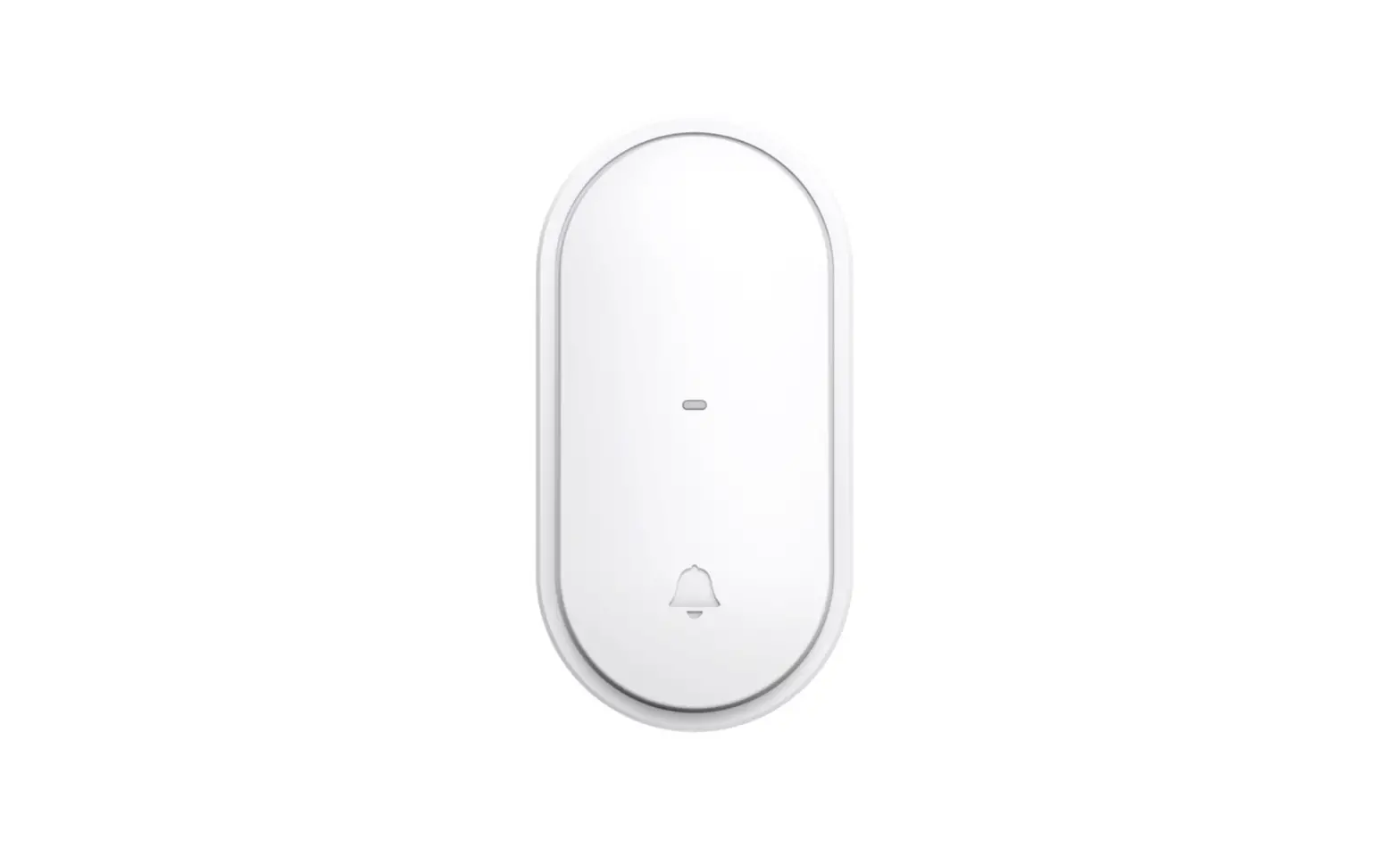
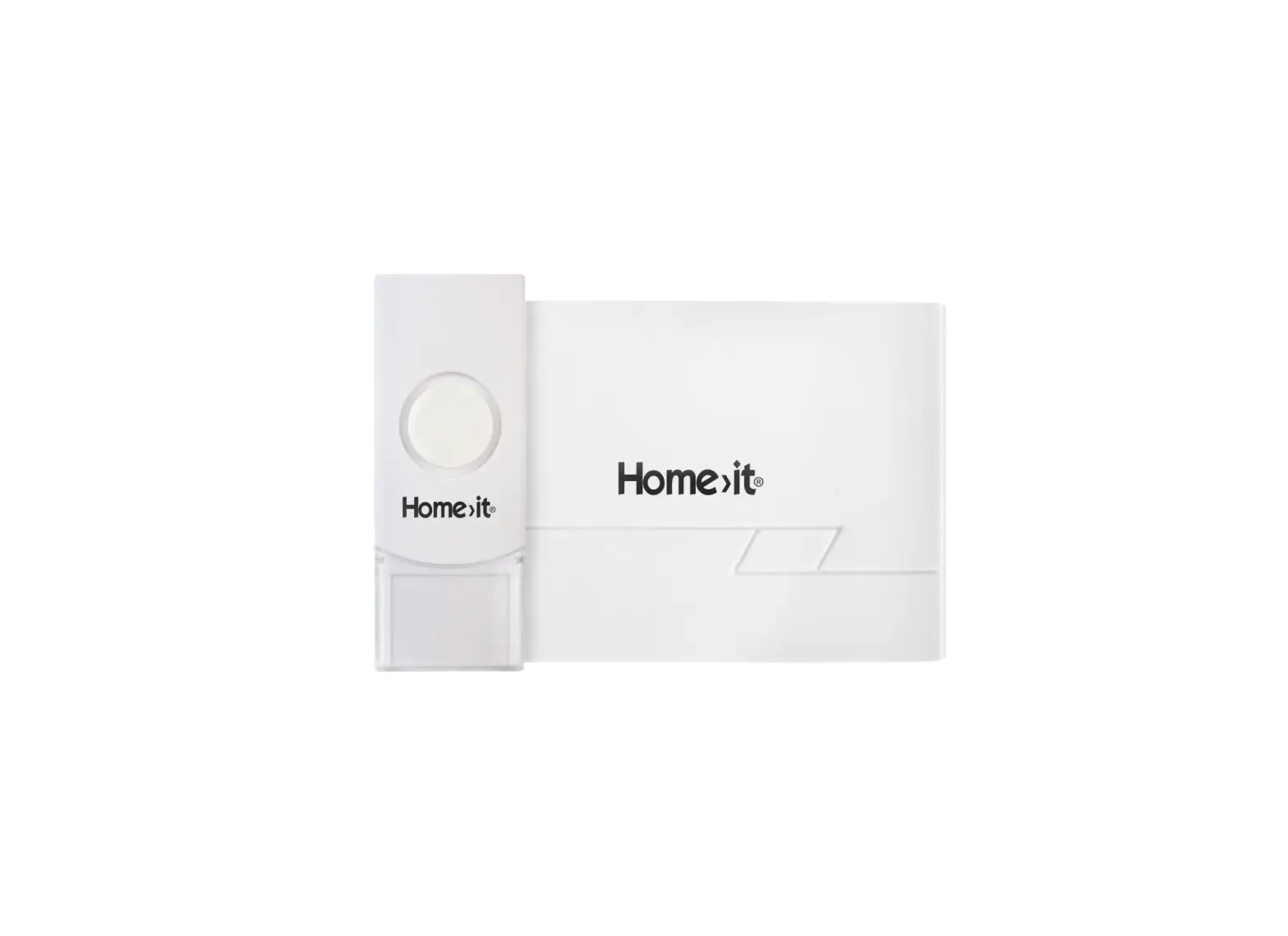
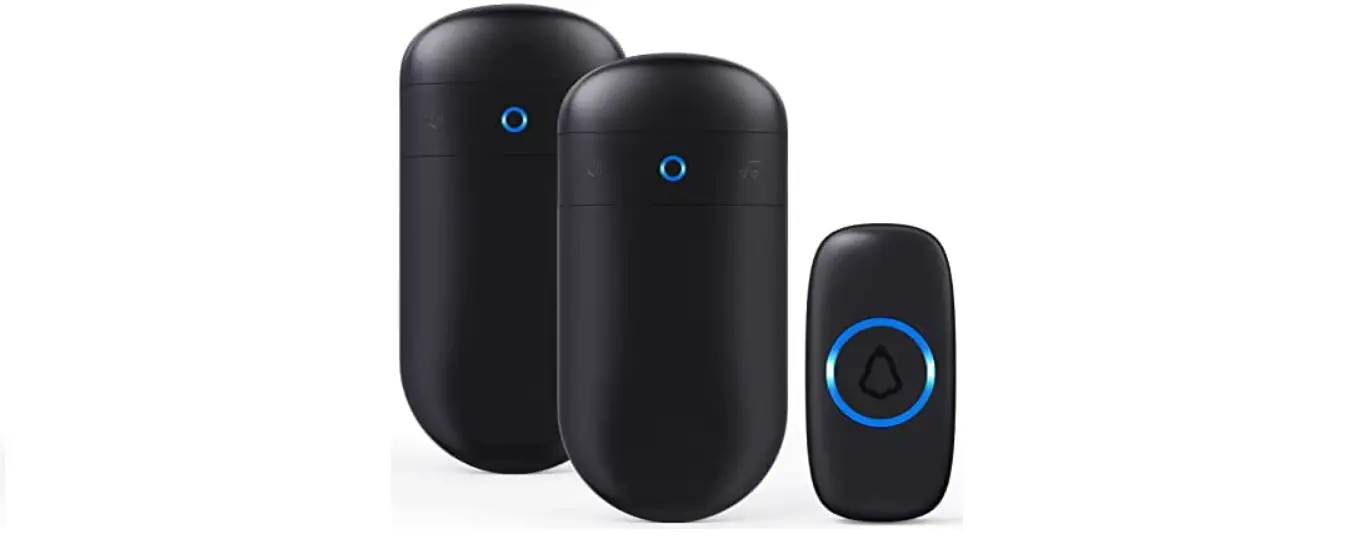
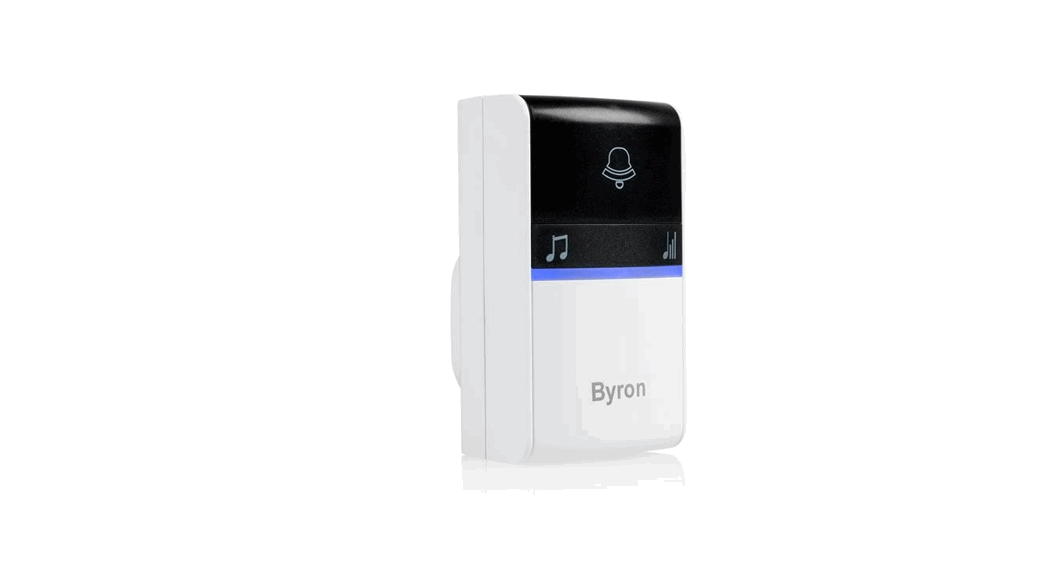
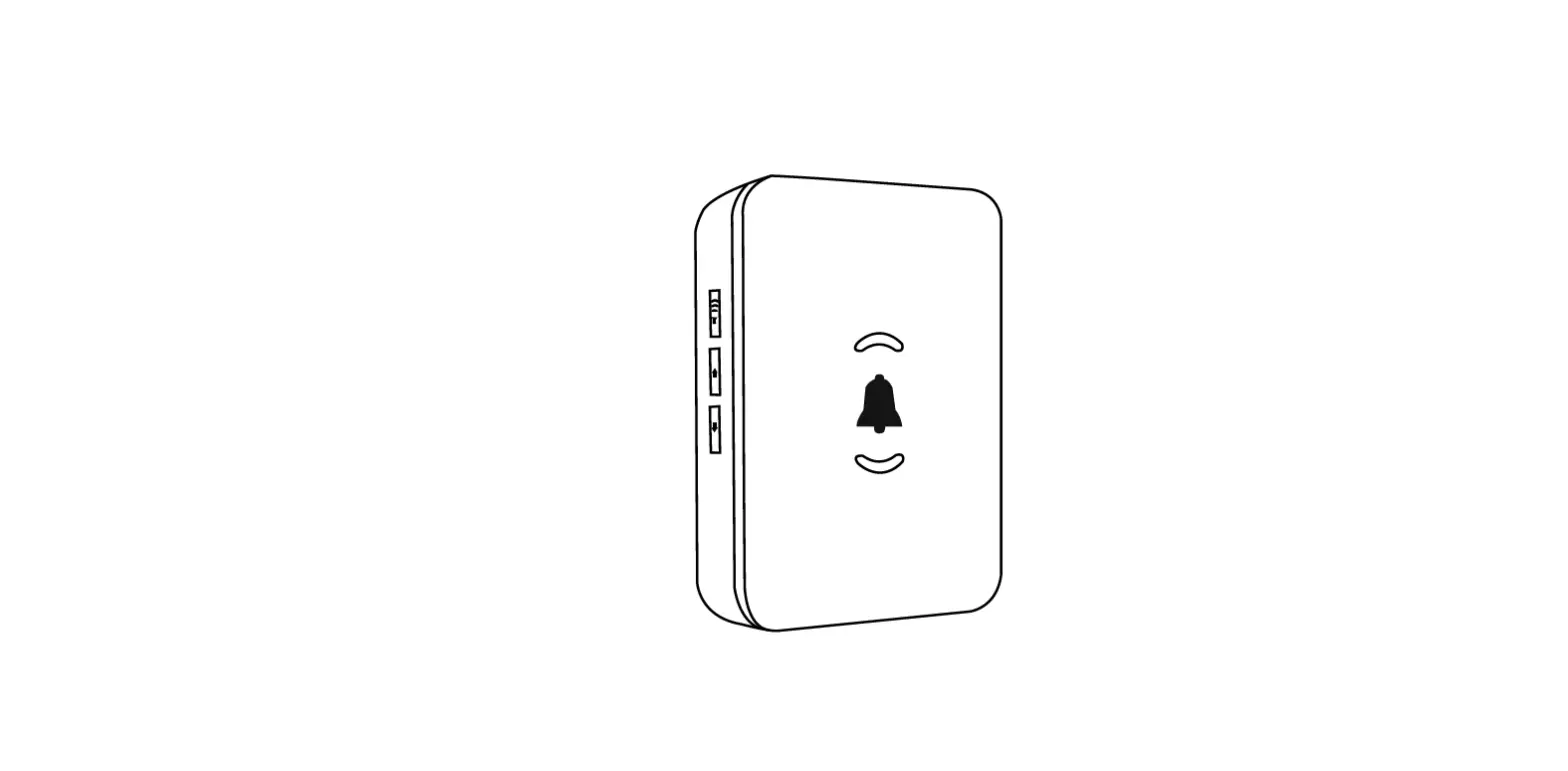
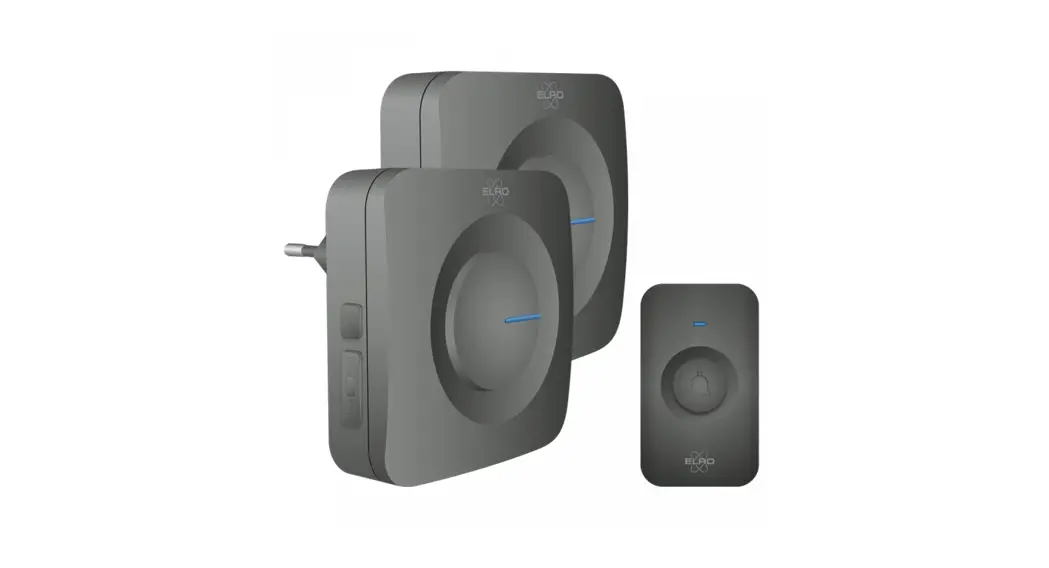
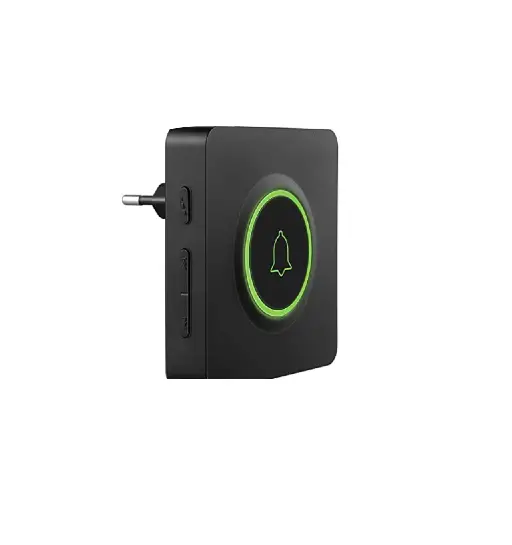
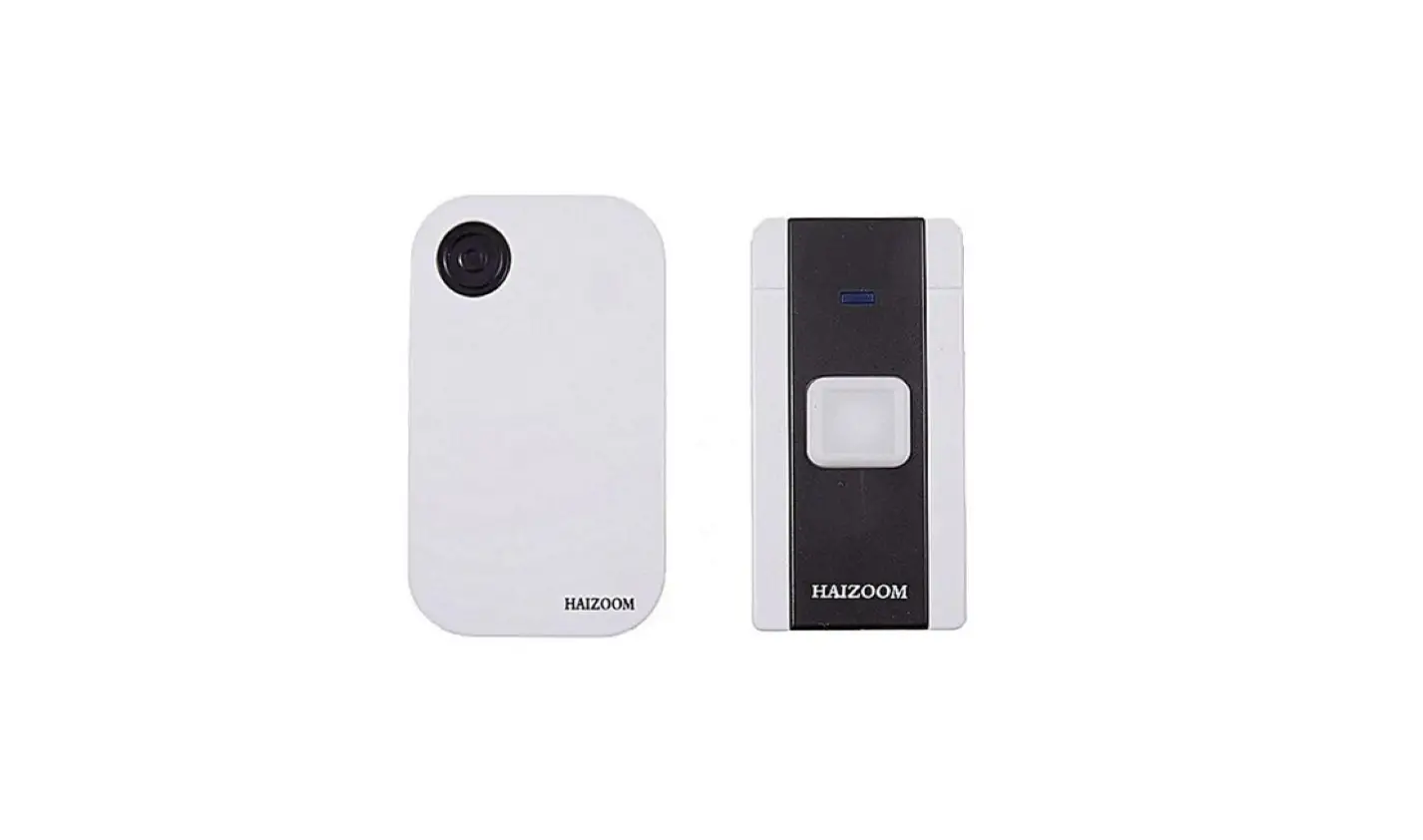
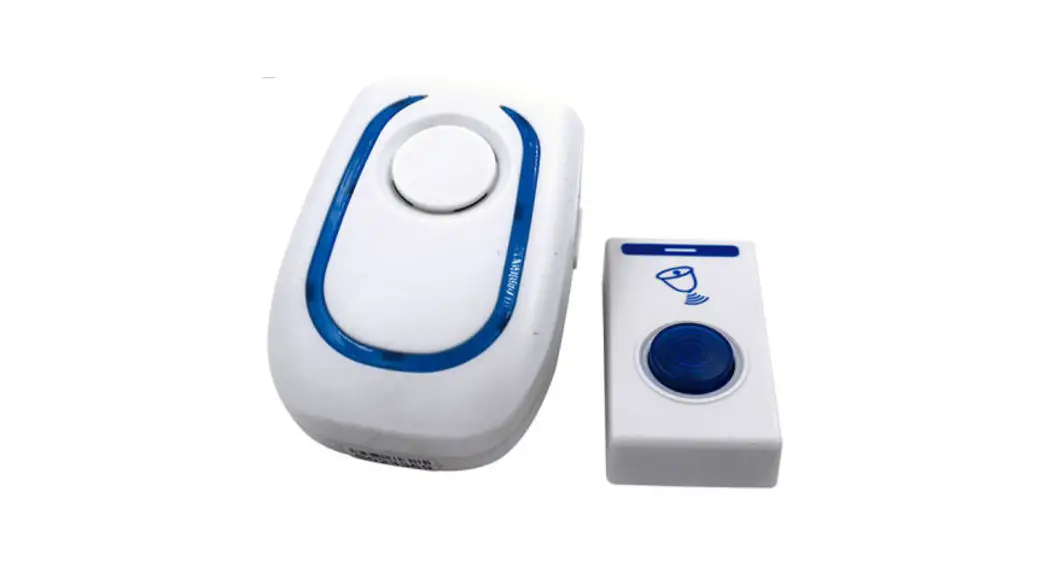
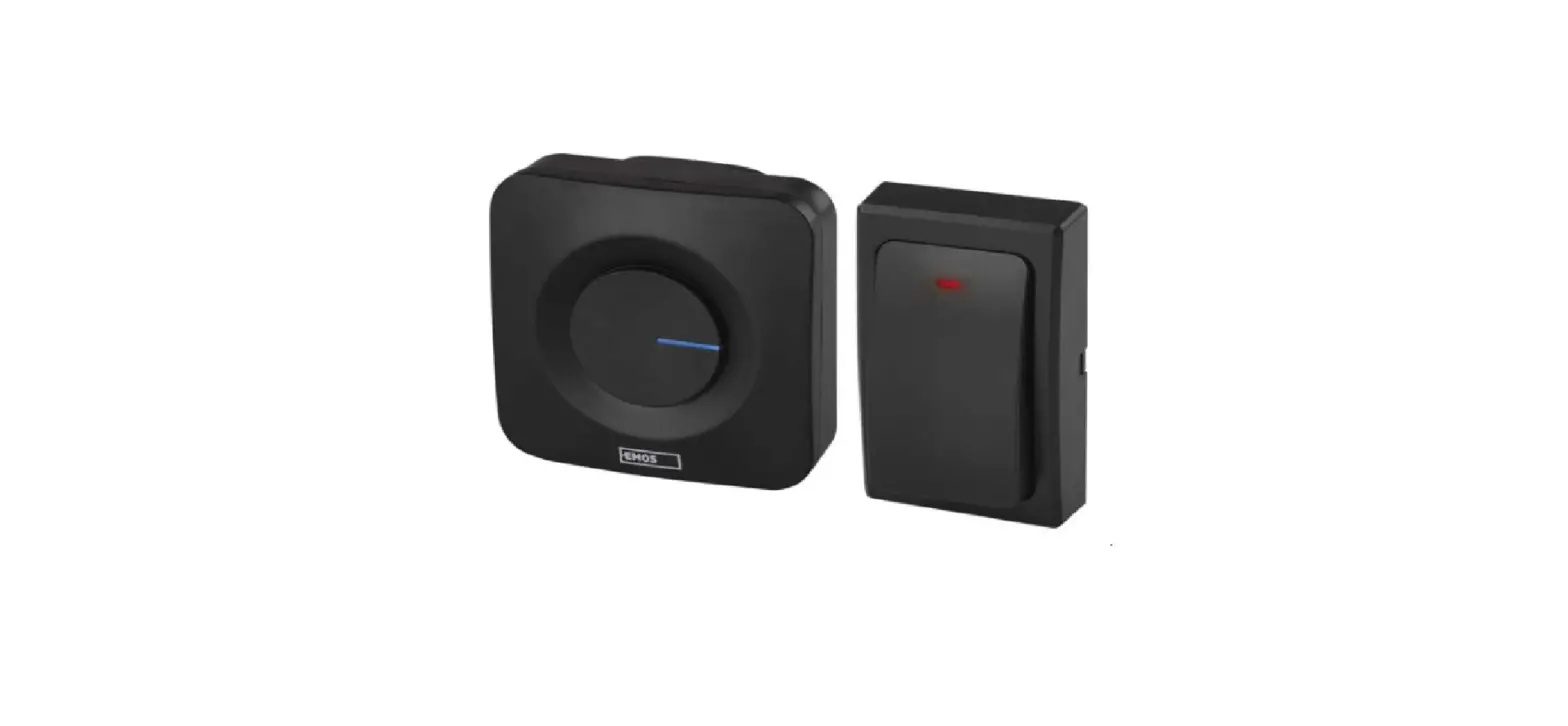
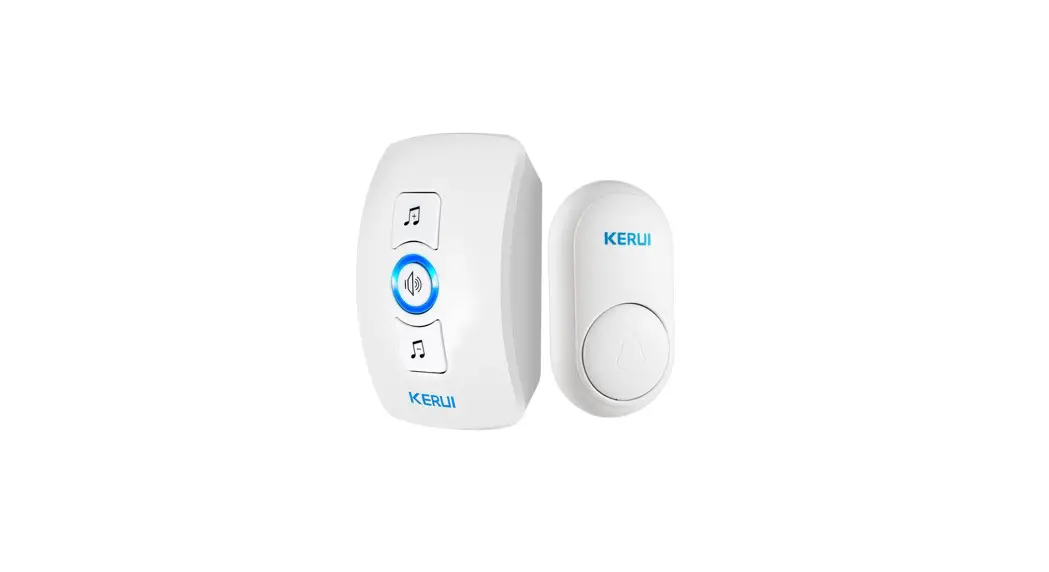
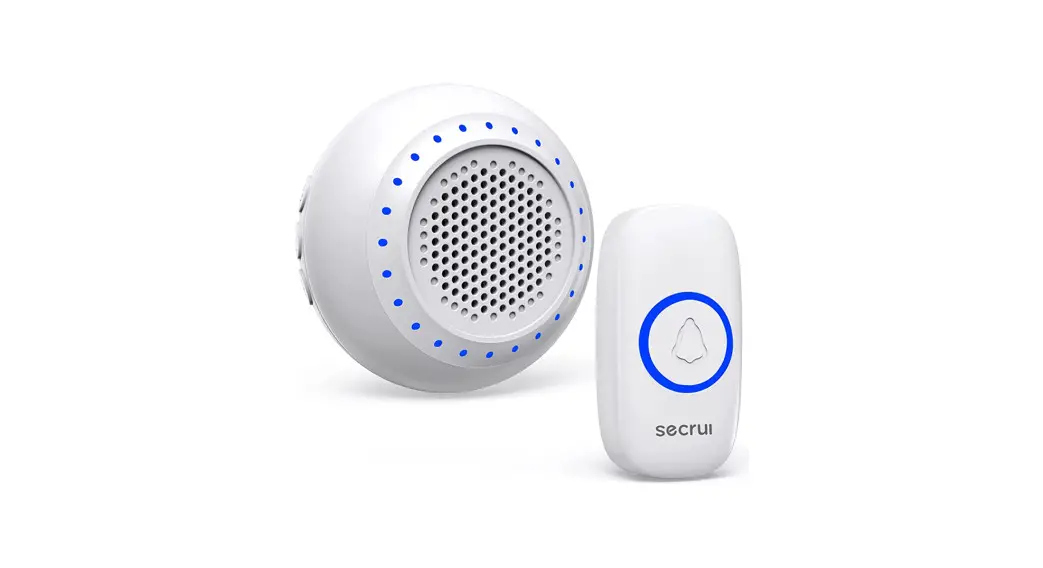
Doorbell receiver(s)
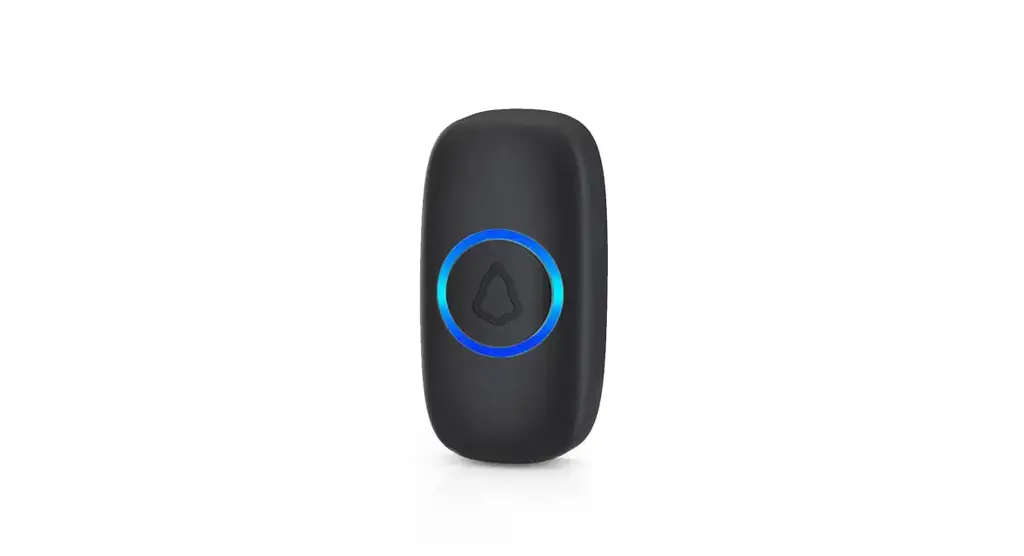
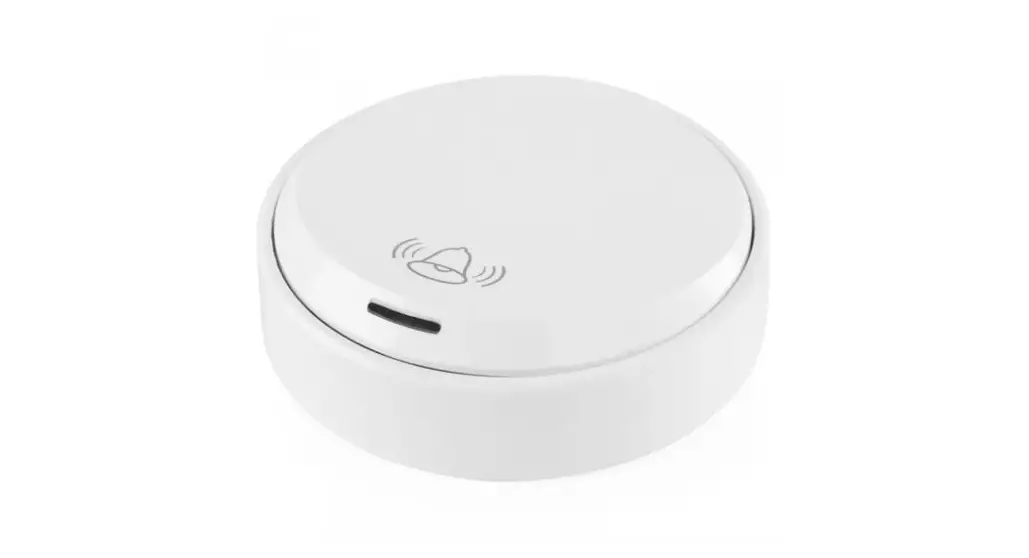
Transmitter button(s)
Double-sided adhesive tape( s)
Warranty card
Secrui Manual
Features
- 32 kinds of music optional
- Adjustable volume 5 level (including mute )
- Memory function and the voice for each boot is the last shutdown setting.
- Dazzling colorful lights
Chime Setting
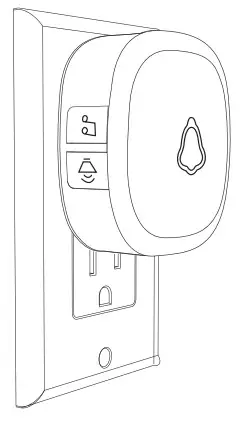
- Plug the doorbell into the AC outlet, and the doorbell host beeps once, The LED indicates that the color light
 ashes cyclically, indicating that the doorbell is powered on and working properly.
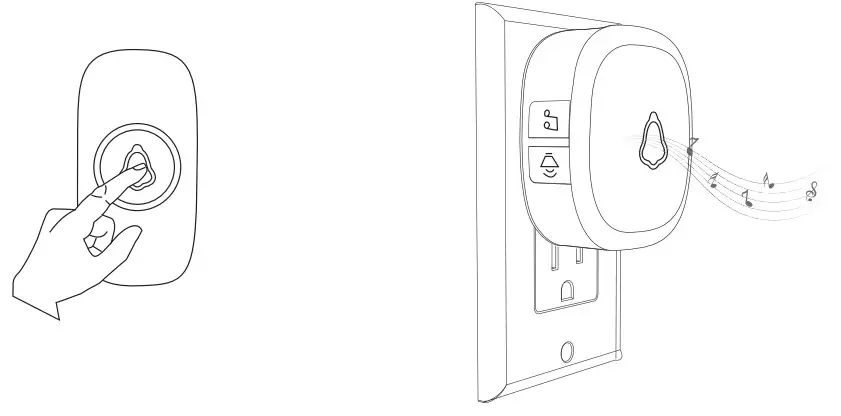
- Trig the doorbell.it play the voice means it is working normally.

- Trig the button. The doorbell has no r esponse, Please re-match the doorbell and button.
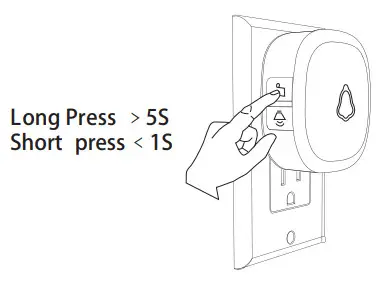
- Short press
 : Loop tones in sequence and play the current tones. Long press: Change tones loop direction.
Ordinary Doorbell and Butt on P airing
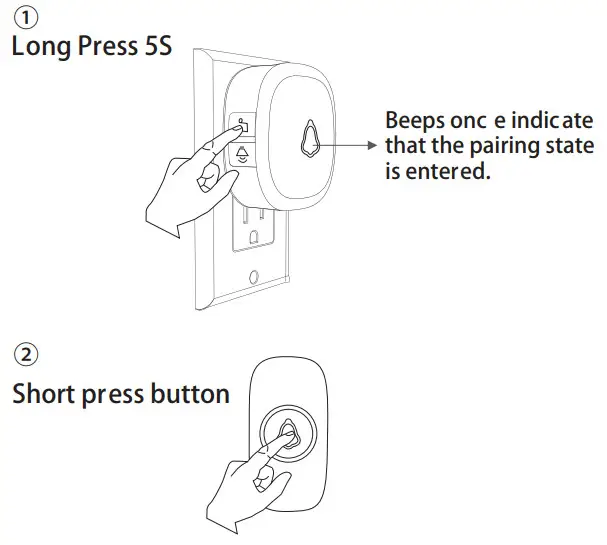
The doorbell will beep twice, then press the button again, the doorbell ashes once and beeps once .means, the match is done.
Note: if you need to pair other doorbel l buttons, please pair them in the same way.
Fixed Tone Setting
- Short press to select one tone, long-press the and

- the doorbell beeps once, indicating that the pairing state is entered. then press the button, the doorbell ashes once and beeps twice.
- Press the button, doorbell ashed once and beeps once, it is done.
Note:
When the doorbell is in a pairing state, short press any key on the doorbell receivers or leave it 20sec ones without any operation, the doorbell will exit the pairing state.
Doorbell Volume Setting
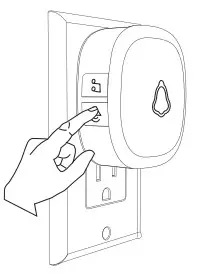
Press and hold the  key 1s: cycle to set the volume level ( the main unit will be powered o and then re-powered, the volume will be automatically adjusted to the maximum )
Tracks Return to The First Song
Press and hold the  button to power on, the doorbell host will turn on after beeps ve sounds, indicating that the doorbell host will restore the track to the rst song, and all the buttons are not deleted.
Total Clearance
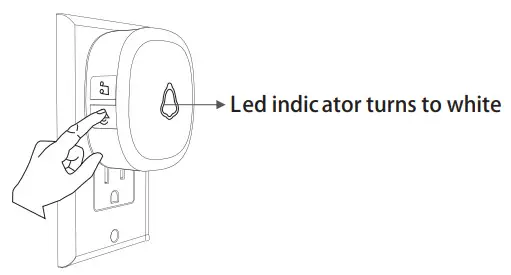
Press and hold the button to power on, the host “beeps, beeps… ” 10 sounds and the LED white light ashes 10 times quickly, indicating that all accessories are deleted, and the doorbell host
returns to the f actory settings.
Technical Parameters
- Working voltage: 100~240V 50 ~60Hz AC
- Standby current: <3mA (220V AC)
- Working current: <11mA (220V AC)
- Wireless fr equency: 433MHZ
- Wireless distanc e: 150m ( in open air )
FCC Statement
This equipment has been tested and found to comply with the limits for a Class B digital device, pursuant to part 15 of the FCC rules. These limits are designed to provide reasonable protection against harmful interference in a residential installation. This equipment generates, uses, and can radiate radio frequency energy and, if not installed and used in accordance with the instructions, may cause harmful interference to radio communications. However, there is no guarantee that interference will not occur in a particular installation. If this equipment does cause harmful interference to
radio or television reception, which can be determined by turning the equipment off and on, the user is encouraged to try to correct the interference by one or more of the following measures:
- Reorient or relocate the receiving antenna.
- Increase the separation between the equipment and receiver.
- Connect the equipment into an outlet on a circuit different from that to which the receiver is connected.
- Consult the dealer or an experienced radio/TV technician for help.
To assure continued compliance, any changes or modifications not expressly approved by the party.
Responsible for compliance could void the user’s authority to operate this equipment. (Example- use only shielded interface cables when connecting to computer or peripheral devices).
This equipment complies with Part 15 of the FCC Rules. Operation is subject to the following two conditions:
(1) This device may not cause harmful interference, and
(2) This device must accept any interference received, including interference that may cause undesired operation.
RF warning statement:
The device has been evaluated to meet general RF exposure requirement.
The device can be used in portable exposure condition without restriction.