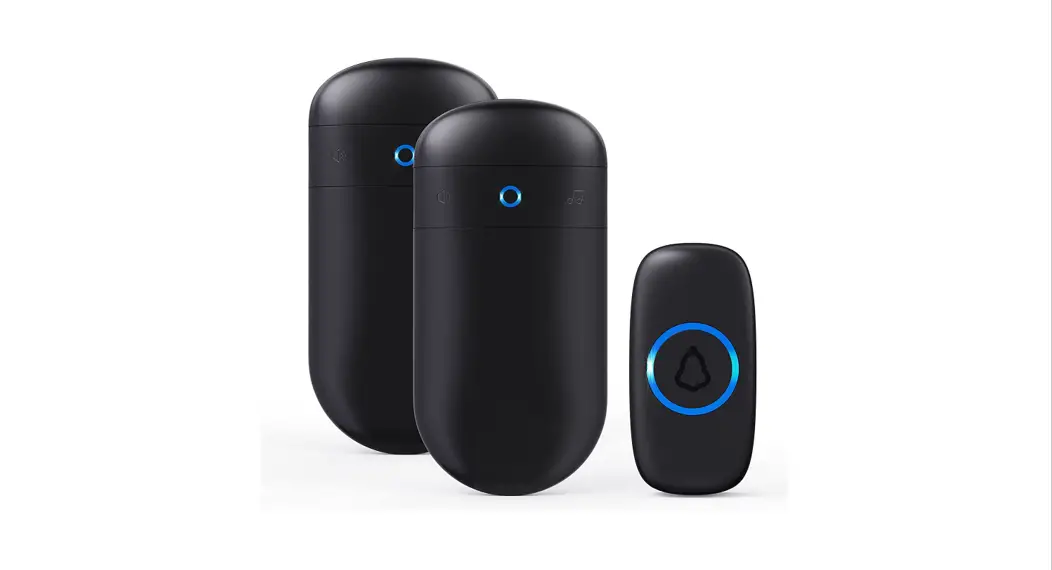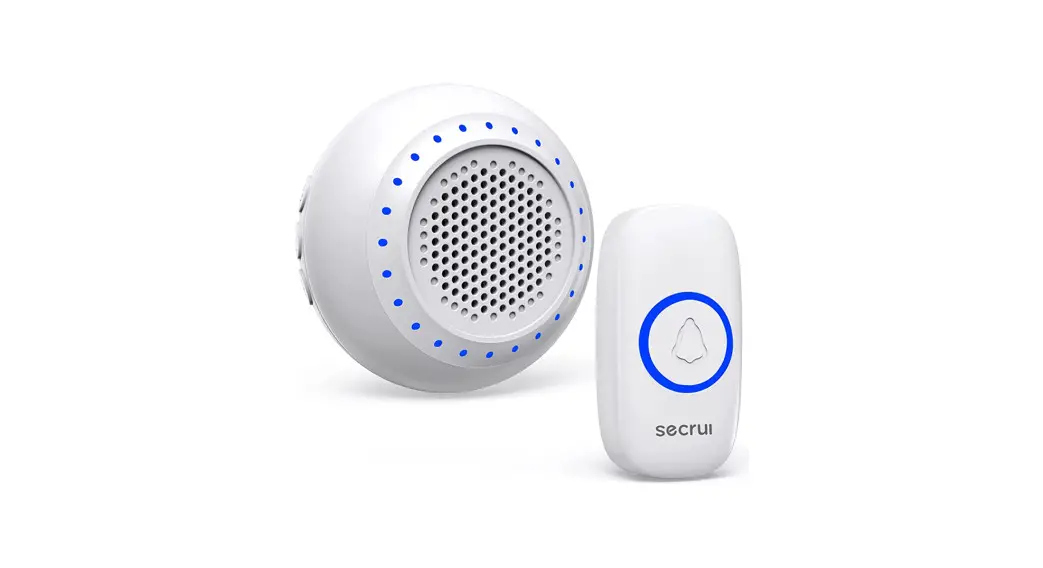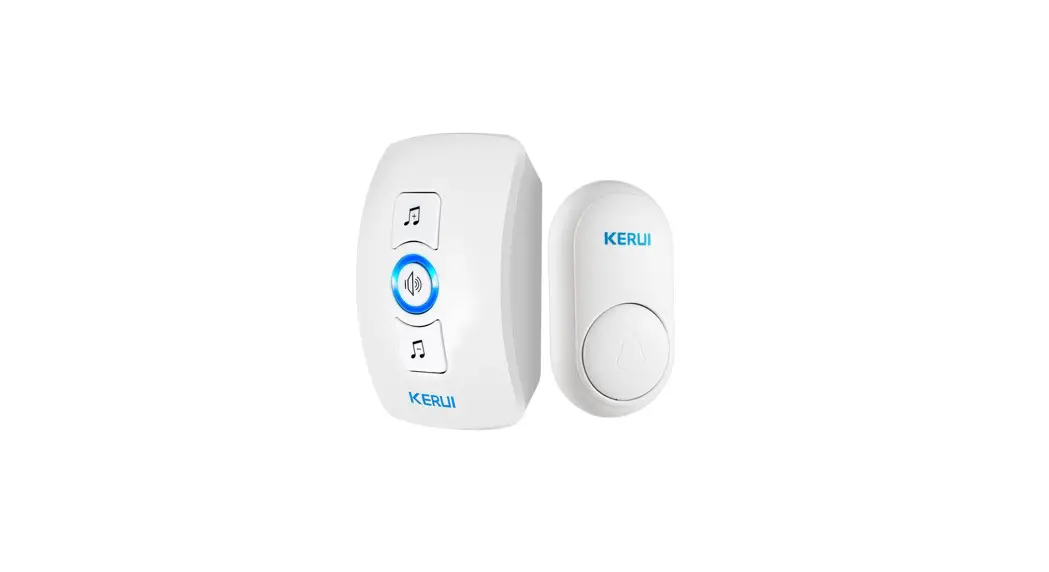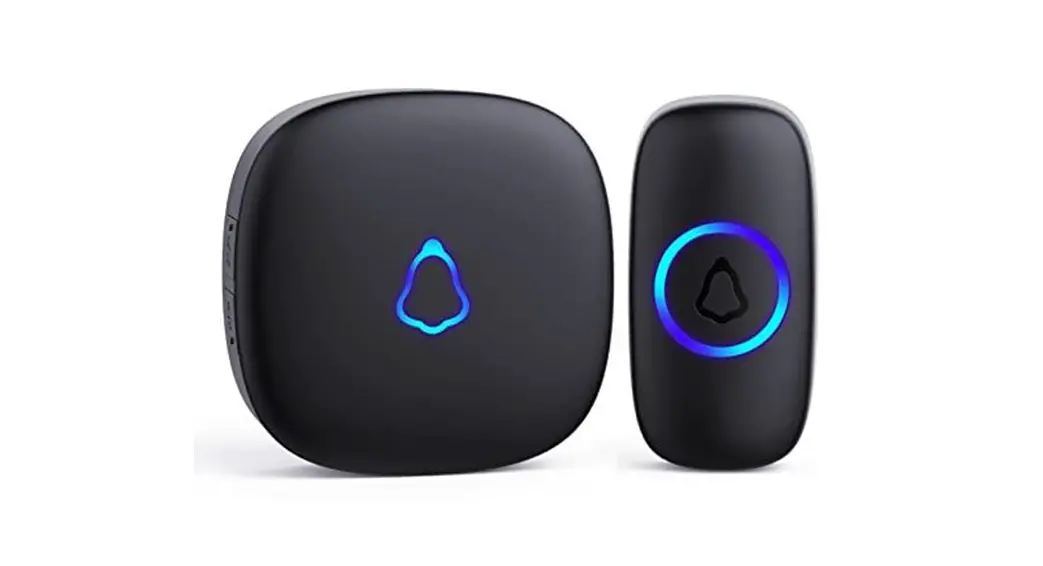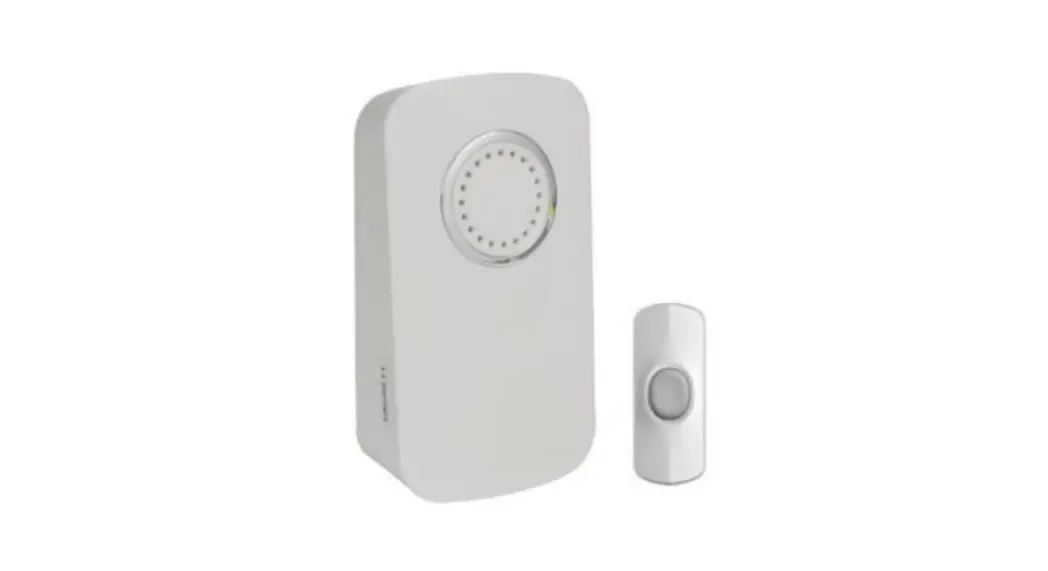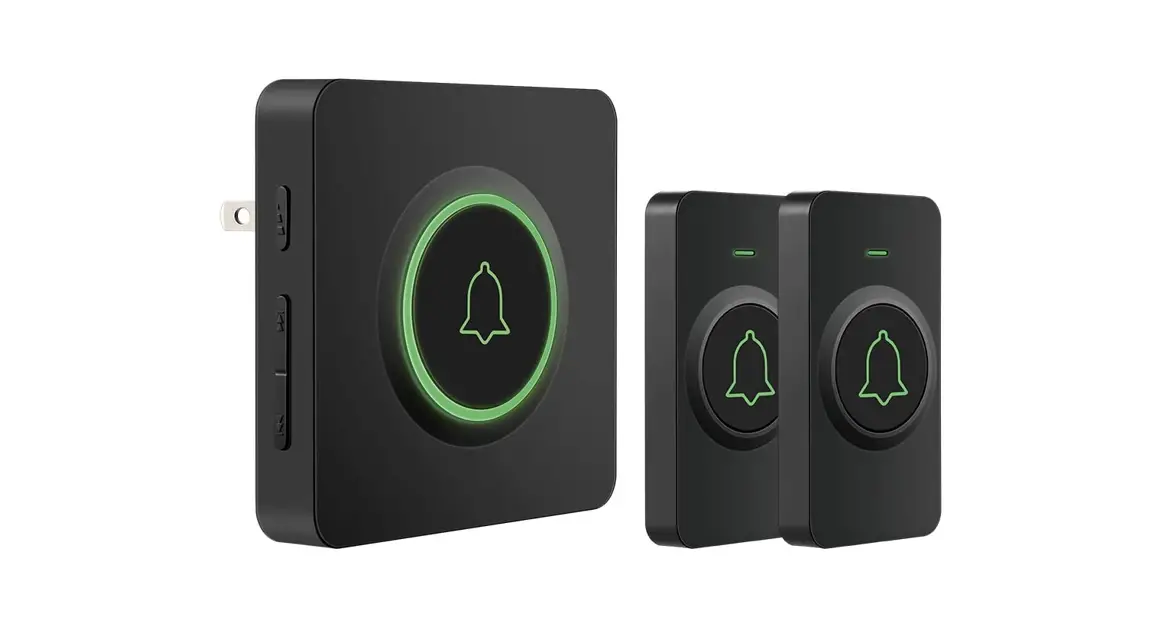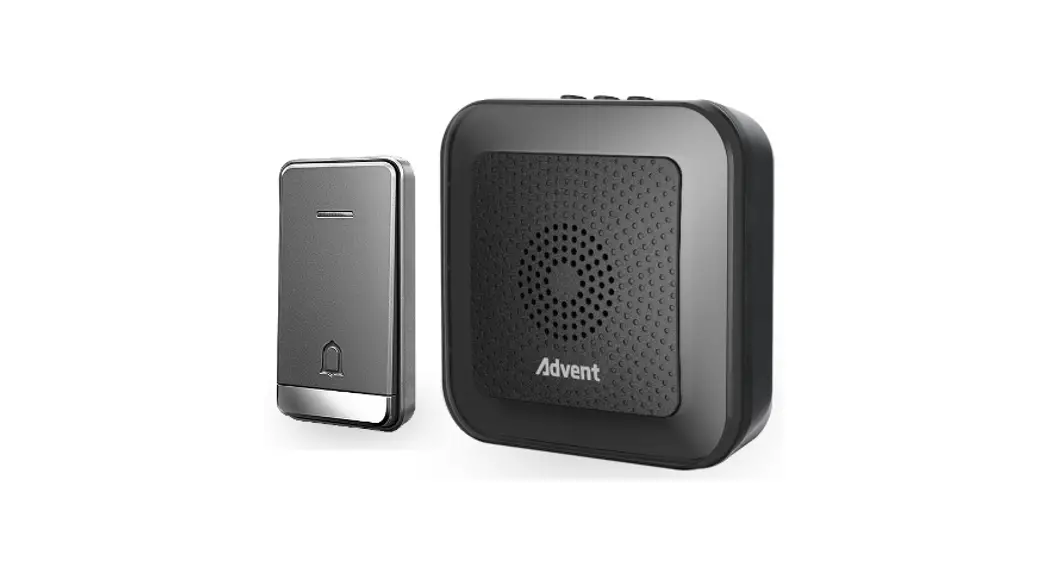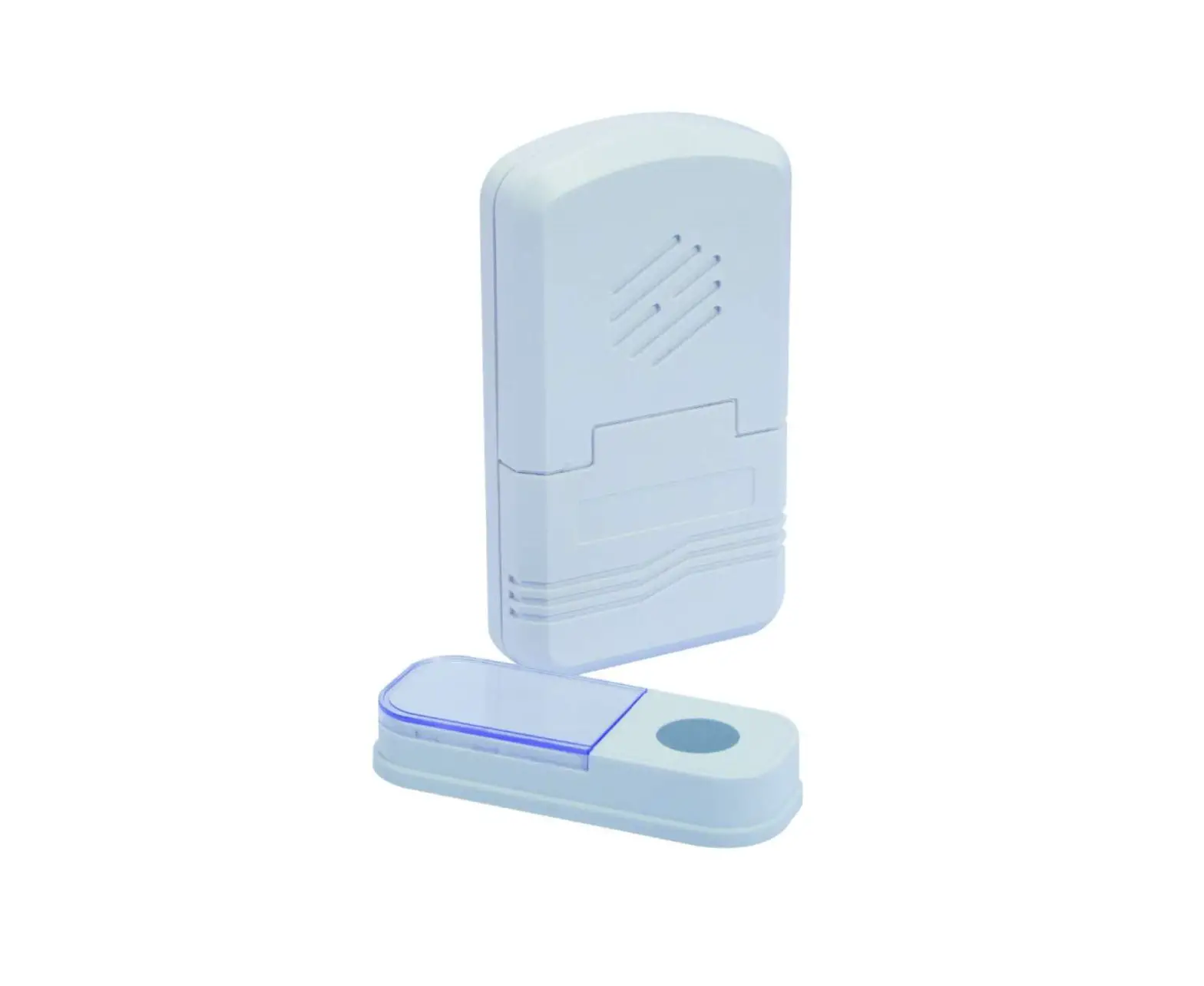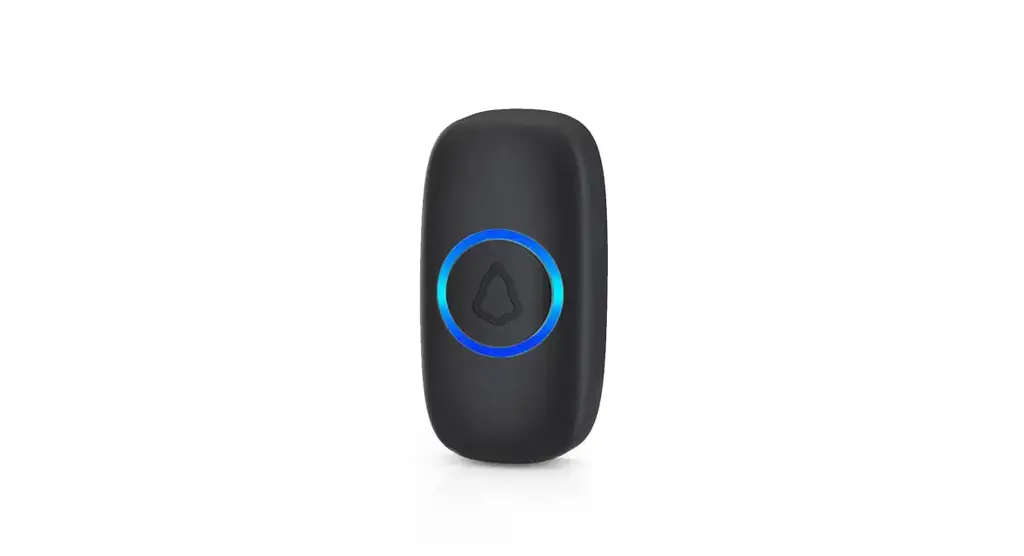
 M520+F55 Wireless Doorbell
User Manual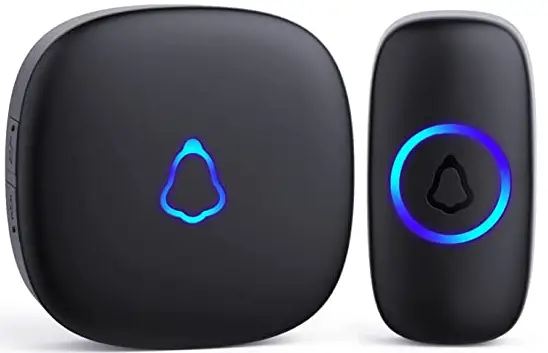
Content
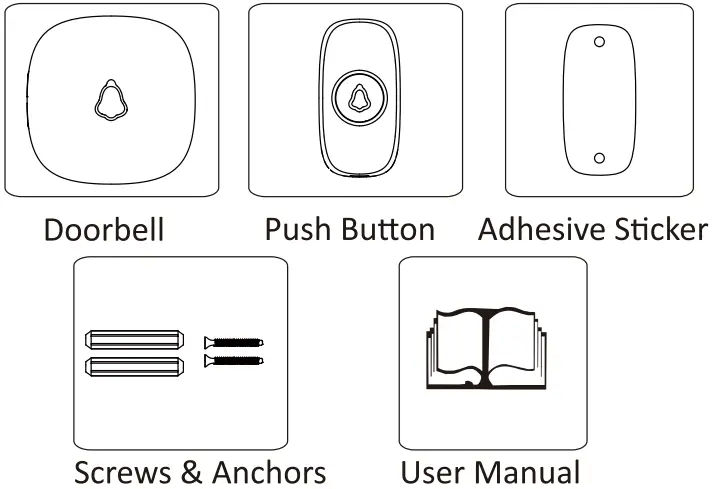
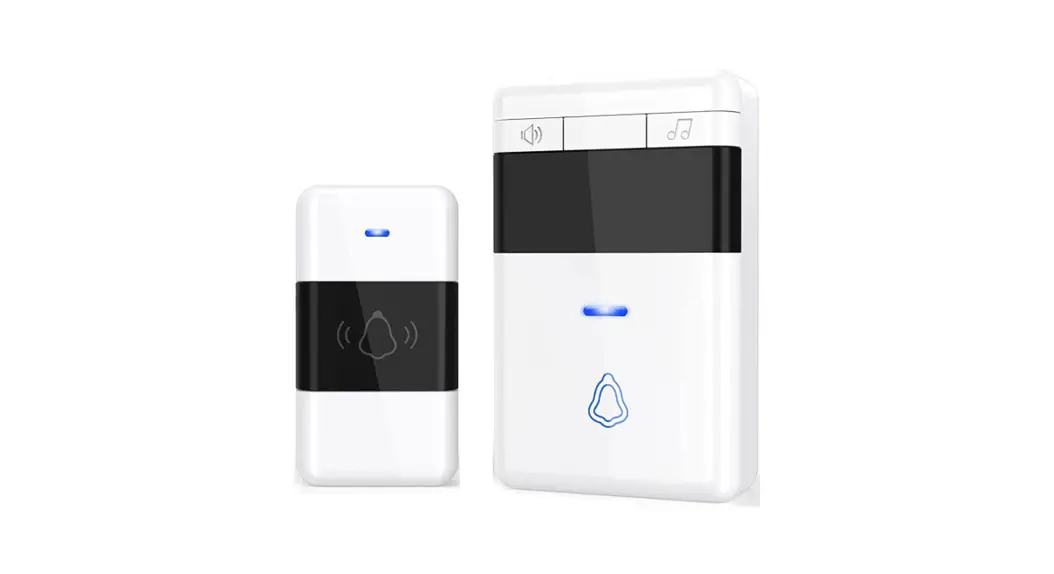
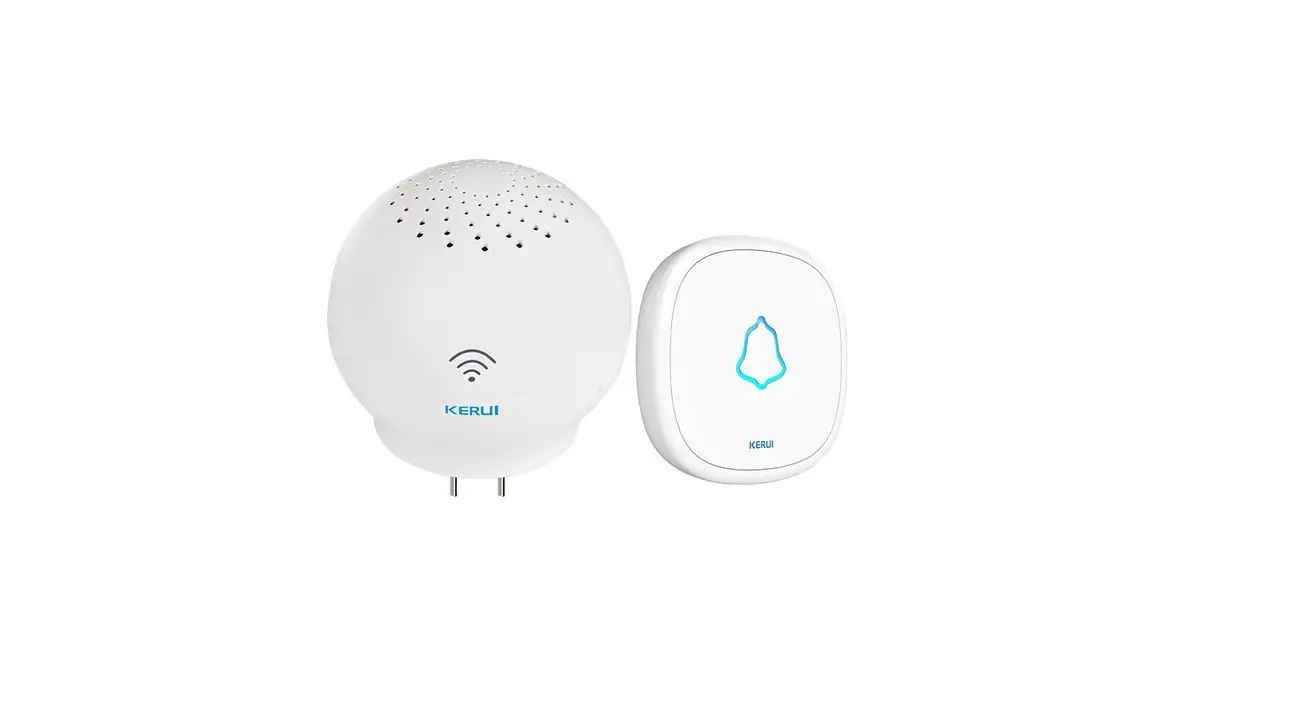
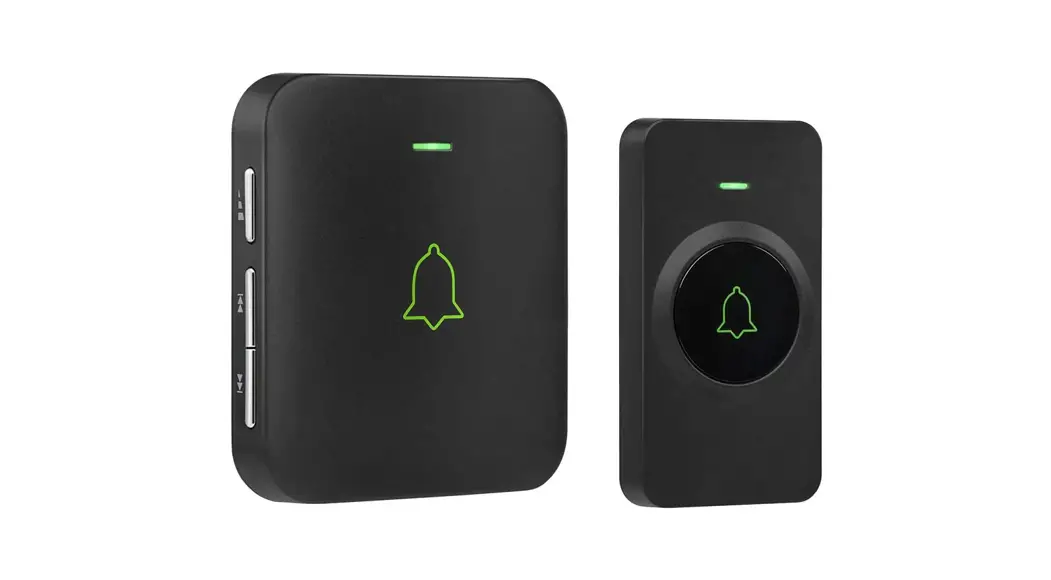
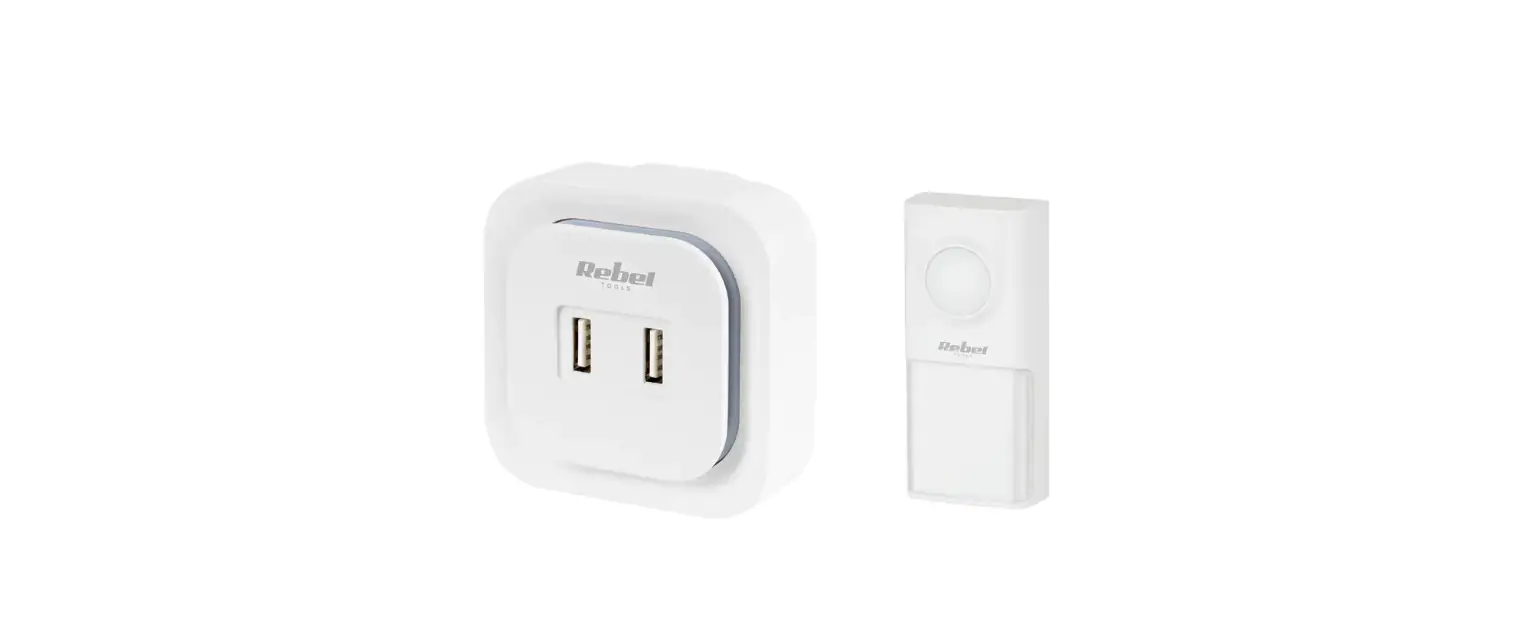
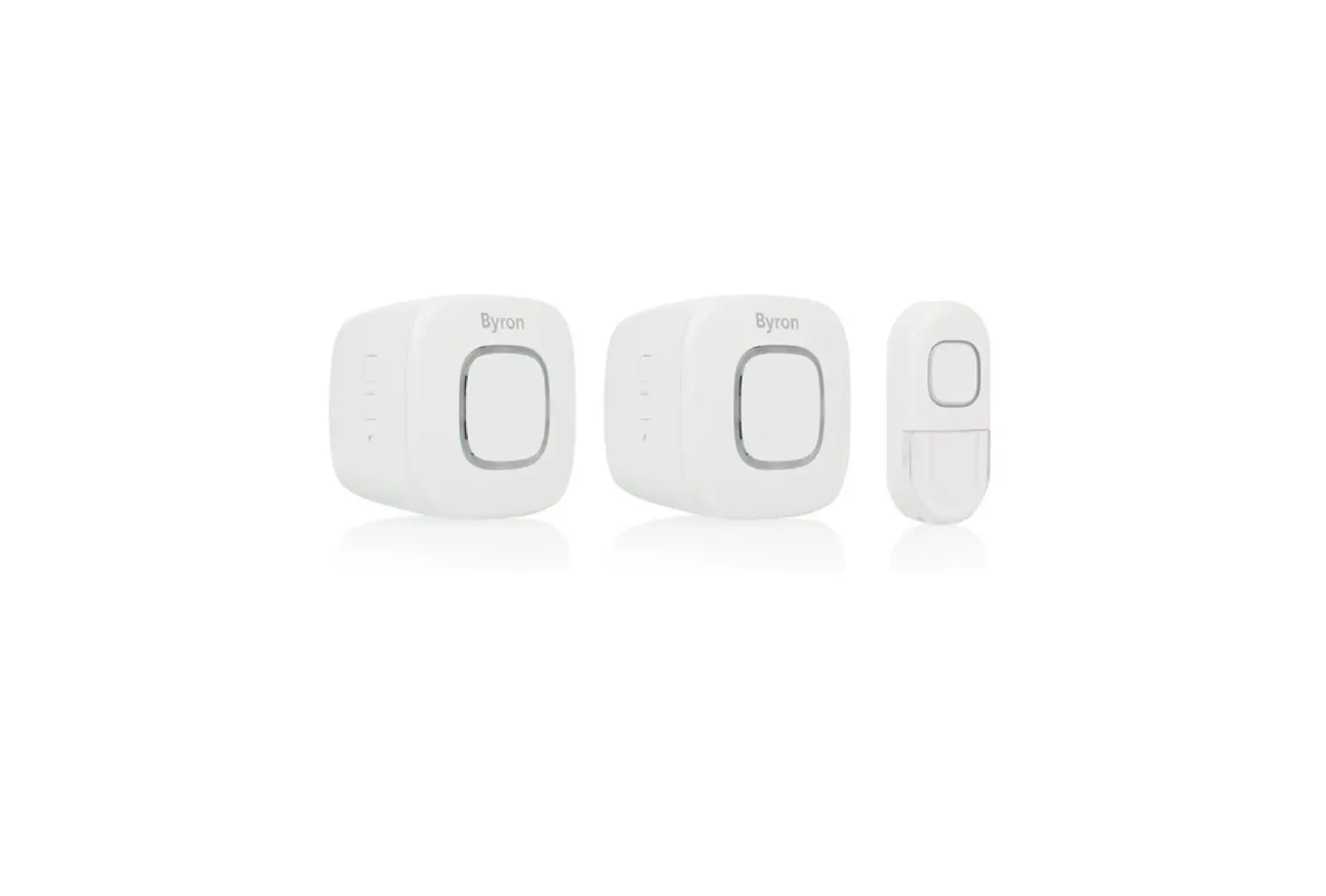
Content will vary according to your kit
The push button supplied with this kit is pre-programmed to operate with the doorbell. If it is not, see “Connect a Push Button” on page 5
Safety
 Before proceeding with the installation, please note the following safety warnings:
- Always follow the manufacturer’s advice when using power tools and wear suitable protective equipment (e.g. safety goggles) when drilling holes, etc.
- Before drilling holes in walls, check for hidden electricity cables and water pipes. The use of a cable/pipe locator is advisable if in doubt.
What You Should Know Before Installation
- Test the operating range you desire. Choose an electric outlet at a height of 3.3 feet at least and plug in the receiver and take the button outside the door to test if it can work well within the range you have chosen.
- Set the desired music (different or the same one) for transmitters before installation. For music settings, see Operating Instructions. Doorbells have been paired and set to a default chime (Ding Dong) before leaving the factory. 7
- Please do not install a transmitter on metal doors since it is hard for the signal to transmit.
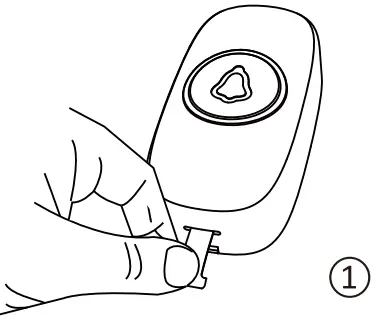
- Please take out the battery insulating strip before using it. ((As picture C))
- Ensure all surfaces are clean by wiping the installation area with a clean cloth. Please note that the sticker will have poor adhesion if you attach it to a dirty or uneven surface. Sunlight or rain will also affect the adhesion over a longer period of time.

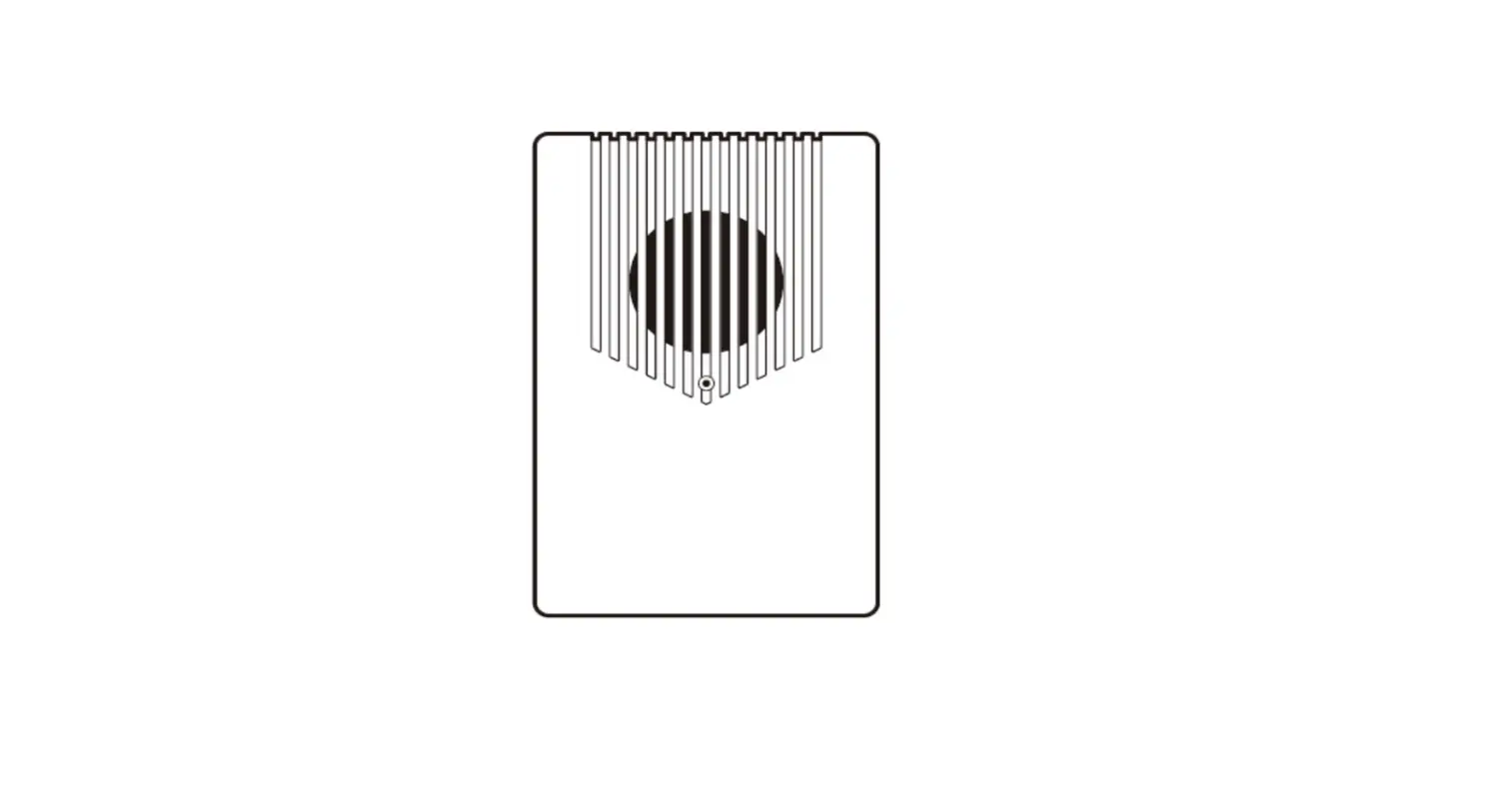
Product Structure Diag
AC Powered Receiver
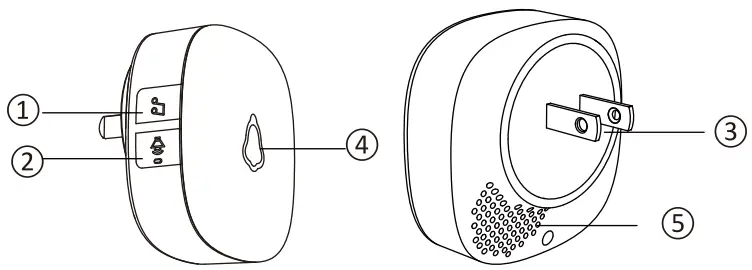
- Music Control
- Volume Control
- Plug
- LED light
- Speaker
Waterproof Transmitter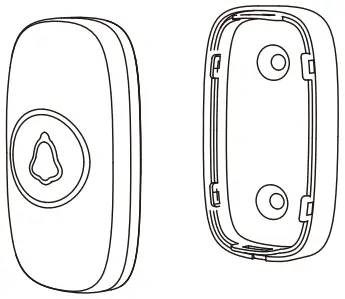
Set Up and Operation
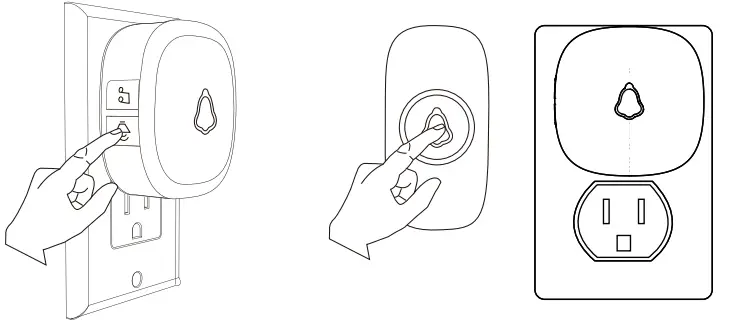
Press the push button to test whether It is paired with the doorbell The doorbell will light up and ring. If it does not, see “Connect a Push Button” on page 5.
- Adjust the Volume
Press the 1s. (when the power is cut off, and power is restored again, the volume will be automatically adjusted to maximum)
 - Change the Tune
Press the 1s: Loop tones in sequence and play the current tones.
Long press 5s : Change tones loop direction.
Press and hold the to power on: The doorbell receiver will turn on after beeping ten times, indicating that the doorbell receiver will restore the track to the first song, and all the buttons are not deleted.
- Connect a Push Button
You can connect up to 20 accessories to your doorbell, including other push buttons, window or door opening sensors, and motion sensors.
(1). VARIABLE – Tone Pairing
1. Plug in the receiver, pressing and holding the on the receiver for 5s, and the receiver will beep once, which means the receiver gets into pairing mode.
2. Press the push button, and the receiver will beep twice with LED indicator flashes.
3. Press the push-button again, and the receiver will beep once with LED indicator flashes, which means the pairing is successful.
4. Short press or leave it 20s without any operation, and the doorbell will exit the pairing mode.1. Long press 5s 2. Press Beeps twice, Flashes 1s 
3. Press Beeps once, Flashes 1s 4. Short press 
Adding the additional push buttons or receivers please according to the above steps.
(2). FIXED – Tone Pairing (only play your saved tone)
1. Select a tone that you like
2. Pressing and holding the & button for about Ss until the receiver beeps once, which means the receiver gets into pairing mode.
3. Press the push button once, and the receiver will beep twice with LED indicator flashes ls.
4. Press the push button once again, and the receiver will beep once with LED indicator flashes ls, which means the pairing is successful.
5. Short press or leave it 20s without any operation, the doorbell will exit the pairing mode.1. Select Music 2. & Press 5-7s
3. Press Beeps twice, Flashes 1s 4. Press Beeps once, Flashes 1s 5. Short press, done. 
Adding the additional buttons/receivers please according to the above steps.
Note: Pair and set only one transmitter at a time to avoid interference and ensure successful operation. - Reset (Clearing out Settings)
To return all settings to their default settings Hold down and plug It into an outlet. After playing the beep 10 times, all settings will return to factory defaults.
Hold down and Plugin
 1s. (when the power is cut off, and power is restored again, the volume will be automatically adjusted to maximum)
 1s: Loop tones in sequence and play the current tones.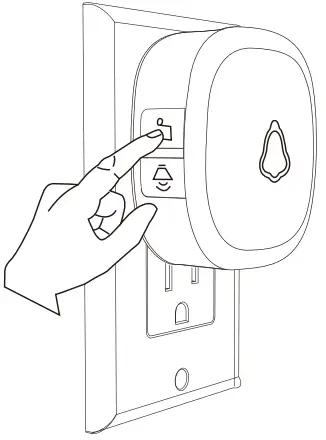
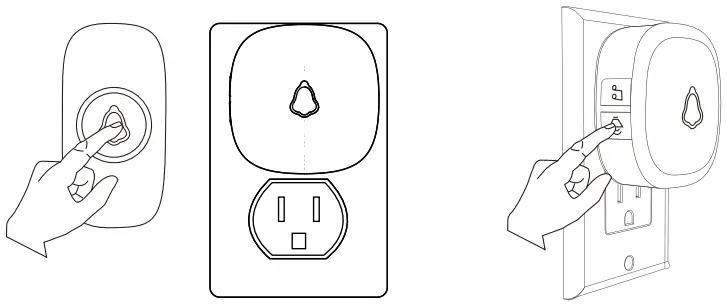
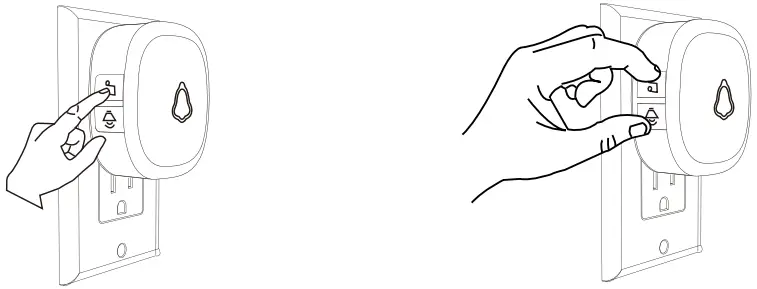
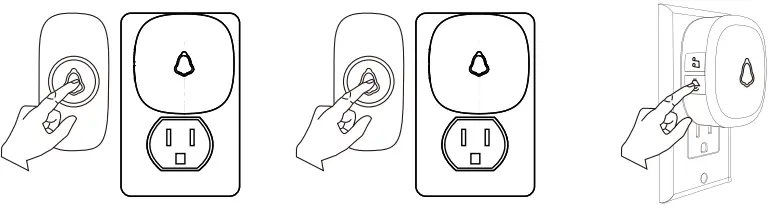
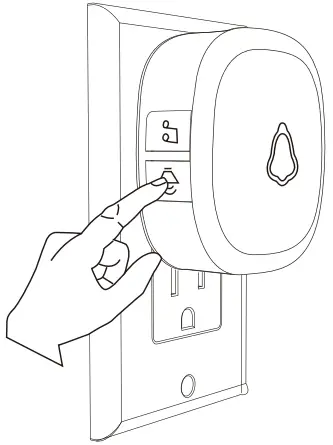
Installation
Choose a location that Is not near a heat source or on something that moves (like a door). For non-mounting locations, choose a place where the doorbell will be easy to see and hear.
- For Receiver:
Plug-in receiver: Just plug the receiver into the standard outlet in the room. - For Push button:
IMPORTANT:
Before installation, please test if the operating range you choose is working and set music if needed. Before you drill any holes in the wall, please make sure there are no cables or pipes.
To install you will require a drill and cross-head-ed screwdriver.
- Open the Transmitter with a screwdriver and separate the front cover from the back cover. Penetrate the two standby holes at the back cover with two screws. Then fix the screws on the wall at a suitable height.

- Or you can stick the Transmitter with double-sided adhesive tape.
 If you are not mounting the push button to the wall, place it where you want it.
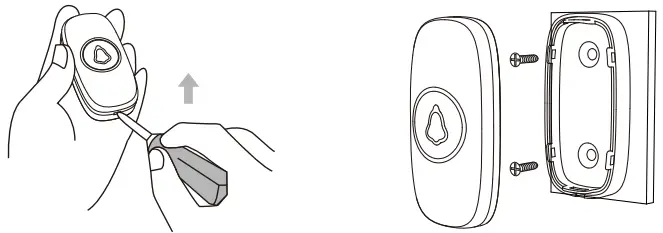
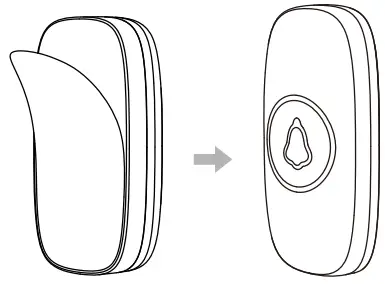 If you are not mounting the push button to the wall, place it where you want it.
Chimes List
| Number | Song Name |
| 1 | Dingdong-1 |
| 2 | Dingdong-2 |
| 3 | Dingdong-3 |
| 4 | Scale 1351 |
| 5 | Scale i531 |
| 6 | Dingdong-4 |
| 7 | Dingdong-5 |
| 8 | Dingdong-6 |
| 9 | Dingdong-7 |
| 10 | Dingdong-8 |
| 11 | Bell-1 |
| 12 | Bell-2 |
| 13 | Bell-3 |
| 14 | Bell-4 |
| 15 | Dingdong-9 |
| 16 | Dingdong-10 |
| 17 | take me out to the ball game |
| 18 | A Comme amour |
| Number | Song Name |
| 19 | Susanna |
| 20 | Symphony No.40 in minor |
| 21 | Serenade for strings in G major |
| 22 | Love story |
| 23 | Doraemon |
| 24 | Ten little Indians |
| 25 | Nutcracker two |
| 26 | Fast Ding Dong Ding Dong |
| 27 | Violin Concerto – spring |
| 28 | Four little swans |
| 29 | Serenade |
| 30 | Minuet |
| 31 | To Alice |
| 32 | Auld Lang Syne |
| 33 | Carman Overture |
| 34 | Bach Minuet |
| 35 | Turkey March |
| 36 | Music 01 |
| 37 | Nokia classic ringtones |
| 38 | Radetzky march |
| Number | Song Name |
| 39 | Scale 1351 1531 |
| 40 | Ringing tone |
| 41 | Romeo and Juliet |
| 42 | Kung Fu episode |
| 43 | Violin Concerto No.1 |
| 44 | Drinking song – Camellia girl |
| 45 | kiss the rain |
| 46 | Irish thrush |
| 47 | Lake Baikal |
| 48 | Cannon |
| 49 | Romance in the rain |
| 50 | Titanic |
| 51 | Scale 5351 |
| 52 | Romance of love |
| 53 | Tetris |
| 54 | Yesenia |
| 55 | mermaid |
| 56 | Merry Christmas |
| 57 | Scarborough fair |
| 58 | Music box of love |
Battery Replacement of Push Button
Open the battery cover and install the CR2032 battery.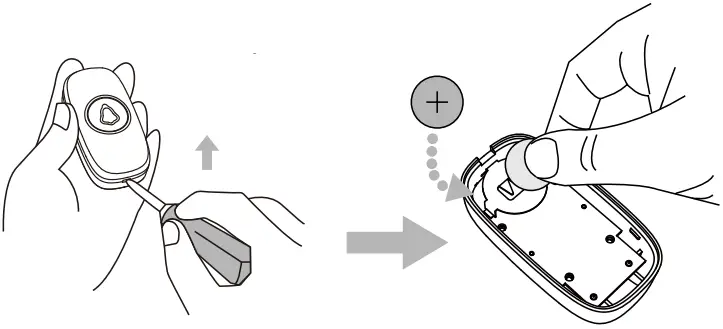
Specifications
| Doorbell | Push Button | |
| Operating Temperature | -4°F to 140°F | -4°F to 140°F |
| Radio Frequency | 433 MHz | 433 MHz |
| Range (open field) | 1,000 ft | 1,000 ft |
| Sound Level (typical) | 0-120 dB | _ |
| Battery Type | Plugin | CR2032 |
| Battery Life (5 activations/day) | Up to 5 years | Up to 3 years |
| Rain Proof | N/A | IP55 |
Troubleshooting
| If | Then |
| The doorbell does not work | 1. The doorbell might be out of range; try the doorbell in a different location. |
| 2. Reconnect the doorbell. See “Connect a Push Button” on page 5. | |
| 3. Check all the batteries and replace them if needed. | |
| 4. Check if the LED on the transmitters is working when activated. | |
| 5. Check if the doorbell is muted Check that the transmitter is linked with the chime. | |
| Range is reduced | 1. Metal structures including uPVC door frames can reduce the range. Don’t mount the doorbell or doorbell push on or near metal structures. |
| 2. Move the doorbell closer to the doorbell push button. Weak batteries will reduce range. In cold conditions (below 5°C), batteries may need to be replaced more often. |
1-Year Limited Warranty
This product is warranted to the original purchaser only for a period of 1 year from the date of purchase for products damaged due to defects in workmanship and materials. Proof of purchase is required to obtain warranty service. The warranty is for replacement only. No service parts are available for these products. No other warranties are expressed or implied. Batteries are not covered under this warranty.
For warranty service, please contact SECRUI Customer Service by Email: [email protected]
IMPORTANT: PLEASE KEEP THESE INSTRUCTIONS FOR FUTURE REFERENCE WHEN REPLACING BATTERIES
FCC ID: 2AZI3-F55
Made In China