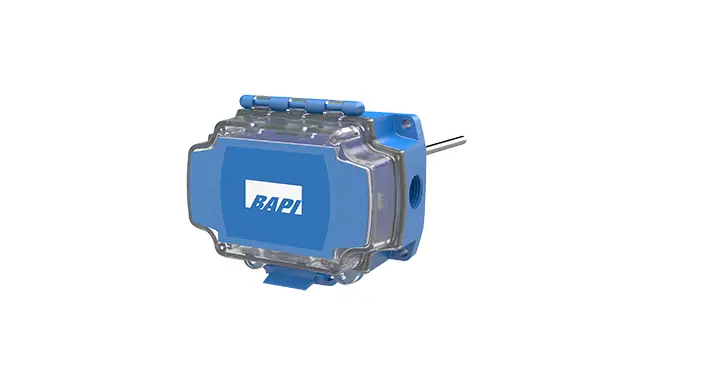
BAPI-Stat Quantum Slim Wireless Temperature or Temp-Humidity Sensor
Product Information: Product Name: BAPI-Stat Quantum Slim
Wireless Temperature or Temp/Humidity Sensor Model Number:
49524_Wireless_BLE_Quantum_Slim_Temp_Hum Installation &
Operations Manual Revision Date: 06/28/23 Overview: The
BAPI-Stat Quantum Slim Wireless Sensor is a versatile device that
measures temperature or temperature/humidity and transmits the data
via Bluetooth Low Energy to a receiver or gateway. It is designed
for monitoring the temperature inside refrigerator and freezer
cases. The sensor can be mounted on the outside of freezers and can
be placed either inside or outside of refrigerators. It is
available with an internal sensor, an external probe, or a
thermobuffer. The external cable can fit between the door seal or
through a hole without affecting appliance efficiency.
Features: – Built-in or remote temperature sensor – Onboard
memory and user adjustable settings – Transmits data to a digital
gateway or a wireless-to-analog receiver – Adjustable settings for
installation customization Associated Receiver or Gateway:
RECEIVER (Wireless-to-Analog): The wireless receiver from BAPI
receives data from one or more wireless sensors. It transfers the
data to analog output modules, where it is converted to an analog
voltage or resistance. The receiver supports up to 32 sensors and
up to 127 different analog output modules. GATEWAY: The wireless
gateway receives data from one or more wireless sensors and
provides it to the cloud via MQTT. It also sends a confirmation
signal to each sensor upon successful reception of data. The
gateway supports up to 32 sensors. Initial Activation: For
convenience, it is recommended to pair the sensor with the intended
receiver or gateway before mounting either device. Both devices
should be powered on for pairing. Refer to the receiver or gateway
installation manual for instructions on pairing the sensor. To
activate the unit: 1. Remove the base plate. 2. Pull out the
battery insulator tab as shown in Fig. 1. 3. Press the Service
button, and the Service LED should flash once to confirm power. 4.
If the sensor will not be commissioned for more than a couple of
days, reinstall the battery insulator tabs to conserve battery
life. Product Usage – Drywall Mounting: 1. Place the base
plate vertically against the wall where you want to mount the
sensor and mark the two mounting holes. 2. Drill two 3/16 (4.8mm)
holes in the center of each marked mounting hole. 3. Insert a
drywall anchor into each hole. Note: The remaining usage
instructions for this product are not provided in the text-extract
from the user manual. Please refer to the complete user manual or
contact BAPI for further assistance.  Fig. 1: Battery insulator
tab removal
49524_Wireless_BLE_Quantum_Slim_Temp_Hum
BAPI-Stat “Quantum Slim” Wireless Temperature or Temp/Humidity Sensor
Installation & Operations
rev. 06/28/23
Overview and Identification
Built in or remote temperature sensor Onboard memory and user adjustable settings Transmits to a digital Gateway or a
wireless-to-analog Receiver
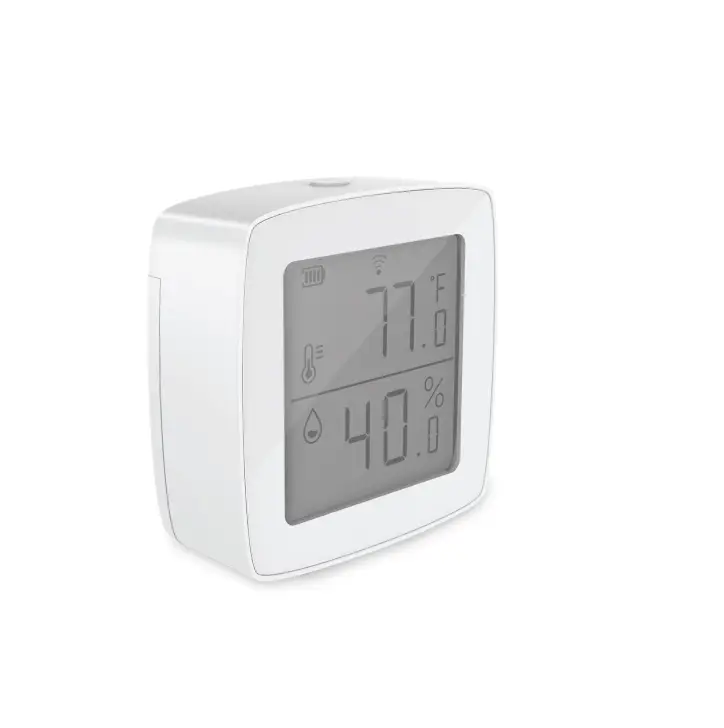
The BAPI-Stat “Quantum Slim” Wireless Sensor measures the temperature or Temp/Humidity and transmits the data via Bluetooth Low Energy to a receiver or gateway.
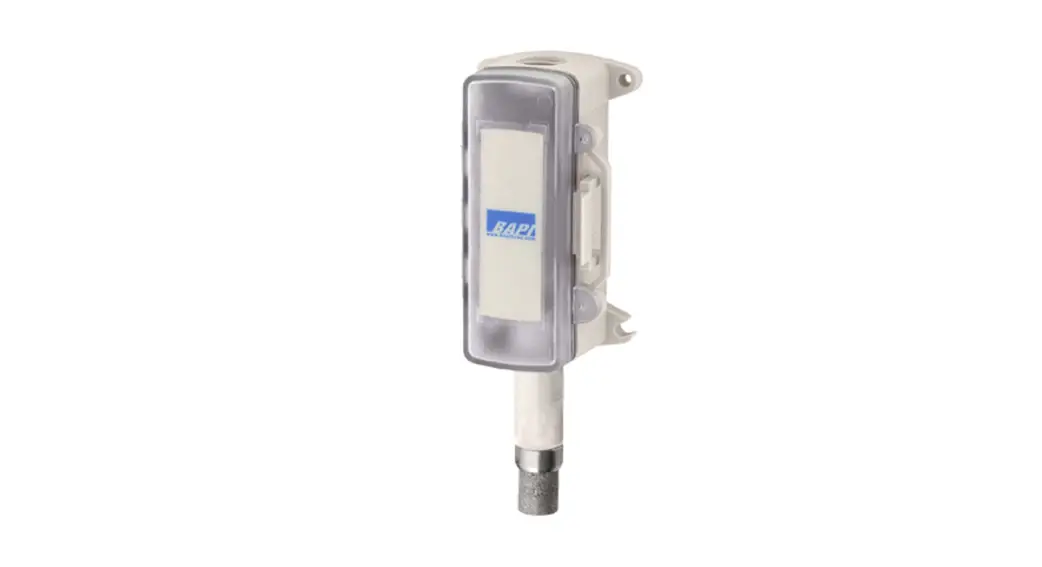
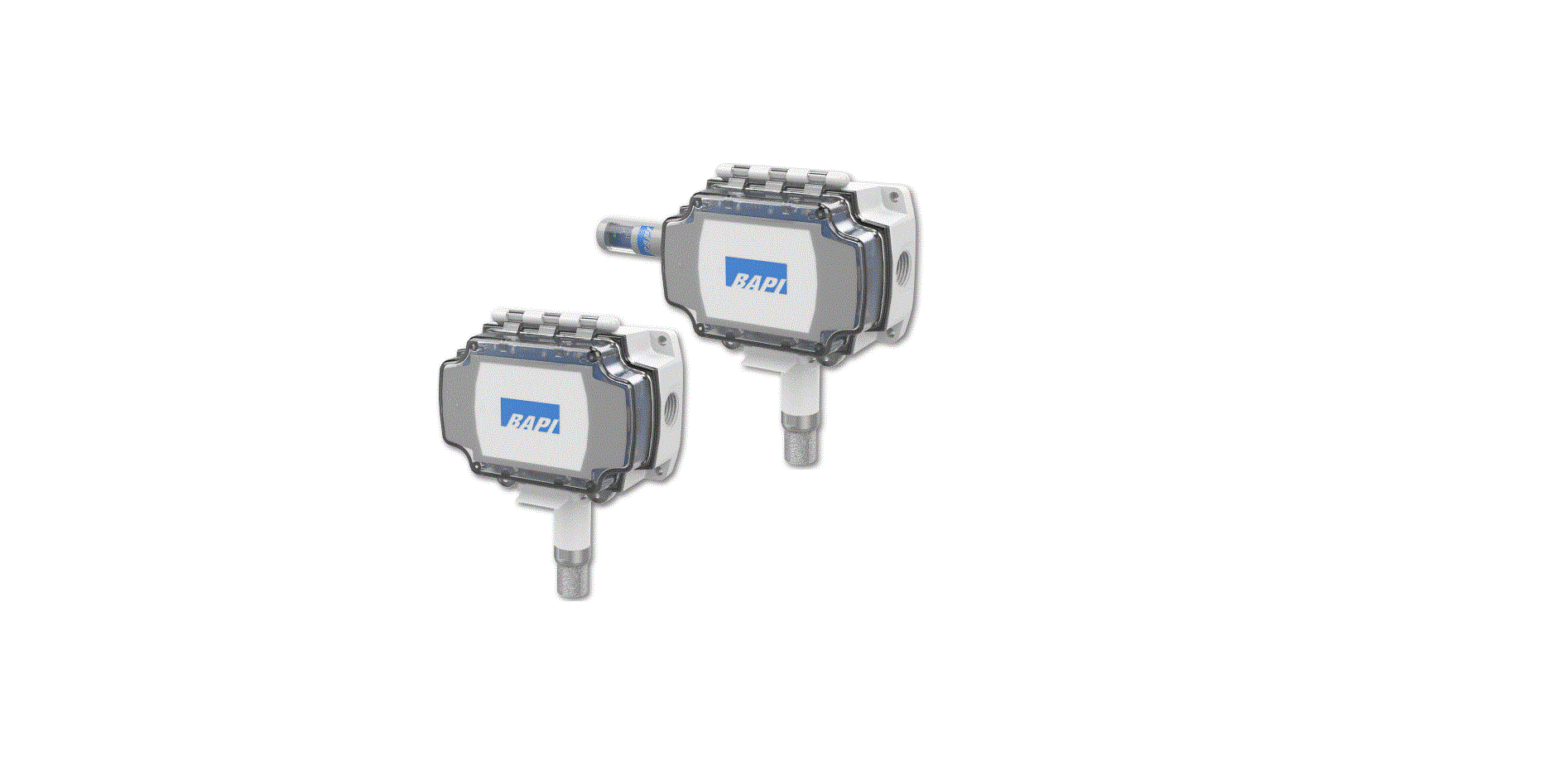
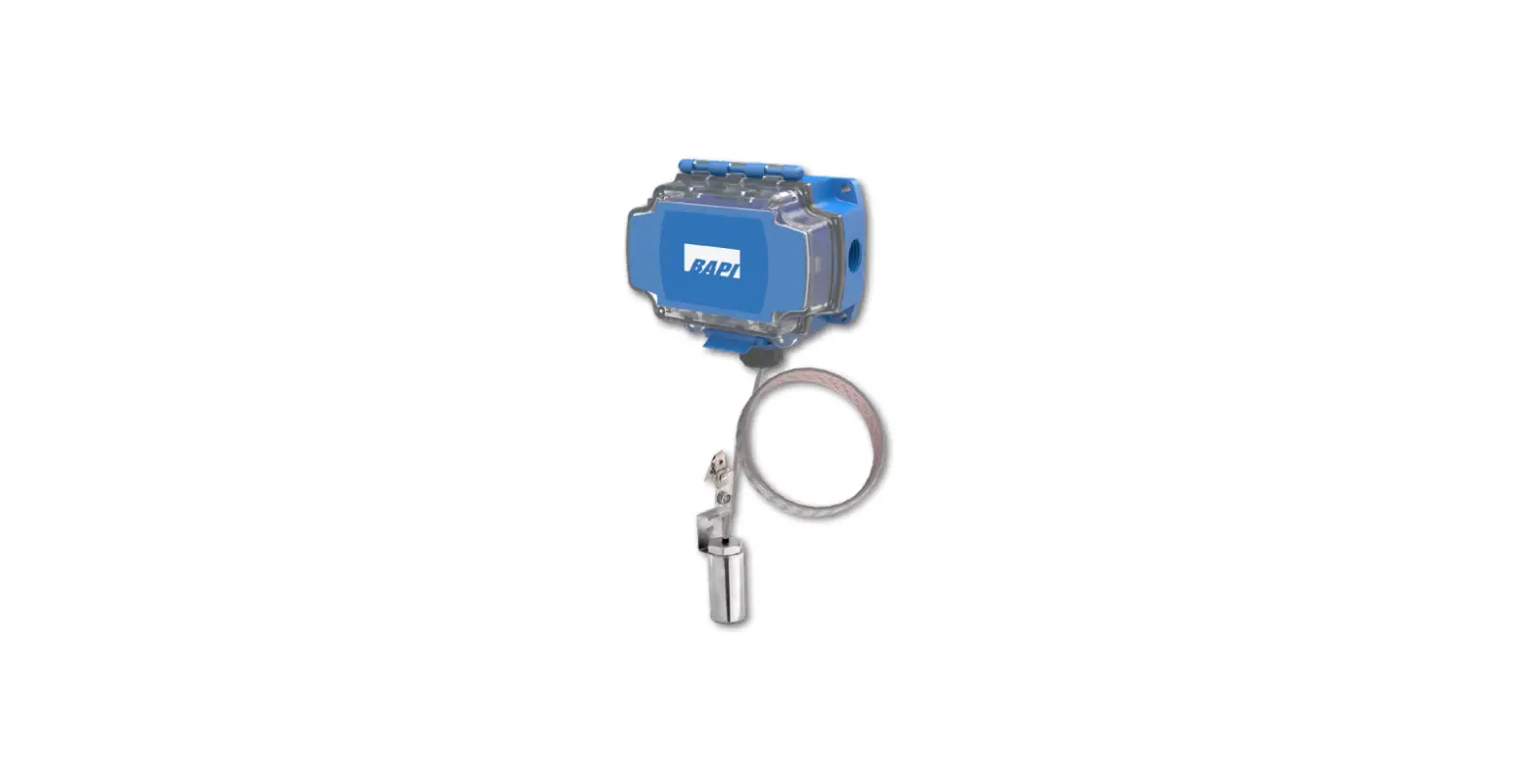
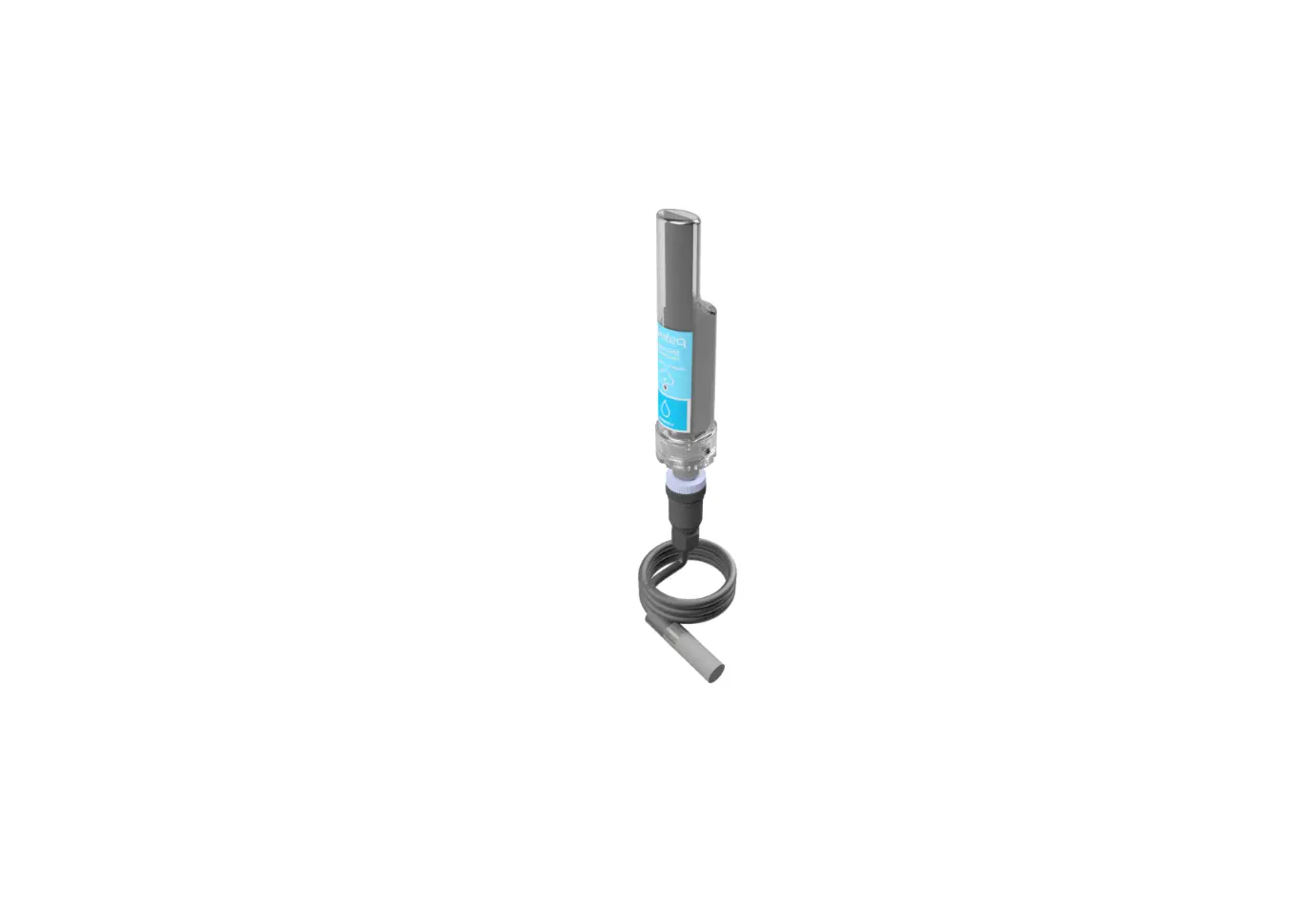
The units are perfect for monitoring the temperature inside refrigerator and freezer cases. The sensor body mounts on the outside of freezers and can be mounted either inside or outside of refrigerators. It is available with an internal sensor or an external probe or thermobuffer.
The external cable fits between the door seal or through a hole without affecting appliance efficiency.
Internal Sensor
Thermobuffer
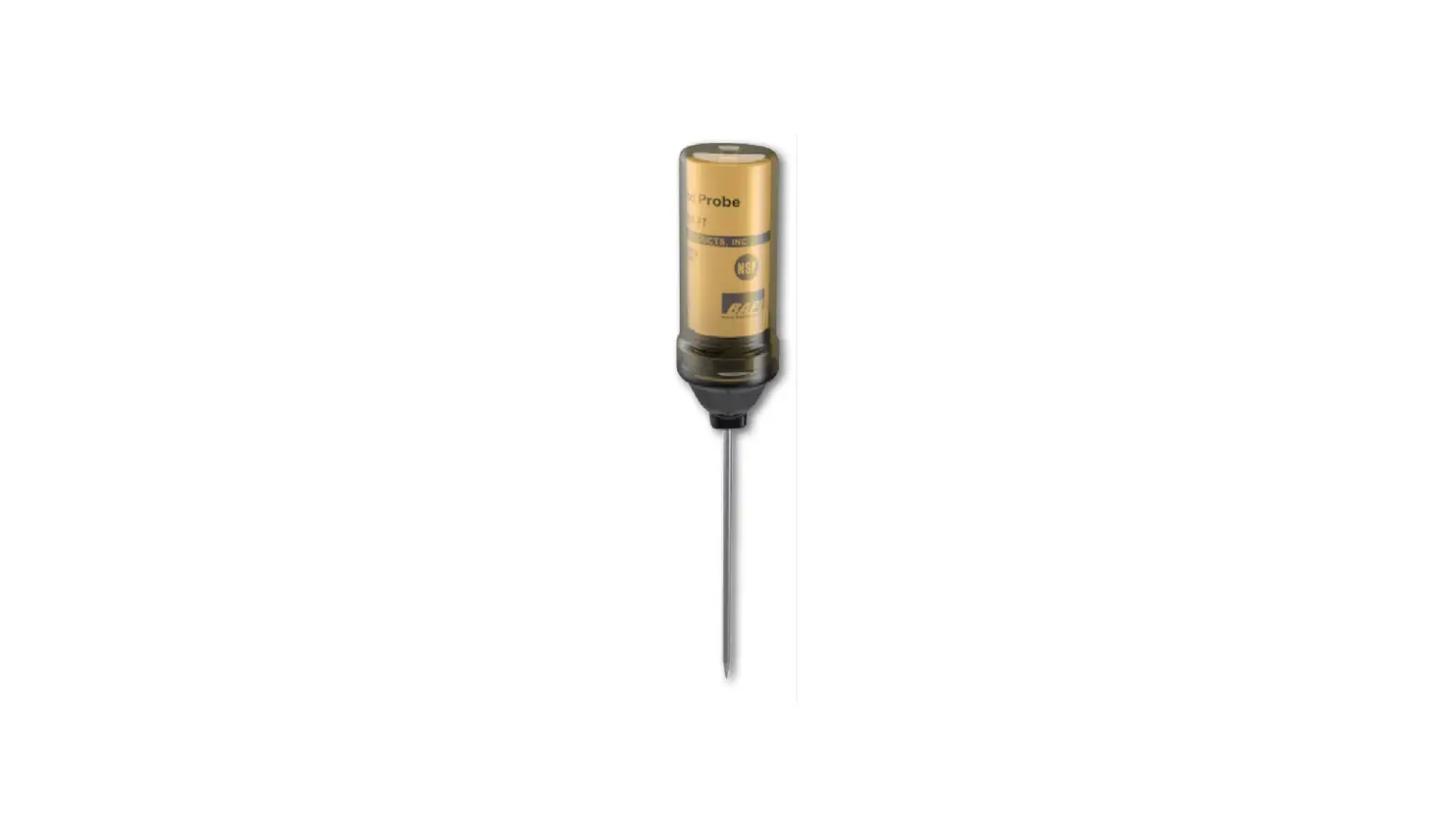
Remote Probe
Adjustable Settings
BAPI’s wireless devices have several settings that can be can be field adjusted to suit the needs of the installation. All settings are configured by either the gateway or the receiver. (See the gateway or receiver instructions documents available on the BAPI website for more information on adjusting the settings.)
Sample Rate/Interval The time between when the sensor wakes up and takes a reading. The available values are 10 sec, 30 sec, 1 min, 3 min or 5 min with the gateway, or 30 sec, 1 min, 3 min or 5 min with the receiver.
Transmit Rate/Interval The time between when the sensor transmits the readings to the gateway or receiver. The available values are 30 sec, 1, 2, 3, 4, 5, 10, 15, 20 or 30 minutes, or 1, 6 or 12 hours with the gateway, or 1, 5, 10 or 30 minutes with the receiver.
Delta Temperature The change in temperature between sample intervals that will cause the sensor to override the transmit interval and transmit the changed temperature at the next sample interval. The available values are 0.1, 0.2, 0.3, 0.4, 0.5, 1, 2, 3, 4, 5 °F or °C with the gateway, and 1 or 3 °F or °C with the receiver.
Delta Humidity The change humidity between sample intervals that will cause the sensor to override the transmit interval and transmit the changed humidity at the next sample interval. The available values are 0.5, 1, 2, 3, 4 or 5 %RH with the gateway, and 3 or 5 %RH with the receiver.
Temperature Min/Max The maximum or minumum temperature that will cause the sensor to override the transmit interval and immediately transmit a reading to the gateway. (Only available when using a gateway.)
Temperature Offset Adjusts the temperature value being transmitted to match that of a calibrated reference device. The available values are ±0.1, 0.2, 0.5, 1, 2, 3, 4 or 5 °F or °C. (Only available when using a gateway.)
Humidity Offset Adjusts the humidity value being transmitted to match that of a calibrated reference device. The available values are ±0.5, 1, 2, 3 or 5 %RH. (Only available when using a gateway.)
Building Automation Products, Inc., 750 North Royal Avenue, Gays Mills, WI 54631 USA Tel:+1-608-735-4800 · Fax+1-608-735-4804 · E-mail:[email protected] · Web:www.bapihvac.com
1 of 4
49524_Wireless_BLE_Quantum_Slim_Temp_Hum
BAPI-Stat “Quantum Slim” Wireless Temperature or Temp/Humidity Sensor
Installation & Operations
rev. 06/28/23
Associated Receiver or Gateway
RECEIVER (Wireless-to-Analog) The wireless receiver from BAPI receives the data from one or more wireless sensors. The data is then transferred to the analog output modules and converted to an analog voltage or resistance. The receiver supports up to 32 sensors and up to 127 different analog output modules.
Wireless Receiver with Analog Output Modules
GATEWAY
The wireless gateway receives the data from one or more wireless sensors. The gateway then
provides the data to the cloud via MQTT. The gateway also sends a confirmation signal to each
sensor upon a successful reception of data. The gateway supports up to 32 sensors. Please see BAPI’s Wireless Quick Start Guide, or the gateway or receiver instructions documents available on the BAPI website to establish communication between the sensors and the gateway or receiver.
Wireless Gateway
Initial Activation
For convenience, BAPI recommends pairing the sensor to the intended receiver or gateway prior to mounting either device. Both devices need to be powered-on to pair. See the receiver or gateway installation manual for instructions on pairing the sensor.
The unit comes with a pre-installed battery. To activate the unit, remove the base plate
and pull out the battery insulator tab as shown in Fig. 1. Press the Service
button and the Service LED should flash once to confirm power. If the sensor will not be commissioned for more than a couple of days, BAPI recommends
reinstalling the battery insulator tabs to conserve battery life.
Fig. 1: Battery insulator tab removal
Drywall Mounting
1. Place the base plate vertically against the wall where you want to mount the sensor and mark the two mounting holes.
2. Drill two 3/16″ (4.8mm) holes in the center of each marked mounting hole. Insert a drywall anchor into each hole.
3. Secure the base to the drywall anchors using the #6 x 1″ (25mm) mounting screws provided.
4. Attach Cover by latching it to the top of the base, rotating the cover down and snapping it into place. Secure the cover by backing out the lock-down screw using a 1/16″ (1.6mm) Allen wrench until it is flush with the bottom of the cover.
Probe or Thermobuffer Mounting
Mount the External Probe using a Flexible Probe Bracket (Fig. 3) or use the clip or screw hole on the Hanging Bracket Sensor (Fig. 4)
Fig. 3: External Probe Mounting with a Flexible Probe Bracket (BA/FPB)
Fig. 2: BAPI-Stat “Quantum
Slim” Mounting
Fig. 4: External Hanging
Bracket Sensor Mounting
Building Automation Products, Inc., 750 North Royal Avenue, Gays Mills, WI 54631 USA Tel:+1-608-735-4800 · Fax+1-608-735-4804 · E-mail:[email protected] · Web:www.bapihvac.com
2 of 4
49524_Wireless_BLE_Quantum_Slim_Temp_Hum
BAPI-Stat “Quantum Slim” Wireless Temperature or Temp/Humidity Sensor
Installation & Operations
rev. 06/28/23
Operation
Power the unit as described in “Initial Activation” section. Follow the gateway or receiver instructions for pairing the unit and changing the adjustable settings. (The instructions are available on the BAPI website.)
MAC Address label
Green LED flashes when the “Service” button is
pressed or during the
pairing process.
Pressing the “Service” button on the circuit board
will force a transmission.
Fig. 5: BAPI-Stat “Quantum Slim” Circuit Board
Wireless Sensor Reset
Sensors remain paired to the gateway or receiver and output modules when power is interrupted or the batteries are removed. To break the bonds between them, the sensors need to be reset. To do this, press and hold the “Service Button” on the sensor for about 30 seconds. During those 30 seconds, the green LED will be off for about 5 seconds, then flash slowly, then begin flashing rapidly. When the rapid flashing stops, the reset is complete. The sensor can now be paired to a new receiver or gateway. To re-pair to the same receiver or gateway, you must reset the receiver or gateway. Output modules that were previously paired to the sensor do not need to be re-paired.
Onboard Memory
Sensor retains up to 16,000 readings should the communication become interrupted. The sensor only stores readings from missed transmissions and only when the sensor is paired to a gateway. Once communication is re-established with the gateway, the stored readings are transmitted and then erased from the sensor. The current reading and nine previous readings are sent at each transmit interval until the sensor is caught up.
Battery Replacement
1. Remove the cover from the base plate by turning in the cover lockdown screw with a 1/16″ (1.6mm) Allen wrench until the cover can be removed.
2. Remove the used battery from its holder and discard in an environmentally safe manner. Replace with a new battery in the correct orientation (Fig 6).
3. Attach Cover by latching it to the top of the base, rotating the cover down and snapping into place. Secure the cover by backing out the lock-down screw using a 1/16″ (1.6mm) Allen wrench until it is flush with the bottom of the cover.
Battery Specs: One 3.6V Lithium batteries: (#14505, 14500 or equivalent)
Fig. 6: Battery replacement
Building Automation Products, Inc., 750 North Royal Avenue, Gays Mills, WI 54631 USA Tel:+1-608-735-4800 · Fax+1-608-735-4804 · E-mail:[email protected] · Web:www.bapihvac.com
3 of 4
49524_Wireless_BLE_Quantum_Slim_Temp_Hum
Diagnostics
Possible Problems: Sensor is not communicating with the gateway or receiver, or the transmitted values are incorrect.
BAPI-Stat “Quantum Slim” Wireless Temperature or Temp/Humidity Sensor
Installation & Operations
rev. 06/28/23
Possible Solutions: Make sure the sensor is within range of the gateway or receiver.
Verify that the green LED on the sensor circuit board flashes when the “Service” button is pressed, indicating a transmission. If it does not flash, replace the battery.
Verify that the sensor is properly paired to the gateway or receiver and analog output modules as described in the gateway or receiver instructions available on the BAPI website. Re-pair them if needed. If necessary, perform the “Wireless Sensor Reset” procedure on page 3.
Specifications
Battery Power: One included 3.6V 14505, 14500 or equiv. lithium battery (Note: Standard AA batteries are not compatible)
Wire Power: 9 to 30 VDC or 24 VAC, halfwave rectified
Sensor Accuracy:
Temp: ±1.25°F (0.7°C) from 32 to 158°F (0 to 70°C) Humidity: ±2%RH @ 77°F (25°C), 20 to 80%RH
Temperature Range: -4 to 221°F (-20 to 105°C)
Transmission Distance: Varies by application*
Environmental Operation Range: Temp: -4 to 149°F (-20 to 65°C) Humidity: 10 to 90% RH, non-condensing
BAPI-Stat “Quantum
Slim”
Enclosure Material & Rating: ABS Plastic, UL94 V-0
Frequency: 2.4 GHz (Bluetooth Low Energy)
Receiver Sensitivity: -97 dBm
Ext. Probe Material: 304 Stainless Steel
1.75″ (44mm) Bullet Probe with FEP Cable 1″ (25mm) Thermobuffer with FEP Cable
User Adjustable Settings:
Delta T (Temp): 0.1°F/C to 5.0°F/C Delta T (Humidity): 0.1%RH to 5.0%RH Transmit Interval: 30 sec to 12 hour
Sample Interval: 10 sec to 5 min
Temp Offset: ±0.1°F/C to ±5.0°F/C Humidity Offset: ±0.1%RH to ±3.0%RH
Thermobuffer
Onboard Memory: Sensor retains up to 16,000 readings should the communication become interrupted. If using a Gateway, the data is re-transmitted once communication is re-established.
Remote Probe
Agency: RoHS
*In-building range is dependent on obstructions such as furniture and walls and the density of those materials. In wide open spaces, the distance may be greater; in dense spaces, the distance may be less. **Actual battery life is dependent on the sensor’s adjustable settings and environmental conditions.
Calculated Battery Life**
Transmit Interval Sample Rate Estimated Life (years)
30 sec
30 sec
0.58
1 min
1 min
1.04
3 min
1 min
2.03
5 min
5 min
3.02
10 min
5 min
4.01
Specifications subject to change without notice.
Building Automation Products, Inc., 750 North Royal Avenue, Gays Mills, WI 54631 USA Tel:+1-608-735-4800 · Fax+1-608-735-4804 · E-mail:[email protected] · Web:www.bapihvac.com
4 of 4
 BAPI - Sensor Products for HVAC/R Duct and Room