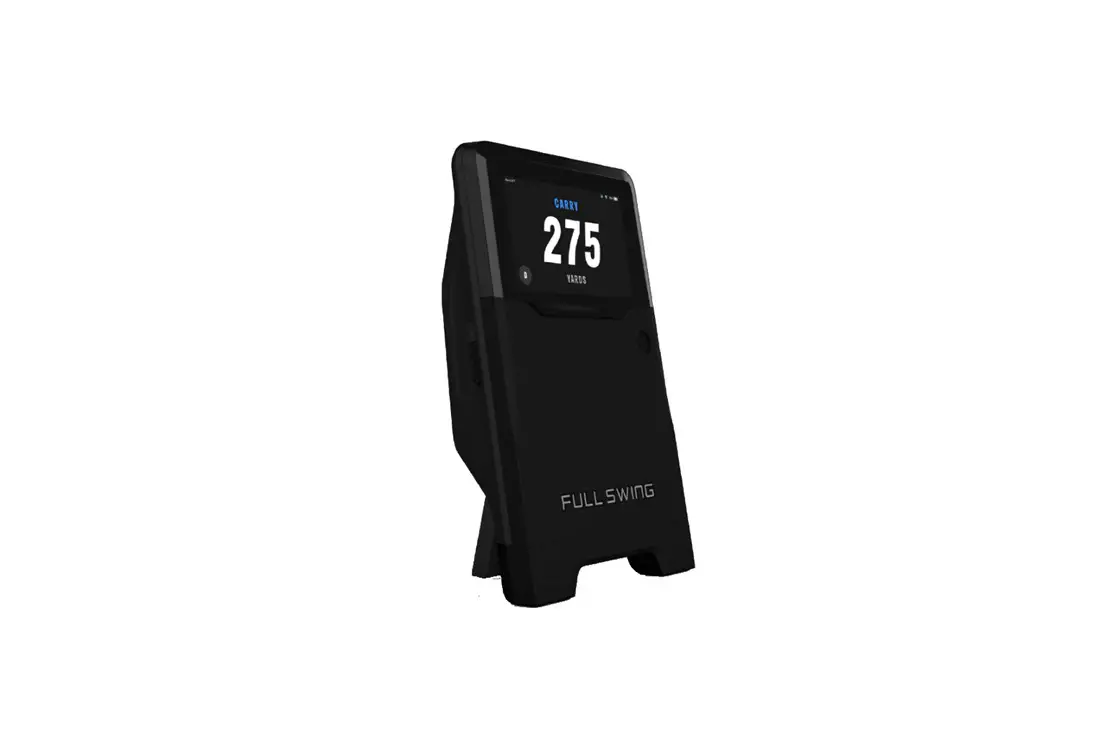
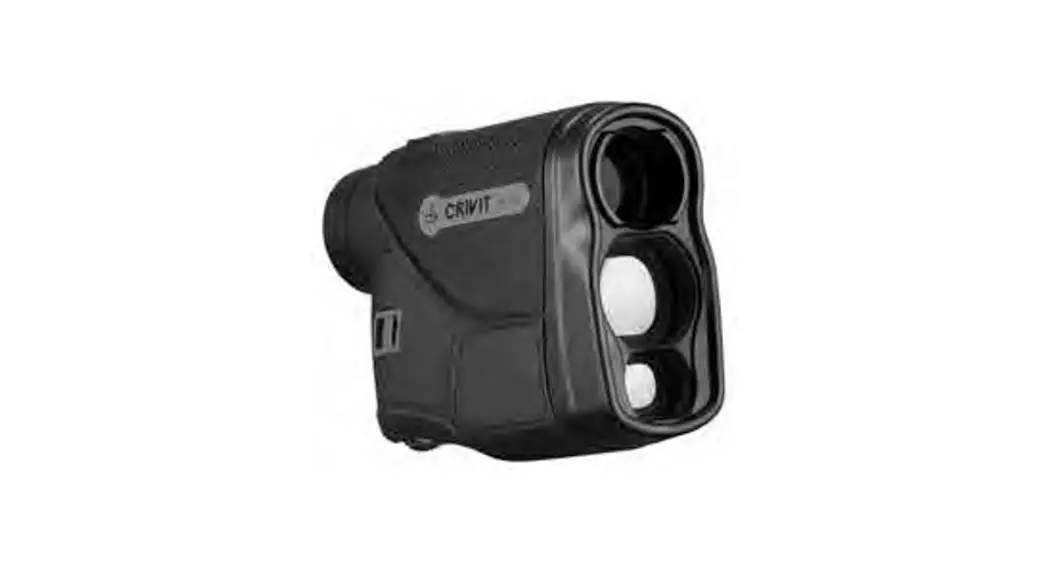
GOLFWAVER Golf Radar Sensor
GOLFWAVER Golf Radar Sensor
User Manual
Version: V1.0
PM N: GOLF Waver Launch Monitor
2023-03
Revision History
| Date | Versions | Implementer | Description |
|---|---|---|---|
| 2023/3/17 | V1.0 | Xinyu Huang | First Publish |
Catalogue
- Summarize
- Product specifications
- Product Appearance description
- Packing List
Summarize
The radar sensor is mainly used in the swing parameters and
flight parameters of golf shots. It is connected with the Bluetooth
of the Yueqiu APP on the mobile phone to display related parameters
of golf, so as to facilitate customers to evaluate their own shots
and provide reference data for improving their own level.
System Description
Radar sensor system
Radar sensor system: including 5V2A power adapter, 1m Type-C
Charging cable, Radar sensor;
Product Application scope: used in indoor and
outdoor golf amateur and professional personnel to provide data for
the evaluation of the reference, to raise their level and
professional.
Product specifications
Specifications
Hardware characteristics:
- CPU: Based on STC12C5A6052 MCU
- Radar: radio Infineon’s BGT24MTR11BGT24MR2 radar scheme is
frequency module adopted - WiFi/BT module: ESP32-WROOM-32E
- WiFi module: ESP8266-12F
- Battery: 18650, 2600 mAh rechargeable lithium battery
- Charging interface: 5V/2A
- Machine power: 2W
Software characteristics:
- Operating system: RT-Thread
Interface Description
| Interface type | Description |
|---|---|
| Network interface | 2.4G Bluetooth, 2.4G Wifi |
| Power interface | TYPE-C interface (5V2A) |
General Specifications
- Adapter power supply: 5V/2A
- Full load power: 2.5W
- Working environment temperature: 0°C – 50°C
- Storage Temperature:
Product Appearance description
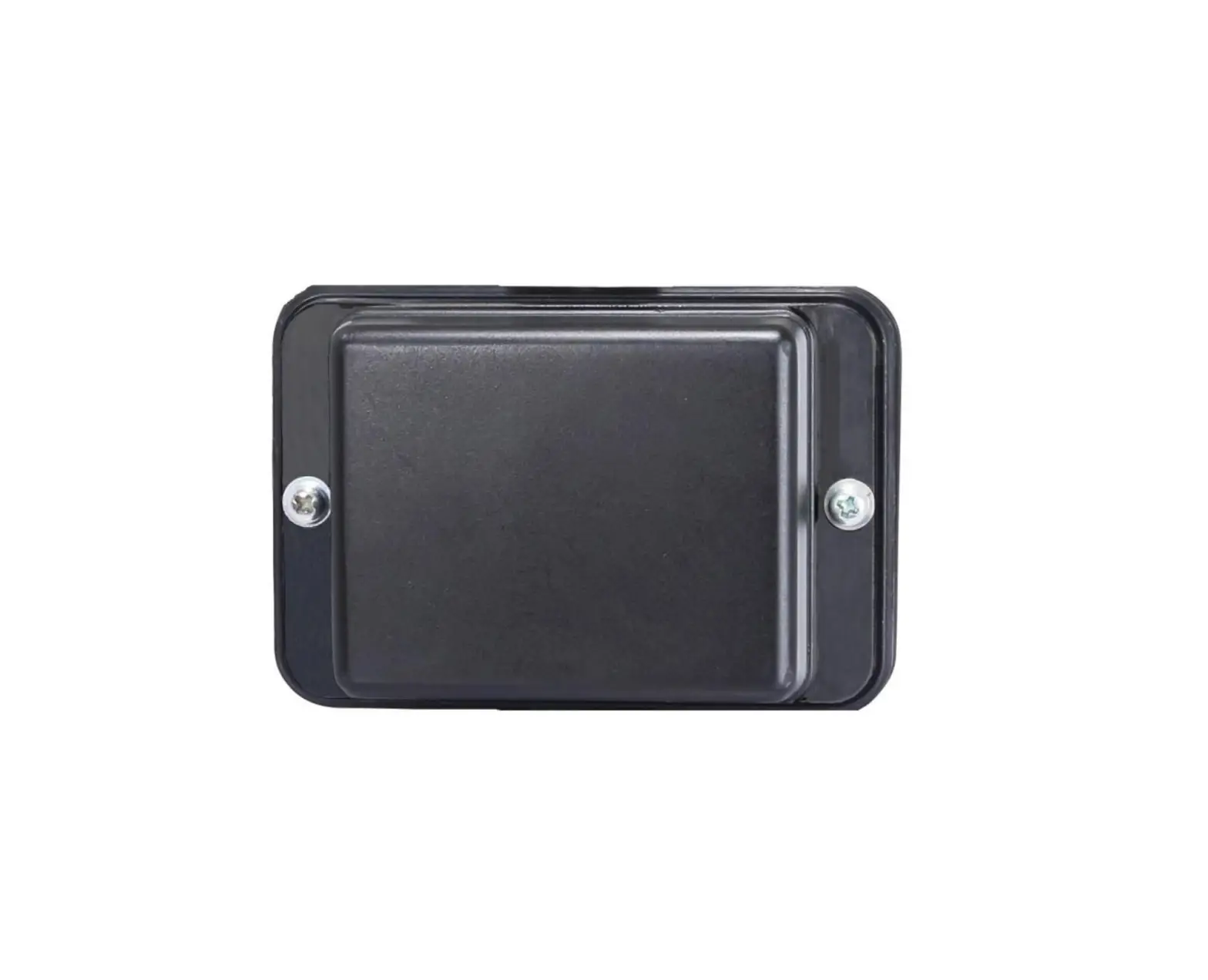
Appearance
Device Usage
Packing List
GOLFWAVER Golf Radar Sensor User Manual
Version V1.0
PM N:GOLF Waver Launch M onitor
2023-03
1
Revision History
Date
Versions Implementer
Description
2023/3/17
V1.0
Xinyu Huang First Publish
2
Catalogue
1 Summarize………………………………………………………………………………………….2
1.1 System Description ………………………………………………………………………………………………2 1.1.1 Radar sensor system………………………………………………………………………………….2
1.2 Product Application scope………………………………………………………………………………….2
2 Product specifications…………………………………………………………………………3
2.1 Specifications ………………………………………………………………………………………………………..3 2.2 Interface Description……………………………………………………………………………………………3 2.3 General Specifications …………………………………………………………………………………………4
3 Product Appearance description…………………………………………………………5
3.1 Appearance……………………………………………………………………………………………………………5 3.2 Device Usage…………………………………………………………………………………………………………6
4 4 Packing List……………………………………………………………………………………14
1
1 Summarize
The radar sensor is mainly used in the swing parameters and flight parameters of golf shots. It is connected with the Bluetooth of the Yueqiu APP on the mobile phone to display related parameters of golf, so as to facilitate customers to evaluate their own shots and provide reference data for improving their own level.
1.1 System Description
1.1.1 Radar sensor system Radar sensor system: including 5V2A power adapter, 1m Type-C Charging cable,
Radar sensor;
5V/2A Power adapter
APP
Radar sensor
Figure 1. Block diagram of radar sensor system
1.2 Product Application scope
used in indoor and outdoor golf amateur and professional personnel to provide data to the evaluation of the reference, to raise their level and professional.
2
2 Product specifications
2.1 Specifications
Hardware characteristics
CPU
Based on STC12C5A6052 MCU
Radar
radio Infineon’s BGT24MTR11BGT24MR2 radar scheme is
frequency module adopted
WiFi/BT module ESP32-WROOM-32E
WiFi module
ESP8266-12F
Battery
18650,2600 mAh rechargeable lithium battery
Charging interface 5V/2A
Machine power
2W
Software characteristics
Operating system RT-Thread
2.2 Interface Description
Interface type
Description
Network interface 2.4G Bluetooth, 2.4G Wifi
Power interface
TYPE-C interface (5V2A)
2.3 General Specifications
Adapter power supply 3
Power
Use a 5V/2A adapter for power supply
Full load power 2.5W
Working environment
Temperature
0 50
Storage Temperature
-20 70
Humidity
20% 70%
Mechanical parameter
Size (L*W*H)
170*100*29mm
Net fuselage weight
230g
Shell
Painted plastic case (Yellow , Grey , Silver , Black)
4
3 Product Appearance description
3.1 Appearance
Figure 2 Top view
Figure 3 Side view
5
Figure 4 Rear view
Figure 4 Charger and charging cable
3.2 Device Usage
3.2.1 The device interface contains the following configurations
6
Figure 5
(1)A: TYPE-C Indicates the interface Used to connect the 5V2A adapter to charge the radar sensor;
(2)Power button Press the power button to turn on the machine, and the buzzer will
sound 3 times. Press the power button to turn off the machine, and the buzzer will sound 1 times.
(3)Positioning laser start button Button press, line laser light 20S, according to the direction of play
set up radar sensor;
3.2.2 Top LED and other display instructions (1) On the startup display, if 4 green LED lights are on, the electricity quantity is
greater than 85%; if 3 green LED lights are on, the electricity quantity is greater than 50%; if 2 green LED lights are on, the equal circuit is greater than 25%;
7
Figure 6 (2) Plug in the charging cable, the first light on the right is blue, indicating that the
radar sensor is in the charging state; If the blue indicator is blinking, the battery is not installed or there is no battery.
Figure 7 (3) During normal operation, the middle two lights are lit
8
Figure 8 (4) The red light on the LED on the left indicates that the battery is installed
backwards and needs to be installed again in the correct way
Figure 9 5 Instructions for radar battery warehouse
9
Figure 10
3.2.3 Instructions for use
(1) Download and install APP
Figure 11 (2) Turn on the radar, the radar LED lights up two green lights in the
middle (as shown in Figure 8); (3) Place the radar 2 meters away from the TEE position, turn on the
positioning laser (start with the button on the body or start the laser in the APP), align the laser line with the center of the golf ball at the tee position, and keep the laser line in a straight line with the
10
direction of the shot;
Figure 12 (4) APP Turn on the Bluetooth of the mobile phone and open the APP
11
Figure 13 (5) Click the upper right corner to search for the device, click the
corresponding Bluetooth number, the link is successful;
Figure14 Search for a device and click the corresponding device
Figure15 Successful connection
12
(6) Check the relevant information of radar, check the version number, upgrade the radar, APP start the positioning laser switch;
Figure 16 View information about connected devices
Figure 16 Top right check radar power (7) Open the driving range and other scenes, each successful shot will
have the relevant parameters of golf flight;
13
Figure 17 View the motion parameters and trajectory of the golf ball
Figure 18 See more motion parameters and trajectories of golf balls
4 Packing List
Model
Color
GOLFWAVER Radar sensor Yellow/Silver/Black/Grey
Charger
Black/White
Charging cable
Black/White
Quantity 1 1 1
14
FCC compl i ance st at ement : Thi s devi ce compl i es wi t h Par t 15 of t he FCC Rul es. Oper at i on i s subj ect t o t he f ol l owi ng t wo condi t i ons: ( 1) t hi s devi ce may not cause har mf ul i nt er f er ence, and ( 2 ) t hi s devi ce must accept any i nt er f er ence r ecei ved, i ncl udi ng i nt er f er ence t hat may
cause undesi r ed oper at i on.
Caut i on: The user i s caut i oned t hat changes or modi f i cat i ons not expr essl y appr oved by t he par t y r esponsi bl e f or compl i ance coul d voi d t he user ‘ s aut hor i t y t o oper at e t he equi pment .
Not e: Thi s equi pment has been t est ed and f ound t o compl y wi t h t he l i mi t s f or a Cl ass B di gi t al devi ce, pur suant t o par t 15 of t he FCC Rul es. These l i mi t s ar e desi gned
t o pr ovi de r easonabl e pr ot ect i on agai nst har mf ul i nt er f er ence i n a r esi dent i al i nst al l at i on.
Thi s equi pment gener at es, uses and can r adi at e r adi o f r equency ener gy and, i f not i nst al l ed and used i n accor dance wi t h t he i nst r uct i ons, may cause har mf ul i nt er f er ence t o r adi o communi cat i ons. However , t her e i s no guar ant ee t hat i nt er f er ence wi l l not occur i n a par t i cul ar i nst al l at i on. I f t hi s equi pment does cause har mf ul i nt er f er ence t o r adi o or t el evi si on r ecept i on, whi ch can be det er mi ned
by t ur ni ng t he equi pment of f and on, t he user i s encour aged t o t r y t o cor r ect t he i nt er f er ence by one or mor e of t he f ol l owi ng measur es:
Reor i ent or r el ocat e t he r ecei vi ng ant enna. I ncr ease t he separ at i on bet ween t he equi pment and r ecei ver . Connect t he equi pment i nt o an out l et on a ci r cui t di f f er ent f r om t hat t o whi ch t he r Ceocnesi uvletr ti hsecdoenanleecrt eodr. an exper i enced r adi o/ TV t echni ci an f or hel p.
I SED Canada compl i ance st at ement s: Thi s devi ce compl i es wi t h I ndust r y Canada l i cence- exempt RSS st andar d( s) . Oper at i on i s subj ect t o t he f ol l owi ng t wo condi t i ons: ( 1) t hi s devi ce may not cause i nt er f er ence, and ( 2) t hi s devi ce must accept any i nt er f er ence, i ncl udi ng i nt er f er ence t hat may cause undesi r ed oper at i on of t he devi ce.
Le pr ésent appar ei l est conf or me aux CNR d’ I ndust r i e Canada appl i cabl es aux appar ei l s r adi o exempt s de l i cence. L’ expl oi t at i on est aut or i sée aux deux condi t i ons
sui vant es: ( 1) l ‘ appar ei l ne doi t pas pr odui r e de br oui l l age, et ( 2) l ‘ ut i l i sat eur de l ‘ appar ei l doi t accept er t out br oui l l age r adi oél ect r i que subi , même si l e br oui l l age est suscept i bl e d’ en compr omet t r e l e f onct i onnement .
Under I ndust r y Canada r egul at i ons, t hi s r adi o t r ansmi t t er may onl y oper at e usi ng an ant enna of a t ype and maxi mum ( or l esser ) gai n appr oved f or t he t r ansmi t t er by I ndust r y Canada. To r educe pot ent i al r adi o i nt er f er ence t o ot her user s, t he ant enna t ype and i t s gai n shoul d be so chosen t hat t he equi val ent i sot r opi cal l y r adi at ed power ( e. i . r . p. ) i s not mor e t han t hat necessar y f or successf ul communi cat i on.
Conf or mément à l a r égl ement at i on d’ I ndust r i e Canada, l e pr ésent émet t eur r adi o peut f onct i onner avec une ant enne d’ un t ype et d’ un gai n maxi mal ( ou i nf ér i eur ) appr ouvé pour l ‘ émet t eur par I ndust r i e Canada. Dans l e but de r édui r e l es r i sques de br oui l l age r adi oél ect r i que à l ‘ i nt ent i on des aut r es ut i l i sat eur s, i l f aut choi si r l e
t ype d’ ant enne et son gai n de sor t e que l a pui ssance i sot r ope r ayonnée équi val ent e ( p. i . r . e. ) ne dépasse pas l ‘ i nt ensi t é nécessai r e à l ‘ ét abl i ssement d’ une communi cat i on
The devi ce has been eval uat ed t o meet gener al RF exposur e r equi r ement . Thi s equi pment shoul d be i nst al l ed and oper at ed wi t h mi ni mum di st ance 20cm bet ween t he r adi at or & your body. L’ appar ei l a ét é éval ué pour r épondr e aux exi gences génér al es d’ exposi t i on aux RF. Cet équi pement doi t êt r e i nst al l é et ut i l i sé avec une di st ance mi ni mal e de 20cm ent r e l e r adi at eur et vot r e cor ps.