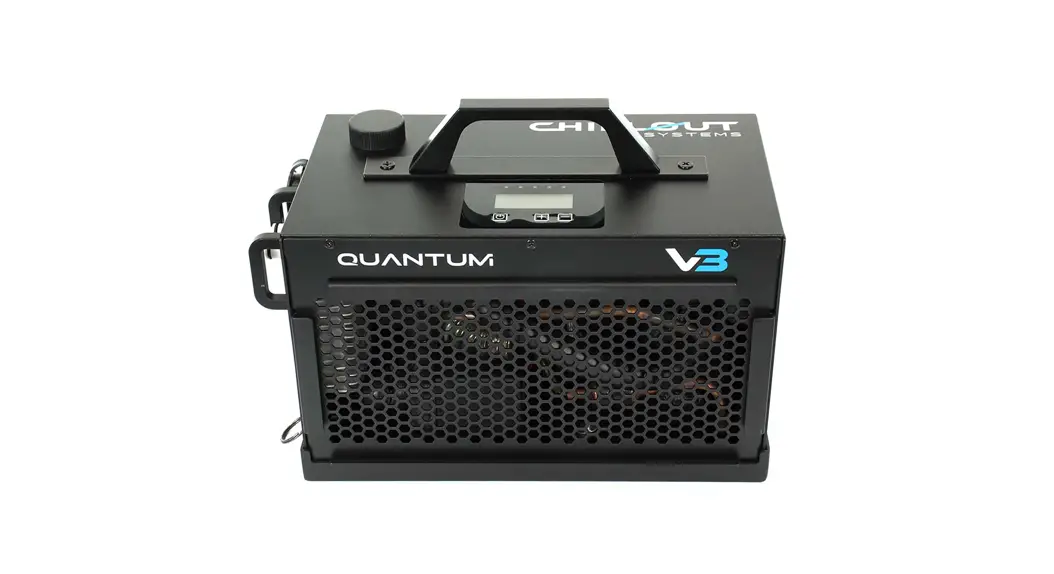
 Quantum V3 Cooler
Instruction Manual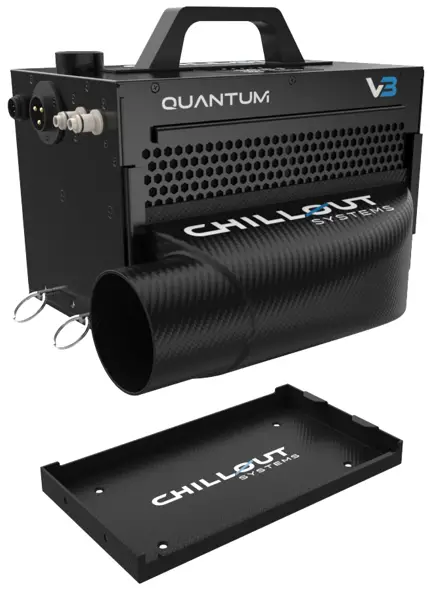
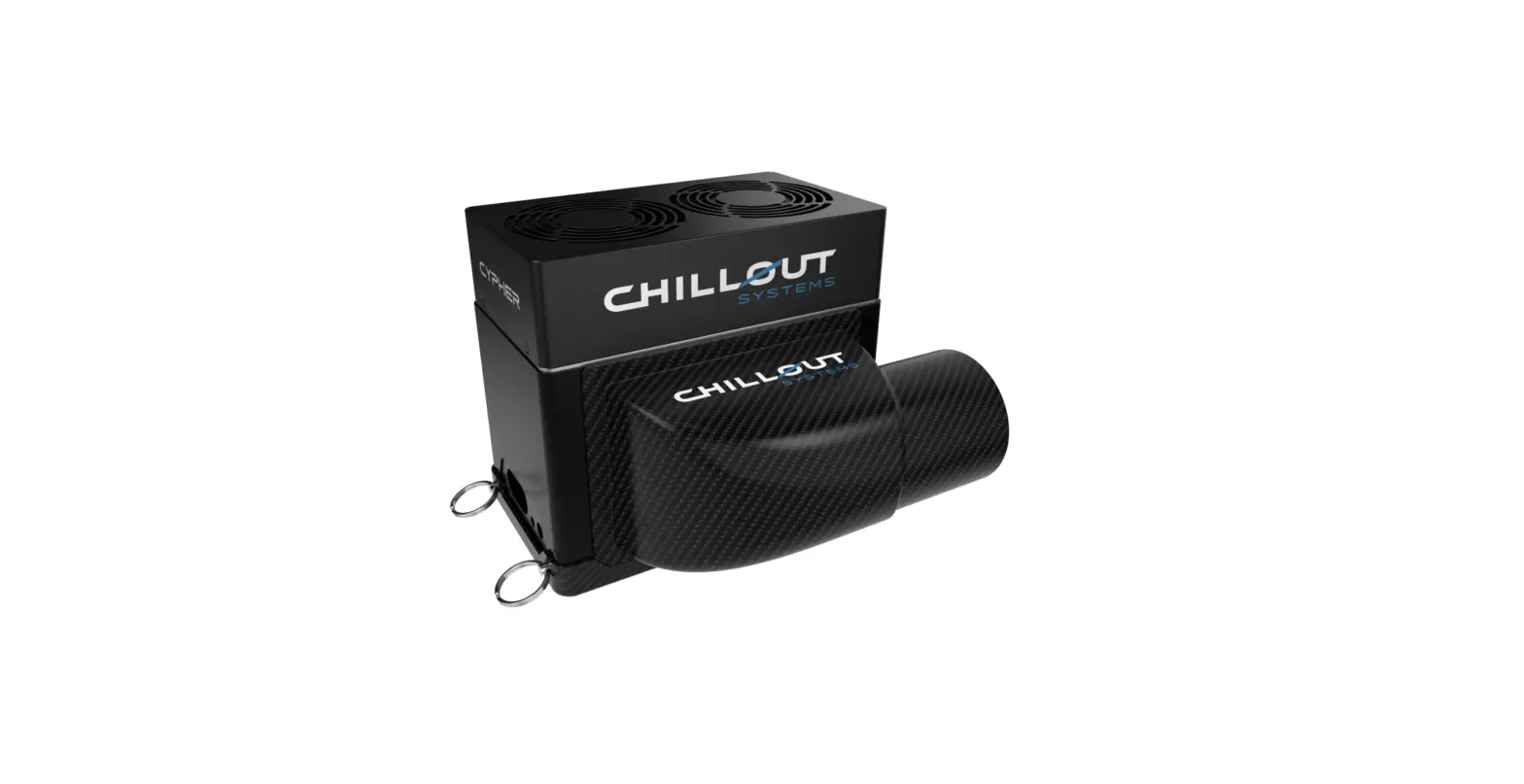
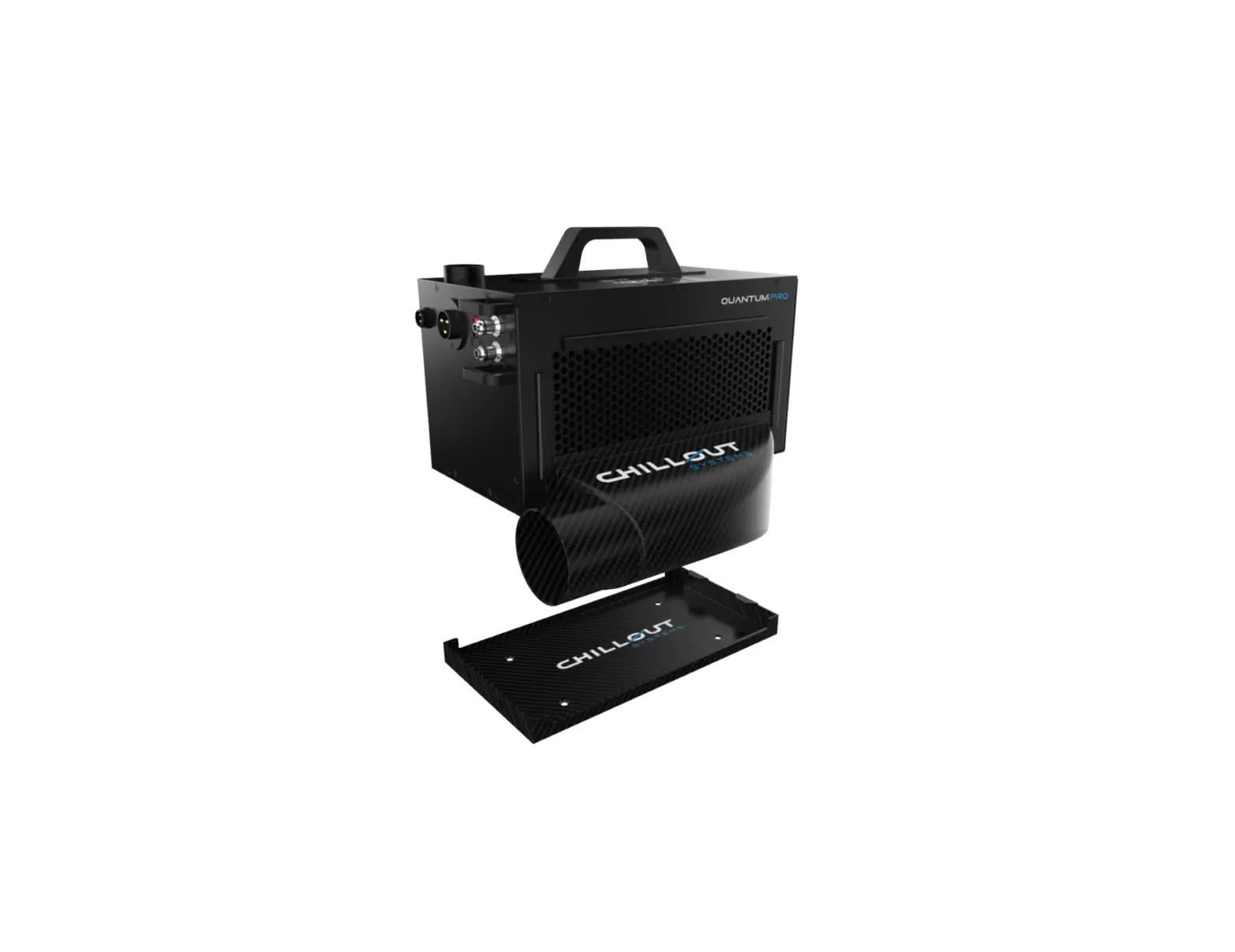
Quantum V3 Cooler
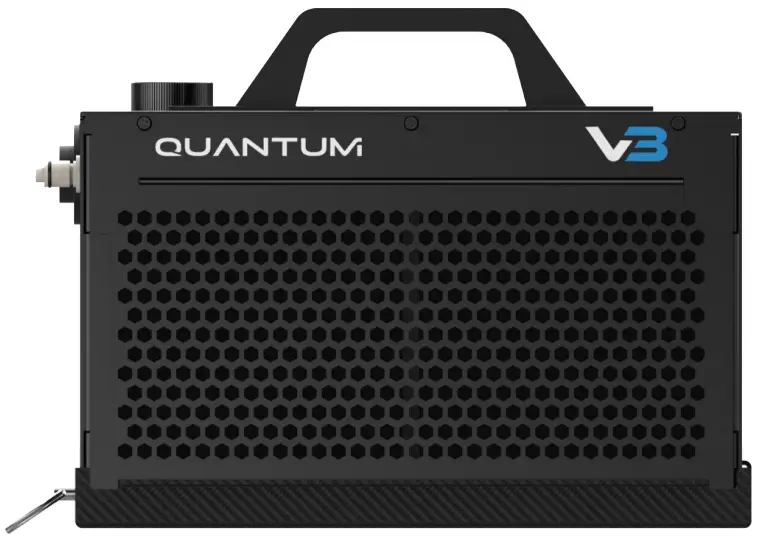
INCLUDED
- 1x Quantum V3 Cooler
- 1x Wiring loom
- 1x Carbon fiber baseplate
- 2x Quick release pins
- 4x Rubber isolators
SPECIFICATIONS
 | RATED COOLING CAPACITY 300 watts |  | RESERVOIR Volume: 130ml |
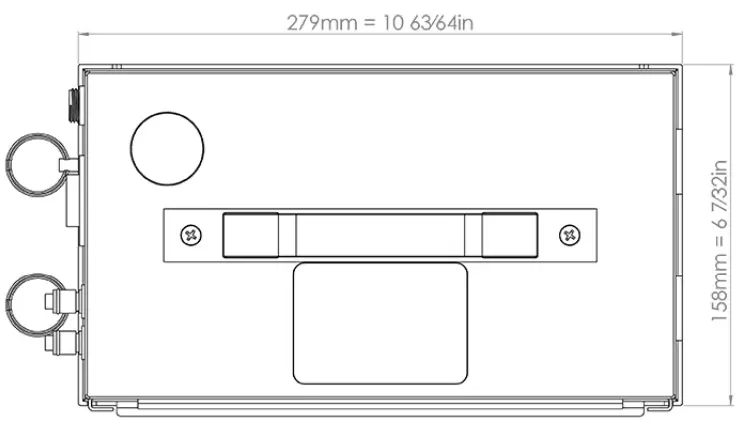
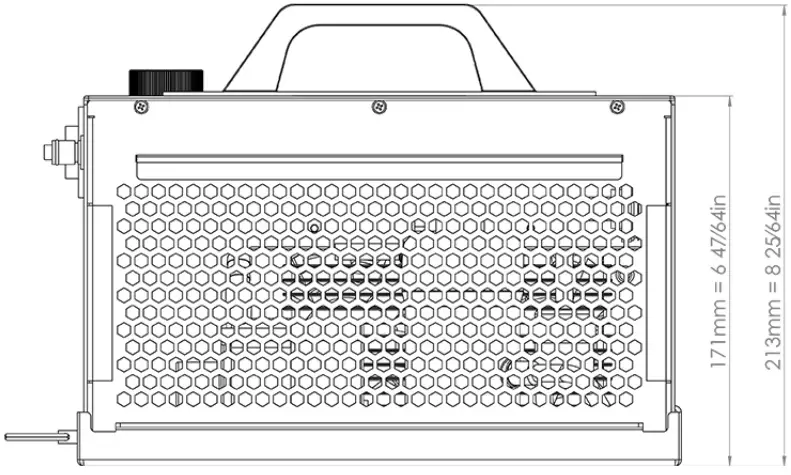
 | WORKING VOLTAGE 12V/24V |  | SIZE Length: 10.74in / 273mm Width: 6.49in / 165mm |
 | MAX CURRENT 30A/15A |  | WEIGHT Cooler: 10.14lbs / 4.6kg Mounting Plate: 1.98lbs / 0.9kg |
 | COMPRESSOR Micro Brushless Inverter Rated Voltage: 24V Displacement: 1.9cc |  | OPERATING TEMPERATURE 32°F – 130°F / 0°C – 54.4°C |
 | FAN Axial Flow Rated Voltage: 24V |  | STORAGE TEMPERATURE 14°F – 140°F / 0°C – 60°C |
 | PUMP Rated Voltage: 24V Max Flow: 20L/min | ||
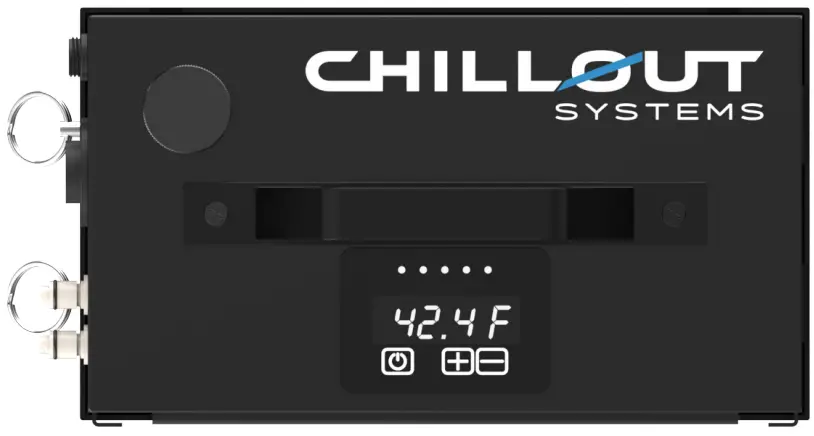
SYSTEM DISPLAY
The Quantum V3 Cooler can be controlled via the buttons on the system or by wired remote (sold separately).
Lights at the top of the display indicate the set temperature settings controlled by the “+” and “-” keys.
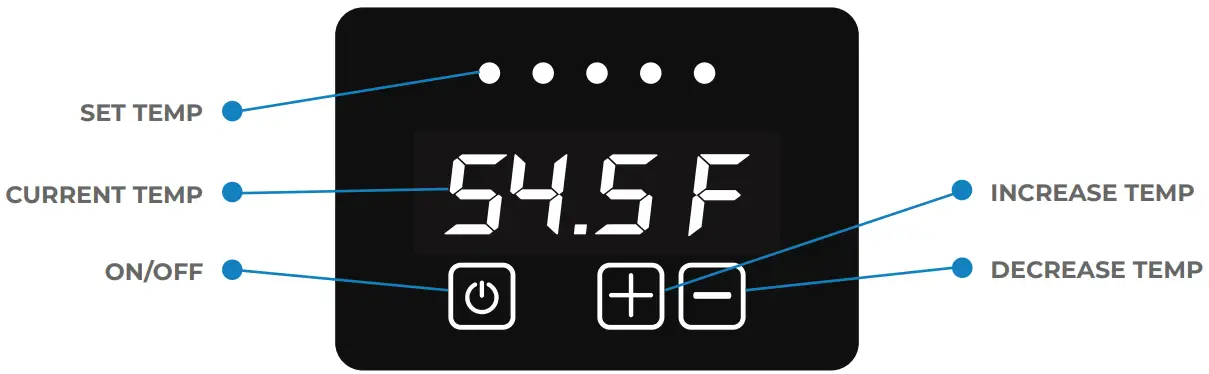
 | ON|OFF Long press (2 seconds) to turn the system On/Off. |
 | INCREASE SYSTEM TEMPERATURE Short press the button to increase the fluid temperature in increments of 5 degrees Fahrenheit. Set Temperature will display for 2 seconds before returning to the current system temperature. |
 | DECREASE SYSTEM TEMPERATURE Short press the button to decrease the fluid temperature in increments of 5 degrees Fahrenheit. Set Temperature will display for 2 seconds before returning to the current system temperature. |
Note: To switch between displaying Celsius and Fahrenheit, long press (2 seconds) the “+” and “-” keys while the system is powered off. MOUNTING THE BASEPLATE
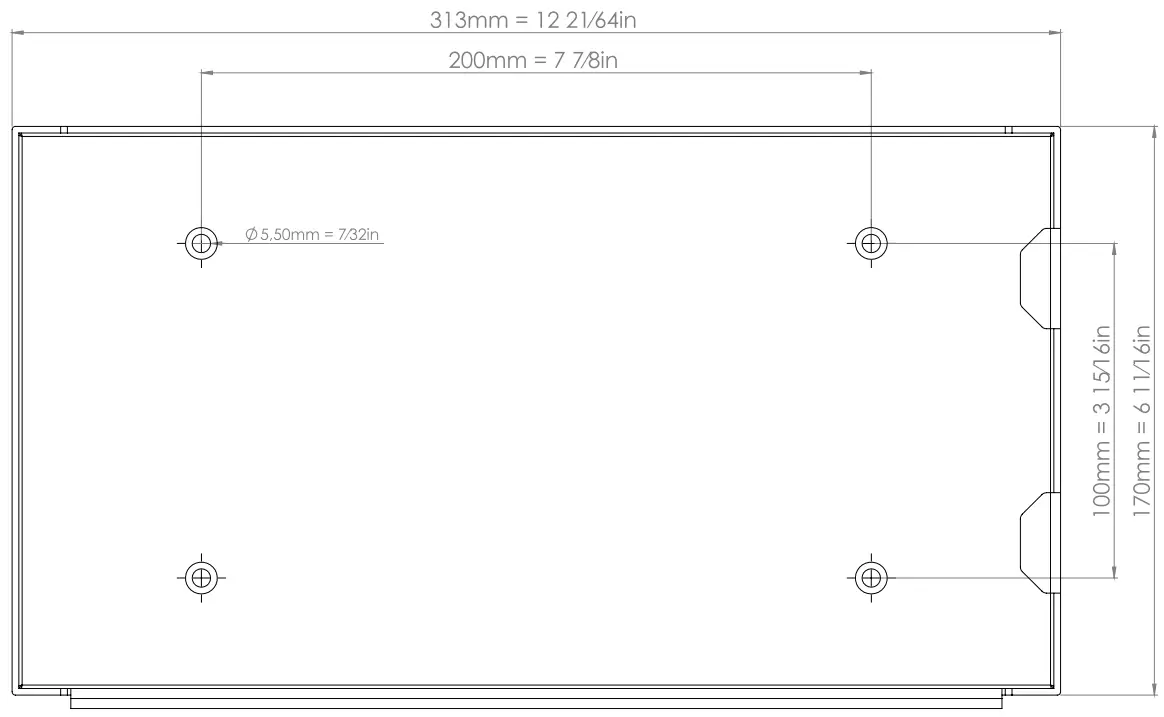
- Determine the best location to mount your system inside the car. If possible, keep your system away from any heat sources to ensure maximum cooling efficiency. Ensure there is a sufficient gap between the back of the unit so that the air can circulate freely.
- Place the base of the system place where you have decided to install it and use a sharpie to mark the holes for installation into the vehicle.
- Drill out the holes so that you can install the rivnuts to the vehicle. Once the revenues are installed, you can attach the base plate to the vehicle. Be sure to install the provided rubber isolators between the base plate and the installed rivnuts to keep airflow underneath the unit.
- With the base plate now installed, insert the system into the plate and secure it with the 2 ball pin connectors.
 DUCTING AND PLENUMS
When installing a NACA duct and plenum, consider using ChillOut Systems 4-inch ducting and plenums. With nearly twice the airflow as 3-inch ducting, this is the most efficient way to keep your system cool. In some cases, 3-inch ducting may be the only option. In this case, the system must be paired with an in-line 3-inch blower that is rated at 275 cfm..
- Place the NACA Duct where you have decided to install it and use a sharpie to trace an outline to the vehicle. Once the outline has been traced onto your window, a rotary cutting tool can be used to cut out the outline. We recommend using M4 nuts and bolts to secure the naca duct to a Lexan window.
 INSTALLING THE WIRING
- Connect the wiring harness to the system and run it to your electrical source. This can be directed to the battery with an inline fuse or to a 40amp relay if you are using a switch for the installation.
- Once you figure out the length of wire required you can trim the excess and connect it accordingly. (Our wiring harness uses 8 AWG wire)
- Connect the remote wire to the system if you have purchased a remote. We recommend putting the remote somewhere that the sun won’t directly glare onto it (This can make it hard to read while driving).
 CONNECTING THE SHIRT
- If you are using a dual-prong connector, run the insulated hose from the system to where the driver seat is, making sure there is enough slack to reach the driver’s shirt comfortably.
- If you are using Chillout Systems Rapid Release Kit, you can either cut and install it to a regular insulated hose or use our Insulated Y-Split Hose.
- When using a Y-Split hose, we recommend keeping a dual prong connector on one side of the seat and installing the rapid release on the opposite side giving you both options in the car for connecting the shirts to the system.
 FILLING THE RESERVOIR
- Open the cap and slowly pour Chillout Systems Coolant Formula into the reservoir until the fluid is visible in the filling port. Be mindful of the pouring speed and do not let the liquid overflow.
- Press and hold the power button on the display for 2 seconds to power on the system. You will need to top up the fluid as it cycles through the system until visible again in the filling port.
- When turning the system on for the first time, the fluid level will decrease due to the system’s internal lines containing no fluid.
- If you are using a Propylene Glycol solution, the volume of concentration should not exceed 25%. If another antifreeze solution is used, its viscosity at 40°F / 25°C should not exceed 2.2mPa·s.
Note: Purified water is also a suitable fluid for the system if Chillout Systems Coolant Formula is not available. SYSTEM FAULT CODES
If the system experiences a fault, it will automatically shut down.
The fault code will appear on the system’s display.
(E1) Temperature Sensor Failure
The system’s temperature sensor has an error or the temperature of the system has exceeded its monitoring range (-22~ 392°F/-30~200°C).
(E2) Flow Alarm
No flow of fluid was detected through the circuit.
Note: The system has a low-voltage protection function. If the vehicle’s battery is used as the power supply and the input voltage is lower than the protection voltage (9V~10V), the system will automatically shut down. When the power supply voltage returns to normal, the host will automatically turn on after 30 seconds.
Note: The system also has an overcurrent protection function. If the current is greater than the protection current (about 35A), the system will automatically shut down. After the current protection occurs, the system will need to be powered on manually
 |  |
 | |
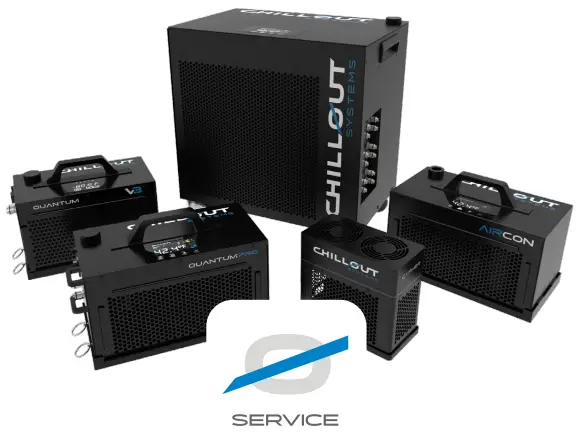
EXTEND YOUR PRODUCTS WARRANTY
Chillout Service gives you the peace of mind of an additional 2 years to the warranty of your system period (36 months total). This includes one free service at any time during the 36-month warranty period.
SERVICING
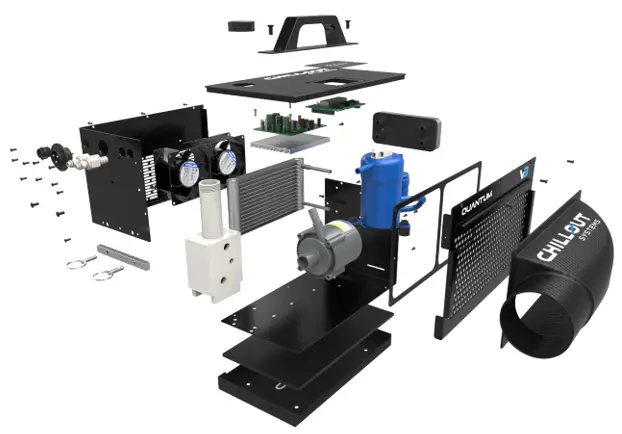
- Deep cleaning of all internals (including fans, condenser, and controller boards).
- Servicing of the cooling s
- Freon pressure check and top-up (if necessary).
- Performance checks and optimization.
REPAIR/REPLACEMENT
In the unlikely event of a failure to your system, within your extended warranty we will expedite a replacement cooler to you via Express Air Service.
Your system will be diagnosed, serviced, repaired, and sent back to you.

REGISTER YOUR SYSTEM
To activate your warranty, products must be registered within 30 days of purchase.
Scan the QR code to begin the process or enter the link below.
 https://www.chilloutsystems.com/pages/product-registration

 Product Registration – CHILLOUT SYSTEMS