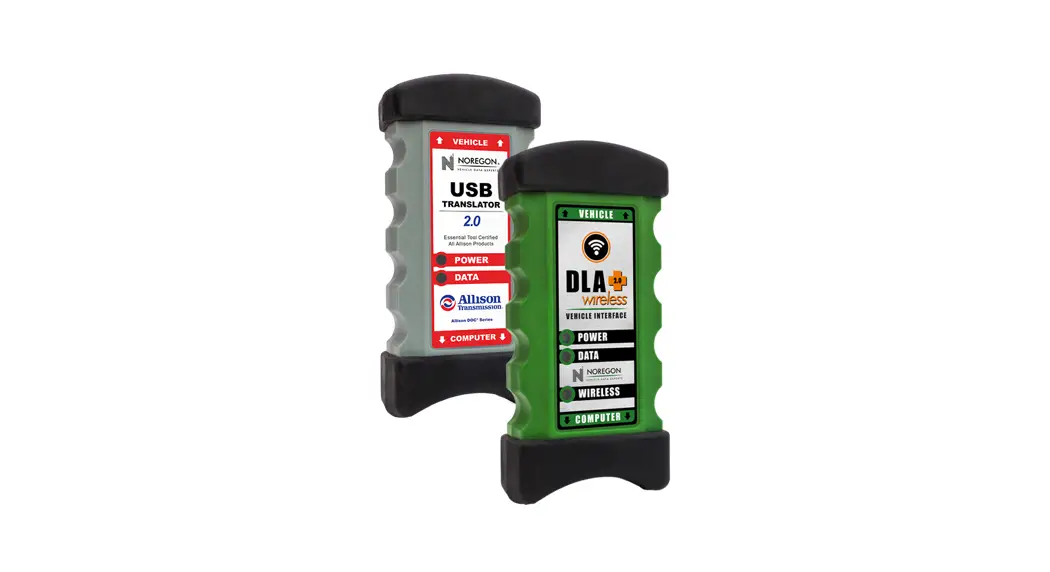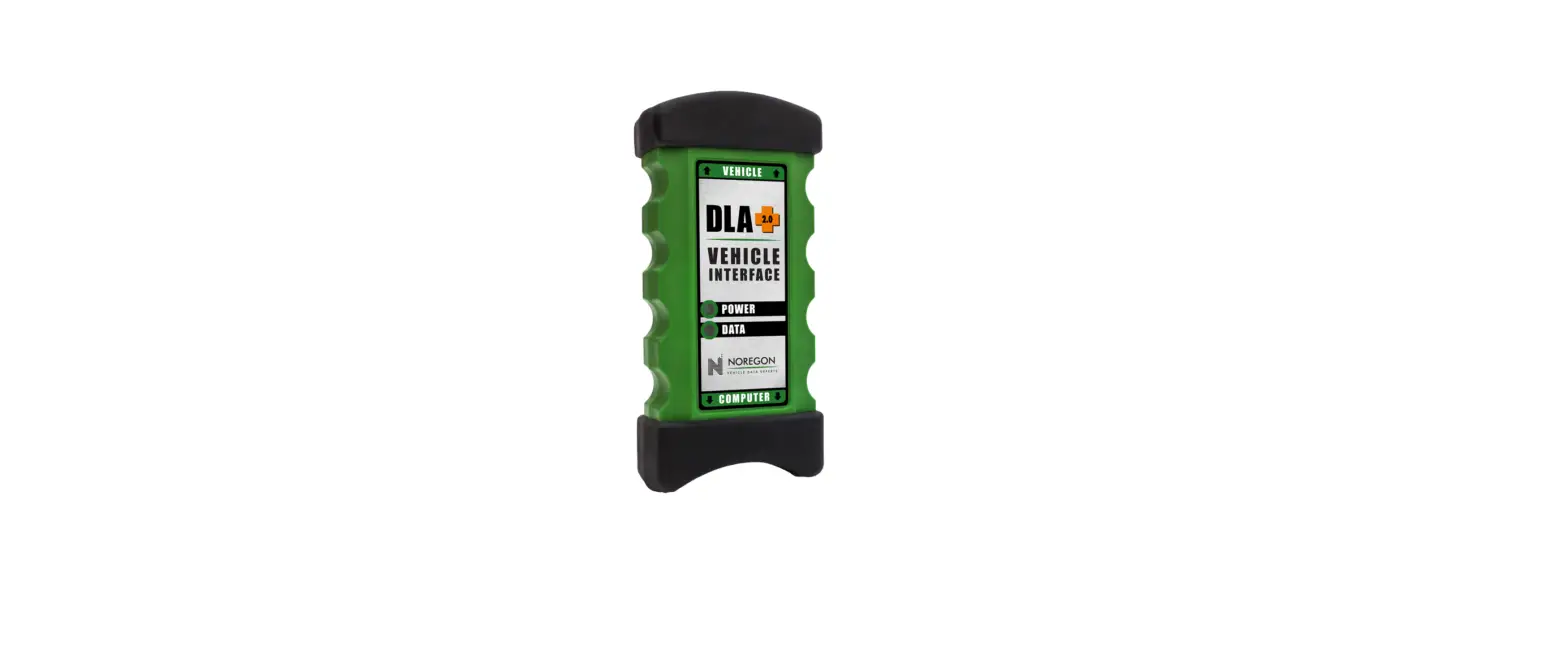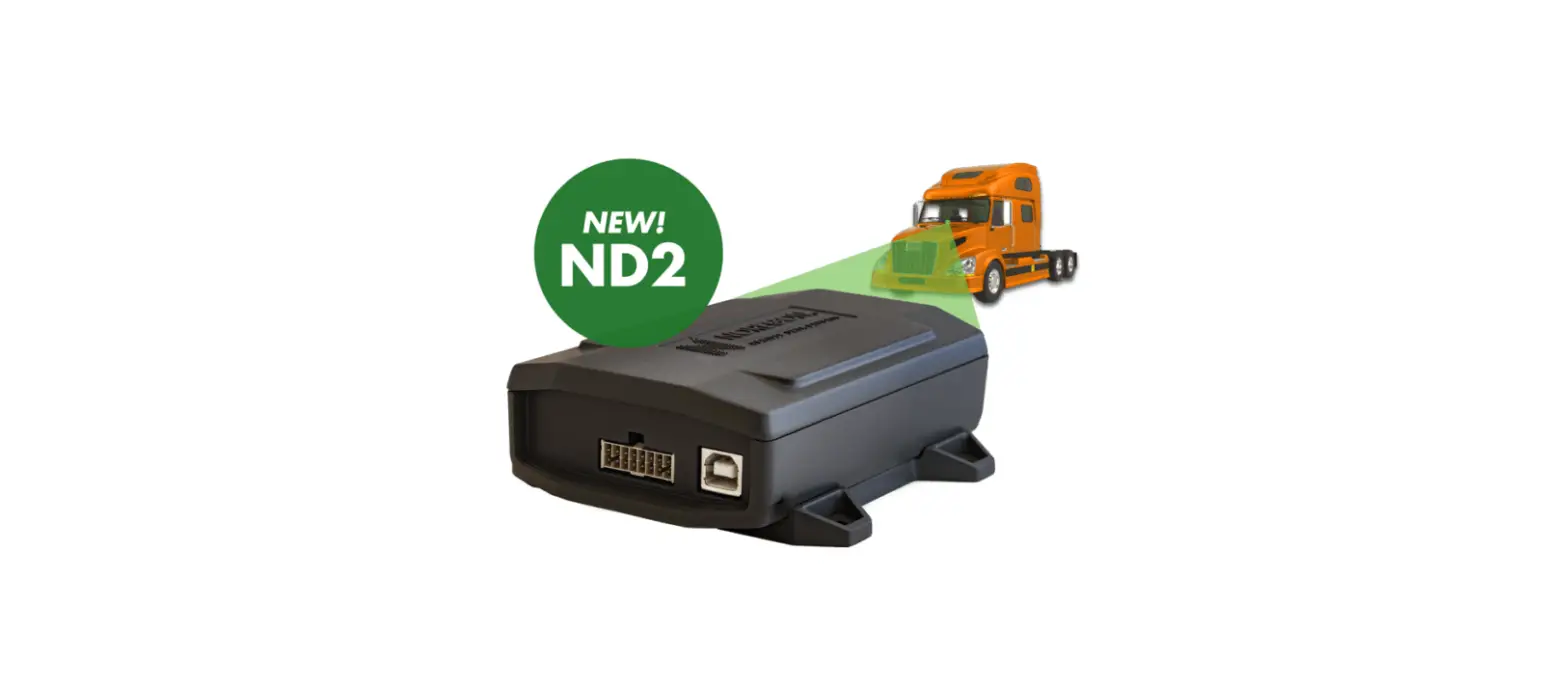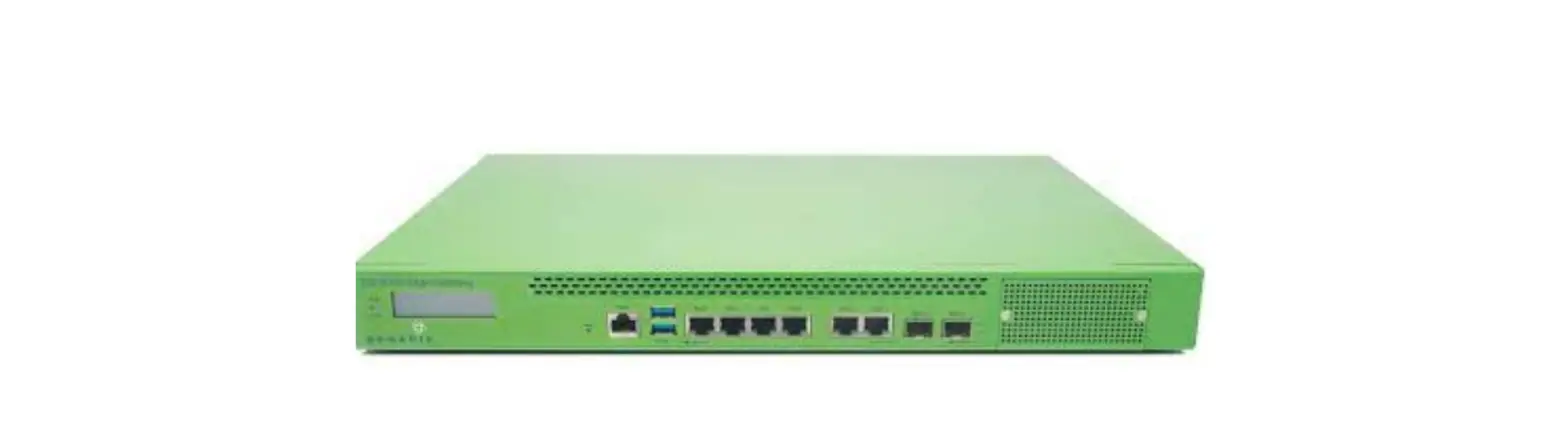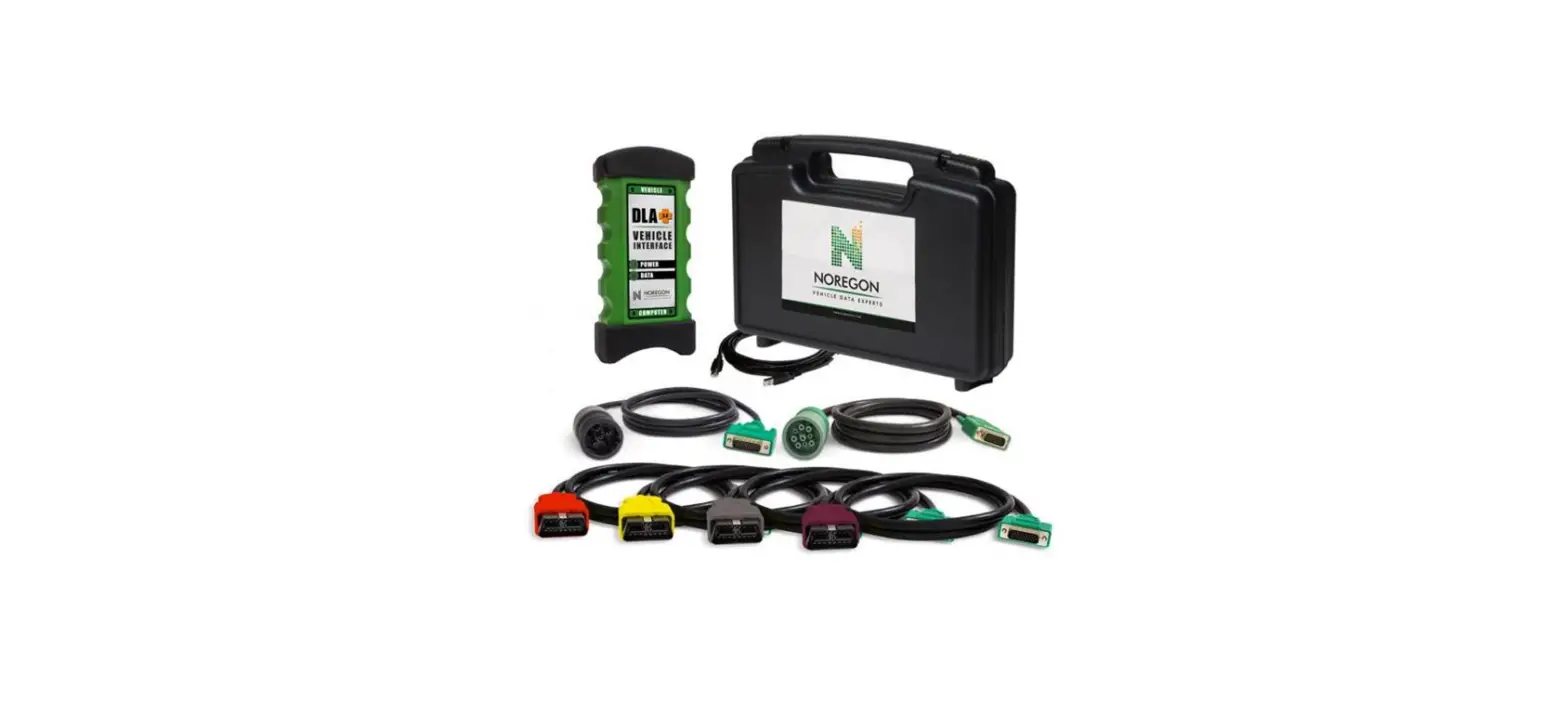

NOREGON DLA Plus 2.0 Vehicle Interface Adapter Kit
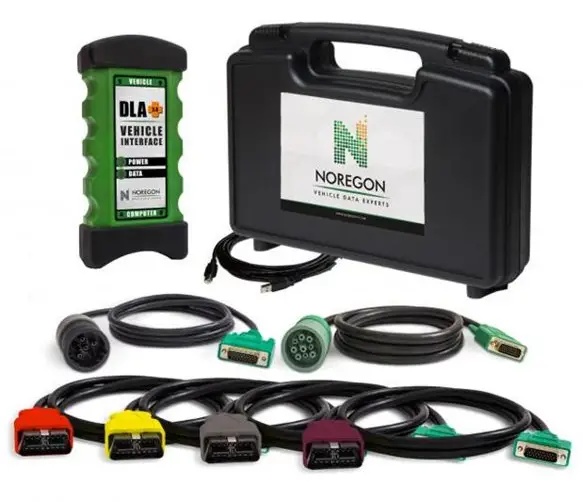
NOTE:
Adapter is powered by the vehicle and must be connected to operate.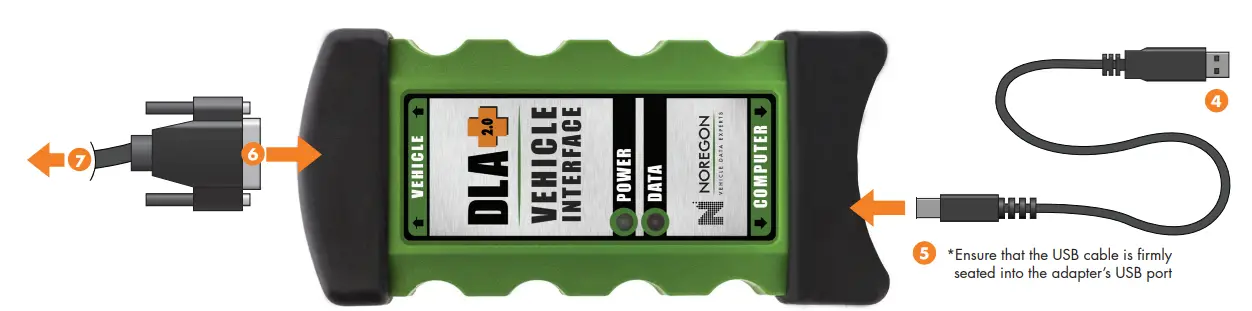
INSTALL DRIVERS
- Close running applications.
- Users can download adapter drivers online by visiting www.noregon.com/adapter-drivers and clicking the “Instructions and Driver Download” button from the DLA+ 2.0 Wired Adapter section of the adapter driver landing page.
- Once the download is complete, launch the installer and follow the prompts.
CONNECT
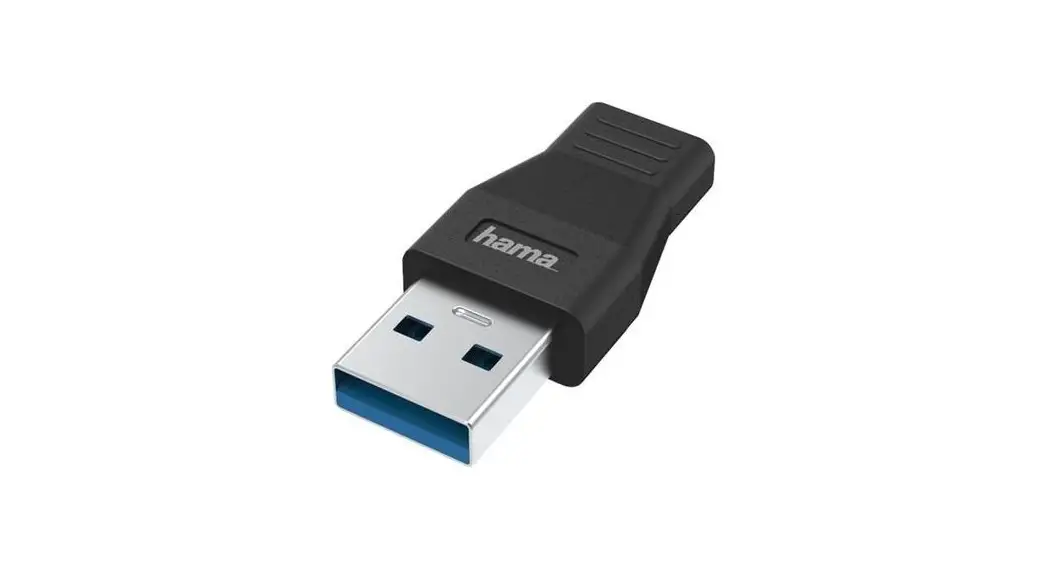
- Plug the USB cable into the USB port on the PC.
- Connect the other end of the USB cable to the port labeled Computer on the DLA+ 2.0 Wired Adapter. Connect the diagnostic cable to the 26-pin connector on the DLA+ 2.0 Wired Adapter.
- Attach the diagnostic cable’s connector to the diagnostic port on the vehicle.
QUESTIONS?
Call: (855) 889-5776
For driver updates & more, visit: WWW.NOREGON.COM
QSG-DLA2.0-09-081822
 Commercial Vehicle Data & Diagnostic Experts | Noregon