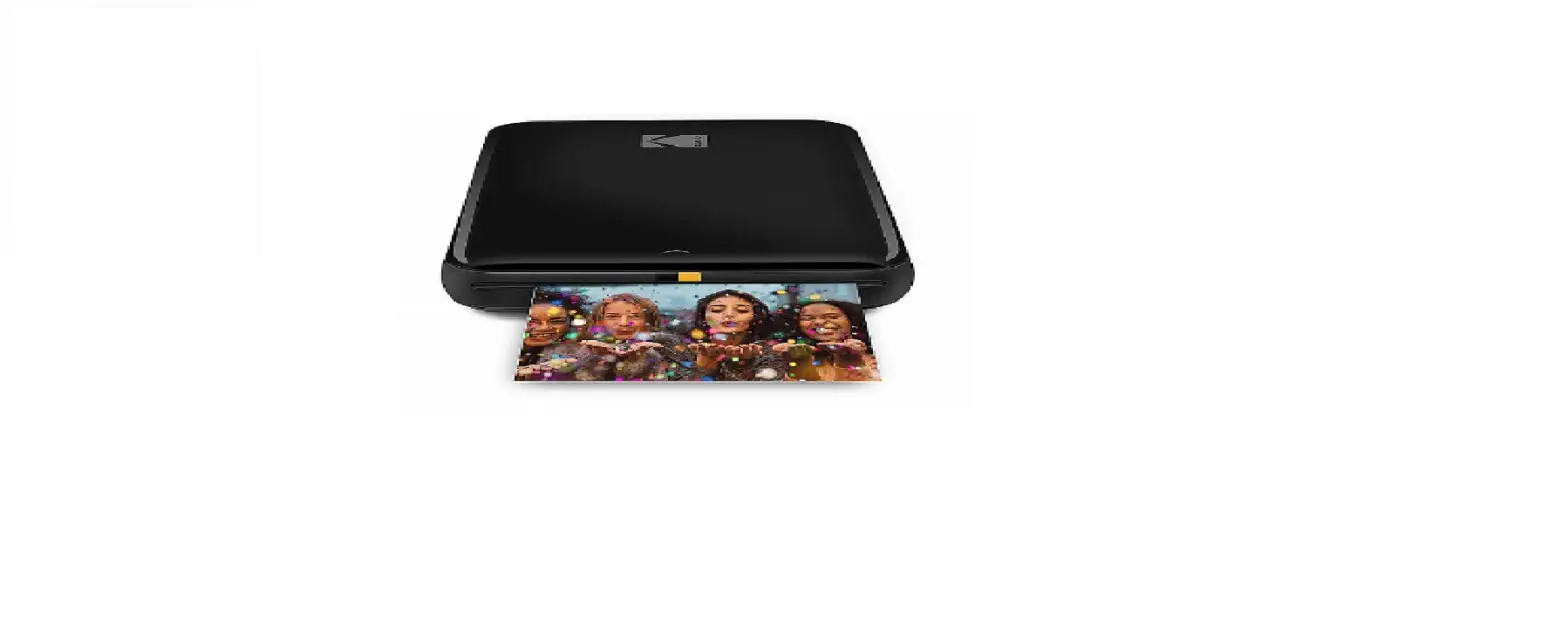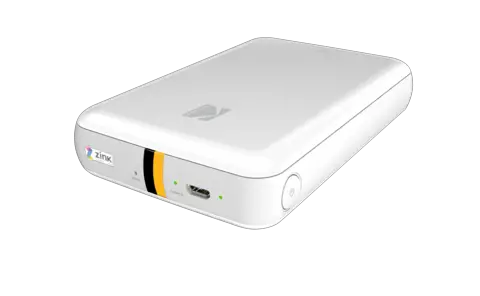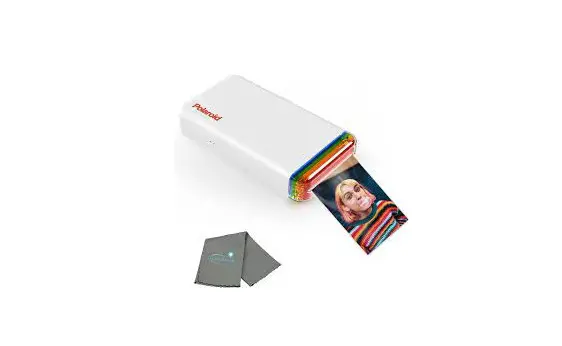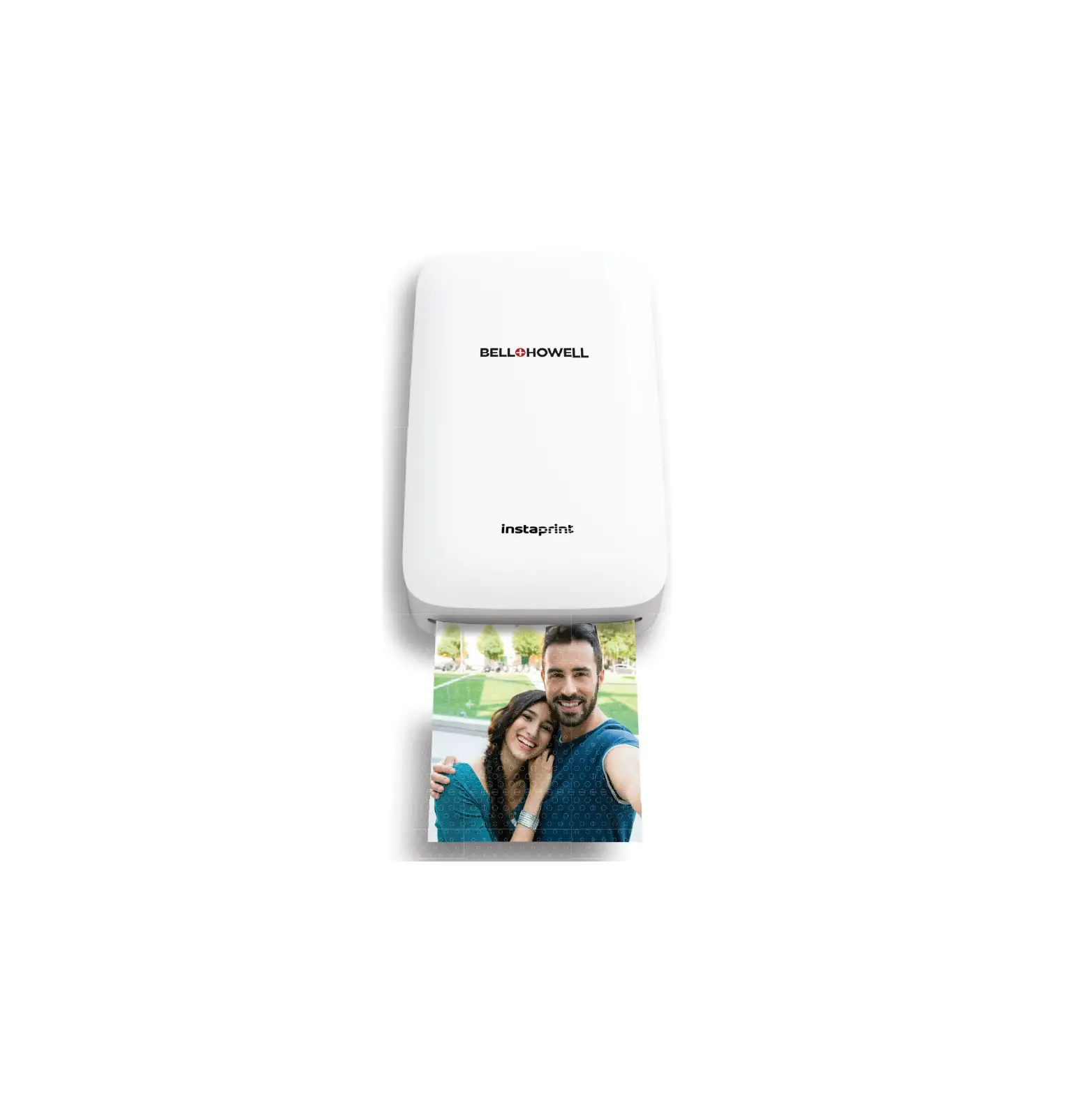
BELL HOWELL BHIP10 Mobile Photo Printer
Introduction
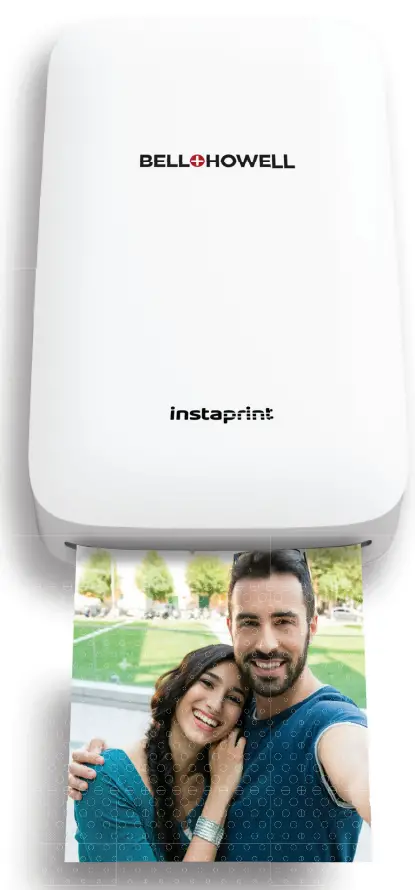
Congratulations on the purchase of your BELL +HOWELL instantprint™ mobile photo printer! Printing high-quality super-sharp photos is made fast and easy utilizing the patented 4PASS printing system. Vist our website at www.elitebrands.com
for the latest news and updates on our products.
Recharging the Battery
Your printer contains a non-removable lithium-polymer rechargeable battery. Simply plug the smaller end of the included USB plug into the printer port and the larger end into a USB charger.
Charge your printer for at least 2 hours before use.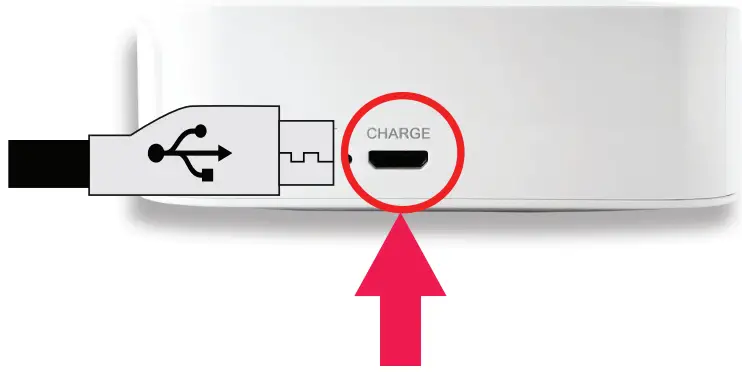
Paper+lnk Cartridge
Your printer includes a 10-paper cartridge. Insert the paper+ink cartridge as shown. The cartridge can only be inserted in one way.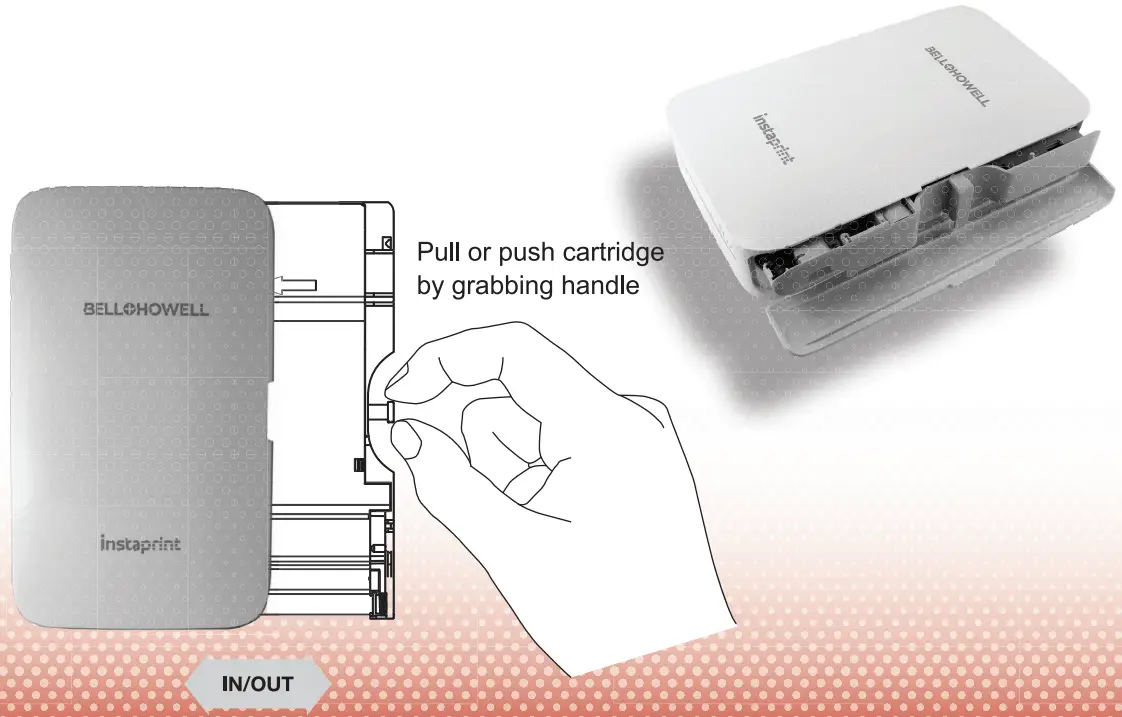
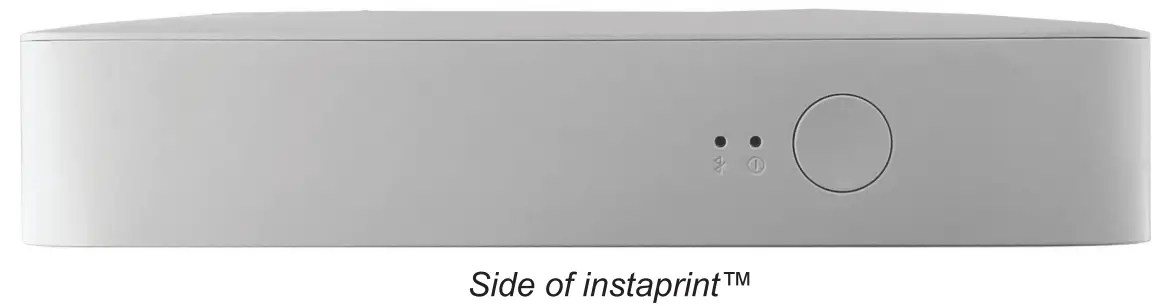
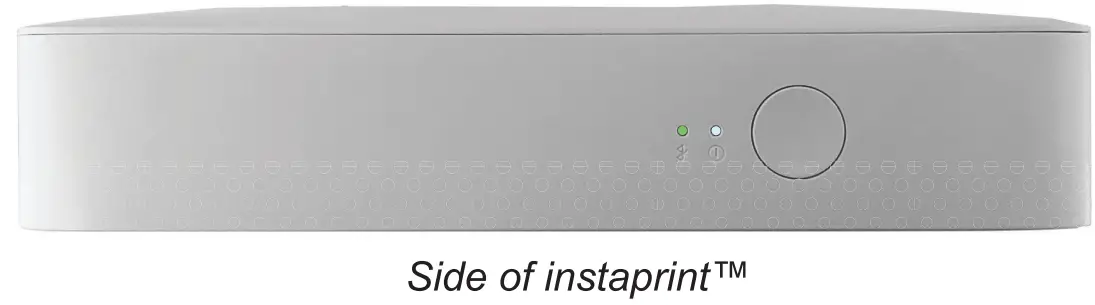
 | Power button: Power ON/ Power OFF {hold for 2 sec.) |
 | White LED Solid: Power ON White LED Blinking: Printing in progress Pink LED Blinking: Firmware upgrade in progress Red LED Blinking: No paper+ink cartridge White LED Blinking: Camera is cooling down |
 | Blue LED Blinking: Bluetooth connecting Green LED Solid: Bluetooth complete |
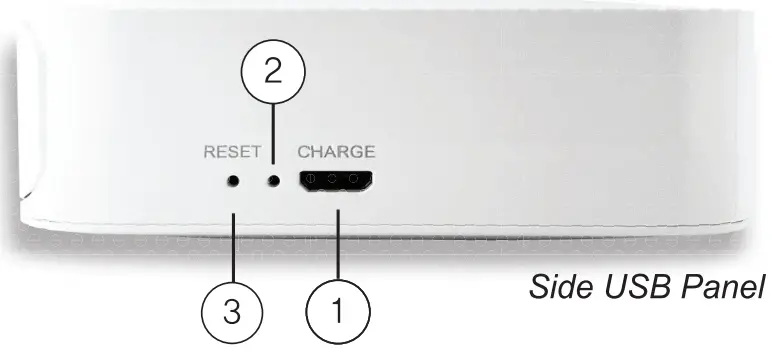
① USB Port: Plug in to recharge battery
② Red LED: Charging in progress
Green LED: Charging complete
③ Reset button: Press with a thin, pointy object if your printer becomes unresponsive
Smartphone App Installation
- Go to the Google Play Store or iOS App Store on your smartphone.
- Search for “BELL +HOWELL lnstaprint”.
- Download and launch the app once installation is complete.

Bluetooth Connection
- Enable Bluetooth on your smartphone. App Icon
- Power your printer on.
- Go to the Bluetooth settings on your smartphone and select “1NSTAPRINT-xxxx”
(‘XXXX’ represent digits based on the serial number and varies for each camera). - Once the Bluetooth connection is established, the Bluetooth LED on your camera will illuminate in green.
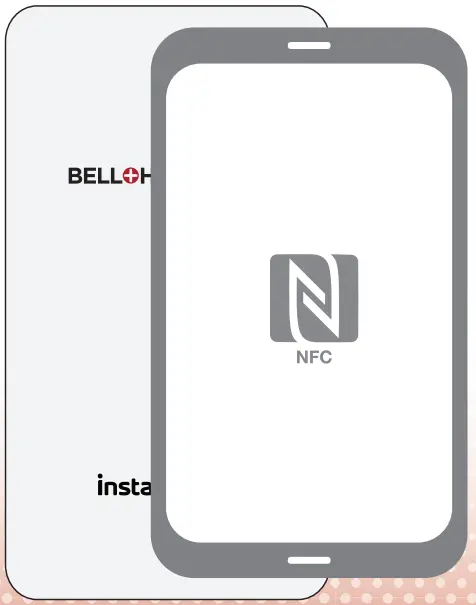
NFC Connection (Android Devices Only)
- Enable NFC on your smartphone.
- Power your printer on.
- Tap or place your smartphone on top of the printer.
The Google Play Store will automatically launch the instaprint app installation page. Install the app to proceed. - If the insaprint app is already installed, then tapping or placing your smartphone on top of the printer will automatically launch the app.

Printing a Photo From Your Smartphone
- Ensure that your printer and smartphone are connected.
- Launch the “BELL +HOWELL lnstaprint” app from your smartphone.
- On the app, select the Gallery option.
- Select a photo from one of the folders on your smartphone photo library.
- Once you select a photo, you can edit it by tapping the Edit button.
- Once you are ready to print, tap the Print button in the top right corner.
** Do not exit or close the app until your photo has completed the printing process.
Doing so may cancel the print job and not complete your printing job.
Visualization of Bell+Howe/1 instaprinfTM smartphone app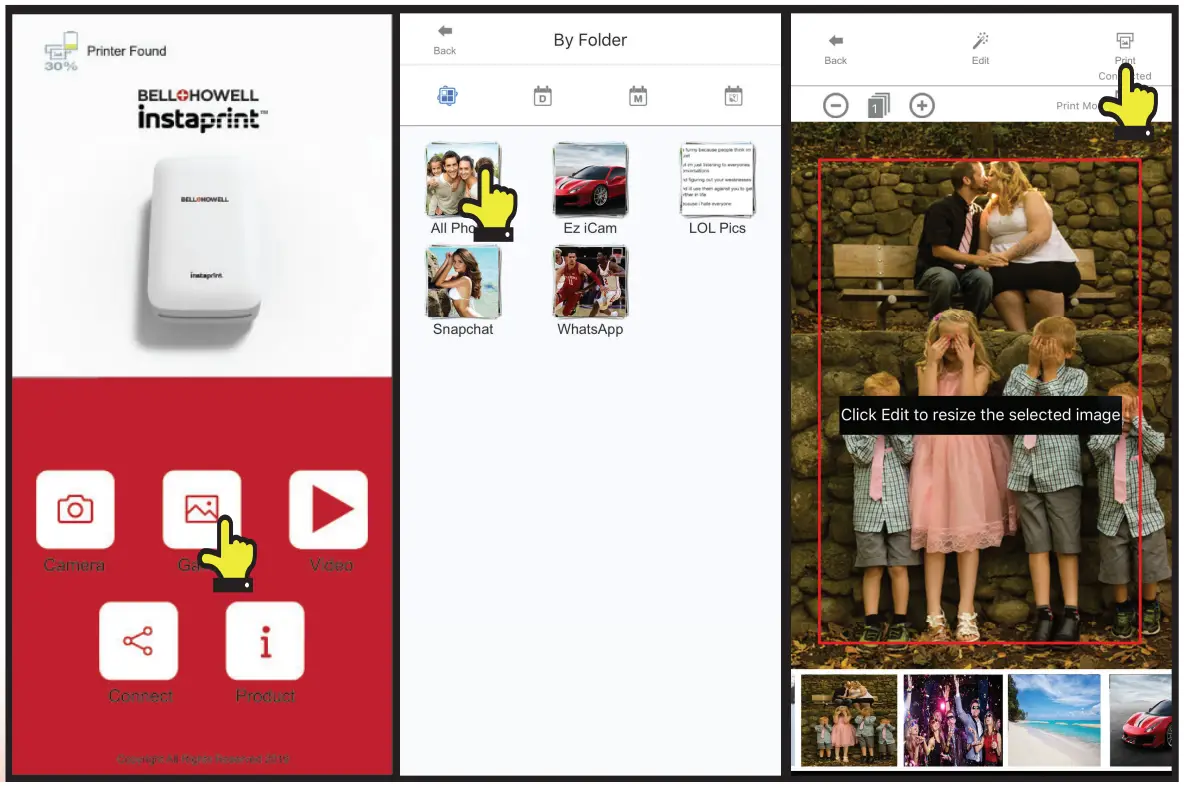
Notes
- The photo paper will retract in and out 4 times (Yellow, Magenta, Cyan, Laminate Overcoat). For the best image quality, do not touch the paper until the printing process is complete.
- Do not pull the paper out by force until printing is completed.
- Do not place any objects in front of the paper exit slot.
- Be sure to check the app store for the latest app version and firmware versions available for download.
- The printer has a built-in, non-removable battery. Be sure to charge it before use.
- Handle with care during charging to prevent electric shock.
- Do not disassemble or attempt to repair. Doing so may void warranty.
- Avoid extremely high or low temperatures. Operating temperature should stay between 32~104 degrees F.
- A higher resolution photo will produce a higher print photo quality. The minimum recommended image pixel size for printing is 1280×2448 pixels.
Troubleshooting
| Symptom | Cause/Solution |
| Paper jam | Power off and on again. Paper will be automatically ejected. If not, replace the old cartridge with a new cartridge. |
| Image quality is unclear or blurry | Original image file may already be unclear or blurry. |
| The minimum recommended image pixel size is 1280×2448 pixels. | |
| Printer is not responding. | Reset the printer with a pointy object. 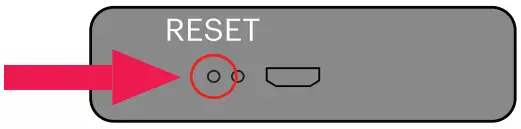 |
This device complies with FCC SAR requirement This device complies with part 15 of the FCC Rules. Operation is subject to the following two conditions:
(1) This device may not cause hannful interference, and
(2) This device must accept any interference received, including interference that may cause undesired operation.
Caution: Any changes of modifications to the equipment not expressly approved by the party responsible for
| BELL+HOWELL® instaprint™ Technical Specifications | |||
| General | Printing Technology | 4PASS Technology (Dye Diffusion Thermal Transfer) | |
| User Interface | LED | Printer Status, Bluetooth Status, Battery Status | |
| Key/ Button | Power, Reset | ||
| Connectivity | Wireless Connectivity | Bluetooth | |
| Power Consumption | Standard Operation | Max 13W | |
| Auto Power Off | 2 minutes | ||
| Internal Battery | Capacity | Single lithium 620mAh, 4.588Wh | |
| Charging Method | Rechargeable | ||
| Max Printing Sheets on Full Charge | 20 Sheets | ||
| Time to Full Charge | 120 minutes | ||
| Acoustic Noise | Printing | Less than 60 dB | |
| Dimensions (Wx D x H) | Set(mm) | 138.2 X 80.0 X 27.1 | |
| Set Packing | 156 X 105 X 51 | ||
| Gross Weight | Full Set with Packaging | 3509 | |
| Boot Time | 14 sec | ||
| Printing | Print Speed | 60 seconds for first print after first boot-up, 50 seconds afterwards | |
| Resolution | 291 dpi | ||
| Smartphone OS Support | Android | Android OS version 6.0 and later | |
| Apple iOS | iOS version 10.0 and later | ||
| Media Handling | Input Capacity | Standard | 10 sheet cartridoe l1i.) 220o/m2 |
| Output Capacity | Standard | 1 Sheet @ 220g/m2 | |
| Media Size | Standard | 54x 97mm | |
| APP | Application | Smartphone App | Bell+Howell lnstaprint |
| Photo Formats Supported | JPEG,PNG | ||
| Capture, Retrieve, Print and Share Photos | Shoot through | Smartphone Camera Feature | |
| Smartphone Gallery | Yes | ||
| Smartphone Camera | Yes | ||
| Cloud Drives | Yes | ||
| Social Media App | Yes | ||
| Edit Photos | Crop, Rotation, resize etc. | Yes | |
| Insert Text, Sticker, etc. | Yes | ||
| Adjust color, sharpness etc. | Color, Sharpness, Brightness | ||
| Filter and Frame | Yes | ||
| ID photo / Business Card | Yes | ||
| Collage | Yes | ||
| Firmware Upgrade | by App Update | Yes | |
| Environment | Recommended | 10~30 degree C I 5~70% RH | |
| Storing Conditions | -30~70 degree C | ||
©BHH LLC 2019
DISTRIBUTED UNDER LICENSE OF BHH LLC BY ELITE BRANDS INC.
Elite Brands Inc. 40 Wall Street, 61st Floor
New York, NY 10005 USA • (800) 441-1100 • www.elitebrands.com
MADE IN KOREA