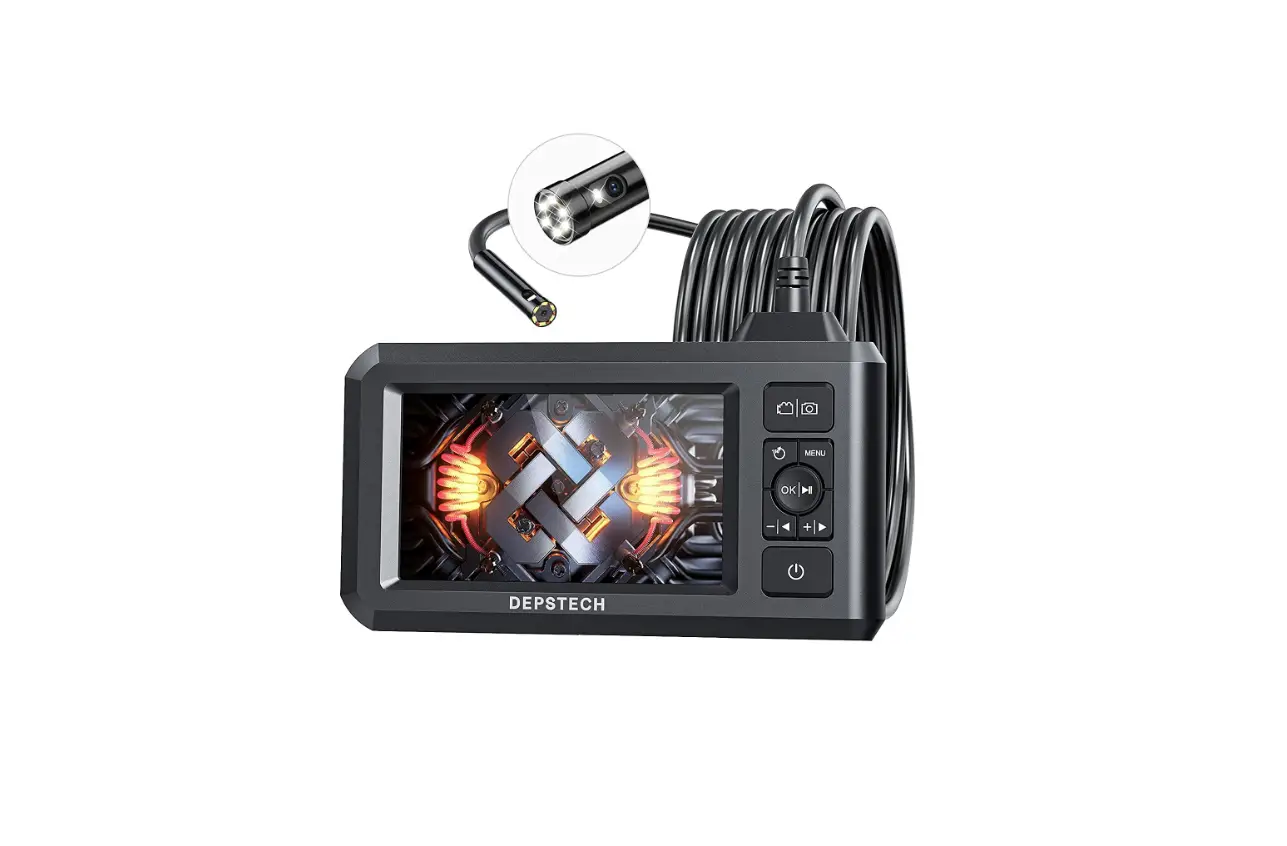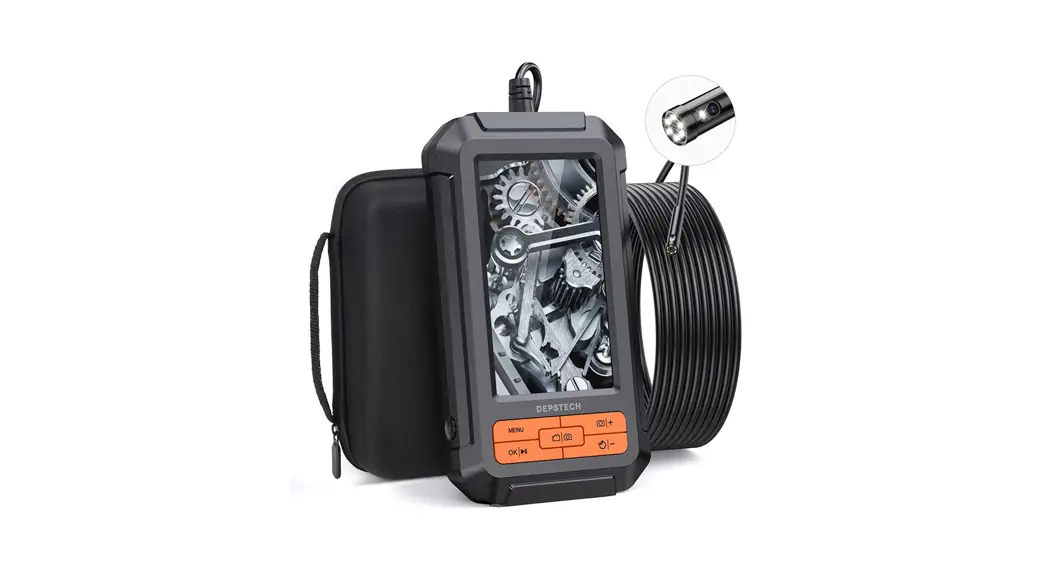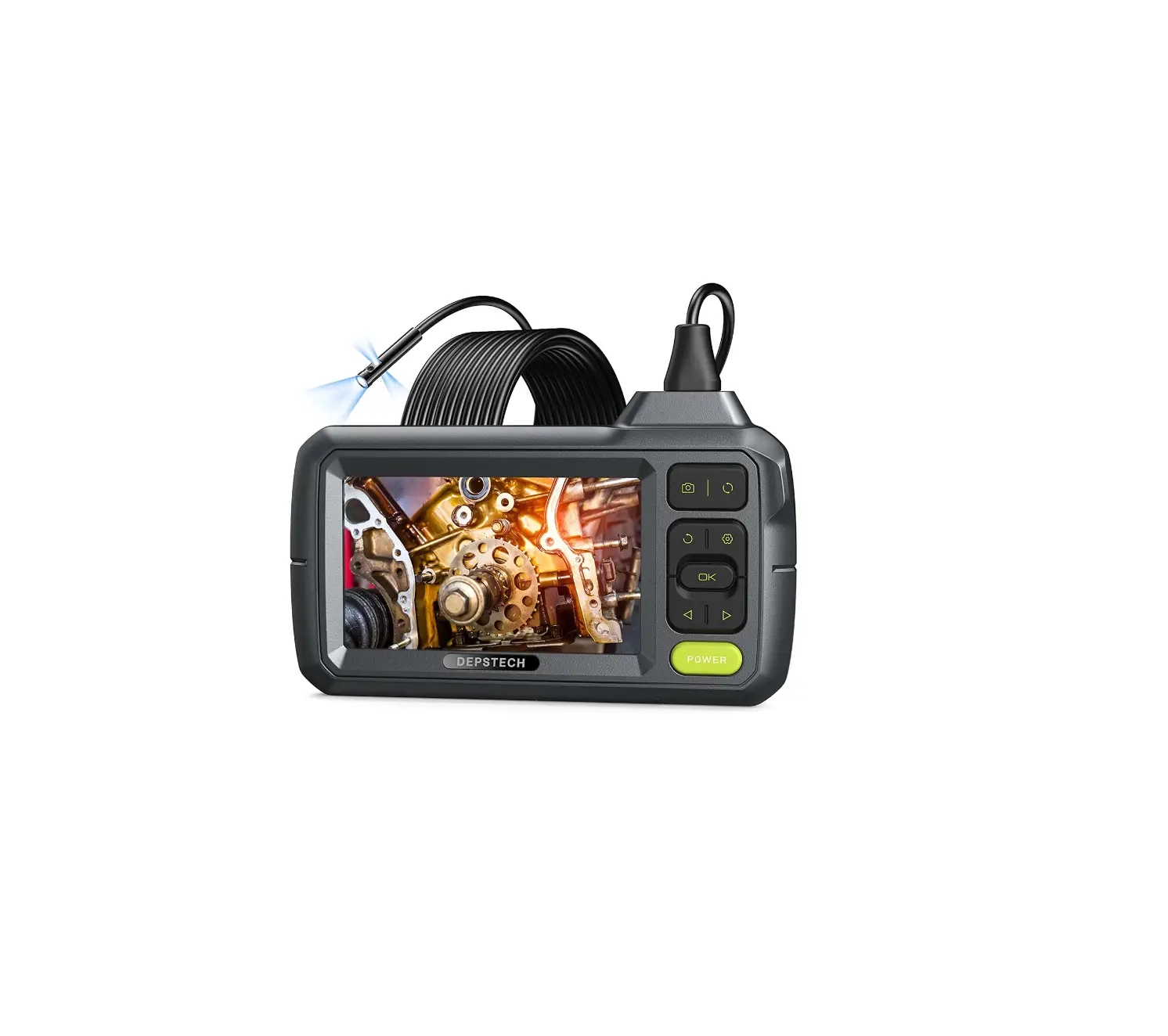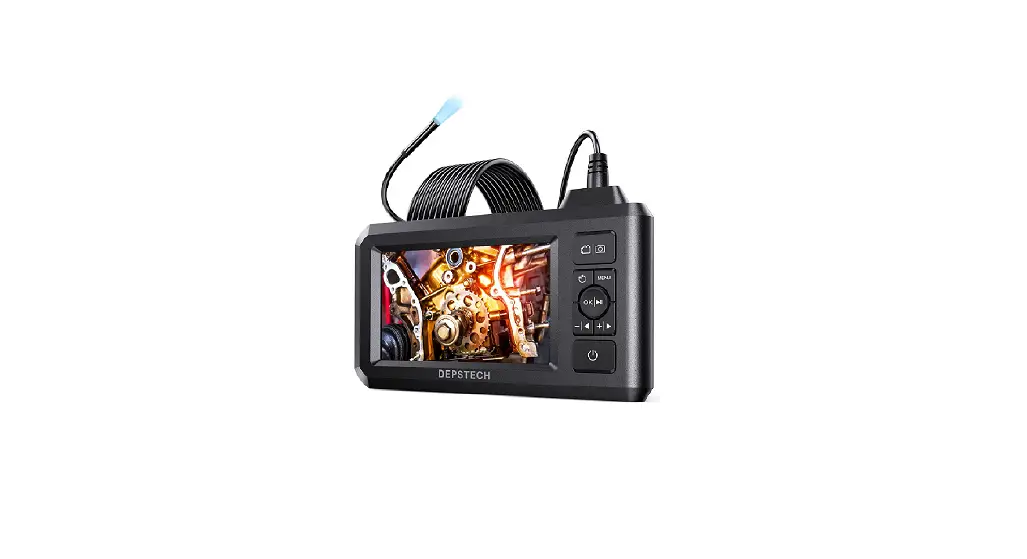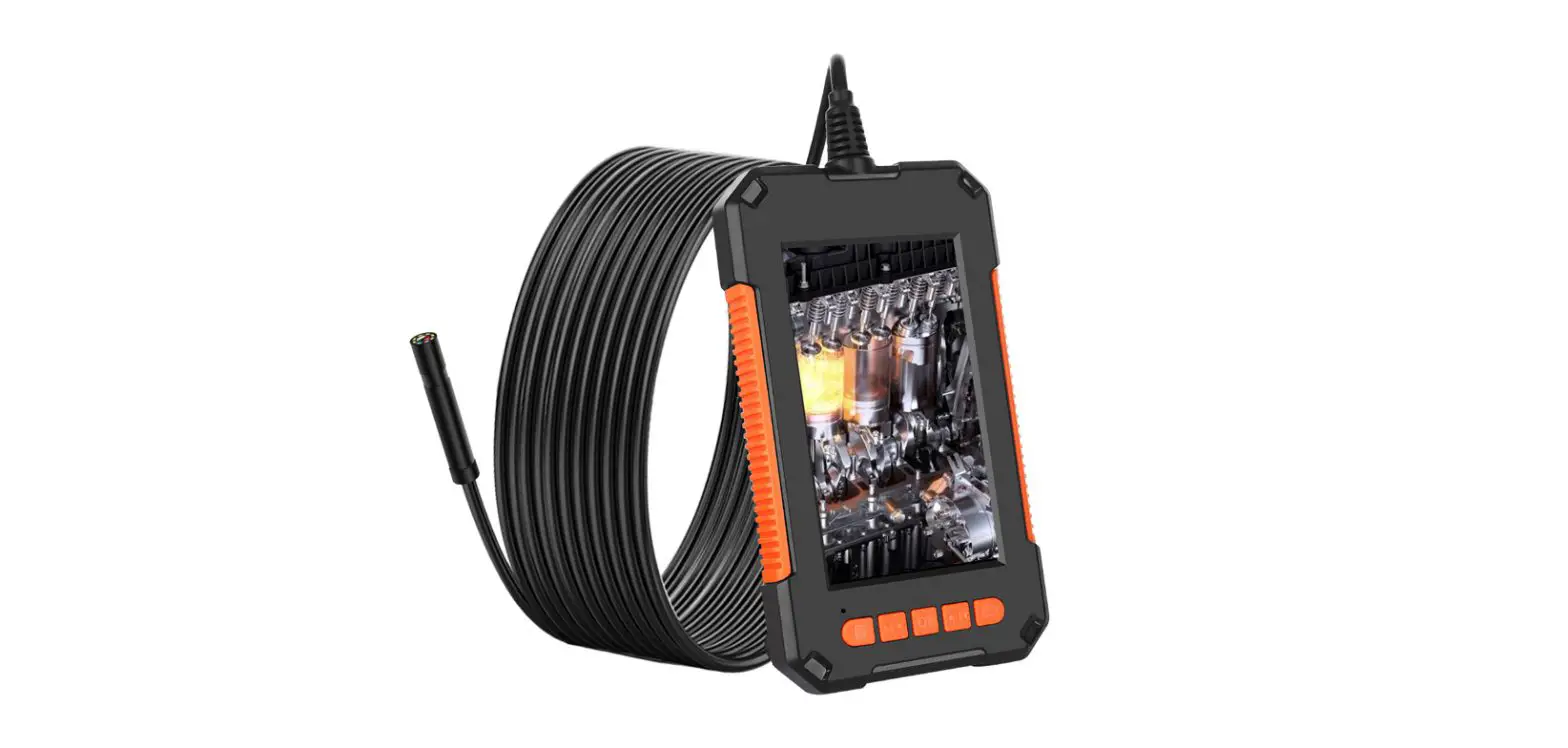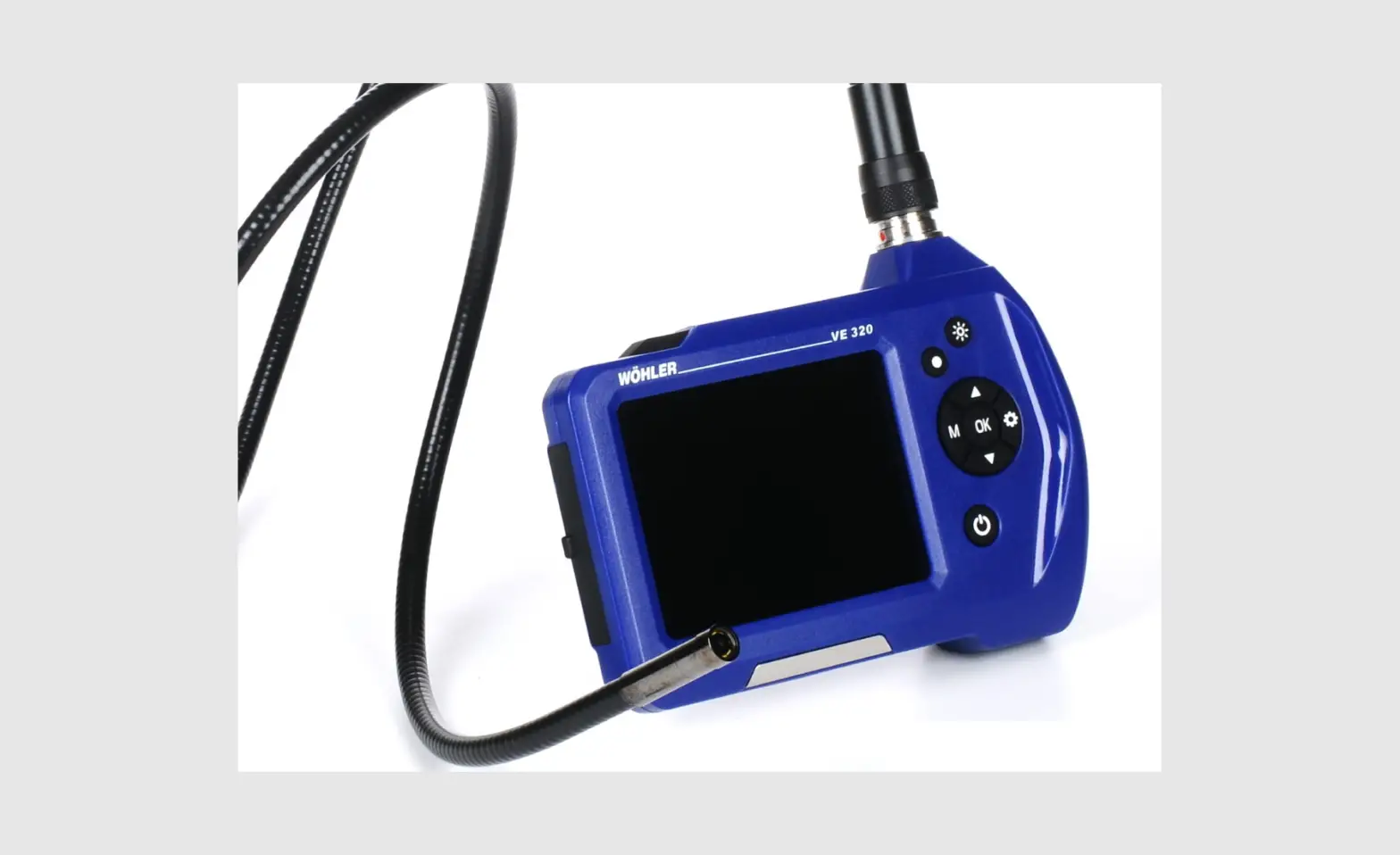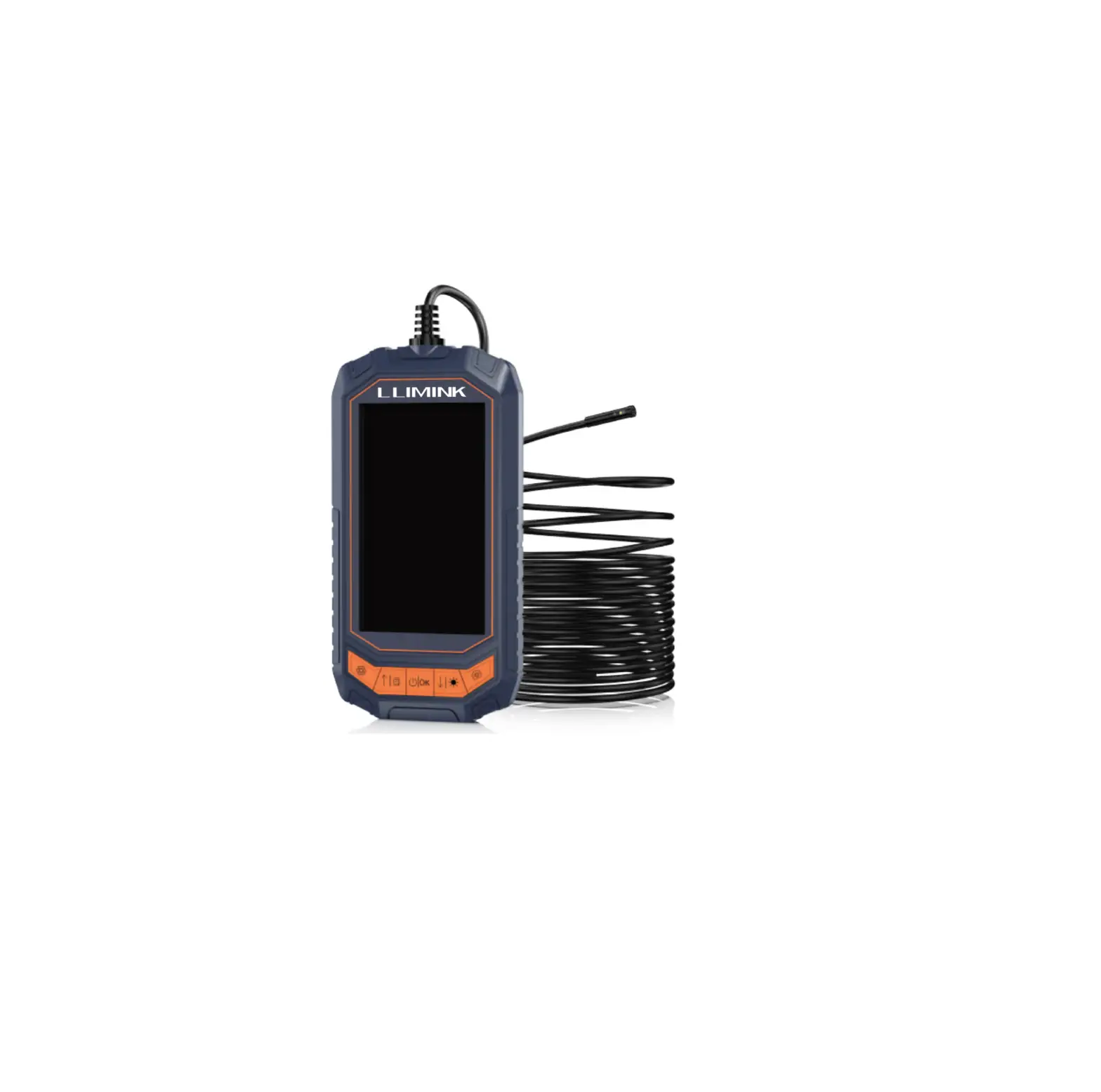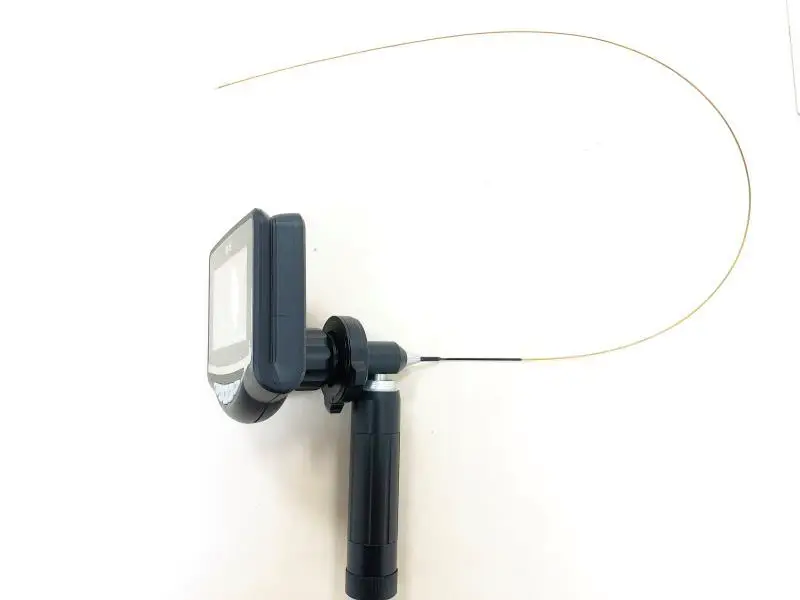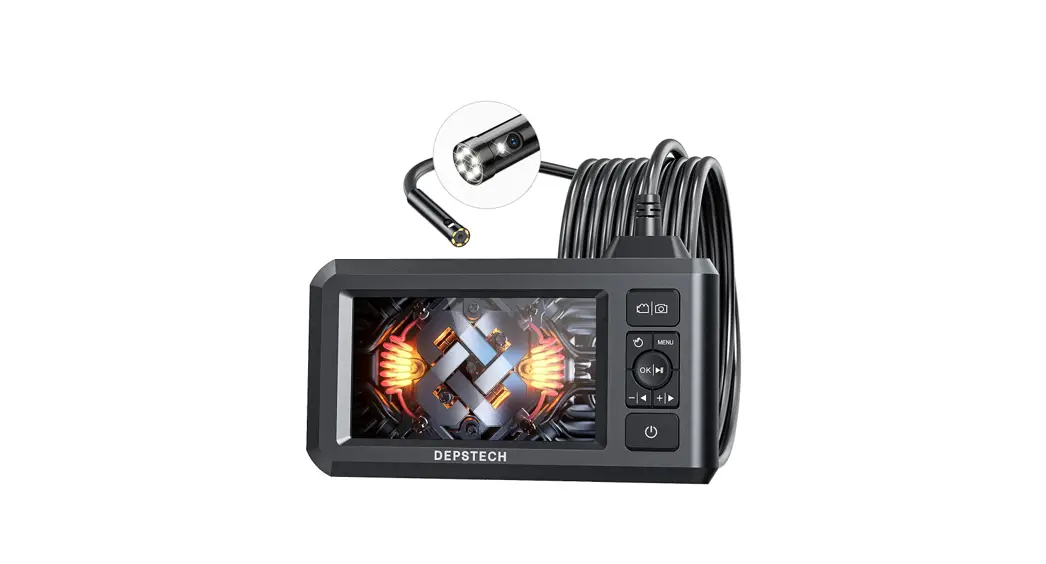

Operation Guidance
UI introduction
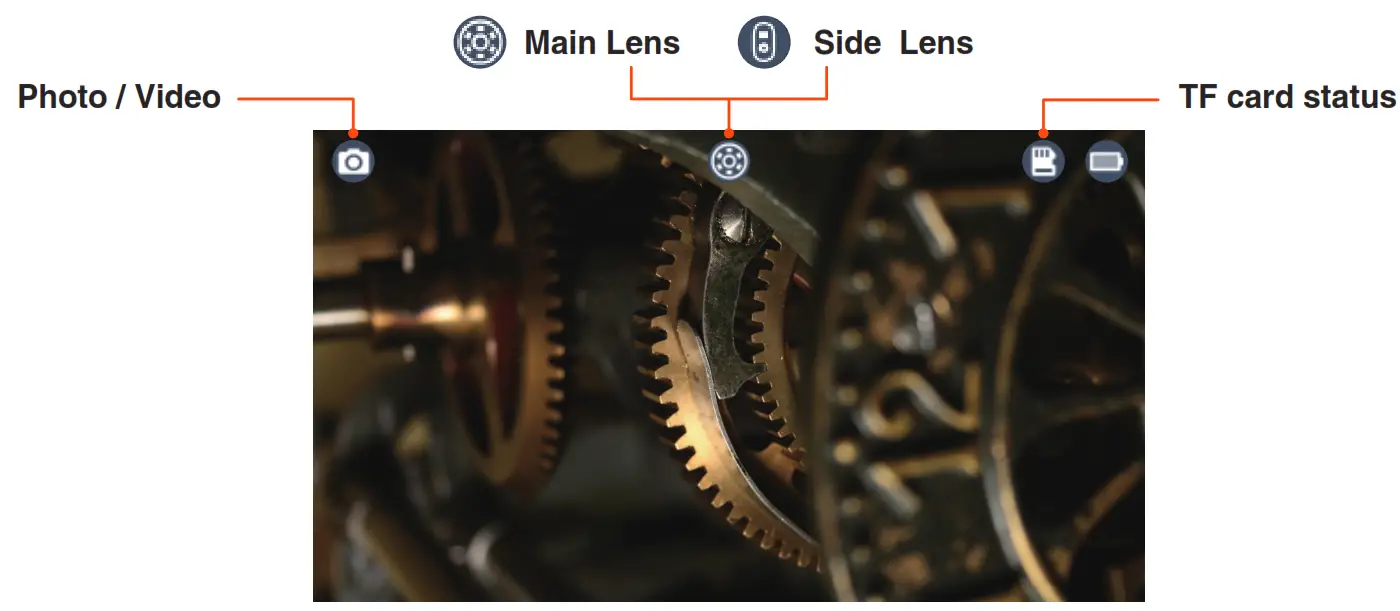
Photo / Video:
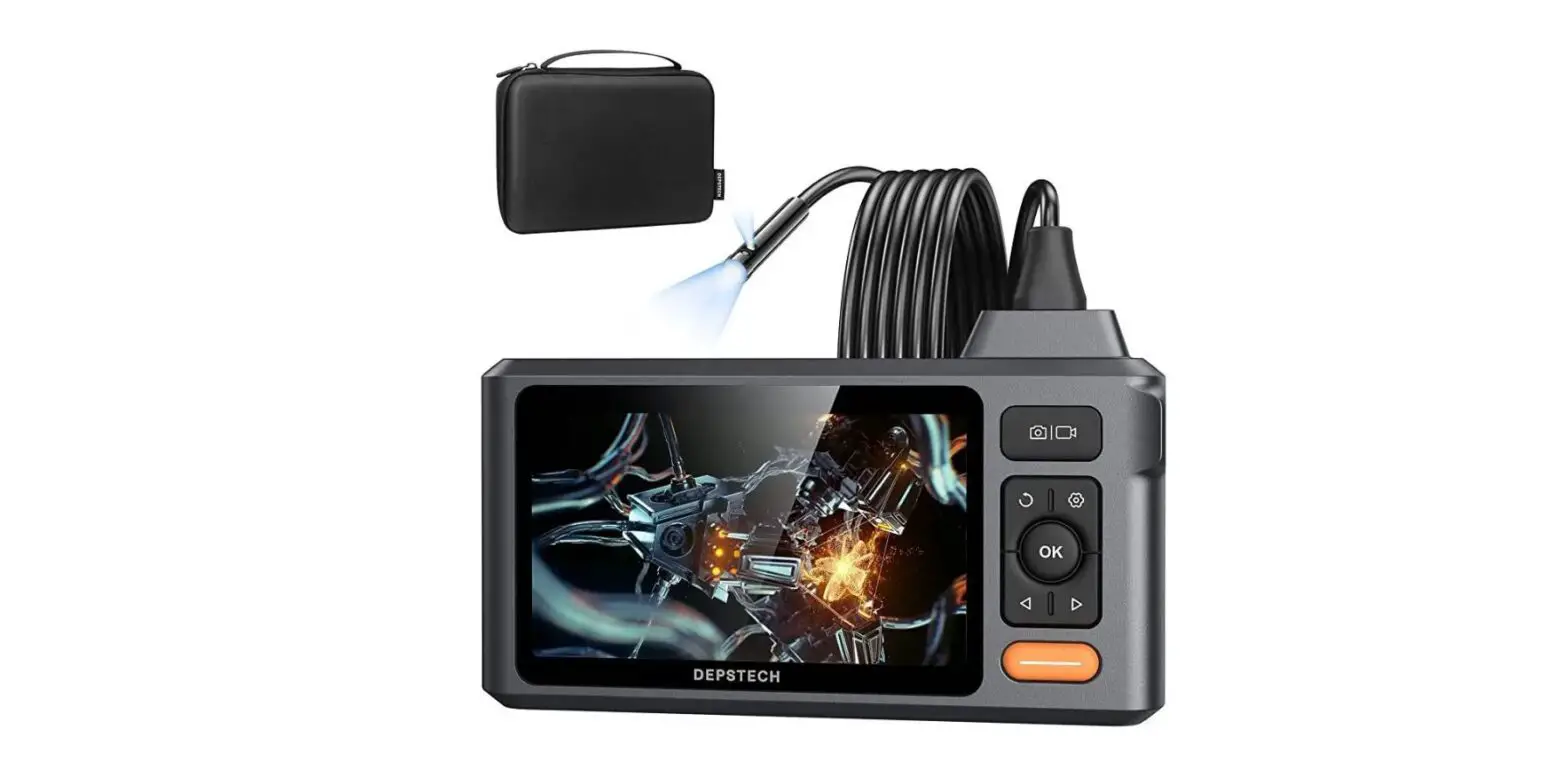
Take photos by pressing the  button, and long press 2s to start or end the Video.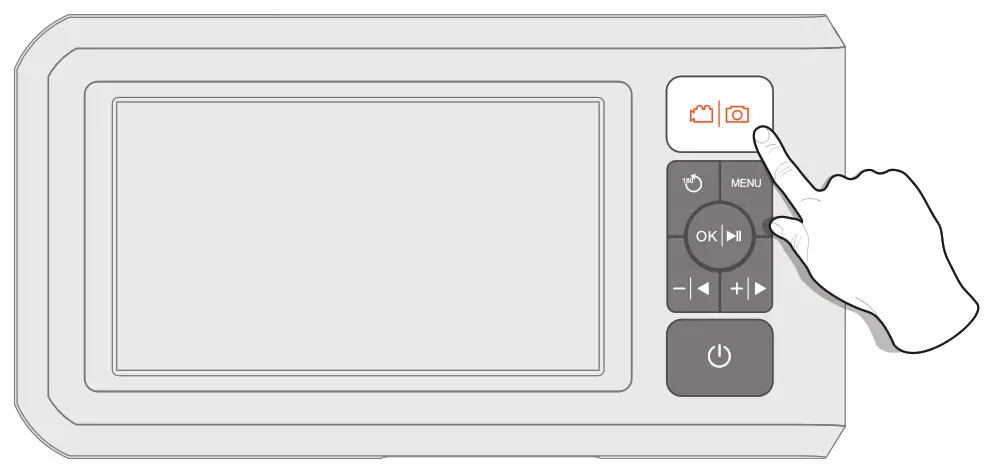
View Photos:
Long press in preview mode to enter the photo album, and press to view photos.
Long press again to exit the photo album.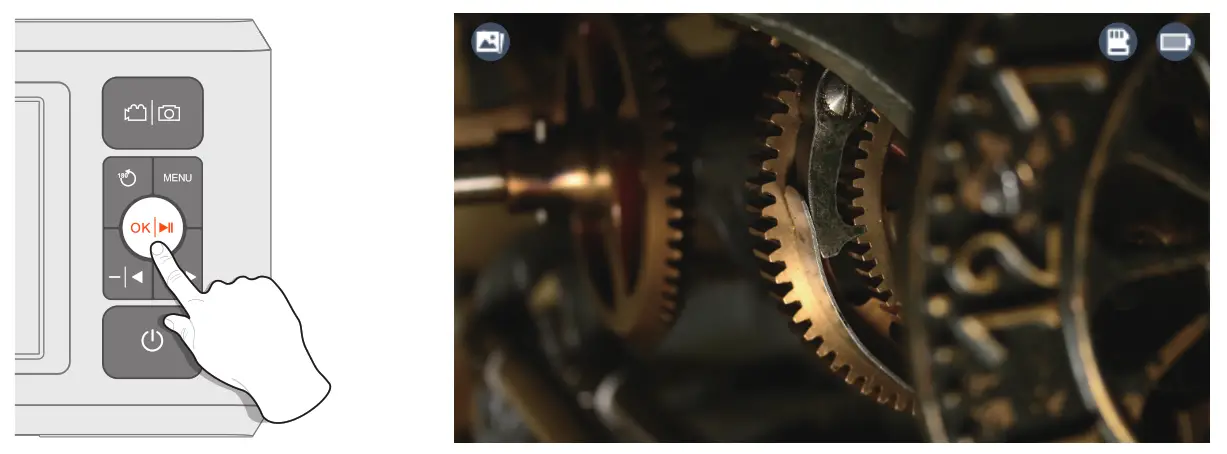
Delete Photos:
When viewing photos, press MENU to choose to delete the current photo or delete all photos, and press MENU again to return to the album.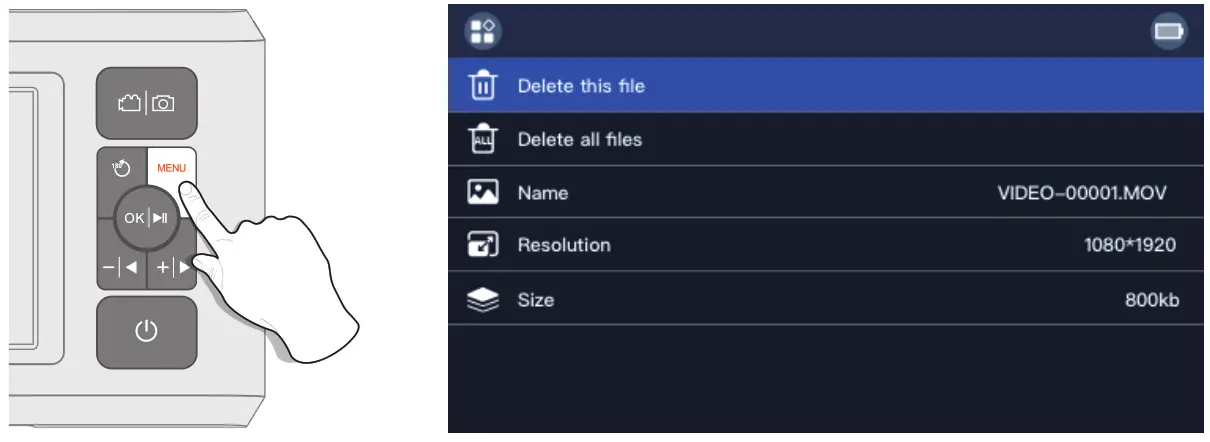
Screen Rotation:
Press the button, and the image will rotate 180°.
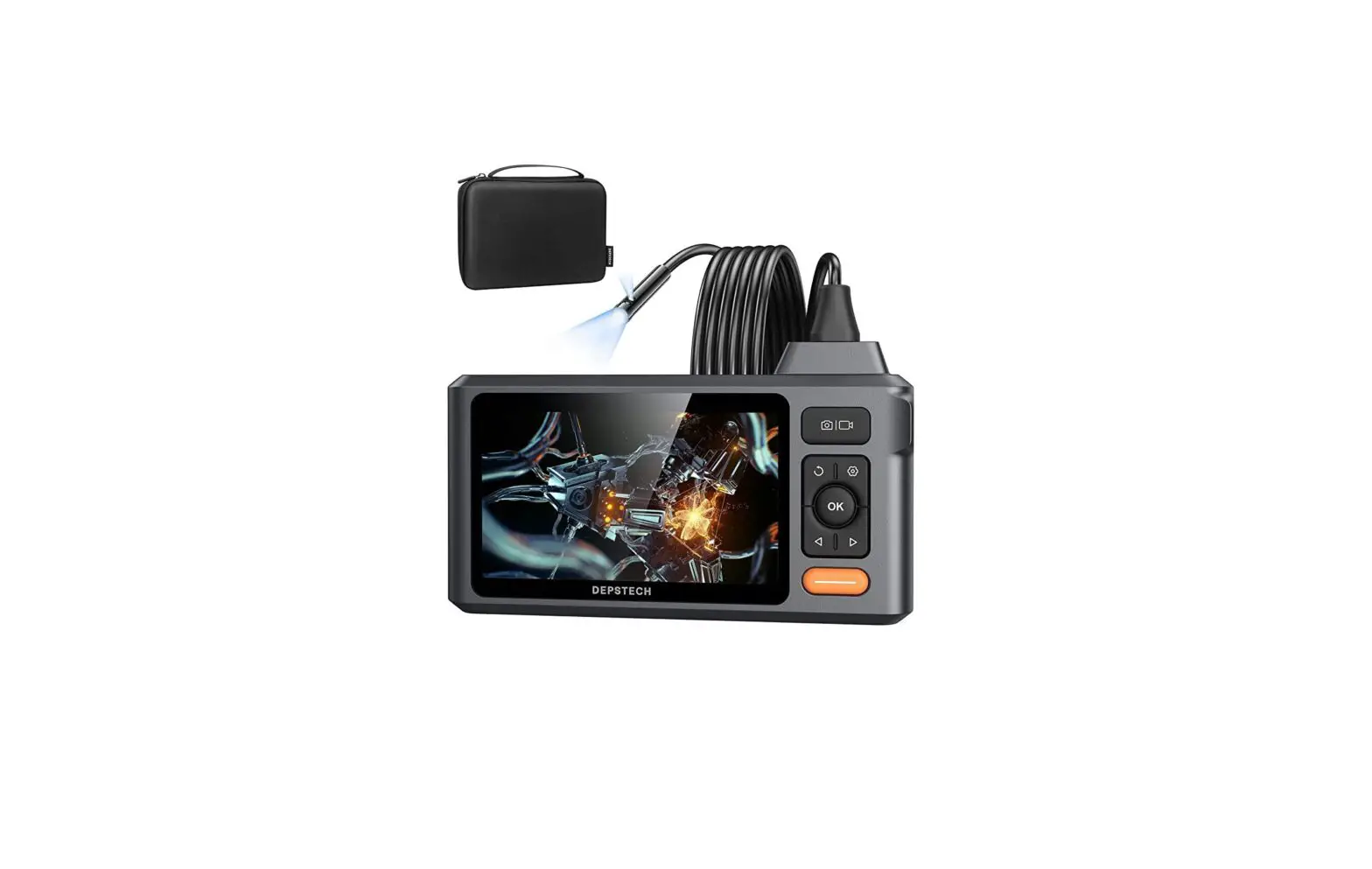
Single and Double-Lens Switching (only applicable to double-lens products):
Long press the button to switch between the main lens, side lens, and double lens.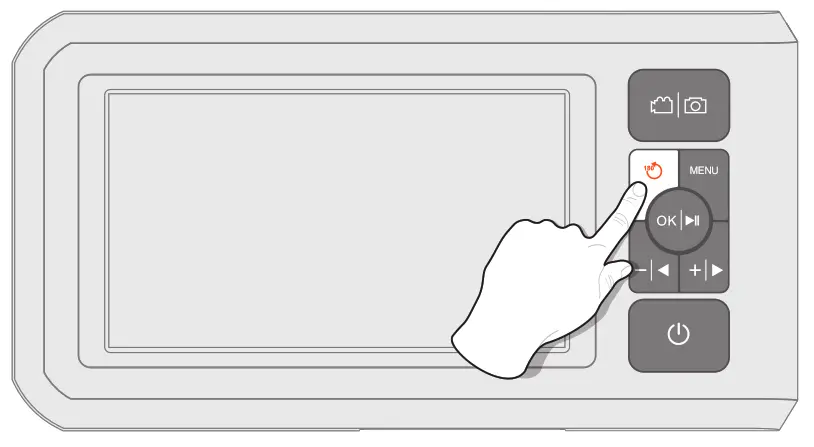
TF Card Formatting:
Press MENU to enter the menu interface, press to select Format options, and then press to enter the options interface.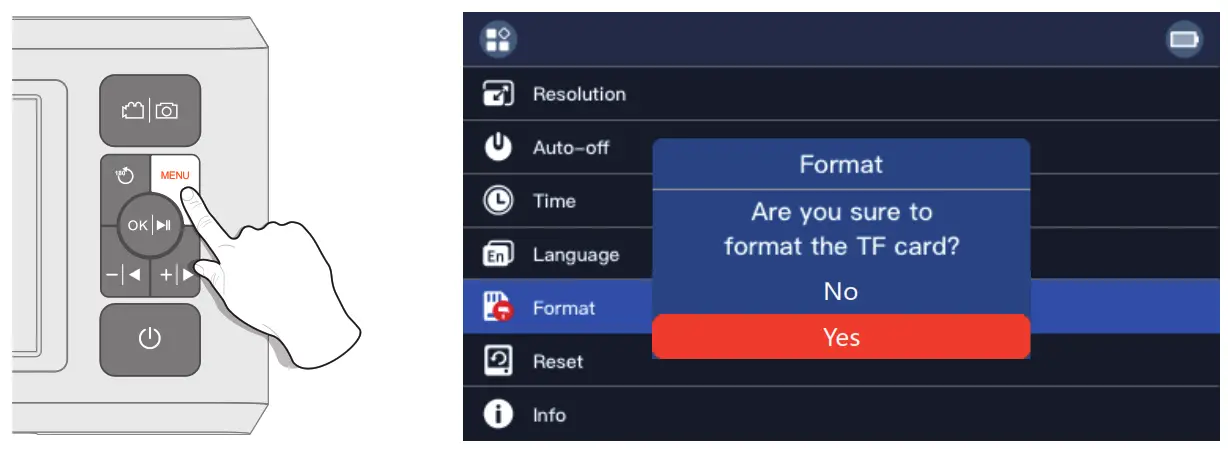
Copy photo and video files to computer
The device does not support a USB data cable to transfer data, you can use a TF card reader to copy data directly. 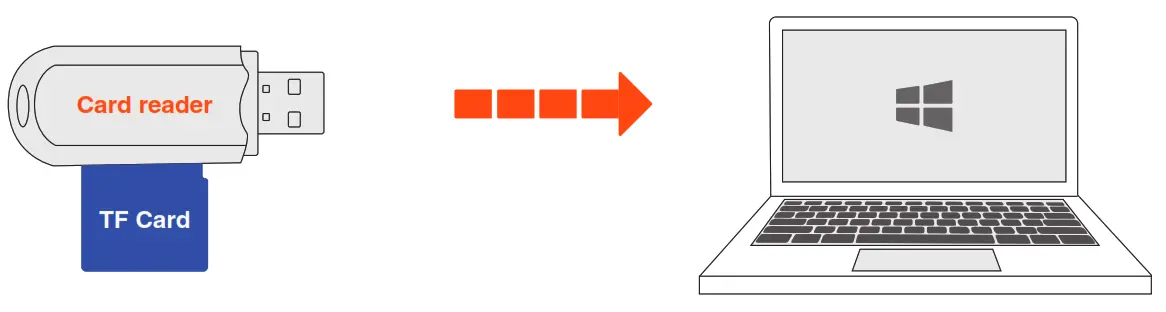
Guide for Accessories Installation
Turn counterclockwise-remove protect cap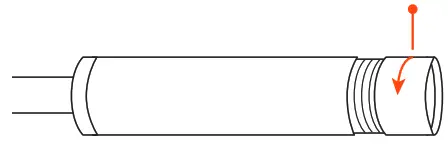
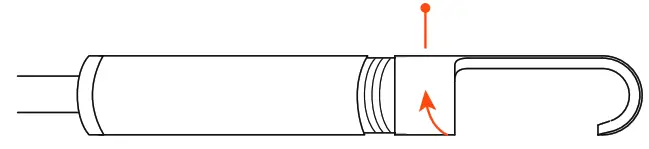
Turn clockwise-tighten accessories
 Please read the instruction manual carefully before using this product!