Hello
User Manual
for Depstech® DS450 Industrial Endoscope
Thanks for choosing Depstech® DS450
Industrial Endoscope!
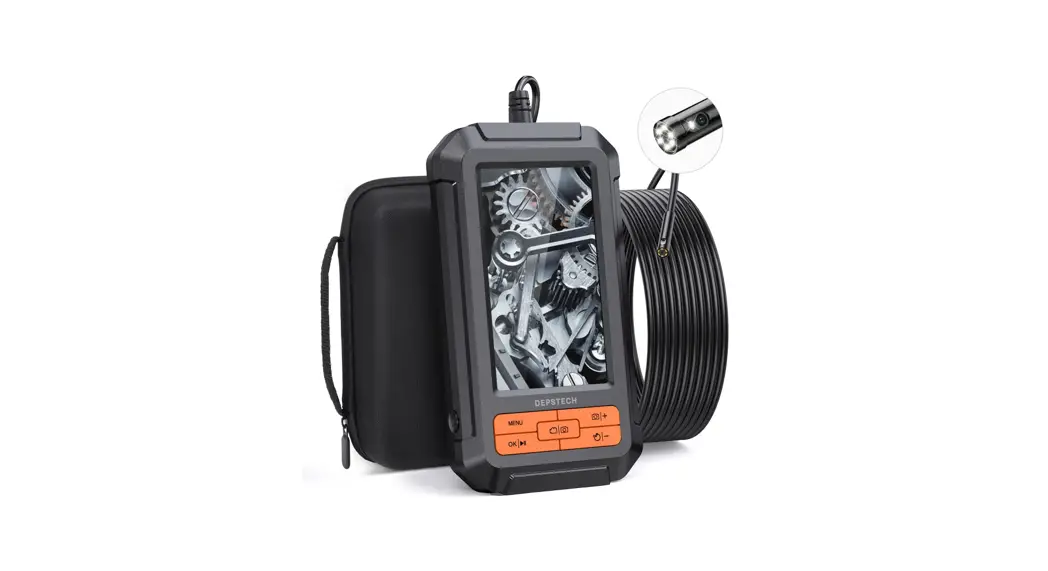
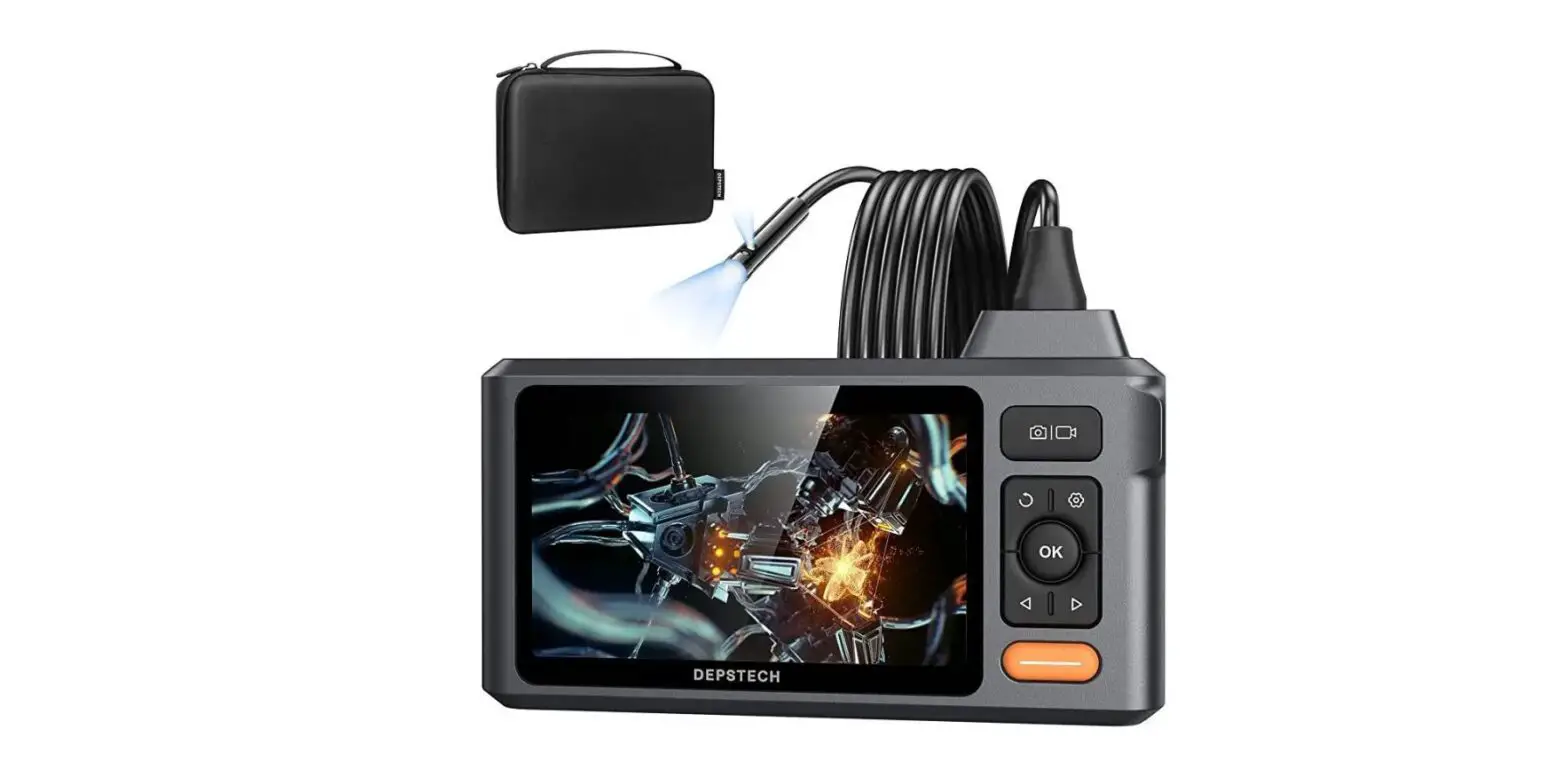
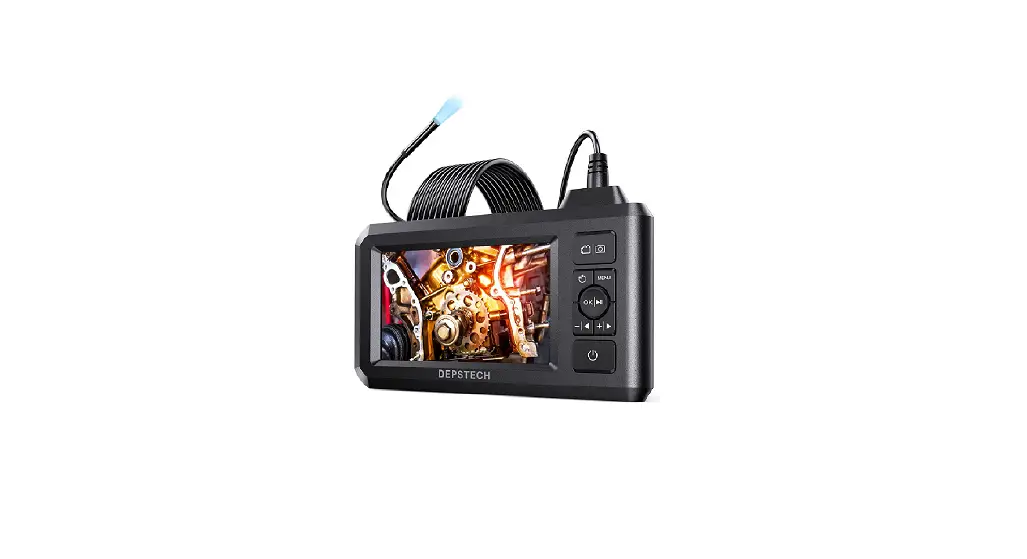
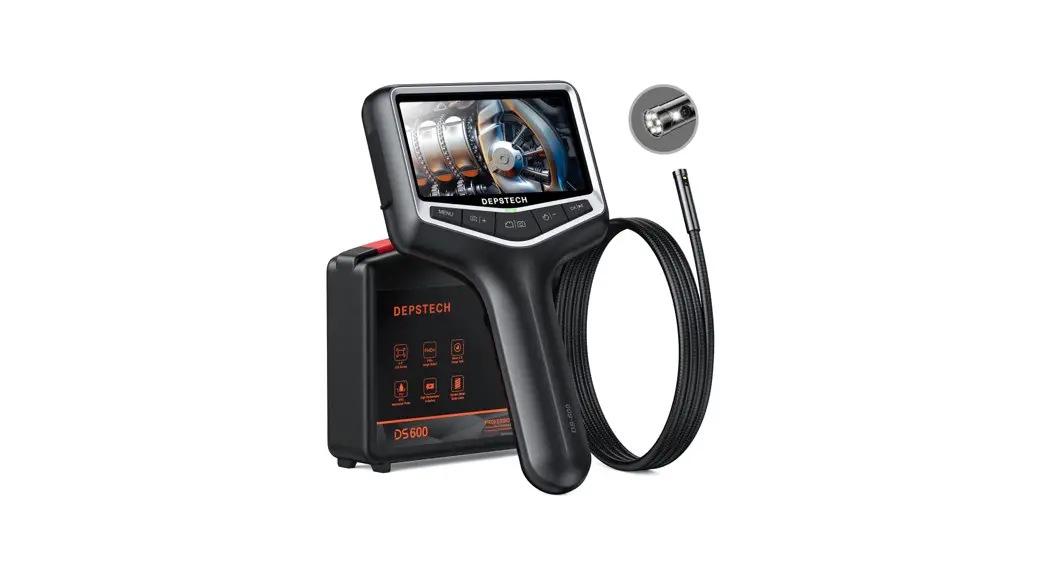
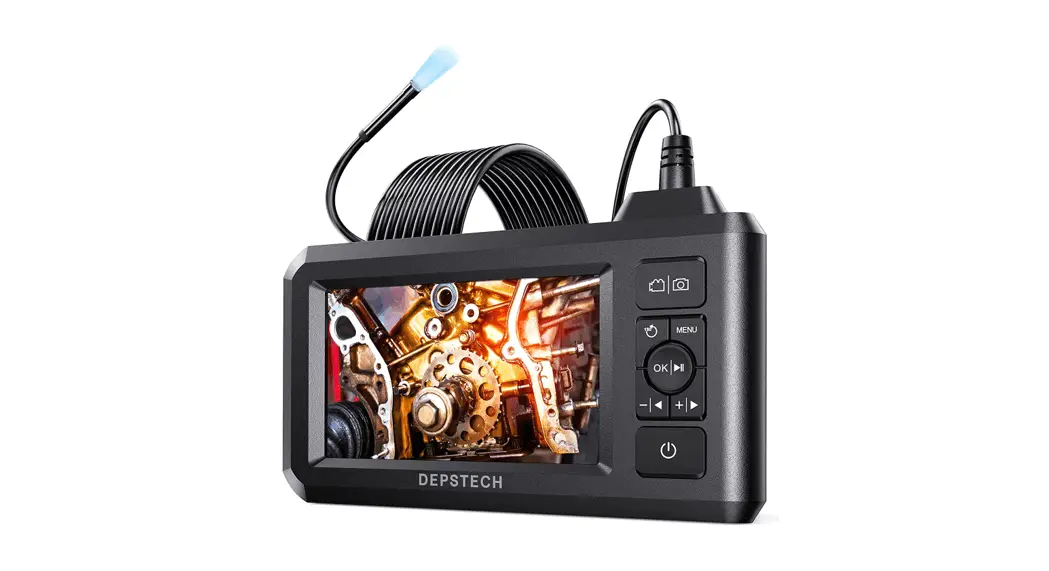
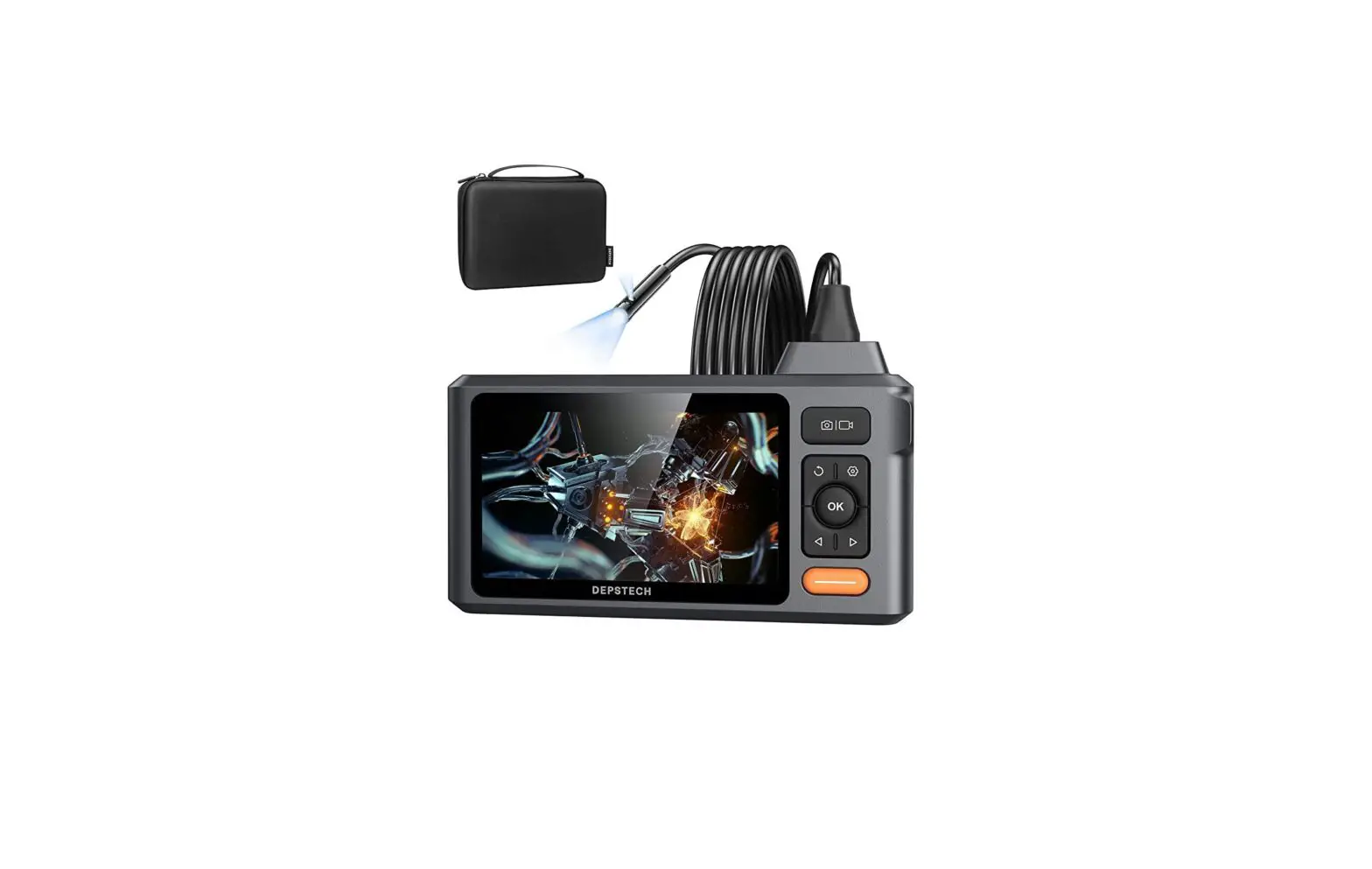
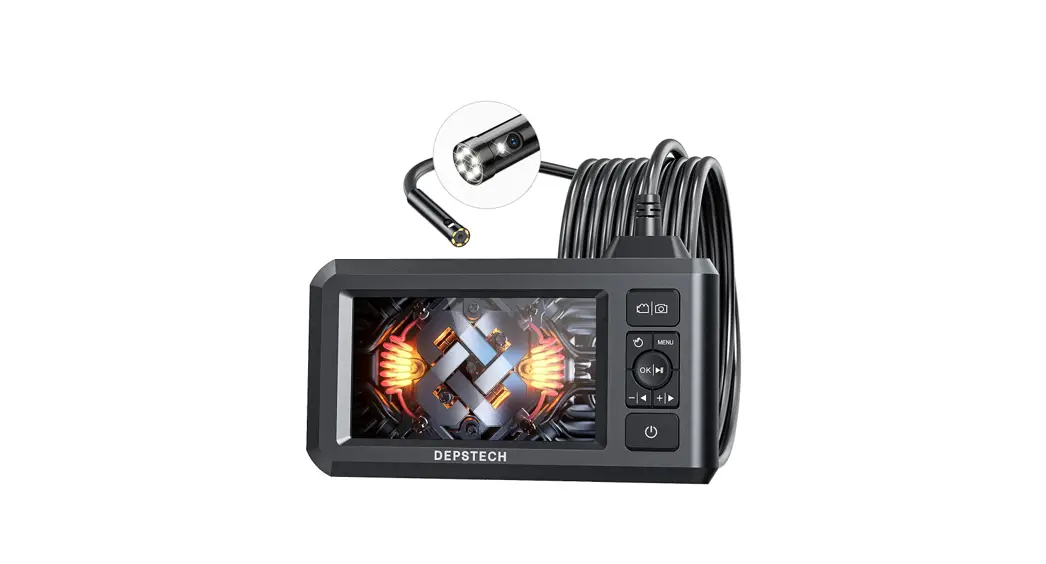
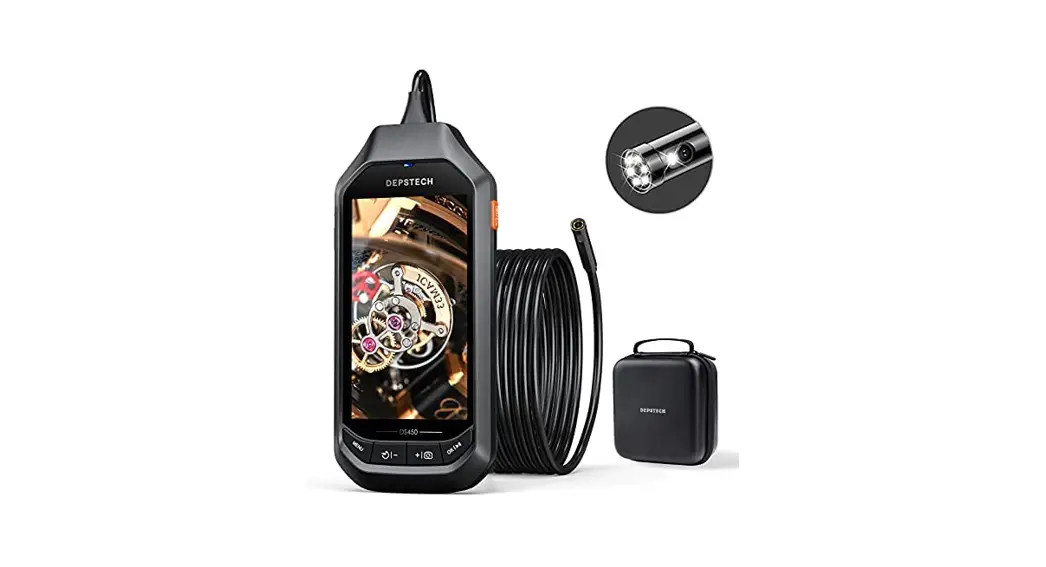
The Depstech® DS450 was featured as a 4.5″ IPS Screen Industrial Endoscope, which was invented to help car maintenances or pipeline repair. We hope that you can use this efficient tool to save some teatime yourself, as well as helping you discover some joyful tiny world around!
In purpose of reducing the greenhouse effect as well as protecting the forest, we would recommend
Downloading The Multi-Language E-User Manual of your endoscope by logging in to our official website: www.depstech.com
You can find the Navigation on the Top
– Click into Endoscope
– Click into Video Endoscope
– Roll and choose
Model Number: DS450
– Click the Download Button for the
E-User Manual
Any suggestions or customer service needs are warmly welcomed by us. You can feel free to contact us via
Email: [email protected]
Facebook Official Page: @DEPSTECH. FANS Please remember to provide your Product Model No. And Order ID to us!
Thanks for your support again!
Quick Overview of Your New Endoscope!
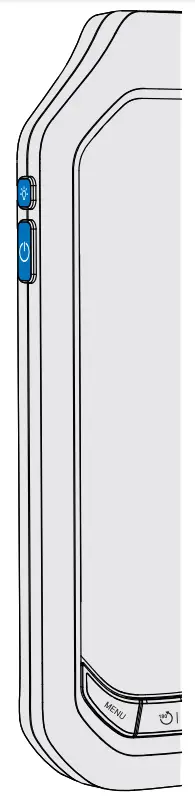
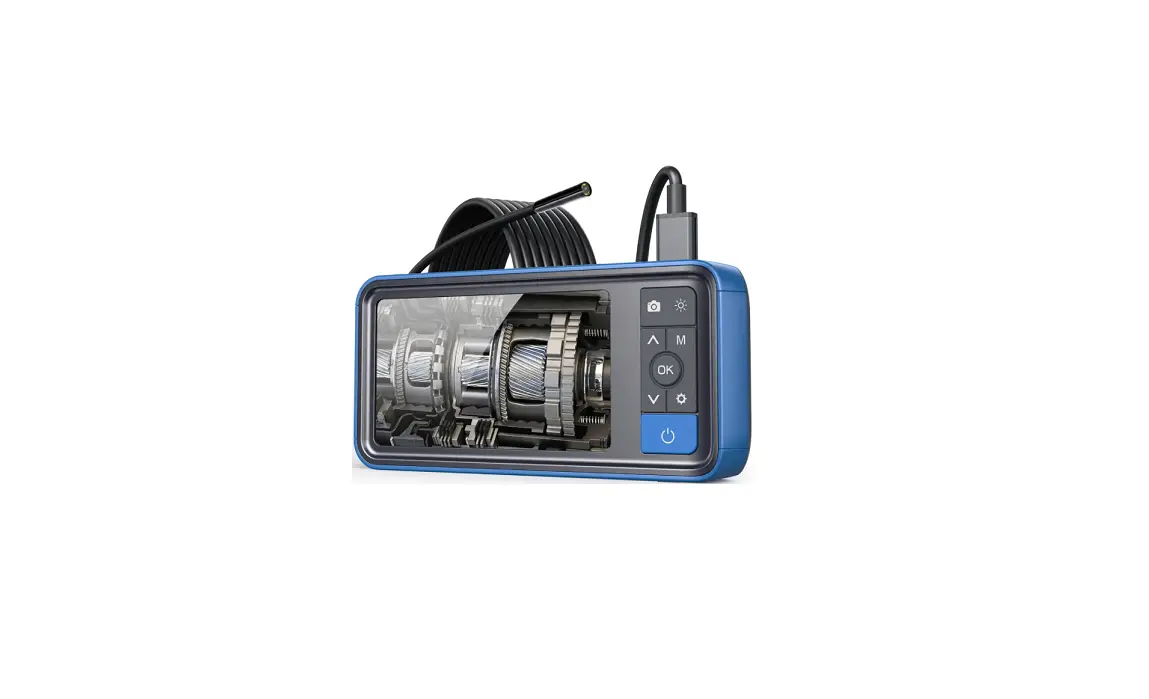
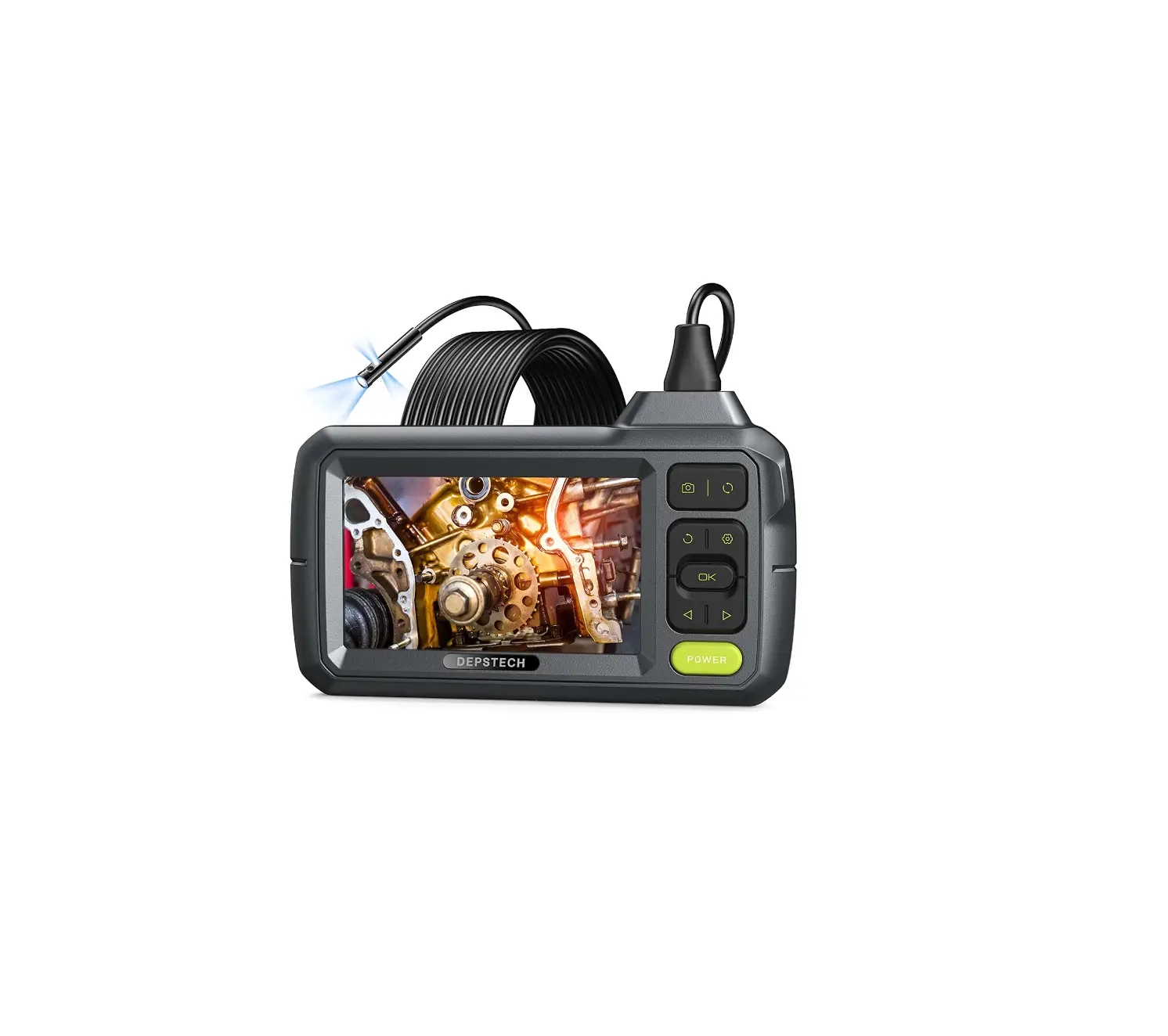
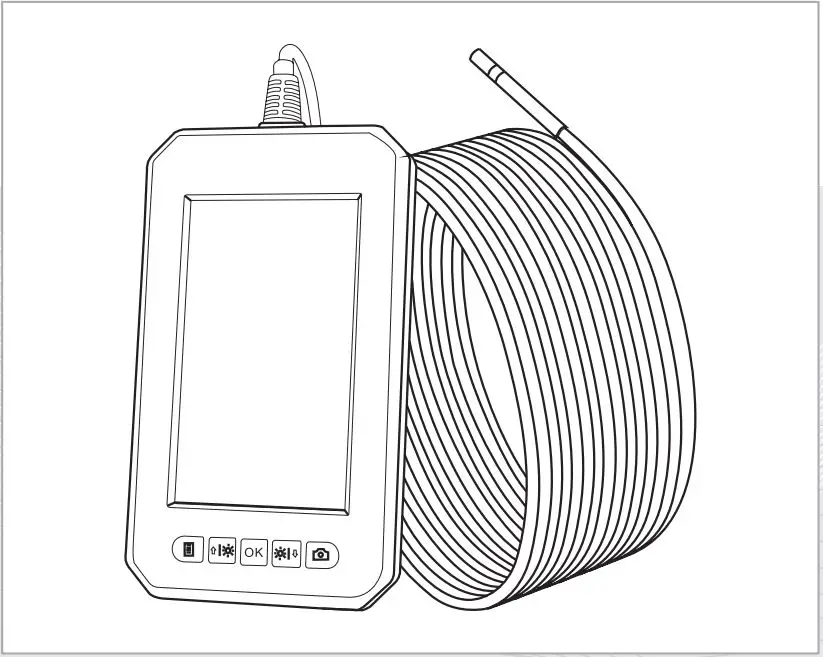
Turn on the device by Holding the Button
Control the fill light on / off with the Button
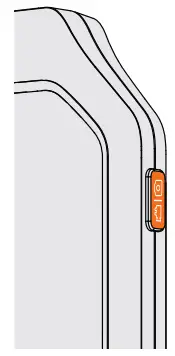
To start video record, please Hold the  Button
To take a photo or end the video record, please Click the Button
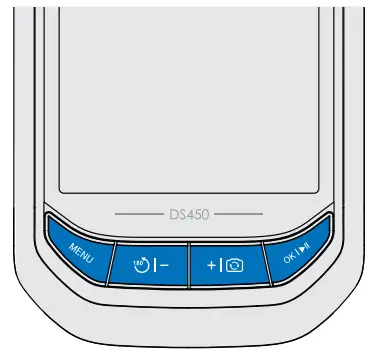
For more settings, enter the menu with Button
To adjust the lights of the camera, move the cursor in the menu, or switch to previous/ next files in the album, please Click the  or
or  Button
To confirm choices in the menu, please Click the Button
To open/ close the album (required TF card inside), please Hold the Button
To rotate the image 180°, please Hold the Button
To switch the main/side camera, please Hold the Button (Note: For Dual Camera Version Only)
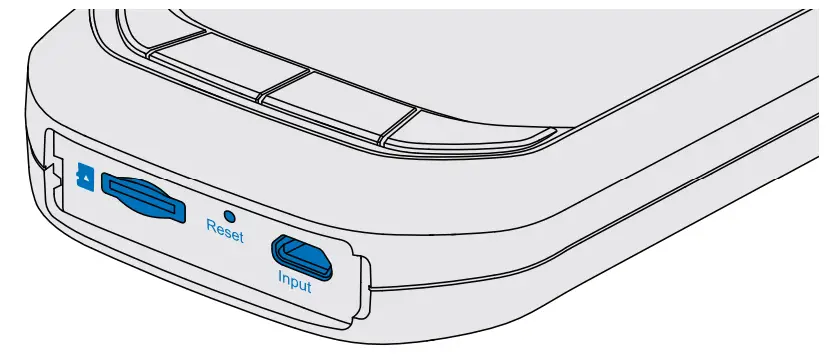

TF Card Slot: Support up to 32G TF card (Note: Please format the TF card at the first use.)

Reset Slot: Click to reset your device.
Micro USB Charging Slot: Plug& charge your device with the Micro USB cable.

USB Camera Slot: Plug the USB connector of the camera into this port.
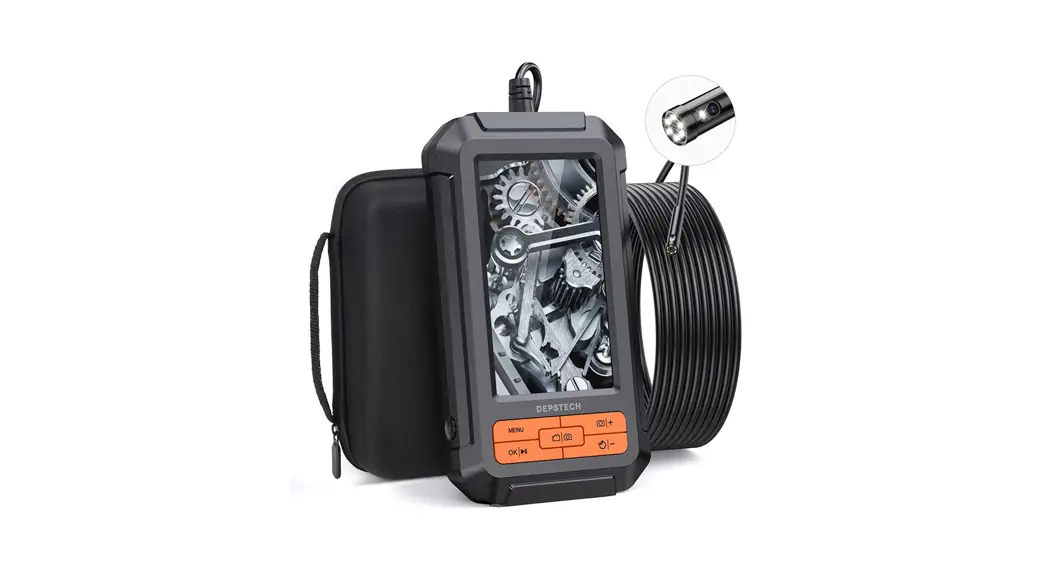
*The package enclosed with TF card/ Reset pin/ Micro USB charging cable/ 3*Efficiency tools like a magnet, hook, and side mirror (for single-camera version only) / EVA storage bag (EVA storage bag only for the limited version)
FAQ
Q1: Can I view the files of the endoscope by connecting the screen display to the PC/laptop?
A1: Sure you can. Please follow the steps below:
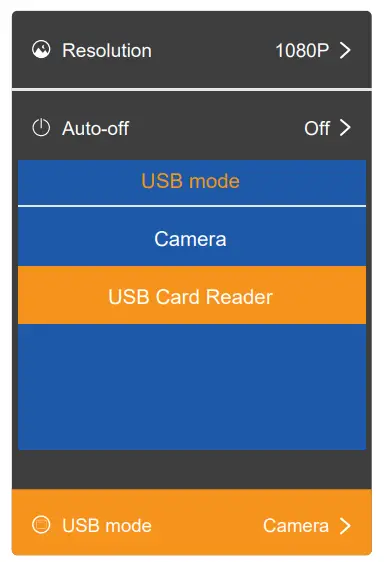
- Open the screen display part of the “DS450”.
- Connect the screen display with your PC/laptop via the USB-A to a micro USB data cable.
(Note: Make sure you’re using the data cable enclosed in the package, and make sure that the TF card has been inserted) - Go into “Menu” – “USB mode” – choose “USB Card Reader”, then you can check the files on your PC/laptop.
Q2: Can it be used for inspection when charging? Will it work normally?
A2: Yes, it can be used. But be aware do not frequently use it in such situations, which may do damage to battery lifespan.
Q3: I can’t get the image of the camera, or it keeps showing no signal on the screen.
A3: Please make sure the USB camera was connected correctly to the screen display before opening it. Plus, if the USB camera fell apart from the screen display accidentally, you can try to reconnect it and wait for a few seconds.
If it’s still showing no signal, you can shut down the endoscope and open it again. Or turn to the reset function for the fastest response.
Specifications of Different Version
| Model | DS450 FHD | DS450 FHD 2.0 | DS450 QHD | DS450 Dual Cam |
| Scree Spec | 178° View Angle 4.5” IPS Screen | |||
| Battery Life | 6H | |||
| Waterproof | IP67 Waterproof for the Probe | |||
| Charging Voltage/ Electric current | DC 5V/ 2A | |||
| Camera Diameter | 1/5 in 1/4 in 1/3 in | 3/10 in | ||
| LED | 6 x LED | 7 x LED | ||
| Best Focal Range | 2.75-15.7 in | Main cam: 1.2-3.9 in Side cam: 4/5~2.4 in | ||
| Max Pixel | 2.0 MP | 2.0 MP | 5.0 MP | 2 x 2.0 MP |
| Cable Length | 16.5 ft | 32.8 ft | 16.5 ft | 16.5 ft |
| Working Range | 0.22-16.7 ft | 0.22-33.1 ft | 0.22-16.7 ft | 0.22-16.7 ft |
| LED Indicator Status | Blue LED Indicator flash: Low battery status Blue LED Indicator on: Working status Red LED indicator flash: Charging status Red LED Indicator on: Charging finished | |||
Notifications
※ Battery: Please do not try to change the built-in battery yourself, it may raise the risks of leading the battery to overheat or get people harmed. To get a better life span of the endoscope, please discharge the endoscope completely and fully charge it for every three months.
※ Operation and storage conditions: Please keep the tools out of fire source, especially keep it away from a temperature higher than 158 ℉ (70 ℃) or lower than 14 ℉ (-10 ℃). Be cautious the required working temperature should between 32-113 ℉ (0-45 ℃). Please keep it in a dry, clean area, free from oil, water, or chemical
liquid. Those measures will help the device maintain longer life spans, also it will do great help to keep the dangerous situation far away.
※ The Child can only operate this device with the guidance of adults, please do not let them operate this device alone.
 ※ EU Conformity Statement
This product and – if applicable – the supplied accessories too are marked with “CE” and comply therefore with the applicable harmonized European standards listed under the EMC Directive 2004/108/EC, the RoHS Directive 2011/65/EU and Amendment (EU) 2015/863.
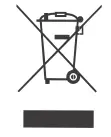 ※ 2012/19/EU (WEEE directive): Products marked with this symbol cannot be disposed of as unsorted municipal waste in the European Union. For proper recycling, return this product to your local supplier upon the purchase of equivalent new equipment, or dispose of it at designated collection points. For more information see: www.recyclethis.info
2013/56/EU (battery directive): This product contains a battery that cannot be disposed of as unsorted municipal waste in the European Union. See the product documentation for specific battery information.
The battery is marked with this symbol, which may include lettering to indicate cadmium (Cd), lead (Pb), or mercury (Hg). For proper recycling, return the battery to your supplier or to a designated collection point. For more information see: www.recyclethis.info
 ※ FCC statement: This device complies with Part 15 of the FCC rules. Operation is subject to the following two conditions:
- This device may not cause harmful interface;
- This device must accept any interference received, including interference that may cause undesired operation.
This equipment complies with FCC radiation exposure limits set forth for an uncontrolled environment. This equipment should be installed and operated with a minimum distance of 20cm between the radiator & your body. This transmitter must not be co-located or operating in conjunction with any other antenna or transmitter.
| EC REP 1: | EC REP 2: |
| Like Sun GmbH | DST Co., Ltd. |
| Planckstr.59, 45147 Essen, Germany | Fifth Floor 3 Gower Street, London, WC1E 6HA, UK |
| [email protected] | www.dsteu.com |
DEPSTECH
Shenzhen Deepsea Innovation Technology Co., Ltd.
Room 1901-1902, Jinqizhigu Building,
No.1 Tangling Road, Nanshan District, 518055, Shenzhen, CN