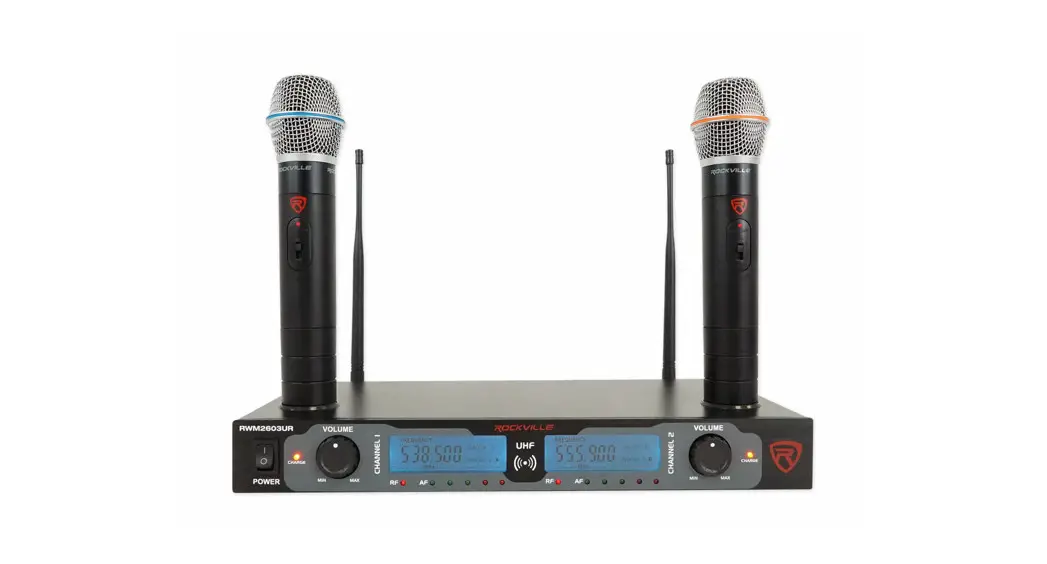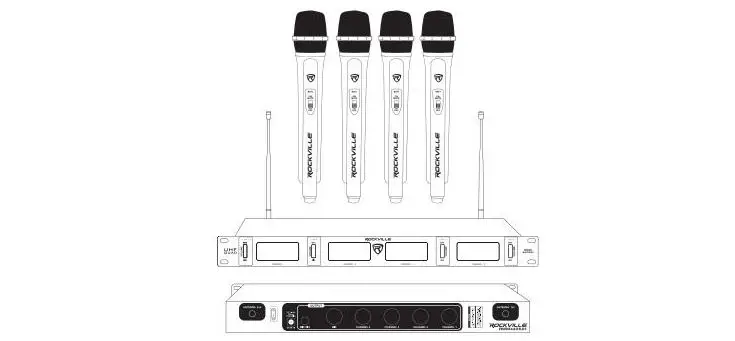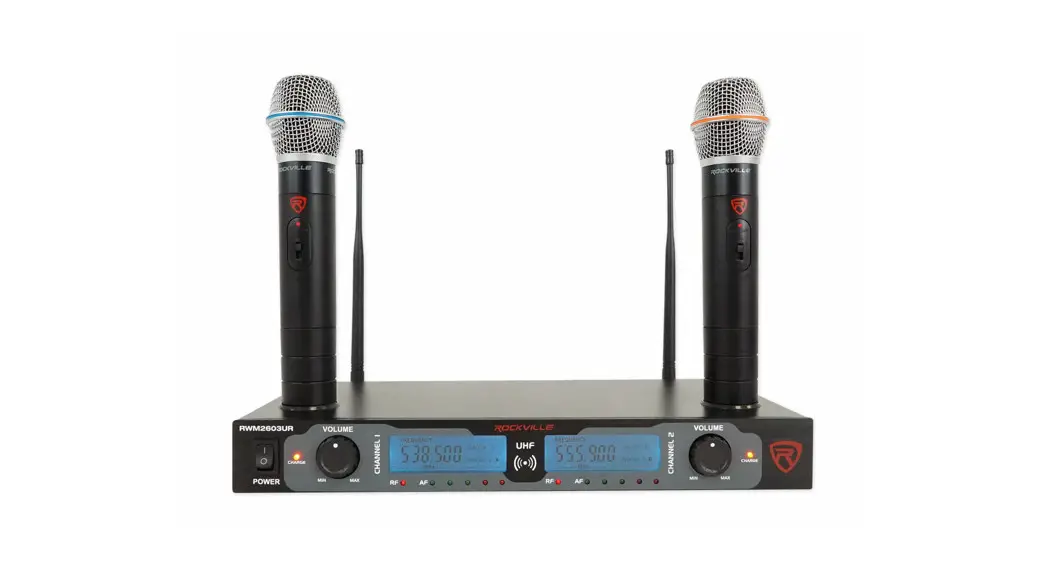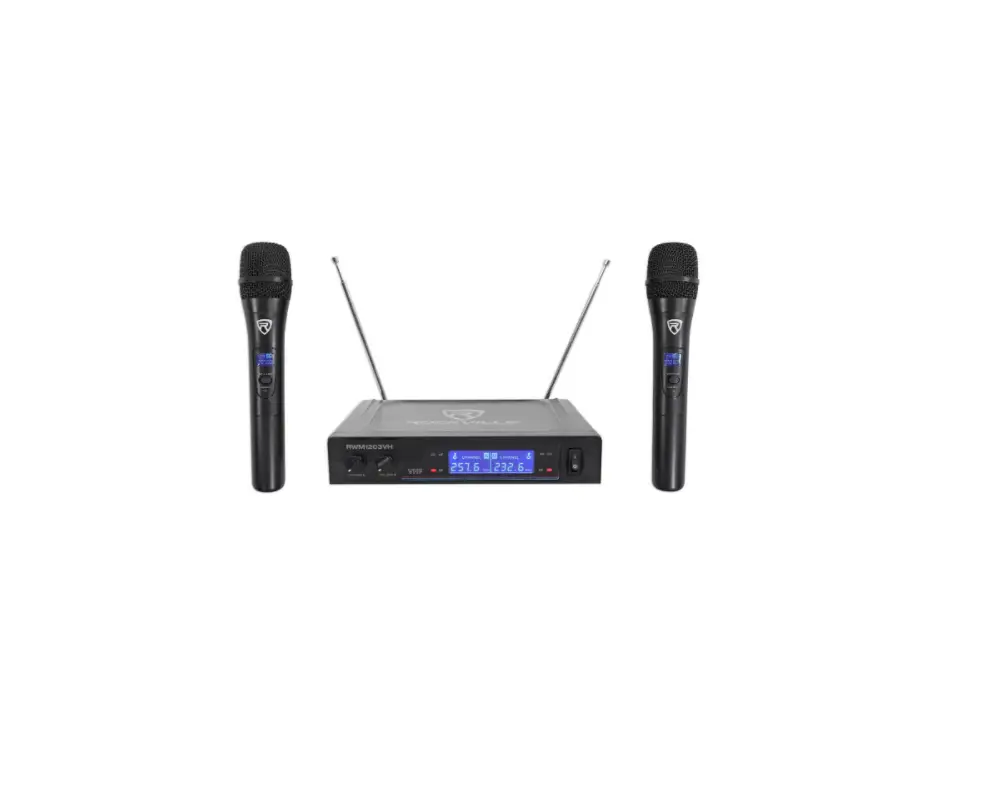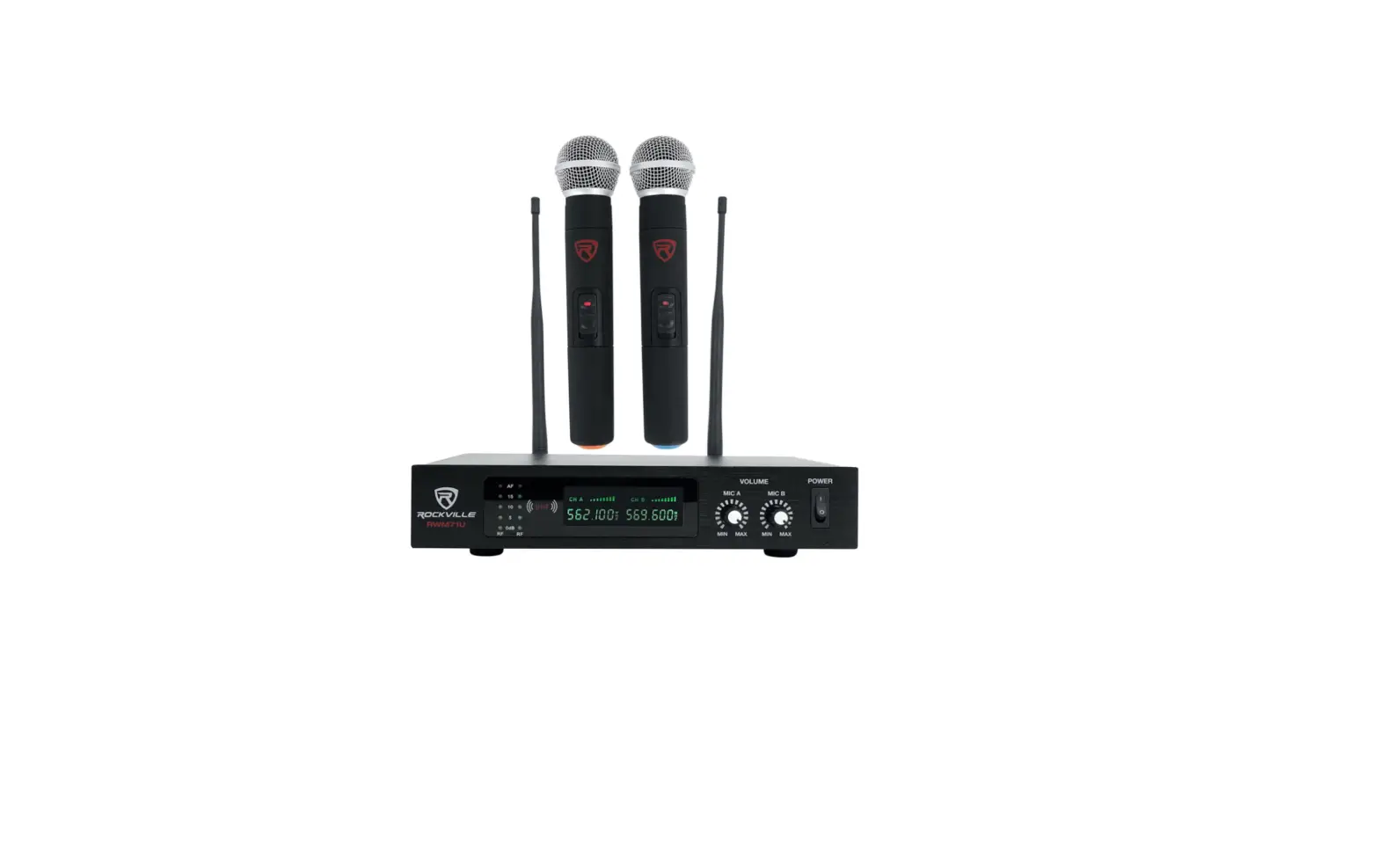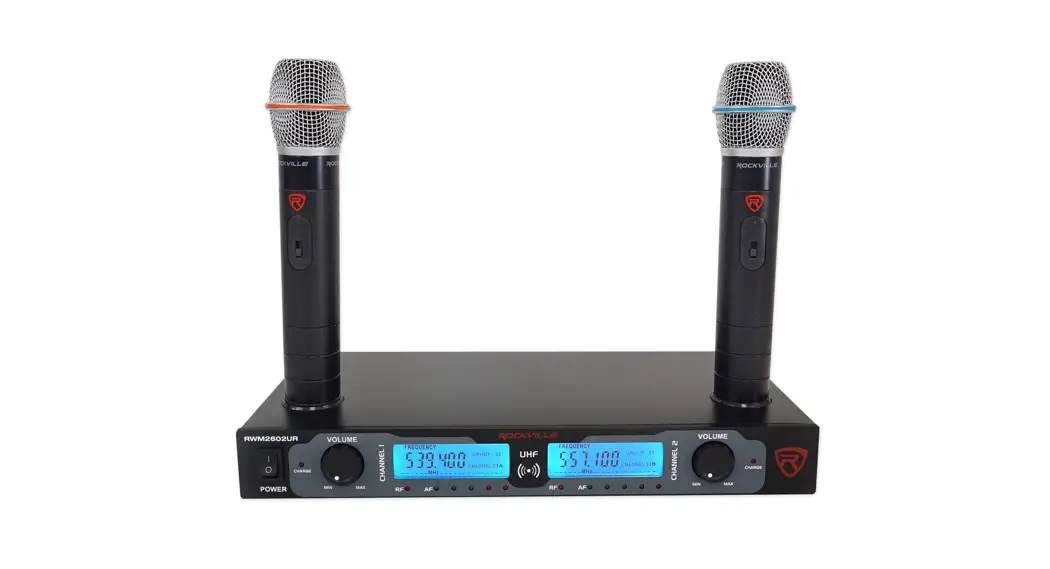

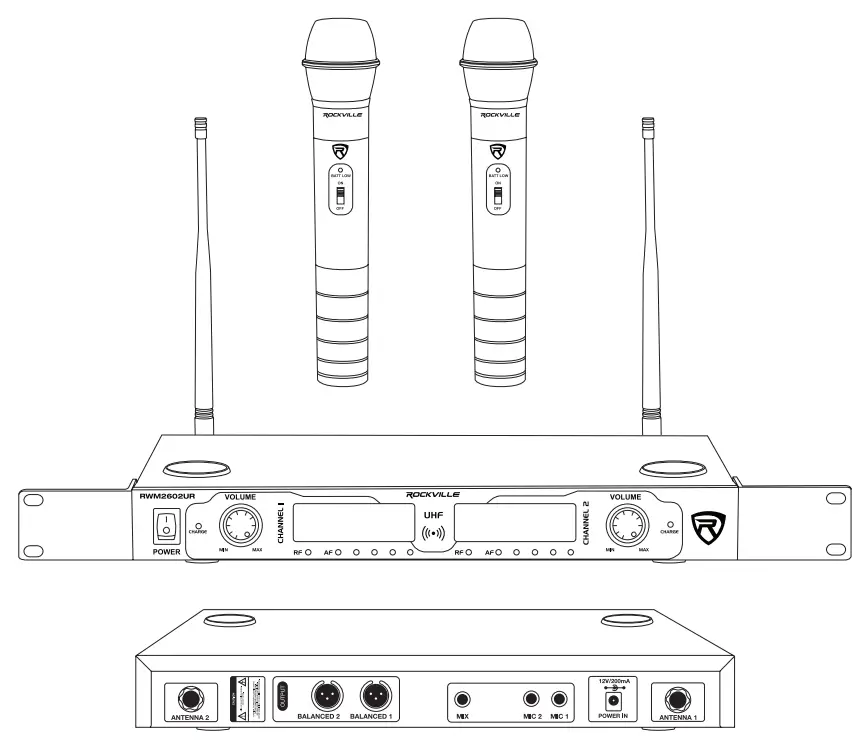
 RWM2602UR
High-Performance Hand-Held Wireless Dual Microphone System
OWNER’S MANUAL

Thank you for purchasing this Rockville high-performance hand-held wireless dual microphone system.
With the RWM2602UR we are happy to bring you what we consider to be the absolute best value in pro audio microphone systems. Proudly conceived and developed in the USA, Rockville pro audio products are designed and engineered by a team of pro audio enthusiasts.
We have spared no expense in manufacturing these Wireless Microphones Units to meet the highest quality standards. With proper care and installation, these units will provide you with the highest levels of quality. We hope that these units will bring you years of performance and reliability.
Please read this owner’s manual carefully for proper use of your Rockville Wireless Microphone System. Should you need technical assistance please call our technical helpline at 1-646-758-0144, Monday through Friday, 9 am to 5 pm EST.
Specs
FEATURES
- The high-performance wireless handheld rechargeable microphone system
- Built-in charging dock for microphones
- LED microphone charging LED indicator
- Includes RWM2602UR transmitter with (2) rechargeable handheld,
- High sensitivity, unidirectional, wireless cardioid microphones with rechargeable batteries
- Professional rack mount design with LCD displays
- Featuring a dual filter design to limit feedback and interference
- Individual microphone volume control
- Comfortable ergonomic composite microphone construction
- Low power consumption for longer battery life
- AF/RF LED Indicators
- Ultra signal stability minimizes audio artifacts
- OSA technology: Locates, prioritizes and selects the clearest frequency for the best sound quality
SPECIFICATIONS
- Operating Range*: 200´-260´(indoor), 160´-220´(outdoor)
- Frequency Range: 500MHz-600MHz
- Frequency Stability: ±0.005%
- Modulation Mode: UHF
- Frequency Response: 50Hz-15KHz(±3 dB)
- Dynamic Range: 110dB S/N: 90dB T.H.D: < 0.1%(1KHz)
- Audio Output Jack: (Ch1/Ch2) XLR – 1/4˝ balanced + 1/4˝ mixed
- Power Voltage: AC110V-240V 50/60Hz
- Rechargeable Battery: 1.2V (can take up to 24 hours to fully recharge)
- Operating Temperature: 23°F-104°F
- Mic Battery Operating Time: up to 15 hours
*Operating range is subject to environmental conditions. Results may vary.
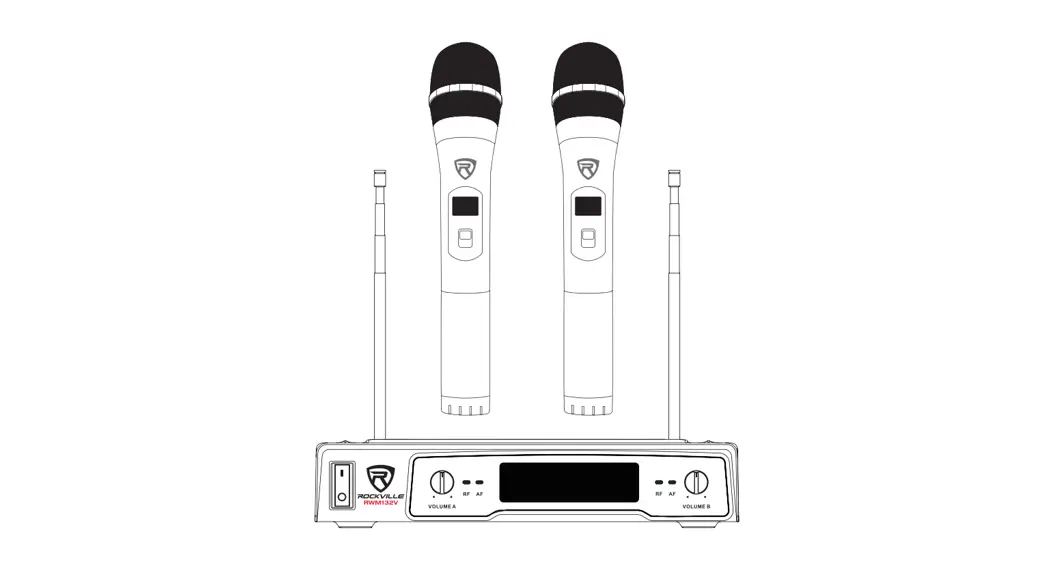
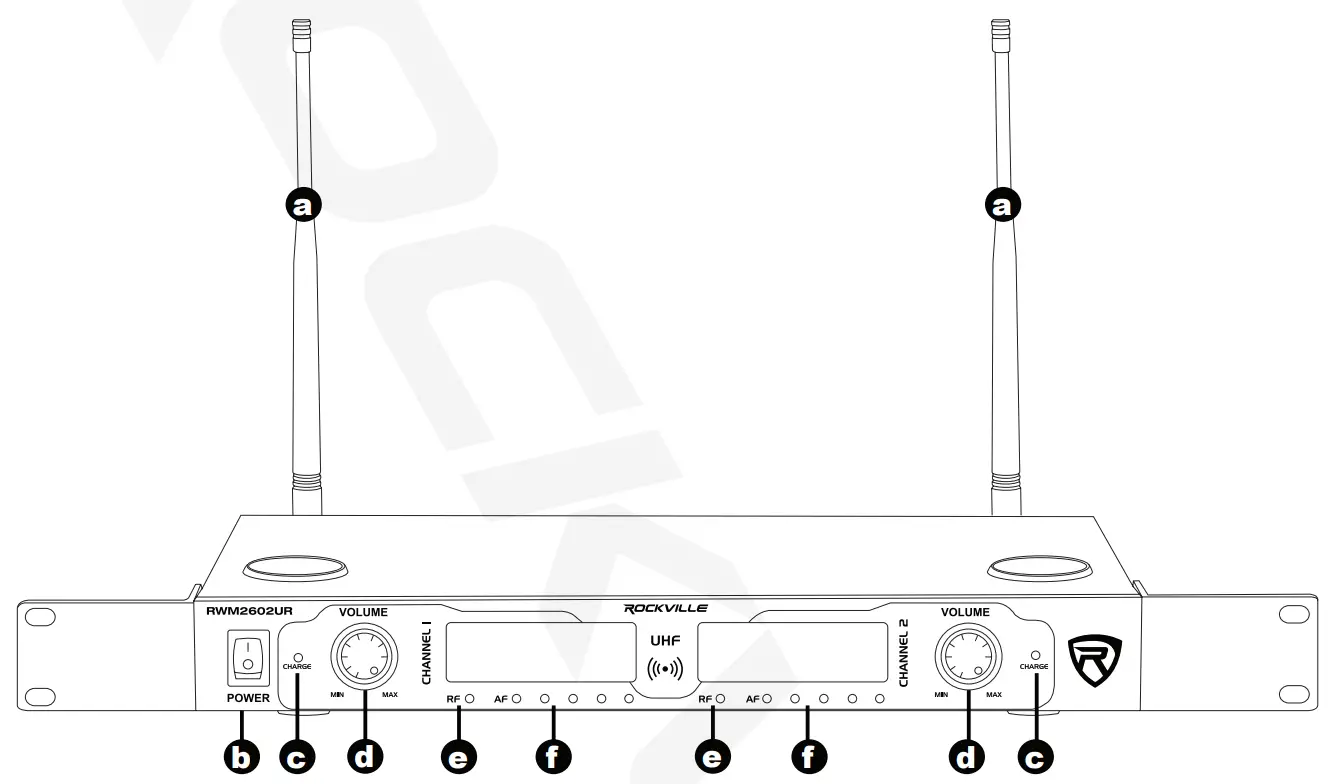
Receiver (Front)
| a. Antenna b. Power ON/OFF switch c. LED charge indicator | d. Volume control knob e. Radiofrequency LED indicator f. Audio frequency level LED indicator |
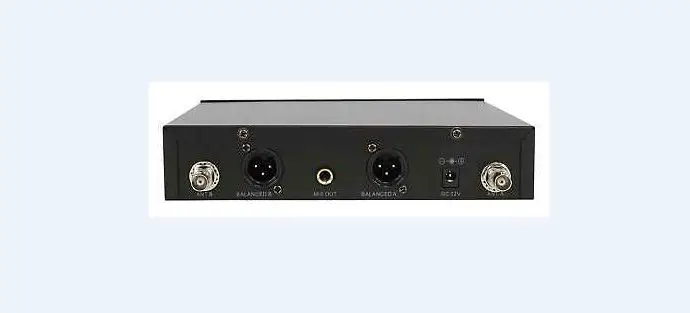
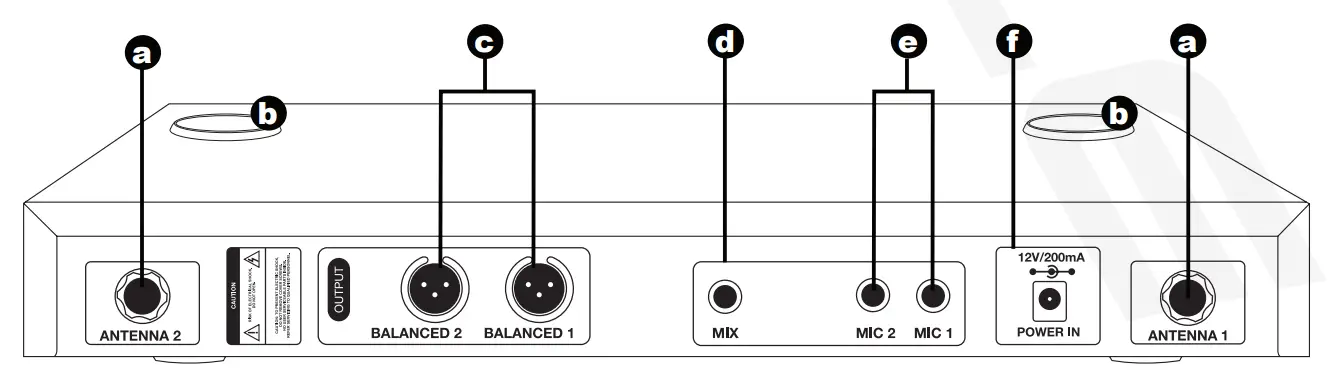
Receiver (Back)
| a. Antenna port b. Charging port c. Individual channel outputs | d. 2 channel mix output e. Individual mic outputs f. Power input |
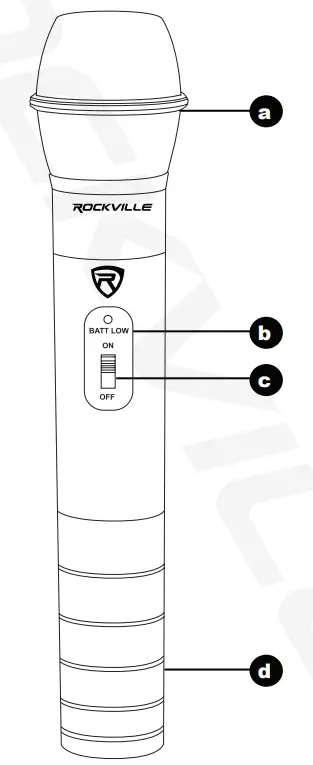
Microphones
| a. Microphone windscreen b. Low battery indicator | c. Power ON/OFF switch d. Battery compartment |
Receiver LCD Display
a. Channel frequency display
b. Group number display
c. Channel number display
Remember to remove the protective plastic film from the LCD display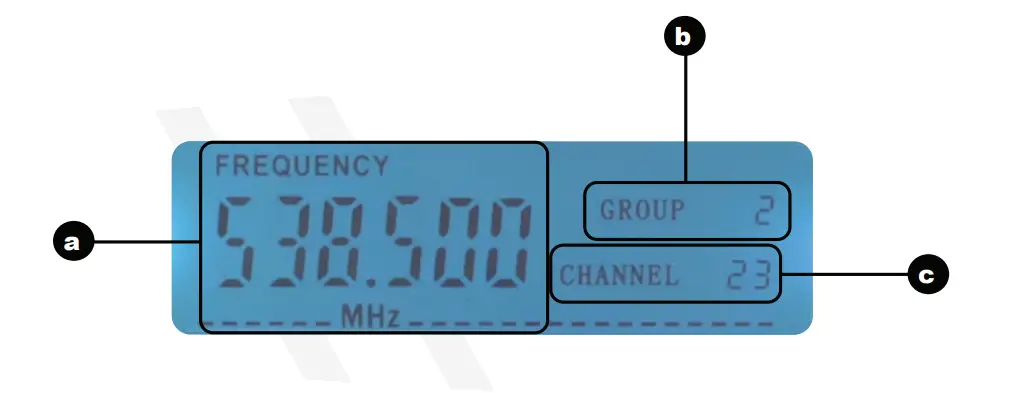
Setup and Operation
- The receiver should be placed in an area that is stable and least likely to shake the unit.
- The receiver should be at least 3´ off the ground for optimal transmission.
- Connect the antenna, balanced cable AF line, and power supply provided.
- The antenna should extend vertically.
- Switch on the receiver.
- While the receiver is on standby, switch on the microphones.
- Adjust volume as necessary.
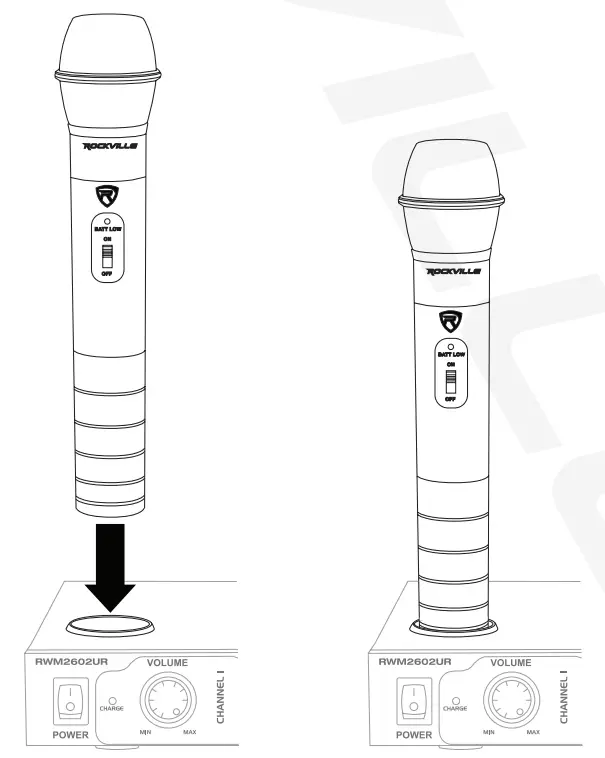
- Place the microphone base firmly on the charging port to recharge.
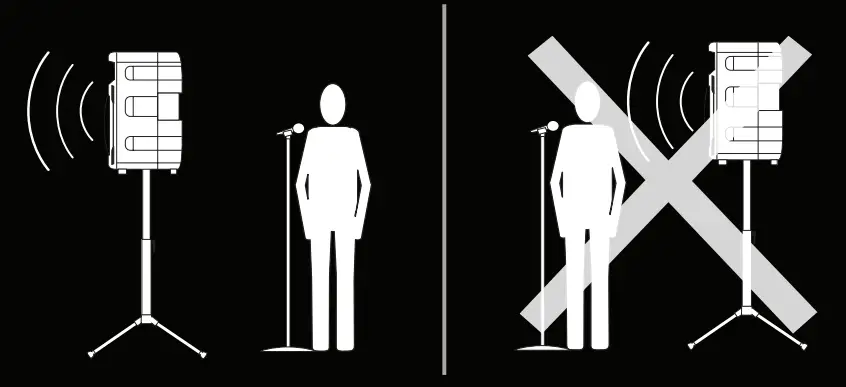
Tip:
To minimize feedback avoid operating the microphones in close proximity of or in front of speakers.
Microphone Operation
Standby/ Mute Mode
Put the handheld microphone switch in the MIDDLE position.
The microphone power LED indicator will be on.
Now the mic is on standby and mute mode.
Active Mode
Put handheld microphone switch in the ON position.
The microphone power led indicator will be on.
Now the microphone is in active mode and is ready for use.
The receiver RF LED indicator will be on.
Battery Status
As the microphone battery power diminishes, the power LED indicator will gradually become darker until it finally turns off.
At this point, you need to recharge or change the batteries.
Charging the Microphones
Turn off the power before charging.
Place the microphone in the charging port as shown.
The initial charge will take longer than subsequent recharges. Please allow it to charge overnight.
The charge LED indicator on the receiver will turn off when the microphone is fully charged.
Troubleshooting
Problem | Solution |
| No sound or a faint sound |
|
| |
| |
| Audio artifacts or dropouts |
|
| Distortion | Reduce transmitter channel volume. |
| Sound level variations when switching to different sources | Adjust transmitter volume as necessary. |
| Transmitter information does not appear on the Receiver LCD | The transmitter is off. |
FEDERAL COMMUNICATIONS COMMISSION COMPLIANCE INFORMATION
Responsible party name: Rockville
Address: 600 Bayview Ave, Entrance A, Inwood, NY 11096
Hereby declares that the product Rockville RWM2602UR wireless microphone system complies with FCC rules as mentioned in the following paragraph:
This device complies with Part 15 of the FCC rules. Operation is subject to the following two conditions:
(1) this device may not cause harmful interference, and
(2) this device
must accept any interference received, including interference that may cause undesired operation.
Note: This equipment has been tested and found to comply with the limits for a Class B digital device, pursuant to Part 15 of the FCC rules. These limits are designed to provide reasonable protection against harmful interference in a residential installation. This equipment generates, uses, and can radiate radio frequency energy and, if not installed and used in accordance with the instructions, may cause harmful interference to radio communications. However, there is no guarantee that interference will not occur in a particular installation. If this equipment does cause harmful interference to radio or television reception, which can be determined by turning the equipment off and on, the user is encouraged to try to correct the interference by one or more of the following measures:
- Reorient or relocate the receiving antenna.
- Increase the separation between the equipment and receiver.
- Connect the equipment into an outlet on a circuit different from that to which the receiver is connected.
- Consult the dealer or an experienced radio/TV technician for help.
Visit us at:
RockvillePro.com
Due to constant improvements, these specifications are subject to change without notice.
Copyright 2016
 Welcome to Rockville - Buy Car Stereo, Pro Audio, Marine, Home Theater Manufacturer Direct