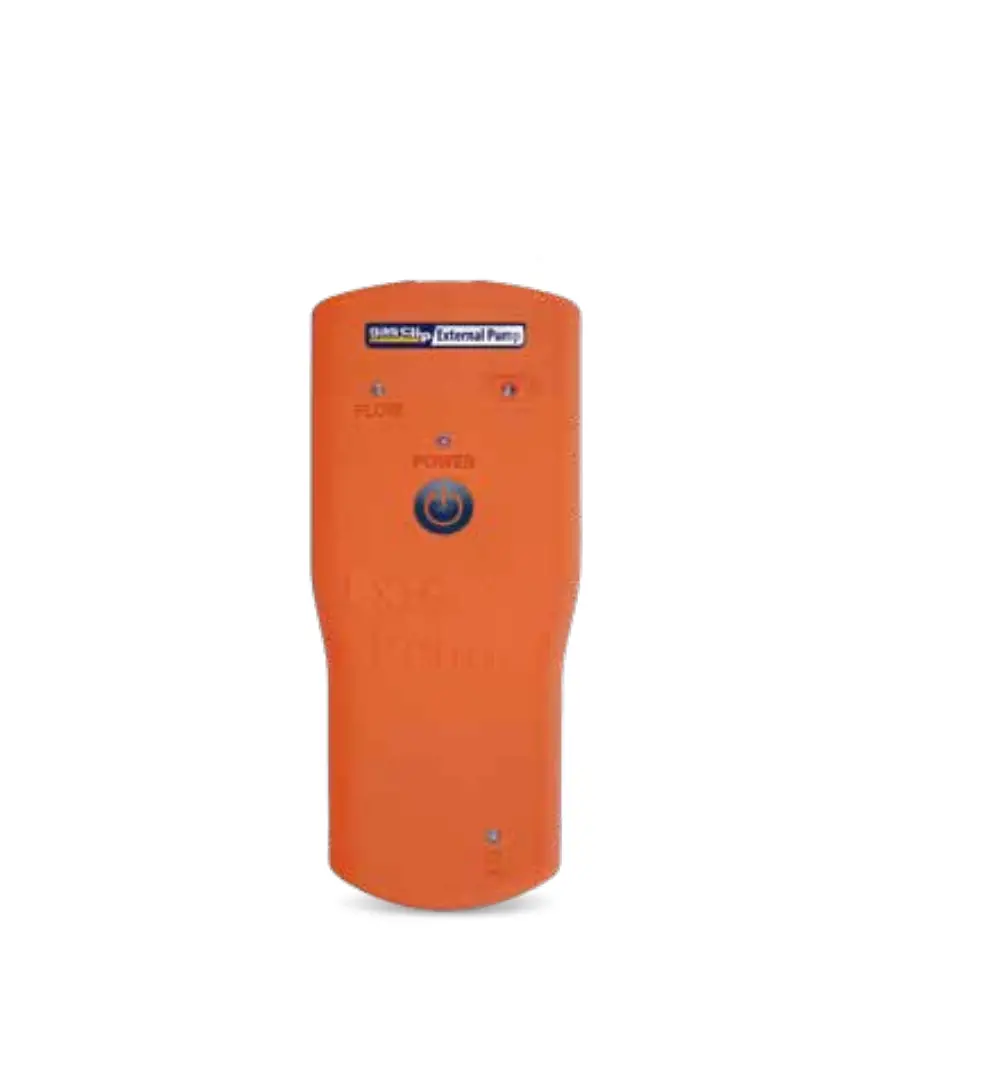
gas Clip QSG-GCT-XP GCT External Pump

 READ FIRST BEFORE OPERATION
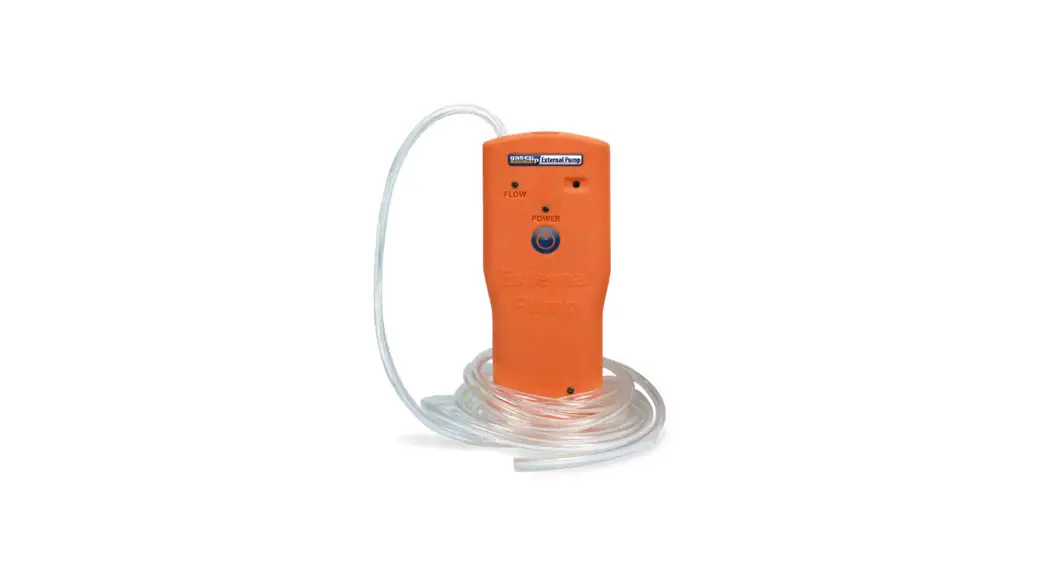
The GCT External Pump is a personal safety device designed to extend the capabilities of
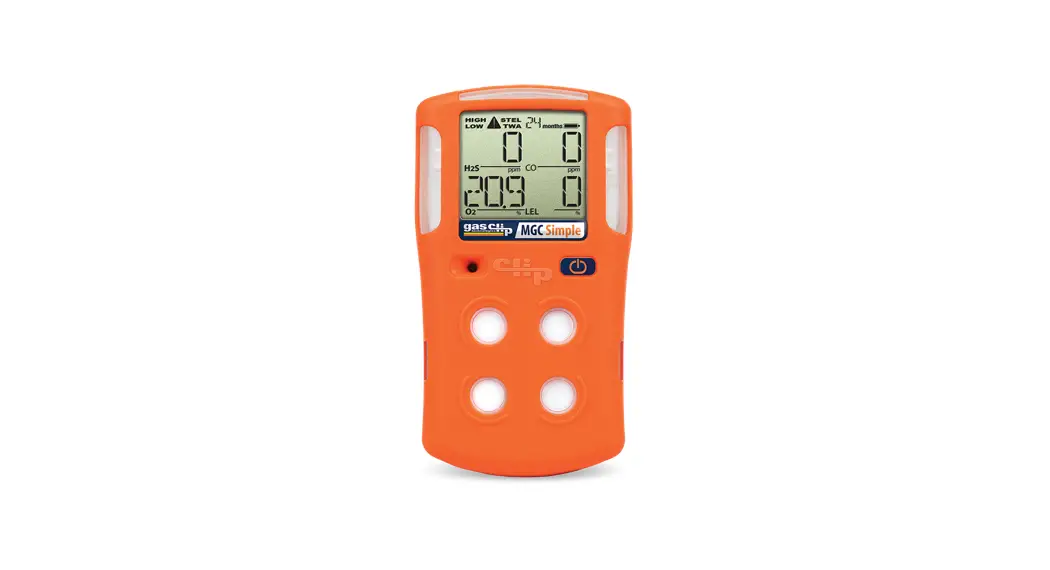
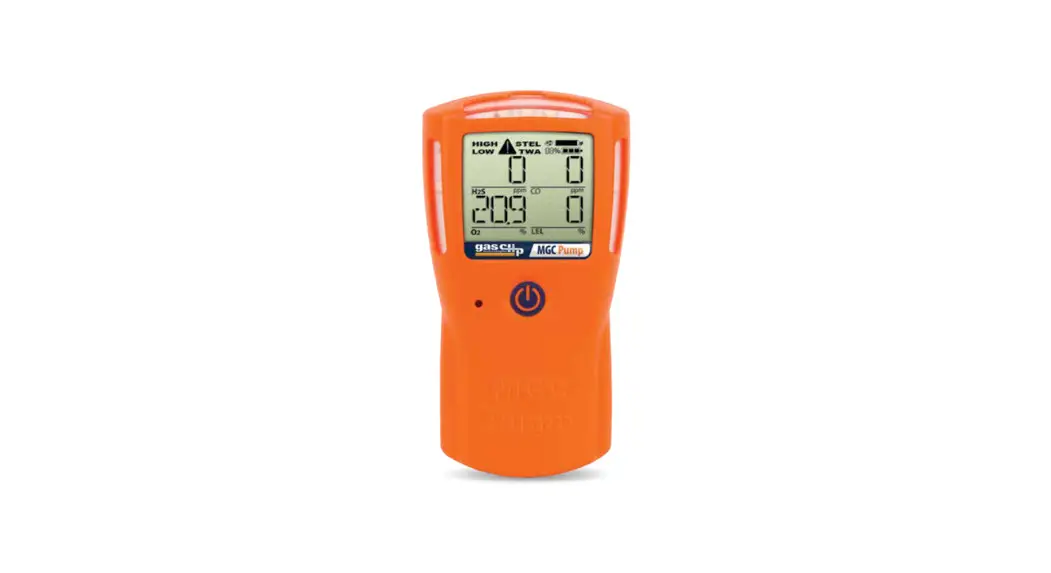
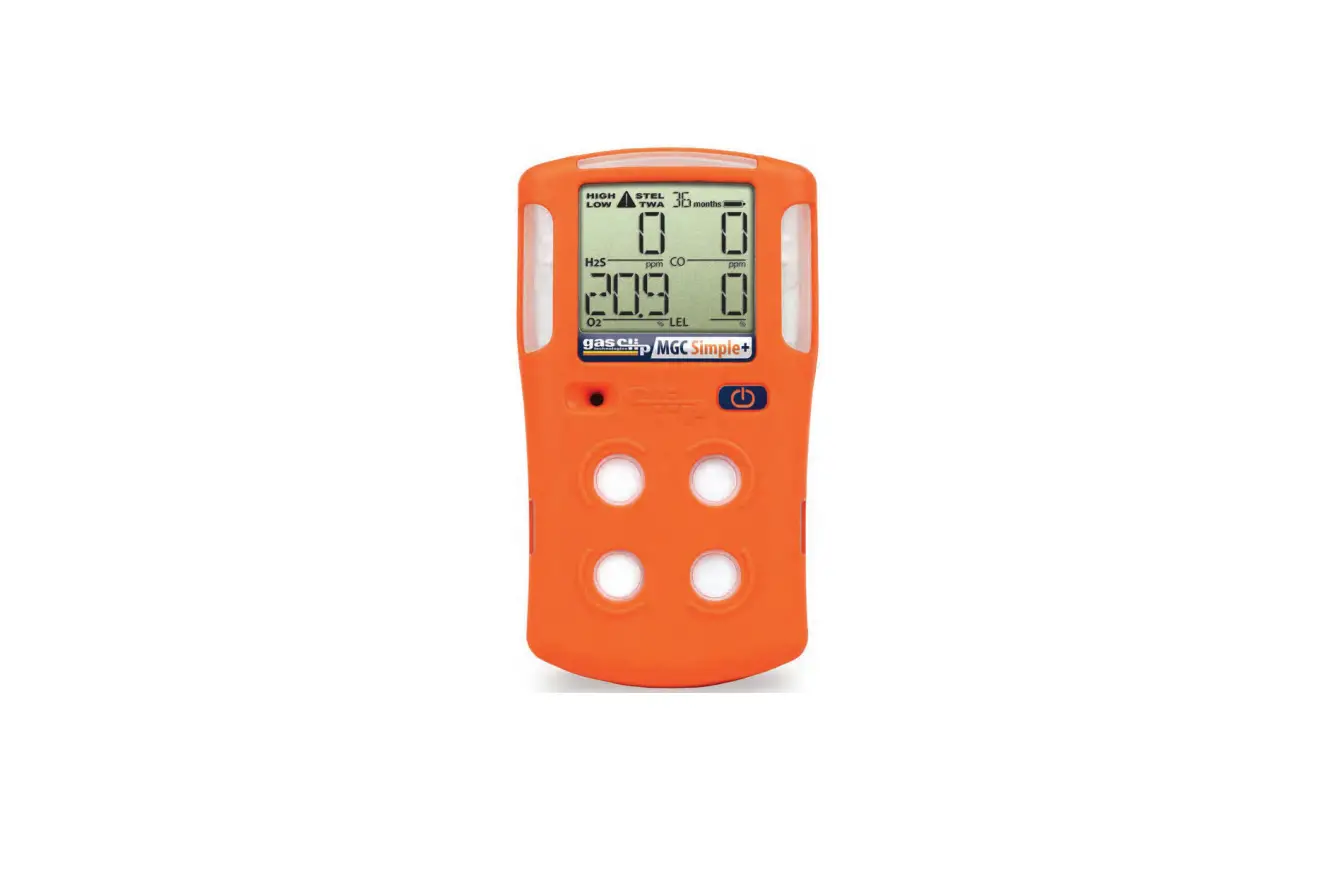
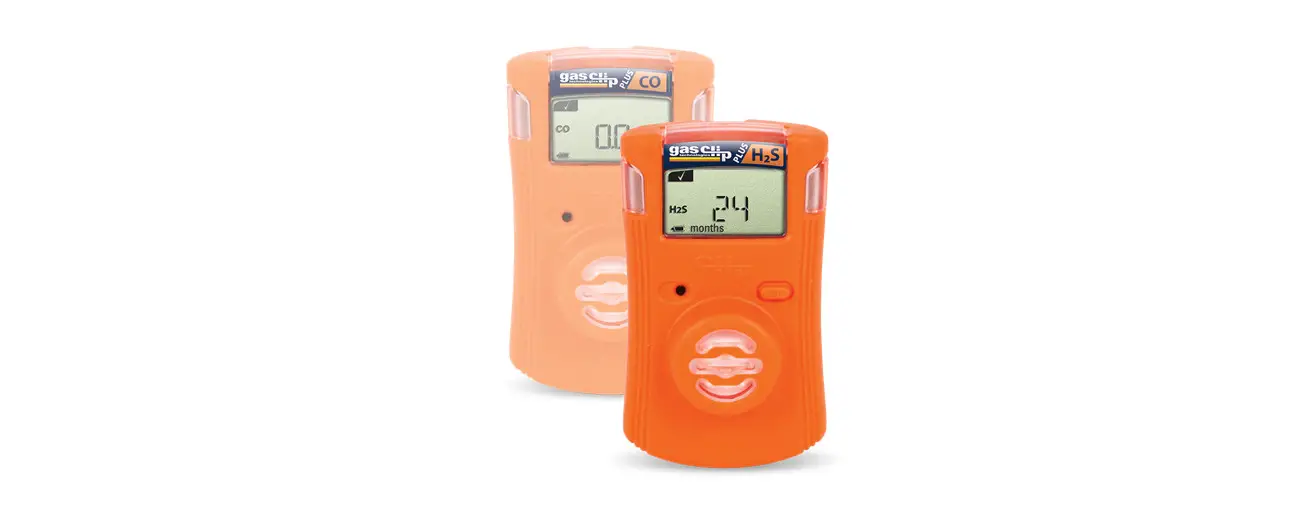
Gas Clip Technologies’ diffusion gas detectors (Single Gas Clip, Single Gas Clip Plus, Multi
Gas Clip, MGC Simple and MGC Simple Plus). Before operation, ensure that you have been
properly trained on the use and daily testing of the device and the appropriate actions to
take in the event of an alarm condition. READ GCT EXTERNAL PUMP USER’S MANUAL BEFORE OPERATION
Device Components
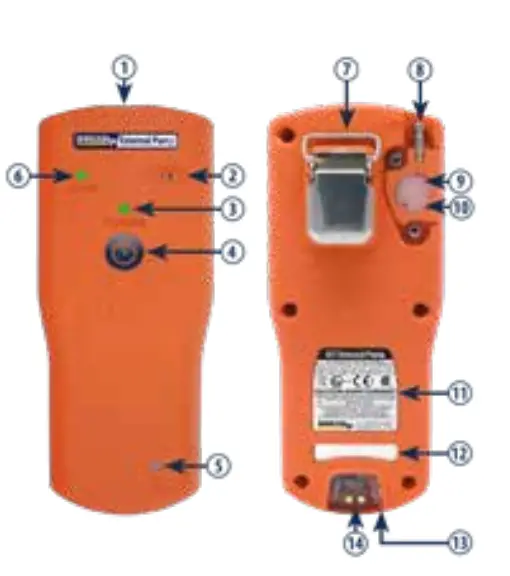
| Entry | Description |
| 1 | Infrared Communication Window |
| 2 | Audible Alarm |
| 3 | Power LED |
| 4 | Power Button |
| 5 | Charging LED |
| 6 | Flow LED |
| 7 | Alligator Clip |
| 8 | Gas Inlet Port |
| 9 | Pellet Filter |
| 10 | Hydrophobic Filter |
| 11 | Certification Label |
| 12 | Model and Serial Label |
| 13 | Gas Outlet Port |
| 14 | Charging Port |
Included in the box: GCT External Pump, charger, 3 ft. hose, 10 ft. hose, stainless steel diffusion stone, 10 additional filters (5 hydrophobic & 5 particulate)
Set Up
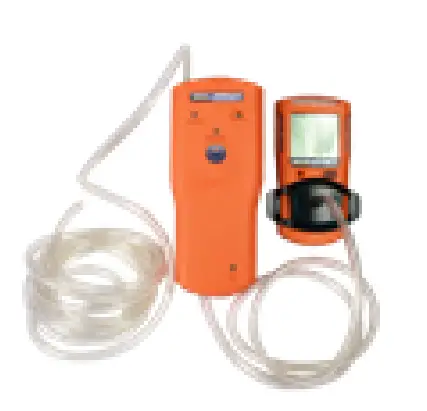
Connect the 3 ft. hose from the gas outlet port to a Gas Clip Technologies detector with a calibration cap. Next, connect the 10 ft. sampling hose from the gas inlet port to the diffusion stone. Accessories, such as the Quick Disconnect, Remote Sampling Probe or Telescoping Sampling Probe, can also be attached to the GCT External Pump with various lengths of sampling hose (up to 75 ft.).
Turning On the Device
To activate, press and hold down the power button for 5 seconds. Once the device is activated, the start-up sequence will display the following behavior:
- Power LED is green and begins to flash
- Audible Alarm beeps
- Flow LED is green and begins to flash
For flow, power and charging status, refer to LED Indicators section.
Blocked Flow Test
Before each day’s use, conduct a blocked flow test to ensure the pump is fully operational. With the power on, block the free end of the sampling hose which is attached to the gas inlet port. The device will display the following behavior:
- Pump motor shuts
- Audible alarm beeps continuously indicating a flow
- Flow LED turns red and flashes
Upon successful completion of the blocked flow test, press the power button to reactivate the device.
Bump Test
Before each day’s use, complete a bump test of the detector connected to the GCT External Pump. Refer to the GCT External Pump User’s Manual for instructions.
Low Battery Warning
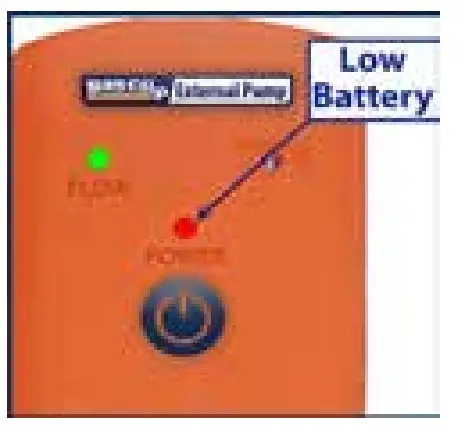
A fast, red intermittent flash of the power LED with the audible alarm beep every 10 seconds indicates that (on average) 20 minutes of operation remains. However, the time remaining can vary due to several different factors.
In the event of a low battery warning, exit the work area immediately since the GCT External Pump could turn off at any time.
Turning Off the Device
Press and hold down the power button for 5 seconds until the 3 LEDs (power LED, flow LED, charging LED) turn off, then release the button.
LED Indicators
| LED | Pattern | Description | Status |
| Flow LED | _ _ _ _ _ _ _ _ _ _ _ _ _ _ _ ************************** * *_ _ * * _ _* *_ _ * * _ _ | LED OFF GREEN solid RED fast flash & beep | Pump motor is OFF Pump is ON, normal operation Warning: Pump is blocked |
| Power LED | _ _ _ _ _ _ _ _ _ _ _ _ _ _ _ *_ _ _ _ _ _ _ _ _ _ _ _ _ _ * _ _ _ _ _ _ _ *_ _ _ _ _ _ _ * * * _ _ _ _ * * * _ _ _ _ * * * * * *_ _ * * * * * *_ _ * * * _ _ _* * * _ _ _* * * _ _ *_*_*_*_*_*_*_*_*_*_*_ | LED OFF LED OFF (Flow LED solid GREEN) ORANGE slow flash every 2 sec. ORANGE flash every sec. RED fast flash & beep every 10 sec. RED faster flash & beep every 5 sec. RED very fast flash & beep every 2 sec. RED very fast flash & very fast beep | Power OFF mode Battery has > 40 Between 20% to 40% Between < 20% Warning: < 20 min. left Warning: < 10 min. left Warning: < 5 min. left Powering down |
| Charging LED | _ _ _ _ _ _ _ _ _ _ _ _ _ _ _ * * * * _ _ _ _ * * * * _ _ _ _ *_ __ _ _ _ _ _ _ _ _ _ _ _ _ | LED OFF ORANGE flash equal on and off GREEN slow flash every 2 sec. | Not charging Charging in progress Fully charged |
Additional Questions?
For additional information on the GCT External Pump regarding programming, bump testing, maintenance, etc., please refer to the GCT External Pump User’s Manual. The manual and other helpful videos & information are available for viewing or download at www.gascliptech.com.
Contact Information:

QSG-GCT XP v1.02
Gas Clip Technologies, Inc.
305 W. FM 1382, Suite 540, Cedar Hill, TX 75104 USA
Phone: 1.972.775.7577 • Toll Free: 1.877.525.0808 • Fax: 1.972.775.2483
Website: www.gascliptech.com

 Home Page | Gas Clip Technologies