Quick Start Guide
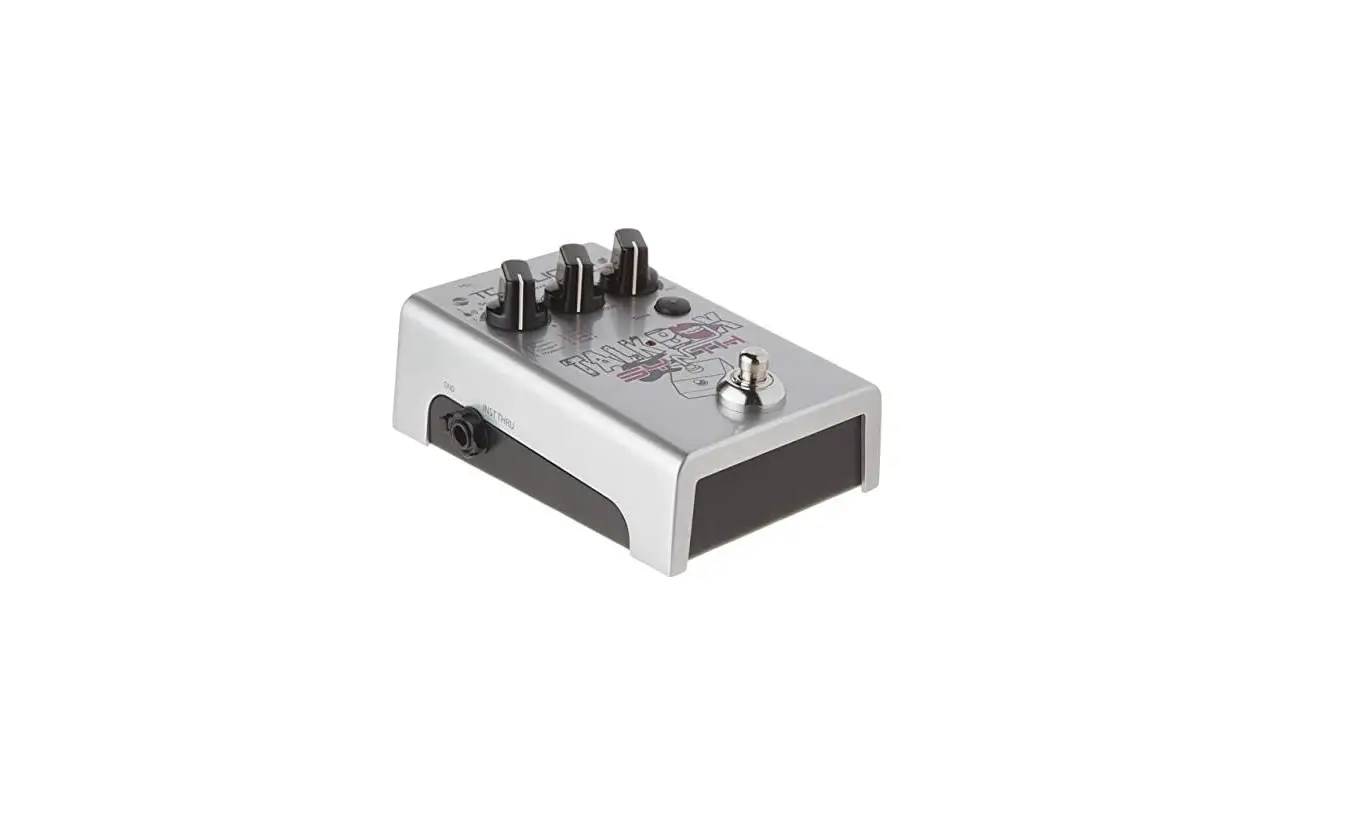
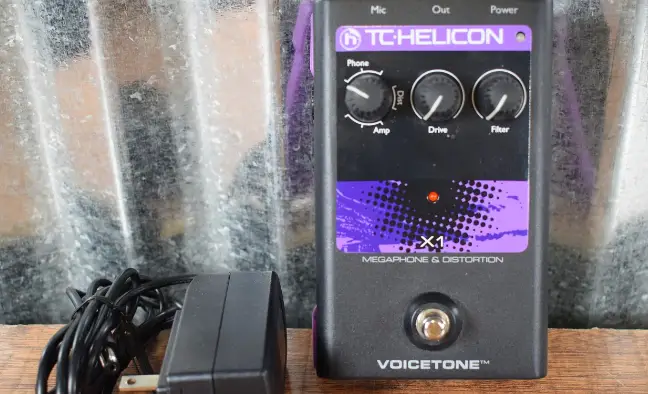
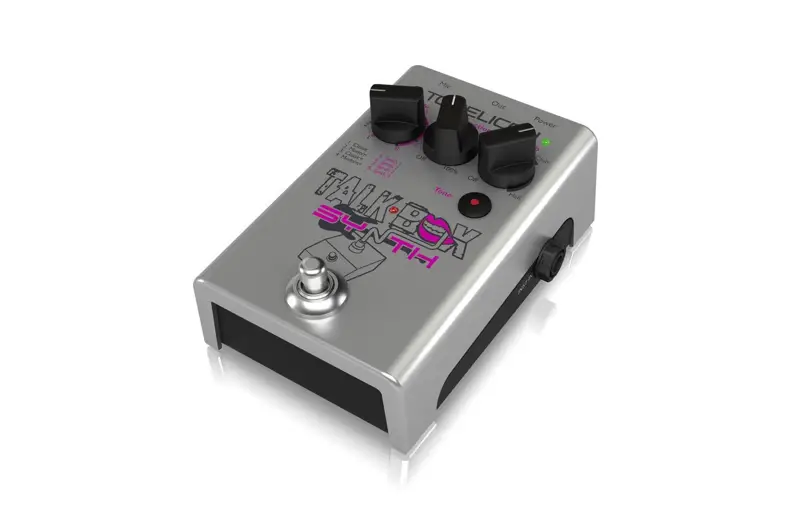
TC-HELICON TALKBOX SYNTH
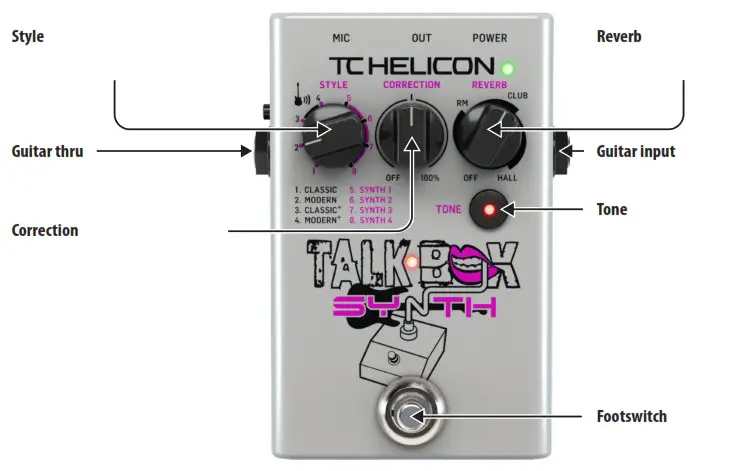
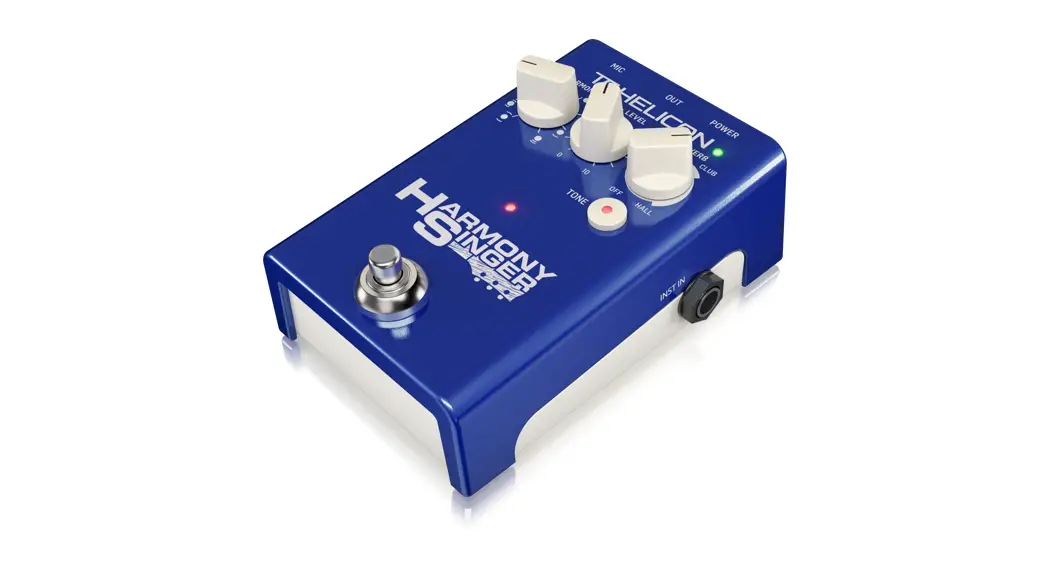
Style- Selects from the range of Talkbox and Synth sounds.
Guitar thru-
Correction – Adjusts the amount of pitch correction.
Reverb- Selects the type and amount of reverb effect.
Guitar input-
Tone- Engages `Adaptive Tone’ for EQ, compression, de-essing and gating. Hold the Tone knob while turning the Correction knob to adjust the level of the current Talkbox or Synth effect.
Footswitch- Bypass the Talkbox/Synth effect with a single press. Hold the Tone button while powering on to allow the footswitch to operate in momentary mode.
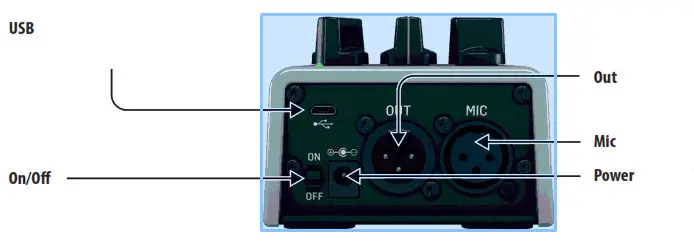
USB- Accepts micro-USB cables for firmware updates.
On/Off-
Out- Connect to a mixer or powered speaker.
Mic- Connect your microphone.
Power- Connect a 9V / >300 mA power supply, such as the PowerPlug 9 (not included). The pedal also accepts 4 x AA batteries.
Visit tc-helicon.com to download the full manual

 TC Helicon | Home