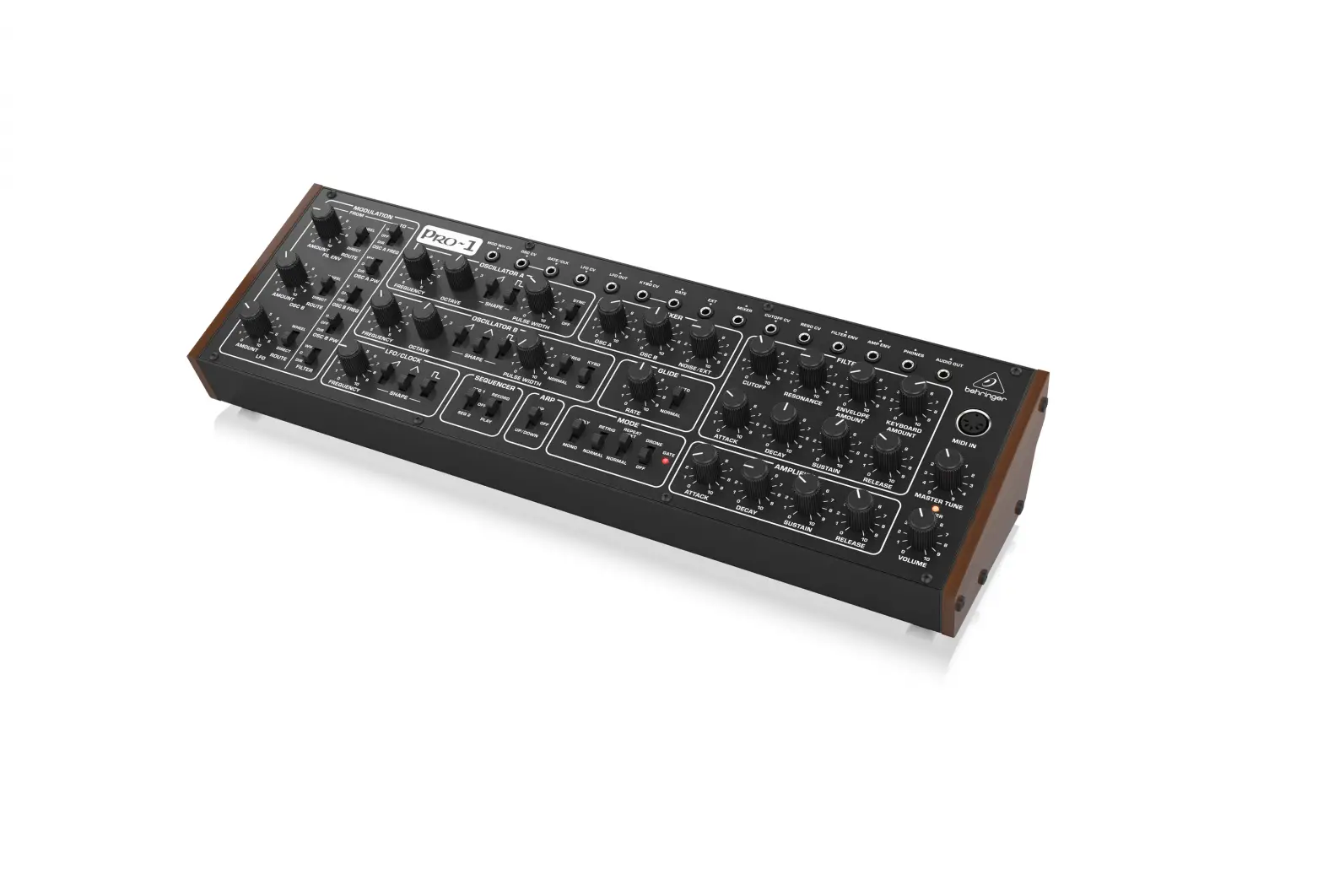
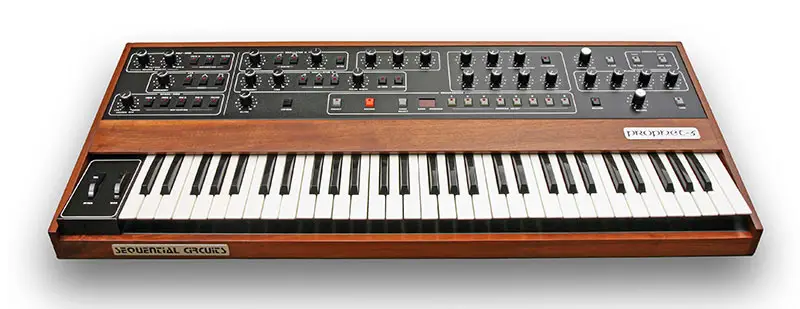
MIX2GO-S Contemporary Analog Sounds Module
Product Information:
MIX2GO-S AS501 100% ANALOG MODULE
The MIX2GO-S AS501 is a 100% analog module designed for audio
mixing. It provides various input and output options to create a
versatile mixing setup. The module has both front and back panels
with different connectors and controls.
Front Panel Features:
- Mix output left / mono
- Mix output right
- Stereo headphone output
- Mono channel FX send after Mono volume
- Stereo channel left / mono input
- Stereo channel right input
- Mono channel input
- Unity gain 2TR inputs
- Passive multiples input
- Passive multiples outputs
- Volume of mono channel – 0 to 100%
- Volume of stereo channel – 0 to 100%
- Master volume – 0 to 100%
Back Panel Features:
- Power bus connector IDC10
- Mix mono link, Stereo input & mono link, Mono input &
Send * - Stereo mix outputs
- 2TR IN channel input gains Jumpers OFF: 0dB, jumpers ON
+6dB - Stereo channel input gains Jumpers OFF: 0dB, jumpers ON
+6dB - Mono channel input gain Jumper OFF: 0dB, jumper ON +6dB
- Mono channel send LOW-CUT Jumper OFF: HPF ON, jumper OFF: HPF
ON - Send level attenuator Jumper OFF: 0dB, jumper ON: -6dB
Technical Specifications:
- Module depth: 33mm
- Module width: 8HP (40.3mm)
- Module weight: 120g
- Connector type: 10P IDC Eurorack
- Power consumption: +12V / 30mA & -12V / 30mA
- Audio in & out: HQ Audio
- Audio in & out range: 10Vpp
* When no use of MONO IN from internal rail, connect jumper
between MONO IN and GND.
* When no use of STEREO INPUTS from internal rails connect
jumpers between ST IN L and GND also connect jumper onto ST IN R /
ML (mono link) pins.
* When no use of AS701 AUDIO & MIDI BOARD connect jumper
onto MIX ML (mix mono link) pins.
Product Usage Instructions:
- Connect the MIX2GO-S AS501 module to your audio setup using the
appropriate cables. - Use the front panel controls to adjust the volume levels of the
mono and stereo channels as well as the master volume. - Connect headphones to the stereo headphone output for
monitoring purposes. - Utilize the mono channel FX send after the mono volume control
for adding effects to the mono channel. - Connect audio sources to the stereo channel left, right, and
mono inputs as needed. - Use the unity gain 2TR inputs for connecting external audio
sources. - Utilize the passive multiples input and output for signal
routing purposes. - Adjust the input gains for the 2TR IN, stereo channel, and mono
channel using the specified jumpers. - Enable or disable the mono channel send LOW-CUT feature using
the specified jumper. - Adjust the send level attenuation using the specified
jumper.
BLOCK DIAGRAM OF
MIX2GO-S
AS501 100% ANALOG MODULE
FRONT PANEL OF
MIX2GO-S
AS501 100% ANALOG MODULE
1. Mix output left / mono 2. Mix output right 3. Stereo headphone output 4. Mono channel FX send after Mono
volume 5. Stereo channel left / mono input 6. Stereo channel right input 7. Mono channel input 8. Unity gain 2TR inputs 9. Passive multiples input 10. Passive multiples outputs 11. Volume of mono channel – 0 to 100% 12. Volume of stereo channel – 0 to 100% 13. Master volume – 0 to 100%
13
11
12
10
7
8
9
4
5
6
1
2
3
BACK PANEL OF
MIX2GO-S
AS501 100% ANALOG MODULE
1. Power bus connector IDC10
2. Mix mono link, Stereo input & mono link, Mono input & Send *
3. Stereo mix outputs
4. 2TR IN channel input gains Jumpers OFF: 0dB, jumpers ON +6dB
5. Stereo channel input gains Jumpers OFF: 0dB, jumpers ON +6dB
6. Mono channel input gain Jumper OFF: 0dB, jumper ON +6dB
7. Mono channel send LOW-CUT Jumper OFF: HPF ON, jumper OFF: HPF ON
8. Send level attenuator Jumper OFF: 0dB, jumper ON: -6dB
Do not use jumpers on output pins, also do not connect to ground or power rails!
TECHNICAL SPECIFICATION:
– Module depth: 33mm – Module width: 8HP (40.3mm) – Module weight: 120g – Connector type: 10P IDC Eurorack – Power consumption:
+12V / 30mA & -12V / 30mA – Audio in & out: HQ Audio – Audio in & out range: 10Vpp
1
4 3
2
* When no use of MONO IN from internal rail, connect jumper between MONO IN and GND.
* When no use of STEREO INPUTS from internal rails connect jumpers between ST IN L and GND also connect jumper onto ST IN R / ML (mono link) pins
5
* When no use of AS701 AUDIO & MIDI BOARD connect jumper onto MIX ML (mix mono link) pins
6
7
8