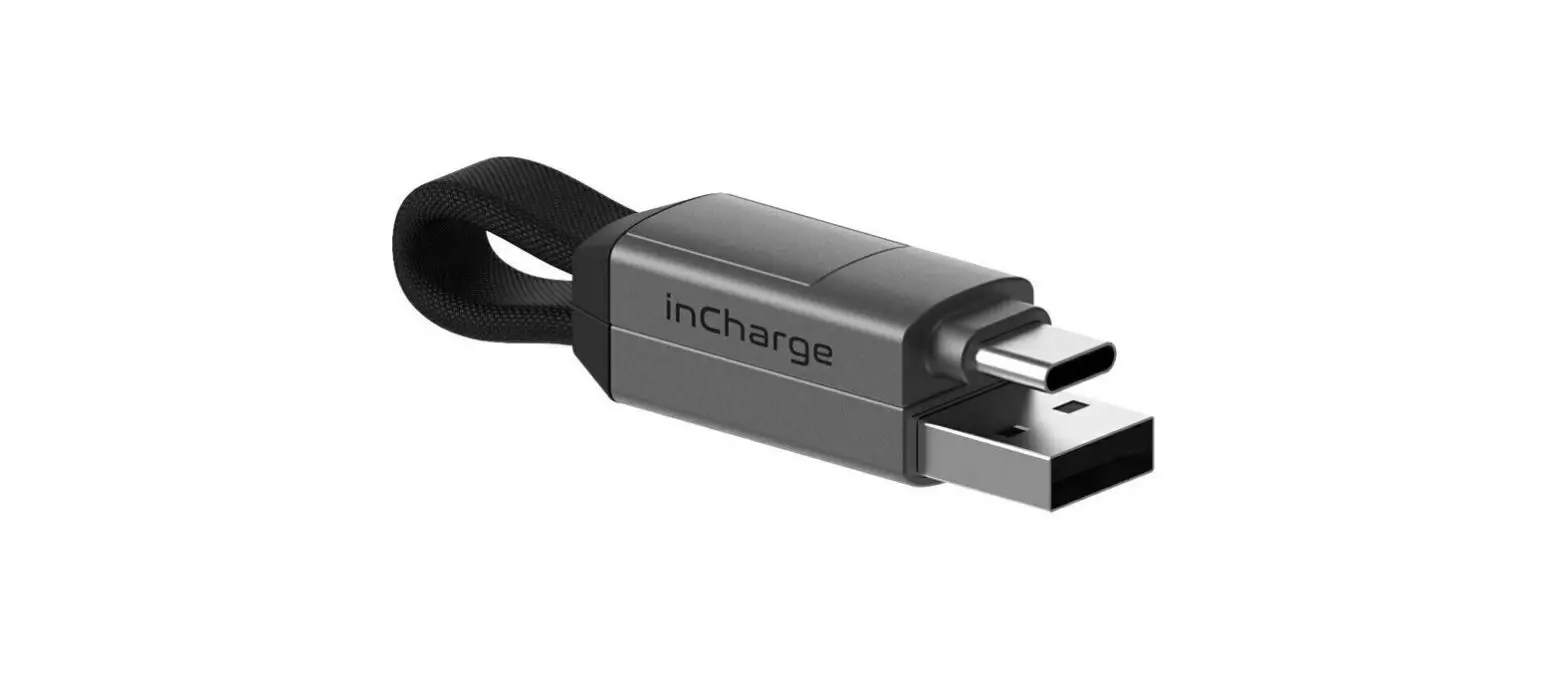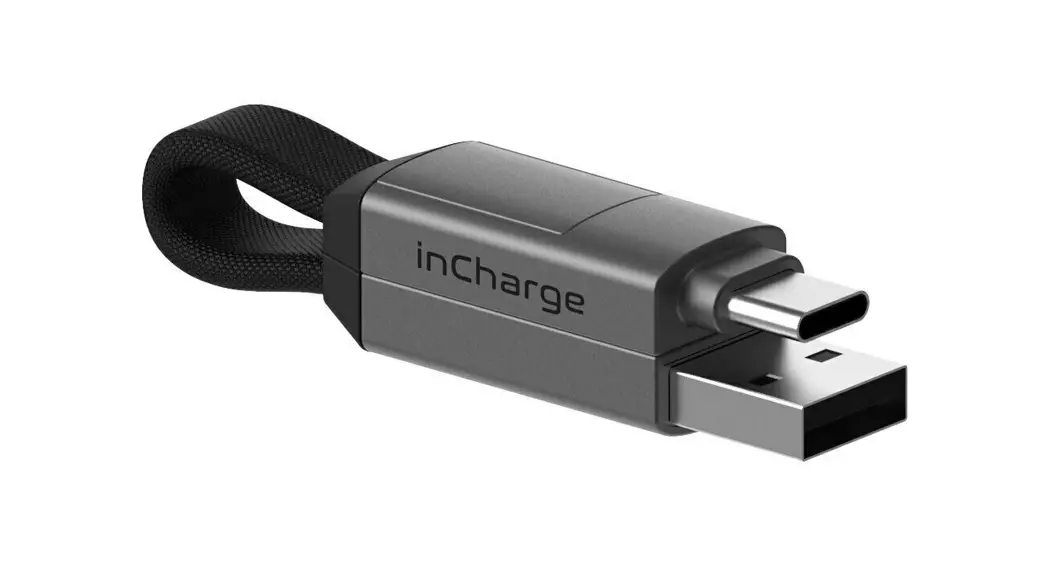

SQUARE inCharge6
User Manual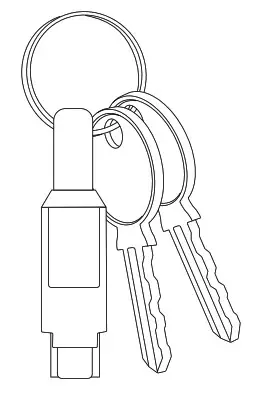

Connectors
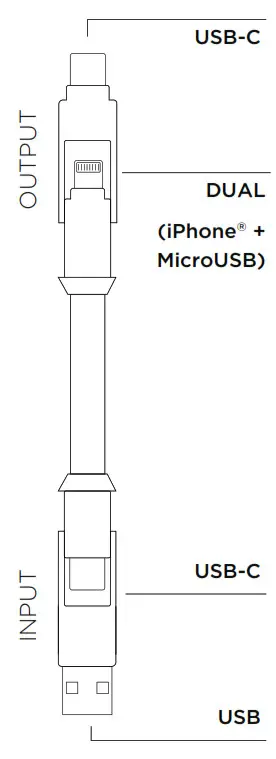
USB-C
- Samsung from S8 on
- OnePlus from 3 on
- Google Pixel
- Any USB-C phones (latest Android and Windows phone)
DUAL(iPhone® + MicroUSB)
iPhone
- iPhone® (5 and up)
- iPad®
- AirPods®
- iPad Air®
MicroUSB
- Old Android phones
- Old Windows phones
- Any MicroUSB device
USB-C
• Charger • Speakers
• Laptop • Router
• Powerbank • USB-C phone
• Car
USB
• Charger • Car
• Laptop • Speakers
• Powerbank • Router
Hook Your Keys
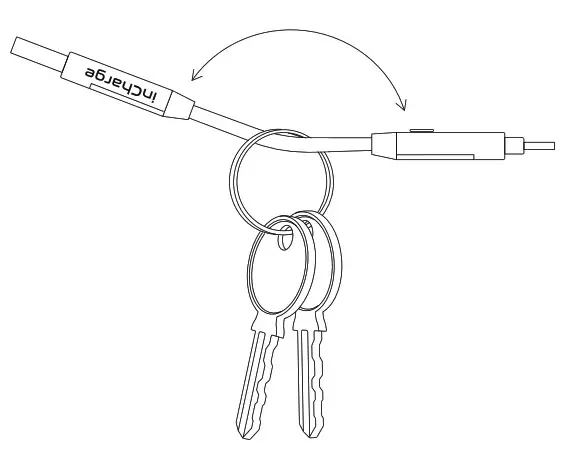
- Open the two inCharge 6 side and insert your keyring.

- Close the two side, thanks to the magnet and the anti-sliding system inCharge will never get lost

- Use your keys as you always do, now you have your Swiss Army Knife of cables.
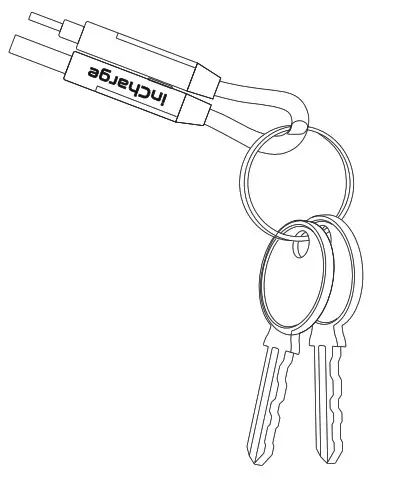
Dual Connector
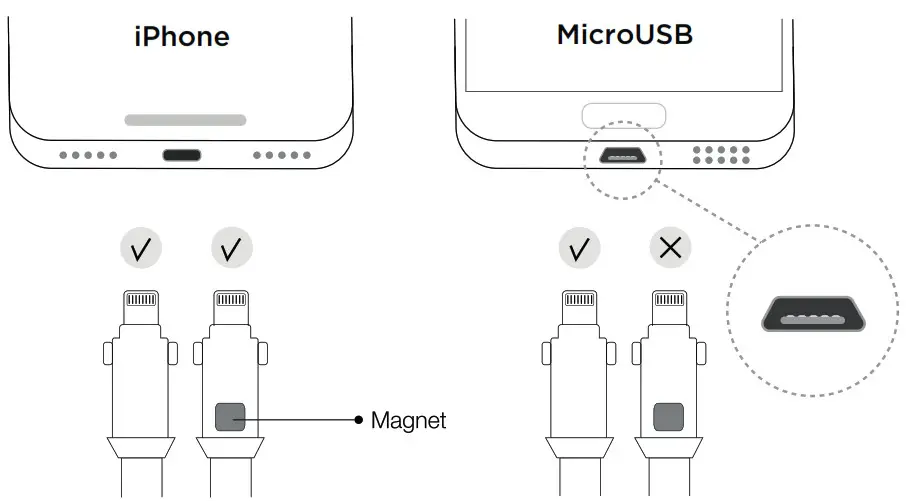
 Do not force the wrong side into the MicroUSB port.
Specification
Up to 15W charging (5V-3A)
Warnings
KEEP THE DEVICE OUT OF REACH OF CHILDREN. KEEP THE DEVICE AWAY FROM FIRE AND HIGH TEMPERATURES. AVOID DROPPING THE DEVICE. DO NOT SUBMERGE IN WATER OR EXPOSE TO ADVERSE WEATHER CONDITIONS. DO NOT OPEN OR PUNCTURE IT.

SCAN FOR
MORE INFO
Designed in Switzerland
Made in China