 QuickConfig – Connecting to wheelchair for programming
Note: Wi-Fi required for download of app and initial account set-up
Getting started
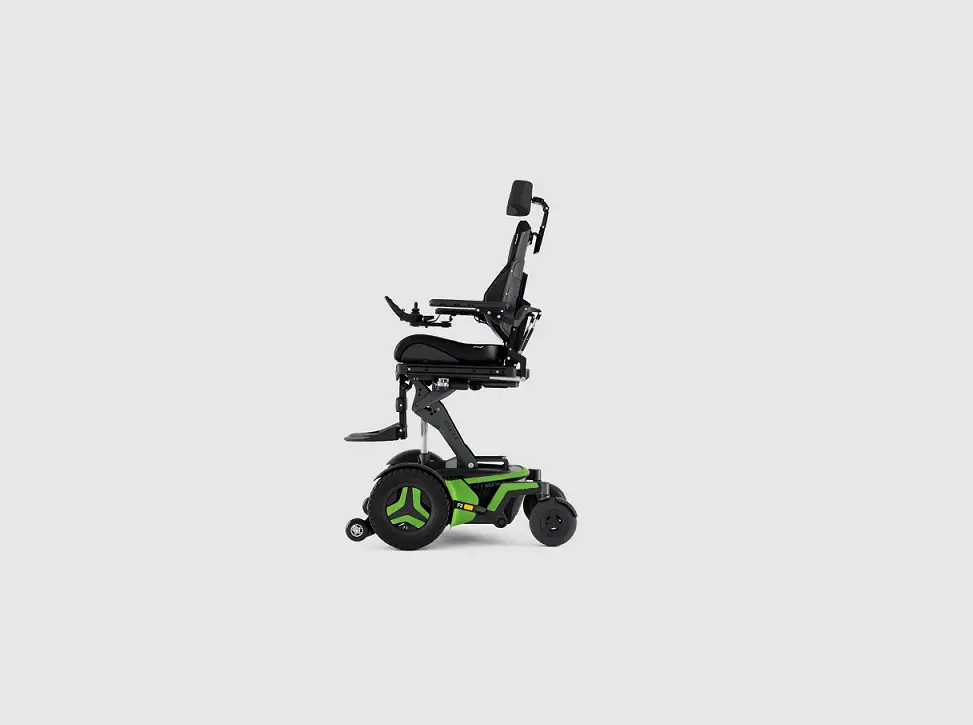
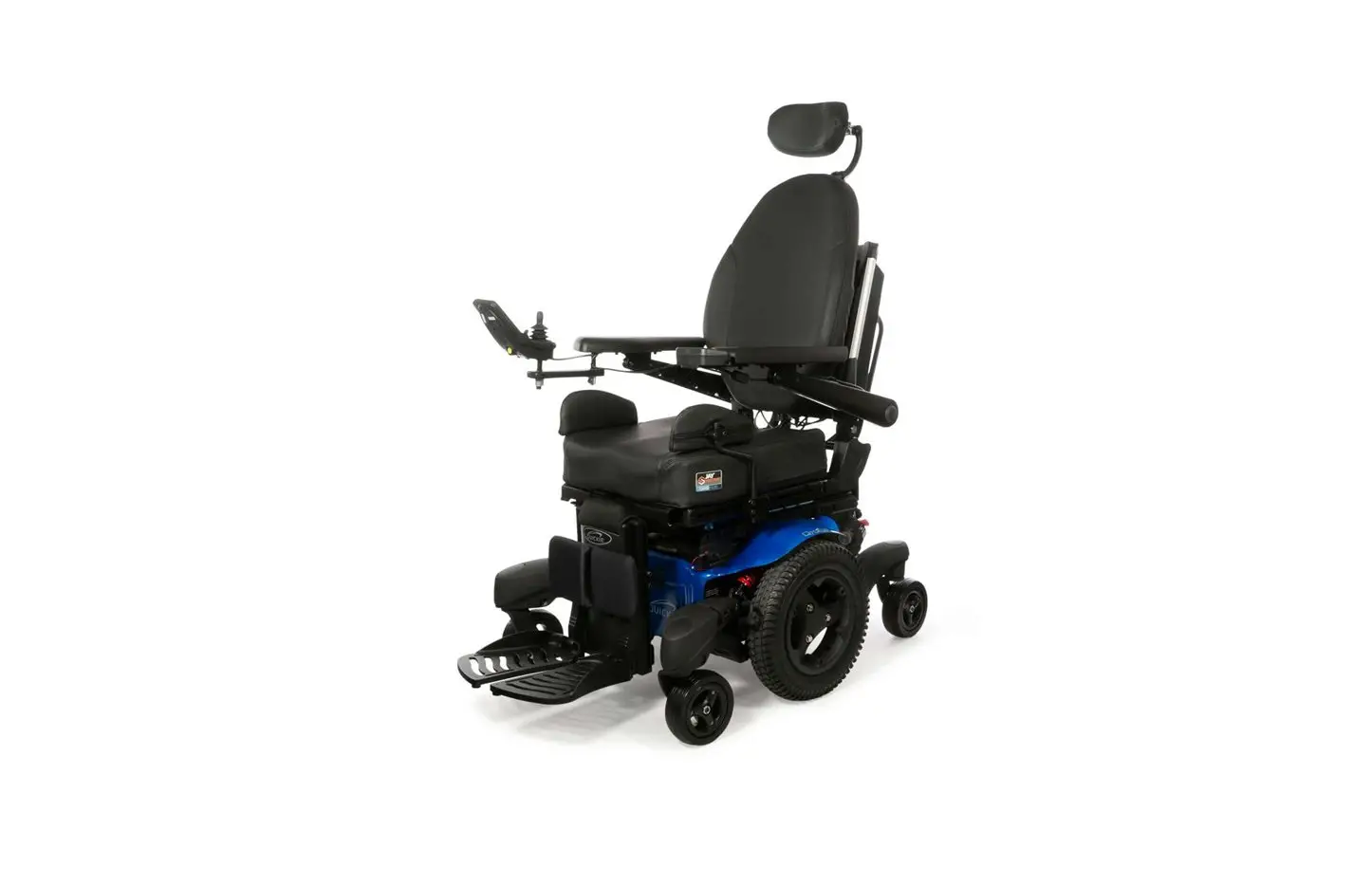
QuickConfig wireless programming is compatible with Permobil Power Platform equipped wheelchairs.
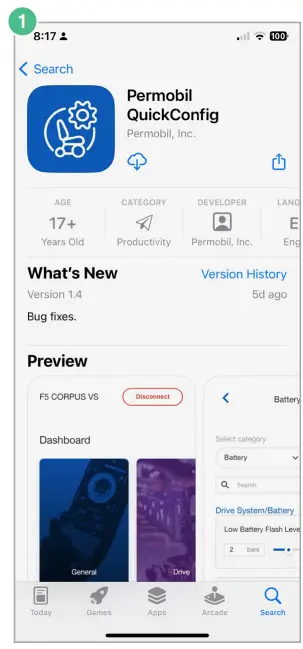
Download QuickConfig on your Android or Apple phone or tablet
Tap “Sign in or register”, then on pop-up screen tap “Continue” to be directed to single sign-on portal
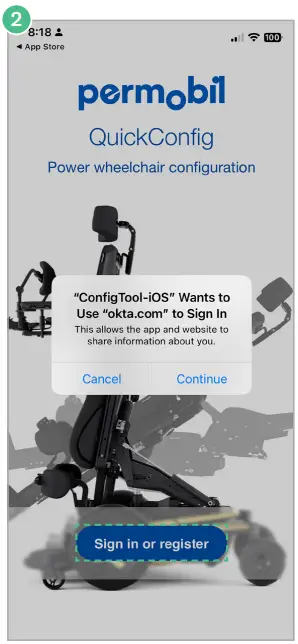
Tap “Sign up” to create your account
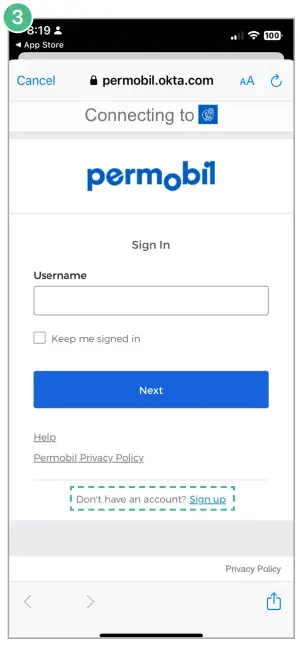
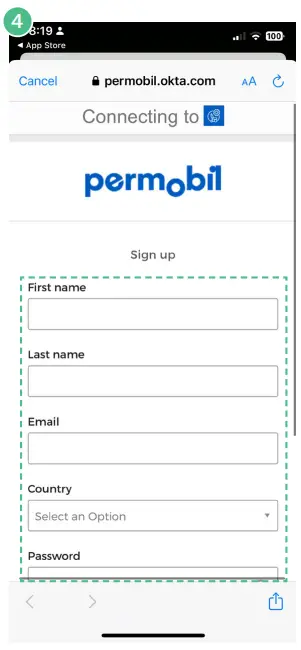
Enter your information to create account, using work email address
If prompted to do so, contact your local Permobil representative to complete the registration process
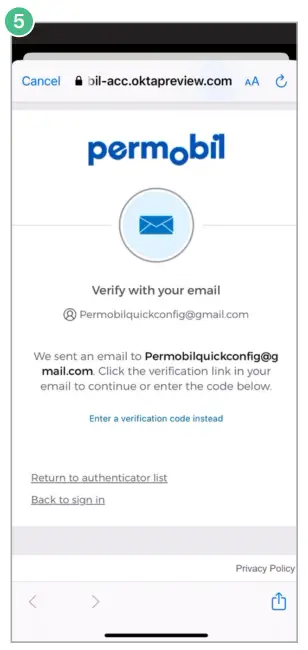
Check your email to verify account within 5 minutes
Getting started continued
QuickConfig wireless programming is compatible with Permobil Power Platform equipped wheelchairs.
Tap “Yes, It’s me”
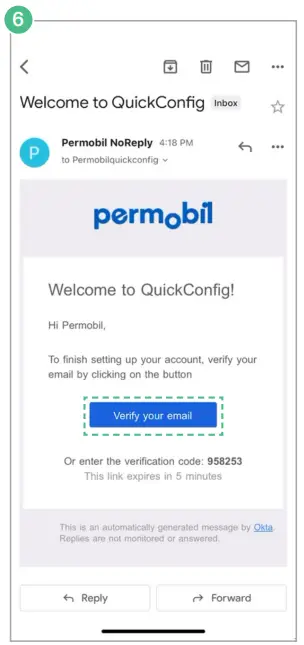
Tap “Verify your account”
-OR
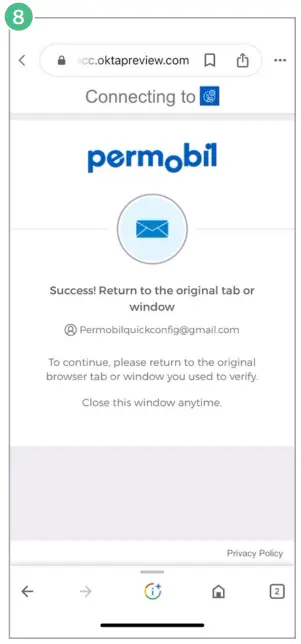
Return to app and enter verification code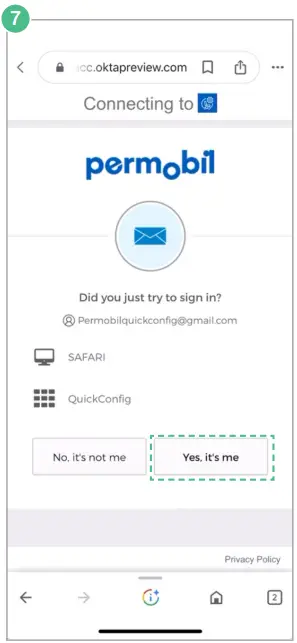 When prompted, return to the QuickConfig app
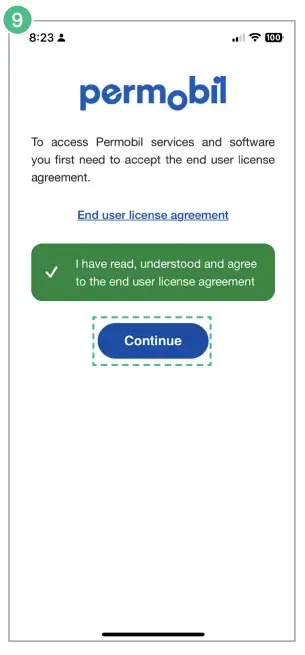
 Read/accept QuickConfig end user license agreement
 First time tutorial
Tap “View the tutorial and connect”
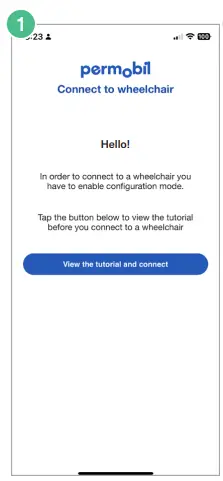
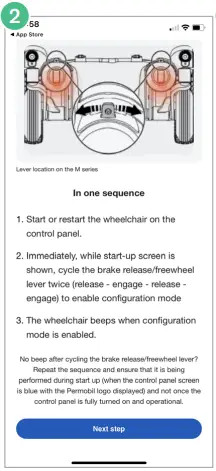
Follow tutorial instructions to enable configuration mode on wheelchair using freewheel levers
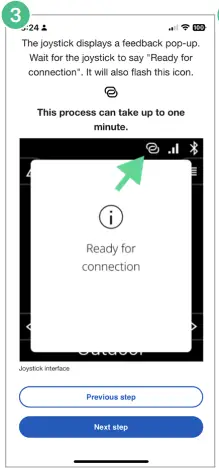
Wait until “Ready for connection” is present on input device
Tap “Complete tutorial” to connect
 Connecting to wheelchair
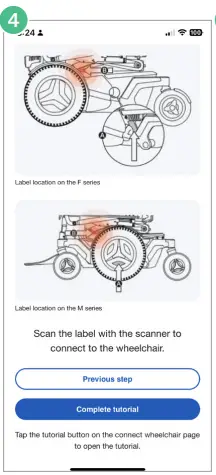 Connecting to wheelchair
Tap “Connect”
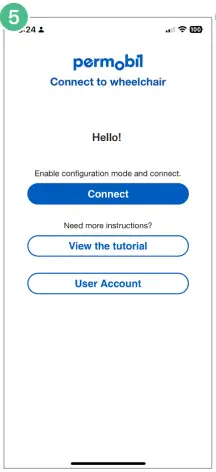
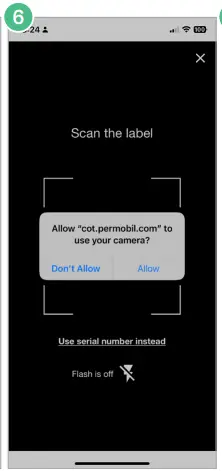
When requested, allow app to use camera, scan QR code on base to connect
-OR-
Tap “Use serial number instead” to enter wheelchair serial number
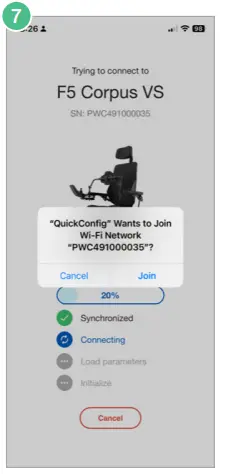
Tap “Join” to accept wheelchair’s Wi-Fi network Wait for completion of connection You are ready to program
MTK0015-00
permobil.com
 Permobil