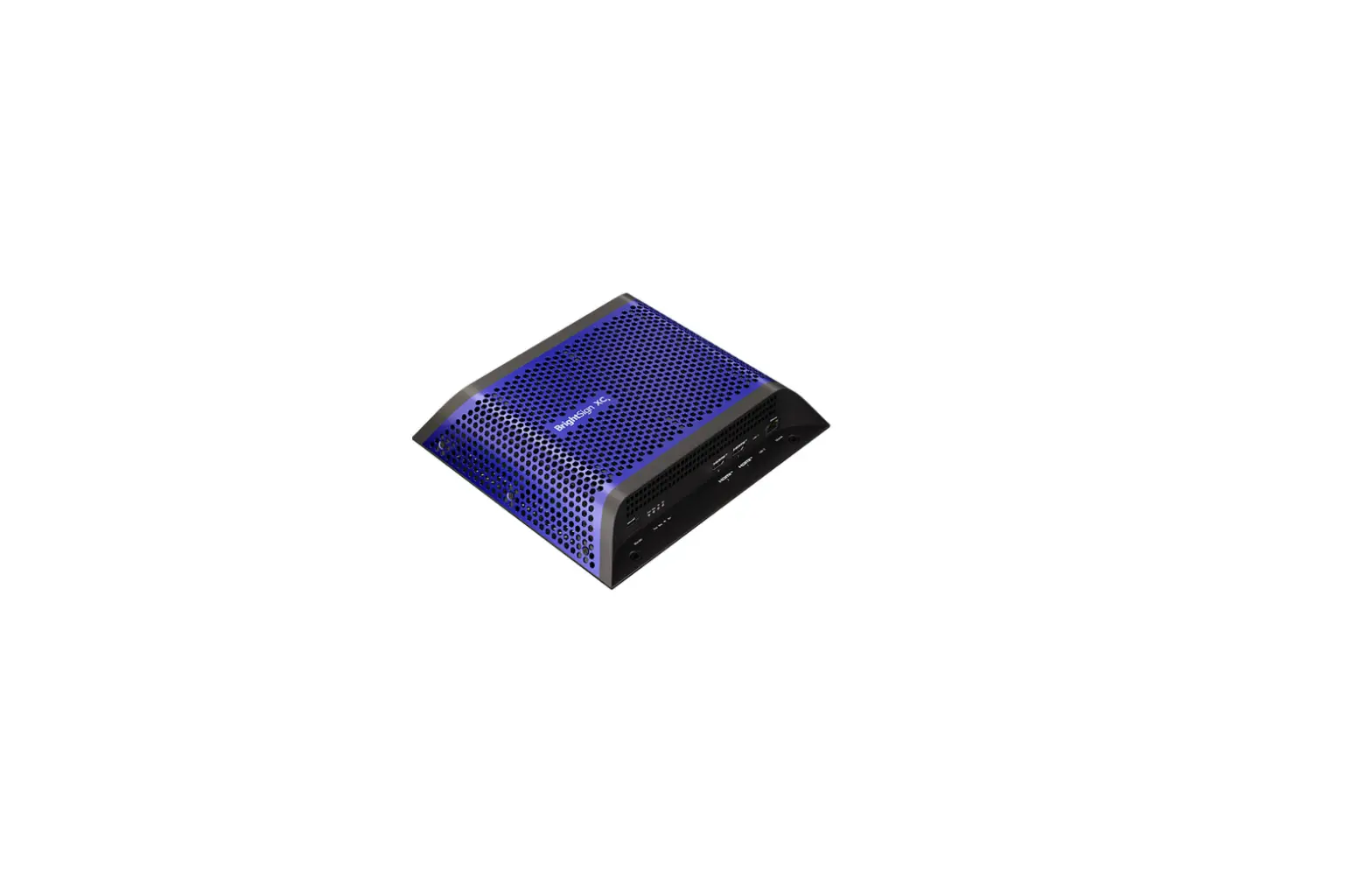
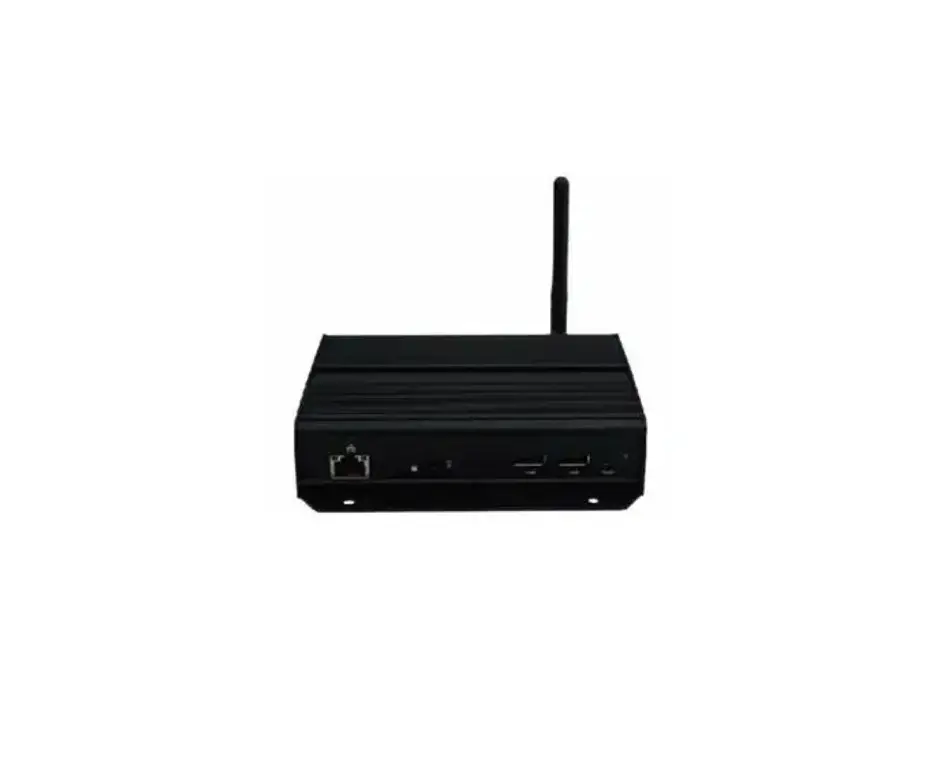
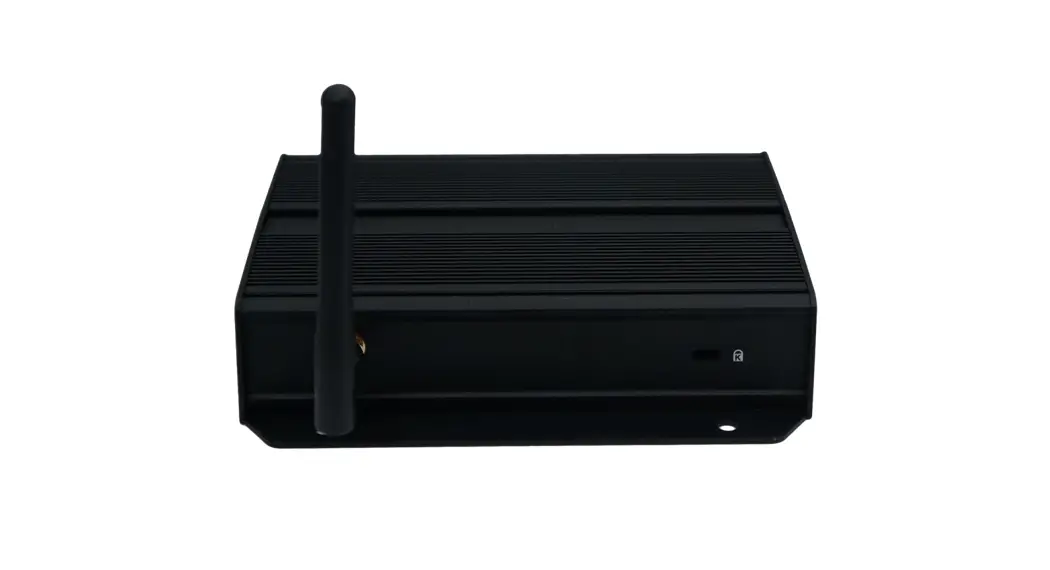
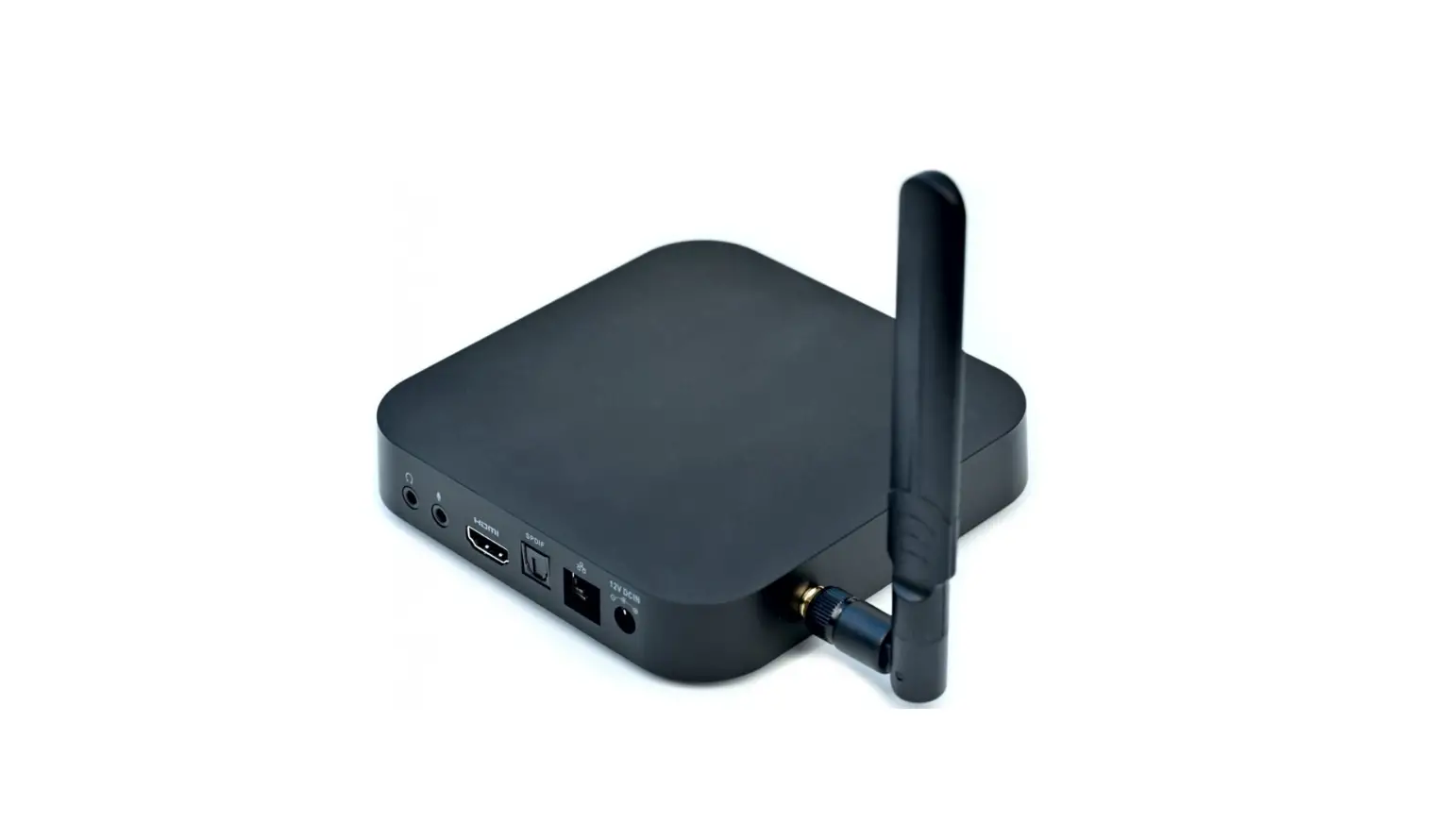
XMP-7500 Digital Signage Player
XMP-7500 Hardware User Manual
Introduction
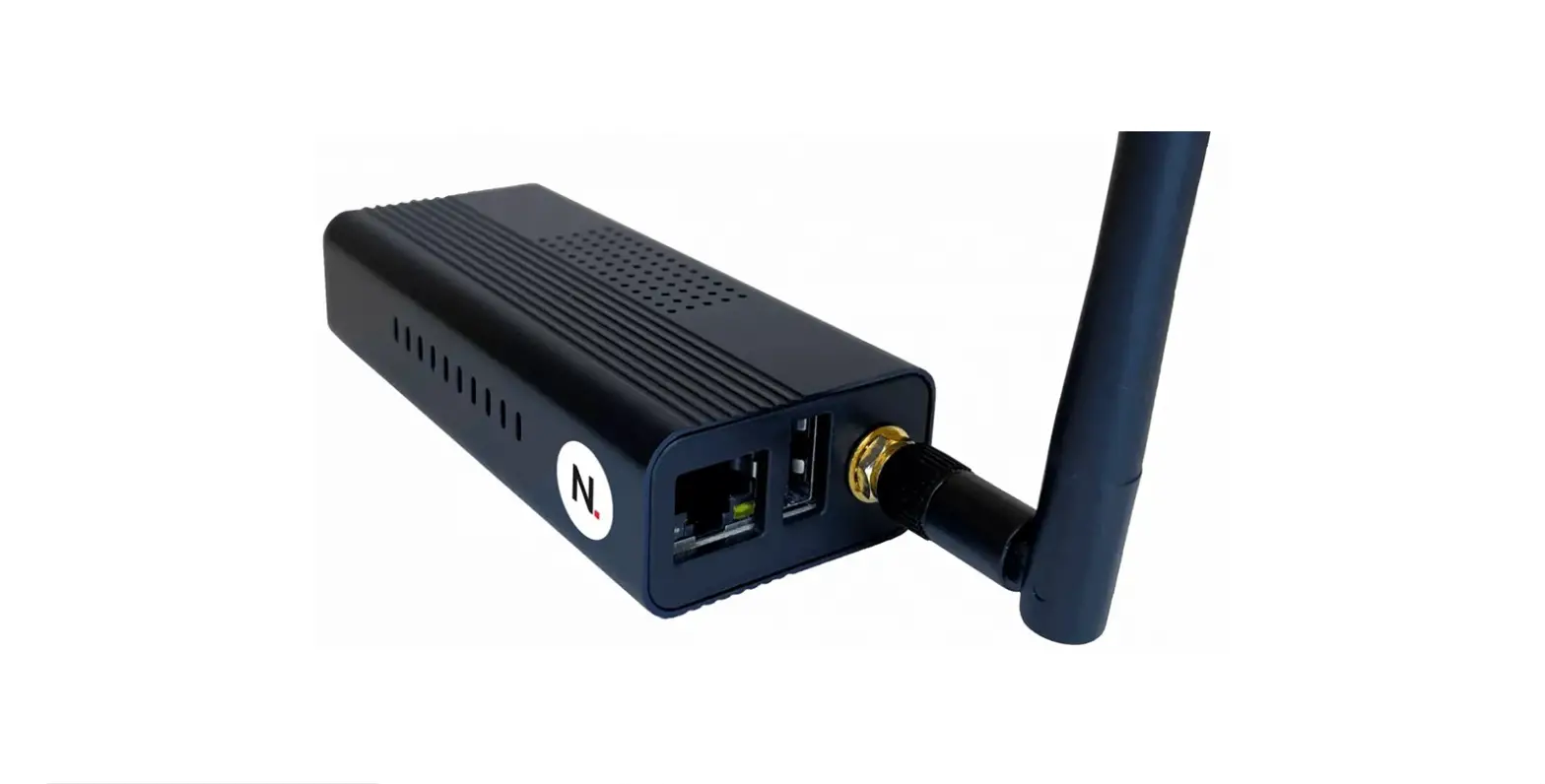
The XMP-7500 is a media player unit that supports various video
and image formats, audio codecs, and dynamic content. This document
provides information on the hardware of the XMP-7500.
Package contents
The package includes the following:
- Media Player Unit
- AC Adapter (with select power plug)
- Wireless Antenna
- HDMI Cable
- Velcro (2 sets)
- Power & micro SD card brackets
- NOT INCLUDED: A USB mouse is required for
system setup
Installation
Attach wireless antenna
Attach the wireless antenna as shown below, and then screw the
antenna clockwise onto the post.
(Image of attaching wireless antenna)
Mounting options:
Option 1: Attach on the back of the monitor using Velcro
To mount the player on the back of the monitor using Velcro,
follow these steps:
- Separate the Velcro pads, and stick on the bottom of player as
shown in right. - Stick the other Velcro pads onto the back of monitor, and then
attach the player to it. - Use HDMI cable to connect player and the monitor.
(Image of mounting option 1)
Option 2: Built-in wall mount bracket
To mount the player with the built-in mount bracket, refer to
the drawing below for mounting hole and its dimension. The mounting
hole is highlighted in RED, screw thread: M4.
(Image of mounting option 2)
Physical View
(Image of physical view of the XMP-7500)
Technical Data
Specifications
- Video format support: H.265 (up to 4K@60p), H.264 (up to
1080p,10Mbps), VC-1 (up to 1080p,10Mbps), MPEG-4 ASP (up to
1080p,10Mbps), MPEG-2 (up to 1080p,10Mbps), POPAI Screen Media
Standards: S6 to S12, E4,E7,E8 - Image format support: JPEG, PNG up to 4K, POPAI Screen Media
Standards: S1 to S3, E1 to E3 - Audio codec support: MP3 up to 320Kbps, POPAI Screen Media
Standards: S4, S5 - Dynamic content: W3C HTML5 (HTML, CSS, JavaScript), W3C SMIL
3.0 instructions (sub-set) - Physical I/O connectors: HDMI 2.0, USB 2.0 x 2, RJ45 Ethernet
port (Giga LAN), Wireless antenna port, Micro USB for ADB, Micro SD
card slot, Audio out (3.5mm Analog), LED:
Power(green)/Status(orange) - Local storage: 16 GB eMMC, Micro SD card expansion slot
- Accessories: AC adapter(UL/CB/PSE certified power supplies),
HDMI cable, Wireless antenna, Velcro ( 2 sets ), Micro SD card slot
bracket/screw x1, Power jack bracket/screw x1 - Power requirement: 12V 1.5A DC
- Power consumption: 7.0 W
- Environmental: CE/FCC/IC
- Dimensions: Top housing: 166 x 99 x 25mm (6.54 x 3.90 x 0.98
inches), Base: 166 x 125 x 27mm (6.54 x 4.92 x 1.06 inches) - Weight: 445 g (0.98 lbs)
- Certifications: CE/FCC/IC
- Warranty: One-year limited parts & labor
XMP-7500 Hardware User Manual
Contents
1. Introduction
1
1.1. Package contents
1
1.2. Installation
1
1.3. Physical view
3
2. Technical Data
4
2.1. Specifications
4
i
1. Introduction
This document describes the hardware of the XMP-7500.
1.1. Package contents
Media Player Unit
AC Adapter (with select power plug)
Wireless Antenna
HDMI Cable
Velcro (2 sets)
Power & micro SD card brackets
NOT INCLUDED: A USB mouse is required for system setup
1.2. Installation
Attach wireless antenna Attach the wireless antenna as shown below, and then screw antenna clockwise onto the post.
1
Mounting Option: [Attach on the back of the monitor using Velcro] Separate the Velcro pads, and stick on the bottom of player as shown in right. Stick the other Velcro pads onto the back of monitor, and then attach the player to it. Use HDMI cable to connect player and the monitor
Mounting Option: [Built-in wall mount bracket] Mount the player with the built-in mount bracket, refer to below drawing for mounting hole and its dimension, mounting hole is highlighted in RED, screw thread: M4.
2
1.3. Physical view
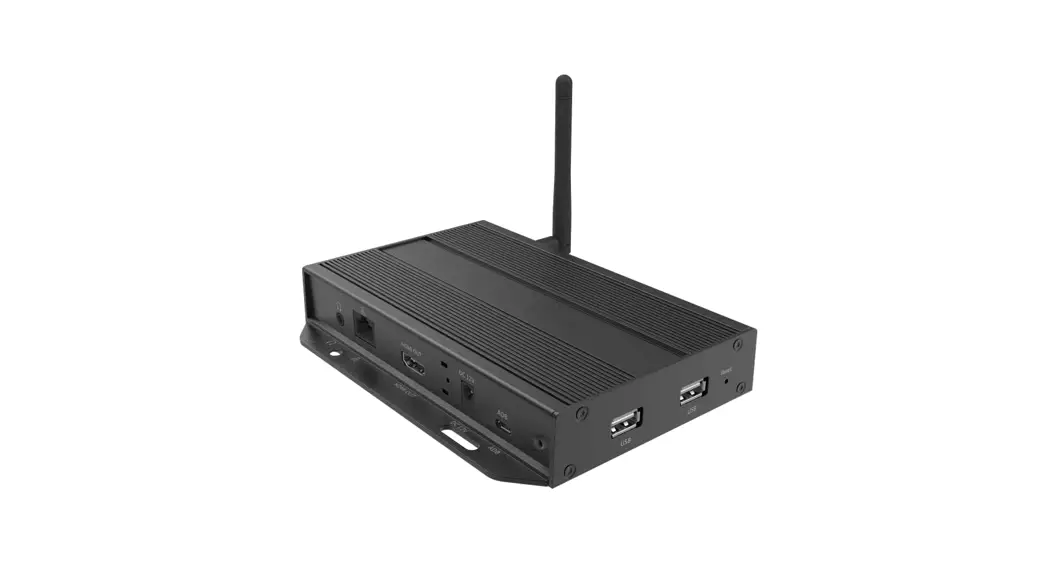
Physical features (left to right in above illustration) · 3.5 mm jack audio out · Ethernet port for network content update · HDMI 2.0 connector for digital video and audio combined output · DC input port · Micro USB for ADB , Android debug console port · Power(green) and Status(orange) LED indicator · USB ports for USB content update and configuration · Reset button to perform factory reset · Kensington lock hole · Wireless antenna post · Micro SD card slot
3
2. Technical Data
2.1. Specifications
Video format support
Image format support Audio codec support Dynamic content Physical I/O connectors
Local storage Accessories
Power requirement Power consumption Environmental Dimensions Weight Certifications Warranty
XMP-7500
H.265(up to 4K@60p) H.264 (up to 1080p,10Mbps) VC-1 (up to 1080p,10Mbps) MPEG-4 ASP (up to 1080p,10Mbps) MPEG-2 (up to 1080p,10Mbps) POPAI Screen Media Standards : S6 to S12, E4,E7,E8
JPEG,PNG up to 4K POPAI Screen Media Standards : S1 to S3, E1 to E3
MP3 up to 320Kbps POPAI Screen Media Standards : S4, S5
W3C HTML5 (HTML, CSS, JavaScript) W3C SMIL 3.0 instructions (sub-set)
HDMI 2.0 USB 2.0 x 2 RJ45 Ethernet port (Giga LAN) Wireless antenna port Micro USB for ADB Micro SD card slot Audio out (3.5mm Analog) LED: Power(green)/Status(orange)
16 GB eMMC Micro SD card expansion slot
AC adapter(UL/CB/PSE certified power supplies) HDMI cable Wireless antenna Velcro ( 2 sets ) Micro SD card slot bracket/screw x1 Power jack bracket/screw x1
12V 1.5A DC
7.0 W
Operating temperature: -20 50°C / -4 122°F Humidity: 5 85% @ 45 °C / 32 113°F non-condensing
Top housing: 166 x 99 x 25mm (6.54 x 3.90 x 0.98 inches) Base: 166 x 125 x 27mm (6.54 x 4.92 x 1.06 inches)
445 g 0.98 lbs
CE/FCC/IC
One-year limited parts & labor
4