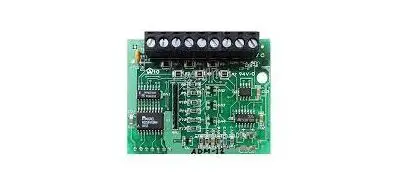
Honeywell ADM-12 Annunciator Driver Module Installation Guide
Installation
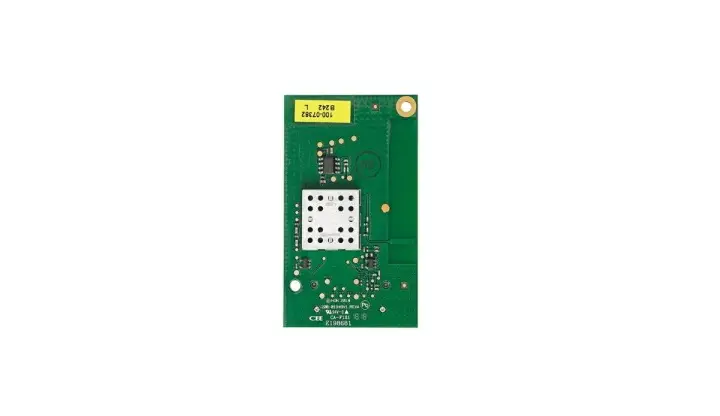
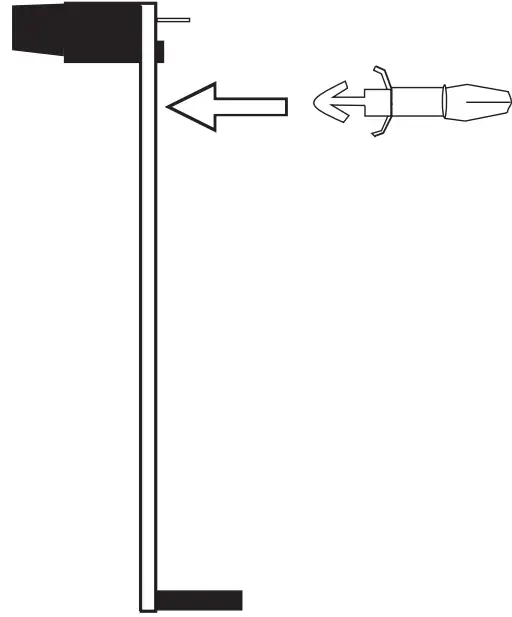
- Insert the short end of the nylon spacer through the back of the ADM-12 as illustrated.

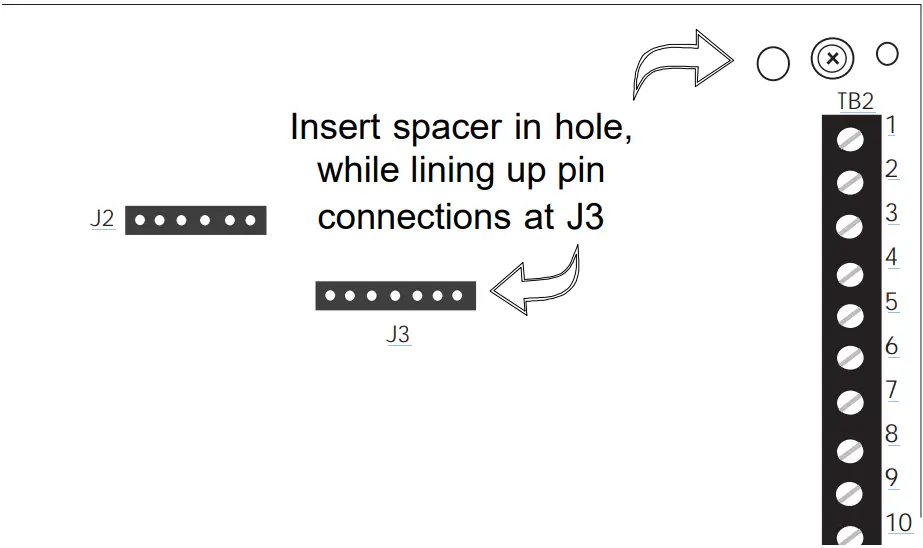
- Hold the ADM-12 upright over the upper right-hand corner of the motherboard.

- Begin inserting the free end of nylon spacer into hole at upper right-hand corner of motherboard (to the left of the mounting screw) while carefully aligning the board’s female connector over pin header J3. Press down on the board until the spacer and connector snap into place.

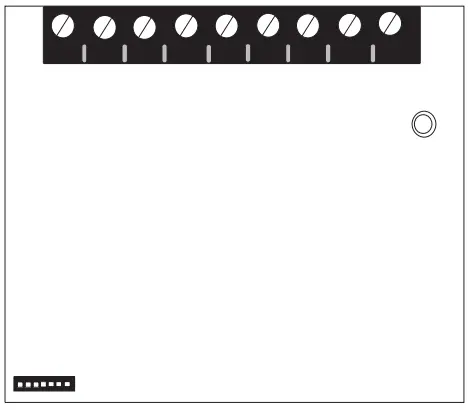
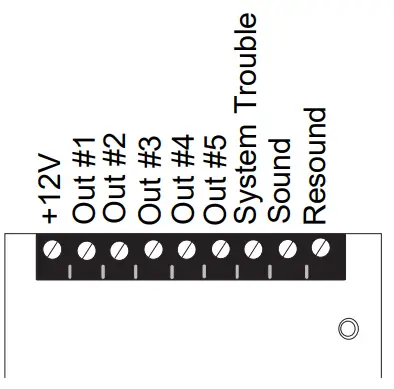
- Use the diagram below to connect wiring from an RZA-5F Remote Annunciator to the ADM-12.

Technical Manuals Online! – http://www.tech-man.com
firealarmresources.com