 TE-RM7
INSTALLATION INSTRUCTIONS
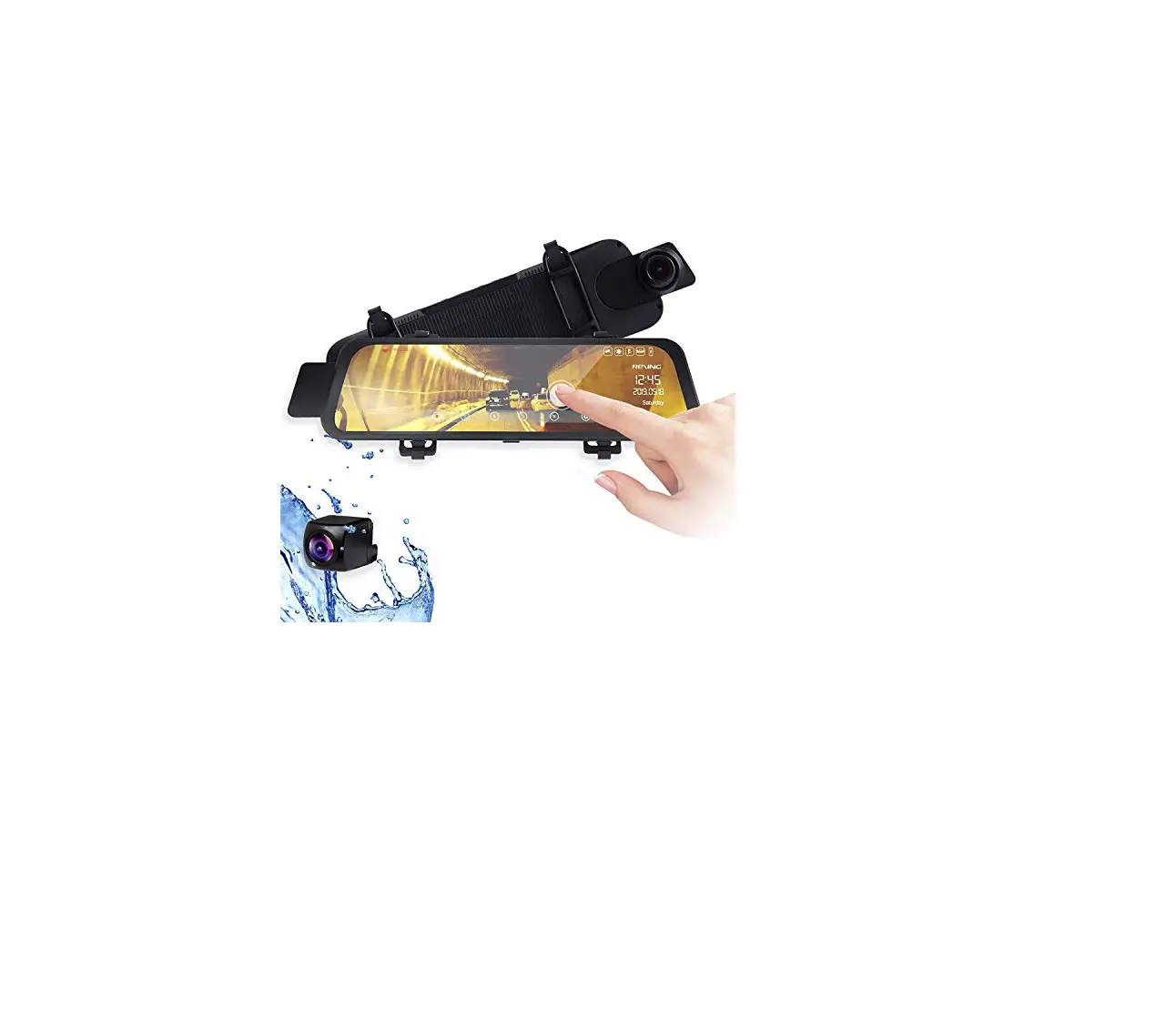
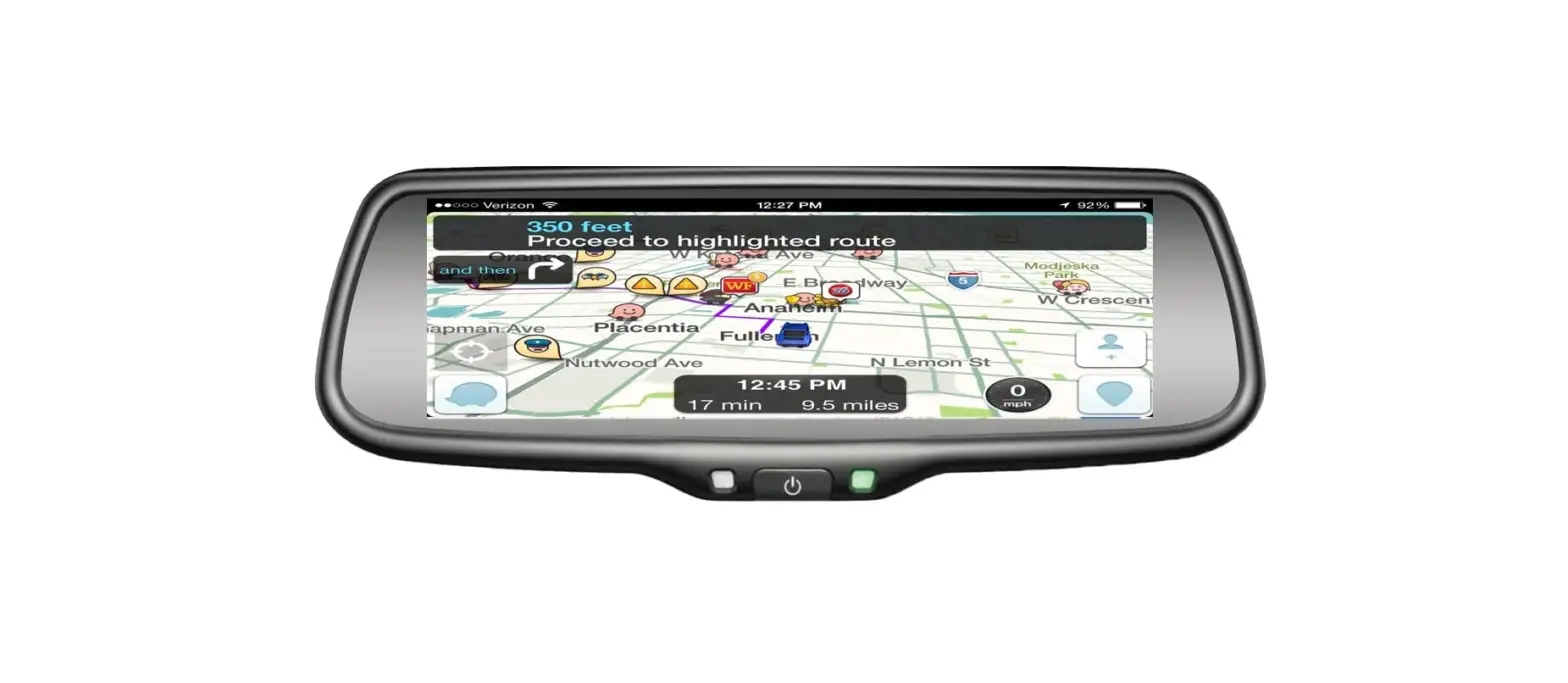
#IBEAMSAFETY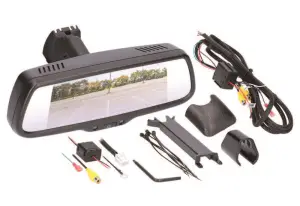 Universal 7” Mirror Monitor Single View 3-Inputs
Visit iBEAMUSA.com for more detailed information about the product and up-to-date vehicle-specific applications.
Product Features
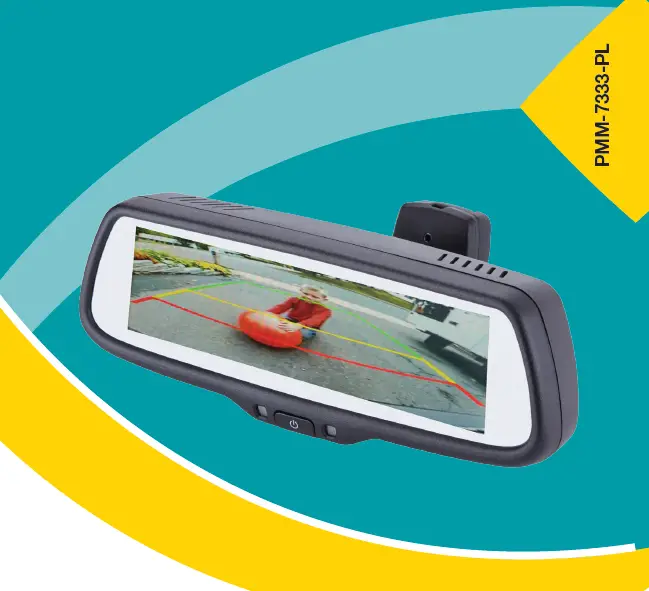
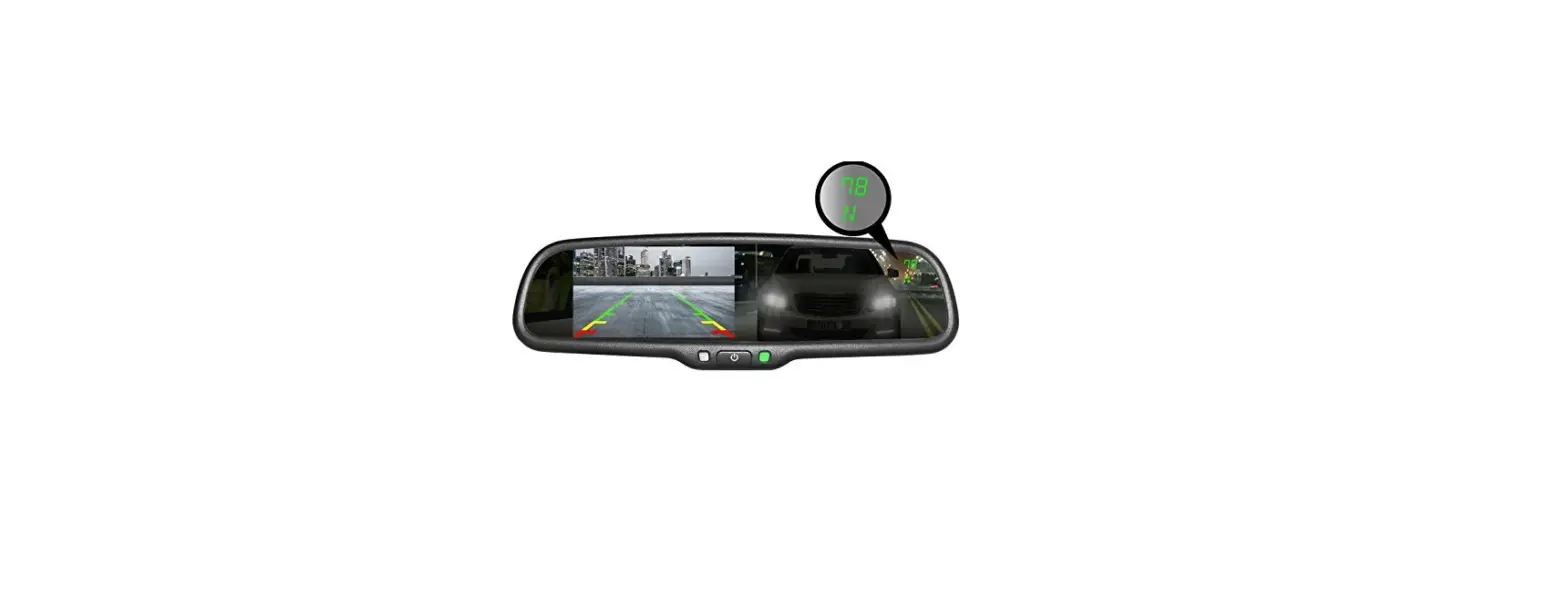
- 7” Mirror monitor
- 3 inputs for reverse, right and left side blinkers
- Each input independently triggered
- Adjustable parking lines built into the mirror
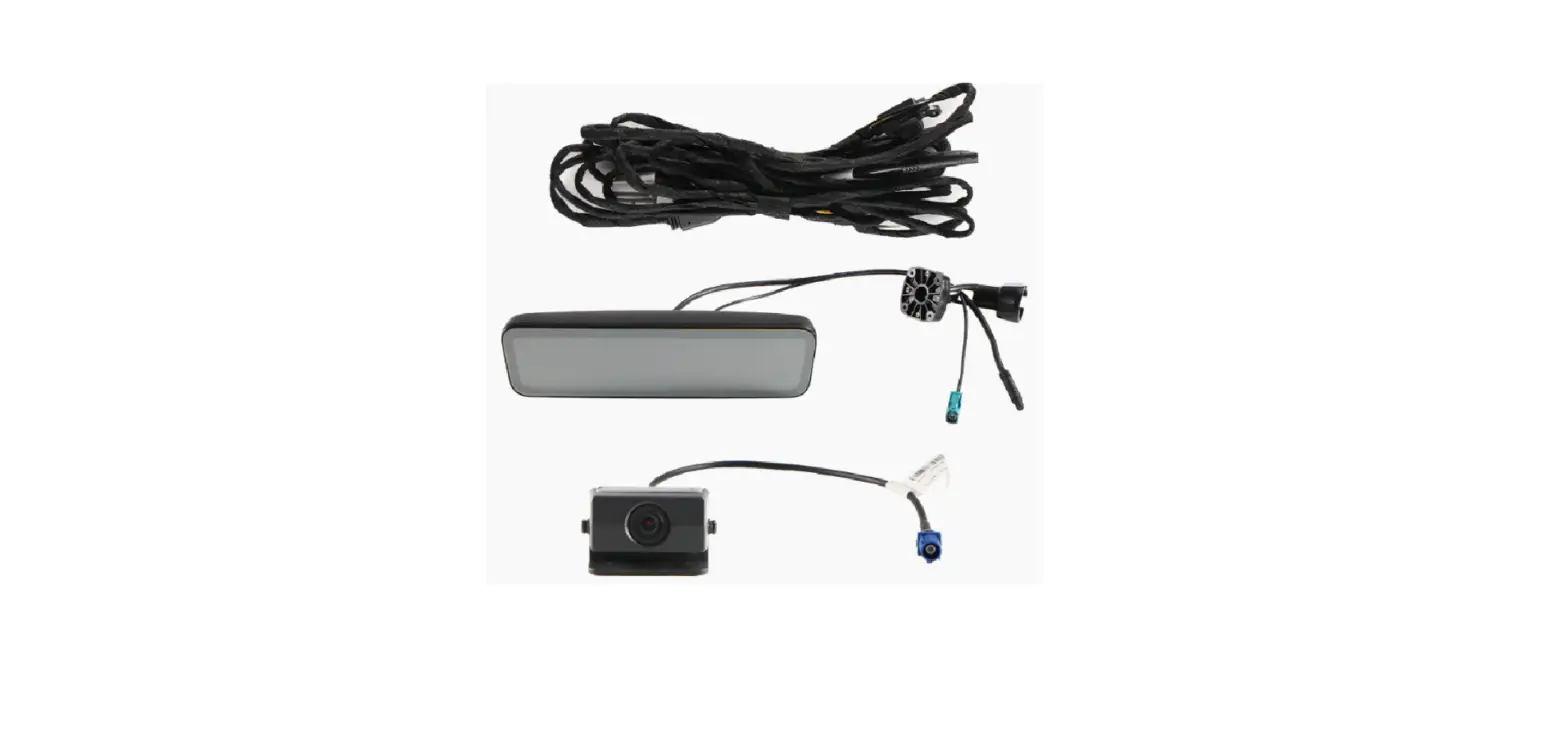
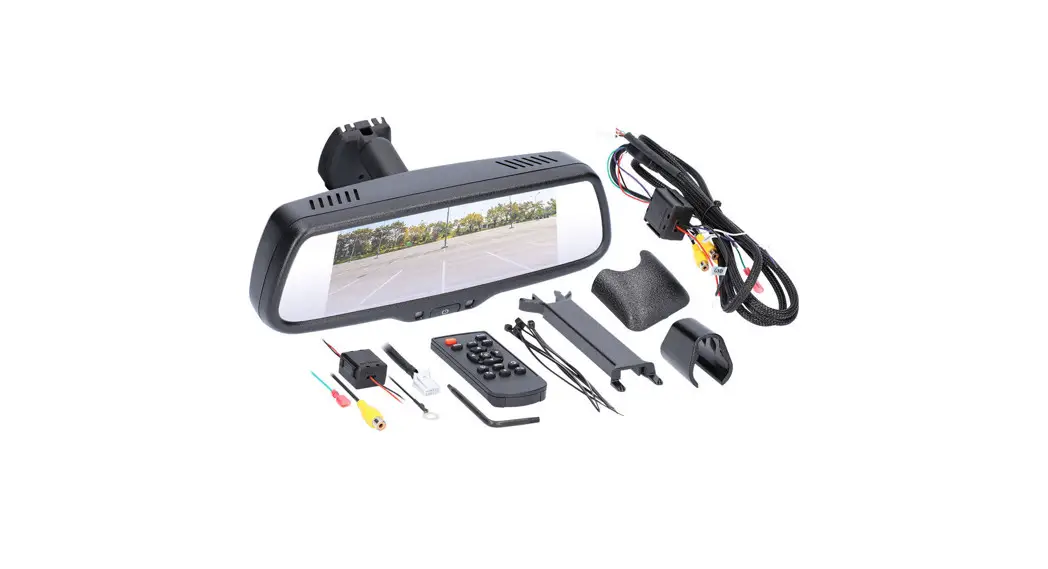
Part Components
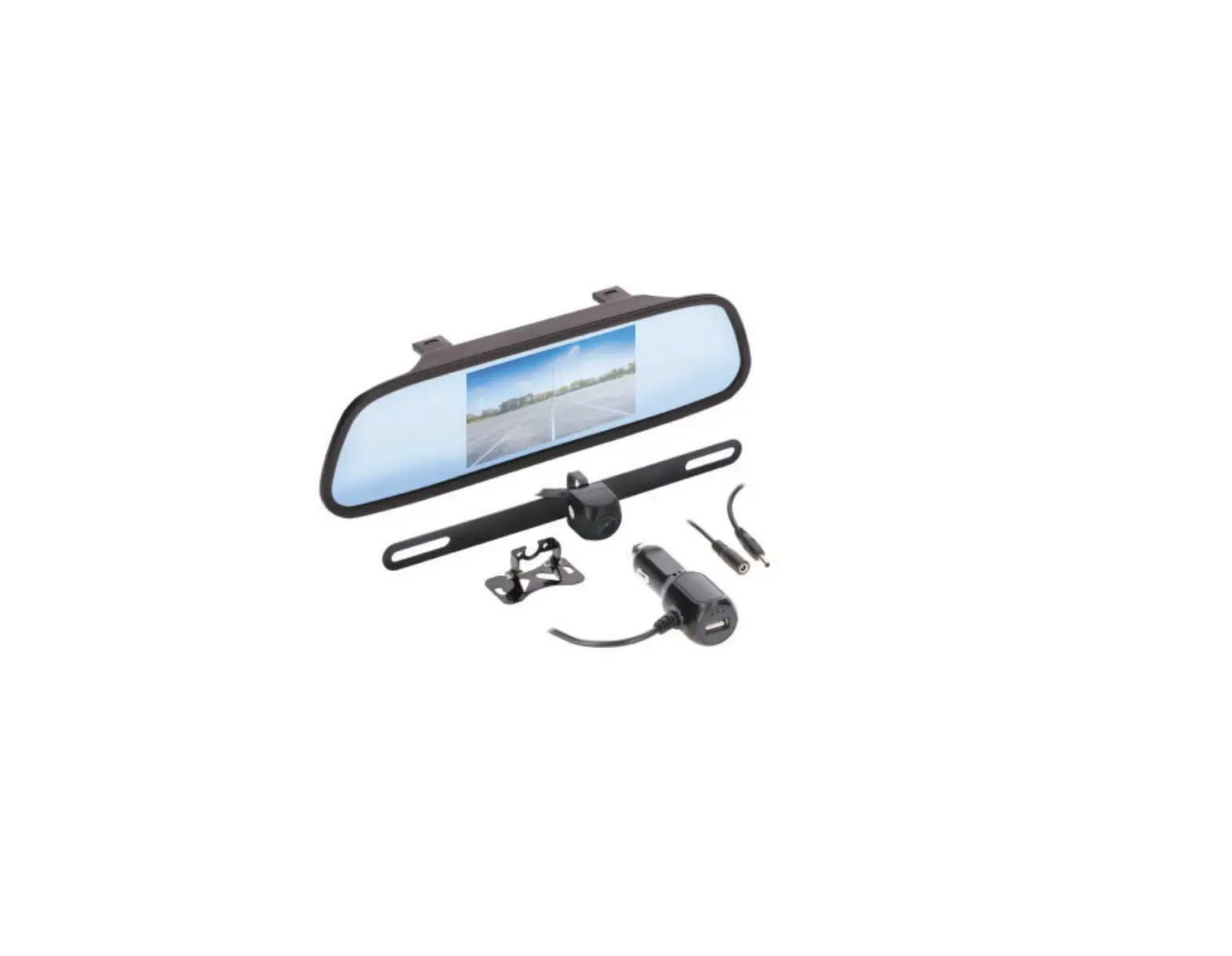
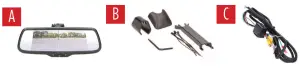
A) Mirror B) Accessories C) Cable
TOOLS REQUIRED
- Wire stripper
- Tape
- Digital Multimeter
- Cutter
Attention! When testing the aftermarket equipment, ensure that all factory equipment is connected before cycling the key to ignition.
WIRING
Mirror Wiring (Figure A)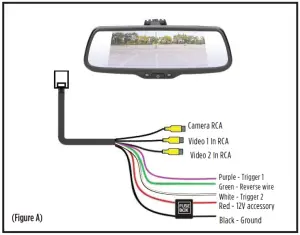
- Remove the factory mirror from the windshield and mount the TE-RM7 to the D-shaped mount on the windshield. If the D-shaped mount is not available, please use iBEAM part #TE-M06.
- Run the wiring across the headliner and down the A-pillar to the under-dash area.
- Connect the wires to the designated sources. Verify with a multi-meter that the correct wire is being used.
• RED wire to 12V accessory
• BLACK wire to chassis ground
• GREEN wire to a positive reverse trigger for the CAMERA input.
• PURPLE wire to a positive trigger IF Video 1 is being used
• WHITE wire to a positive trigger IF Video 2 is being used - Connect the used camera to the appropriate YELLOW female RCAs.
Menu Operation:
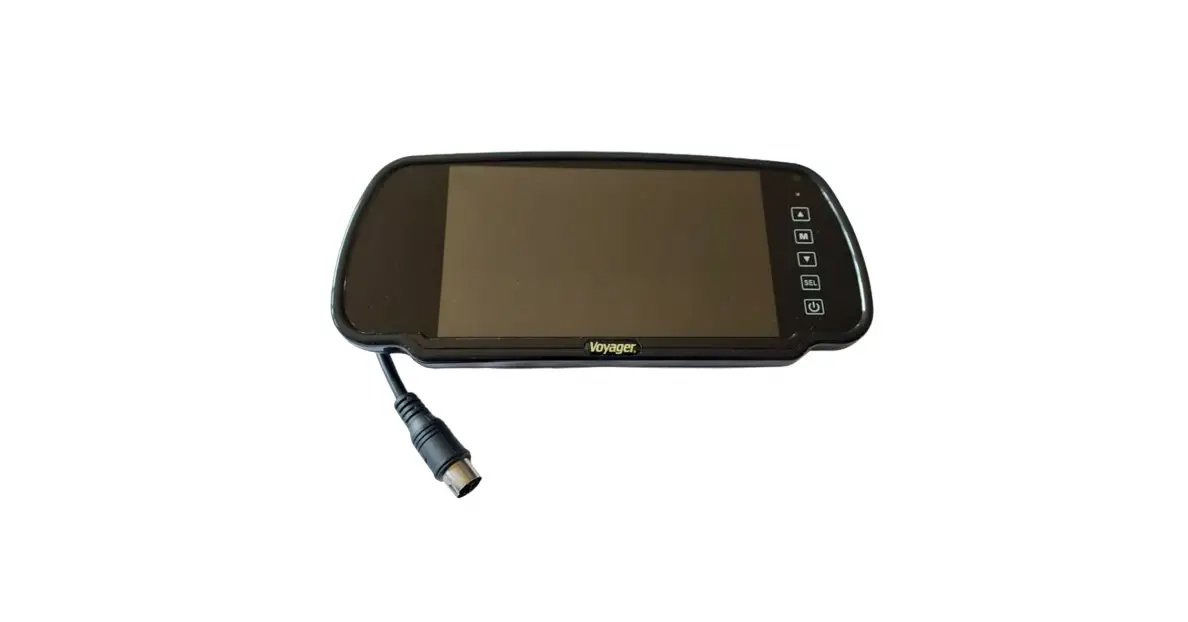
Button Operation (on mirror frame): (Figure A)
To use the touchpoints, touch the frame of the mirror below the symbol on the screen.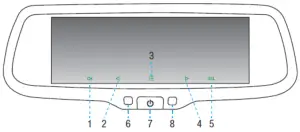 TO operate the menus, the reverse must be triggered and a camera must be connected.
- #1 switches different cameras
- #2 Move through the menu
- #3 Short press enters the Menu settings
- #4 Move through the menu
- #5 Enter/OK
- #7 Turns the display on/off
To Set Back up guidelines
- #3 Long press enters the menu setting to change the backup guidelines
- Still use #2 and #4 to move through the settings
- #5 Enter/OK System Menu: (Figure C)
- Scale – Guidelines on or off
- Preset scale – Resets guidelines to the default setting
- Preset – Resets all settings to default
Picture Menu: (Figure D)
- Brightness – 00-100 by 5
- Contract – 00-100 by 5
- Color – 00-100 by 5
PARKING GUIDELINE ADJUSTMENT
When settings the guidelines it is suggested to use the grid and measurements in the picture as a guideline. iBEAM suggests laying tape or using chalk to mark off the measurements to properly assist in adjusting the guidelines. 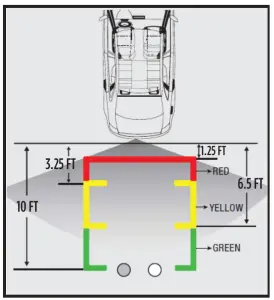 When calibrating the guidelines, there will be numbers on the top of the screen.
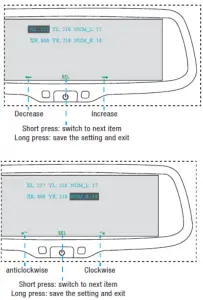
- XL and XR refer to the position of the left and right lines on an X-axis
- YL and YR refer to the position of the left and right lines on a Y-axis
- NUM-L and NUM-R refer to the rotation of the left and right lines
The YL and YR numbers should match the NUM-L and NUM-R.
The XL and XR will not because of their position on the screen.
Parking Guideline Adjustments
NOTE: The guideline adjustments can ONLY be done while the vehicle is in reverse and the backup image is on the screen.
- The adjustments are defaulted to adjust the left line first
When in the XL, XR, YL, or YR setting - Use the arrows to move the numbers up or down to adjust the lines
- Use a short press of the SEL to move through the different settings
- Use a long press of the SEL to Save the settings and exit (do not do this until all settings are set because it will exit the screen) When in the NUM_L or NUM_R setting
- Use the arrows to rotate the lines if needed.
- Use a short press of the SEL to move through the different settings
- Use a long press of the SEL to Save the settings and exit (do not do this until all settings are set because it will exit the screen)
BRIGHTNESS ADJUSTMENTS
Automatic Brightness Adjustment
The brightness of the monitor screen will vary with the ambient light. This provides the driver with a clear view of the screen in different lighting situations when reversing.
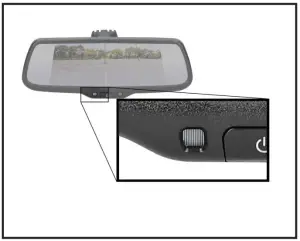
Weak Light
When the ambient light is weak, the screen will automatically reduce the brightness of the screen to provide a better visual.
Strong Light
When the ambient light is strong, the screen will automatically increase the brightness of the screen to provide a better visual.
NOTE:
Tints on vehicle windows may affect the effectiveness of the sensor.
SPECIFICATION
| All Inputs | Trigger Sensing |
| Inputs | 3 |
| Signal System | NTSC |
| Display | 7. 2” |
| Resolution | 1280 x 390 |
| Working Voltage | 10-16V DC |
| Parking Lines | Adjustable |
| Remote | Included |
| Luminance | 550 LX 438cd/m2 |
| Working Temp. | -20C ~ +65C |
| Monitor Brightness | Auto |
Having difficulties? We’re here to help.
 Contact our Tech Support line at 386-257-1187
 Or via email at: [email protected]
Tech Support Hours (Eastern Standard Time)
Monday – Friday: 9:00 AM – 7:00 PM
Saturday: 10:00 AM – 7:00 PM
Sunday: 10:00 AM – 4:00 PM
 KNOWLEDGE IS POWER
Enhance your installation and fabrication skills by enrolling in the most recognized and respected mobile electronics school in our industry.
Log onto www.installerinstitute.com or call
800-354-6782 for more information and take steps
toward a better tomorrow.
Metra Recommends MECP
certified technicians
| iBEAM Vehicle Safety Sytems® | iBEAMUSA.com | ©COPYRIGHT 2019 METRA ELECTRONICS CORPORATION | REV. 12/22/2020 INSITE-RM7 |