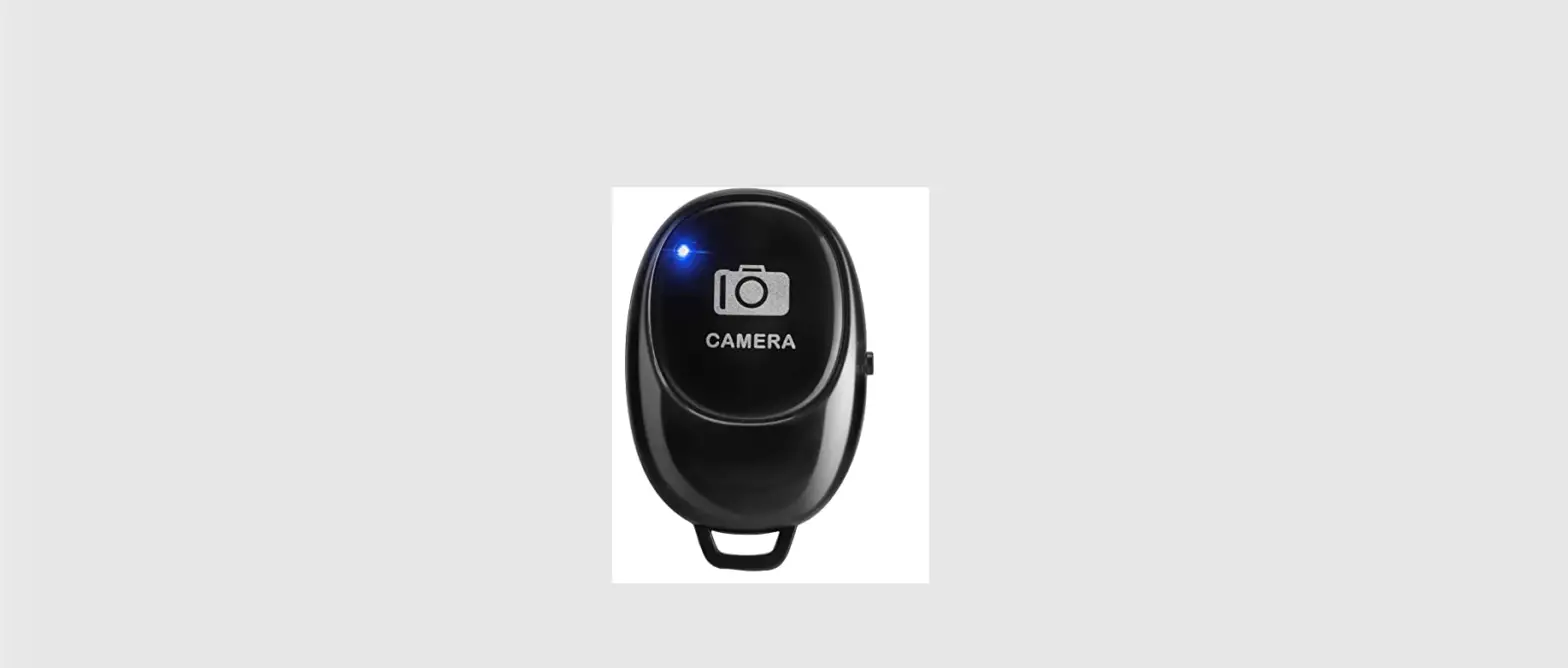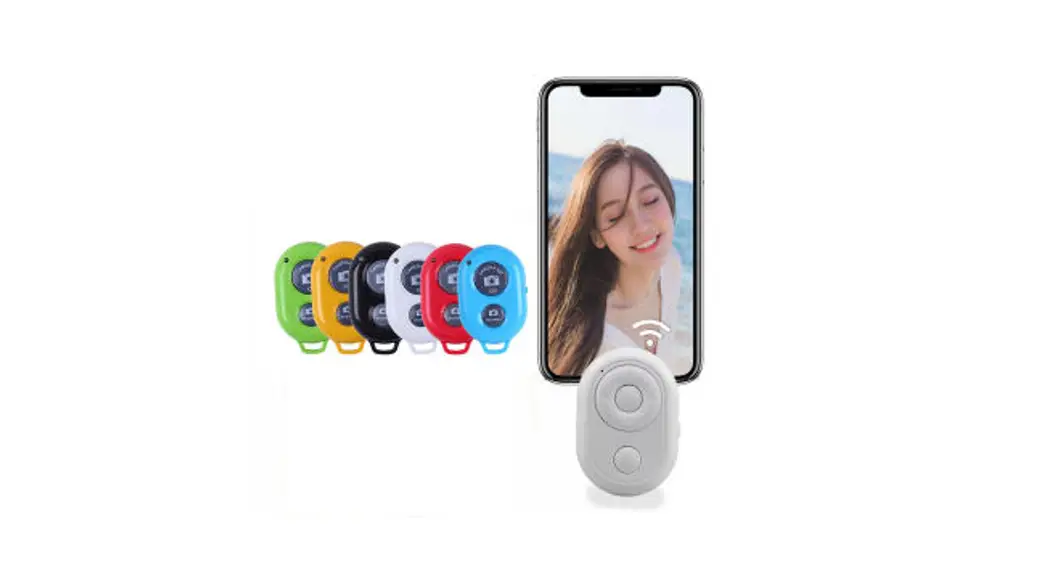
Remote Shutter
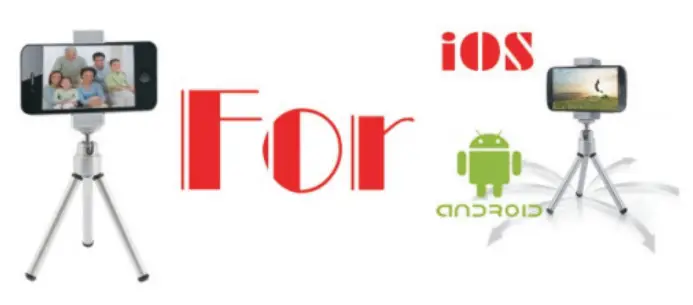
Owner’s Manual
‘Smartphone OS update or change in the future might lead to incompatible
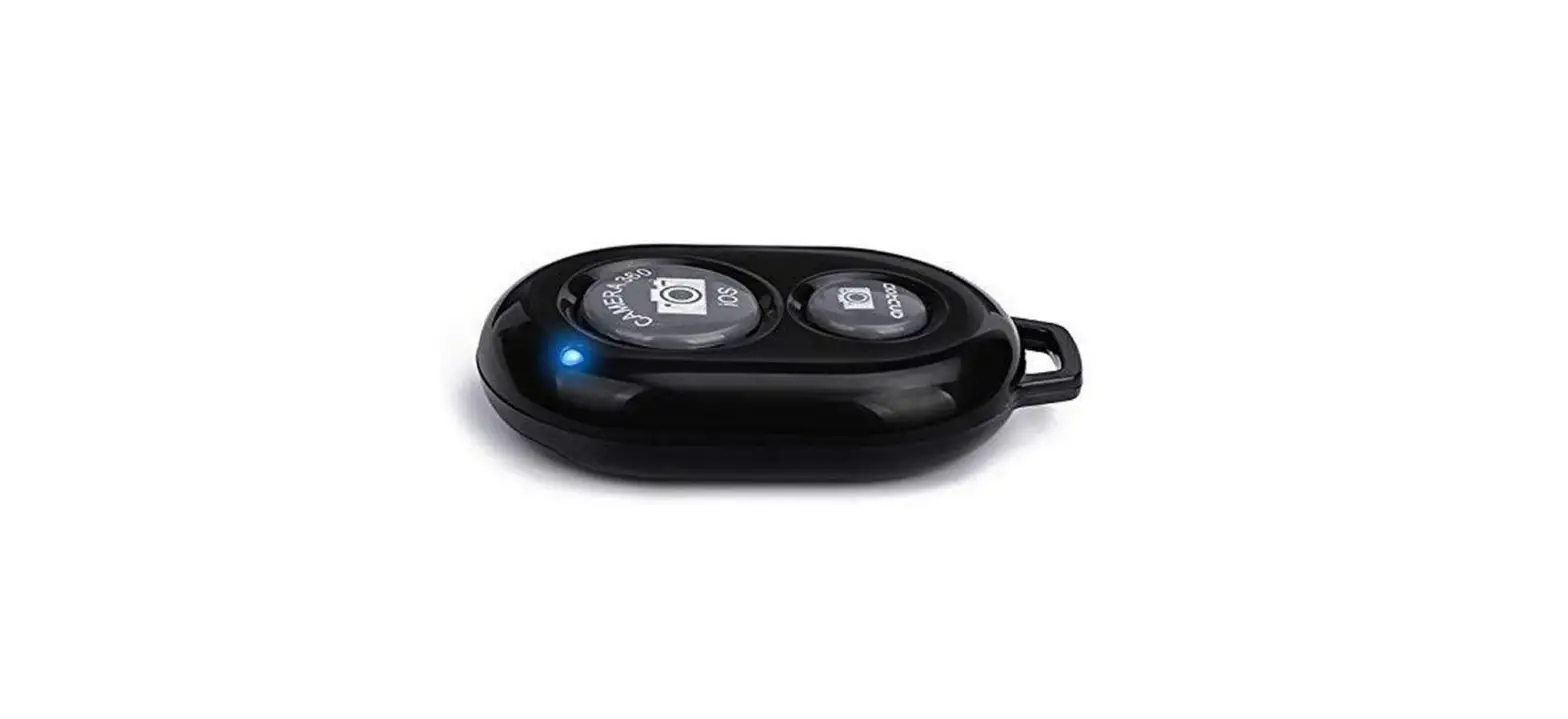
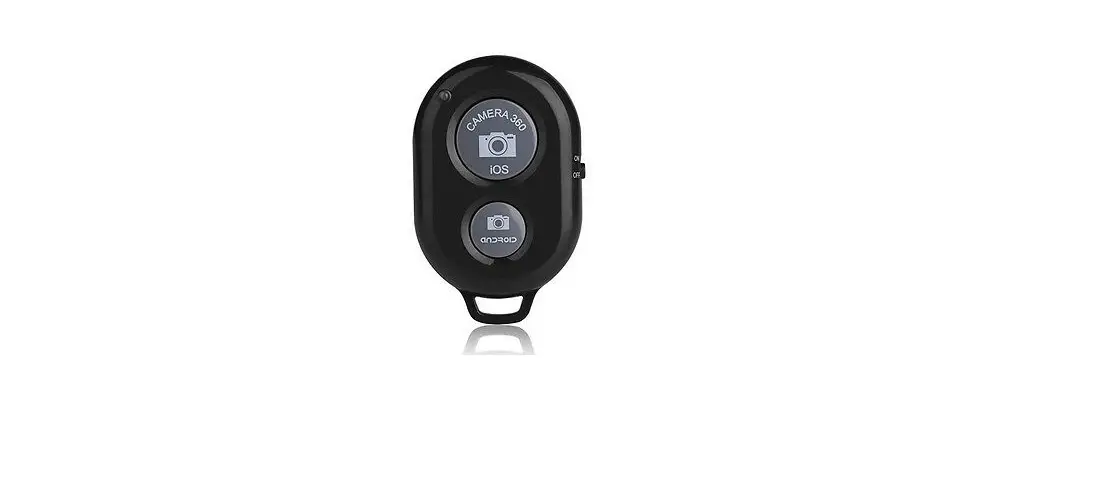
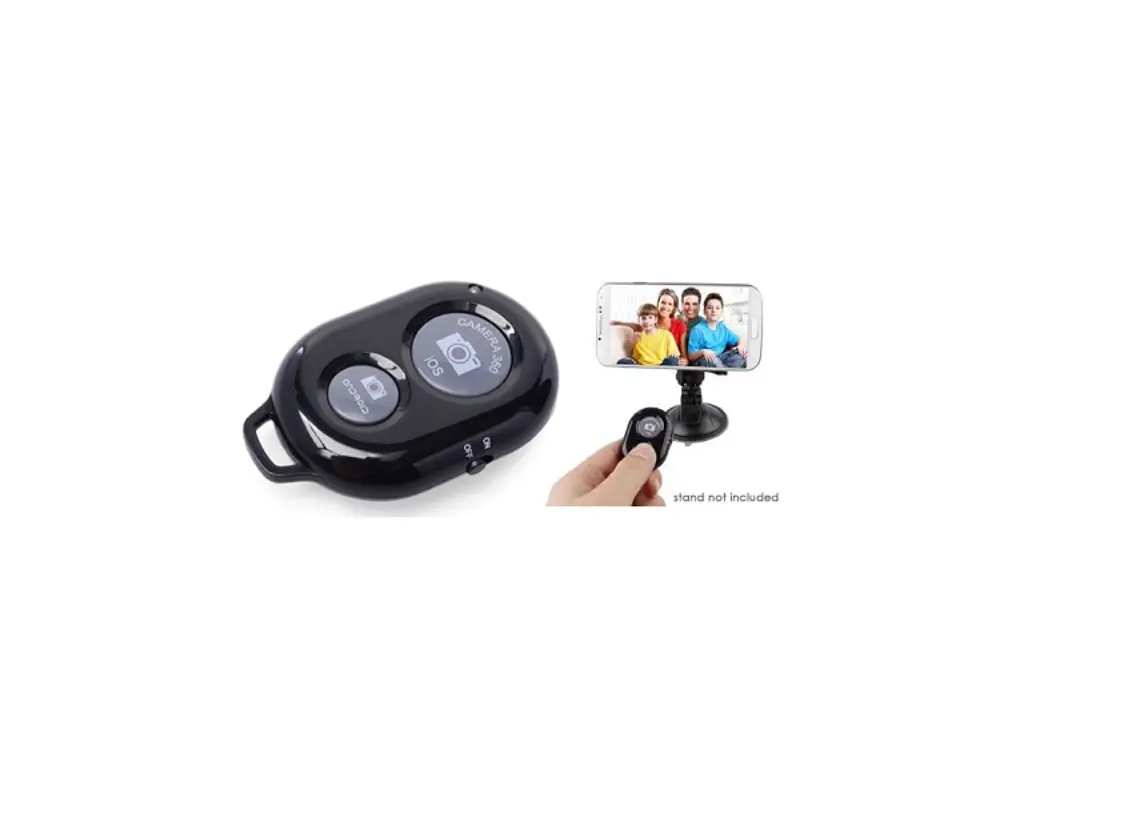
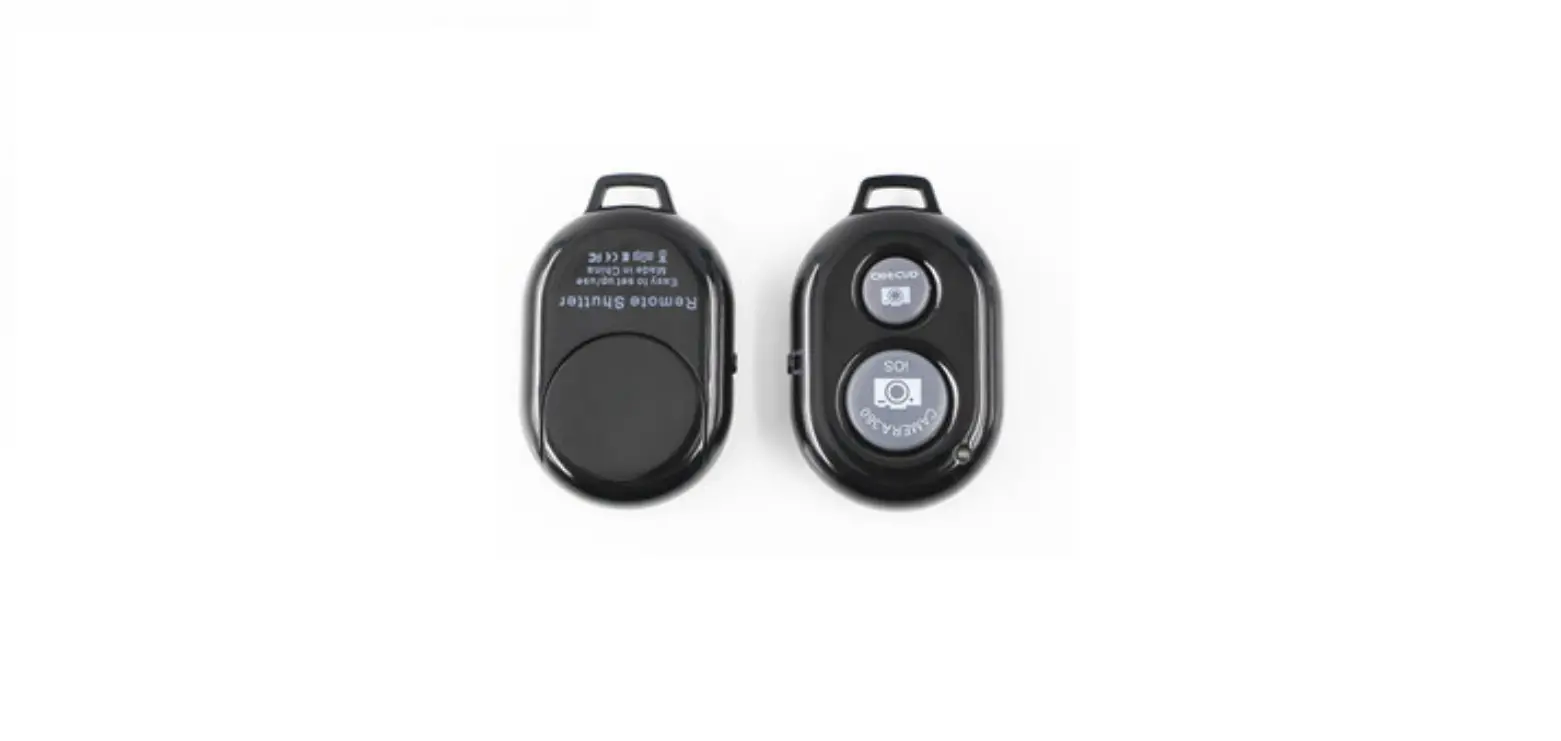
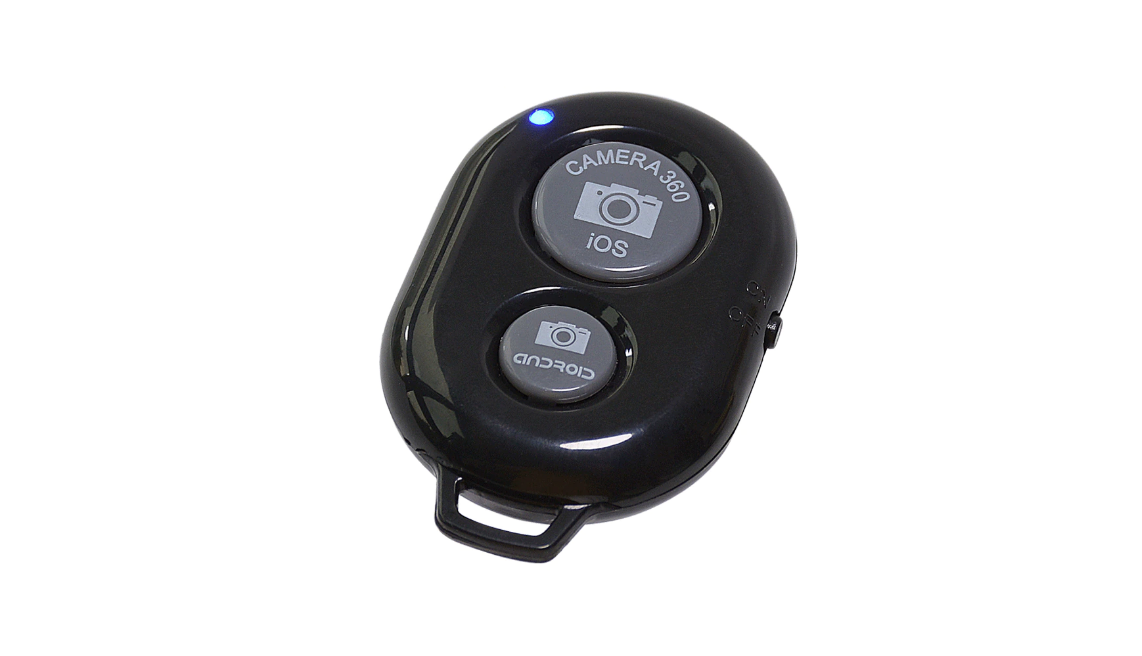
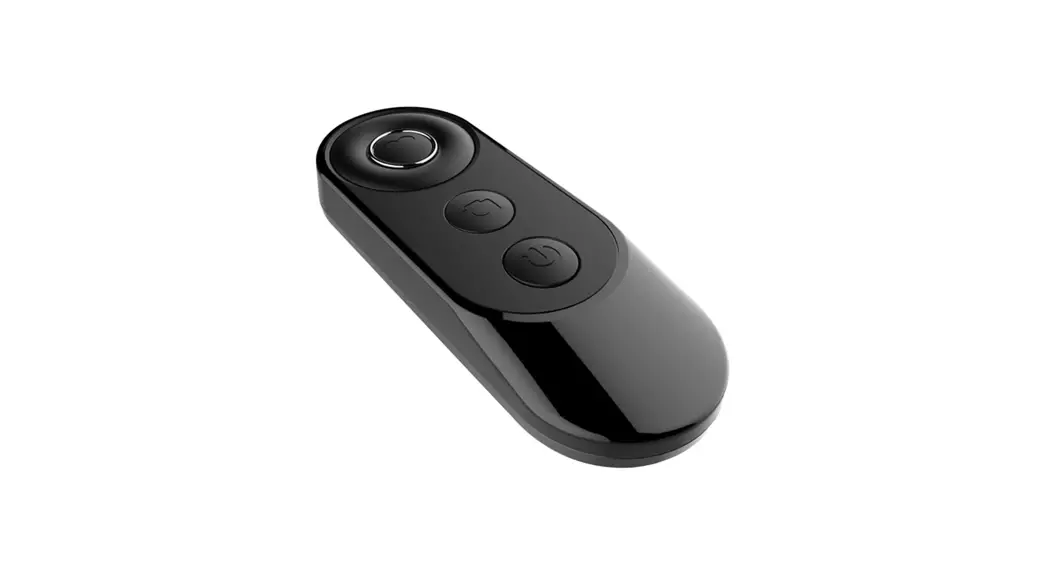
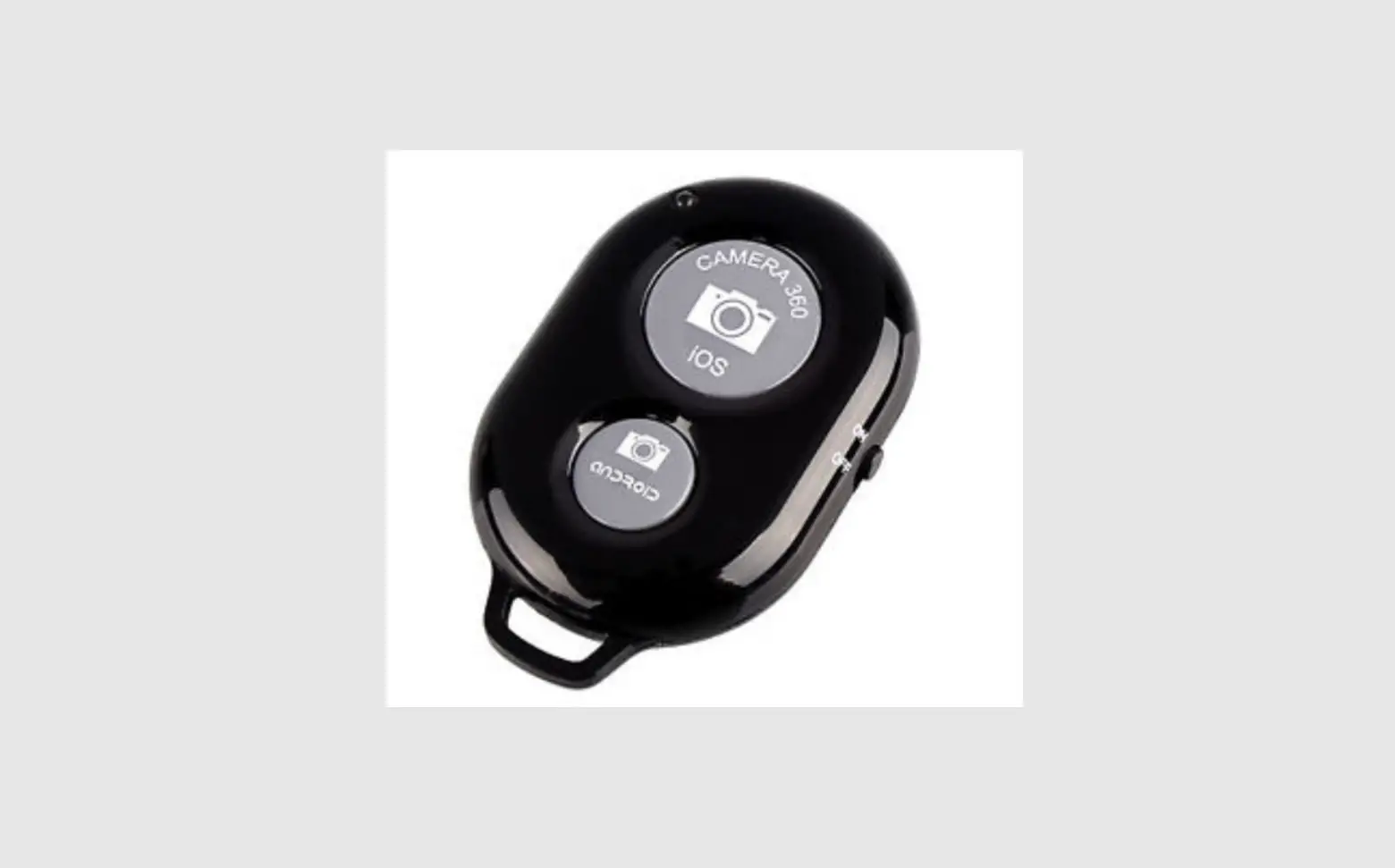
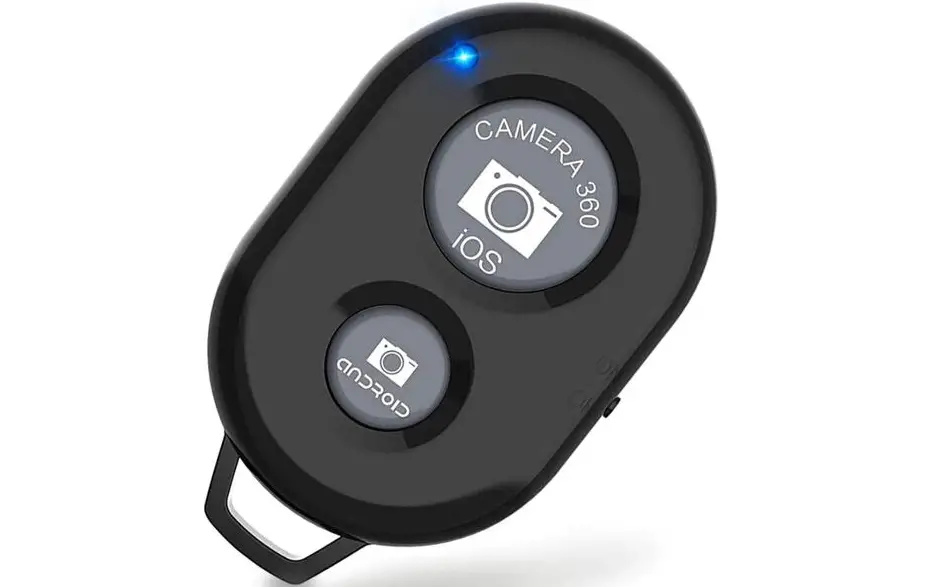
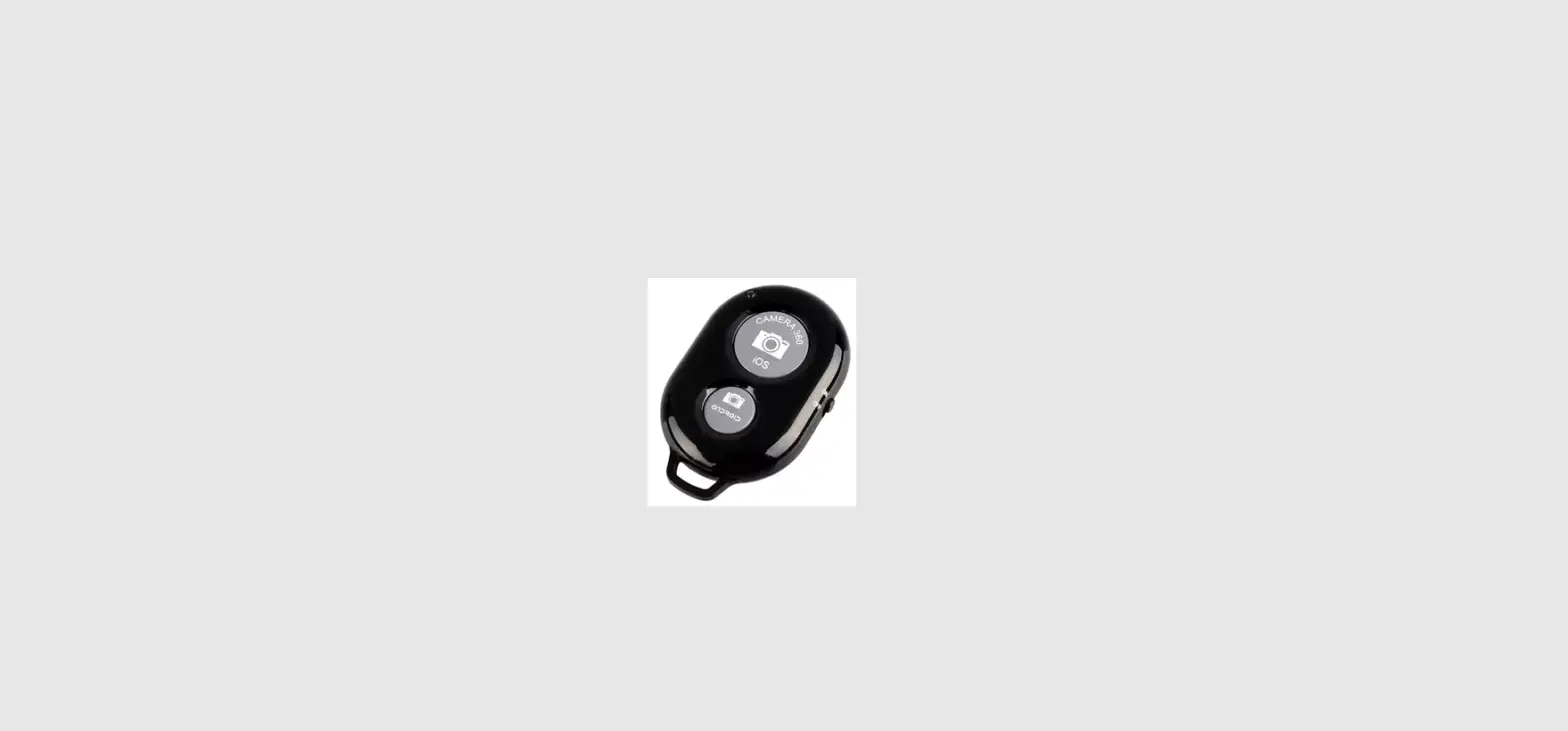
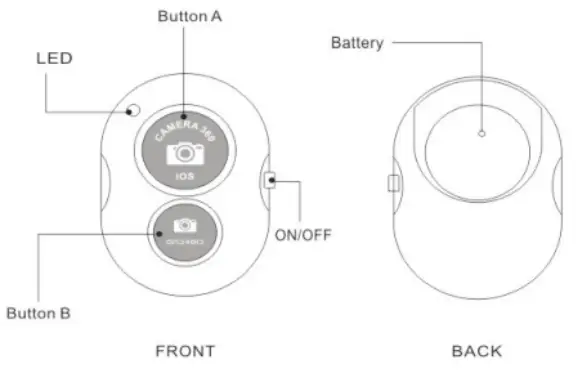
Product illustration
Specifications
MODEL I Shutter
| Communication | V4.0 |
| Transmit frequency | 2.4GHz -2.4835GHz |
| Communication distance | 10m(30ft) |
| Battery life | CR2032 X1 cell/about 6 months under working on 10 times a day |
| Dimension | 48mm X 30mm X 10mm |
| Weight | About 8g |
Battery
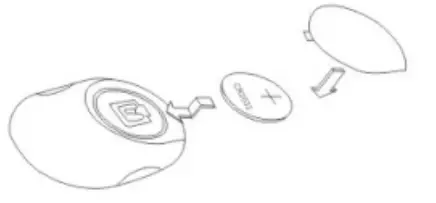
Positive pole upwards to install the battery
How To Use
Easy to set up, Easy to use
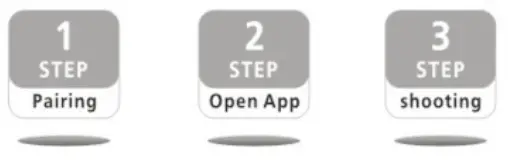
- Paring
a. Turn on the shutter by switching the on/off button, the shutter will enter into pairing mode and the indicator LED starts flashing quickly at the same time
b.Active the function on your phone and sourcing the devices around
c.Select the device of “AB Shutter3 from the list and paring will be finished automatically in a few seconds - Select APP
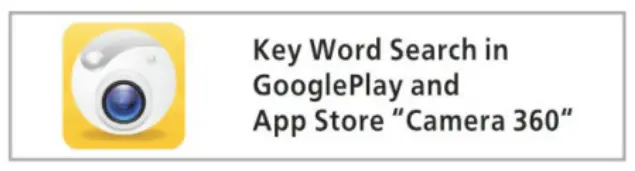
Use an inbuilt camera APP to take the photos vial Shutter or you can download the APP of ‘camera 360″ from Google play if the built camera cannot be supported, check the compatible device and APP in the following instruction
- Shooting
Select a correct APP and press the proper button on the shutter for IOS and Android phones to take the photos.
Compatible with
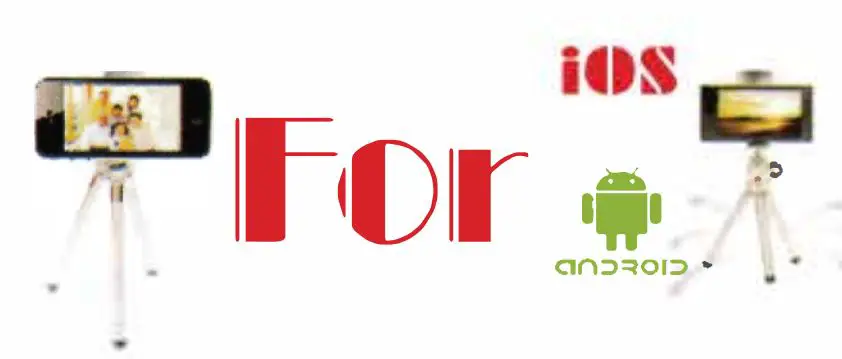
Android 4.2.2 OS or newer and iOS 6.0 or newer
| Compatibility List | inbuilt camera app | camera360 app |
| iPhone 5s/5c/5, iPhone 4s/4, iPad 3/2, iPad mini, iPad with Retina Display, iPod touches 4th generation or newer. |  | |
| Samsung Galaxy S2/53/S4+, Note 1, Note 2, Note3+, Tab 2, Note 8. 10.1+ Moto X / Nexus 4,5,7- i Xiaomi 1S 2S 3 + |  | |
| Sony Xperia S HTC New One and X+ Other android phones | not use | |
FCC STATEMENT :
This device complies with Part 15 of the FCC Rules. Operation is subject to the following two conditions:
(1) This device may not cause harmful interference, and
(2) This device must accept any interference received, including interference that may cause undesired operation.
Warning: Changes or modifications not expressly approved by the party responsible for compliance could void the user’s authority to operate the equipment.
NOTE: This equipment has been tested and found to comply with the limits for a Class B digital device, pursuant to Part 15 of the FCC Rules. These limits are designed to provide reasonable protection against harmful interference in a residential installation. This equipment generates uses and can radiate radio frequency energy and, if not installed
and used in accordance with the instructions, may cause harmful interference to radio communications. However, there is no guarantee that interference will not occur in a
particular installation. If this equipment does cause harmful interference to radio or television reception, which can be determined by turning the equipment off and on, the
user is encouraged to try to correct the interference by one or more of the following measures:
- Reorient or relocate the receiving antenna.
- Increase the separation between the equipment and receiver.
- Connect the equipment into an outlet on a circuit different from that to which the receiver is connected.
- Consult the dealer or an experienced radio/TV technician for help.
FCC Radiation Exposure Statement:
The device has been evaluated tomeetgeneralRF exposure requirements. The device can be used in portable exposure conditions with out restriction.