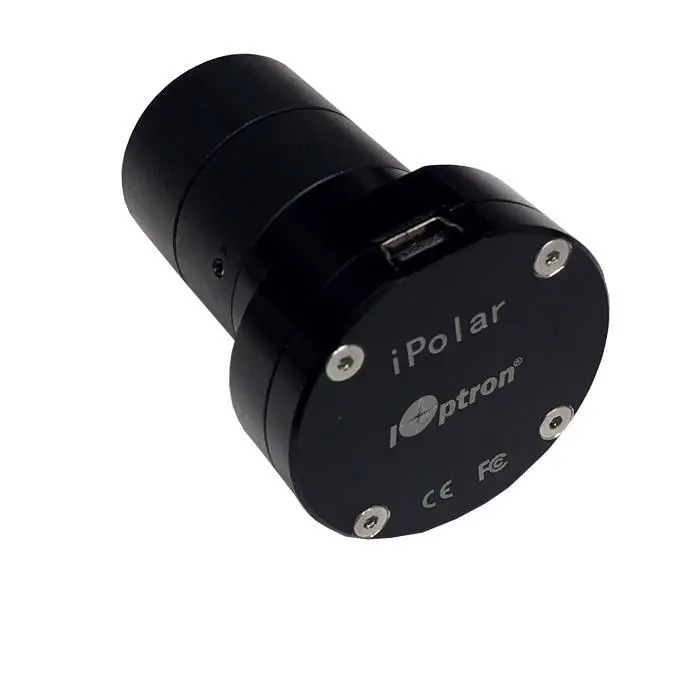

 iOptron Electronic Automatic Focuser
iEAF (# 8453)
Instruction Manual
8453 Electronic Automatic Focuser
April 2023, Version 1.0
iOptron reserves the rights to revise this instruction without notice. Actual color/contents/design may differ from those described in this instruction.
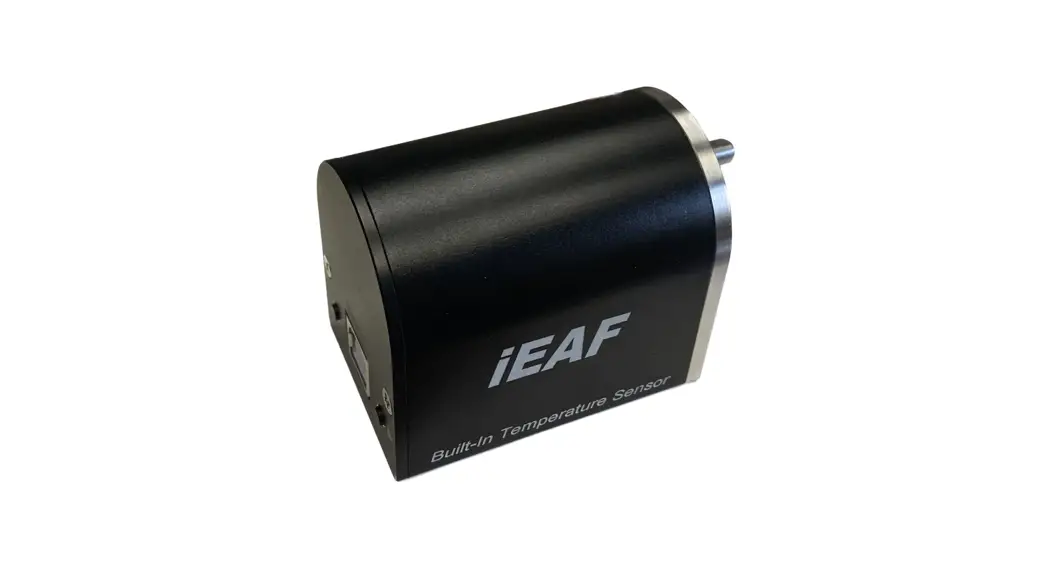
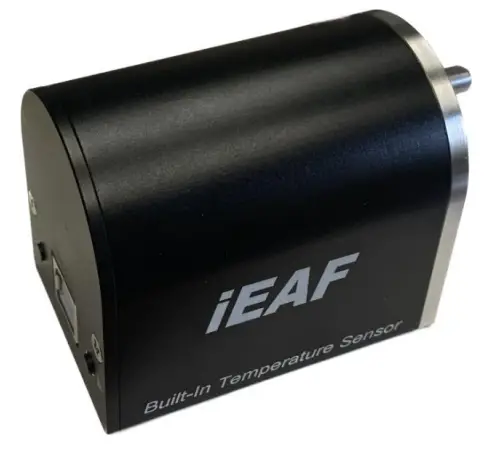
The iOptron #8453 Electronic Automatic Focuser (iEAF) is a Standalone Focuser designed for both Crayford and Rack-and-Pinion focusers. It is powered by a 5V USB port. The focuser is ASCOM compatible and will work with most planetarium and imaging software. It also can be adjusted manually by pressing a button on the focuser.
Features:
- Whisper quiet operation
- Powerful stepper motor
- Zero backlash
- Built-in temperature sensor
- USB connection to a computer
- ASCOM compatible
- Manual adjustment
- Position memorizing during power off
- Compatible to most focuser with proper mounting bracket/adapter
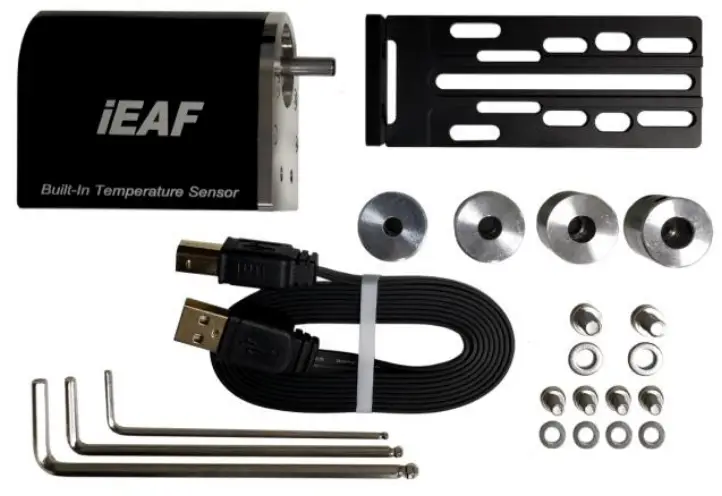
Package includes:
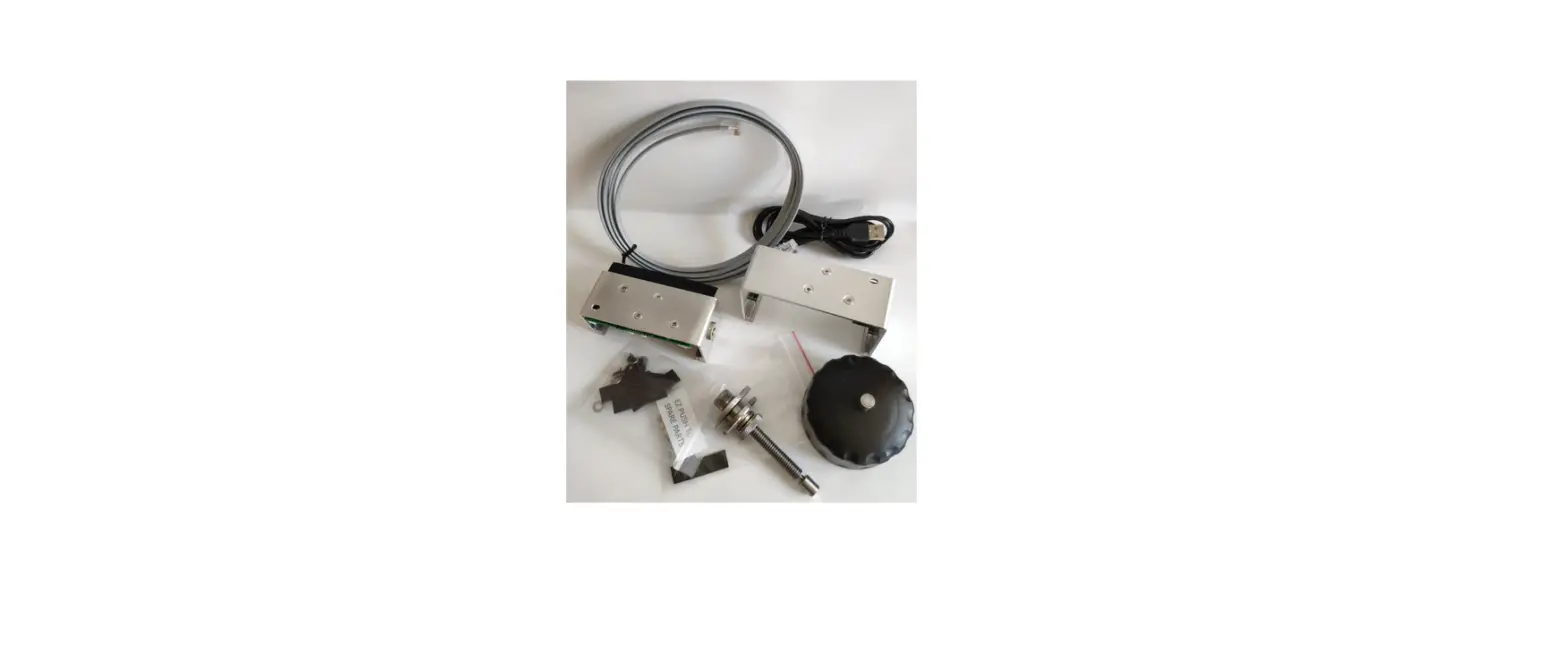
- 1X iEAF
- 1X Mounting Plate
- 4X Flexible Adapter, for a focuser with 1 5mm, 6mm, 7mm or 8mm shaft
- 3X Allen wrench (2,3,4mm)
- USB 2.0 cable for focuser control and power
- 2X M5X10mm socket head screw and washer
- 2X M4X8mm socket head screw and washer
Installation:
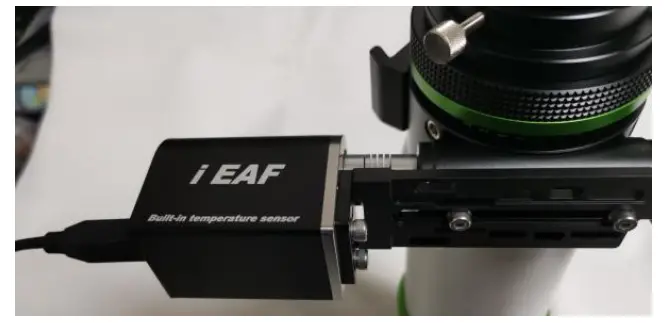
Shown here is a refractor with a dual speed focuser as an example.
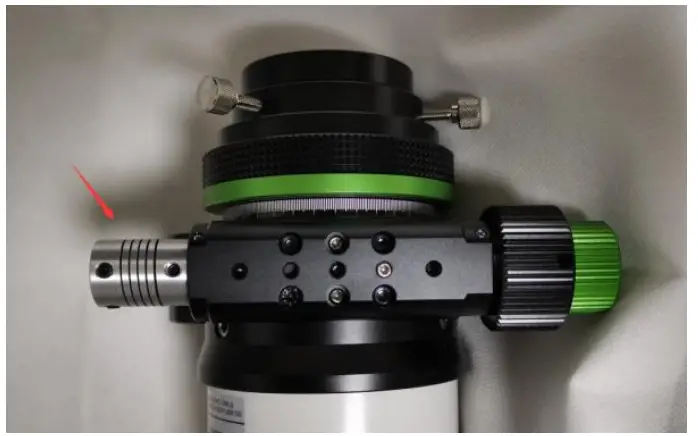
- Remove the coarse tuning knobs. Check the focuser shaft diameter. And install a proper flexible adapter.
 Current, the adapter supports a shaft with a diameter 5, 6, 7 or 8mm. 4mm adapter is optional.
 - Attach iEAF Mounting Plate to focuser base.

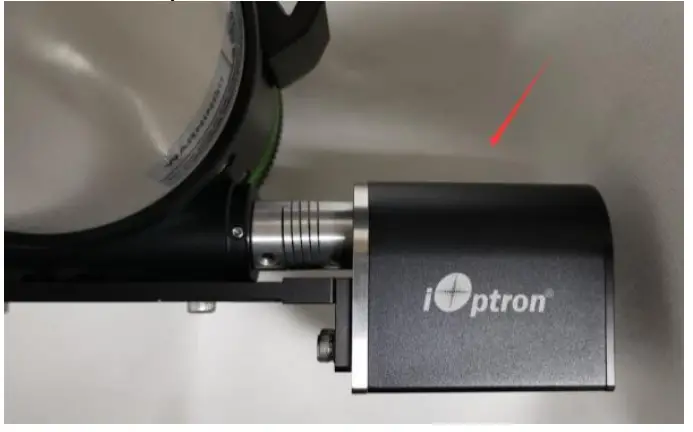
- Slide iEAF motor axle into the other end of the Flexible Adapter. Secure the motor onto te
Mounting Plate. Tighten two set screws on the Flexible Adapter.
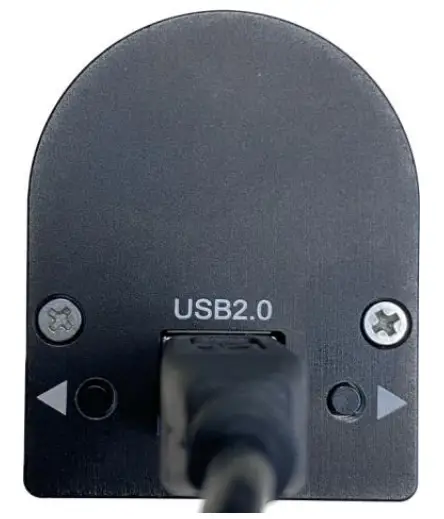
- Plug USB cable into the USB port on the iEAF. Connect the other end to a PC for computer control via ASCOM, or plug into a 5V USB charger/power tank to power the iEAF for manual adjusting.

- For manual adjustment, press the ◄ or ► button on the iEAF.

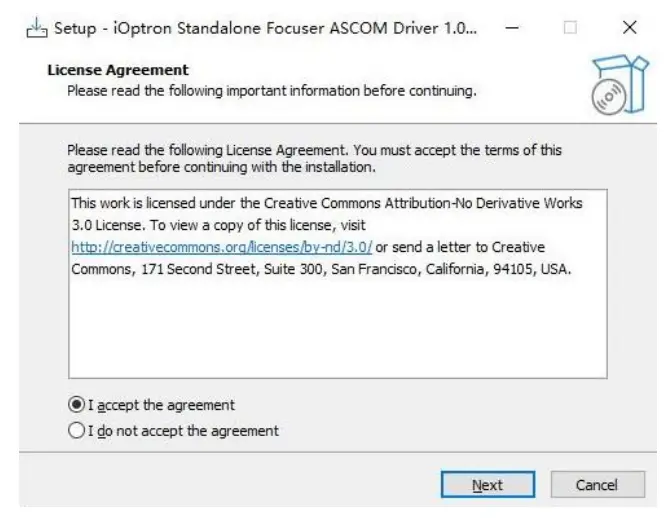
- For ASCOM control, download and install the iEAF ASCOM Driver Installer from iEAF product page.

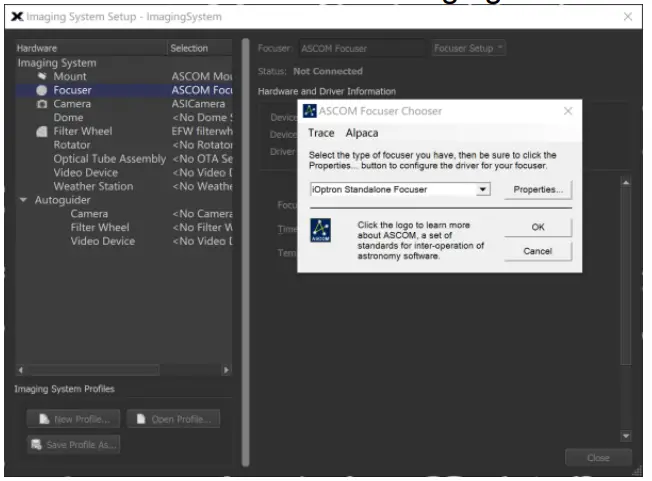
- Choose “iOptron Standalone Focuser” from Image Software ASCOM Focuser setup menu to connect the iEAF to the Imaging Software.

 Current, the adapter supports a shaft with a diameter 5, 6, 7 or 8mm. 4mm adapter is optional.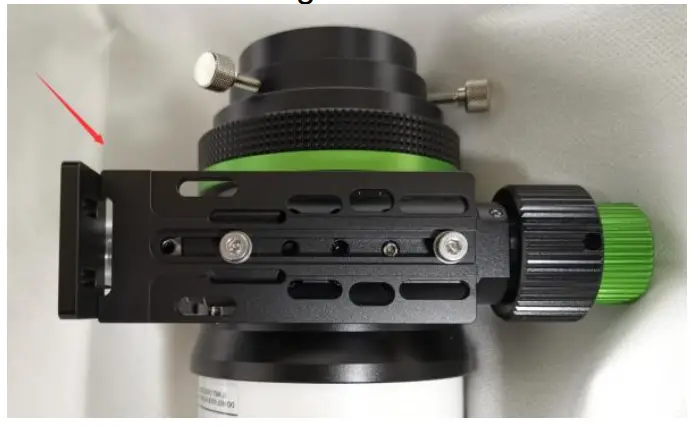
Specification:
| Focuser | Standalone electronic automatic focuser |
| Driving train | Stepper motor |
| Communication | USB2.0 |
| Maximum payload | 5 kg |
| Temperature sensor | Yes (built-in) |
| Control | ASCOM compatible or Manually |
| Focuser speed | 3 rpm |
| Power | 5V DC (via USB port) |
| Dimensions | 51 X 61 X41mm |
| Weight | 254g (focuser only) |
| Warranty | One year limited |
 iOptron.com