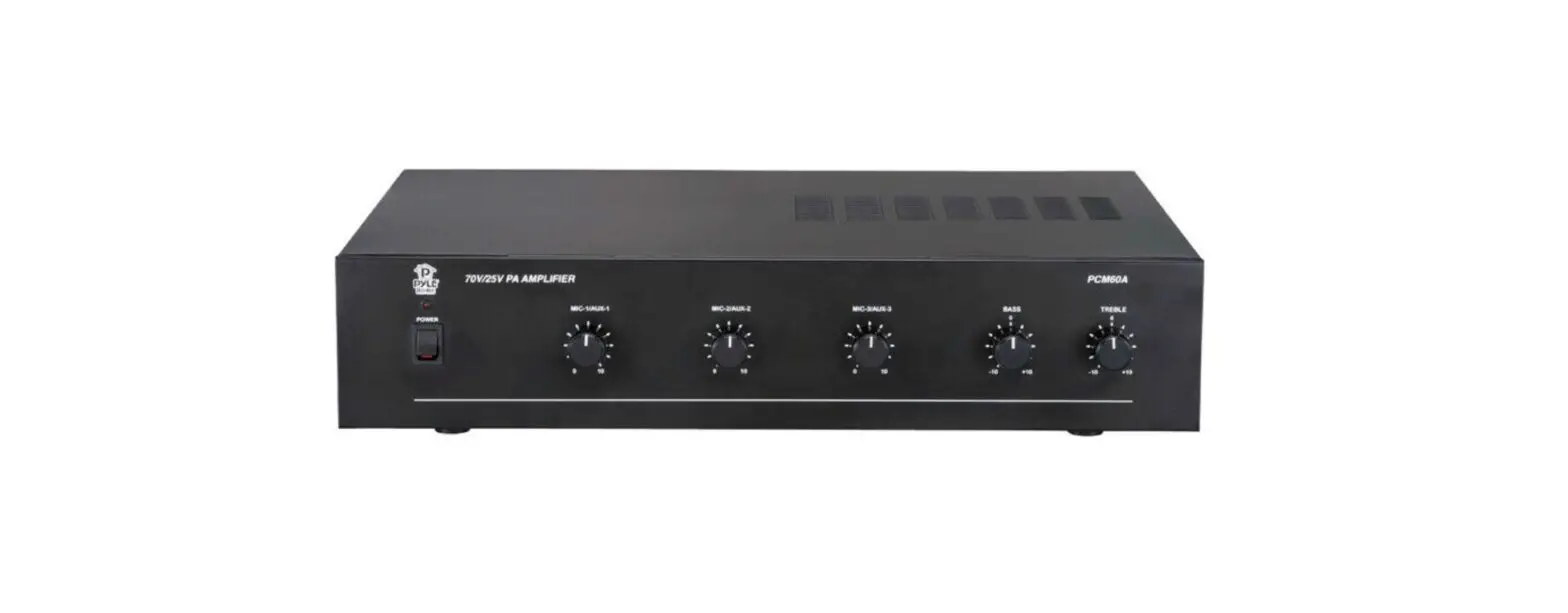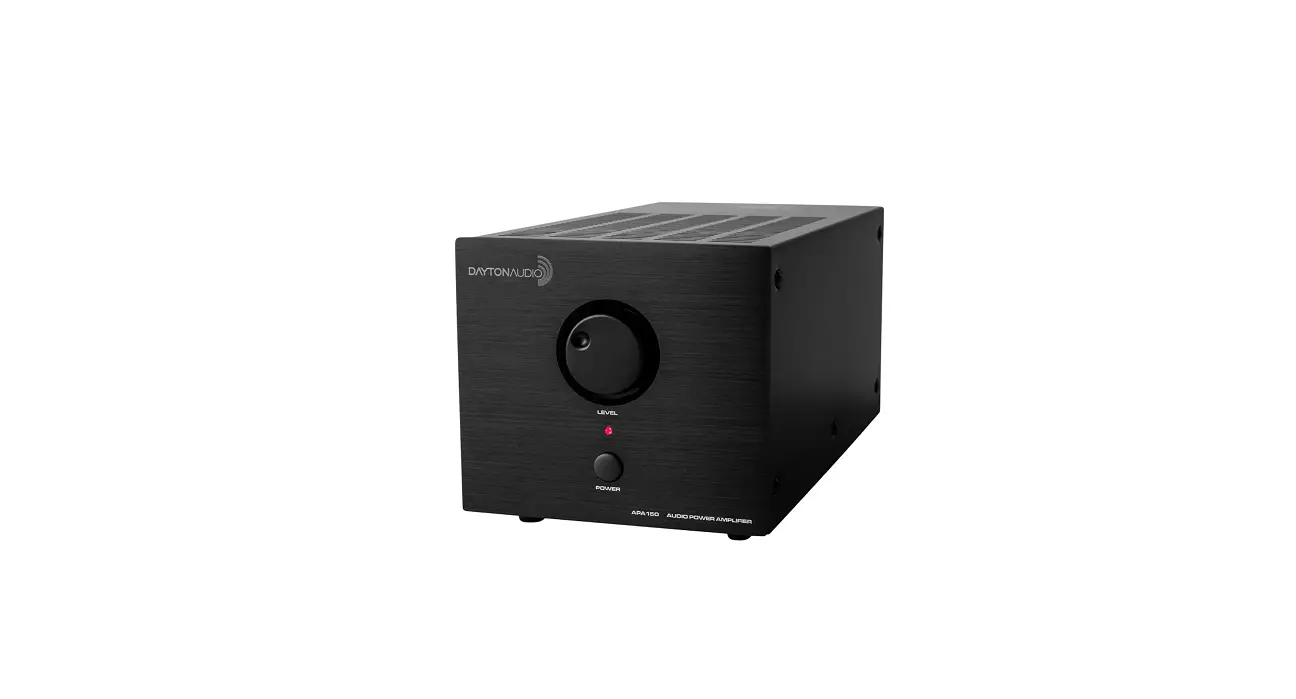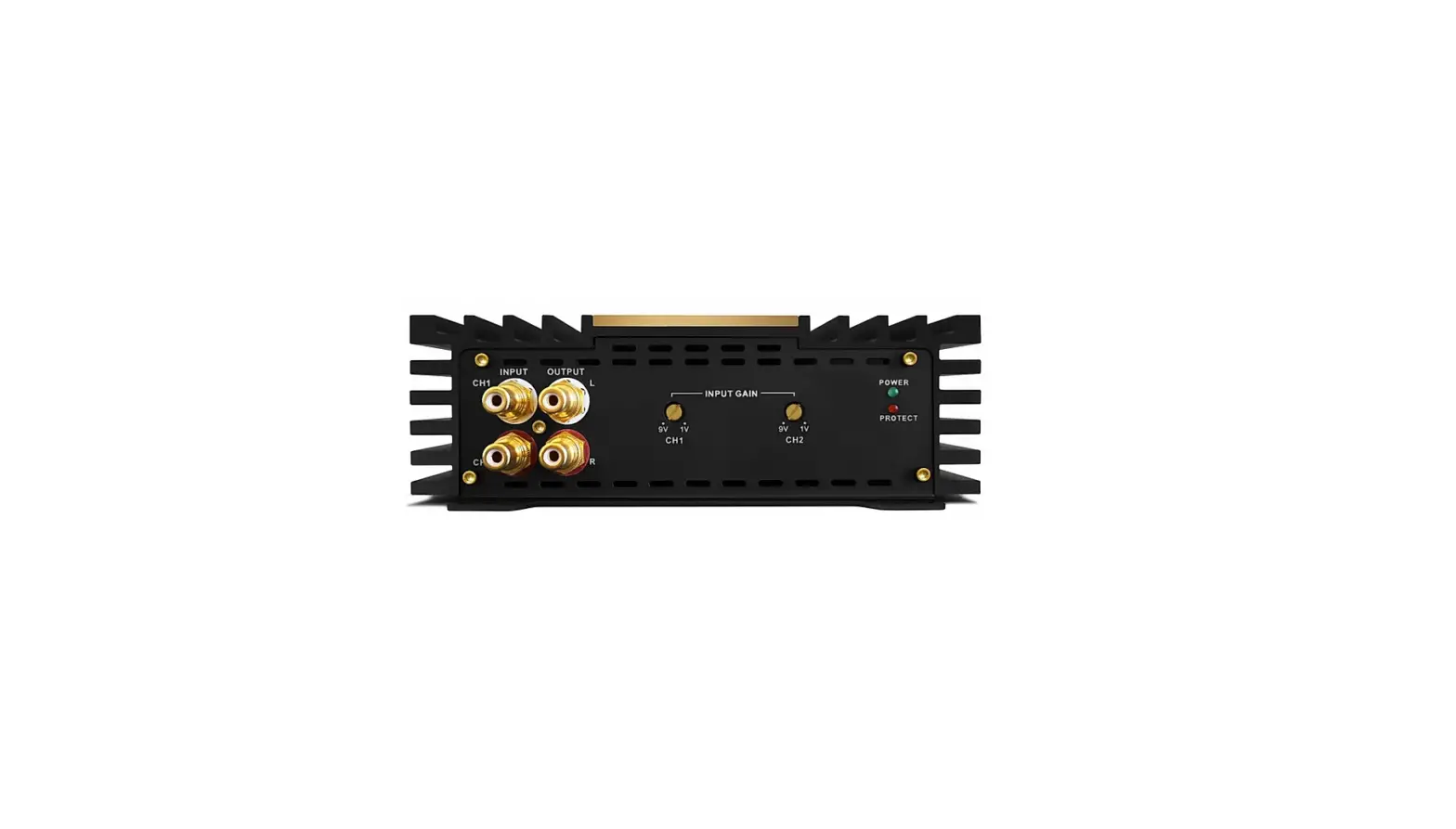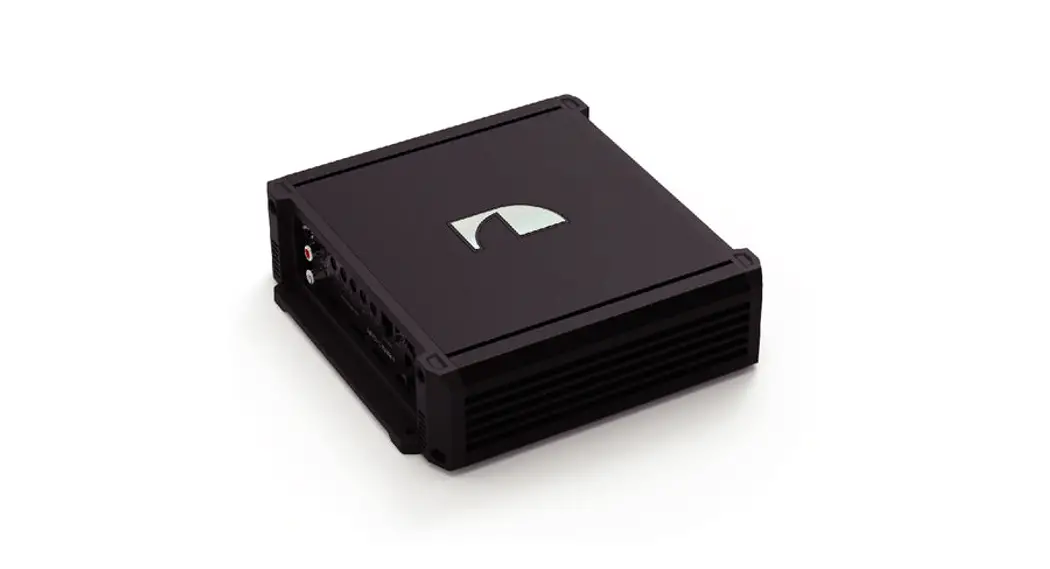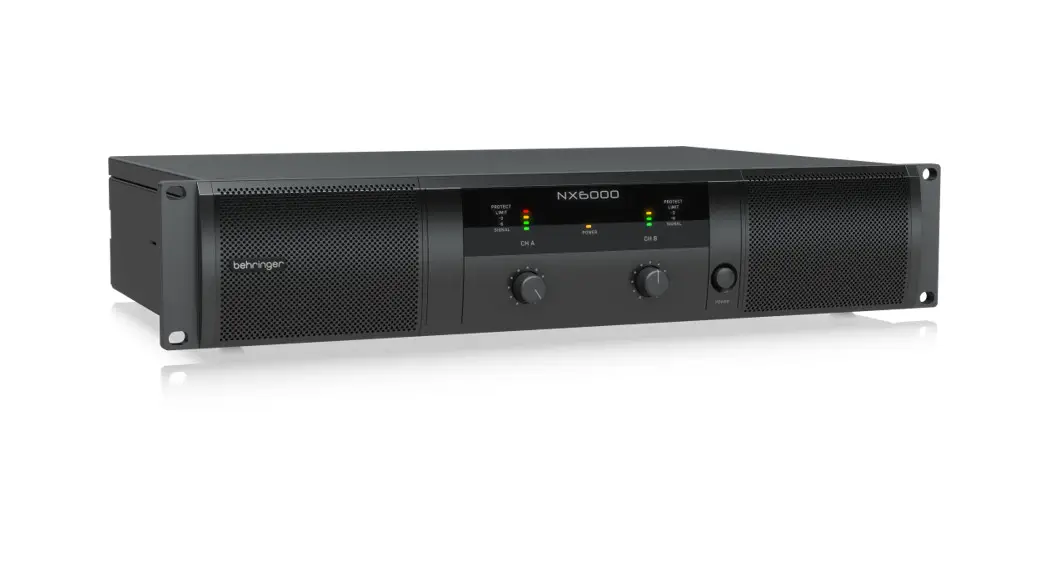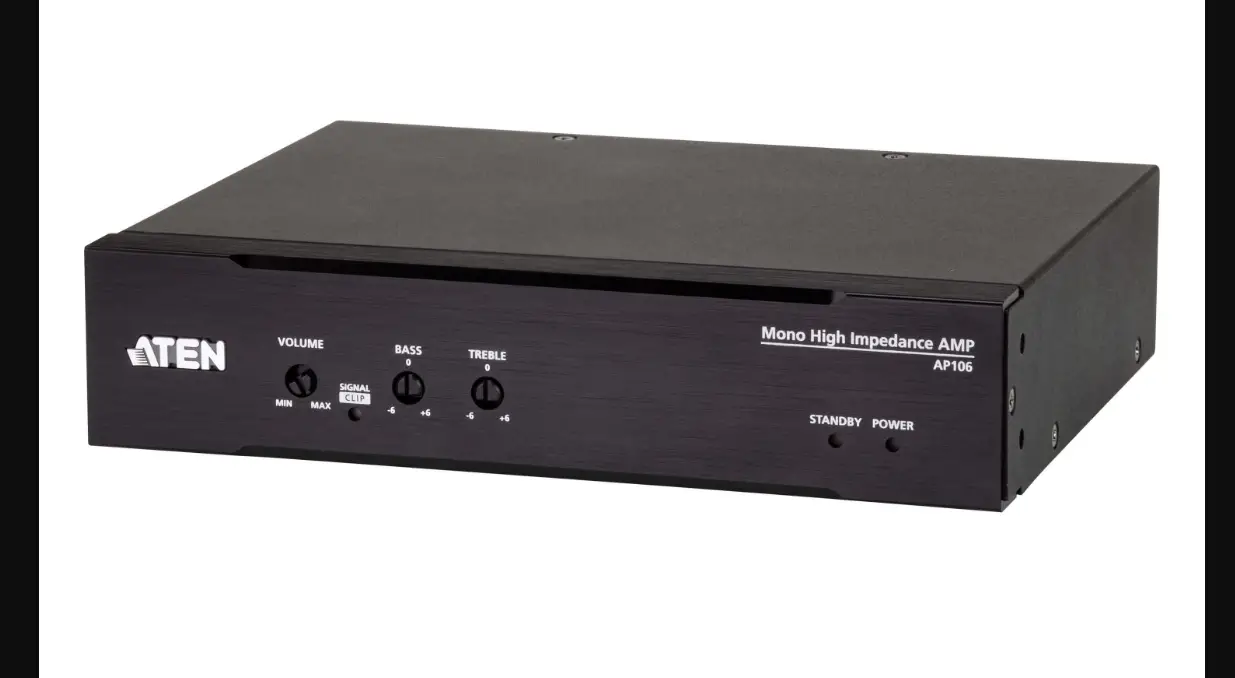

AP106
1 x 60W Mono Hi-Z Power Amplifier
Quick Start Guide
Package Contents
1 AP106 1 x 60W Mono Hi-Z Power Amplifier
1 5-pin Euroblock connector with strain relief (3.5 mm)
1 2-pin Euroblock connector with screw lock (5.08 mm)
1 3-pin Euroblock connector without strain relief (3.5 mm)
1 power cord
1 foot pad set (4 pcs)
1 user instructions
A Hardware Overview
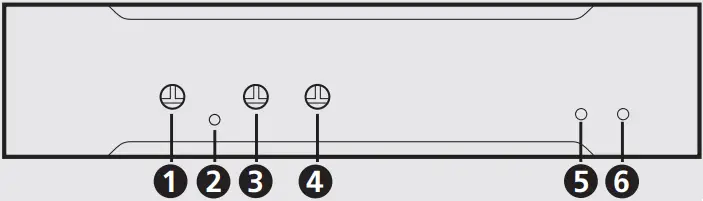
Front View
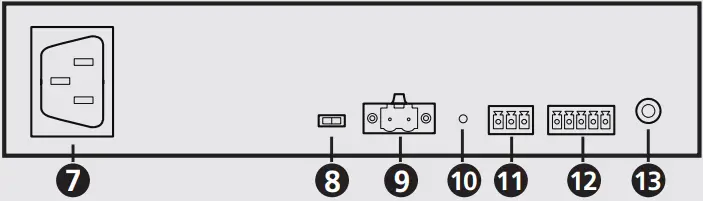
Rear View
B Installation
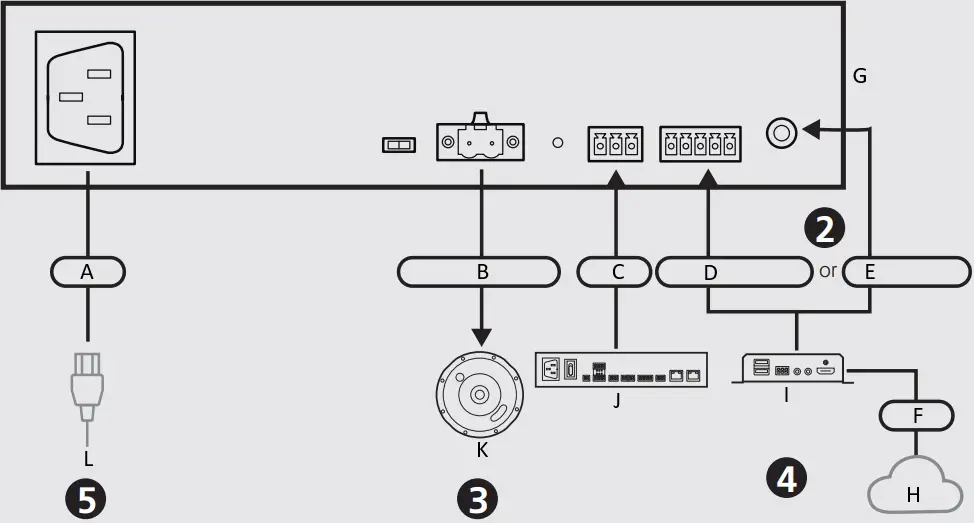
A Power
B 2-Pin Euroblock
C RS-232
D 5-Pin Euroblock
E 3.5 mm TRS
F AVoIP
G AP106 (Rear)
H Network
I VE8952R (Rear)
J ATEN Control Box
K AS104 / AS106
L Power Cord
C Operation
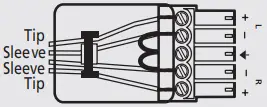
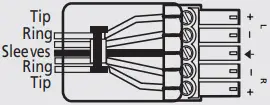
Unbalanced Stereo Input Balanced Stereo Input
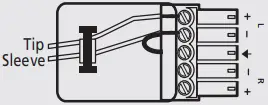
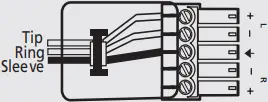
Unbalanced Mono Input Balanced Mono Input
Support and Documentation Notice
All information, documentation, firmware, software utilities, and specifications contained in this package are subject to change without prior notification by the manufacturer.
To reduce the environmental impact of our products, ATEN documentation and software can be found online at http://www.aten.com/download/
Technical Support
www.aten.com/support
Scan for more information
ATEN Website User Manual


AP106 1 x 60W Mono Hi-Z Power Amplifier
A Hardware Overview
1 volume control
2 signal / clip LED
3 bass control
4 treble control
5 standby LED
6 power LED
7 power socket
8 impedance switch
9 speaker out (2-pin Euroblock connector)
10 reset button
11 RS-232 serial port (3-pin Euroblock connector)
12 audio in (5-pin Euroblock connector)
13 audio in (3.5 mm TRS)
B Installation
1 Make sure all the equipment you are connecting to the unit is turned off and disconnected from the power source.
2 Connect your audio sources to the audio input ports. When both audio input ports are being used, the unit output the audio source from the 3.5 mm TRS as a priority.
Note: The unit sums the left and right signals from the audio input port using the supplied 5-pin Euroblock connector with strain relief (3.5 mm).
3 Connect the speakers to the unit’s speaker output port.
Note: To avoid damaging the amplifier, please connect the wires to your speakers fi rst, and then connect the speaker output ports using the supplied 2-pin Euroblock connector with screw lock (5.08 mm).
4 (Optional) To control the unit using an ATEN controller, connect the ATEN controller to the unit’s RS-232 serial port.
5 Connect the supplied power cord to the unit’s power socket after powering on all other audio equipment.
6 Adjust the volume, bass, and treble from the unit’s front panel.
C Operation
Please follow the illustrations above to connect your audio source to the audio input ports using the supplied 5-pin Euroblock connector with strain relief (3.5 mm).
© Copyright 2022 ATEN Operation ® International Co. Ltd.
ATEN and the ATEN logo are registered trademarks of ATEN International Co., Ltd. All rights reserved. All other trademarks are the property of their respective owners.
Part No. PAPE-1223-X50G Released: 06/2022

 ATEN - Simply Better Connections | ATEN U.S.A.