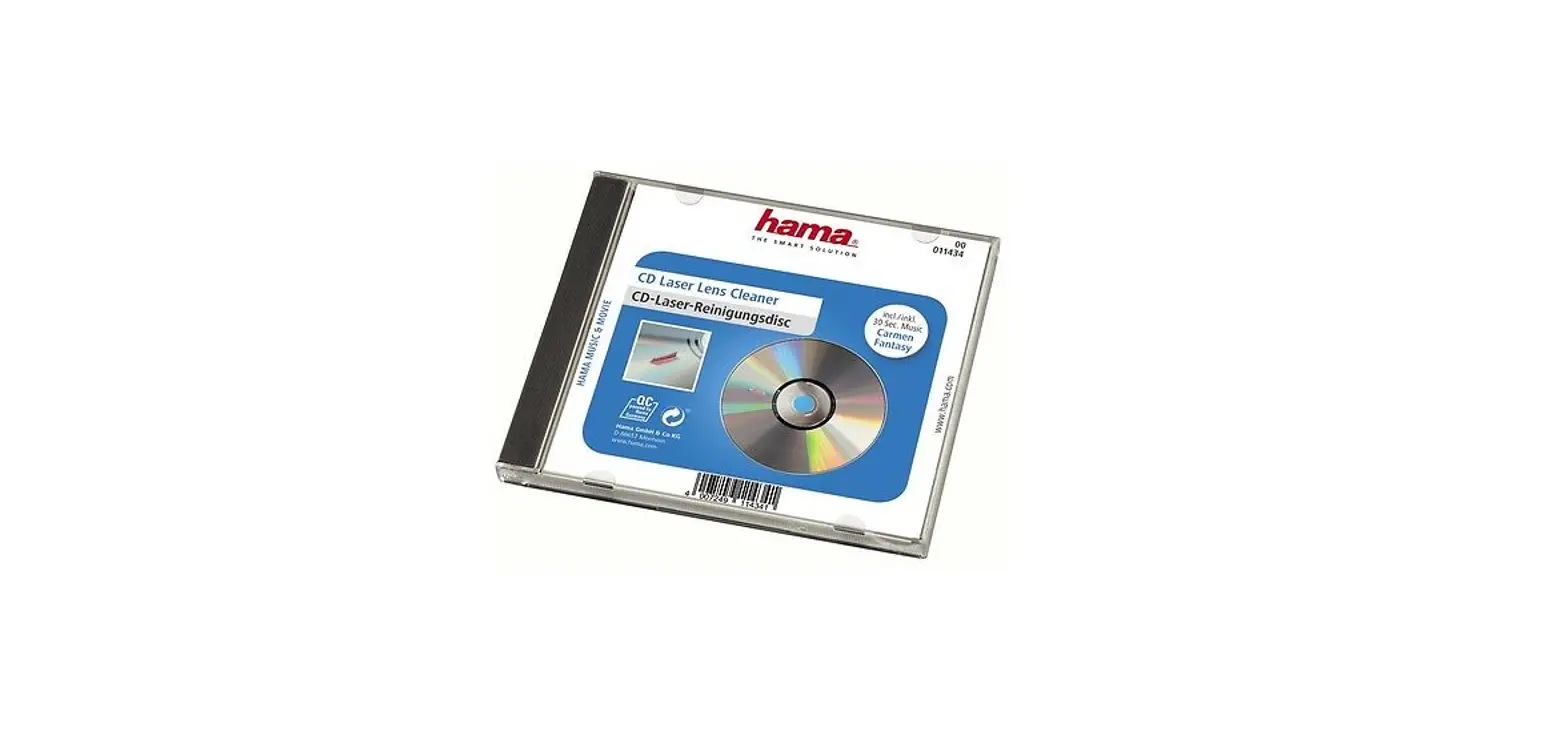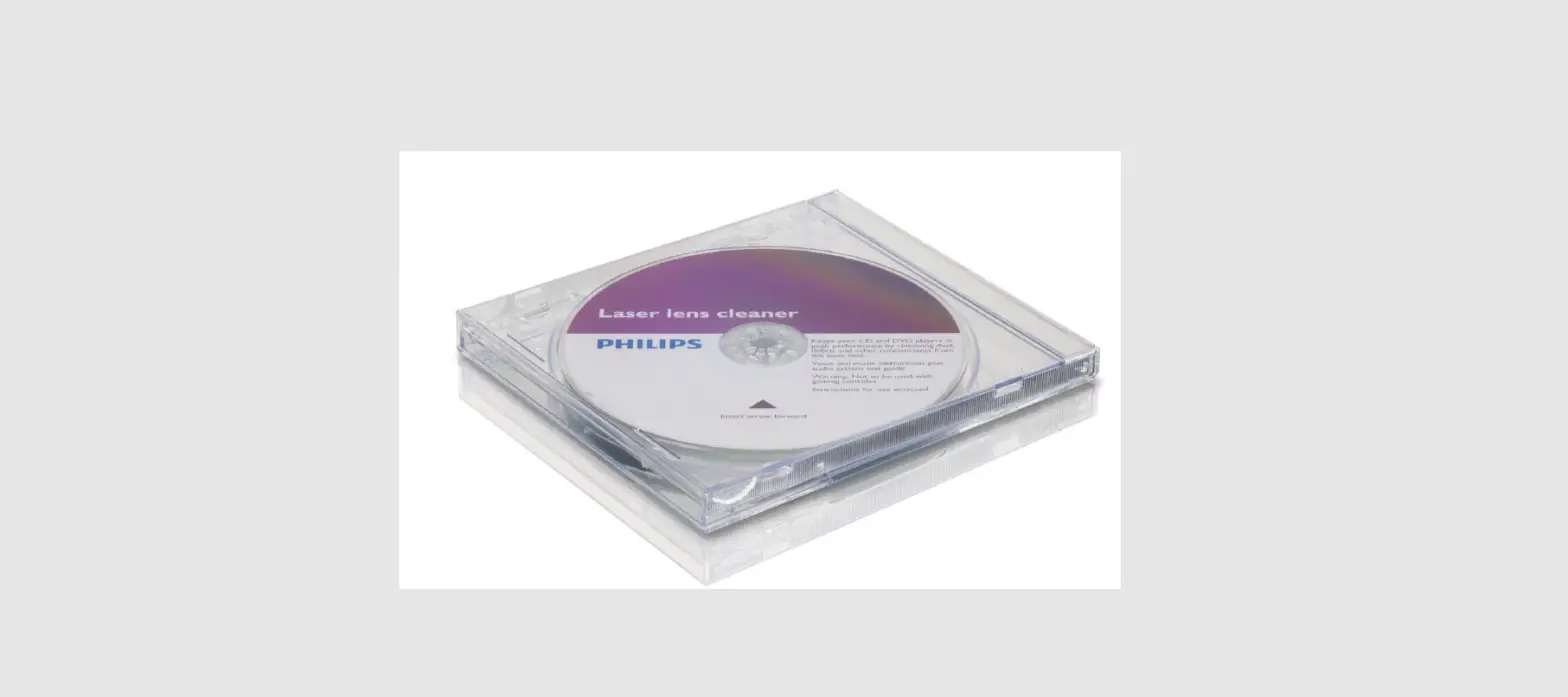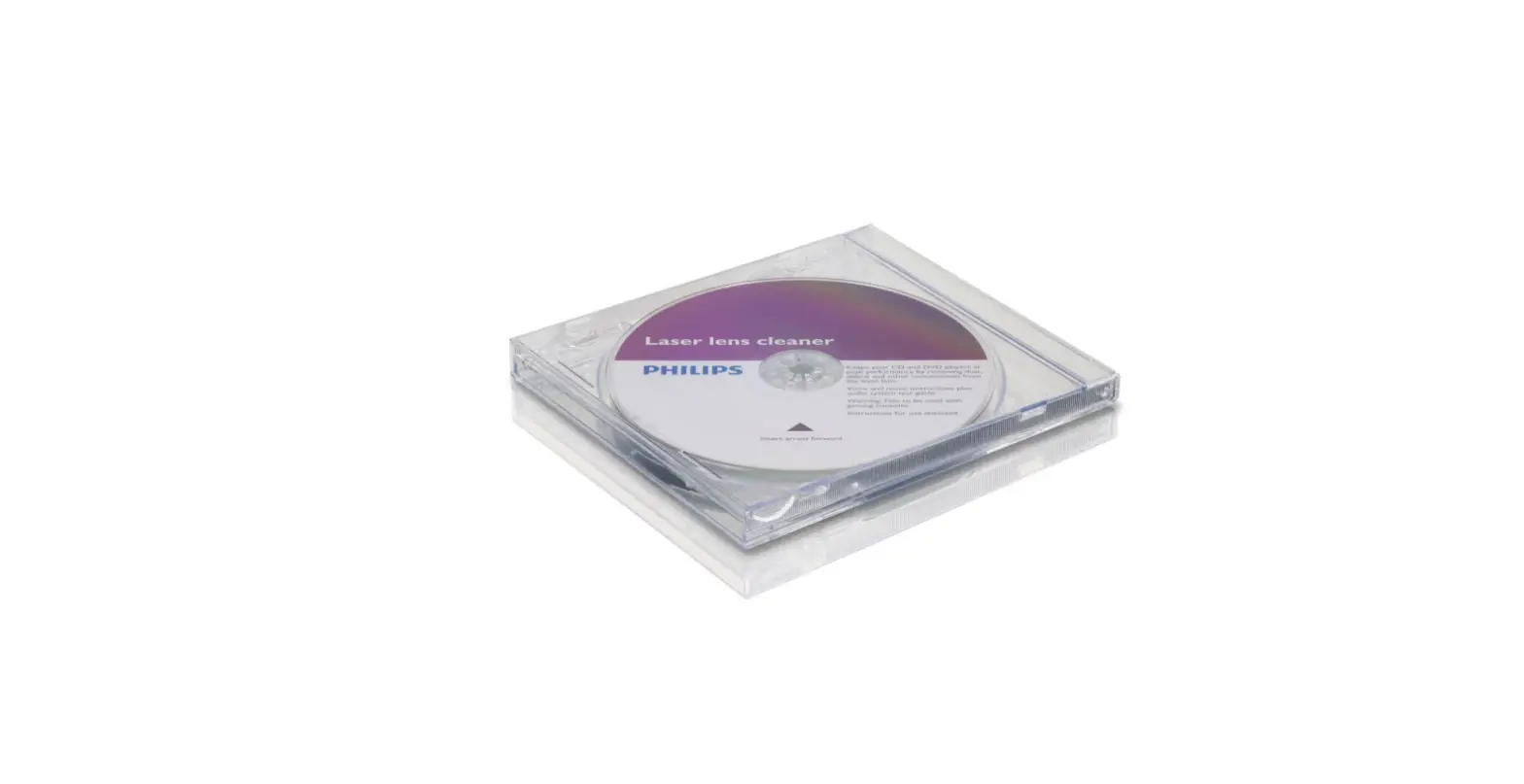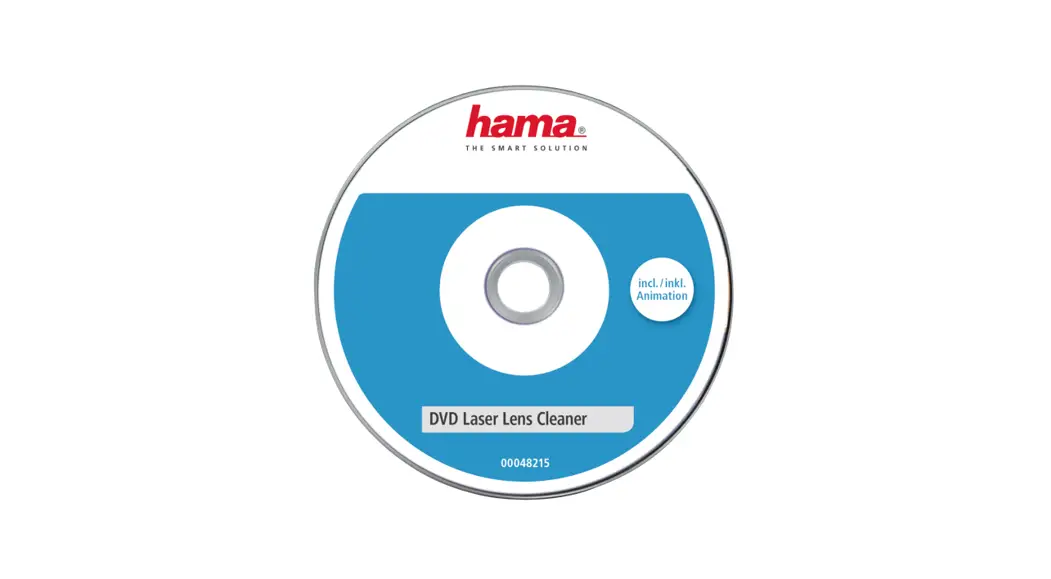

00116200 DVD Deluxe Laser Lens Cleaner
Instruction Manual 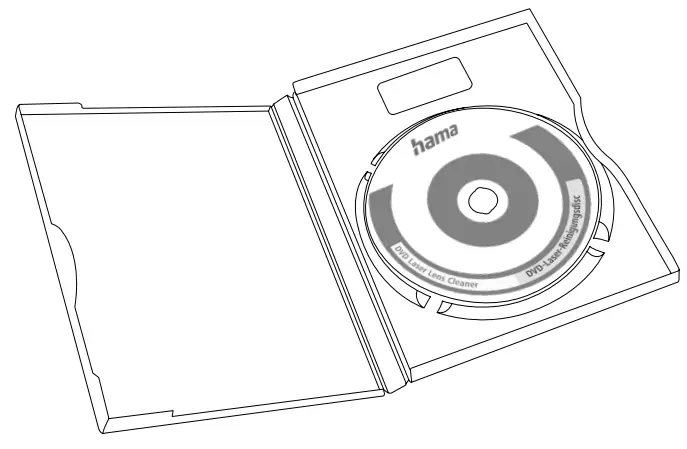
00116200 DVD Deluxe Laser Lens Cleaner
00116200
DVD Deluxe Laser Lens Cleaner
DVD Deluxe Laser Reinigungsdisc
Operating instruction
Please note: Do not use this cleaning disc in the slot-in drive.
In the DVD player:
- Insert the cleaning DVD into the DVD player like a conventional disc. Make sure that the arrow on the cleaning disc points to the aperture of the drive drawer.
- Select your preferred language from the 8-language menu.
- Press the play button on the DVD player to start the cleaning process or the desired system check software by clicking on the respective icon.
- During playback, you can also select the previous “E” or the next “F” program. The procedure is also achieved by calling up the item “MENU”.
 Attention
- Before testing the audio system, make sure that your system is Digital 5.1 Channel ready. The “PROLOGIC” test is designed to test your stereo (or 2-channel) system. The “5.1 Channel” test is designed to test your Digital 5.1 channel system.

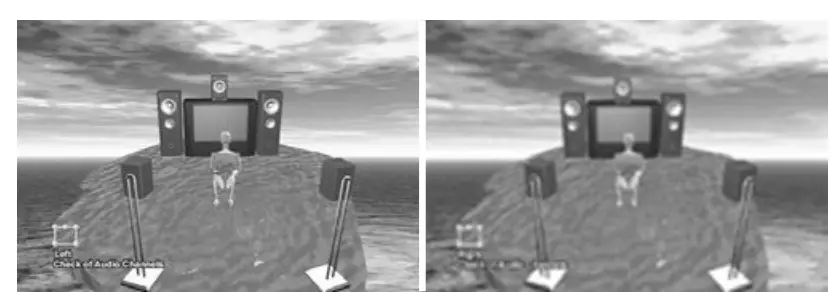
5. The “Audio Frequency Check” tests the connection between the subwoofer and the frequency range. If you have a stereo system or PROLOGIC system, you will notice that the speaker sound displayed on the screen does not match the actual sound. However, this only concerns the function of the frequency test.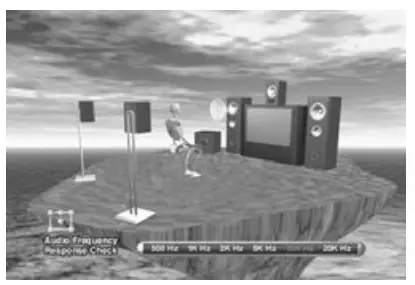
In the DVD-ROM drive:
Please note: When using the PC, make sure that the DVD video driver is installed!
- Insert the cleaning DVD into the DVD-ROM drive like a conventional disc. Make sure that the arrow on the cleaning disc points to the aperture of the drive drawer.
- Select your preferred language from the 8-language menu.
- Click Play to start the cleaning process or the desired system check software by clicking on the respective icon.
- During playback, you can select the previous or next program by clicking it.
Note: When the cleaning disc is not in use, it should be stored in the case provided
Hama GmbH & Co KG
86652 Monheim / Germany
Service & Support www.hama.com
 +49 9091 502-0 DG
All listed brands are trademarks of the corresponding companies.
Errors and omissions excepted, and subject to technical changes. Our general terms of delivery and payment are applied.
 hama.com