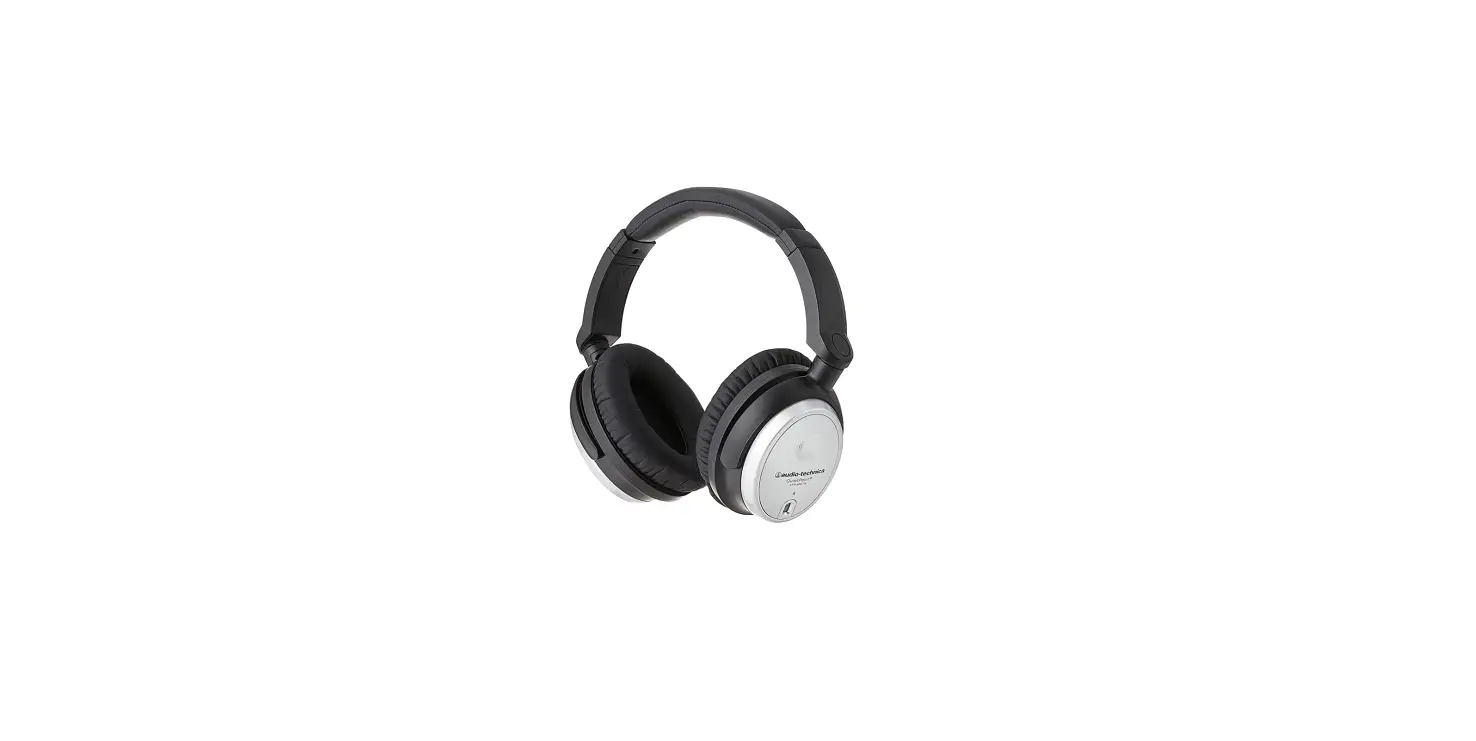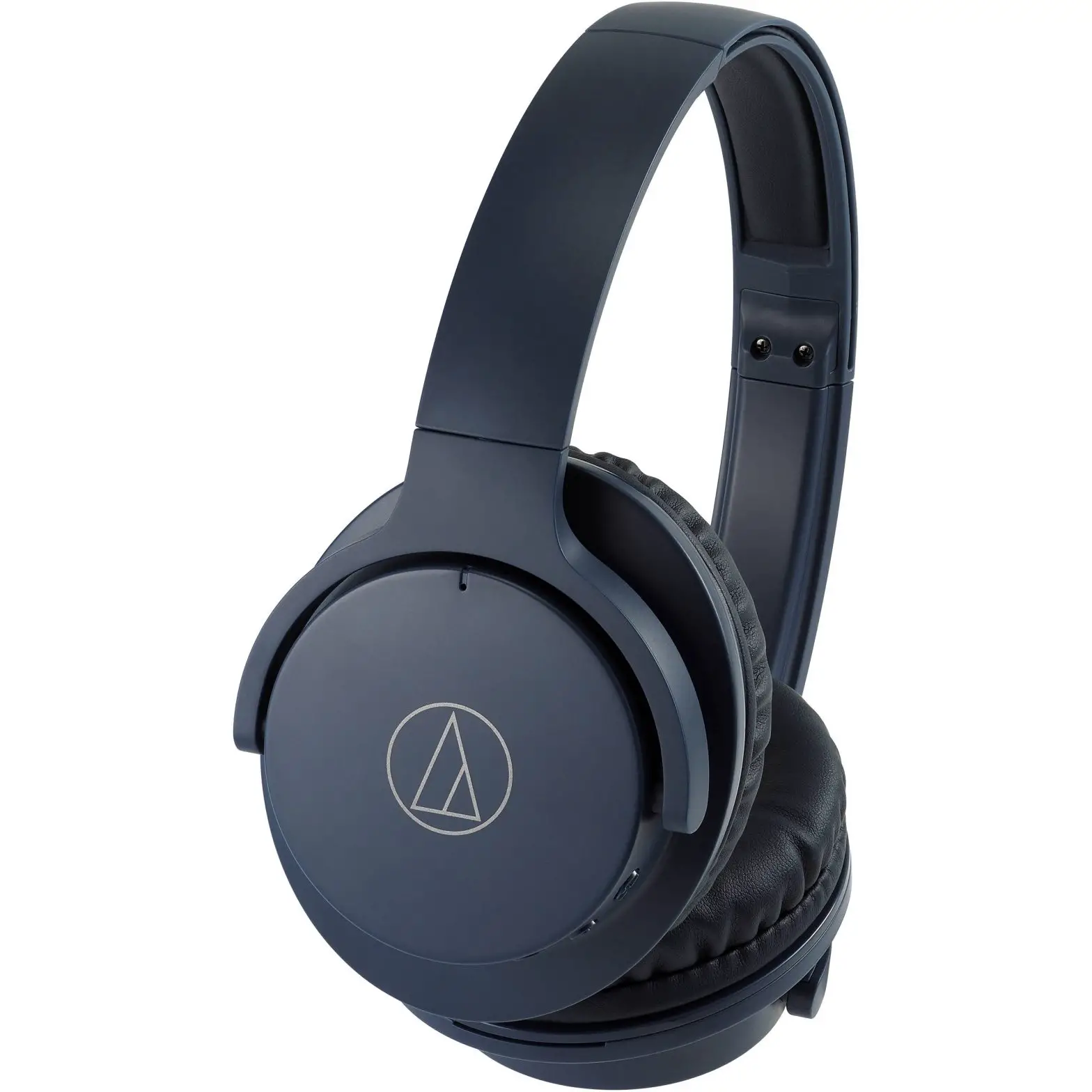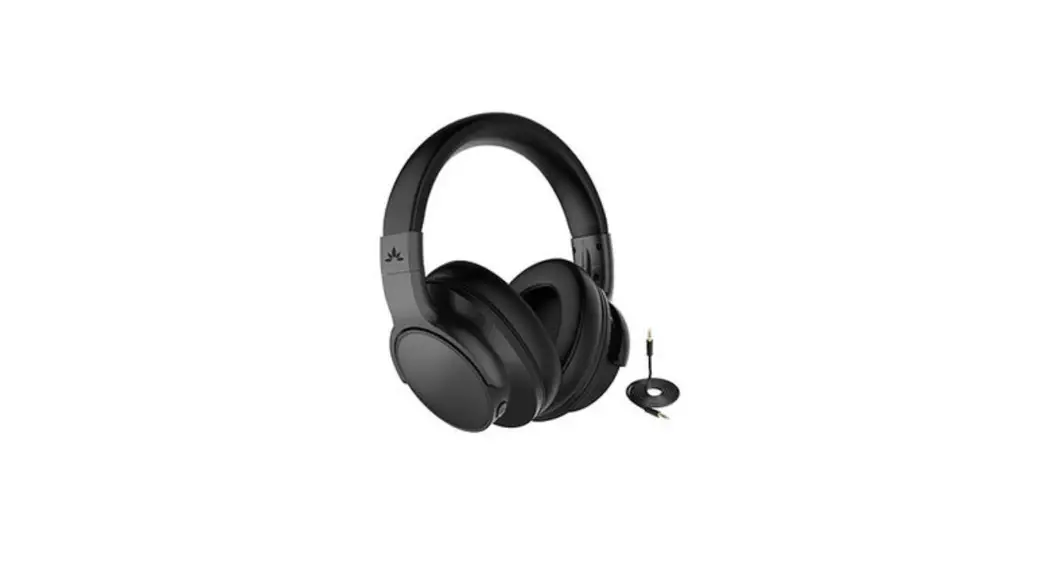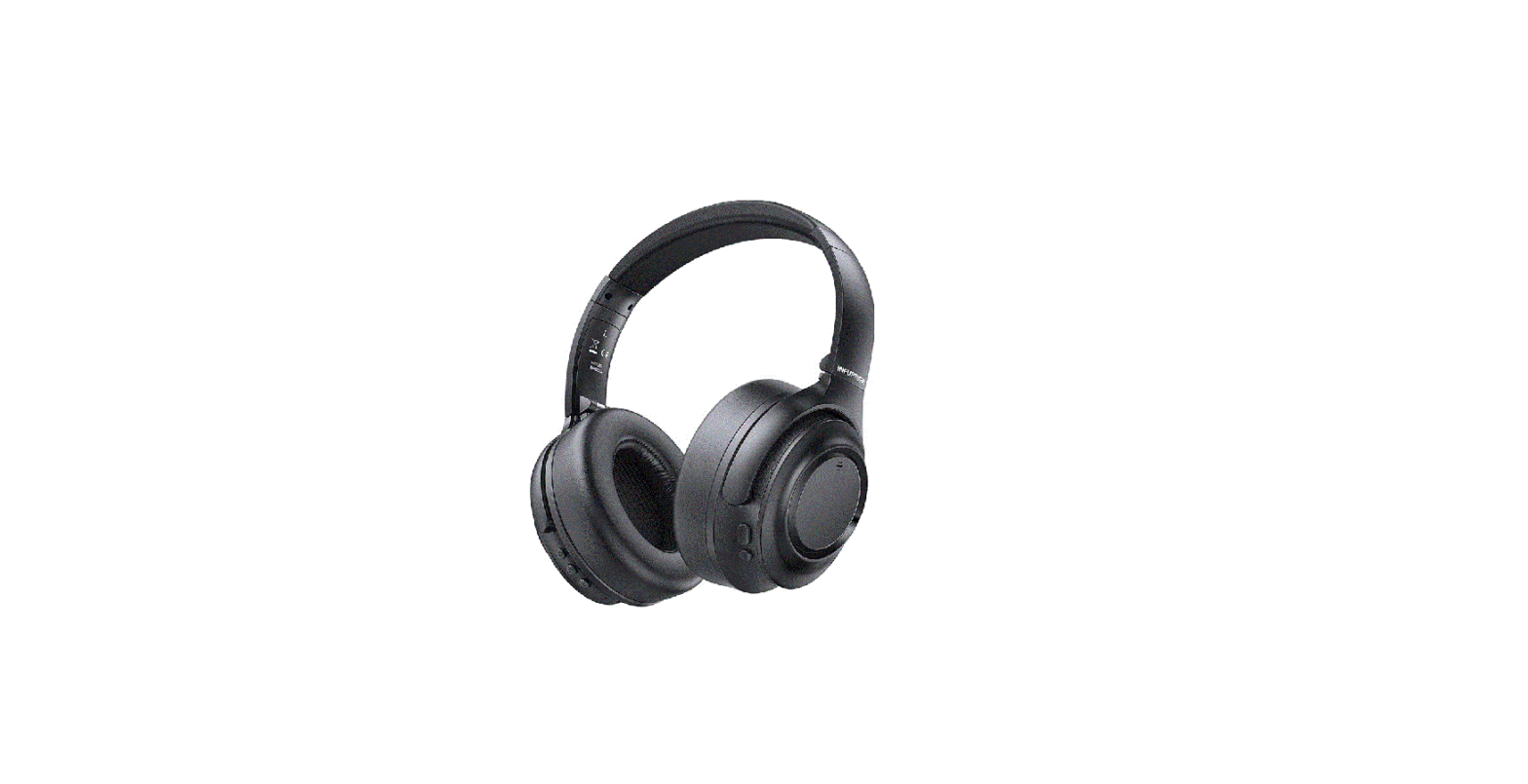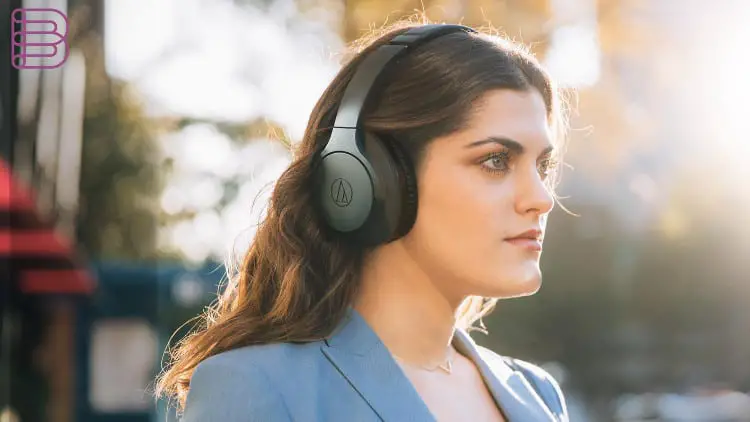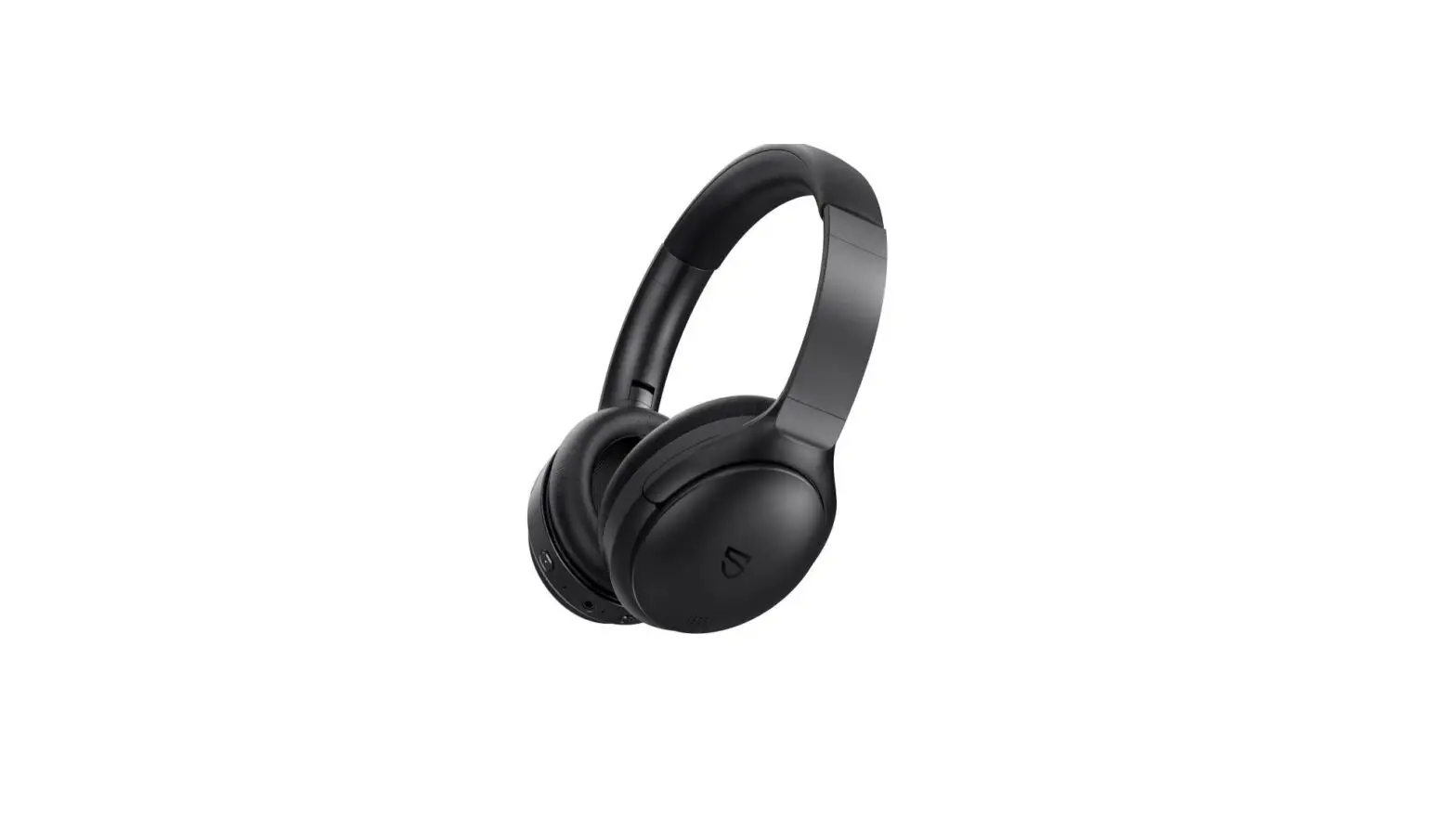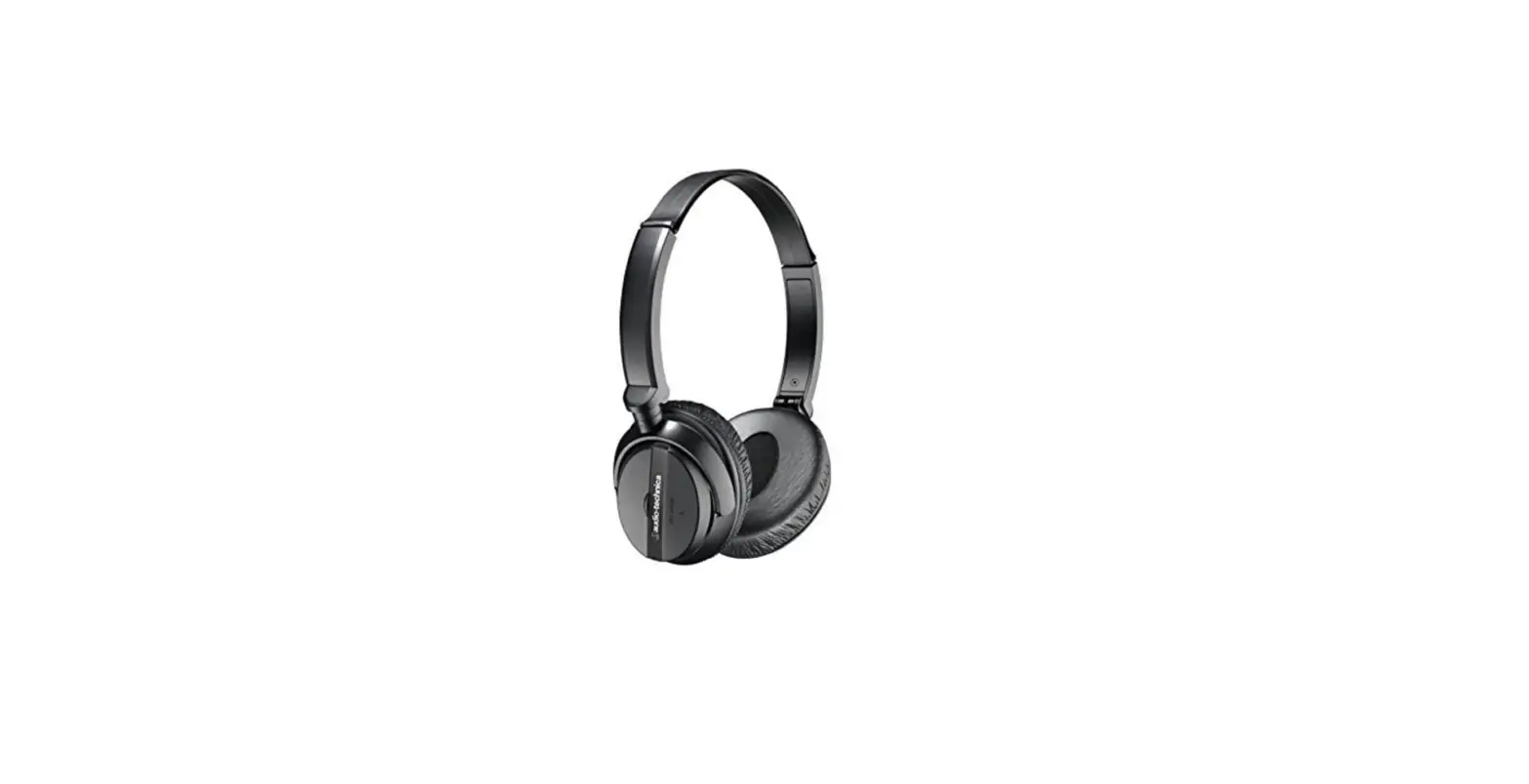
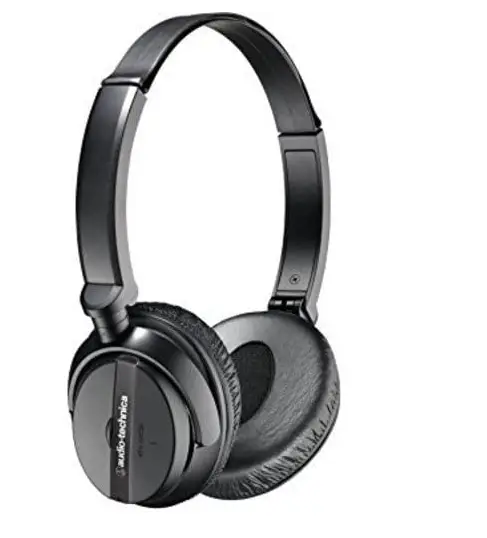
Audio-Technica ATH-ANC20 QuietPoint Active Noise-Cancelling On-Ear Headphones
Specifications
- BRAND: Audio-Technica
- EAR PLACEMENT: On Ear
- COLOR: Black
- CONNECTIVITY TECHNOLOGY: Wired, 3.5 mm connector
- MODEL NAME: ATH-ANC20
- TYPE: Active noise-cancelling
- DRIVER DIAMETER: 40 mm
- FREQUENCY RESPONSE: 20 – 20,000 Hz
- QUIETPOINT ACTIVE NOISE REDUCTION: Up to 15 dB
- MAXIMUM INPUT POWER: 100 mW
- SENSITIVITY: 100 dB
- IMPEDANCE: 20 ohms
- BATTERY: AAA (alkaline)
- BATTERY LIFE: Up to 40 hours
- WEIGHT: 104 g, without cable and battery
- CABLE: Detachable 1.2 m (3.9′) with 3.5 mm (1/8″) stereo mini-plug and integrated volume control
- CONNECTOR: 3.5 mm (1/8″)
Introduction
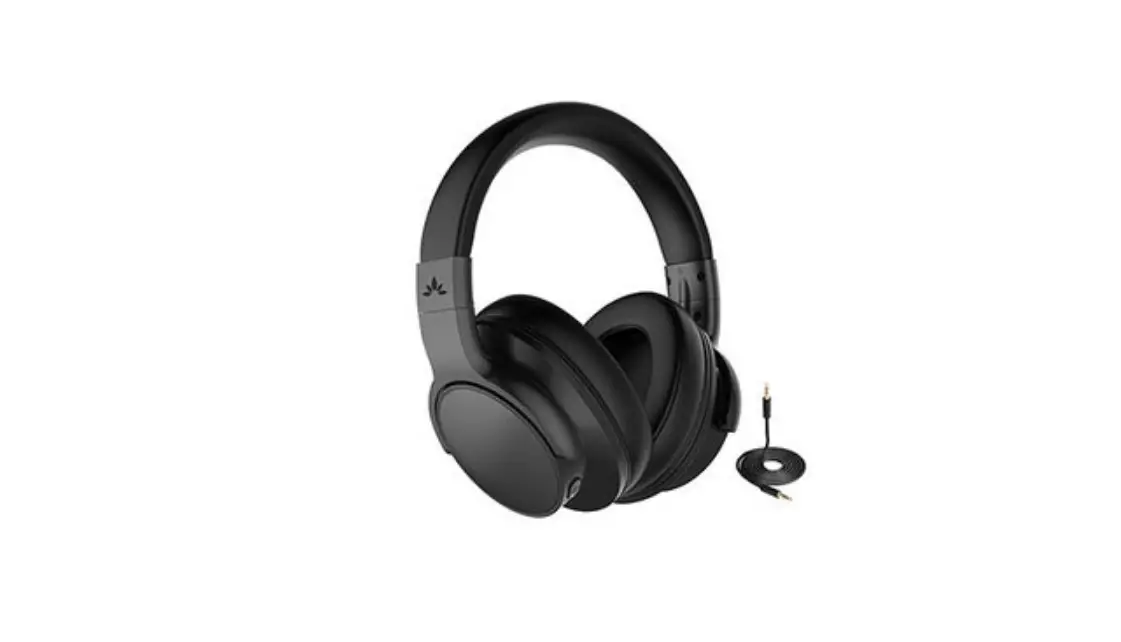
The ATH-ANC20 QuietPoint Noise-Cancelling On-Ear Headphones provide exceptional sound quality, comfort, and portability while reducing ambient noise by up to 80%. The ear pads on the headphones are plush for all-day comfort. There is a handy in-line volume control on the detachable wire. The ATH-ANC20 audio continues to perform even without batteries or when the noise-canceling feature is switched off, unlike many other noise-canceling headphones. The airline adapter, AAA battery, and protective sleeve are included with the foldable ATH-ANC20 for simple portability and storage. The QuietPoint headphones from Audio-Technica feature active noise-canceling technology to cut down on annoying background noise, creating a very cozy and relaxing listening environment in noisy environments. Active noise-canceling headphones feature a microphone that takes up background noise, noise-canceling circuitry, and battery-powered electronics that are not found in regular headphones. Audio-Technica’s ATH-ANC20 QuietPoint® headphones use active noise-canceling technology to provide a comfortable listening environment in areas with high ambient noise. The headphones feature a miniature microphone in each earpiece that picks up ambient noise (such as traffic, air-handling systems, etc.) and creates a sound-canceling signal to effectively block the noise.
- QuietPoint® active noise canceling headphones cut ambient noise by up to 80%
- Use for MP3, CD, DVD, and in-flight entertainment systems; remove the detachable cable for noise-canceling function without audio input
- Audio functions (in passive mode) even without the battery
- Fully integrated electronics—no external modules needed
- The compact folding design is ideal for travel
- Includes a protective pouch
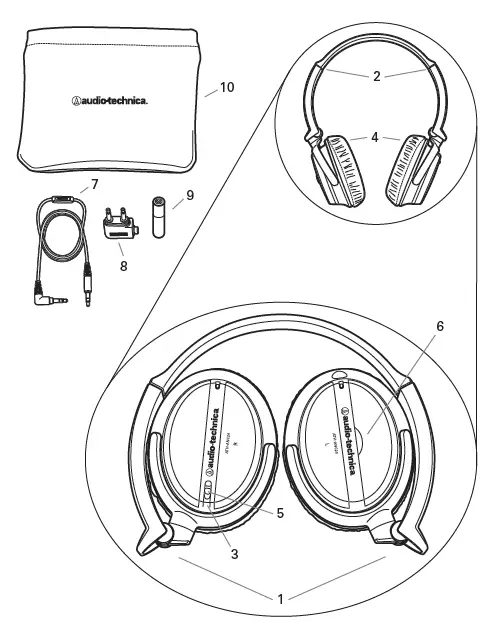
FEATURES AND INCLUDED ACCESSORIES
- Earcups swivel & fold up into the headband
- Adjustable headband
- Power indicator (Lights red when power is ON)
- Replaceable earpads
- Power switch (Activates noise-canceling function when power is ON. Headphones operate as stereo headphones in OFF position without active noise-canceling function.)
- Battery compartment lift tab
- Detachable 1.2 m (3.9′) cable with gold-plated 3.5 mm (1/8″) stereo mini-plug and integrated volume control
- Gold-plated airline adapter
- AAA battery
- Protective pouch
INSTALLING THE BATTERY
The ATH-ANC20 requires one AAA battery for operation (included). Use only disposable AAA alkaline batteries. Do not use rechargeable batteries.
- Move the headphone power switch to the “OFF” position.
- Use the lift tab near the center of the left earcup to open the battery compartment.
- Insert one AAA battery, observing correct polarity as marked.
- Close the battery compartment cover.
USING YOUR HEADPHONES
Listening to music/audio
- Connect the straight end of the included headphone cable to the port on the left earcup, making certain the plug is firmly seated.
- Connect the right-angle end of the headphone cable to the headphone jack of your audio device. Use the included airline adapter to connect to typical airline audio systems.
- Wear the left earpiece (marked L) on your left ear; and the right earpiece (marked R) on your right ear. Adjust the headband as needed for a comfortable fit.
- To activate the noise-canceling function, move the power switch up; the power indicator should light (red). (If you do not wish to use the active noise-canceling function, move power switch to the down position.)
- Turn on your audio device. (Volume should be set at a low level at first; adjust as necessary on the audio device.) To prevent damage to your eardrums, never use excessive volume levels.
There is an in-line volume control on the cable provided with your ATH-ANC20 headphones, which you may use to adjust the volume of your music. Note that the maximum volume heard through the headphones is limited by the setting on your music source. If the volume on your source is at the minimum setting, you may not be able to hear your music adequately.
NOISE-CANCELLING ONLY
To activate the noise-canceling function, move the power switch on your headphones to the “ON” position; the power indicator should light (red). In this case, there is no need to connect the headphone cable; simply turn the headphones on and wear them.
AFTER USING
When you have finished using your headphones, move the power switch to the down position.
Frequently Asked Questions
- What do headphones with noise cancellation do?
Active noise control is used in noise-canceling headphones to decrease undesired background noise. This differs from passive headphones, which utilize methods like soundproofing if they want to at least reduce background noise. It is possible to listen to audio content without turning up the volume too much thanks to noise cancellation. - Has Audio Technica introduced noise cancellation?
ATH-ANC300TW by Audio-Technica: These true wireless earbuds feature active noise cancellation that is comparable to the Sony WF-1000XM4, the company’s balanced sound characteristic, and an IPX2 water-resistance rating. - What distinguishes active noise cancellation from noise cancellation?
Well-designed ear cups are used in passive noise cancellation to block out unwanted noise. This applies to both in-ear and over-the-ear headphones, and the earbud itself will block out external sounds. Speakers and microphones are used in Active Noise Cancellation to lessen ambient noise. - How reliable are Audio-Technica earphones?
A well-known company with headphones at more reasonable prices is Audio-Technica. They frequently have less than ideal builds, despite producing sounds that can compete with higher-end models. When compared to other companies offering comparable functionality, their noise canceling series also falls short. - Have Audio-Technica headphones a microphone?
Unfortunately, the ATH-M50x headphones lack an in-line controller or microphone. All of the Audio-Technica M-Series headphones have this trait. - Do Audio-Technica headphones require an amplifier?
Turntables made by Audio-Technica have a built-in preamp with a “Phono”/”Line” switch on the rear. You require an amplifier or receiver if you select a passive, unpowered speaker. A passive speaker cannot be connected to an AC power source or have volume control. - How should my Audio Technica headphones be adjusted?
To make adjustments, click on the audio codec or ambiance icons. You can modify the noise-canceling mode and adjust the level of the hear-through function under the ambiance control. You can access more in-depth features from the app’s main interface by clicking the arrow next to the image of the headphones. - How are my Audio Technica earphones recharged?
Connect the battery jack on the charging case to the micro–USB Type-B side of the USB charging cable that is included. The USB charging cable that comes with the product is only intended to be used with it. - How can I connect my Audio Technica Bluetooth earbuds?
Choose to pair with “ATH-ANC20” in your device’s Bluetooth settings. When pairing is complete, the headphones will indicate “Bluetooth connected” and the white light on the earcup will transition from rapidly flashing to slowly fading in and out. - Can active noise cancellation harm your ears?
Overall, using headphones with noise cancellation has no detrimental effects on your hearing. When the ANC is turned on, you might hear a very faint hissing sound, but that’s about it. However, this may irritate some people and perhaps make them feel queasy.