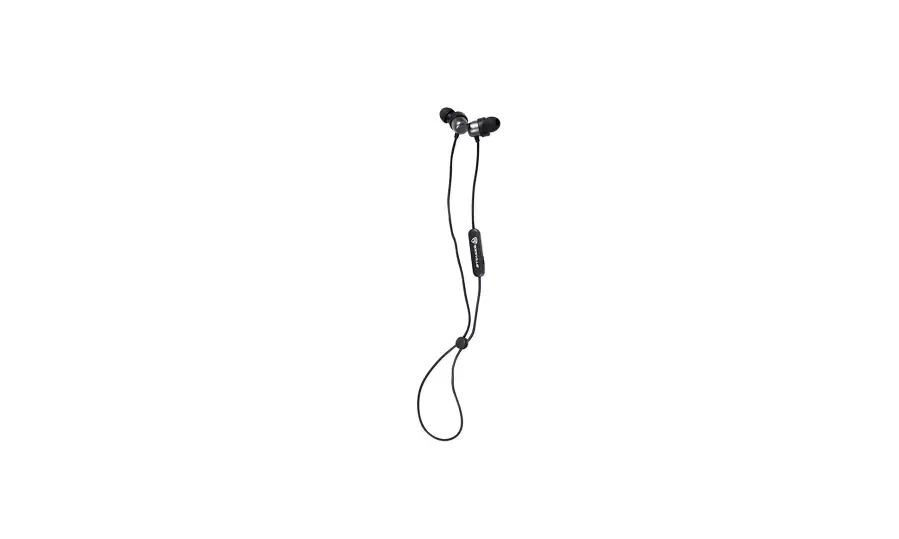
 Rockville EBT35 Magnetic Bluetooth Earbuds
 Rockville EBT35 Magnetic Bluetooth Earbuds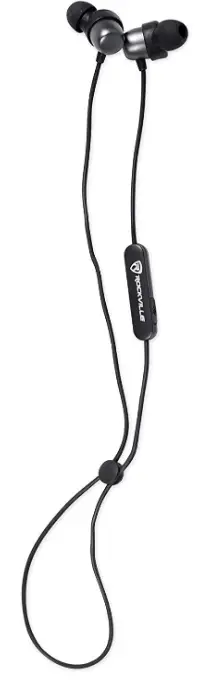
Overview
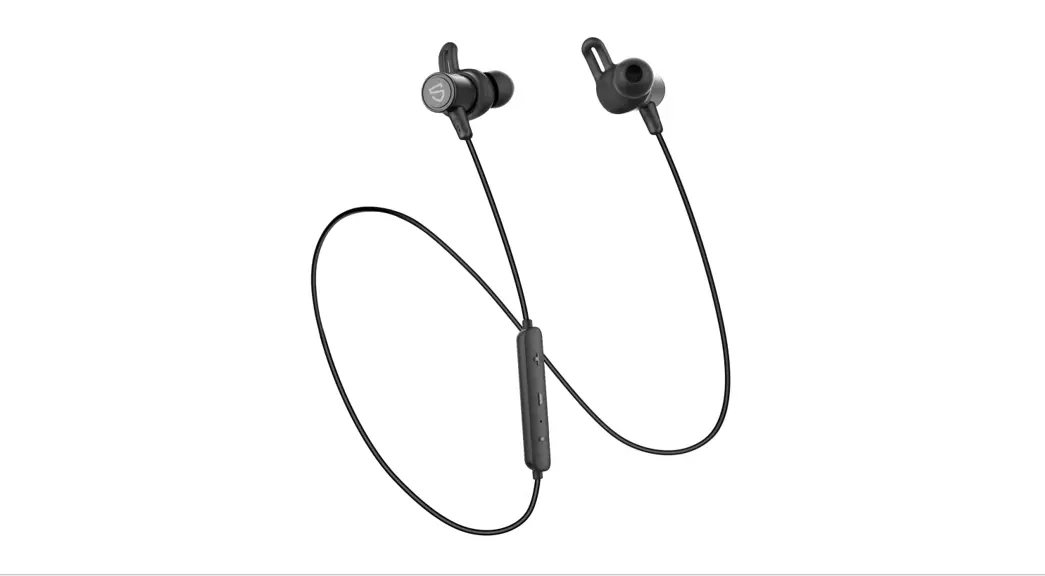
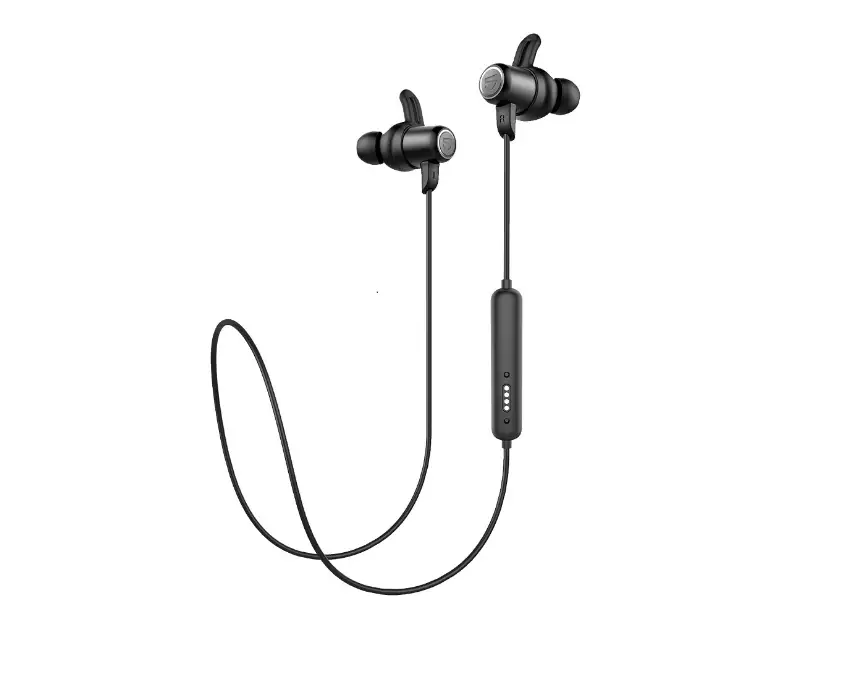
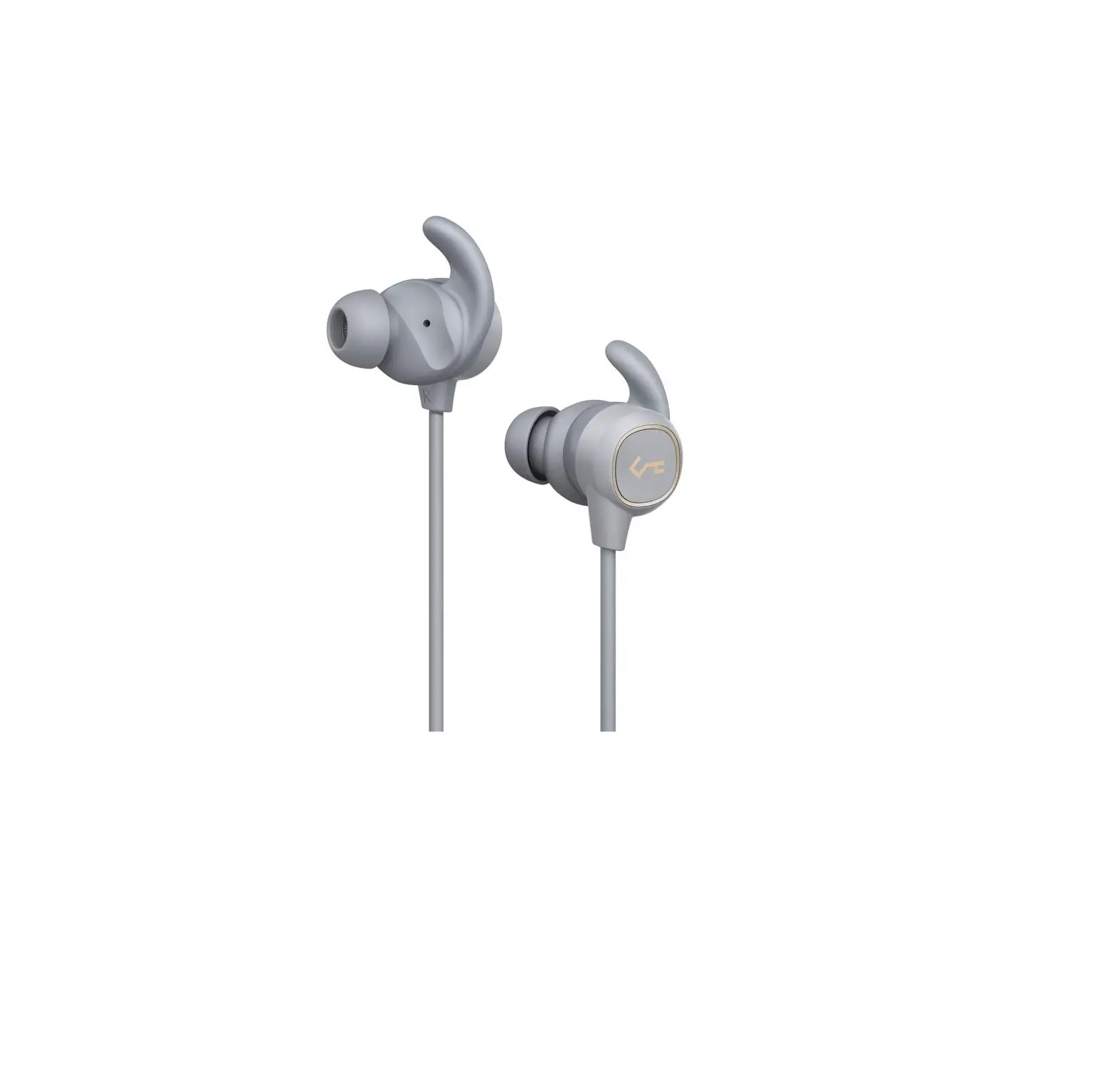
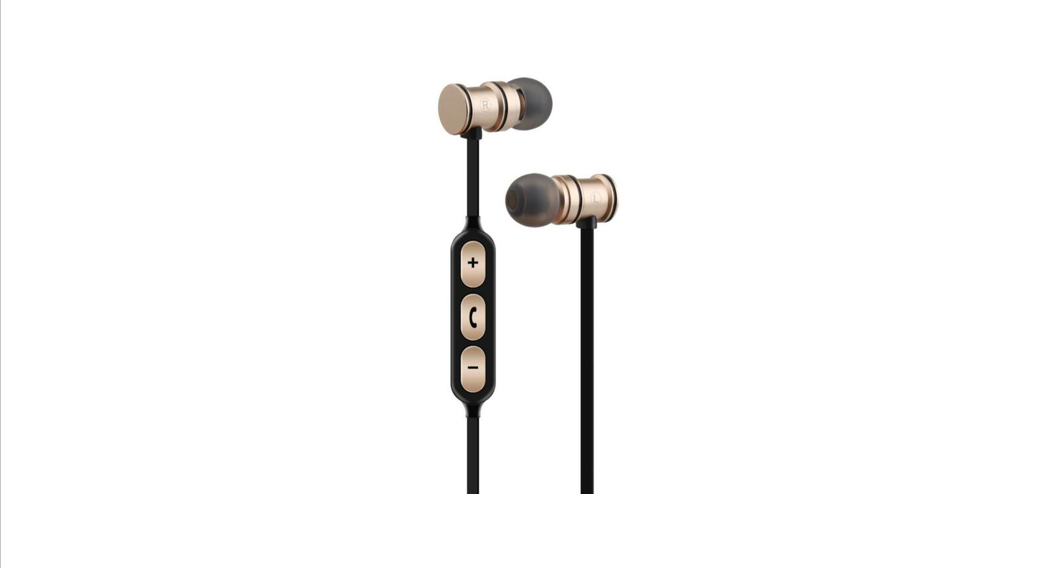
Rockville is proud to introduce the all-new EBT35 gun metal magnetic Bluetooth In-Ear Sport earbuds! The EBT35 earbuds feature an ergonomic fit that makes them stay in your ear and are IPX5 rated making them water resistant. In addition, these earbuds offer a long battery life of 6 – 8 hours on a single 2-hour charge! The 4.2 Bluetooth chip we used in these earbuds is super efficient, has a range of 33 feet and connects in under 3 seconds! The comfortable and snug fit makes these earbuds perfect for working out and running. Please read this guide carefully for proper use of your Rockville EBT35 Bluetooth Earbuds. Should you need technical assistance please call our technical help line at 1-646-758-0144, Monday through Friday, 9am to 5 pm EST.
OPERATION
Power ON: Press and hold the multi-funtion button (MFB) until the LED flashes wMe and red.
Power OFF: Press and hold the MFB until the red LED is on.
Pairing: Press the MFB and the unit will automatically enter paring mode. The LED indicator will intermittently flash red/white. Now look for and select EBT35 on your Bluetooth device’s list of available devices. W the LED stops flashing and you hear a voice prompt, the pairing process has been successful.
- Pairing mode only lasts 180 seconds. W you miss this window of time, you must power the unit off and then on to re-enter pairing mode.
- The earbuds will automatically pair wtth the last paired device.
- If you leave the earbud’s effective Bluetooth range, it will repair automatically ii you are back in range within 3 minutes. Otherwise you will have to turn the unit off and on to pair again.
- The earbuds will turn off after 10 minutes ii there is no input or connection.
Connecting Multiple Devices
To pair a second device, turn the earbuds off and repeat the pairing process. Please note you may only use one connected device at a time. If you are listening to music on the first phone and wish to switch to the second phone, simply tum off the music function on the first phone and turn on the music function on the second phone. If you are making a call on the first phone and a call comes in on the second phone:
- Long press the MFB for to reject the call.
- Short press the MFB to end the current call and answer the incoming call.
- Press the MFB twice to put the current call on hold and answer the incoming call. To switch between the calls, press the MFB twice. To end one of the calls, press the MFB once.
Volume control: In music or hands-free mode, press the Vol+ button to increase the volume or press the Vol – button to decrease the volume.
Skip songs: In music mode, long press the Vol+ button for next song or long press the Vol – button for previous song.
Pause /Play: Press the MFB to pause or play the music.
Answering ending calls: Press the MFB once to answer incoming calls or to end the conversation.
Rejecting calls: Press and hold the multi-function button for 2 seconds to reject incoming calls.
Redial: Double press the power button to redial last dialed phone number.
Siri (iPhone only): In stand-by status or while playing music, you can activate Siri by short pressing the MFB.
CHARGING
- Connect the included micro USB cable to the headphones. Connect the other end to a computer or AC adapter (not included). Charging voltage is 5V/1A.
- Fully charge the earbuds before the first use.
- When the headphones have less than 10 minutes of battery time, there will be a voice prompt requesting that the unit be charged.
- While charging the LED will be red. Once the unit is fully charged, the LED will be white.
LED INDICATOR
- Low battery: A blinking red LED indicates low power. Please charge the earbuds soco.
- Charging: A solid red LED indicates charging is in progress. A solid white LED indicates charging is complete.
- Pairing: When the LED intermittently flashes red and whrte, the earbuds are in paring mace.
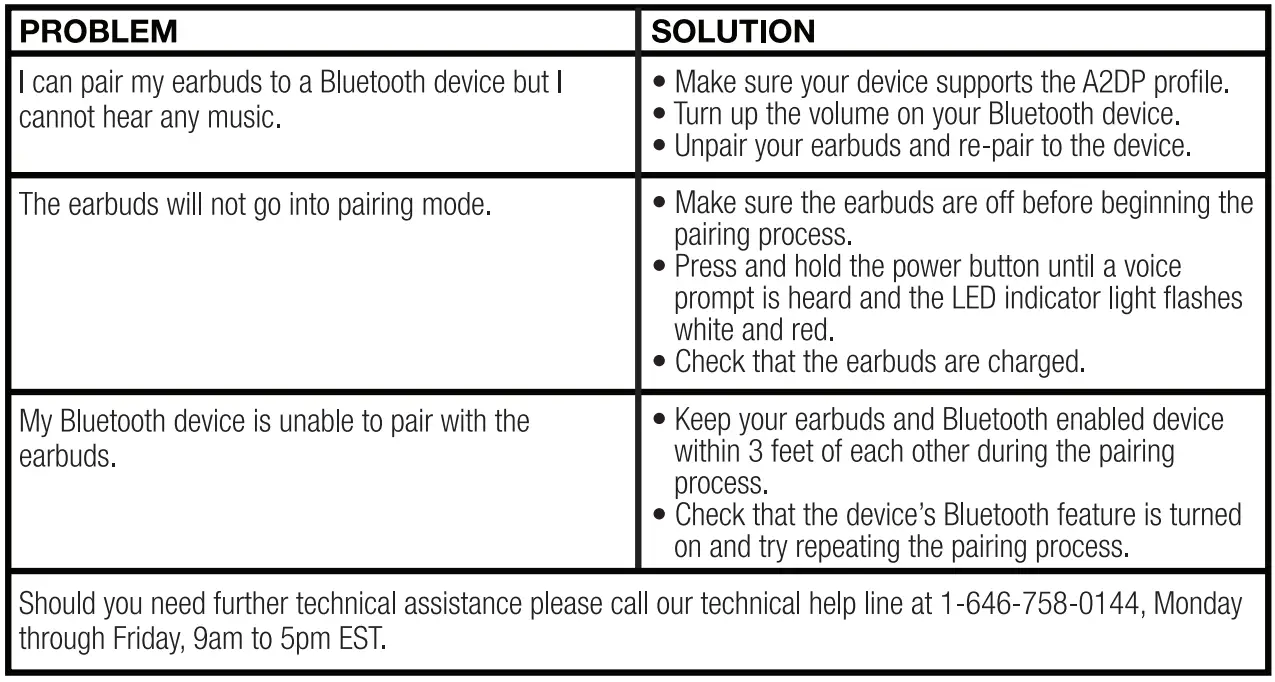
TROUBLESHOOTING
FEATURES
- Ergonomic fit (won’t fall out when moving Around or running)
- Built-in magnetic design to stick your ear buds together when not in use
- IPX5 rated making them water resistant
- Bluetooth headphones with incredible bass and clear highs
- Long battery life (6 – 8 hours on a single charge)
- Bluetooth chip connects in under 3 seconds
- Profiles supported: hsp/hlp/a2dp/avrcp
- Magnetic casing helps keep them around your neck
- Fully customizable cable clip
- Built-in microphone allows you to talk wirelessly
- Perteet fit filters outside noises
- Voice prompts
- Hands free calling
- USB charging cable included
- Charging time: 2 hours
- Talk time: up to 8 hours
- Playing time: up to 6 hours
- Standby time: up to 450 hours
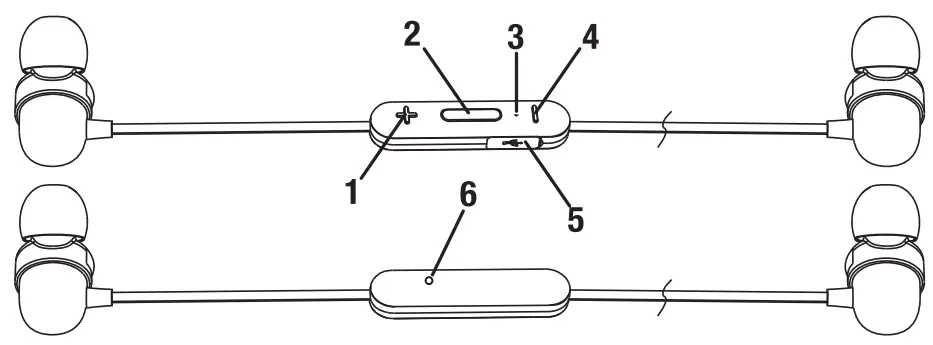
FUNCTIONS
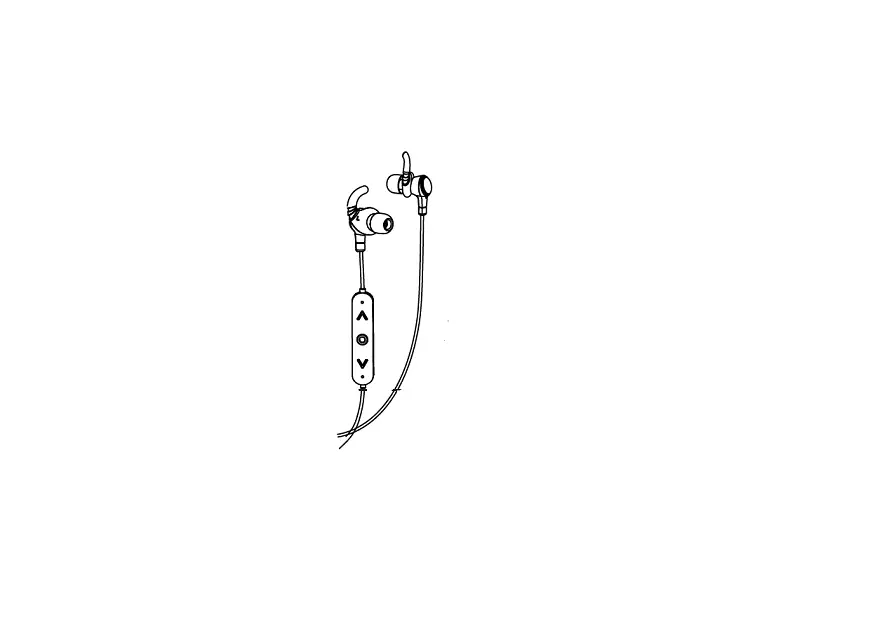
- Volume+
- Multi-function button
- LED
- Volume –
- USB charging port
- Mic

SPECIFICATIONS
- Bluetooth Range: 33ft
- Bluetooth version: v4.2
- Chip: wt200s
- Battery: 60ma·2
- Sensitivity: 93±3dB
- Impedance: 16 ohm± 10%
- Freq Resp: 20Hz – 20KHz
- Net Weight: 400g
INCLUDES
- Ear Tips (Large Size) x 2
- Ear Tips (Medium Size) x 2
- Ear Tips (Small Size) x 2
- Rubber Replacement Cover x 4
- Micro USB Charging Cable x 1
- User Manual x 1
FAQs
How do you pair Rockville earbuds?
When the earphones are turned on, pairing mode is automatically activated. The blue LED signal will flash. Look for and choose TruRock from the list of compatible devices on your phone. Use 0000 if you are asked for a pairing code.
How do I know when my Rockville earbuds are fully charged?
Bluetooth headsets all function differently. However, once your headsets have reached full charge, the earbuds usually start to glow. Red and green lights are most frequently used in headsets. A low battery level is indicated by the red light, while a full charge is indicated by the green light.
How do I work my Rockville Bluetooth earbuds?
Put the pairing mode on your headphones. Put your earbuds in pairing mode as a first step. On your phone, go to Bluetooth Settings. Find any new Bluetooth devices by scanning the category. Connect using your device of choice. Play the music you like.
How do I set up my Rockville Bluetooth earbuds?
Pull down the phone’s top shade on an Android device, then long-press the Bluetooth icon. It will immediately take you to the Bluetooth menu, where you may enable it and then start looking for devices. To link a pair of headphones, tap their name.
How do you connect both Rockville earbuds at the same time?
To link them, double-click each earbud at the same time, make sure your phone’s Bluetooth is off for a few seconds, and then turn Bluetooth back on.
Why do my earbuds keep powering off?
If your Bluetooth headphones’ battery is dead or not working properly, they will constantly shut off. Additionally, it could switch off due to damaged file paths or outdated drivers. The headset may occasionally shut off by itself when its battery is low and it needs to be recharged.
Should I keep my Rockville earbuds always in case?
The majority of cases have a lithium-ion battery that keeps the earphones charging until they are fully charged. The earbuds should always be kept on hand just in case.
Can we put Rockville earbuds in case while charging?
Either a USB to Lightning cable or a USB-C to Lightning cable can be used. Next, insert the cable’s opposite end into a USB port or charger. Both with and without the AirPods inside, you may charge your case. When you plug into your Mac or use a USB charger for your iPhone or iPad, charging happens the quickest.
What happens if you overcharge your Rockville Bluetooth earbuds?
A protection board is incorporated into the lithium battery even if it has already failed. As a result, the voltage applied to the cell will never be higher than 4.2V. Long-term overcharging won’t occur. The Bluetooth headset battery can be safely charged on a large Bluetooth headset, therefore doing so won’t harm it.
What does the blue light mean on Rockville earbuds?
The headphones may be in pairing mode if they have a slow blue light that pulses. Blinking red and blue lights are the most typical pairing mode light pattern. To see if the flashing blue light stops after your headphones are linked to another device, you might still want to try pairing them with another device. It can indicate interference.
How do you know when Bluetooth Rockville earbuds are done charging?
When the battery is charging, the indicator light will come on. The light won’t turn on for up to a minute. 3. The indicator light will go out after the headset’s battery is fully charged, which takes roughly 2-3 hours.
Why are my Rockville earbuds not connecting to each other?
If the battery in your headphones is low, they might not be able to pair. Additionally, I’ve discovered that certain Bluetooth headphones stay on when in the case, which causes them to deplete to zero percent more quickly than you would expect. Even if they claim to have some battery left, try plugging them in and giving them a thorough charge before pairing.
Why is only 1 of my Rockville earbuds working?
One earbud not working can be caused by a variety of problems. Some issues can be resolved easily, such as Bluetooth pairing issues or devices that just require cleaning or resetting. Other problems, such a short circuit, frayed wire, or water-damaged devices, are more difficult to fix.
Is it okay to overcharge Rockville earbuds?
The earbuds cannot be overcharged. With any lithium-ion product, this should not be a problem.
Can you charge one earbud at once?
If an earbud still has juice, you can use it while charging it independently in the charging case.
Can I charge my Rockville earbuds overnight?
To prevent overcharging, lithium batteries include a built-in auto-off feature that activates when a full charge is attained. The battery level will need to go below a particular level, even while still plugged in, in order to start charging once more.
How can I change my Rockville earbuds without the case?
Use the micro USB connection to connect your headphones to your computer or another USB charging device to start charging them.