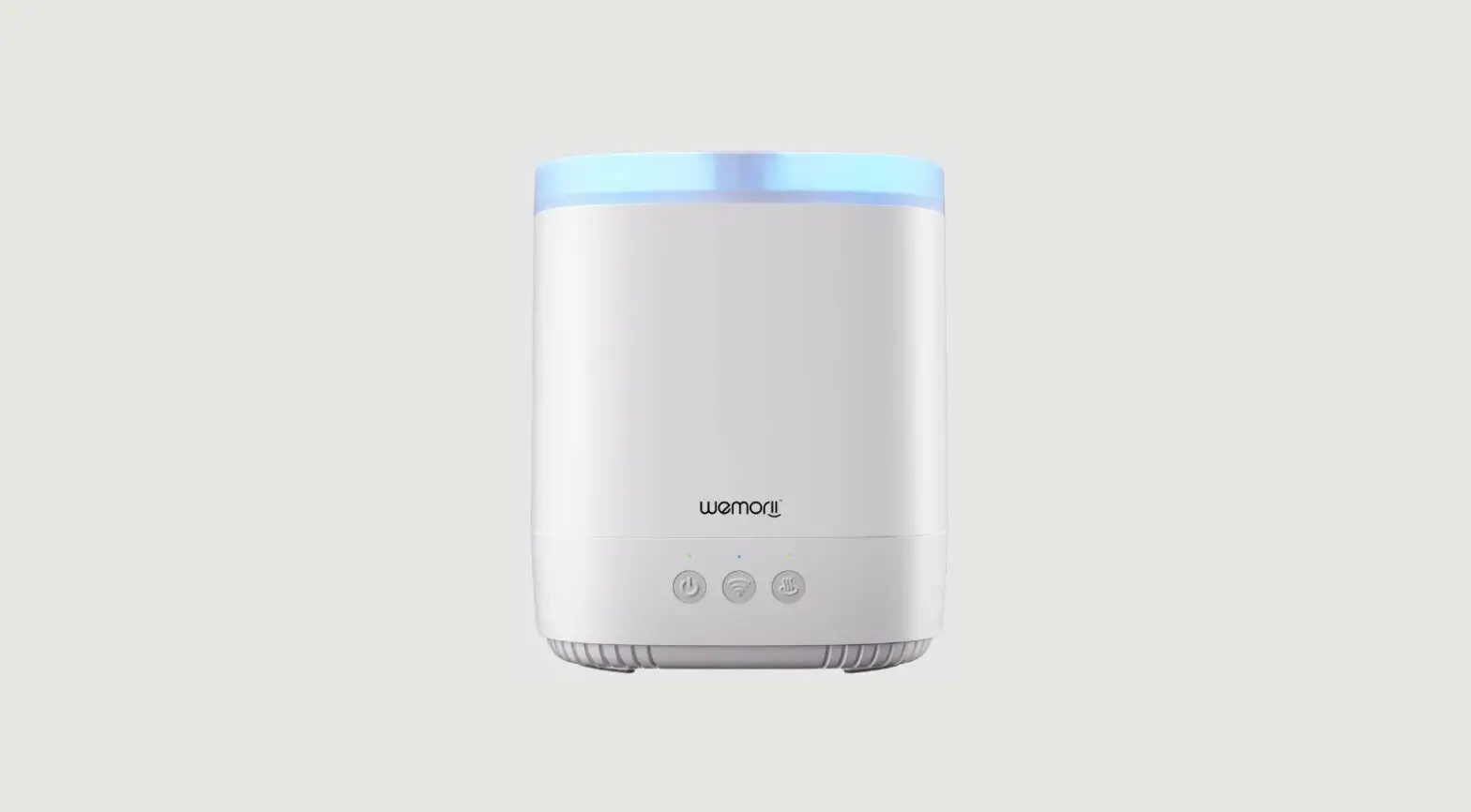
wemorii WM-1BH Aroma Diffuser User Manual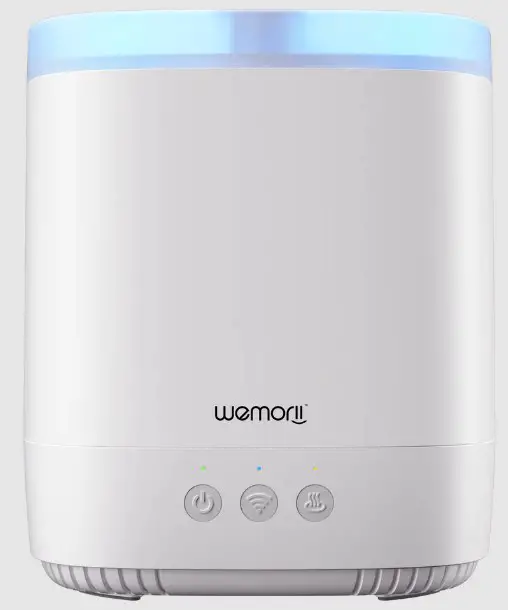
| Output | DC24V 0.65A | Power | 10W |
| Mist Mount | 20~30ml/H | Applicant Area | Approx.30 Square Meter |
| Mist Woking Time | 12~20H | Vibration frequency of the atomization | 2.4 M HZ |
| Water Tank | 380ml | LED Beads | 6pcs |
| Fan | 12V 4010 DC | Noise | ≤36db |
| Product Size | 168*171*198mm | Main Material | PP |
| Essential Oil Bottle | 3 bottles | Control Options | APP + Physical buttons |
Functions
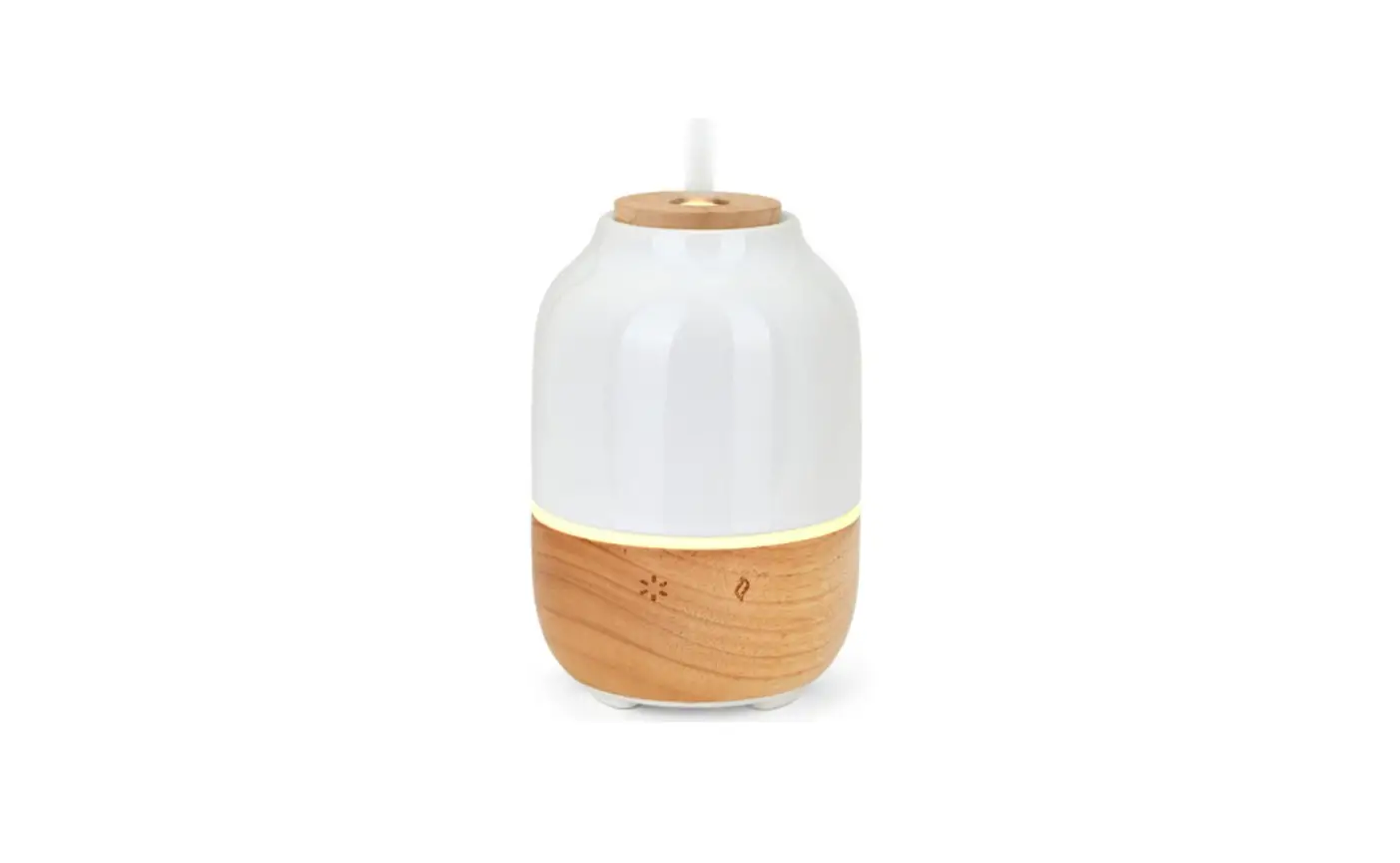
Power Button:Press the first time, the diffuser machine with 7 led changling color,and the power button indicator isgreen.
All the power supply will be ready to power on, press it again to turn off all the power supply.
WIFI Button: Long press wifi button for 2 seconds to enter WIFI common network configuraion mode, the wifi indicator lightwill be blue fast flashing.
Press 2 seconds again, it will enter compatibility mode, and the WIFI indicator light is blue flashing, the effective timeof distribution network is 10 minutes, and it will automatically exit after 10 mintues. If the network is connected, thelight will beblue.
Mist Button: Press the first time for small level mist,and the indicator is green,
Press the second time for large mist, and the indicator is yellow,
Press the third time to turn off the spray, and cycle in turn
Essential Oil Button: When the device is first powered on or the machine is not spraying, the corresponding pumpwill drip5drops of essential oil. If no essential oil in the bottles, the light on the coressponding button will flash red.
FCC Statement
This equipment has been tested and found to comply with the limits for a Class B digital device, pursuant to part 15 of the FCC Rules.
These limits are designed to provide reasonable protection against harmful interference in a residential installation. This equipment generates, uses and can radiate radio frequency energy and, if not installed and used in accordance with the instructions, may cause harmful interference to radio communications. However, there is no guarantee that interference will not occur in a particular installation. If this equipment does cause harmful interference to radio or television reception, which can be determined by turning the equipment off and on, the user is encouraged to try to correct the interference by one or more of the following measures:
- Reorient or relocate the receiving antenna.
- Increase the separation between the equipment and receiver.
- Connect the equipment into an outlet on a circuit different from that to which the receiver is connected.
- Consult the dealer or an experienced radio/TV technician for help.
Caution: Any changes or modifications to this device not explicitly approved by manufacturer could void your authority to operate this equipment.
This device complies with part 15 of the FCC Rules. Operation is subject to the following two conditions: (1) This device may not cause harmful interference, and (2) this device must accept any interference received, including interference that may cause undesired operation.
RF Exposure Information
This equipment complies with FCC radiation exposure limits set forth for an uncontrolled environment. This equipment should be installed and operated with minimum distance 20cm between the radiator and your body.