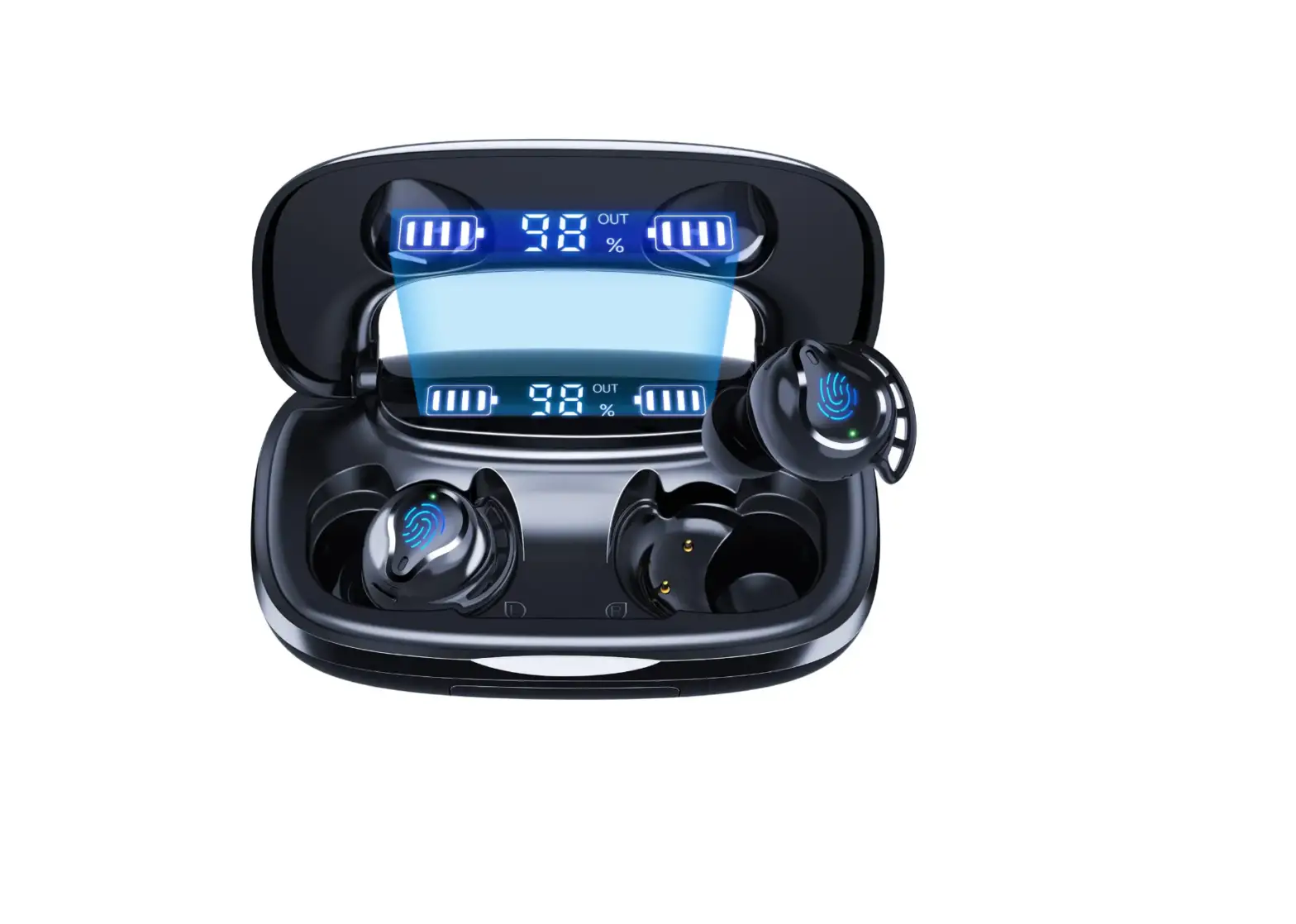
 Lankey IPX8 Wireless Earbuds Bluetooth Headphones

INTRODUCTION
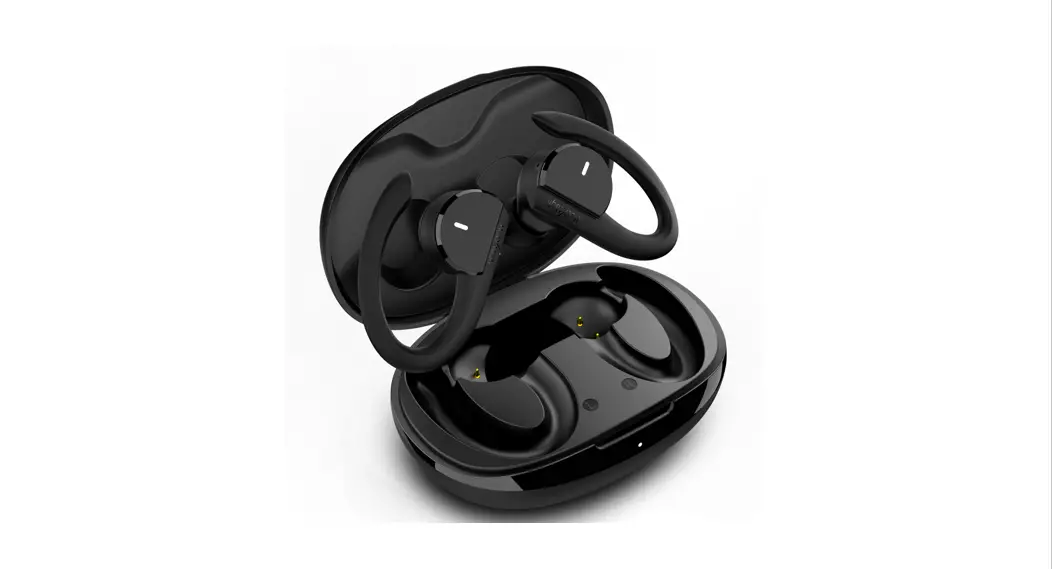
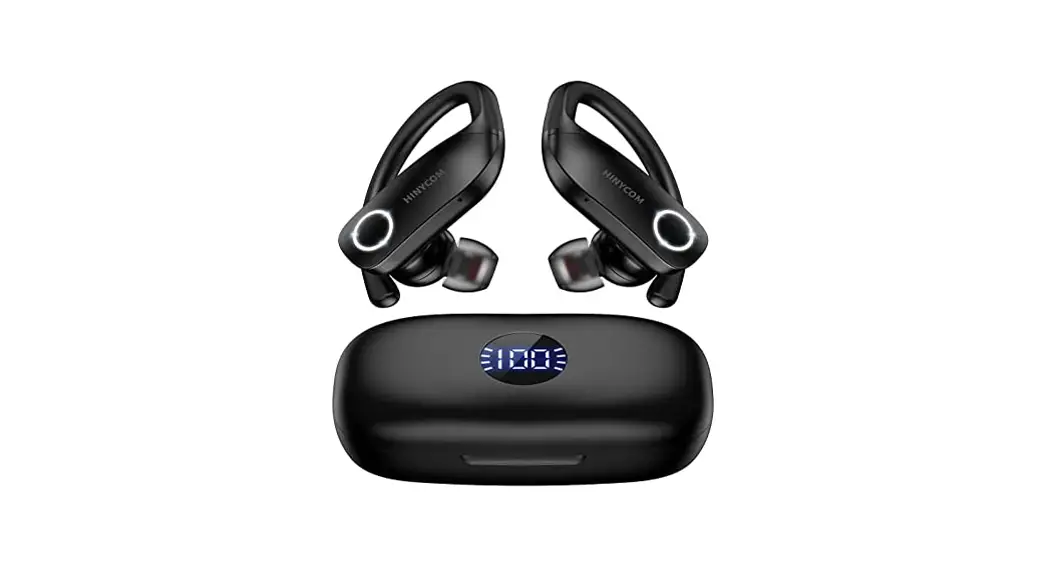
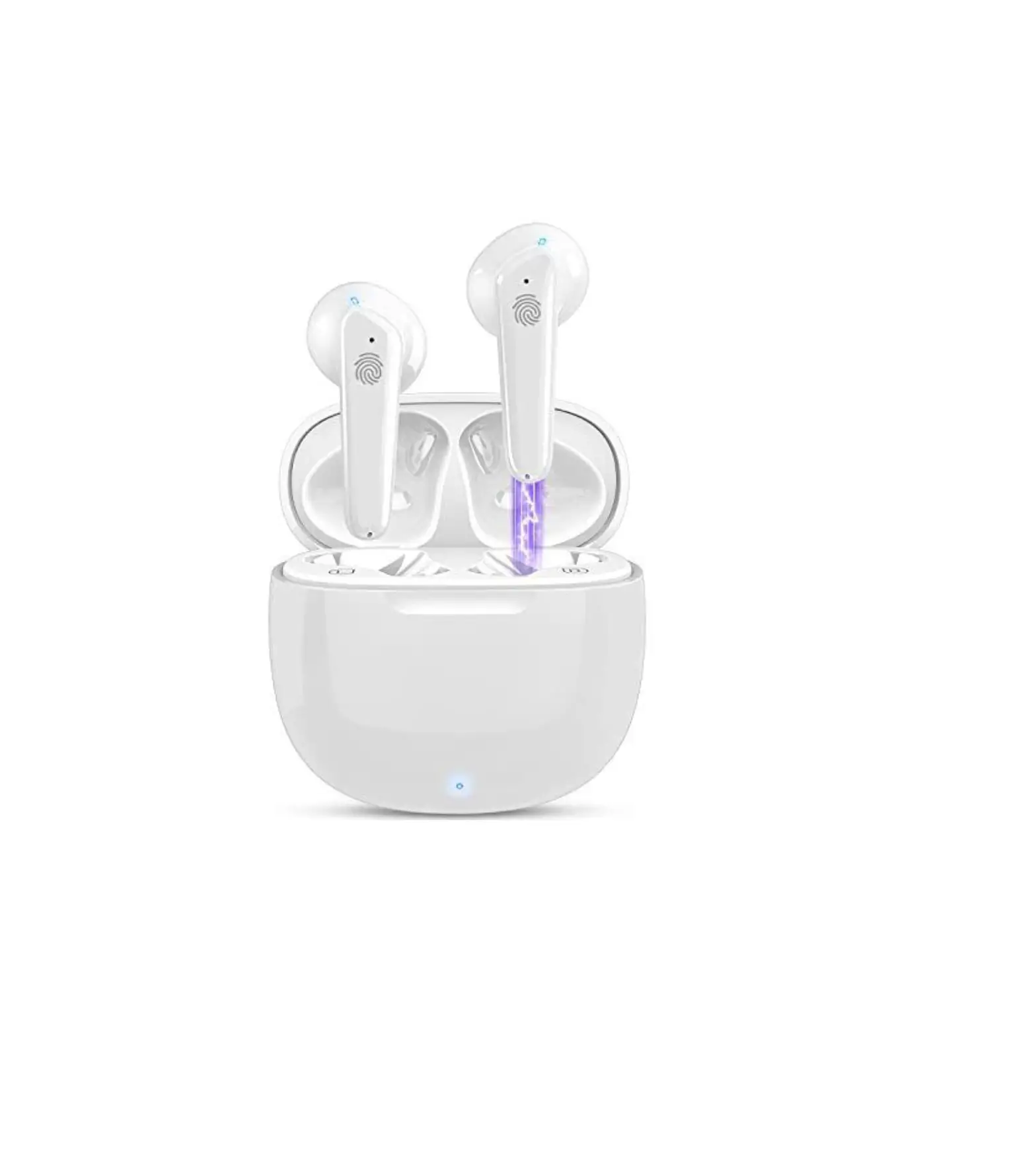
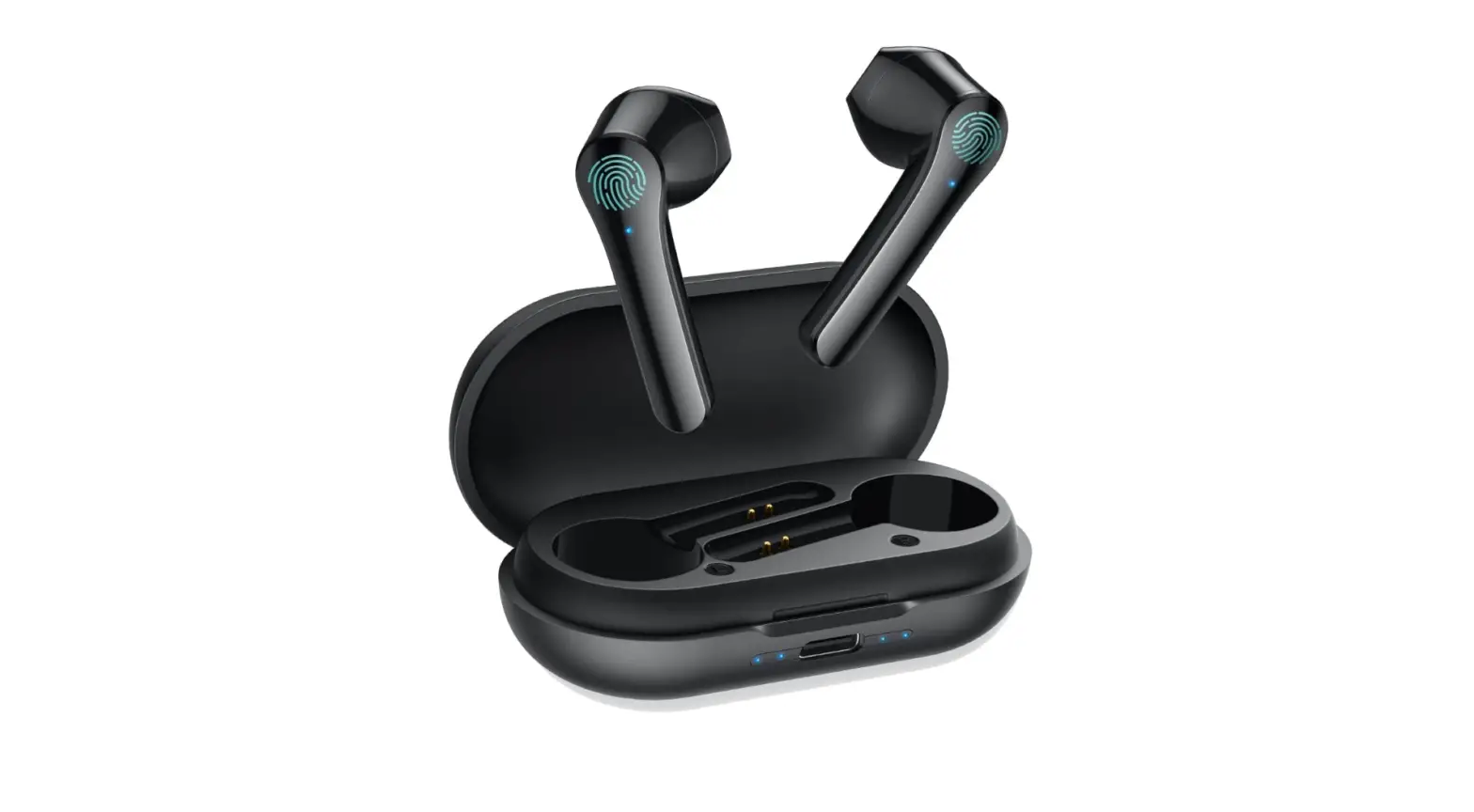
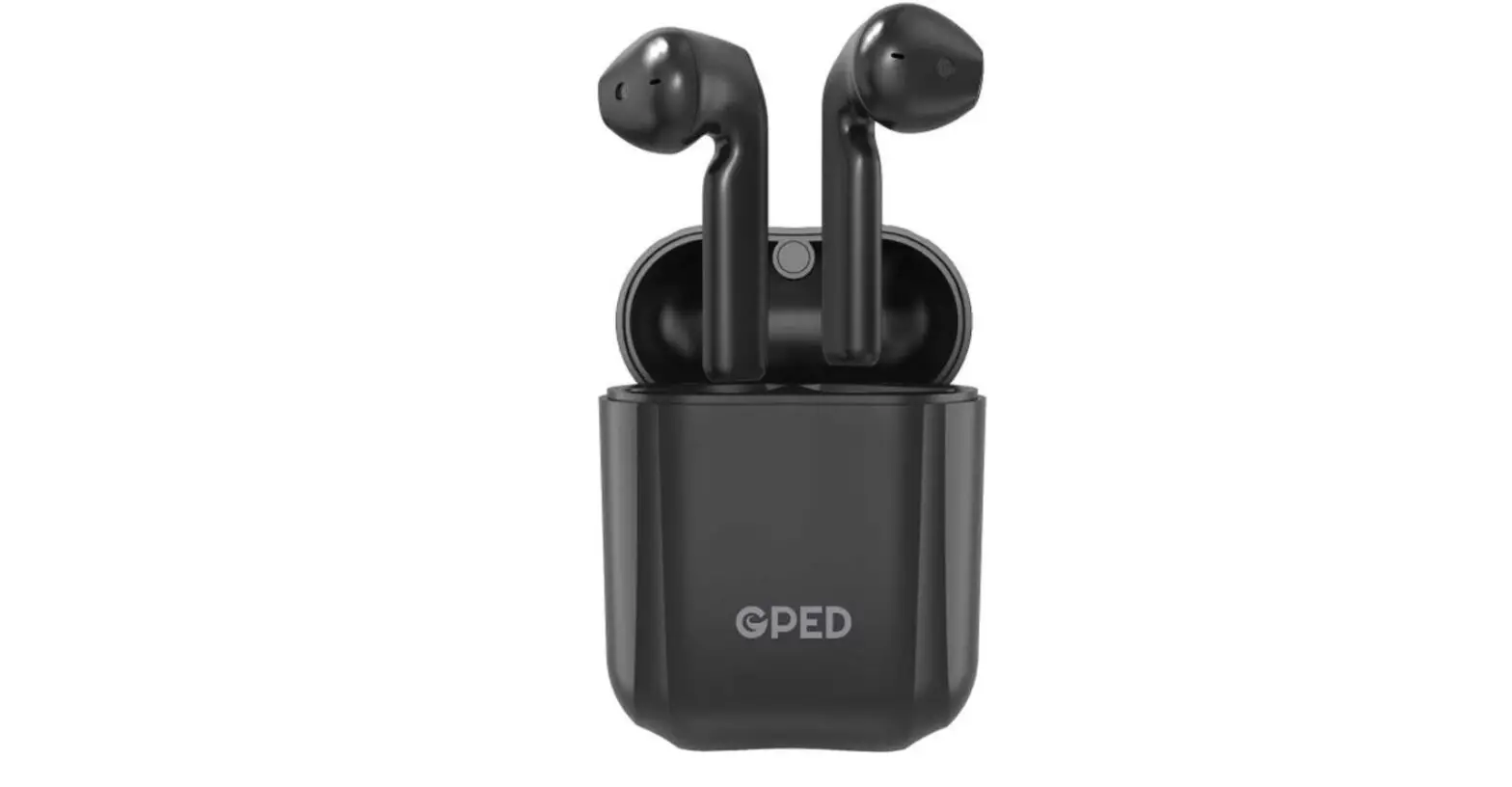
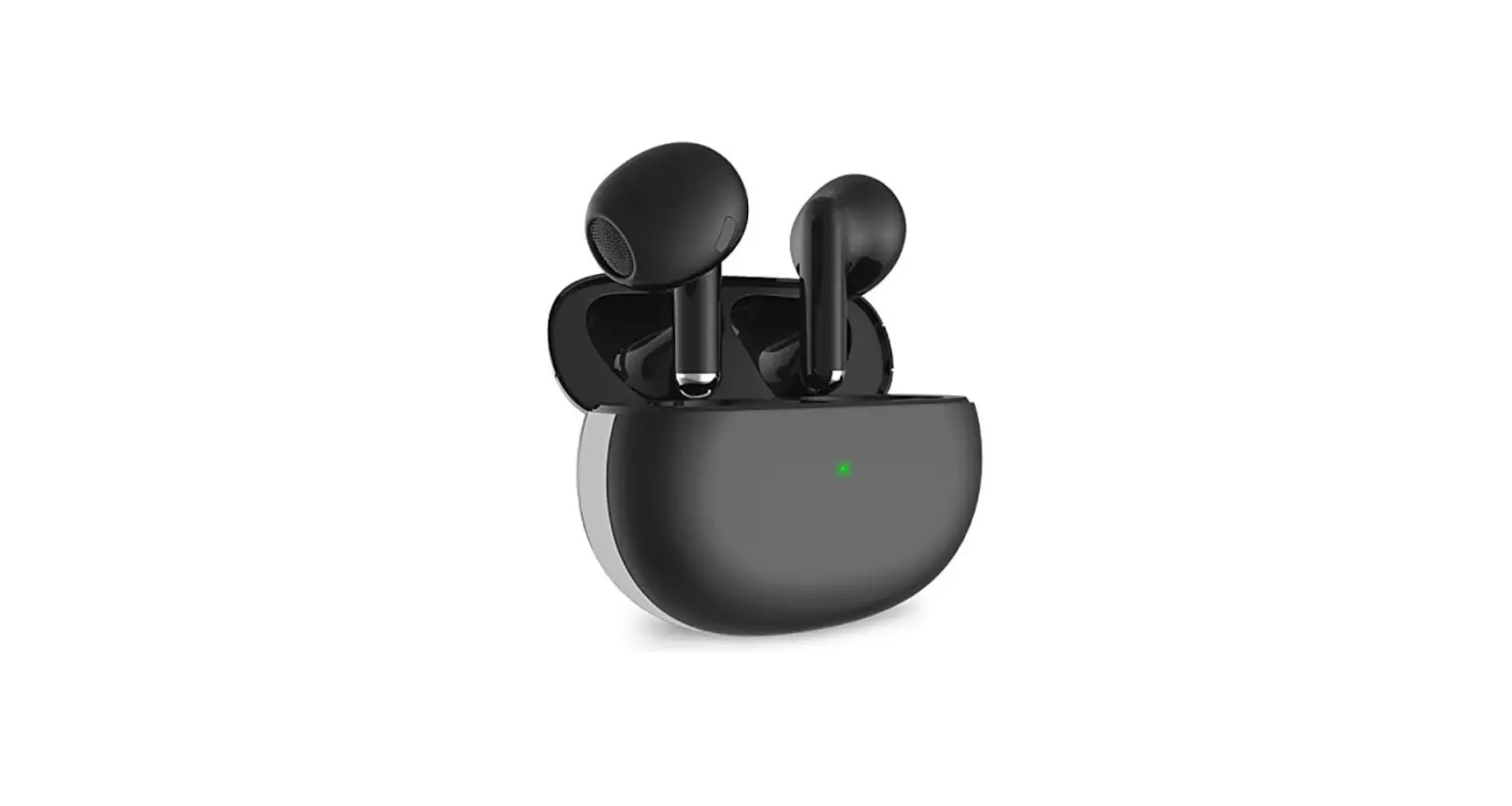
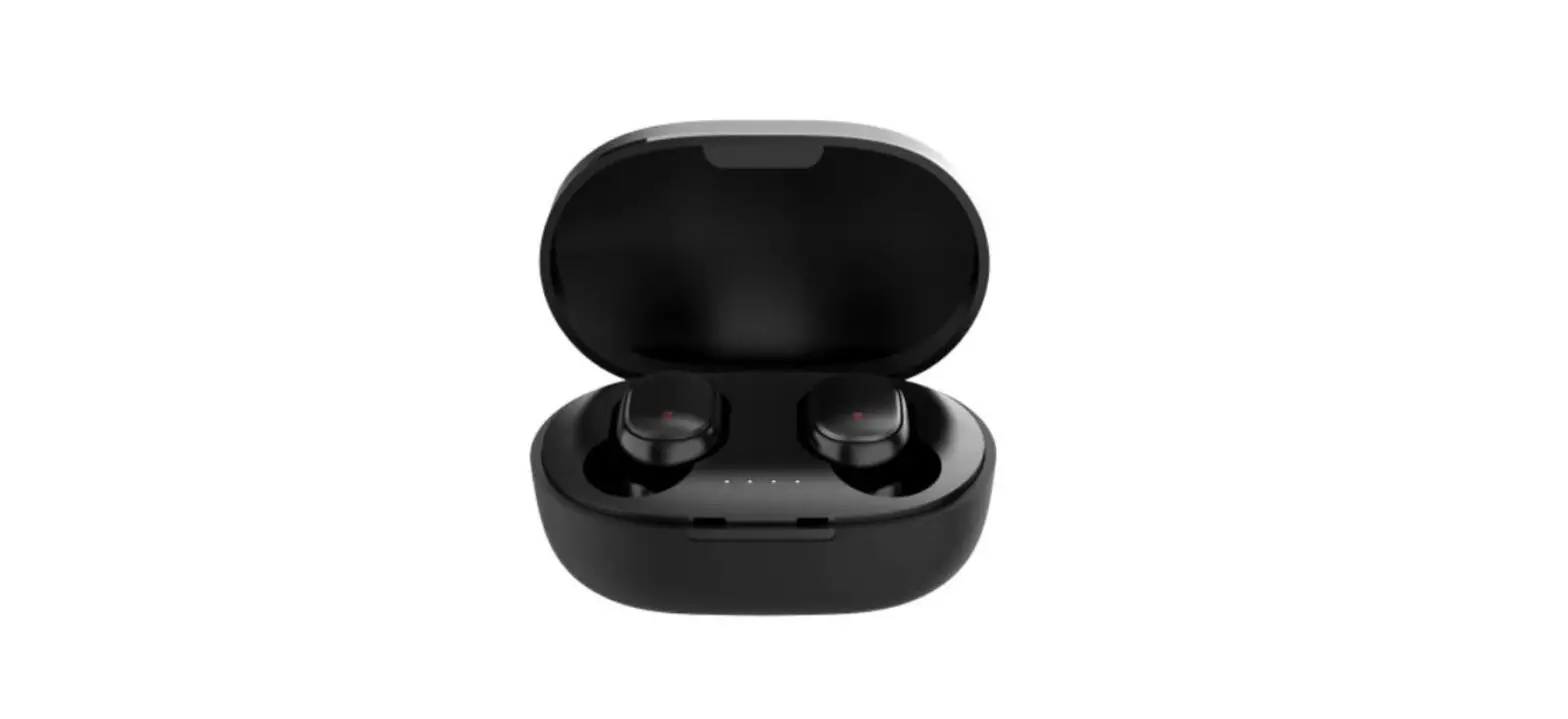
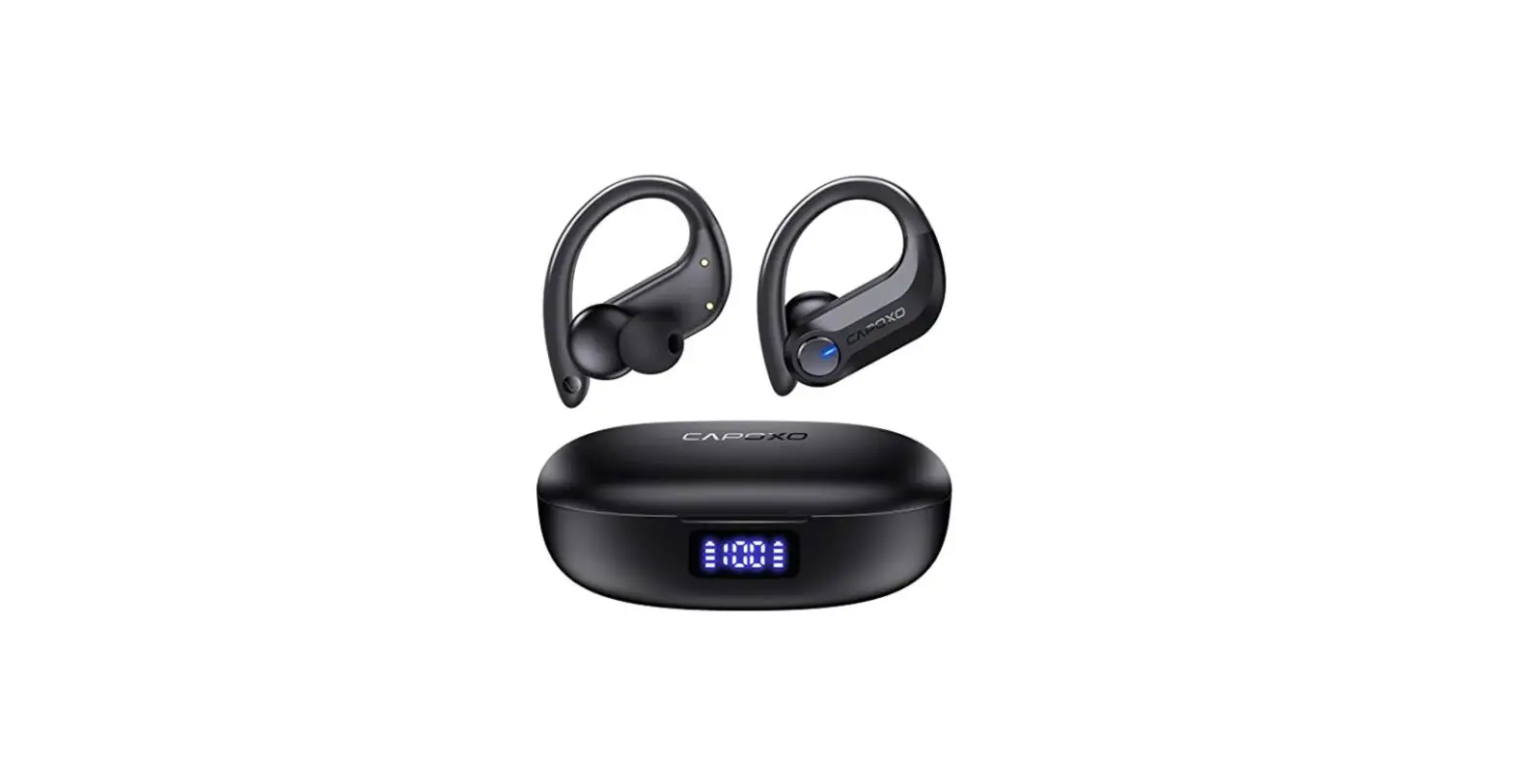
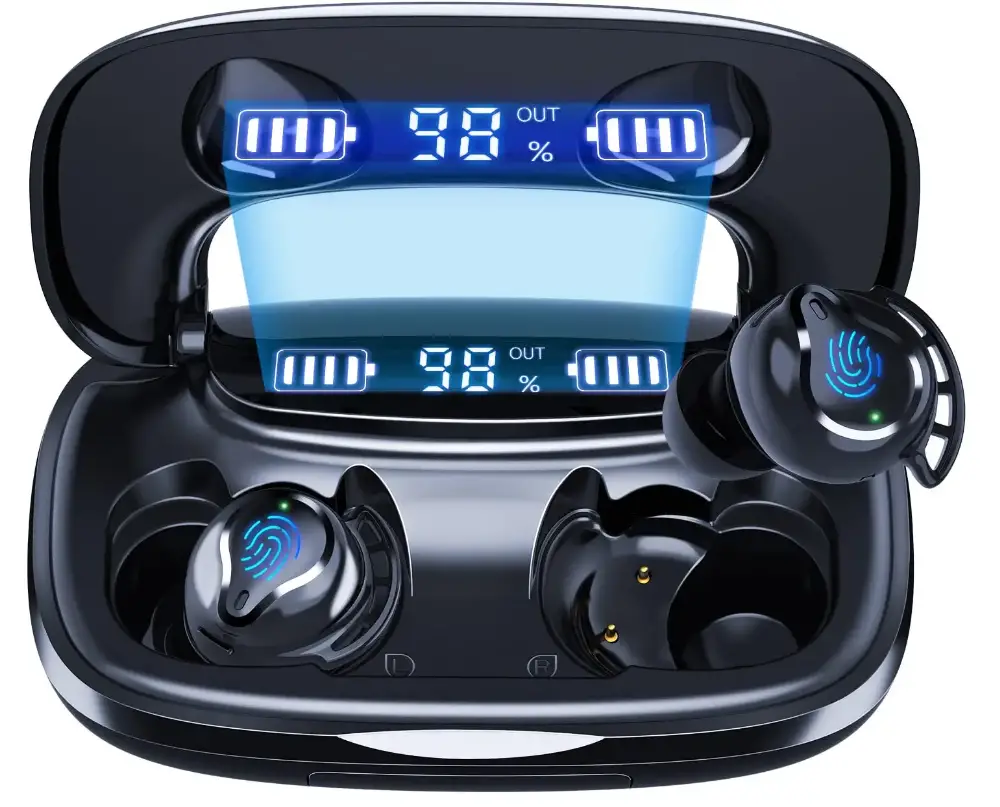
The interior of the sweat- and water-resistant sports earbuds is expertly protected by Nano-coating, extending the product life. Running headphones that are pleasant and fit even when you work out furiously thanks to the innovative earfin design that complements the ergonomic design. You can listen for a full 5 hours on a single charge, and the Bluetooth earbud charging case increases that time to 180 hours. The wireless headphones’ LED display shows the battery life of the earphones and charging case properly. In addition, a charging case doubles as a power bank for emergency phone charging. The most recent Bluetooth 5.1 chipset is used in the True Wireless Earbuds.
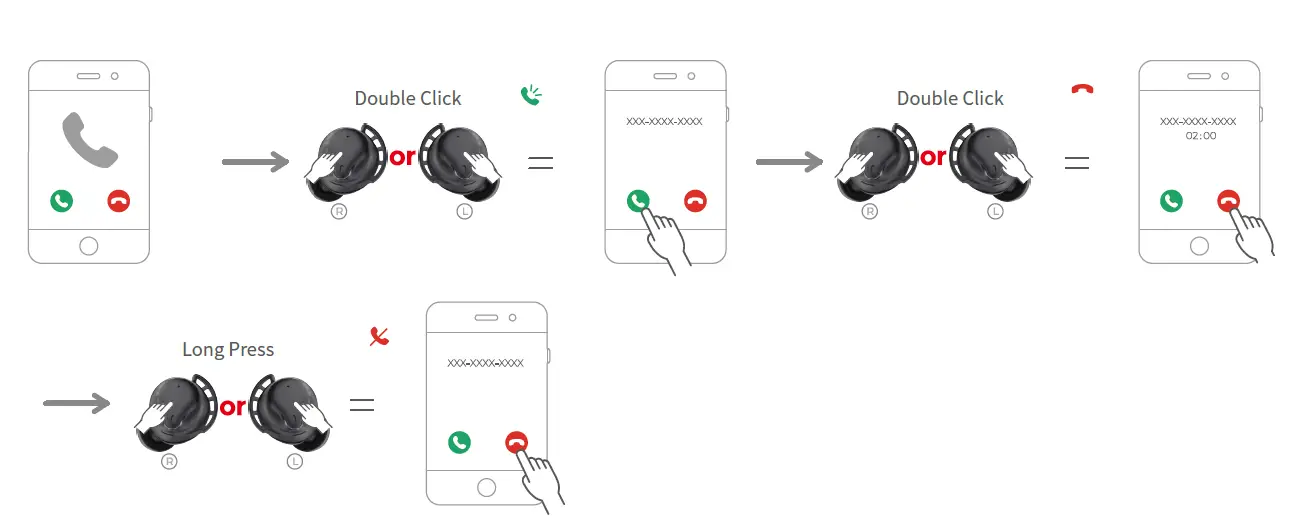
Within 32 feet, it offers quicker and more reliable signal transmission. The 8mm graphene drivers inside the in-ear earbuds give the sound a powerful bass and stereo impression. Music now has a larger soundstage and better clarity as a result. When the wireless earbuds charging case is opened, the last associated device is immediately connected! To answer/hang up the phone, play/pause, Previous song/Next song, turn up/down the volume, and access other functions, simply touch the Bluetooth earphones.
SPECIFICATION
- BRAND: Lankey
- MODEL NAME: IPX8
- COLOR: Black
- FORM FACTOR: Over Ear
- CONNECTIVITY TECHNOLOGY: Wireless, Bluetooth 5.1
- PLAYTIME: 180H
- TRANSMISSION RANGE: 32 feet
- DRIVERS: 8mm graphene drivers
- PACKAGE DIMENSIONS: 5.12 x 3.27 x 1.46 inches
- ITEM WEIGHT: 5.6 ounces
WHAT’S IN THE BOX
- USb-C charging cable
- Wireless earbuds
- Charging case
- Eartips with three size options
- Three pairs of anti-shedding ear fins
- Instruction Manual
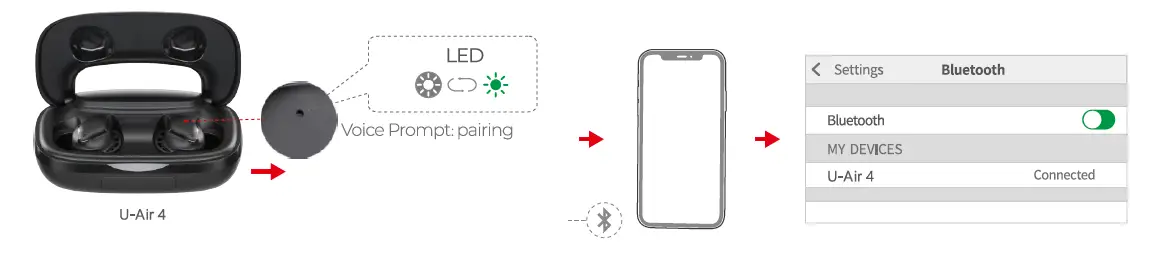
HOW TO PAIR
HOW TO PLAY MUSIC

HOW TO ANSWER A CALL
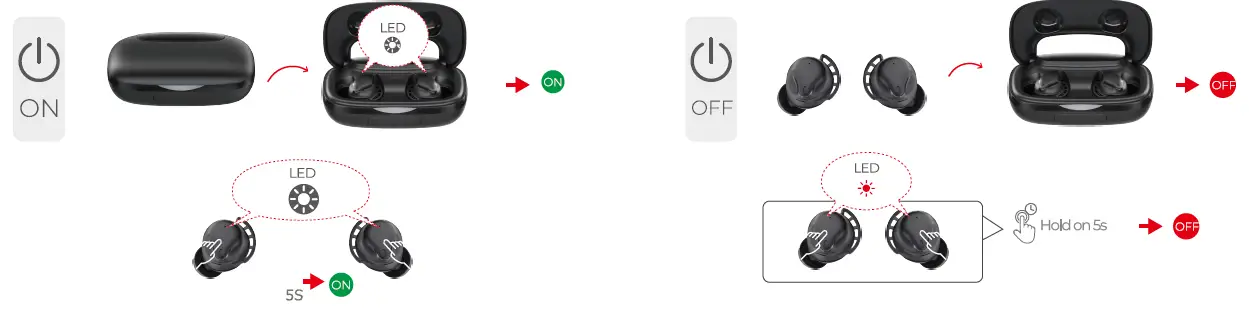
HOW TO POWER ON/OFF
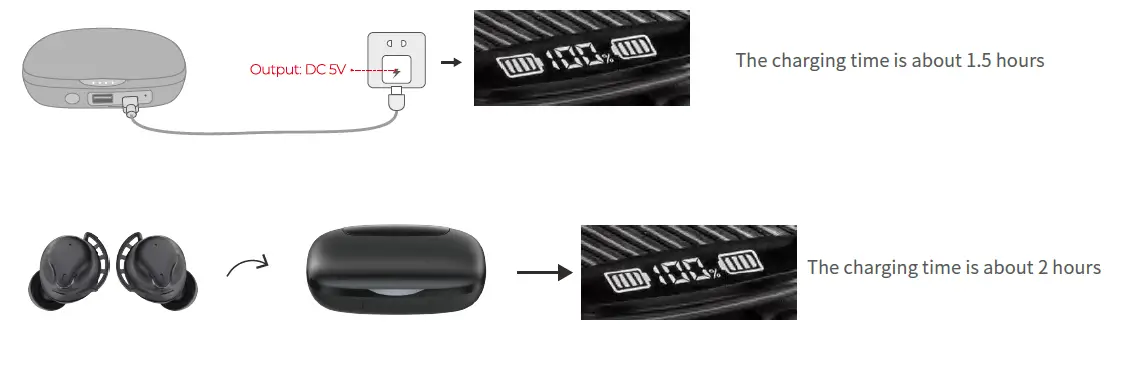
HOW TO CHARGE
FAQs
How should my wireless earphones be set up?
Pull down the phone’s top shade on an Android device, then long-press the Bluetooth icon. It will immediately take you to the Bluetooth menu, where you may enable it and then start looking for devices. To link a pair of headphones, tap their name.
How can I tell when the battery in my wireless earbuds is full?
When your earbuds are plugged in and charging, the charging case will blink red. The light will cease flickering and remain a solid red color when it is completely charged.
Why won’t my phone and Bluetooth headphones pair?
If your Bluetooth devices aren’t connecting, they probably aren’t in pairing mode or are out of range. If Bluetooth problems persist, try resetting your devices, or having your phone or tablet “forget” the connection.
Why won’t my Bluetooth pair?
Go to Settings > System > Advanced> Reset Options > Reset Wi-Fi, mobile, & Bluetooth on Android devices. For iOS and iPadOS devices, you’ll need to unpair every device first, then restart your phone or tablet by going to Settings > Bluetooth, selecting the info icon, then selecting Forget This Device for each device.
How can I enable my earbuds to be found?
After inserting your earbuds, secure the lid of the charging case. Open the case after 5–6 seconds have passed. The Bluetooth pairing mode will be automatically entered by the earbuds. Put them in your ears and hold both touchpads for a few seconds until pairing mode activates them if they are already attached to another device.
What is the Bluetooth pairing code?
When partnering with another Bluetooth® device, use the code 0000. Depending on the Bluetooth device being used, the passcode may display as Pass key, PIN code, PIN number, or Password.
Why won’t my earbuds link with one another?
If the battery in your headphones is low, they might not be able to pair. Additionally, I’ve discovered that certain Bluetooth headphones stay on when in the case, which causes them to deplete to zero percent more quickly than you would expect. Even if they claim to have some battery left, try plugging them in and giving them a thorough charge before pairing.
How do you connect the two earbuds?
While simultaneously removing both earbuds from the charging case, wait a short while for them to switch on and establish a connection. If they don’t instantly pair with one another, put them back in the charging case and remove them again at the same time.
Can I charge the case and my earbuds at the same time?
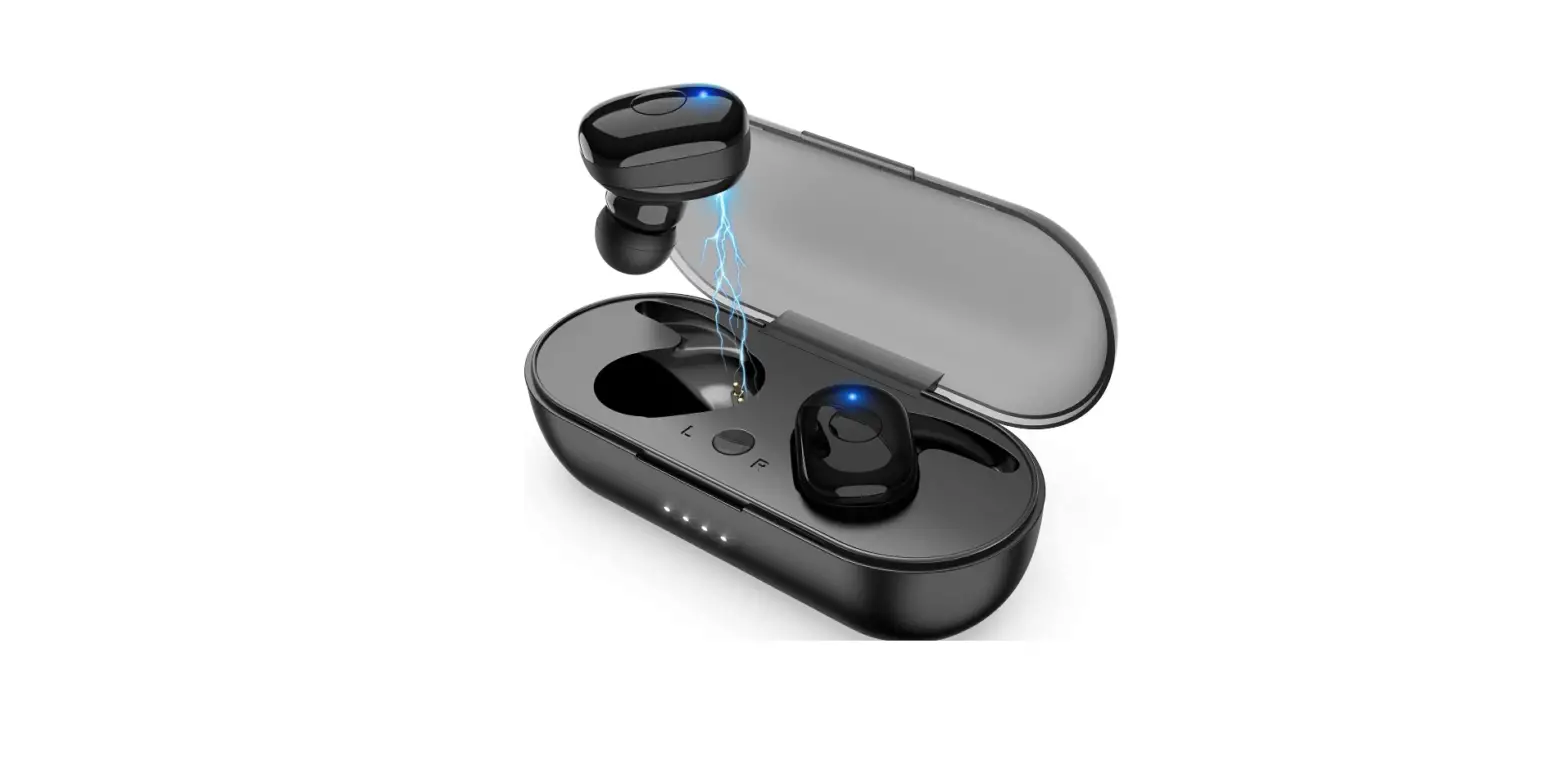
Fortunately, you can charge your case and headphones simultaneously. Open the earphone charging case that was included with your headphones first. Put the buds in the case’s respective slots. Next, secure the lid.
Should I always have earbuds on hand?
The majority of cases have a lithium-ion battery that keeps the earphones charging until they are fully charged. The earbuds should always be kept on hand just in case.
What happens if your Bluetooth headphones are overcharged?
A protection board is incorporated into the lithium battery even if it has already failed. As a result, the voltage applied to the cell will never be higher than 4.2V. Long-term overcharging won’t occur. The Bluetooth headset battery can be safely charged on a large Bluetooth headset, therefore doing so won’t harm it.
Without using the power button, how can I turn on my Bluetooth headphones?
Between the volume control buttons, there is a circular button. Once pressed to pause audio, twice pressed to toggle on or off. Hold the button down after turning it on to pair Bluetooth.
How come my phone can’t recognize my headphones?
Tap Connected devices > Connection options > Bluetooth after opening Settings. Unpair any Bluetooth audio devices that are already paired with your phone or turn the Bluetooth switch to Off. To test whether your headphones are functional, plug them into the audio jack and play something.
Why can’t my iPhone locate a Bluetooth device?
Ensure that your iOS or iPadOS device and Bluetooth accessories are in close proximity to one another. Restart your Bluetooth device after turning it off. Make sure your Bluetooth accessory is turned on, fully charged, and plugged in. Check to check if your attachment needs new batteries if it does.
Why can I attach only one Bluetooth earbud?
Depending on the audio settings on your headset, it might only play in one ear. So make sure the mono option is off in your audio properties by checking your audio properties. Additionally, check to see that both earphones’ voice volumes are equal. You must have equal sound levels on both sides of your headset.