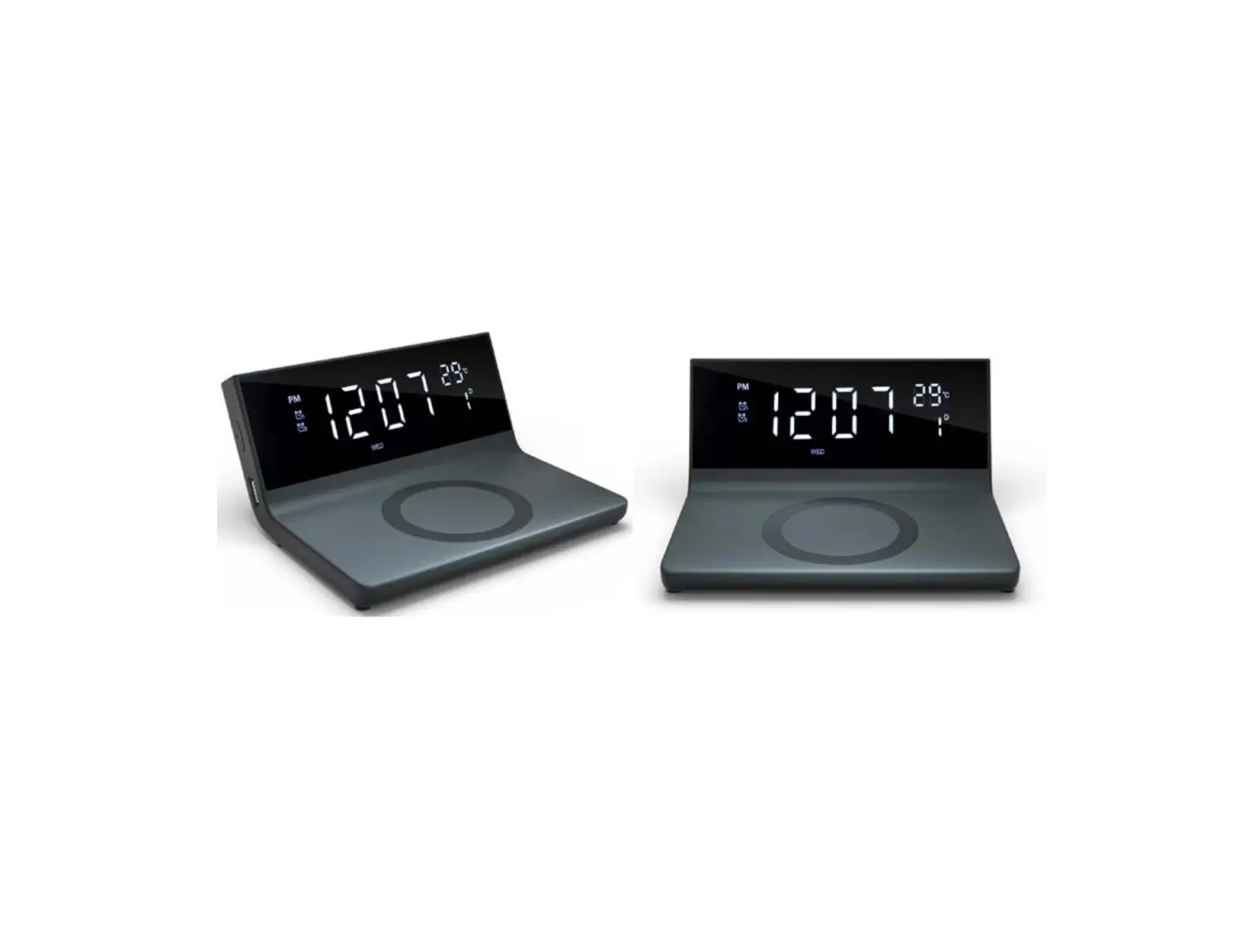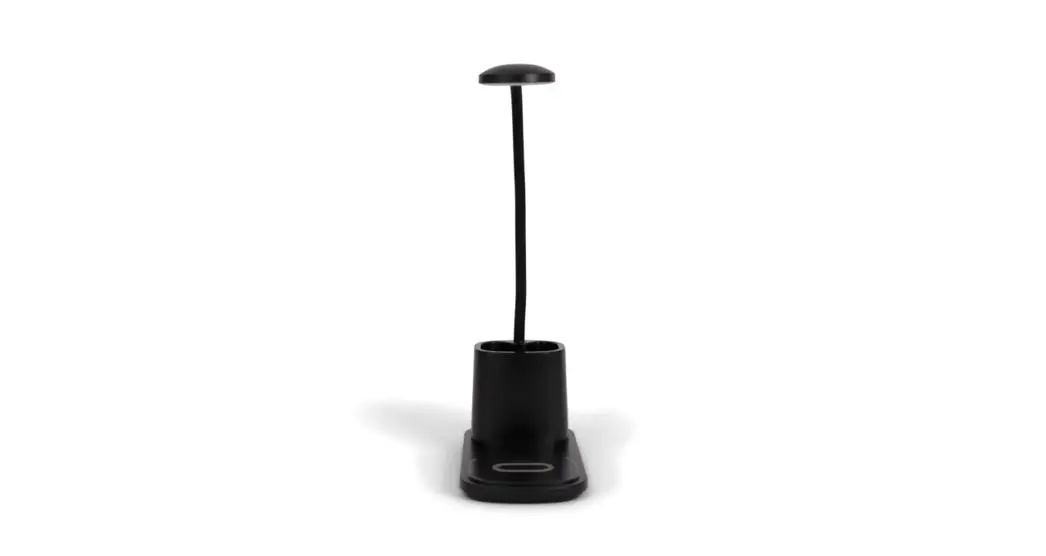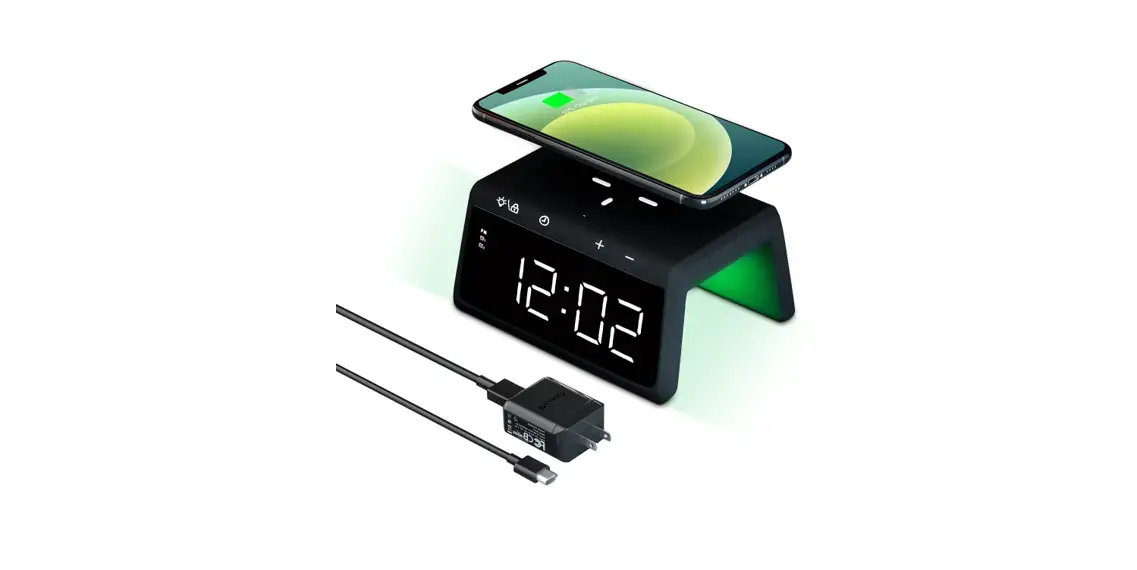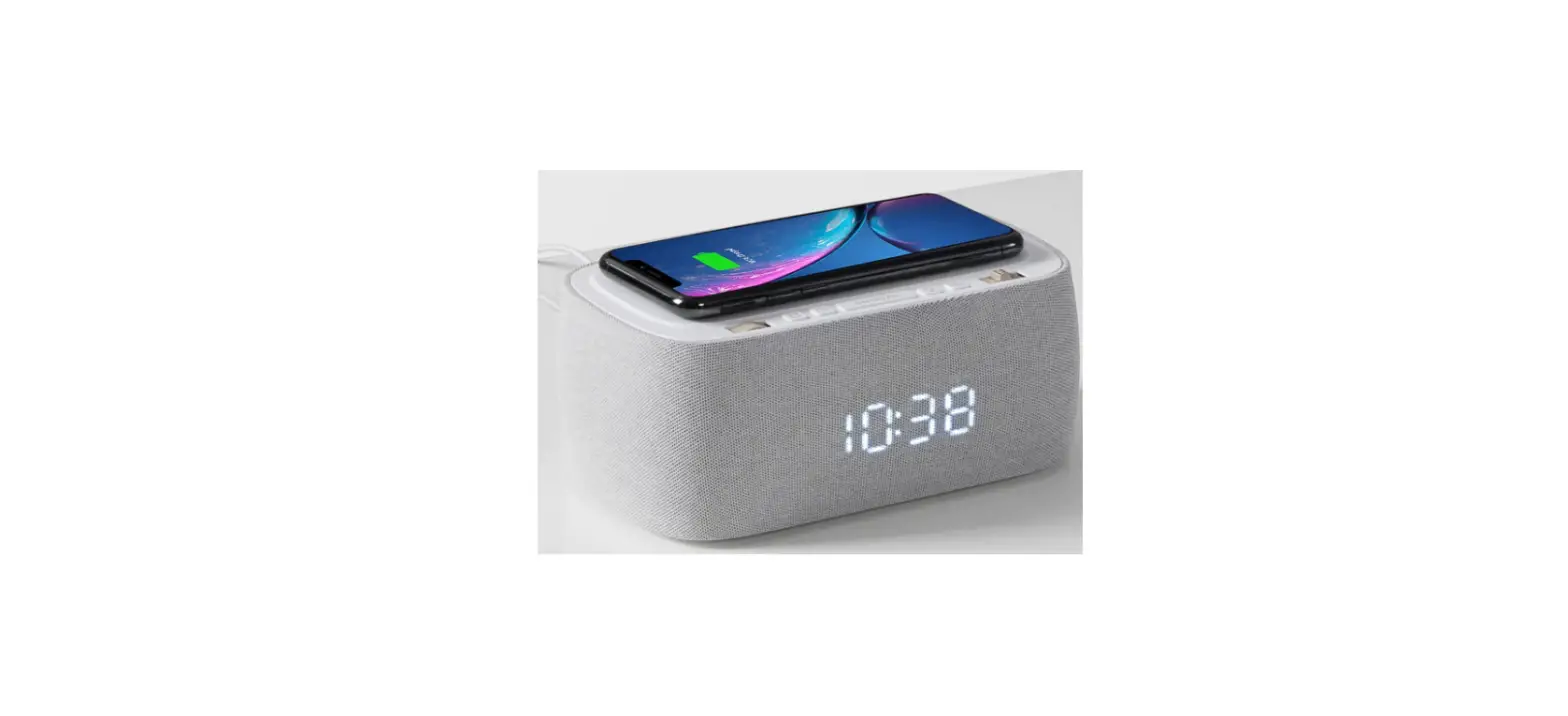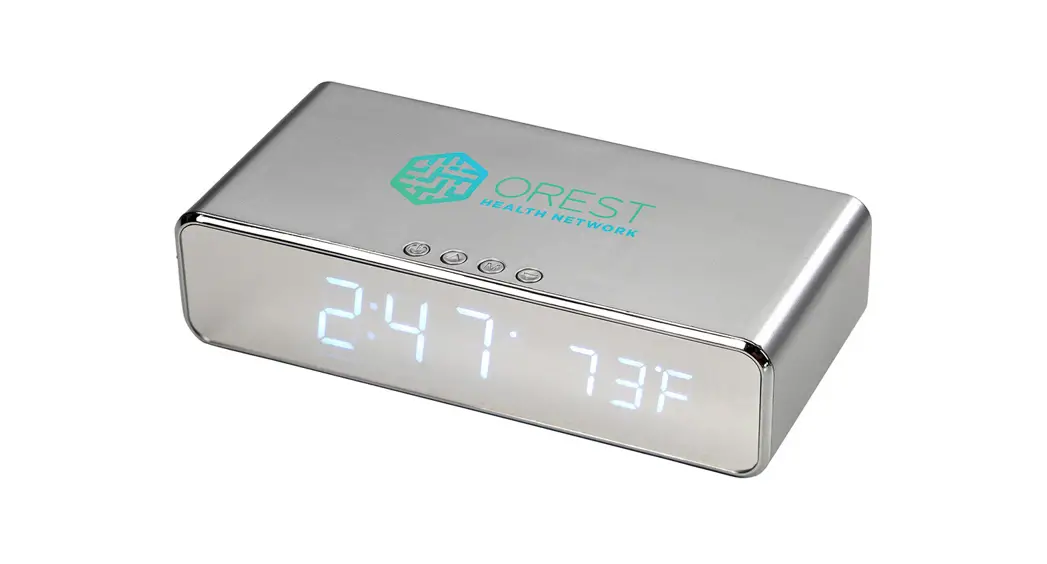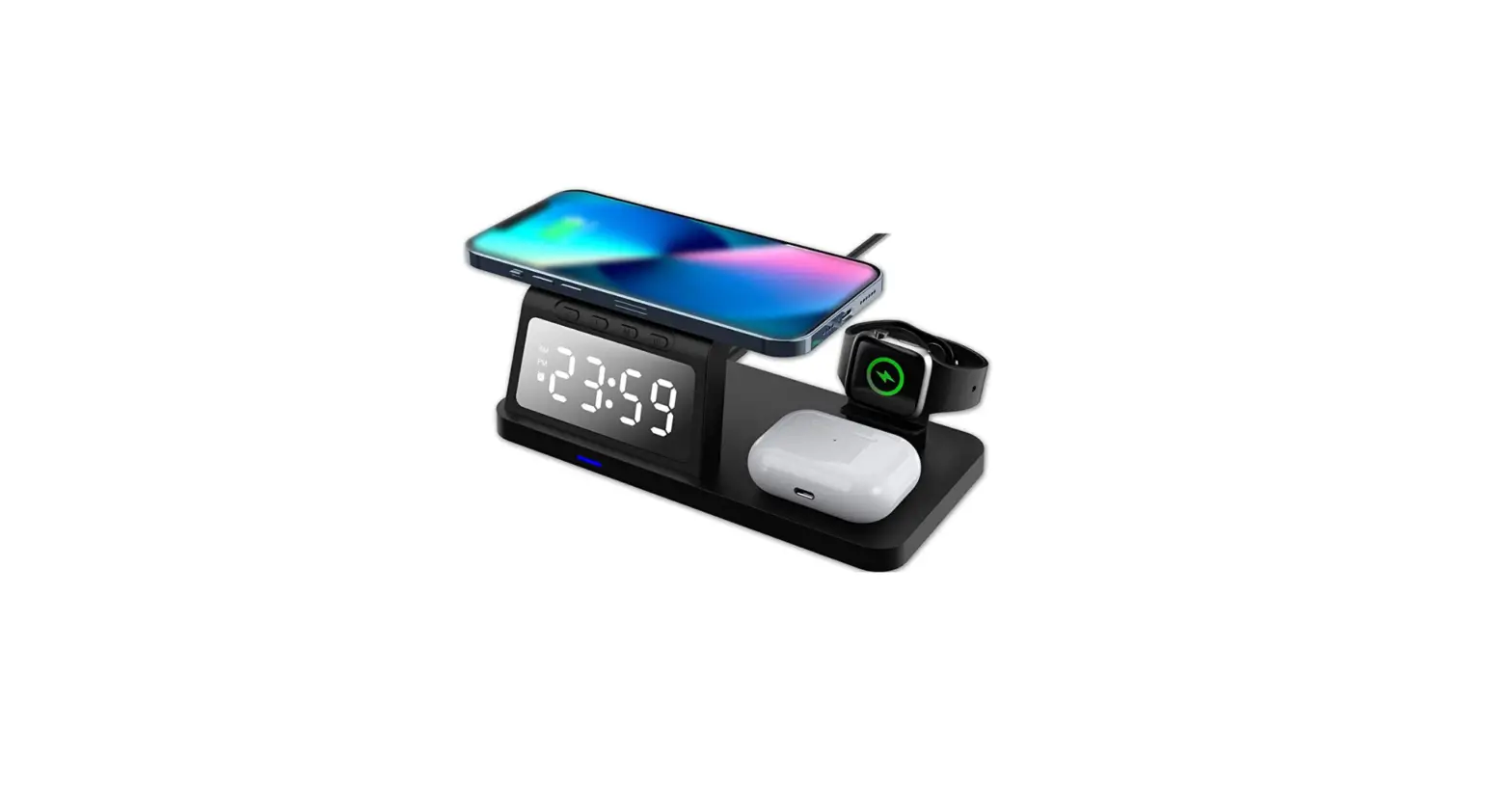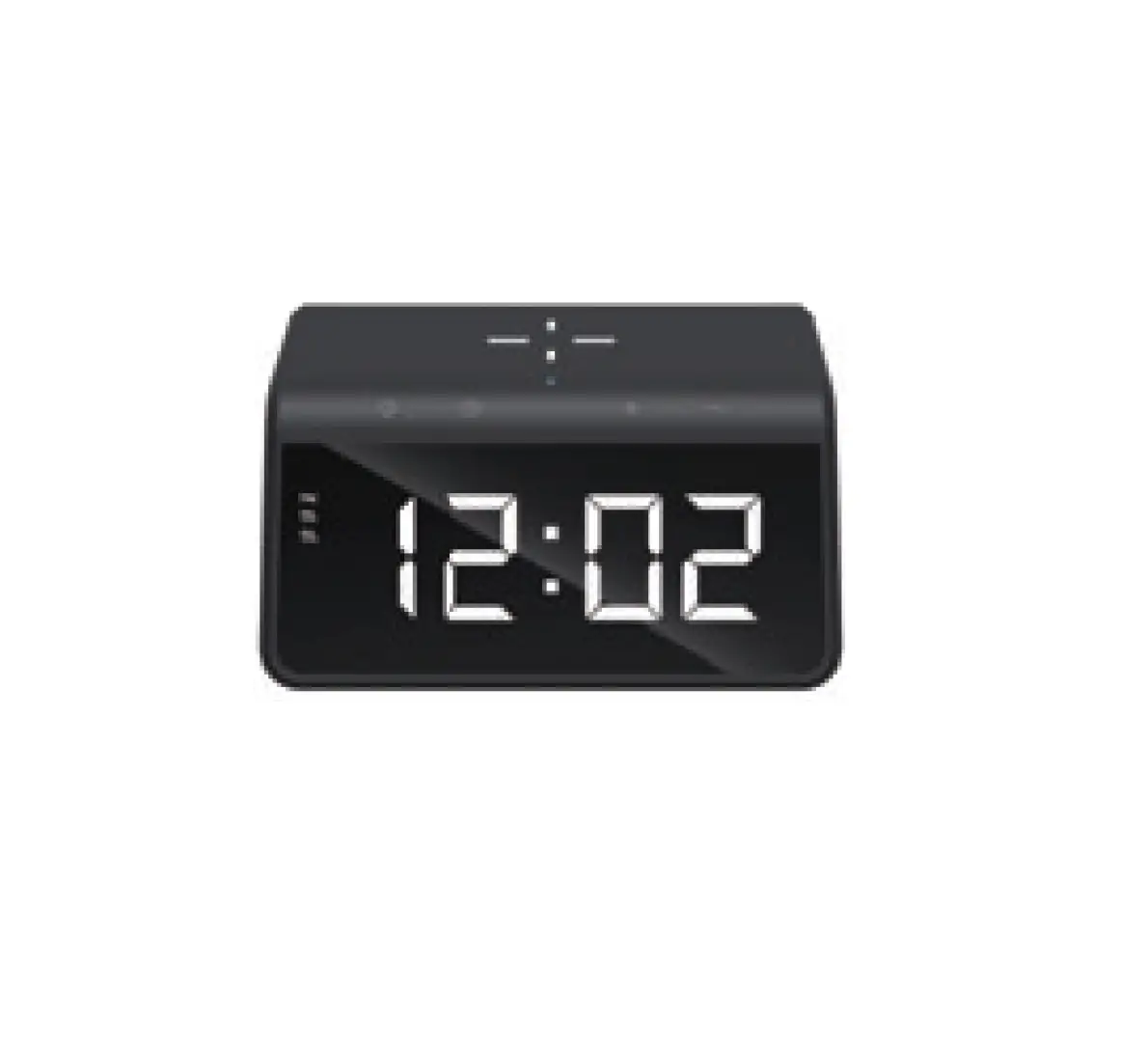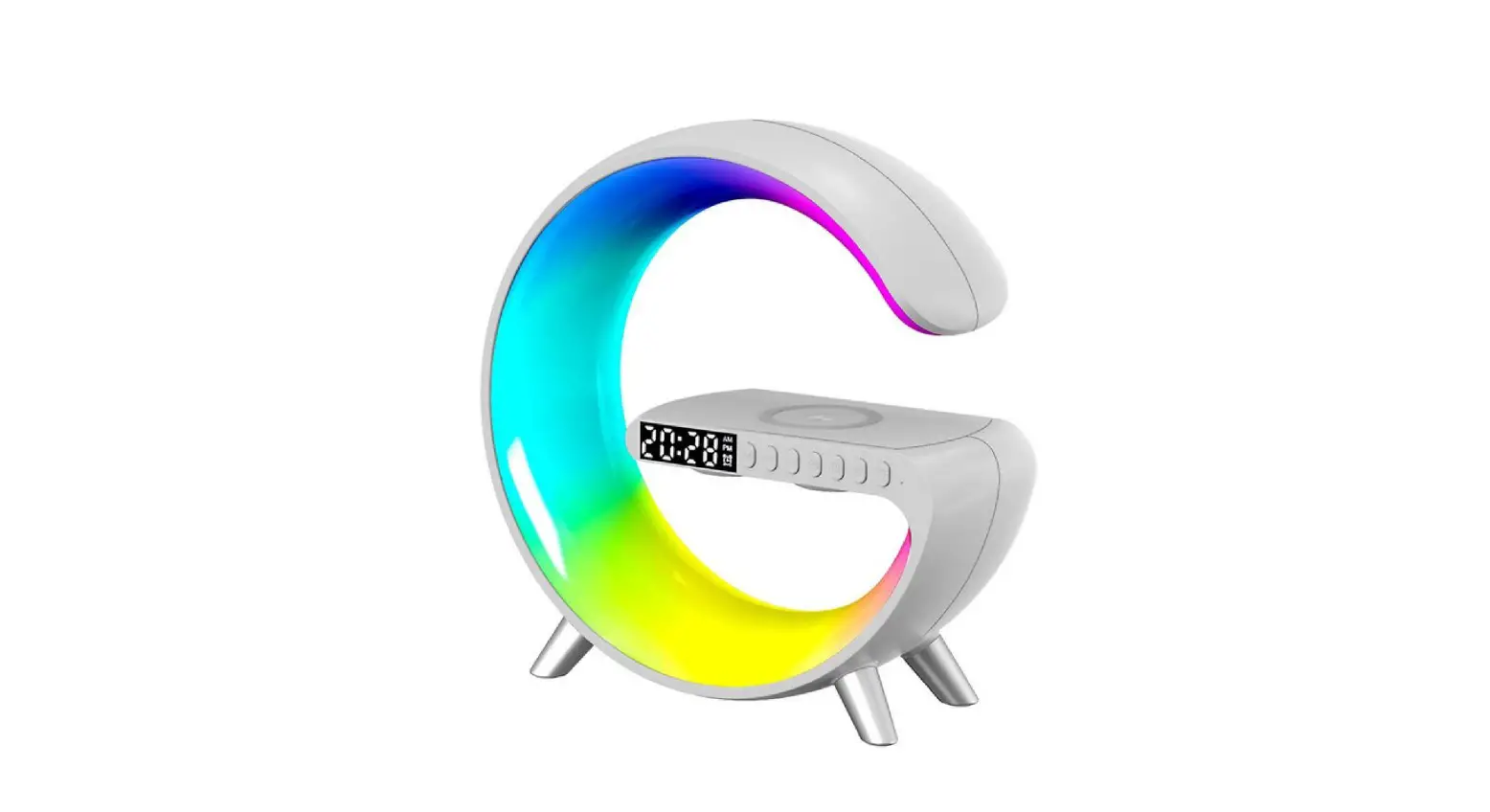
APRMAYST Smart Wireless Desk Alarm Clock Charger with LED Light User Manual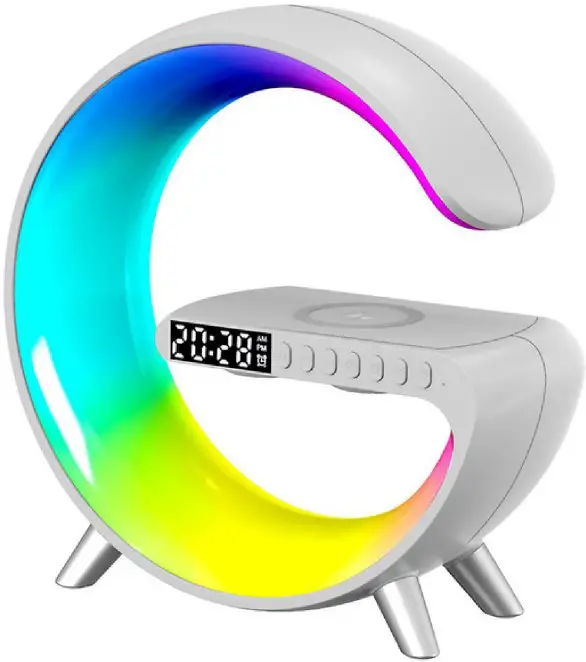
SPECIFICATIONS
- INPUT VOLTAGE: 12V/2.5A
- WIRELESS OUTPUT: 5W-7.5W-10W-15W
- LDE OUTPUT: 10W
- MATERIAL: ABS+PC
- PRODUCT COLOUR: BLACK, LIGHT GREY, PINK, BLUE, GREEN
- LIGHT MODE: 256 KINDS
- TRANSMISSION DISTANCE: 2-6MM
- CHARGING EFFICIENCY: 75%
- WORKING FREQUENCY: 100-205KHZ
- PRODUCT SIZE: 9*9.13*3.3 INCH
- NET WEIGHT: 466G
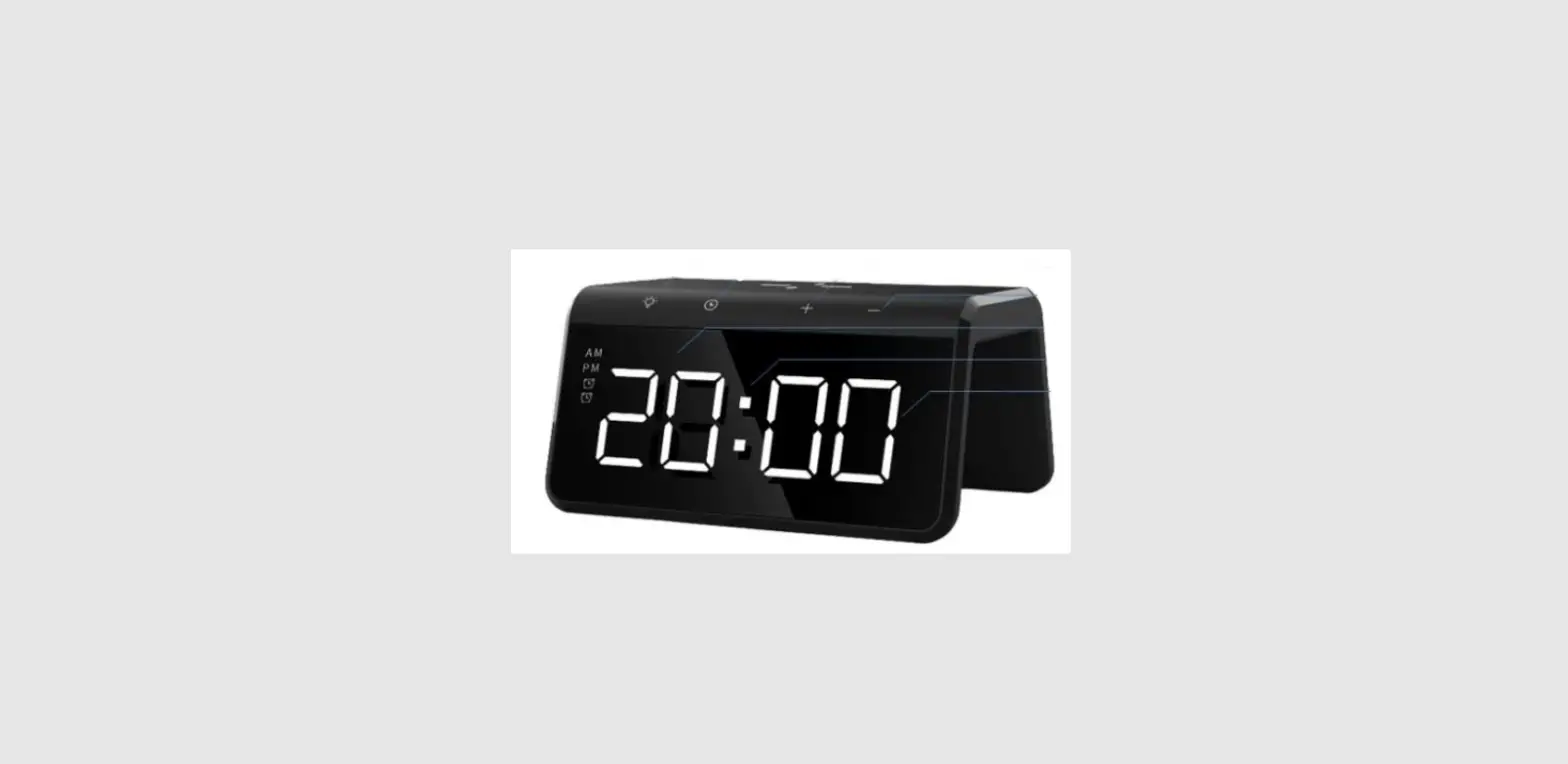
Product Overview
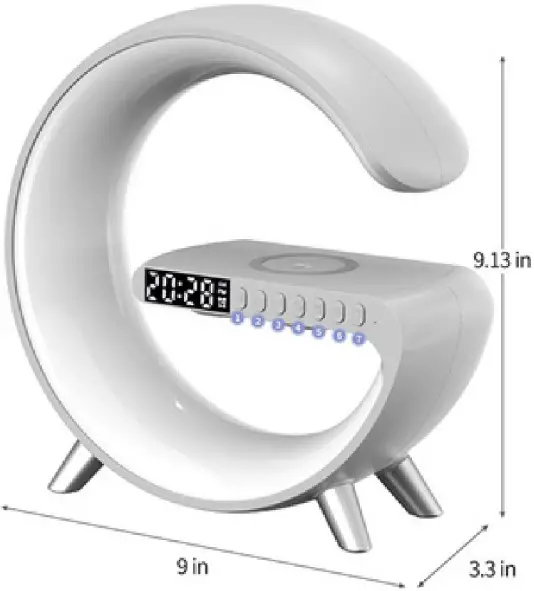

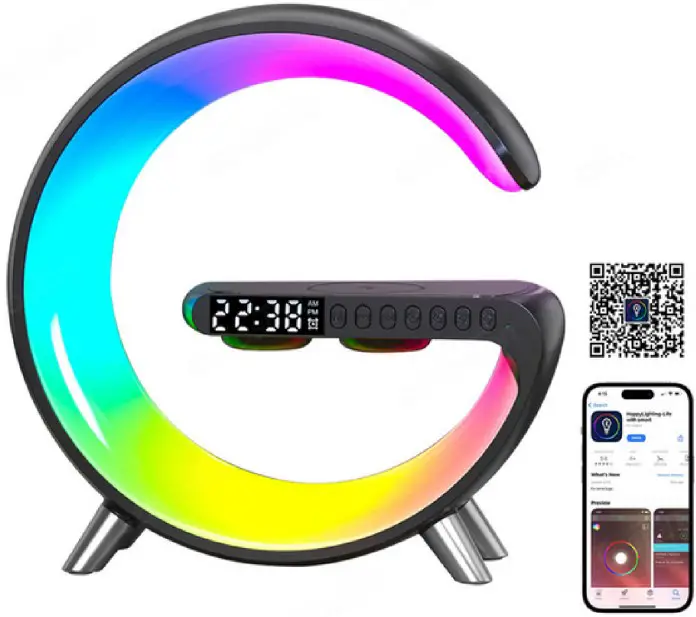
- Clock & Bluetooth mode
- Volume down/previous song
- Volume up/next song
- Clockseting
- Alarm setting/off LED scre
- rightness adjustment
- Ughtmode
FUNCTION KEYS
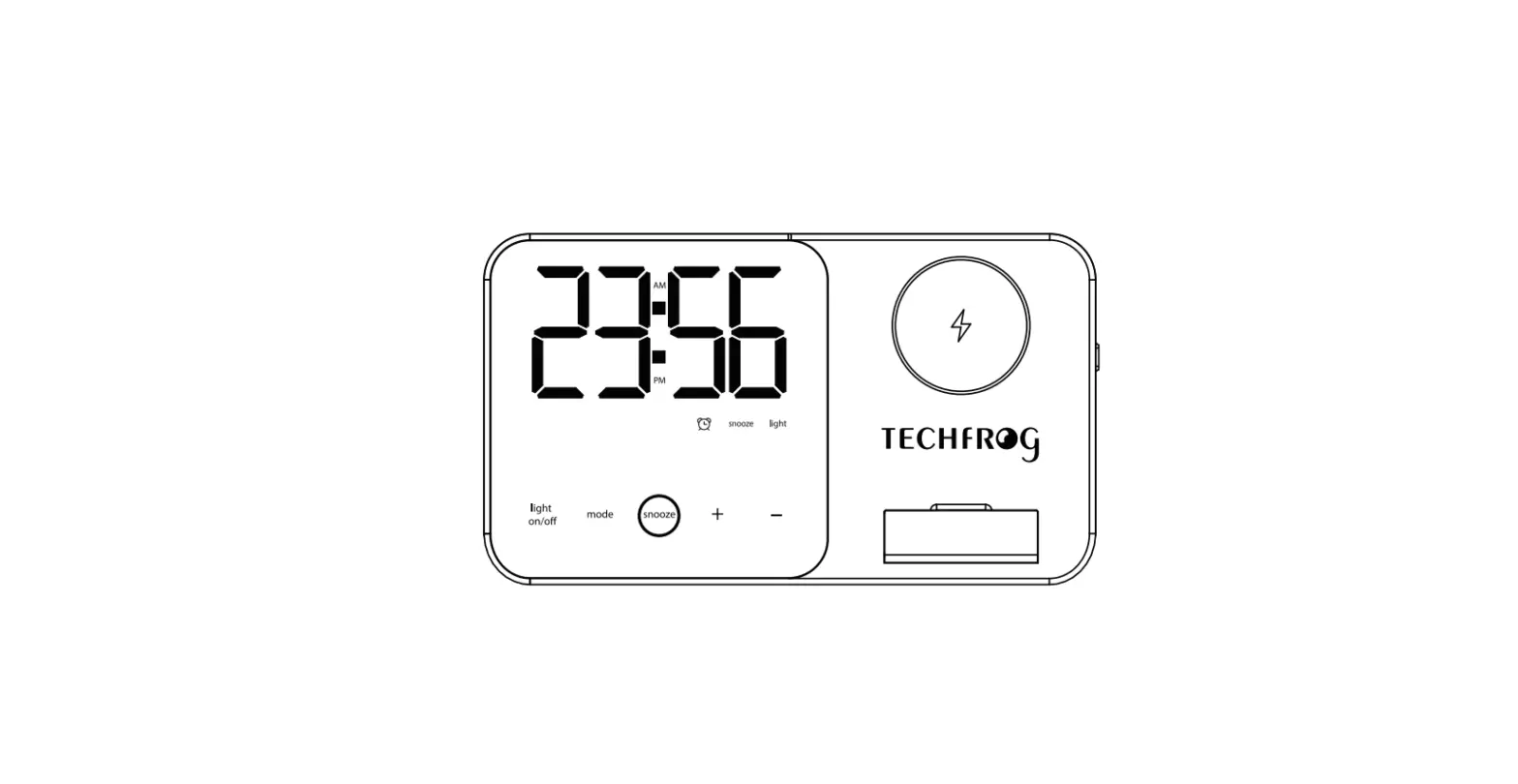
 Modekey: When the product is turned on, the default Bluetooth mode, double-click the to switch to clock mode, in order to set the clock and alarm clock;
Long press the for 2 seconds to turn off the clock and the Bluetooth speaker;
Click the to pause playback when the Bluetooth speaker is connected;
When in alarm mode, click the to turn off the current alarm. In clock mode, when setting the clock and alarm, click to reduce the value;
When in Bluetooth mode, click to play the previous song;
Long press to reduce the Bluetooth speaker volume.- In clock mode, when setting the clock and alarm, click P> to reduce the value;
When in Bluetooth mode, click to play the previous song;
Long press || to reduce the Bluetooth speaker volume.  lock Setting: double-click the to enter the clock mode, click to set the time, click the to set the minutes, set it and wait 5 seconds to complete.
The product will automatically return to Bluetooth mode after setting the clock;
Long press the to switch 12/24 hours mode. Alarm Clock Setting: double-click the to enter the clock mode, click | alarm, click the to set the clock, click the 1> to set the minutes, set it and wait 5 seconds to complete; set the alarm clock after the product will automatically return to Bluetooth mode; Closing the current alarm by clicking on the when the alarm is | to set the on;
Double-clicking the to turn off the alarm;
Long press the for 2 seconds to turn off/on the LED screen; Click the €::;} to adjust the brightness of the light (1-5 files: 20-100%);
 :long press the to switch the light on and off; Click the to switch 10 light colour modes (pure colour, two colours, three-colours, seven-colours light mode), the remaining 254 modes can be adjusted through the APP.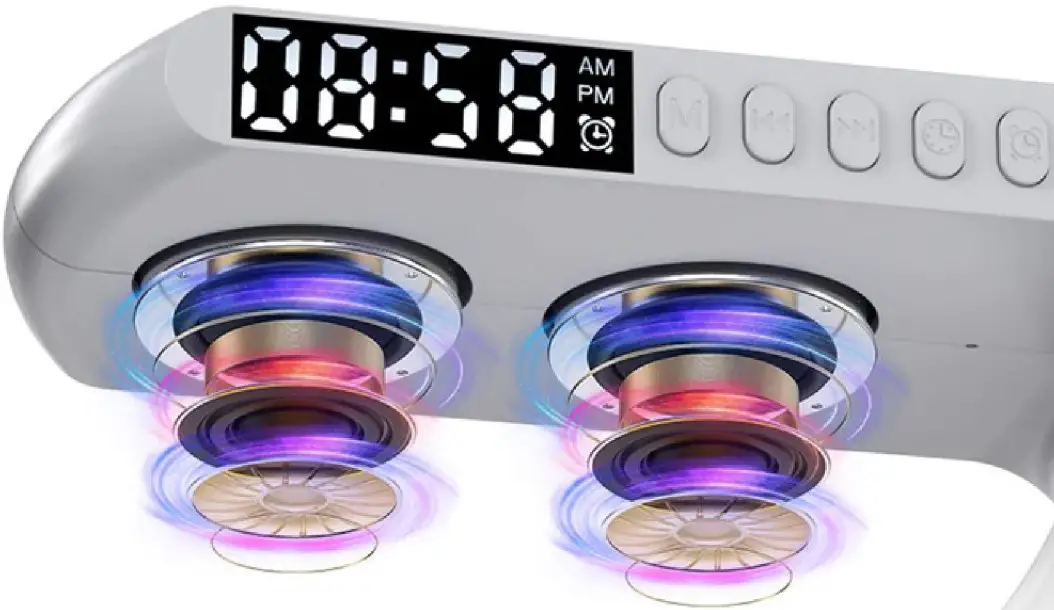
FEATURES
BLUETOOTH SPEAKER
360° surround sound structure 65mm high-frequency speakers + 60mm woofer + 60mm custom large diaphragm * 2 treble bright and transparent, clear and dynamic midrange, deep bass volume 360 ° three-dimensional surround sound effect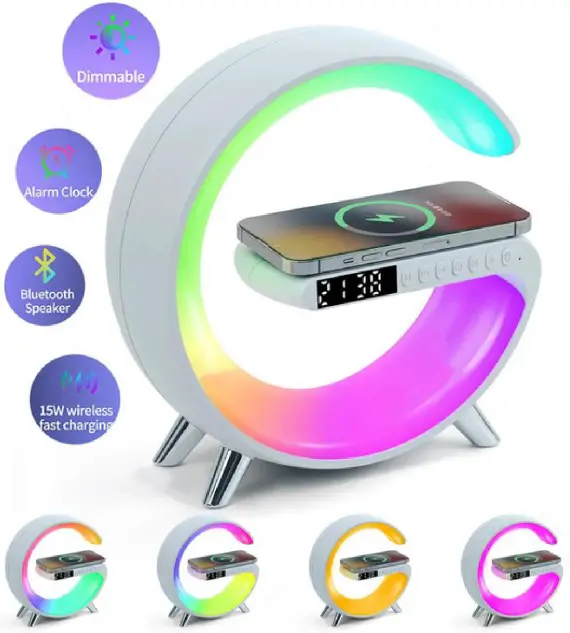
WAKE-UP LIGHT
Setting method: scan the QR code, after downloading the APP, connect the product with the APP, and set the wake-up light alarm clock in the APP.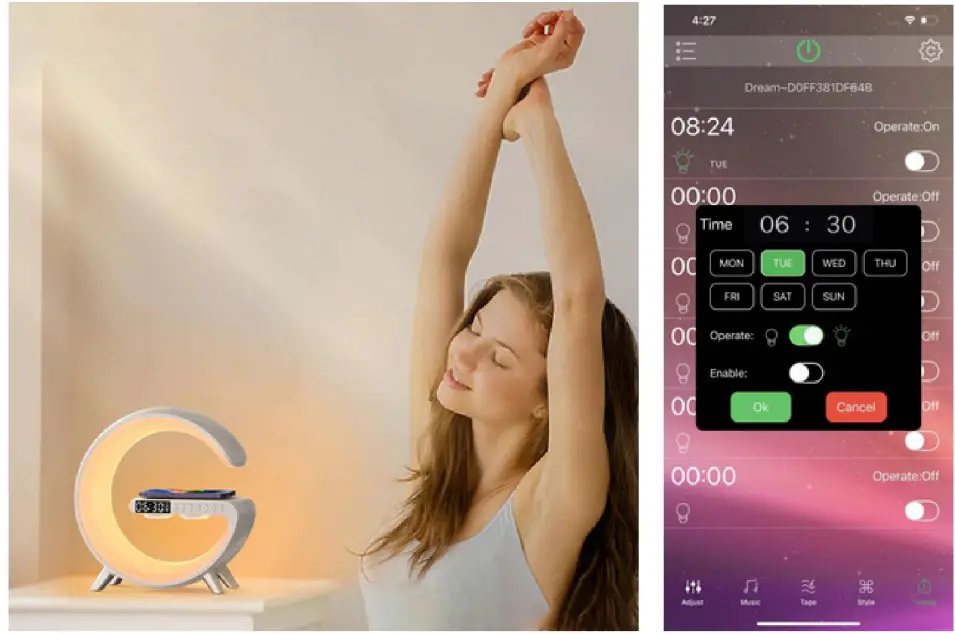
Compatibility with App:
iPhones: 14/14 Pro/14 Plus/14 Pro Max/13/13 Pro/13 Pro Max/ 12/12 Pro/12 Pro Max/11/Xs/Max/Xr/X/8/8 Plus;
Samsung phones: Galaxy $22/522 Ultra/$20/$20+/$20 Ultra/S 10/S10+/59/s9+/58/s8+/57/57 edge/s6 edge Plus/Note 10/9/8/7/5;
Any Android phone that supports QI wireless charging;
Wireless Charging Compatibility:
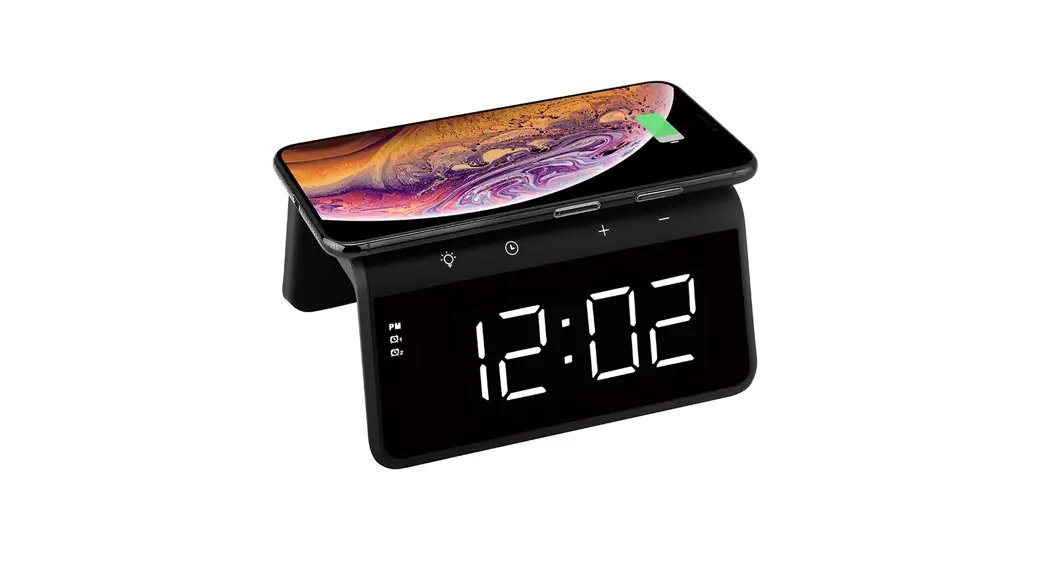
Your phone must support wireless charging. With iPhone 8 & above, AirPods 3 & AirPods Pro, and other Qi Certified devices.
Notes:
Please pay attention to the following issues, otherwise, it may lead to abnormal charging, high charging temperature, intermittent charging, or even no charging:
- Please use the fast charger adapter (12V [ 2.25A) that comes standard with this product. 5V/1-2A adapter will result in an insufficient power supply.
- Please place the phone in the centre of the wireless charging induction area.
- The charging distance is 2-6mm, please do not install a case thicker than 2mm.
- When wireless charging, do not have any metal or magnetic objects within a distance of 6cm in diameter from the centre of the back of the phone.
- With Lower temperatures, the phone charging speed is faster. Charging speed is faster in winter than in summer.