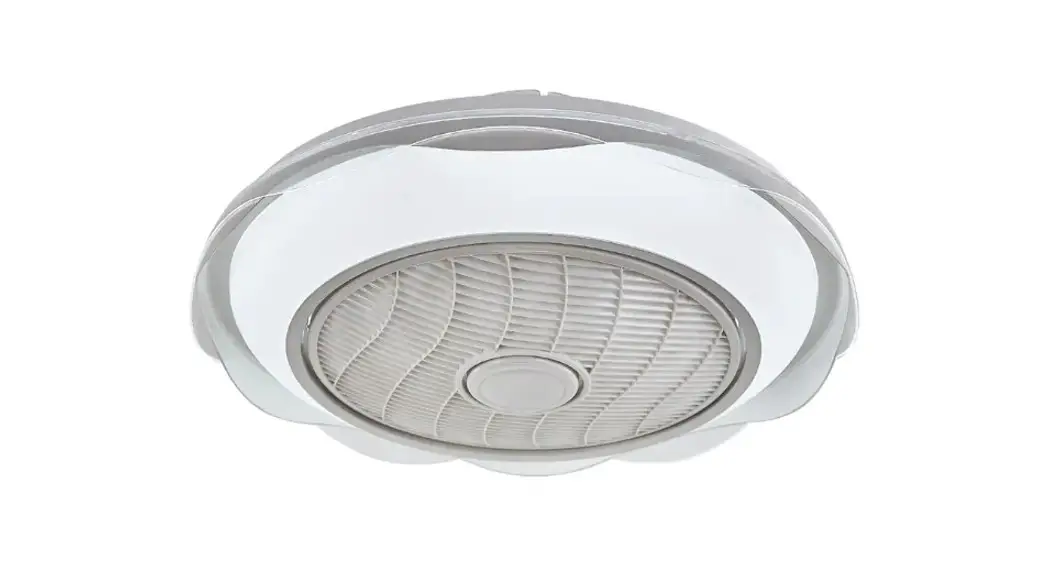
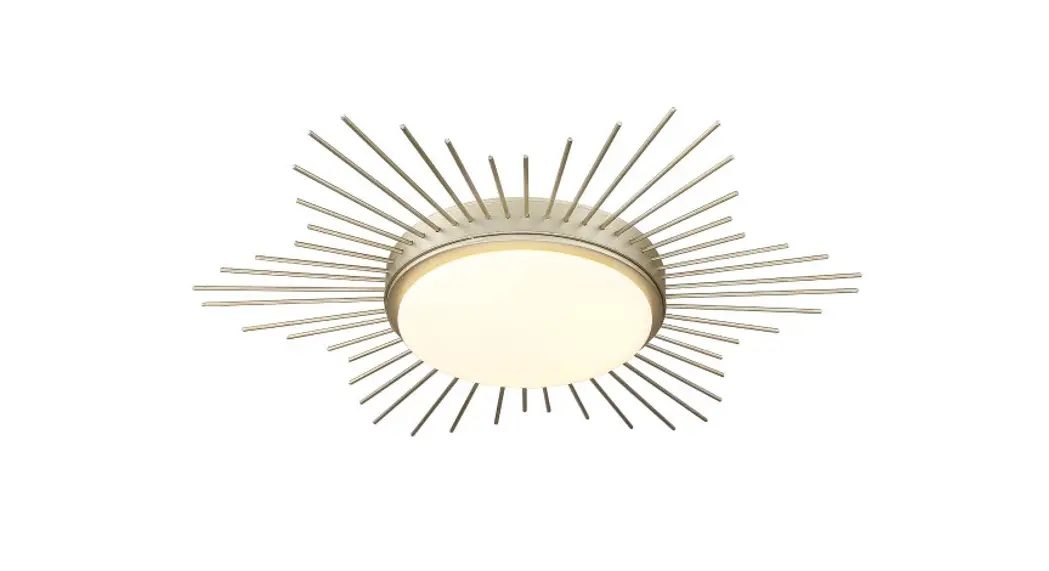
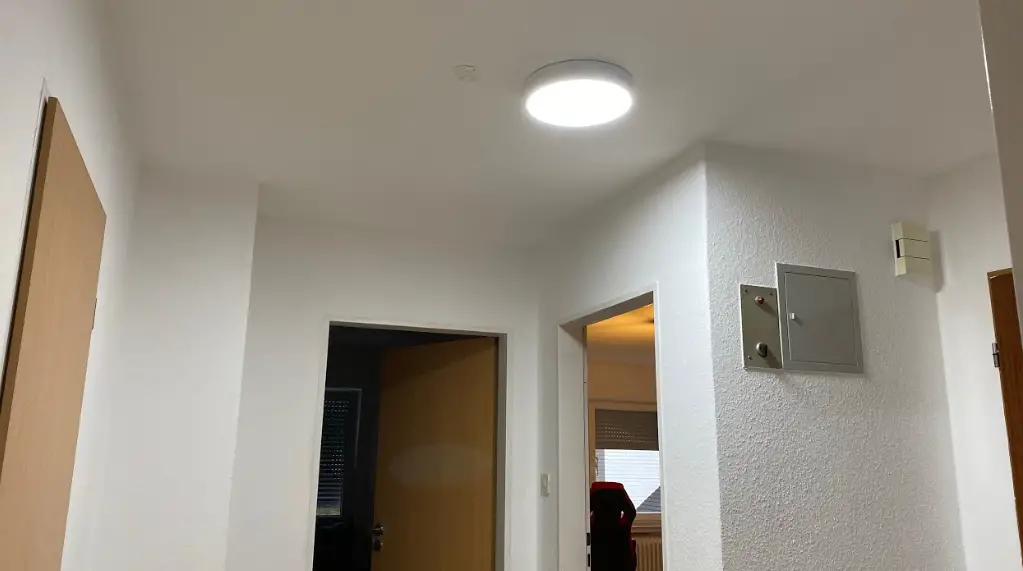
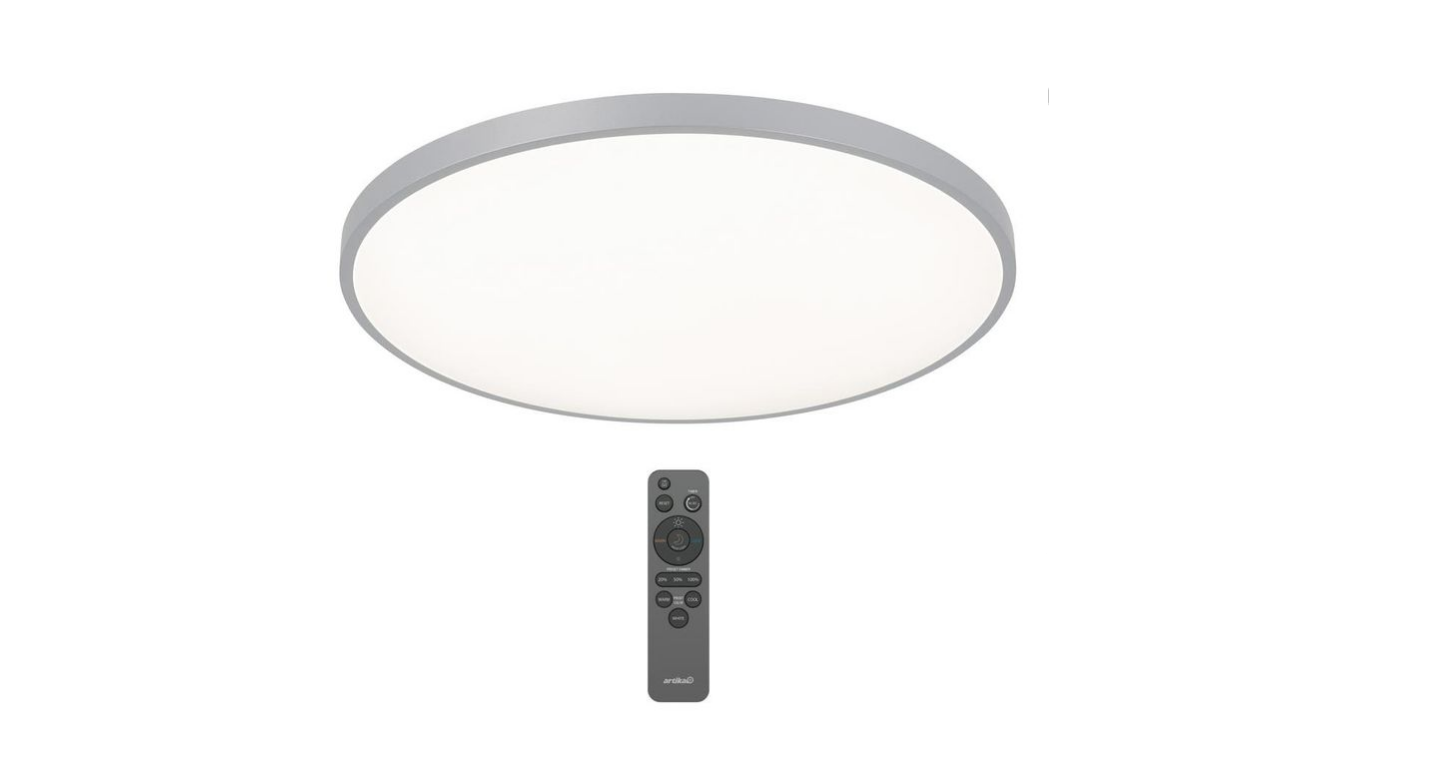
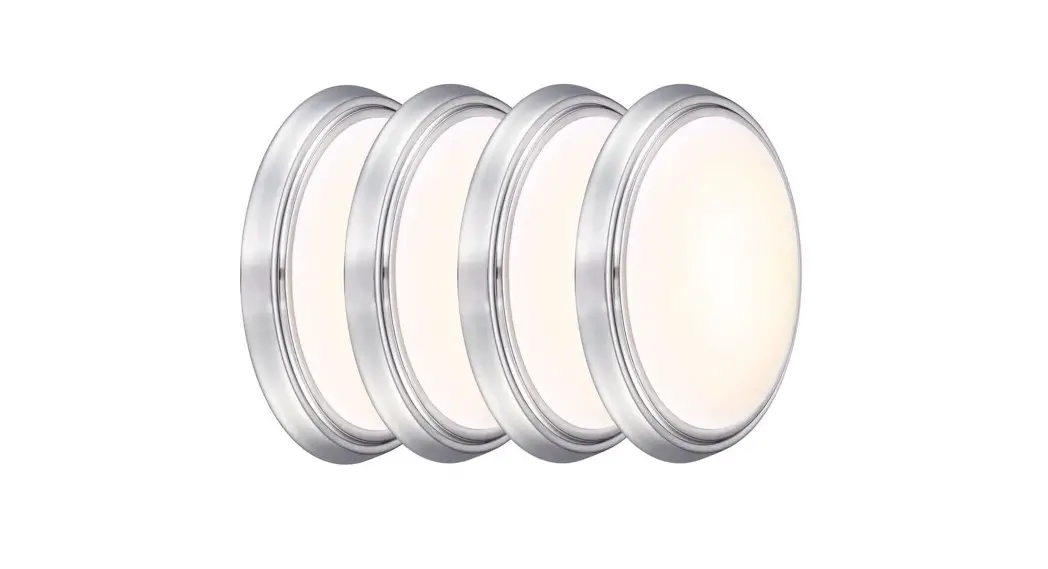
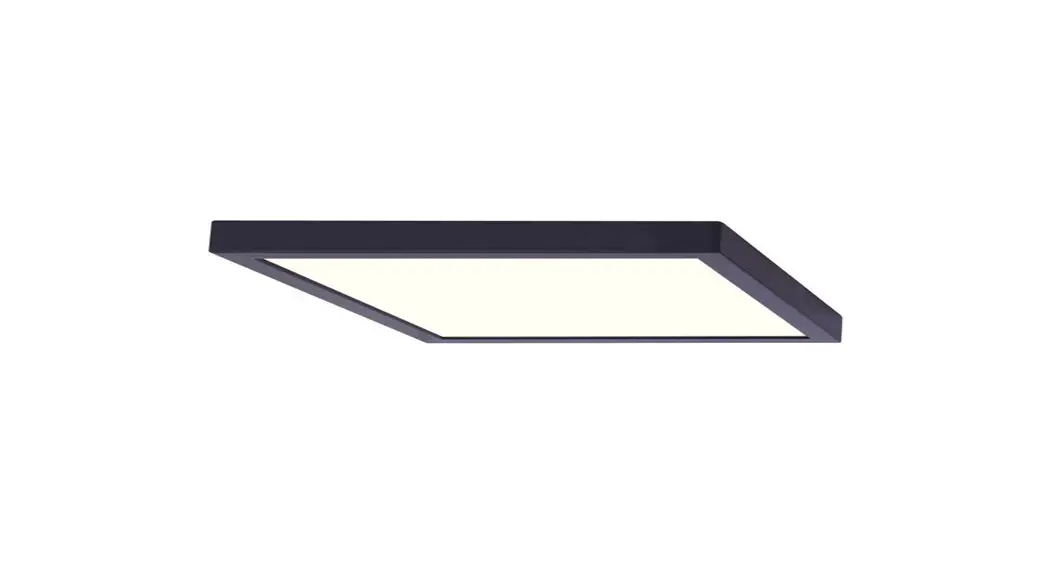
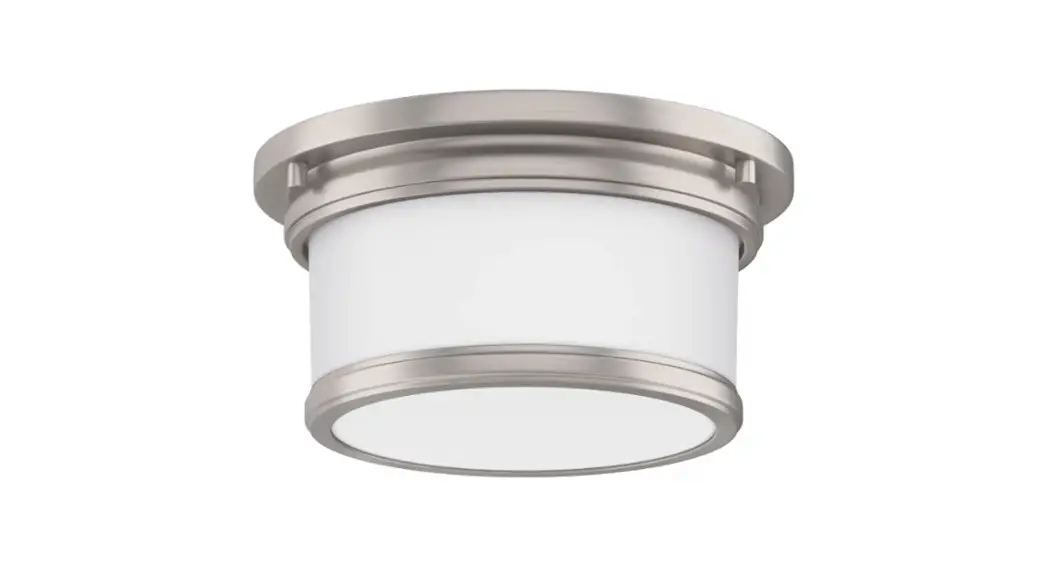
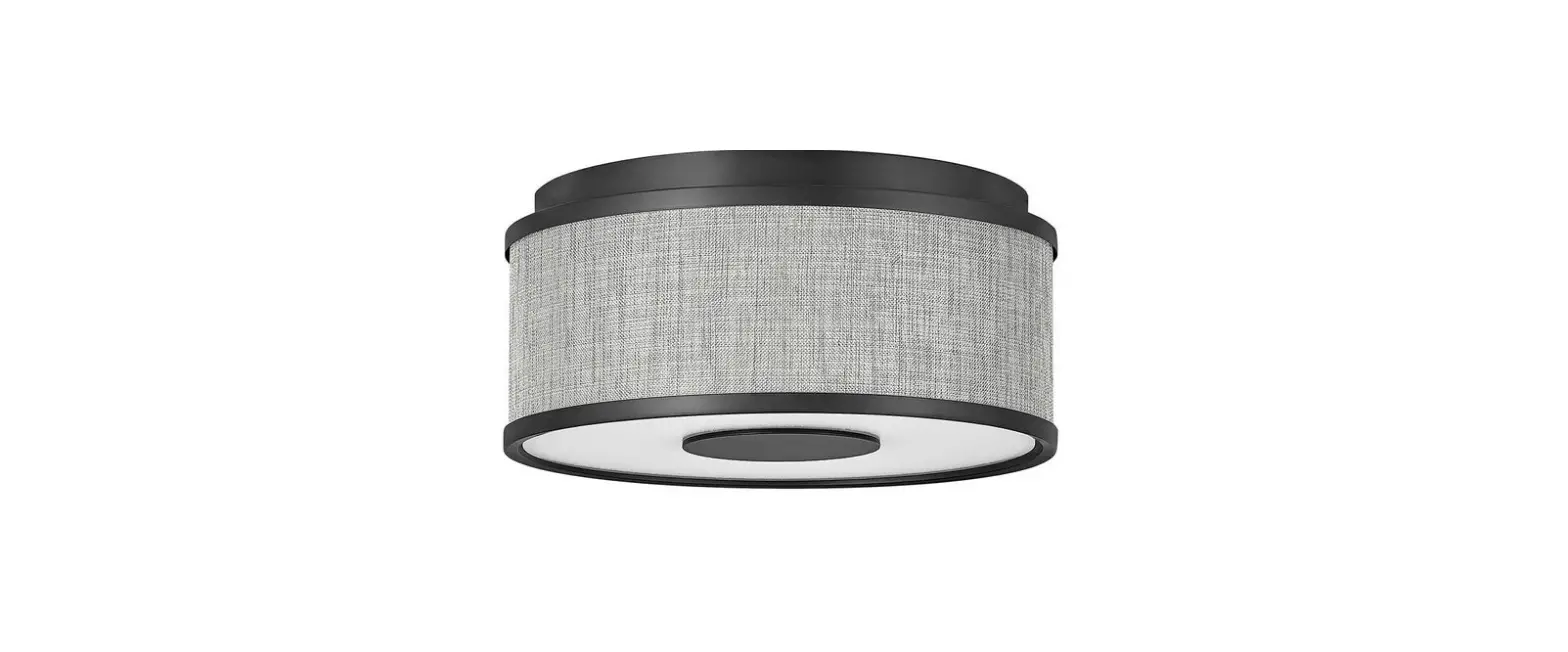
1009 812 700 Series Round LED Flush Mount Ceiling Light
Product Information
- SKU: #1009 812 749
- Model: #FM11LP6WYMMNKHD
- Product Name: Round LED Flush Mount Ceiling Light with Optional
Motion Feature - Specifications:
- Power Supply: 120VAC, 60Hz
- Dimmable: Yes
- Suitable for damp locations: Yes
- Warranty: Up to 5 years from the date of purchase
Product Usage Instructions
- Before installation, turn off the power supply at the fuse or
circuit breaker box. - Ensure all connections are tight and correct.
- Wear rubber soled shoes and use a sturdy wooden ladder while
working on the installation. - Keep small parts and packing material away from children as
they may be hazardous. - This fixture is designed for use in a circuit protected by a
fuse or circuit breaker and should be installed according to local
electrical codes. - If you are unsure about your wiring, consult a qualified
electrician or local electrical inspector. - Read and adhere to the FCC and radiation exposure statements
mentioned in the manual. - Remove the fixture and mounting package from the box, ensuring
no parts are missing by referring to the installation
instructions. - Refer to the provided illustrations for proper electrical
wiring connections.
If you have any questions, problems, or missing parts, please
contact Commercial Electric Customer Service at 1-877-527-0313
between 8 a.m. – 7 p.m. EST from Monday to Friday, or 9 a.m. – 6
p.m. EST on Saturdays. You can also visit www.HomeDepot.com for further
assistance.
SKU #1009 812 749 Model #FM11LP6WYMMNKHD
SKU #1009 812 751 Model #FM15LP6WYMMNKHD
SKU #1009 812 748 Model #FM11LP6WYMMBKHD
SKU #1009 812 750 Model #FM15LP6WYMMBKHD
USE AND CARE GUIDE
ROUND LED FLUSH MOUNT CEILING LIGHT
WITH OPTIONAL MOTION FEATURE
Questions, problems, missing parts? Before returning to the store, call Commercial Electric Customer Service
8 a.m. – 7 p.m., EST, Monday – Friday, 9 a.m. – 6 p.m., EST, Saturday 1-877-527-0313
HOMEDEPOT.COM
THANK YOU We appreciate the trust and confidence you have placed in Commercial Electric through the purchase of this LED round ceiling light. We strive to continually create quality products designed to enhance your home. Visit us online to see our full line of products available for
your home improvement needs. Thank you for choosing Commercial Electric!
Table of Contents
Table of Contents. . . . . . . . . . . . . . . . . . . . . . . . . . . . . . . . . . . . 2 Safety Information . . . . . . . . . . . . . . . . . . . . . . . . . . . . . . . . . . . 2 Warranty . . . . . . . . . . . . . . . . . . . . . . . . . . . . . . . . . . . . . . . . . . 2 Pre-Installation . . . . . . . . . . . . . . . . . . . . . . . . . . . . . . . . . . . . . 3
Tools Required . . . . . . . . . . . . . . . . . . . . . . . . . . . . . . . . . . . . 3 Hardware Included. . . . . . . . . . . . . . . . . . . . . . . . . . . . . . . . . 3 Installation. . . . . . . . . . . . . . . . . . . . . . . . . . . . . . . . . . . . . . . . . 4 Changing the Color Settings . . . . . . . . . . . . . . . . . . . . . . . . . . . 5 Motion Sensor . . . . . . . . . . . . . . . . . . . . . . . . . . . . . . . . . . . . . . 6 Troubleshooting . . . . . . . . . . . . . . . . . . . . . . . . . . . . . . . . . . . . . 7 Color Chart. . . . . . . . . . . . . . . . . . . . . . . . . . . . . . . . . . . . . . . . . 7
Safety Information
For your safety, always remember to:
Turn off the power supply at the fuse or circuit breaker box before you install the fixture.
Double-check all connections to be sure they are tight and correct.
Wear rubber soled shoes and work on a sturdy wooden ladder.
Account for small parts and destroy packing material, as these may be hazardous to children.
This fixture is designed for use in a circuit protected by a fuse or circuit breaker. It is also designed to be installed in accordance with local electrical codes. If you are unsure about your wiring, consult a qualified electrician or local electrical inspector, and check your local electrical code.
FCC STATEMENT
This device complies with part 15 of the FCC Rules. Operation is subject to the following two conditions: (1) This device may not cause harmful interference, and (2) this device must accept any interference received, including interference that may cause undesired operation. Note: This equipment has been tested and found to comply with the limits for a Class B digital device, pursuant to part 15 of the FCC Rules. These limits are designed to provide reasonable protection against harmful interference in a residential installation. This equipment generates, uses and can radiate radio frequency energy and, if not installed and used in accordance with the instructions, may cause harmful interference to radio communications. However, there is no guarantee that interference will not occur in a particular installation. If this equipment does cause harmful interference to radio or television reception, which can be determined by turning the equipment off and on, the user is encouraged to try to correct the interference by one or more of the following measures: Reorient or relocate the receiving antenna. Increase the separation between the equipment and receiver. Connect the equipment into an outlet on a circuit different from that to which the receiver is connected. Consult the dealer or an experienced radio/TV technician for help. Warning: Any changes or modifications not expressly approved by the manufacturer could void the user’s authority to operate the equipment.
RADIATION EXPOSURE STATEMENT
This device complies with FCC radiation exposure limits set forth for an uncontrolled environment.
.
PRODUCT SPECIFICATIONS: – 120VAC, 60Hz – Dimmable – Suitable for damp locations
WARNING: RISK OF SHOCK. House electric current can cause painful shock or serious injury unless handled properly.
NOTICE: All electrical connections must be in accordance with local and National Electrical Code (N.E.C.) standards. If you are unfamiliar with proper electrical wiring connections obtain the services of a qualified electrician.
Remove the fixture and the mounting package from the box and make sure that no parts are missing by referencing the illustrations on the installation instructions.
WARNING: Risk of fire. Before installing your lighting fixture, thoroughly review enclosed installation manual. If you do not have sufficient electrical wiring experience, please refer to a do-it-yourself wiring handbook or have your fixture installed by a qualified licensed electrician. All electrical connections must be in accordance with Local and National Electrical Code (NEC) Standards. Reliable operating temperature is -13° F to 113° F (-25° C to 45° C). If flickering occurs in low level dimming, increase light level.
Supplier’s Declaration of Conformity: 47 CFR § 2.1077 Compliance Information Responsible Party: Feit Electric Company 4901 Gregg Road, Pico Rivera, CA 90660, USA 562-463-2852 Unique Identifier: Commercial Electric Round Led Flush Mount Ceiling Light
Warranty
This product is warranted to be free from defects in workmanship and materials for up to 5 years from date of purchase. If it fails to do so, please contact the Customer Service Team at 1-877-527-0313 or visit www.HomeDepot.com.
2
Pre-Installation
TOOLS REQUIRED
Phillips screwdriver
HARDWARE INCLUDED
NOTE: Hardware not shown to actual size.
AA
BB
Part Description AA Fixture BB Mounting Bracket CC Junction Box Mounting Screws DD Wire Nuts
CC
DD
Quantity 1 1 2 3
3
HOMEDEPOT.COM
Please contact 1-877-527-0313 for further assistance.
J-Box Installation
1 Turning Off the Power Turn the power OFF at the switch and fusebox or the circuit breaker. Remove the existing trim if present.
2 Identifying the wires Live voltage – Black, Neutral – White, Ground – Bare, Copper.
Live Voltage
Neutral
Ground
Junction Box
3 Installing the Mounting Bracket to the Junction Box Feed the junction box wires through the center of the mounting bracket (BB). Attach the mounting bracket (BB) to the junction box using the two junction box mounting screws (CC).
Be sure this label faces downward, away from the Jbox
Live Voltage
BB
Neutral Ground
AA
4 Connecting the wires
Use the wire nuts (DD) to connect the ground wire (green) coming out of the fixture (BB) to the house ground wire (usually green).
Use the wire nuts (DD) to connect the black line wire coming out of the fixture to the line wire (usually black) coming from the junction box.
Use the wire nuts (DD) to connect the white neutral wire coming out of the fixture to the neutral wire (usually white) coming from the junction box.
BB Live Voltage Neutral
Ground DD AA
NOTE: Before installation check the back of the fixture and select desired CCT and motion option. See pages 5 and 6 for additional information.
5 Installing the fixture Secure the fixture (AA) to the mounting bracket (BB) by pressing the fixture into the mounting bracket until the clips on the fixture engage together. Make sure the fixture is firmly locked into place.
NOTE: Tuck the wires into the junction box neatly to create enough space for the wire enclosure to fit in without obstruction.
BB
AA
4
Changing Color Settings
Soft White (3000K)
Neutral White (3500K)
Bright White (4000K)
Daylight (5000K)
Daylight Deluxe (6500K)
SWITCH
1. When the slide switch is set to 3000K, the color temperature is set to Soft White. 2. When the slide switch is set to 3500K, the color temperature is set to Neutral White. 3. When the slide switch is set to 4000K, the color temperature is set to Bright White. 4. When the slide switch is set to 5000K, the color temperature is set to Daylight. 5. When the slide switch is set to 6500K, the color temperature is set to Daylight Deluxe.
6. When the slide switch is set to SWITCH, the color temperature can be changed from 3000K, 3500K, 4000K, 5000K and 6500K with your existing light switch.
7. To change color temperatures using your existing light switch: A. Set the slide switch on the back of the fixture to SWITCH. B. Toggle your light switch ON and OFF within 0.5-3 seconds to cycle though the 5 different color temperatures. C. The fixture will remember the last color temperature selected after the fixture has been on a selected color temperature for 10 seconds and eventually turned off. To maintain selected color, do not toggle switch as detailed in the prior step, but leave off for 10 seconds. The next time the fixture is turned on, the fixture will emit the last color temperature selected.
8. The reset function is used when using multiple Color Selectable lighting products operating from the same light switch. In the event multiple fixtures are not displaying the same color at the same time, fixtures must be RESET using your existing light switch. Simply toggle the wall switch ON and OFF 7 times quickly. For best results, cycle ON/OFF 7 times within 5-10 seconds.
5
HOMEDEPOT.COM
Please contact 1-877-527-0313 for further assistance.
Motion Sensor
NOTE: All distances are measured from the motion sensor located in the center of the fixture.
NOTE: Recommended installation height is 8-9 ft.
NOTE: The fixture uses microwave motion sensor, do not install within 5ft of router or other wifi source.
SENSOR DETECTION Motion is off by default; if motion detection is desired, select range via range selector switch which can be adjusted to multiple ranges to fit users need by using the switch on the back of the fixture. Once the sensor detects motion, the light will remain on and will automatically turn off if no motion is detected after 5 minutes.
Range Selector Switch Settings
0-5ft 5ft-10ft 10ft-15ft OFF
MOTION DETECTED FROM SENSOR
8-9FT. Recommended installation height
MOTION DETECTION AREA
Detection Distance
Approximate radius determined by the switch on the back of the fixture
6
Troubleshooting
Problem Light is not coming out of the fixture
Possible Causes
Motion range is selected but no motion has been detected
Light turns on without obvious movement
Motion detector triggered
Solution
Select a larger detection distance
Use range switch to select a smaller detection radius (microwave motion detectors can trigger through walls and doors)
Light stays off despite movement
Detection radius is too small
Use range switch to select a larger detection radius
Light does not go off
Motion detector is being constantly triggered
Motion detection setting is turned off
Use range switch to select a smaller detection radius (microwave motion detectors can trigger through walls and doors)
Use range switch on the back of the fixture to select a motion range, then turn off the fixture for 5s before turning it back on
Color Chart
Color Brushed Nickel Brushed Nickel Matte Black Matte Black
Size 11 Inch Diameter 15 Inch Diameter 11 Inch Diameter 15 Inch Diameter
Model # FM11LP6WYMMNKHD FM15LP6WYMMNKHD FM11LP6WYMMBKHD FM15LP6WYMMBKHD
SKU # 1009 812 749 1009 812 751 1009 812 748 1009 812 750
7
HOMEDEPOT.COM
Please contact 1-877-527-0313 for further assistance.
 The Home Depot
 The Home Depot