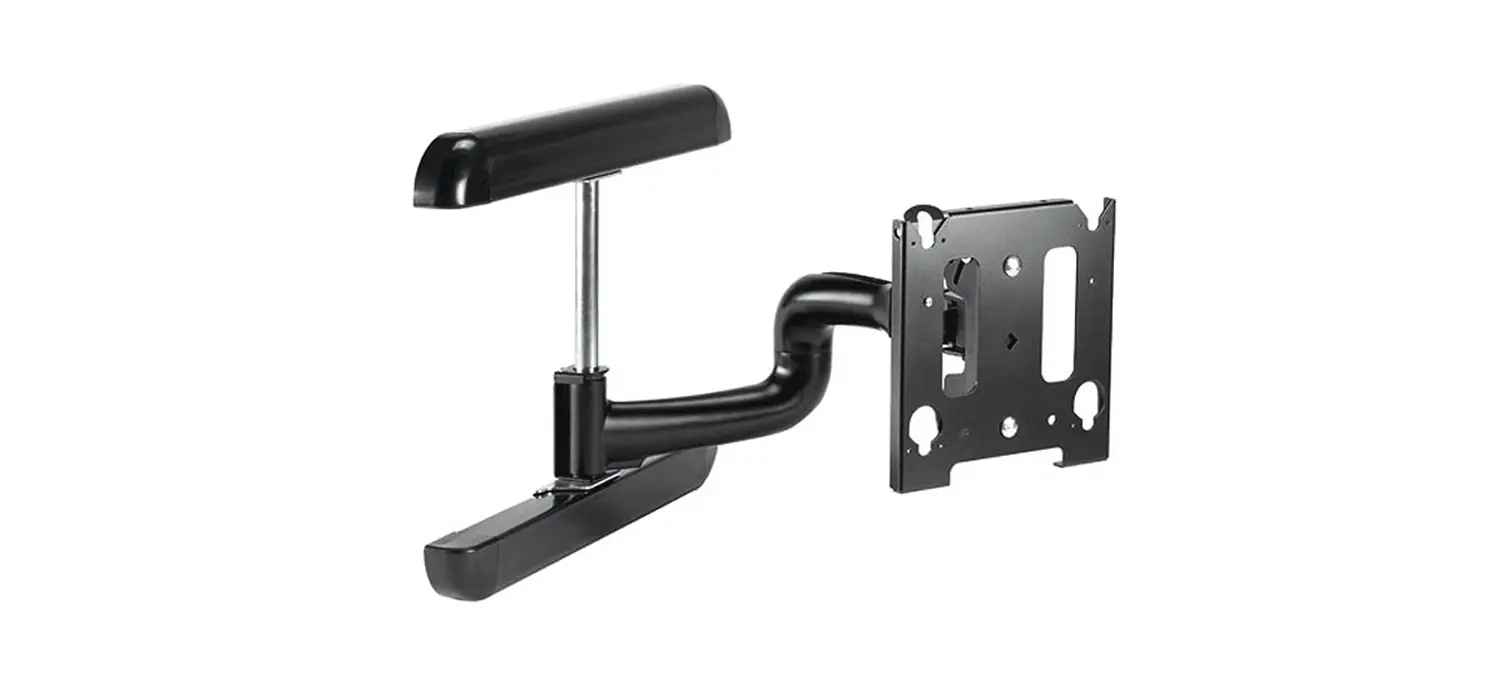
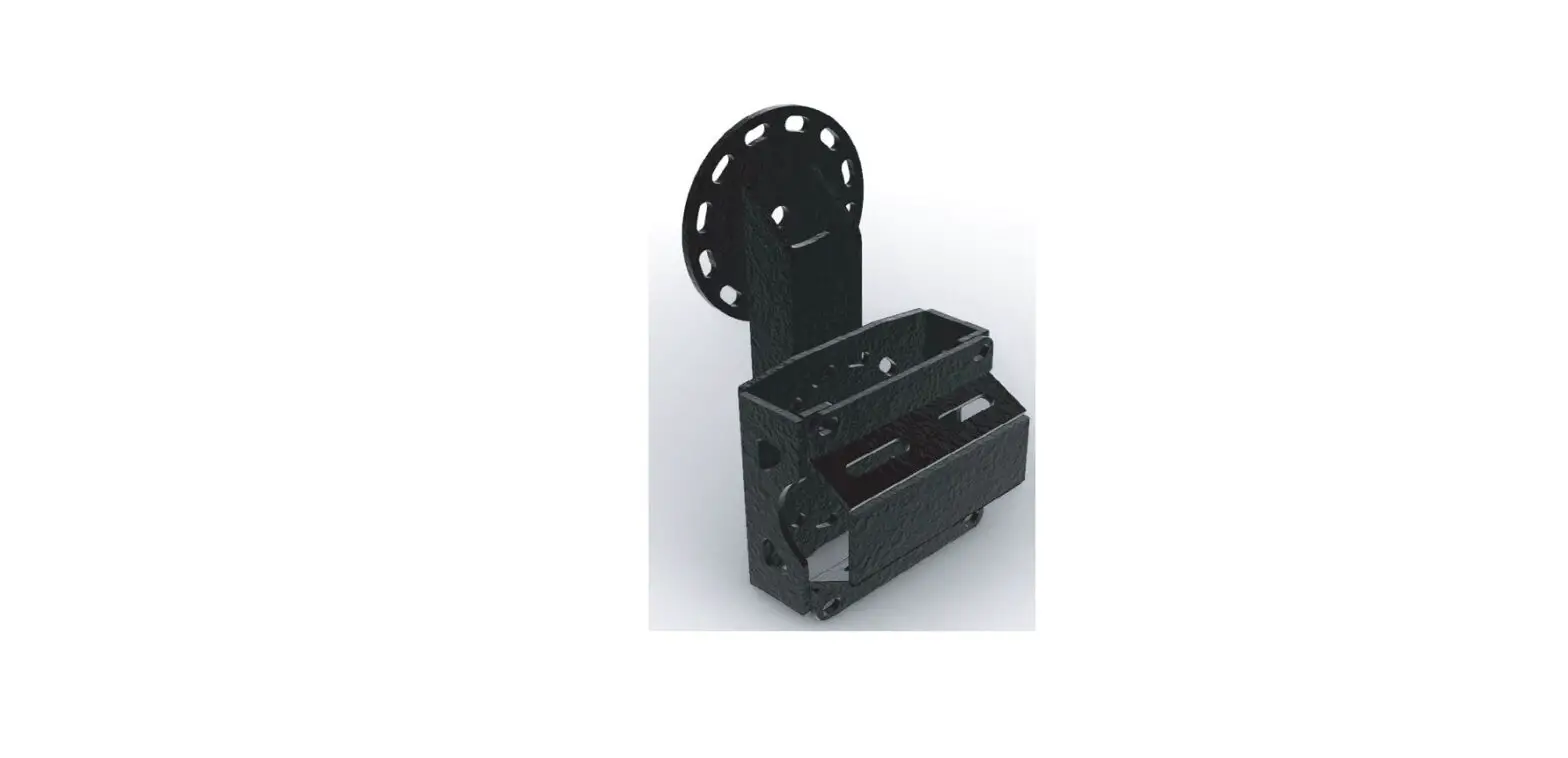
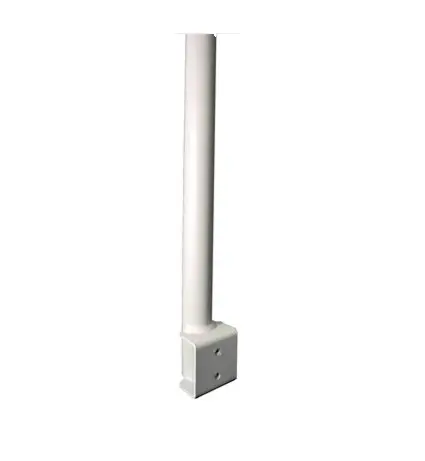
Sumo 270 Mounting Arm
Product Information
This product is a Sumo Mounting Arm from Bouncepad, manufactured
by Spotspot Ltd. It is a modular product that comes with fixings
for installation. The product is designed to securely mount and
display devices.
Product Specifications
- Sheet Code: BP-IM-055_REV0
- Release Date: 01/10/2019
- Copyright 2016 Spotspot Ltd. (T/A Bouncepad) all rights
reserved.
In the Box
- Sumo Mounting Arm
- Fixings Kit (additional fixings may be included due to the
modular nature of the product range)
Fixings List
Bouncepad does not supply the fixings used in a Fixing from
Above installation.
Assembly Instructions
Tools Required:
- 5x M6 Locking Nut
- 5x M6 Split Washer
- 5x M6x40mm Socketset screw
- 1x Mount Washer
Fixing from Below
- Using the template A2.0 (A2.1 overleaf), mark the drill hole
locations. - With the correct drill bits, drill each hole.
- Tighten screw(s) using hand tools. Using electric tools may
damage your Bouncepad. - Attach the socket set screws into the mounting arm.
- Locate and secure the Sumo Stalk in its chosen orientation.
Ensure that the correct fixings are used. - For additional security, it is recommended to use Pin-Torx
countersunk screws. - Remove the adhesive backing and protective netting, then locate
the Stalk Cover to the mount surface. - Installation is complete.
Fixing from Above
- Using the template B2.0 (B2.1 overleaf), mark the drill hole
locations. - With the correct drill bits, drill each hole.
- Tighten screw(s) using hand tools. Using electric tools may
damage your Bouncepad. - Secure the Sumo Stalk to the mounting surface with chosen
countersunk fixings. Ensure all screws are below flush in the
countersunk holes. - Remove the adhesive backing and protective netting, then locate
the Stalk Cover to the mount surface. - Installation is complete.
Sumo Enclosure Assembly Instructions
Tools Required:
- Socket Driver
- Pair of Keys
- PZ3 Driverbit
Assembly Steps
- Locate the Sumo Case onto the Sumo Stalk in your chosen
orientation. - Secure the Sumo Case to the Sumo Stalk.
- Unlock and remove the Sumo Faceplate from the Sumo Case.
Sumo 270° Mounting Arm
Assembly Instructions
Tools Required:
Pencil Drill Ø6.0mm Drillbit Ø2.5mm Drillbit Ø16.0mm Holesaw 10mm Spanner *or adjustable spanner
5x M6 Locking Nut
A1 Follow steps A if “Fixing from below”.
Using the template
A2.0 (A2.1 overleaf) mark the drill hole locations.
Fixings Kit
Sumo Mounting Arm
5x M6 Split Washer
5x M6x40mm Socketset screw
1x Mount Washer
Sheet Code: BP-IM-055_REV0
Release Date: 01/10/2019
Copyright 2016 Spotspot Ltd. (T/A Bouncepad) all rights reserved. Confidential, no part of this publication may be reproduced or transmitted in any form without the written permission of the copyright holder.
In the Box
* Due to the modular nature of our product range you may
receive additional fixings in the fixings kit
Fixings List
*Bouncepad does not supply the fixings used in a “Fixing from Above” installation.
B1 Follow steps B if “Fixing from Above”.
Using the template
B2.0 (B2.1 overleaf) mark the drill hole locations.
A3 A4 With the correct drill bits, drill each hole.
Tighten screw(s) using hand tools, using electric tools may damage your Bouncepad.
See below for step A5 and onwards.
Tighten screw(s) using hand tools, using electric tools may damage your Bouncepad.
See below for step B5 and onwards.
M6x40mm Socketset
screw
M6 Locking Nut
Mount Washer M6 Split Washer
B3 B4 With the correct drill bits, drill each hole.
Attach the socket set
A5 screws into the mounting arm.
Locate & secure the Sumo Stalk in its chosen
A6 orientation. Ensure that the correct fixings are used.
Tighten screw(s) using hand tools, using electric tools may damage your Bouncepad.
For additional security, we recommend using Pin-Torx countersunk screws.
Remove the adhesive backing &
A7 protective netting, then locate the Stalk Cover to the mount surface.
A8 Installation complete.
Secure the Sumo Stalk to the mounting surface, with your
B5 chosen countersunk fixings. Ensure all screws are below flush in the countersunk holes.
Rear Edge of Mounting Surface or Wall
180mm – Minimum recommended distance
Rear Edge of Mounting Surface or Wall
180mm – Minimum recommended distance
Ø6.0mm
Ø6.0mm Ø6.0mm
Ø16.0mm
Ø6.0mm
Cable Slot
Ø6.0mm
Ø2.5mm
Ø2.5mm
Ø2.5mm
Ø16.0mm
CaCabbleeSSloltot
Ø2.5mm
Ø2.5mm
Installation B7 complete.
Remove the adhesive backing & protective netting, then
locate B6 the Stalk Cover to the mount surface. Installation is complete.
“Fixing A2.1 from Below” drill template
Front
270º Align Base
Rotate using Cable Slot
Front
270º Align Base
Rotate using Cable Slot
“Fixing B2.1 from Above” drill template
Sumo Enclosure
Assembly Instructions
Tools Required:
Socket Driver
Fixings Kit
Sumo Faceplate
Pair of Keys
4x M6x14mm Pan head screw
1x Case Washer
Sheet Code: BP-IM-049_REV1
Release Date: 01/10/2019
Copyright 2016 Spotspot Ltd. (T/A Bouncepad) all rights reserved. Confidential, no part of this publication may be reproduced or transmitted in any form without the written permission of the copyright holder.
M6x14mm Pan
head screw
PZ3 Driverbit
Sumo Case
In the Box
Case Washer
Tighten screw(s) using hand tools, using electric tools may damage your Bouncepad.
* Due to the modular nature of our product range you may receive additional fixings in the fixings kit
Fixings List
1
Locate the Sumo Case onto the Sumo Stalk in your chosen orientation.
2 Secure the Sumo Case to the Sumo Stalk.
Unlock & remove the
3 Sumo Faceplate from the Sumo Case.
Feed the tablet power
4 cable through the Sumo Case and Sumo Stalk.
Install the tablet into the
5 Sumo Case & connect it to the power cable.
Click
Key number here
*We recommend recording the key number so you can purchase additional keys in the future.
Locate the Sumo Faceplate onto the
6 Sumo Case – pressing the Faceplate firmly down to ensure correct locking.
Connect to
7 power & turn on.
Installation of the Sumo
8 Case upon the Sumo Stalk is now complete.
9 Installation is now complete.