Switch Between Apps On Ipad

Switch Between Apps On Ipad

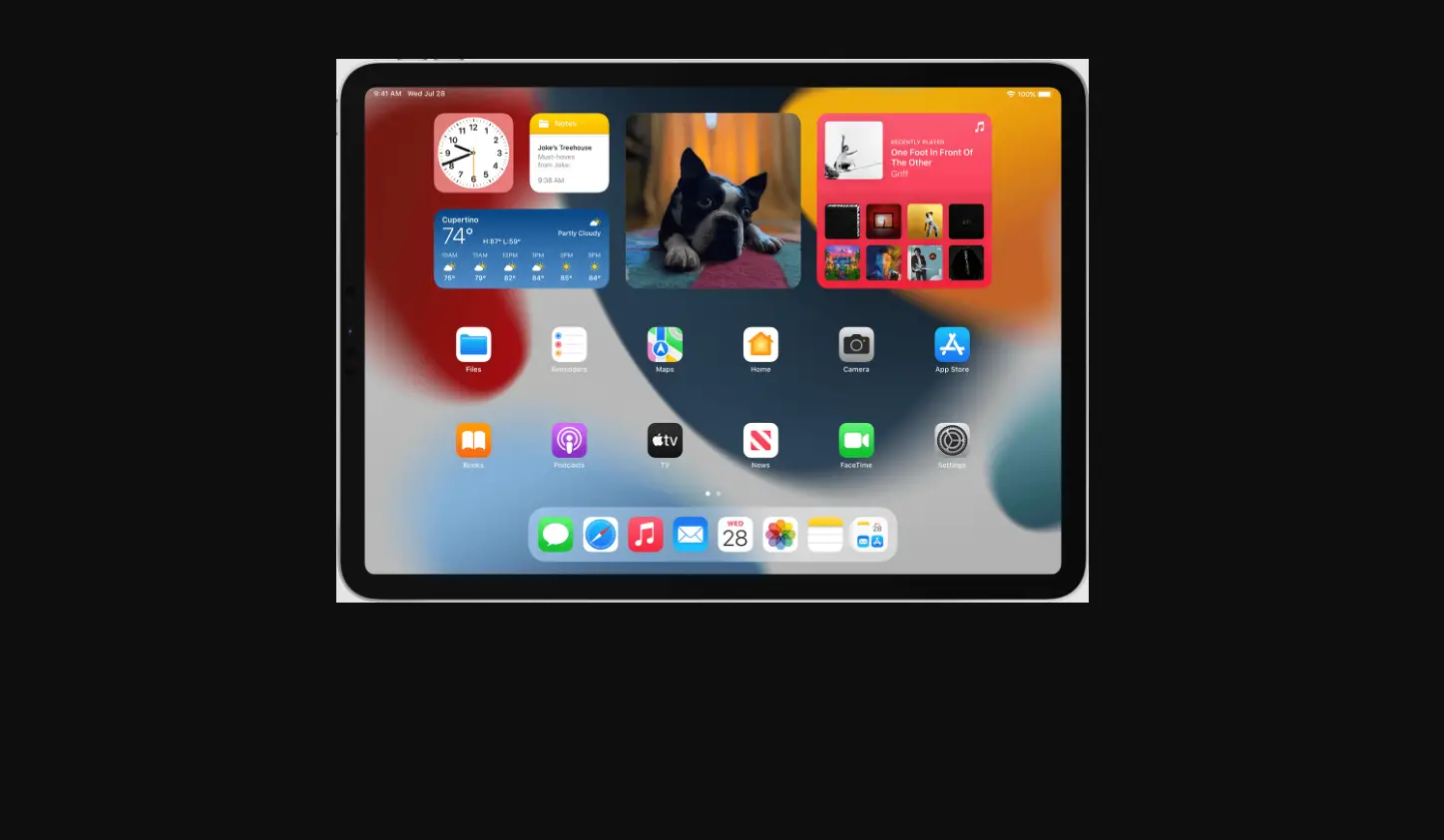
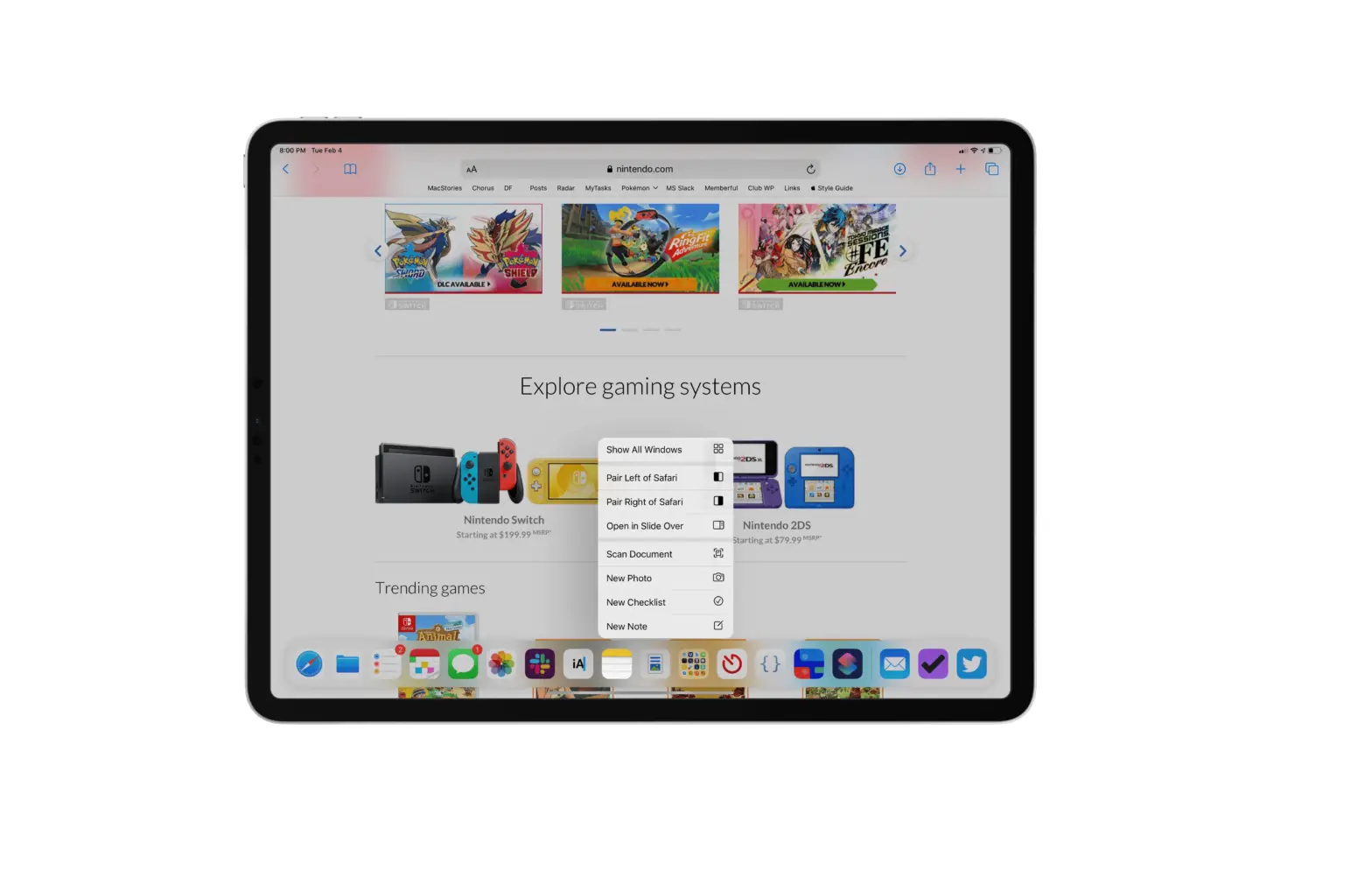
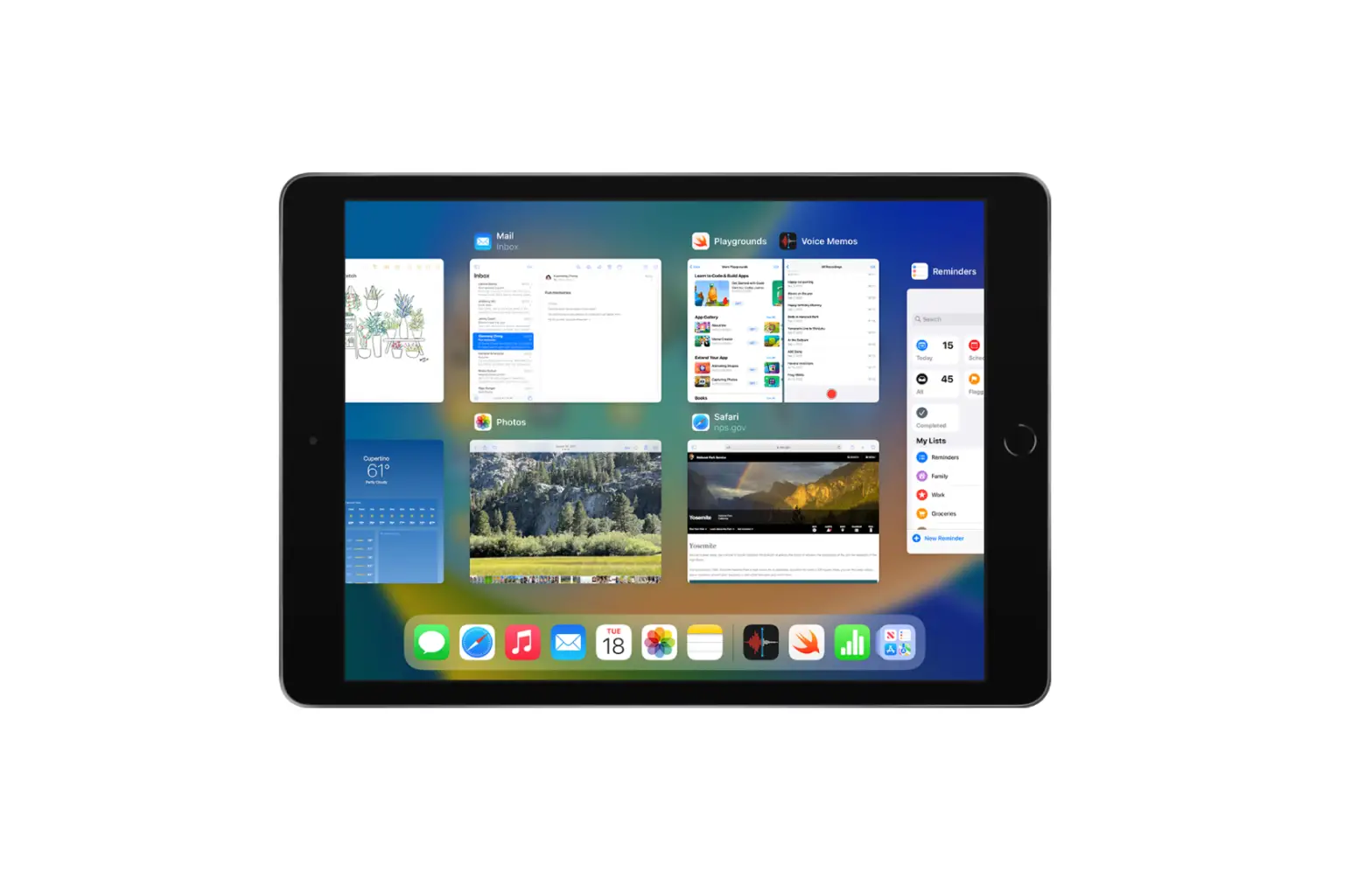
From any app, swipe up from the bottom edge of the screen and pause to reveal the Dock, then tap the app you want to use.

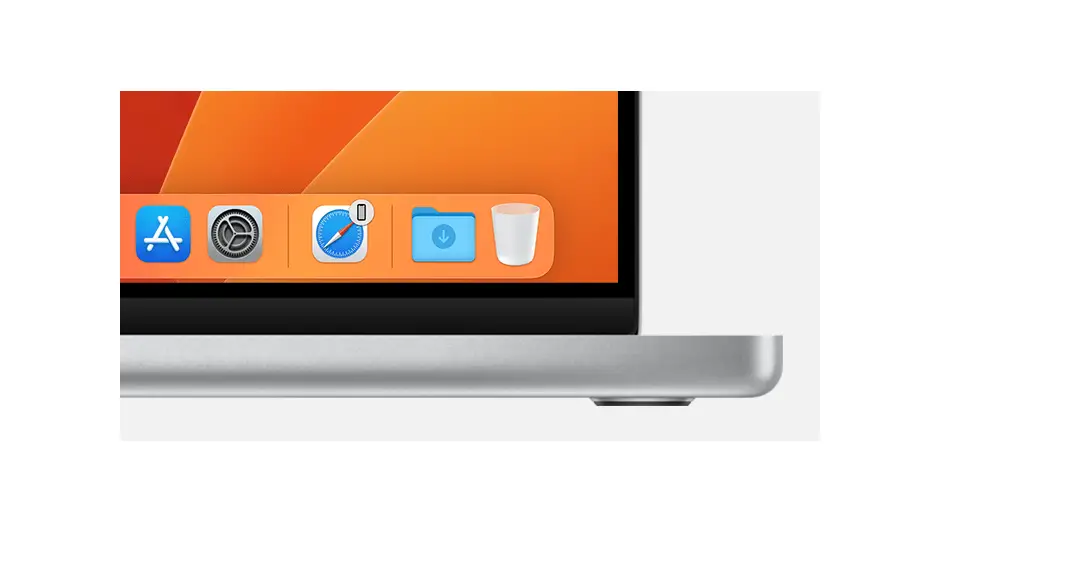
Favorite apps are on the left side of the Dock, and suggested apps—like ones you opened recently and ones open on your iPhone or Mac—appear on the right side of the Dock.
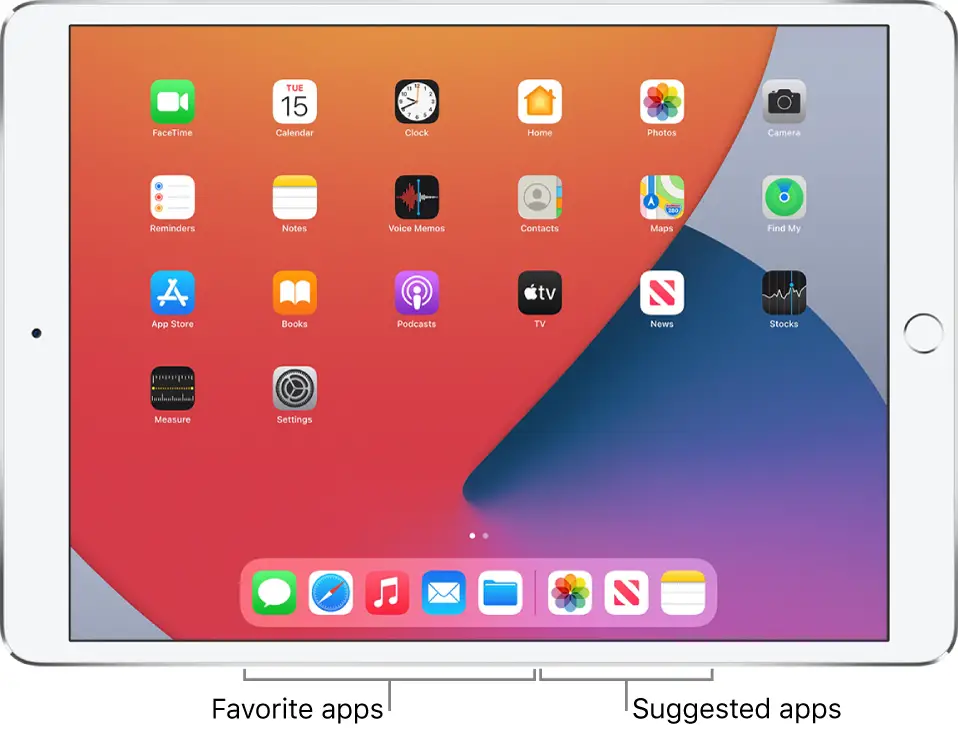

The Dock showing five favorite apps on the left and three suggested apps on the right.

Documents / Resouces

Download manual
Here you can download full pdf version of manual, it may contain additional safety instructions, warranty information, FCC rules, etc.


Related Manuals