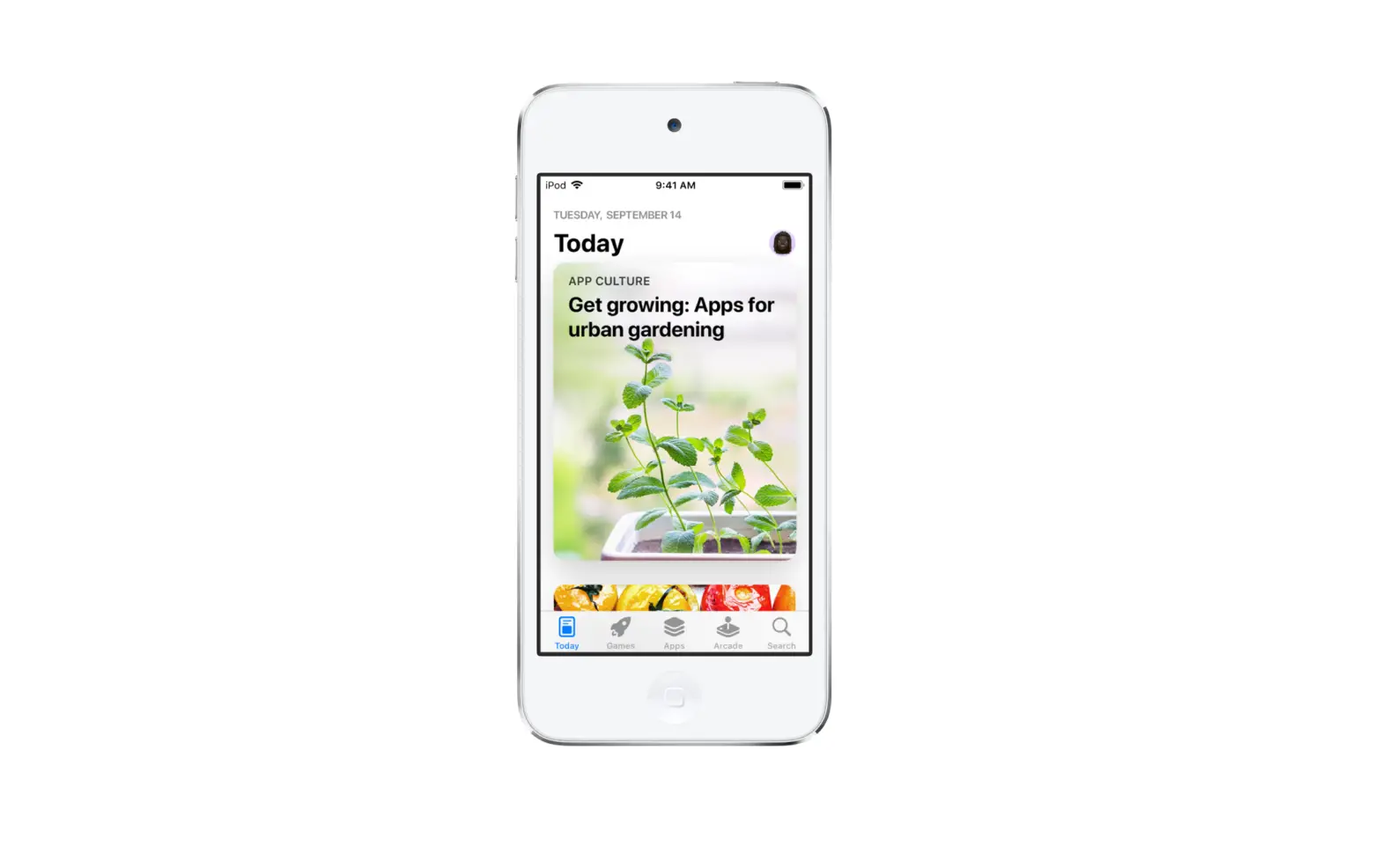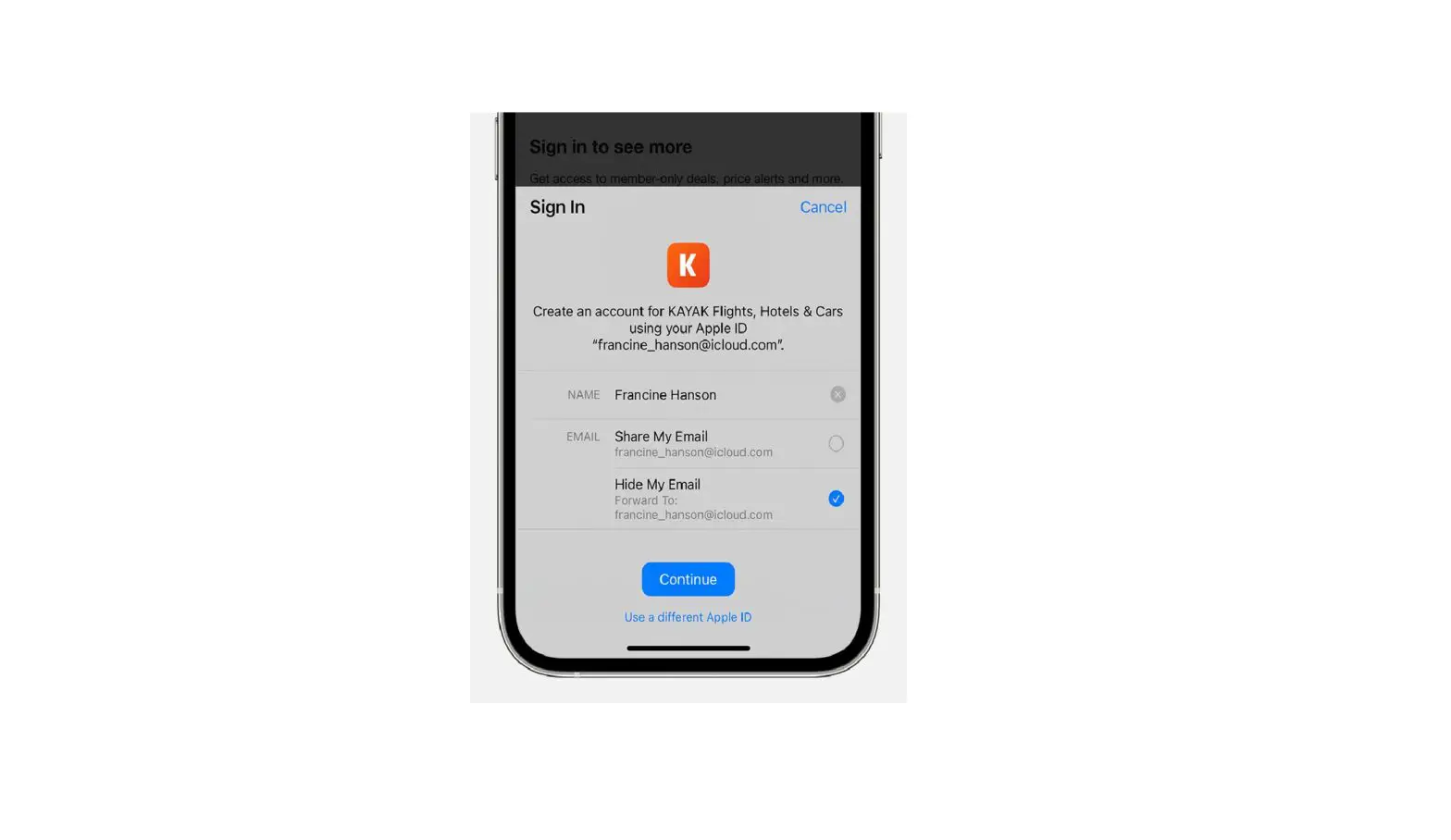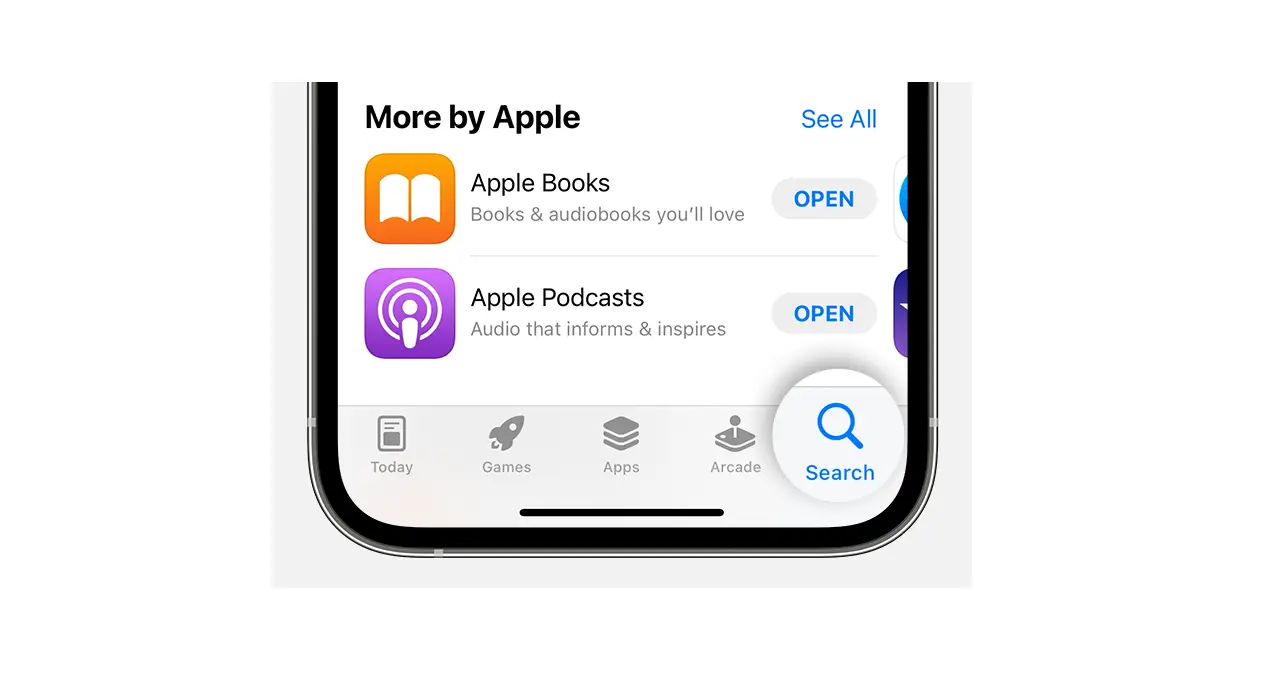
- To buy an app, tap the price. If the app is free, tap Get.
If you see
 instead of a price, you already purchased the app, and you can download it again without a charge.
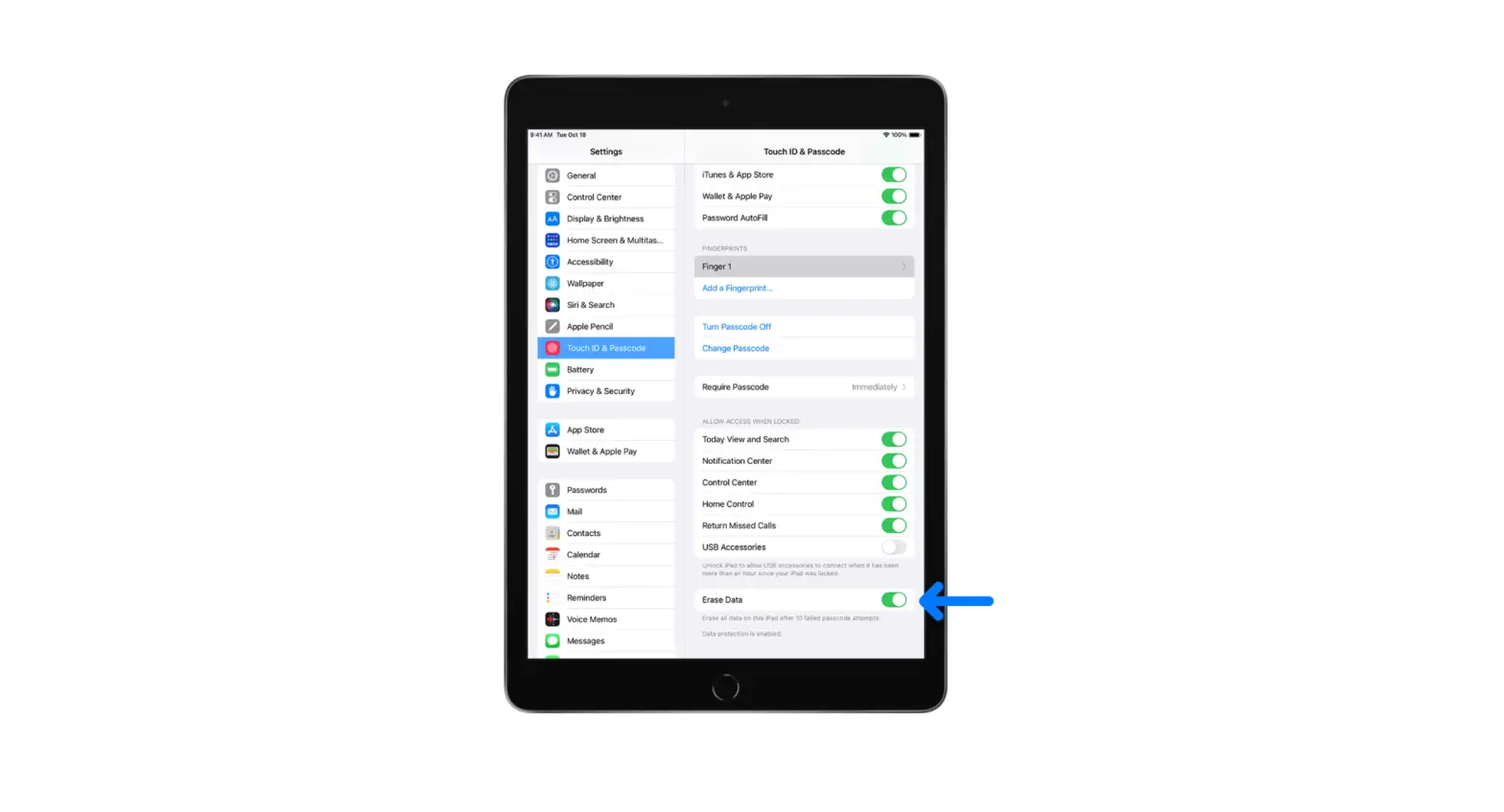
 - If required, authenticate your Apple ID with Face ID, Touch ID, or your passcode to complete your purchase.
 instead of a price, you already purchased the app, and you can download it again without a charge.
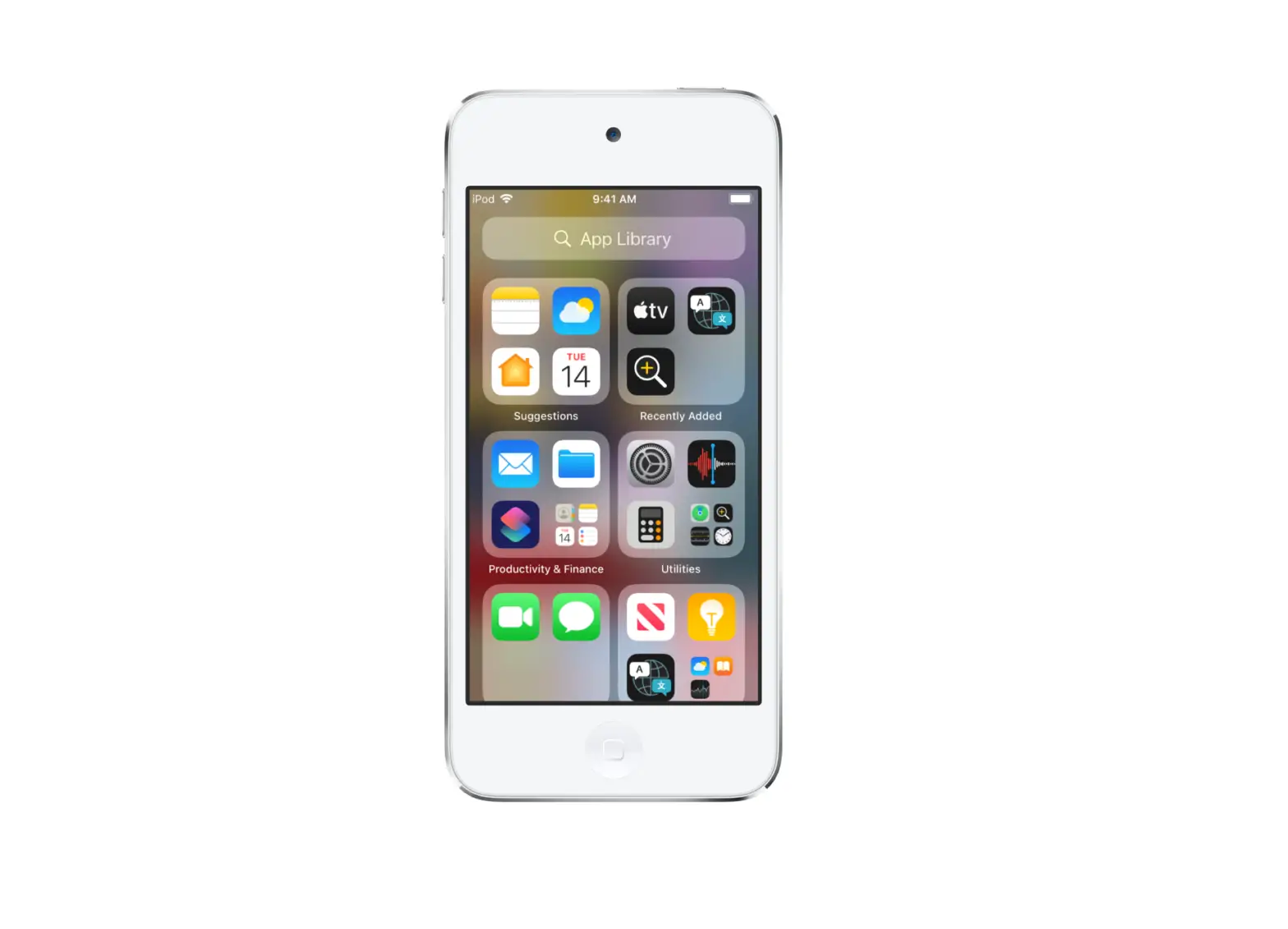
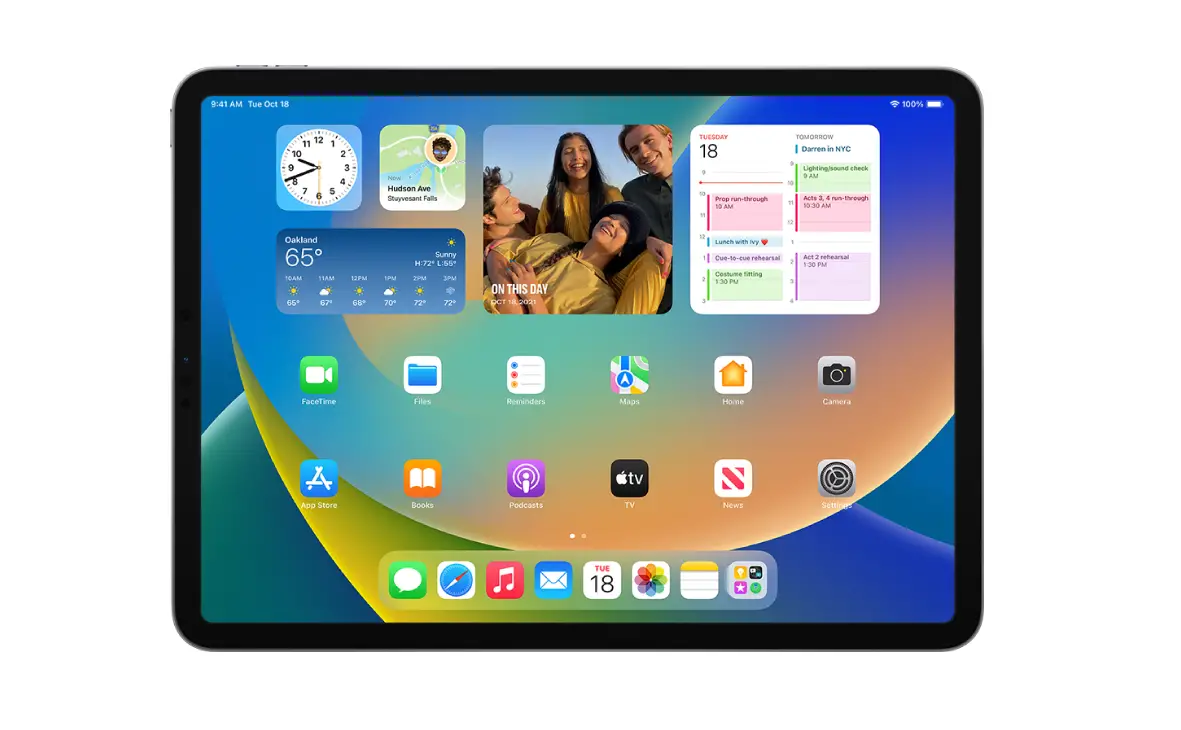
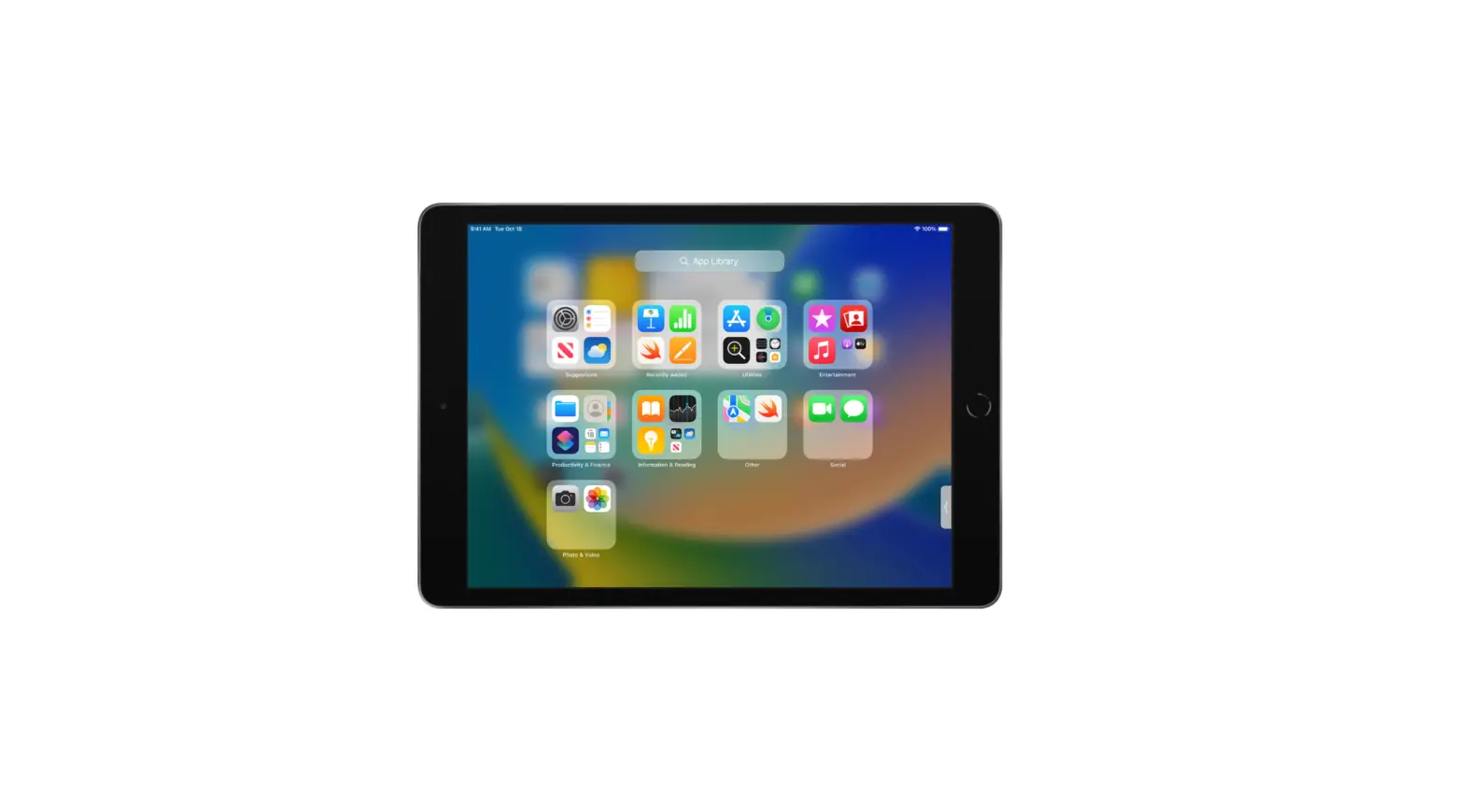
While the app is downloading, its icon appears on the Home Screen with a progress indicator.