
Wireless
quick-start guide
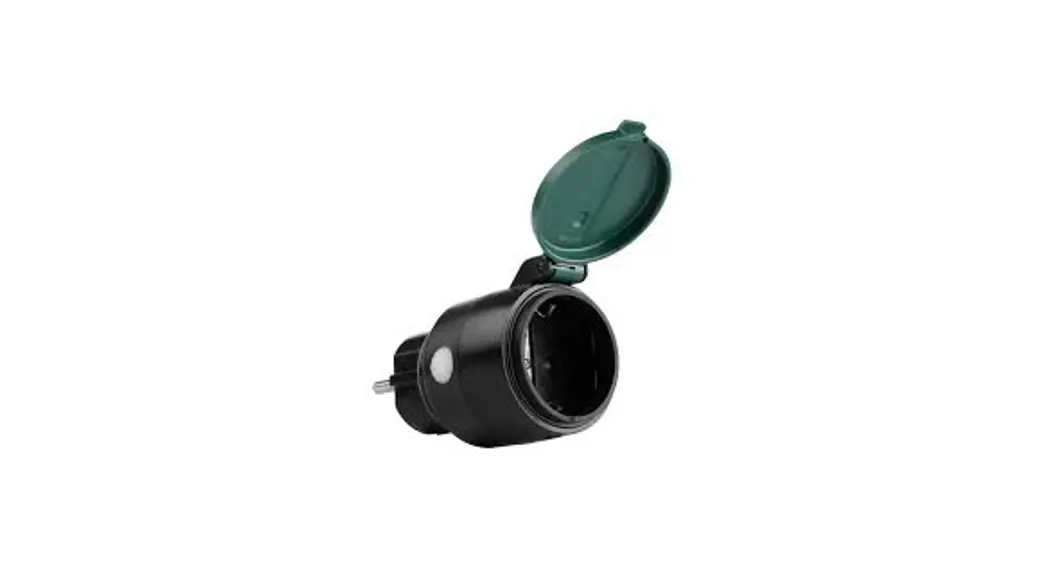
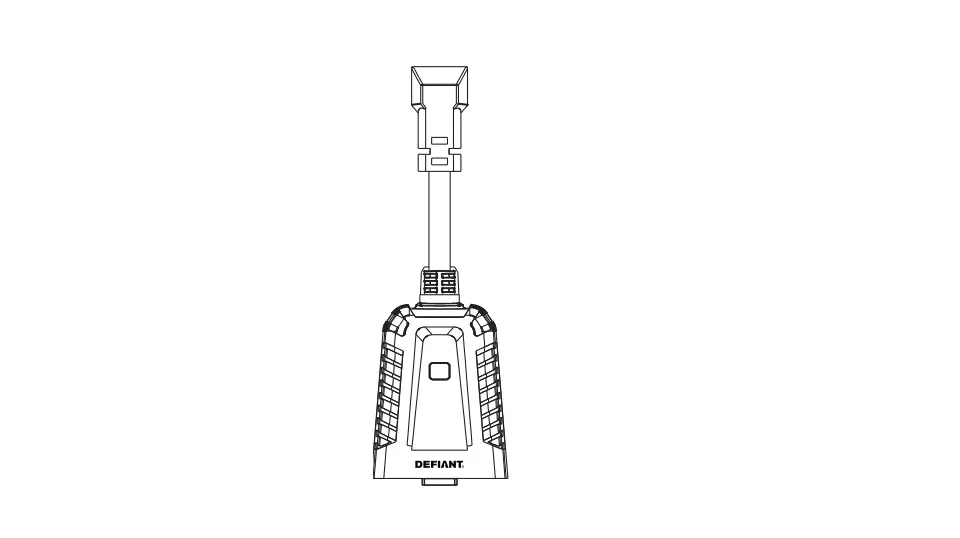
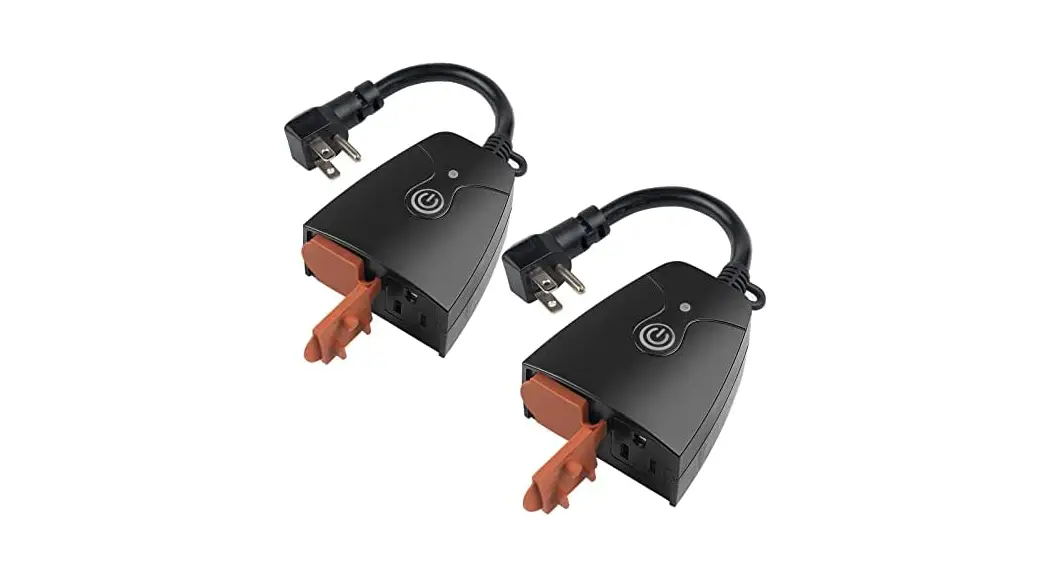
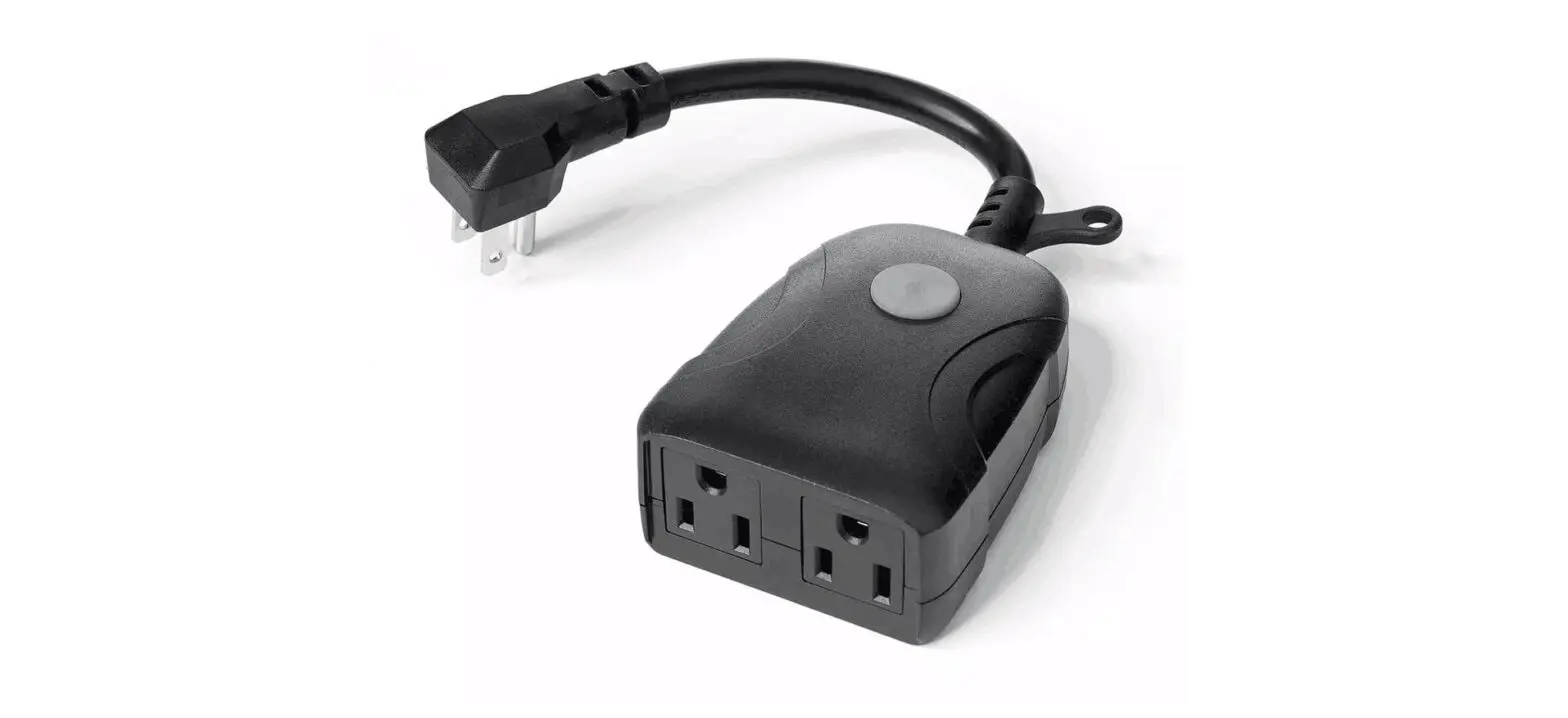
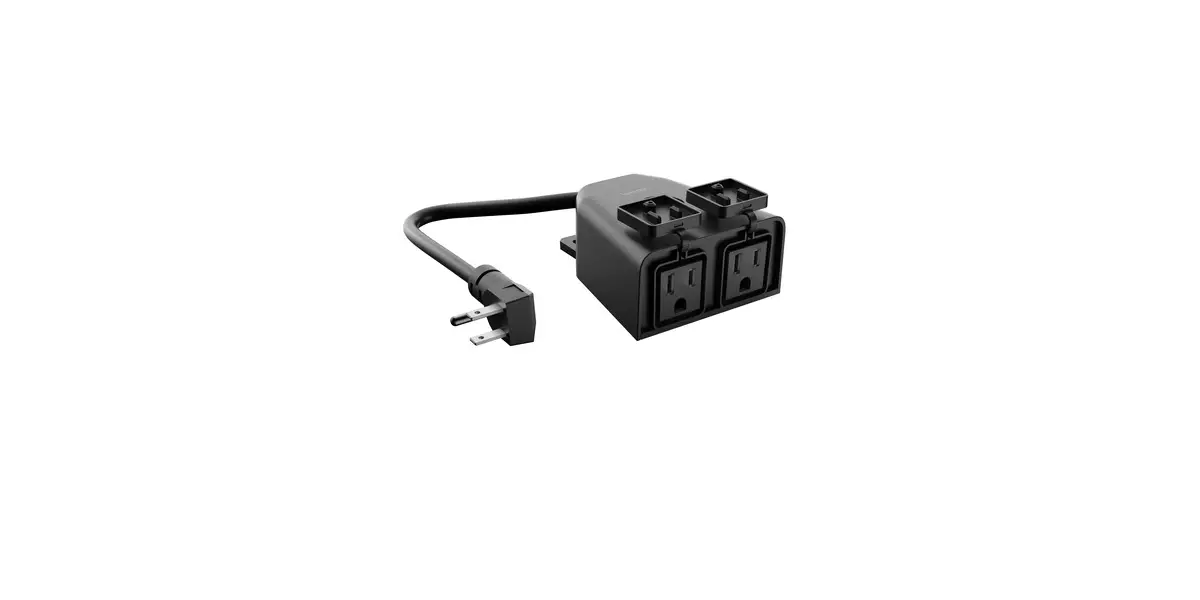
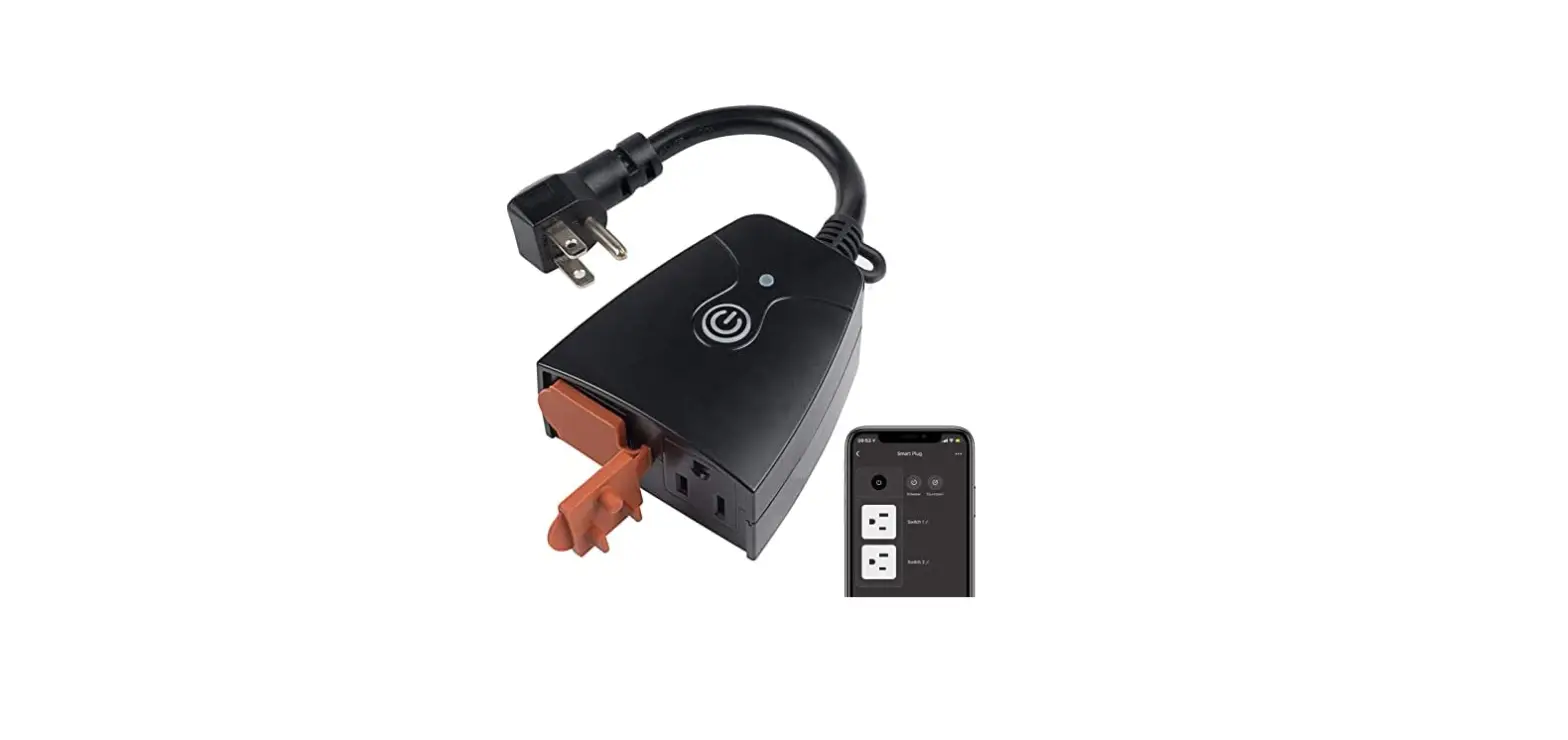
Outdoor Smart Plug
Power: 120 V~ 50 / 60 Hz
Load: Up to 15 A lighting loads, up to 1/2 HP motor loads, or up to 1200 VA (8 A) lighting transformer/magnetic ballast loads.
RF Operating Range: Guaranteed to work up to 60 ft (18 m) line-of-sight or 30 ft (9 m) through walls (longer ranges are possible depending on conditions).
Install in accordance with all national and local electrical codes.
Double your warranty
Register your outdoor smart plug at www.casetawireless.com/register
For warranty information, please visit 369-119_Wallbox_Warranty [PDF]

Lutron Electronics Co., Inc.
7200 Suter Road
Coopersburg, PA 18036-1299

P/N 0301978a
Contents supplied
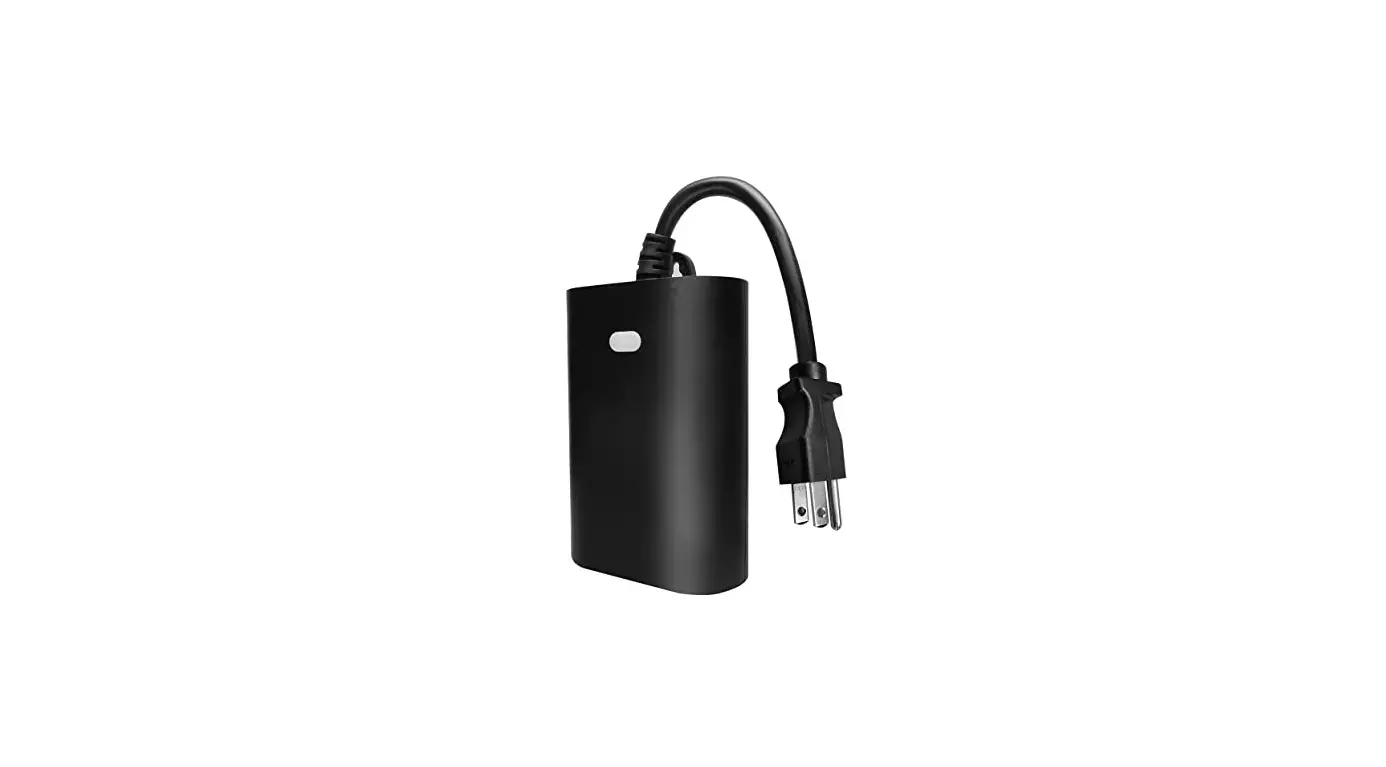
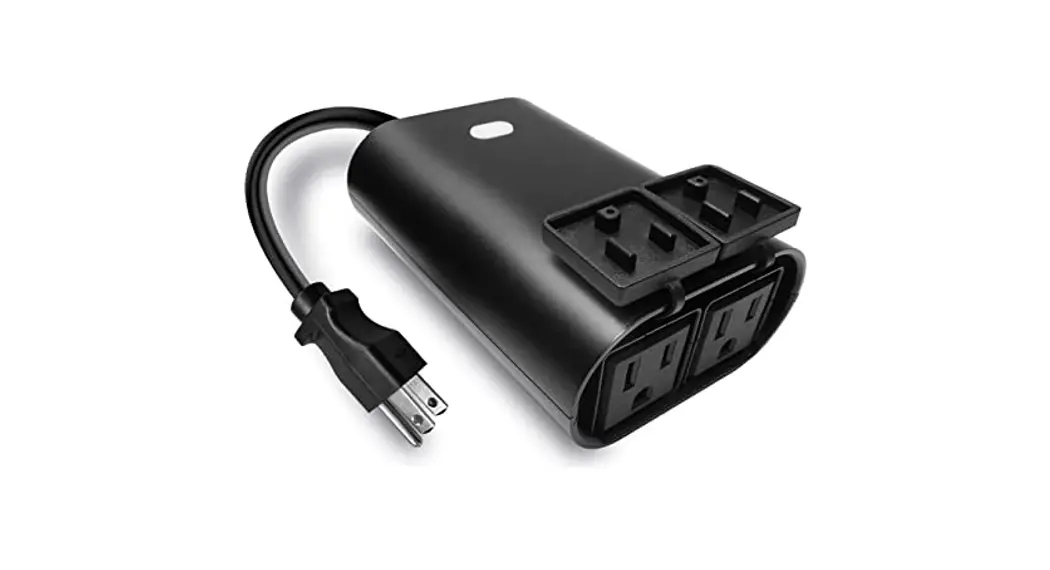
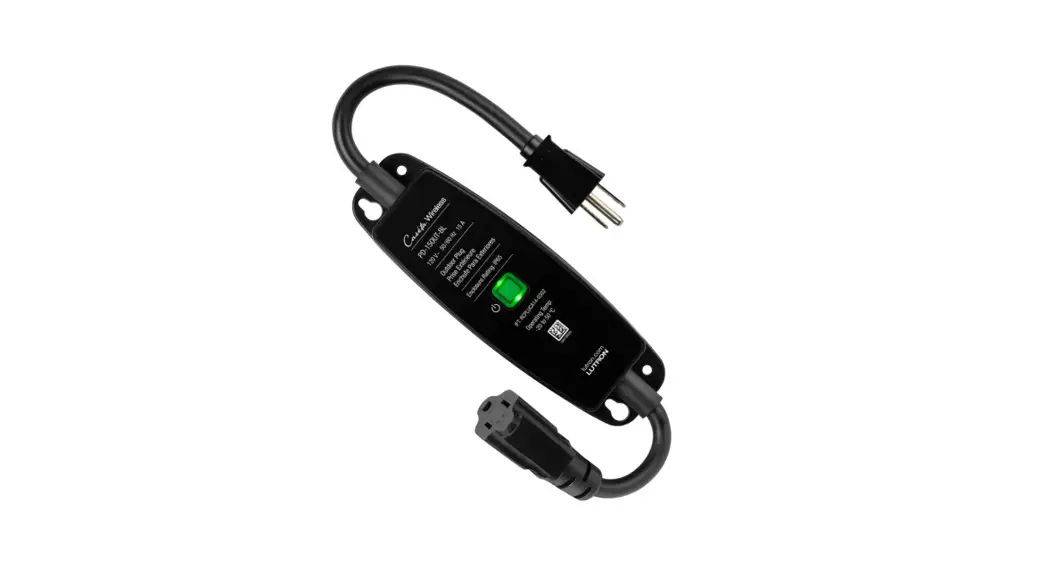
Outdoor Smart Plug (PD-15OUT-BL)
FCC / IC Information
This device complies with part 15 of the FCC Rules and Industry Canada license-exempt RSS standard(s). Operation is subject to the following two conditions: (1) This device may not cause interference, and (2) this device must accept any interference, including interference that may cause undesired peration. Modifications not expressly approved by Lutron Electronics Co., Inc. could void the user’s authority to operate this equipment.
Note: This equipment has been tested and found to comply with the limits for a Class B digital device, pursuant to part 15 of the FCC Rules. These limits were redesigned to provide reasonable protection against harmful interference in a residential installation. This equipment generates, uses, and can radiate radio requency energy and, if not installed and used in accordance with the instructions, may cause harmful interference to radio communications. However, there s no guarantee that interference will not occur in a particular installation. If this equipment does cause harmful interference to radio or television reception, which can be determined by turning the equipment off and on, the user is encouraged to try to correct the interference by one or more of the following measures:
—Reorient or relocate the receiving antenna.
—Increase the separation between the equipment and receiver.
— Connect the equipment into an outlet on a circuit different from that to which the receiver is connected.
—Consult the dealer or an experienced radio/TV technician for help.
Installing your outdoor smart plug
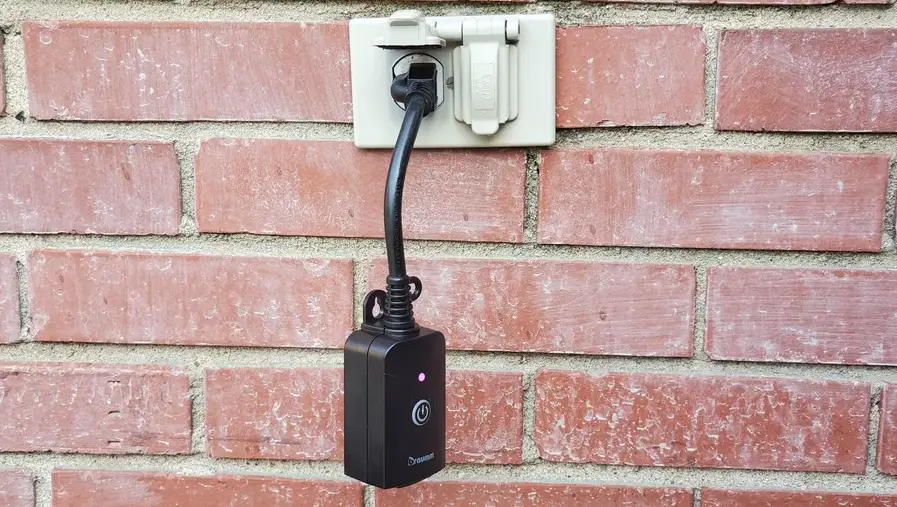
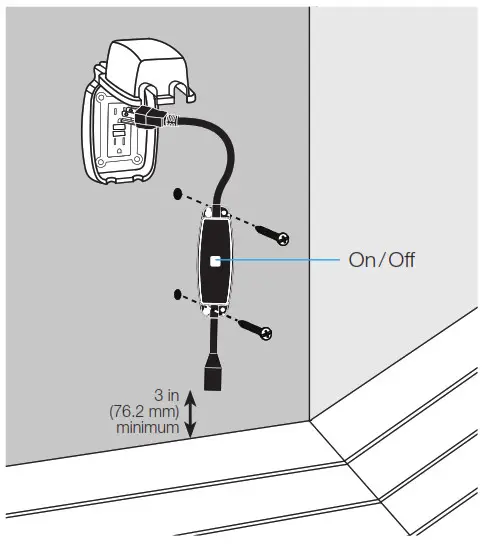
Plugin the device
 WARNING: ELECTRIC SHOCK HAZARD.
May result in Serious Injury or Death. This device must be plugged into a GFCI protected circuit.
Ensure the end of the cord is at least 3 in (76.2 mm) above the ground when plugged in.
Optional: Mount the plug using appropriate screws (not supplied).
The Lutron logo, Lutron, Caséta, and Pico are trademarks or registered trademarks of Lutron Electronics Co., Inc. in the US and/or other countries.
Apple is a trademark of Apple Inc., registered in the U.S. and other countries. AppStore is a service mark of Apple Inc. All other product names, logos, and brands are the property of their respective owners.
© 2021 Lutron Electronics Co., Inc.
Add a wireless control if desired
Connect to a Caséta System
For advanced features like scheduling, geofencing, and control by voice or phone (Smart Bridge required, sold separately)
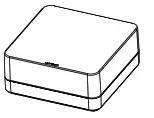
Lutron Smart Bridge
a. Download the Lutron App
www.casetawireless.com/LutronApp
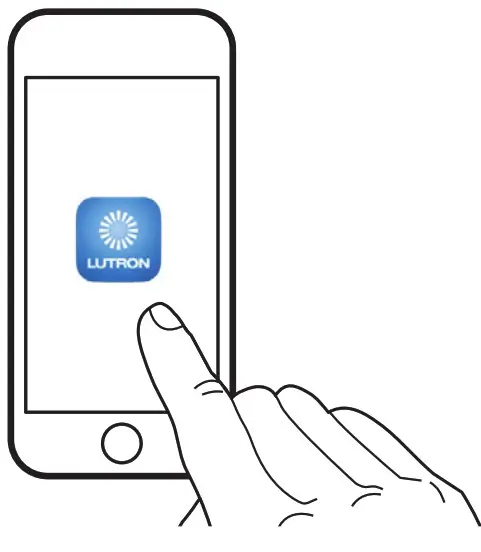
b.Launch the Lutron App
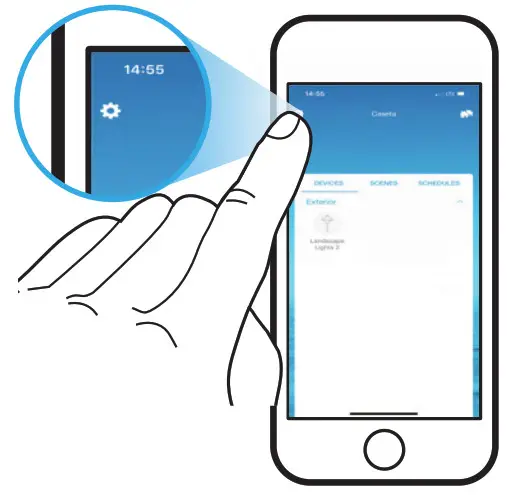
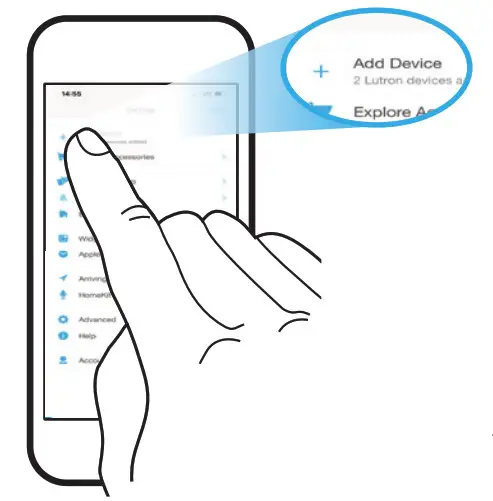
 c. Press the Gear Icon
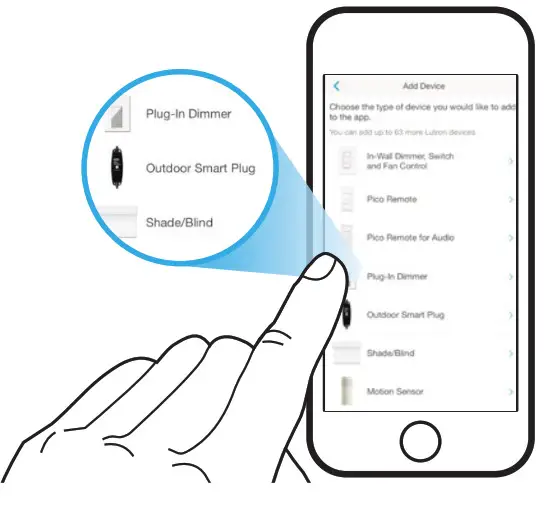
d.Press Add Device
 e. Press the Outdoor Smart Plug Icon
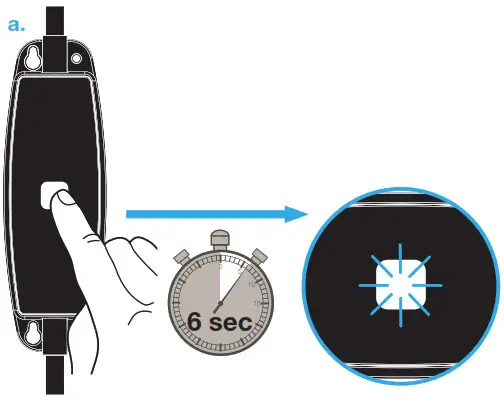
Pairing with a Pico Remote Control
For wireless control from anywhere in your home (Pico remote control required, sold separately)
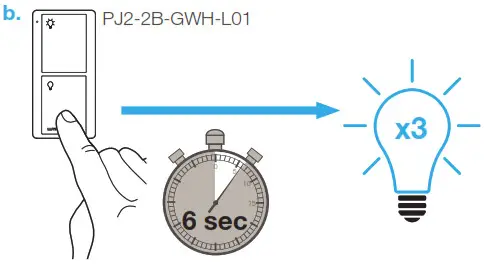 Repeat steps to pair additional Pico remote controls.
c. A Pico remote control may also be paired via the Lutron app (Smart Bridge required).
Plugin the load and operate
Do not exceed the rating of the outdoor smart plug. Ensure any extension cords are rated for at least 15 A.
Resetting the outdoor smart plug to its factory settings
Note: Returning an outdoor smart plug to its factory settings will remove it from the Caséta system and unpair it from a Pico remote control.
Note: Unplug all loads from the outdoor smart plug prior to returning to factory settings.
- Triple tap the On / Off button on the outdoor smart plug. DO NOT release the button after the third tap.
- Keep the On / Off button pressed for approximately 3 seconds until the button flashes quickly.
- Release the On / Off button and immediately triple-tap it again. This time-release the button after the third tap.
The button will flash slowly. The outdoor smart plug has now been returned to its factory settings.
Troubleshooting
| Symptoms | Probable cause and action |
| Load/light does not turn on. |
|
| Load/light does not respond to Pico remote control. |
|
| Load/light does not respond to the Caséta system. |
|
Go to www.lutron.com/casetasupport for additional troubleshooting suggestions.
 casetawireless.com/register
 Lutron Support Center Support.htm