MK-2 Power Unit Dual USB-C Model
Product Information
- Step: Press and hold for continuous mode.
Press once to change memory setting. Dual model: press once to
change machine output channel. - Visit us: Visit us at musotoku.com
- Access underneath insert: Attach support
accessories tripod compatible. - Adjust voltage: Adjust voltage in V
steps. - Menu access: Press once to access menu. Press
and hold to pause/restart the stopwatch. - Dual model: The dual machine outputs allow you
to work with two machines independently. Press the pushbutton to
switch between machines. - Pedal input modes: Standard mode: press to
run. One touch mode: set continuous mode and then press pedal
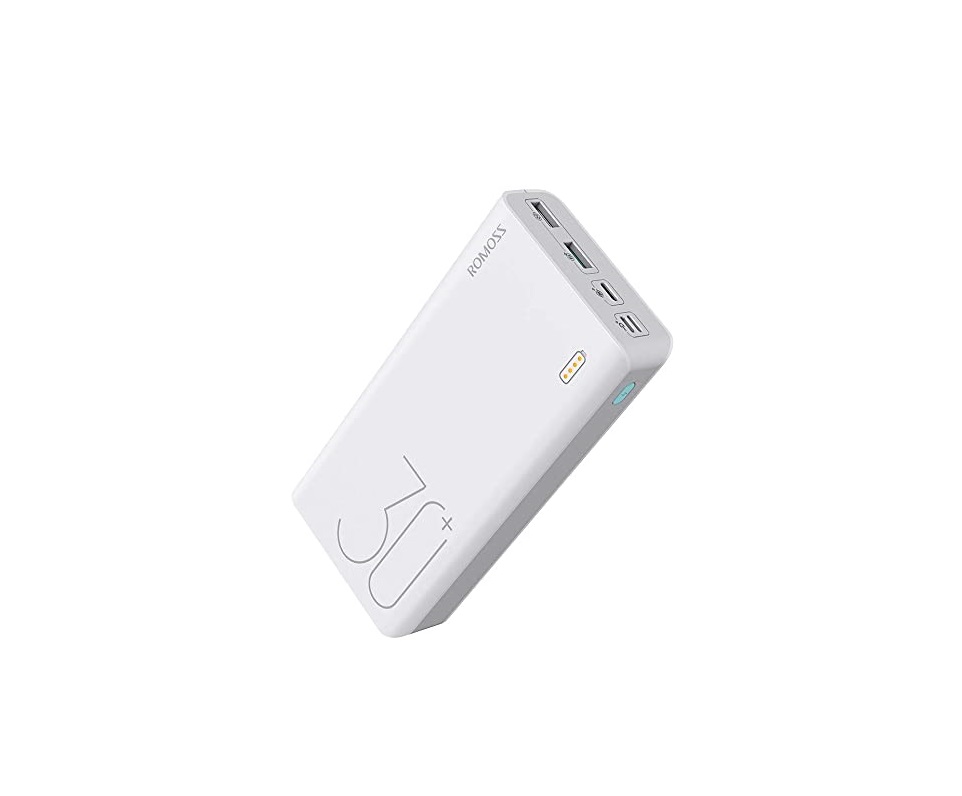
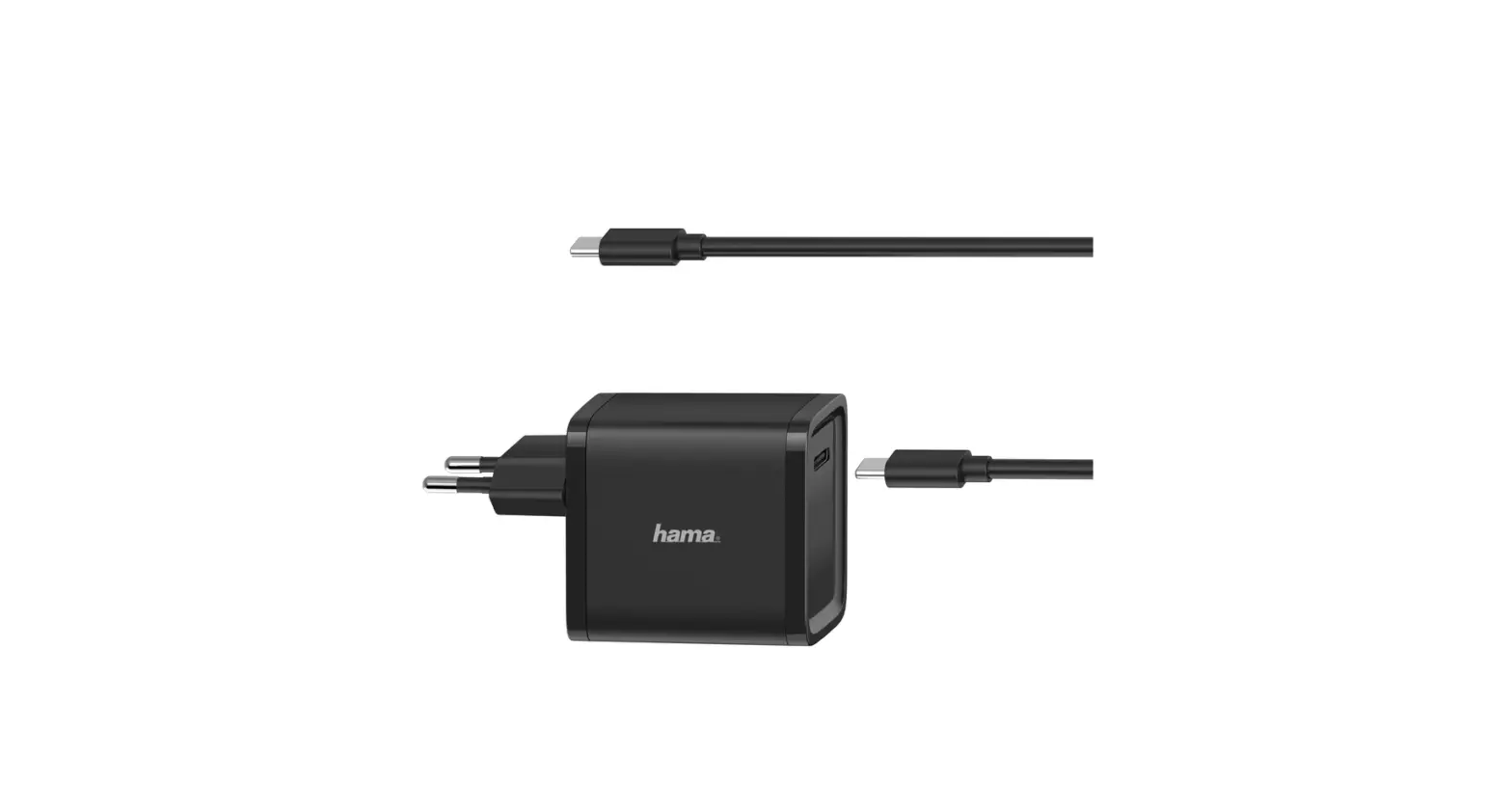
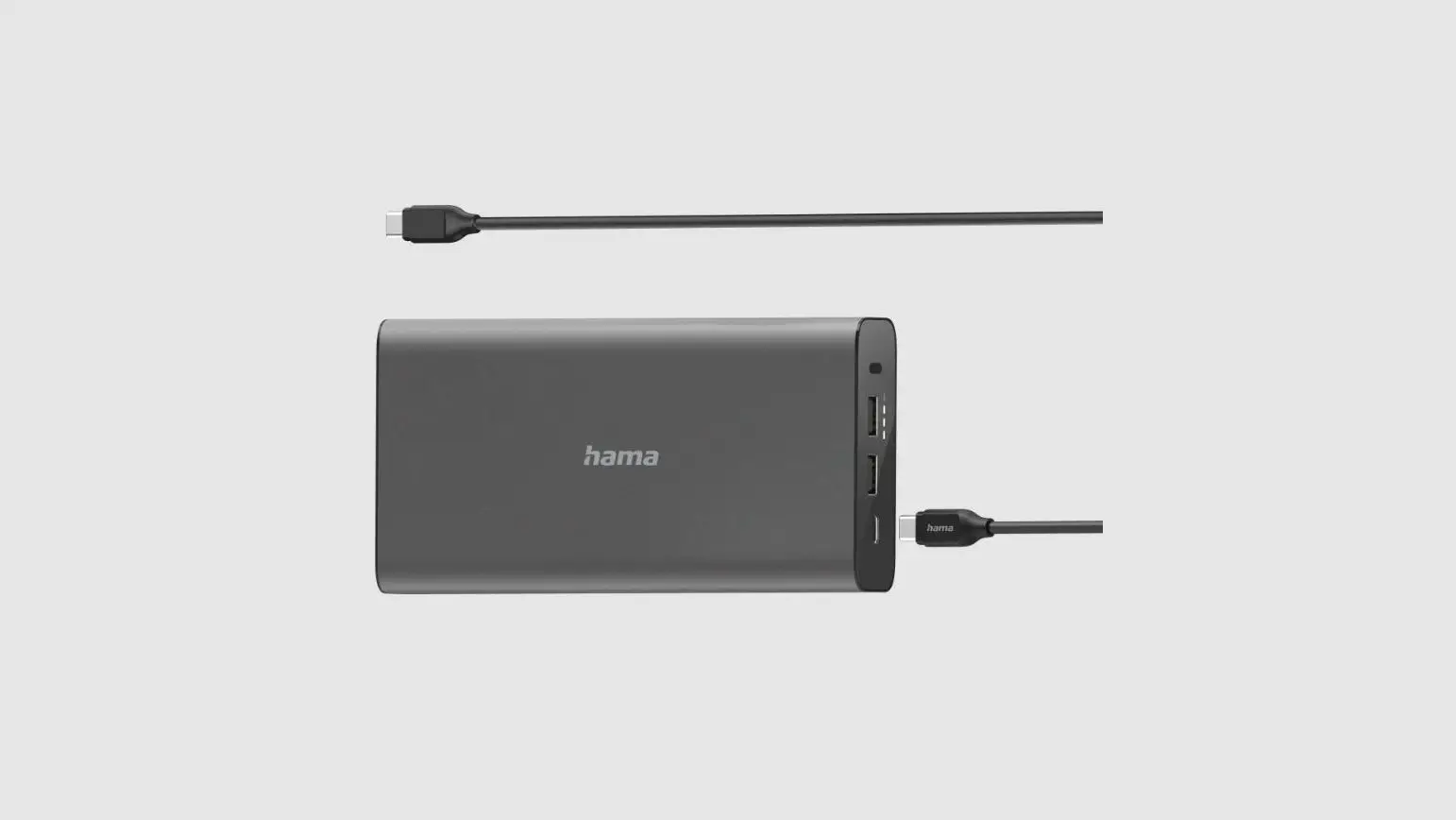
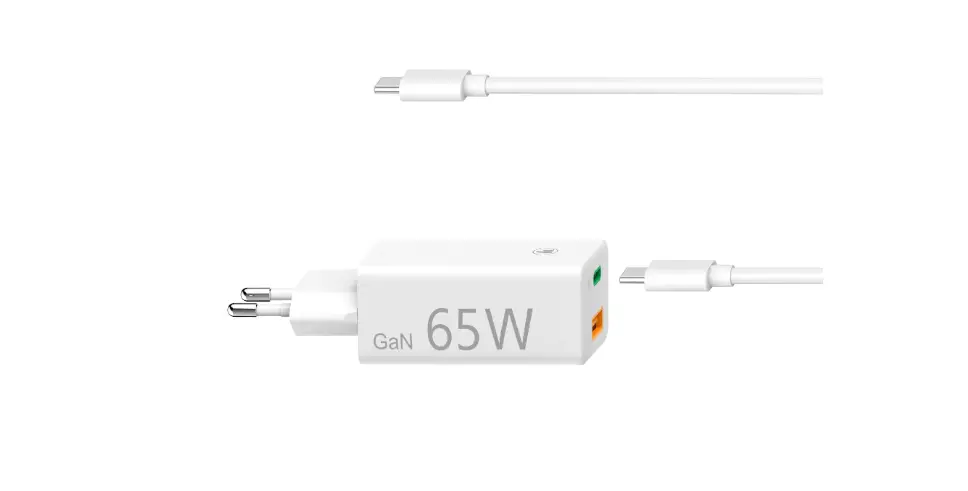
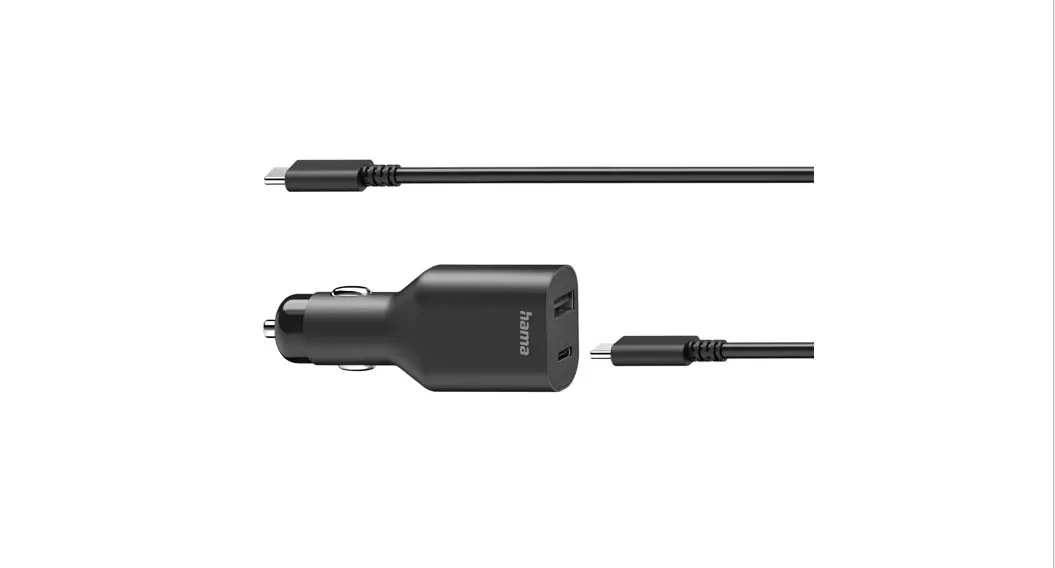
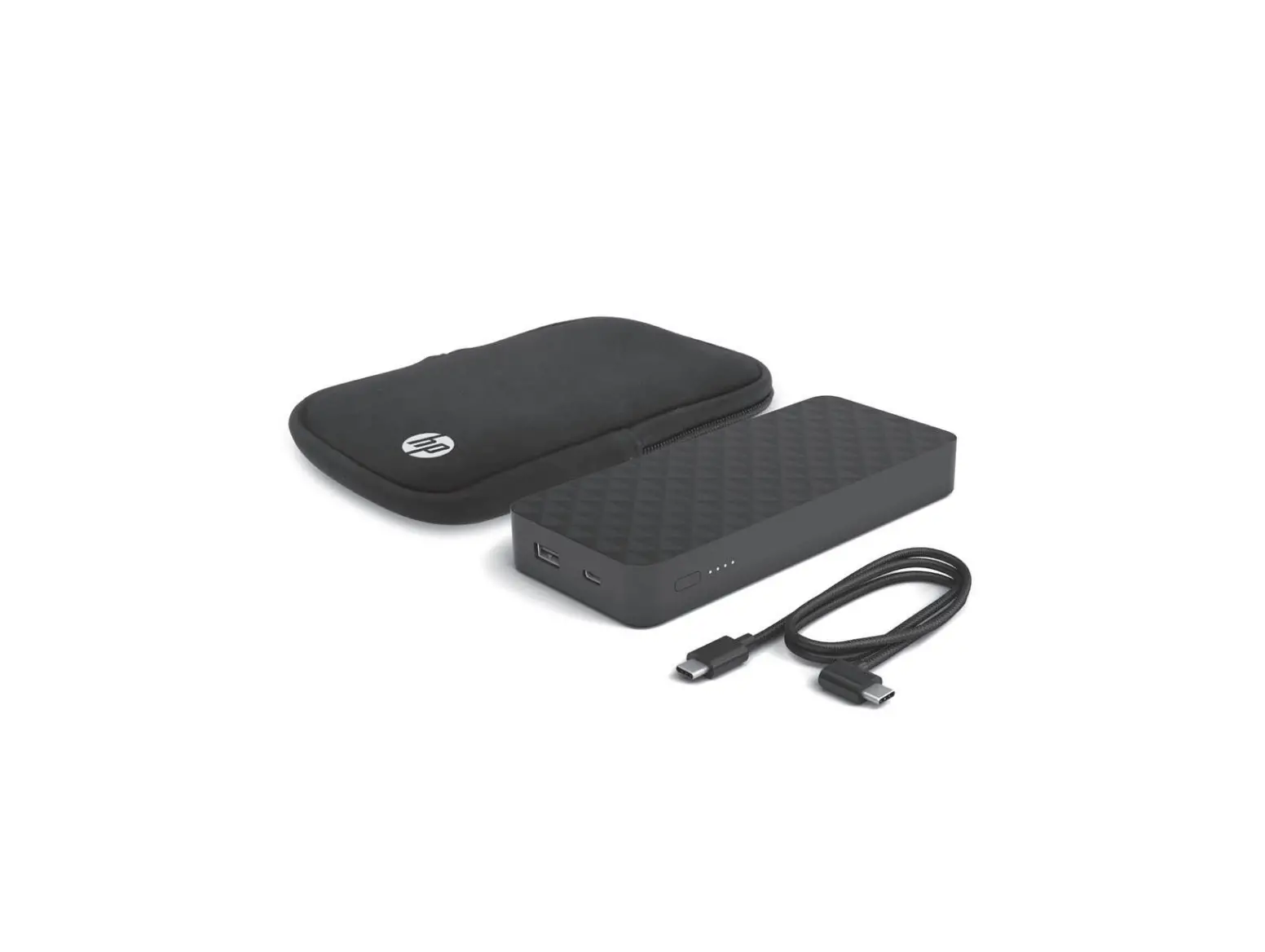
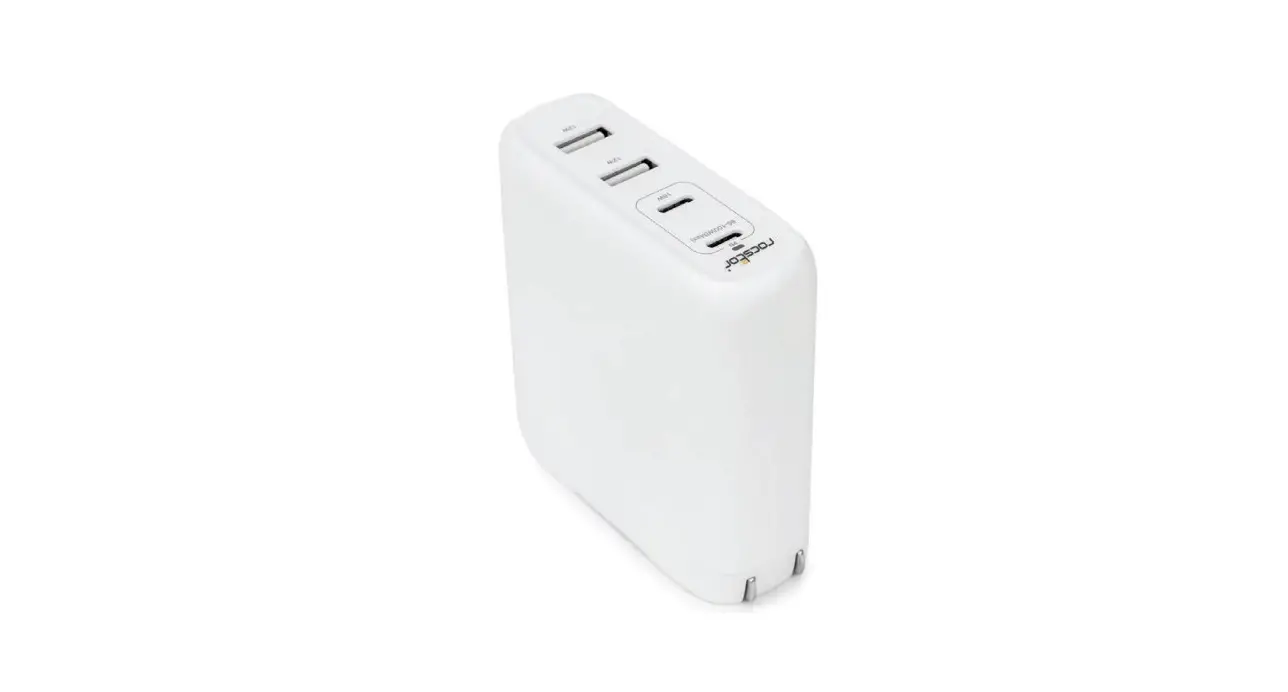
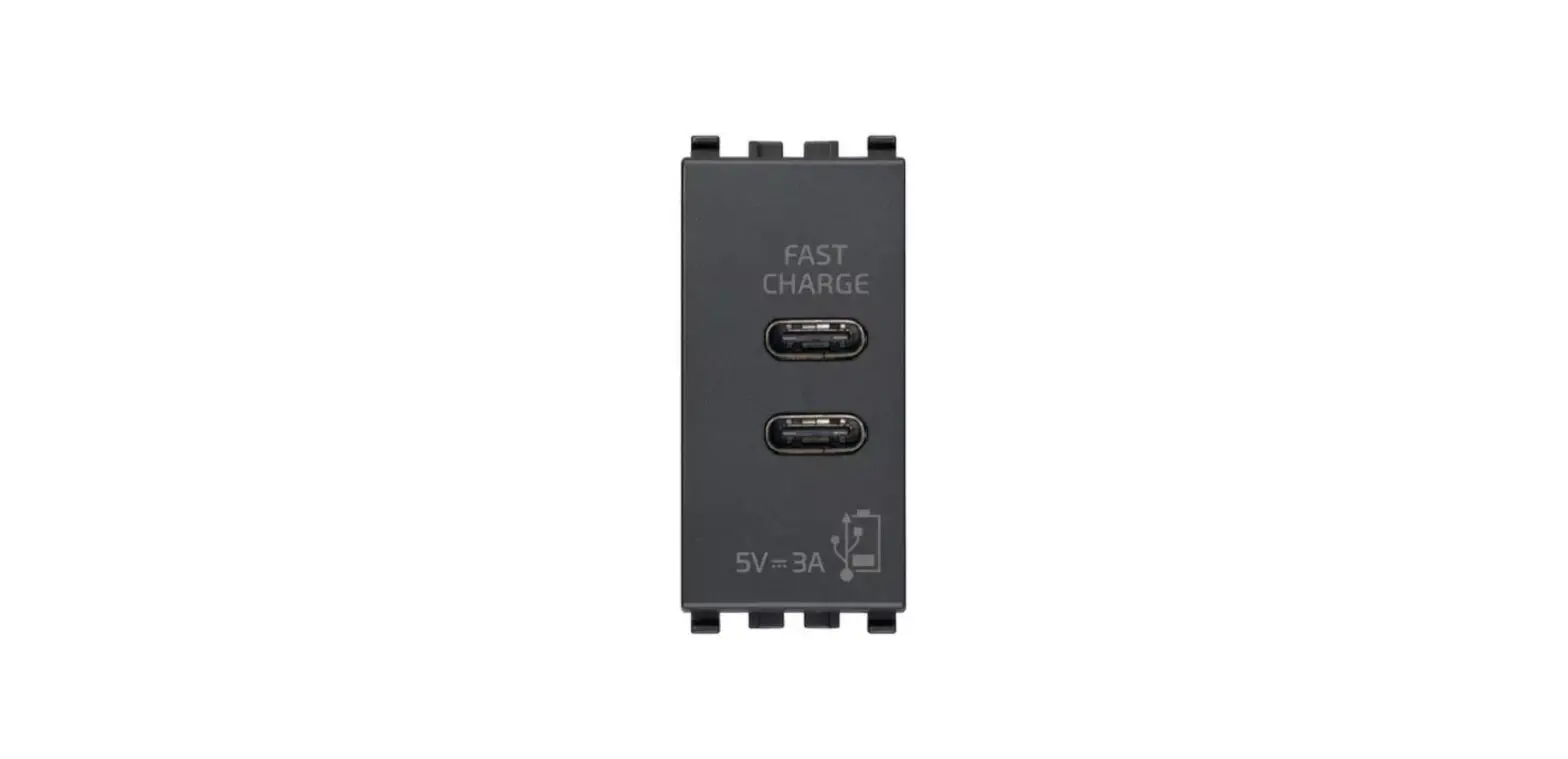
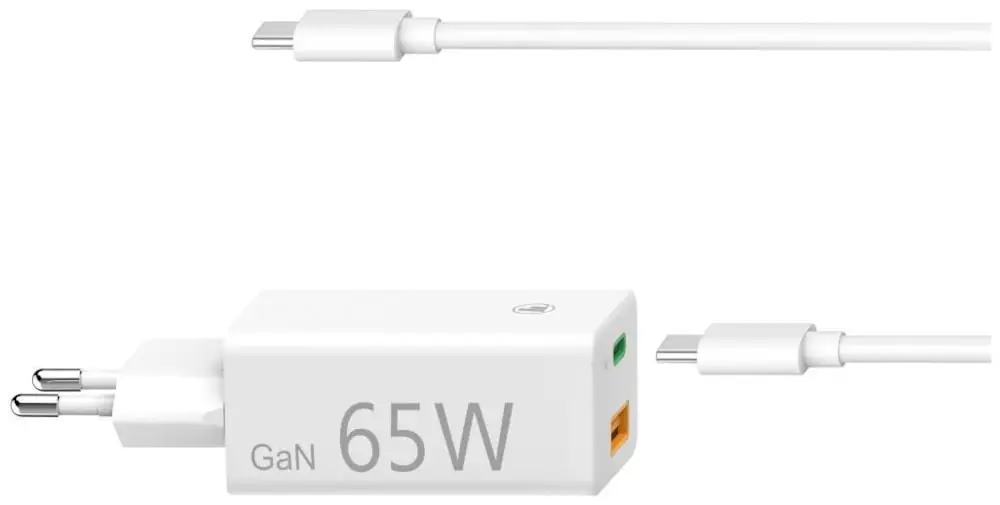
momentarily. - USB C: Use your MK anywhere and at anytime
thanks to its USB C connector. Power it with a portable battery or
a USB C power adapter. - Caution: Do not short the output. Works only
with USB C power adapters of 60W or more output. Handle with care.
Do not drop or hit the power supply. Do not screw or insert any
object larger than cm inside the tripod nut. Do not soak or clean
under water. Clean only with a damp cloth and avoid dropping
liquids inside. Do not brag about your new Musotoku to your studio
mates, they will ask you about it anyway. - Contact: Feel free to drop us a line if you
have any questions or something. Support: musotoku.com | Instagram:
@musotoku - Power: This Musotoku power supply is capable
of delivering 5A of output power to your machine and up to 10A
peak. Expect absolute stability and no fluctuation on your
lines. - Dual model: Works with two machines
independently. Press the pushbutton to change between machine
channel 1 and 2. Each machine output has its own memory setting.
There is an LED next to each machine connector that indicates the
current active output. - USB C: Works only with USB-C power adapters of
60W or more (20V output). Works with 60W power bank battery
compatible with laptops. - Nitro: The Nitro function is an extra
injection of power to your machine for a brief pulse of 0.5 seconds
after pressing the footswitch. The Nitro pulse will make your
machine start faster and be more reliable. To access the Nitro
menu, push the top of the analog dial and navigate to Nitro. The
Nitro pulse is not dangerous for your machine, as the voltage
profile is always adapted to your machine. - Footswitch modes: Standard mode: The machine
will run when the footswitch is pressed and will stop when it is
released. Maintained or continuous mode: No footswitch needed. Just
press and hold the pushbutton until you hear a double beep. To stop
the machine, just repeat the action. One-touch mode: Use the
continuous mode together with the footswitch, and the machine will
turn itself on/off with each press of the footswitch. - Overcurrent: This Musotoku power supply
continuously monitors your machine health to avoid overheating. If
a short circuit is detected on the clipcord or the machine, your
Musotoku power supply will immediately stop, displaying a warning
message (Overcurrent). Carefully inspect your cable and/or the
machine before resuming work.
Product Usage Instructions
- To use the continuous mode, press and hold the step button.
Release the button to stop the continuous mode. - To change the memory setting, press the step button once.
- If you have a dual model, press the step button once to change
the machine output channel. - If your machine has support accessories, you can attach them
using the access underneath insert. The product is tripod
compatible. - To adjust the voltage, use the V steps provided.
- To access the menu, press the step button once. To pause or
restart the stopwatch, press and hold the step button. - If you have a dual model, you can work with two machines
independently. Press the pushbutton to switch between
machines. - If your machine has a jack plug, follow the instructions
provided for the respective model. - If your machine has a pedal input, there are different modes
available:- Standard mode: Press the pedal to run the machine. Release the
pedal to stop it. - One touch mode: Set continuous mode and then press the pedal
momentarily to turn the machine on/off.
- Standard mode: Press the pedal to run the machine. Release the
- If your product has a USB C connector, you can use it anywhere
and anytime. Power it with a portable battery or a USB C power
adapter. - Take caution while using the product:
- Do not short the output.
- Use only USB C power adapters of 60W or more output.
- Handle the product with care, avoiding dropping or hitting the
power supply. - Avoid screwing or inserting any object larger than cm inside
the tripod nut. - Do not soak or clean the product under water. Clean it only
with a damp cloth and avoid dropping liquids inside. - Do not brag about your new Musotoku to your studio mates, as
they will ask you about it anyway.
- If you have any questions or need support, you can contact
Musotoku through their website or Instagram. - The power supply can deliver 5A of output power to your
machine, with up to 10A peak. Expect stable and consistent power
supply. - If you have a dual model, you can work with two machines
independently. Use the pushbutton to switch between machine
channels 1 and 2. Each machine output has its own memory setting,
indicated by an LED next to the machine connector. - The USB C feature works only with USB-C power adapters of 60W
or more (20V output). It is also compatible with 60W power bank
batteries used for laptops. - The Nitro function provides an extra injection of power to your
machine for a brief pulse of 0.5 seconds after pressing the
footswitch. It improves the machine’s startup speed and
reliability. To access the Nitro menu, push the top of the analog
dial and navigate to Nitro. The Nitro pulse is safe for your
machine as it adapts to the voltage profile. - There are different footswitch modes available:
- Standard mode: The machine runs when the footswitch is pressed
and stops when released. - Maintained or continuous mode: No footswitch is needed. Just
press and hold the pushbutton until you hear a double beep. Repeat
the action to stop the machine. - One-touch mode: Use the continuous mode together with the
footswitch. The machine turns on/off with each press of the
footswitch.
- Standard mode: The machine runs when the footswitch is pressed
- The power supply continuously monitors your machine’s health to
avoid overheating. If a short circuit is detected on the clipcord
or the machine, the power supply will immediately stop, displaying
a warning message (Overcurrent). Inspect your cable and/or machine
before resuming work.
STEP
PRESS AND HOLD FOR CONTINUOUS MODE. PRESS ONCE TO CHANGE MEMORY SETTING. DUAL MODEL: PRESS ONCE TO CHANGE MACHINE OUTPUT CHANNEL.
VISIT US IN MUSOTOKU.COM
ACCESS UNDERNEATH INSERT TO ATTACH SUPPORT ACCESSORIES TRIPOD COMPATIBLE .
STEP
ADJUST VOLTAGE IN . V STEPS.
PRESS ONCE TO ACCESS MENU. PRESS AND HOLD TO PAUSE/RESTART THE STOPWATCH.
JACK PLU
DUAL MODEL
G
THE DUAL MACHINE OUTPUTS ALLOW YOU
TO WORK WITH TWO MACHINES
INDEPENDENTLY.
PRESS THE PUSHBUTTON TO SWITCH BETWEEN MACHINES.
G
MACHINE OUTPUT DUAL MODEL ONLY MACHINE OUTPUT
JACK PLU
PEDAL INPUT
MODES : . STANDARD: PRESS TO RUN. . ONE TOUCH: SET CONTINUOUS MODE
AND THEN PRESS PEDAL MOMENTARILY.
USB C
USE YOUR MK ANYWHERE AND AT ANYTIME THANKS TO ITS USB C CONNECTOR. POWER IT TO A PORTABLE BATTERY OR TO A USB C POWER ADAPTER.
CAUTION
DO NOT SHORT THE OUTPUT. WORKS ONLY WITH USB C POWER ADAPTERS OF W OR MORE V OUTPUT . HANDLE WITH CARE. DO NOT DROP OR HIT THE POWER SUPPLY. DO NOT SCREW OR INSERT ANY OBJECT LARGER THAN CM INSIDE THE TRIPOD NUT. DO NOT SOAK OR CLEAN UNDER WATER. CLEAN ONLY WITH A DAMP CLOTH AND AVOID DROPPING LIQUIDS INSIDE. DO NOT BRAG ABOUT YOUR NEW MUSOTOKU TO YOUR STUDIO MATES THERE IS NO NEED, THEY WILL ASK YOU ABOUT IT ANYWAY.
CONTACT
FEEL FREE TO DROP US A LINE IF YOU HAVE ANY QUESTIONS OR SOMETHING.
SUPPORT MUSOTOKU.COM INSTAGRAM: MUSOTOKU MUSOTOKU.COM
POWER This MUSOTOKU power supply is capable of delivering 5A of output power to your machine and up to 10A peak. Expect absolute stability and no fluctuation on your lines.
DUAL MODEL Works with two machines independently. Press the pushbutton to change between machine channel 1 and 2. Each machine output has its own memory setting. There is a led next to each machine connector that indicates the current active output.
USB C Works only with USB-C Power adapters of 60W or more (20V output). Works with 60W power bank battery compatible with Laptops.
NITRO The NITRO function is an extra injection of power to your machine for a brief pulse of 0.5 seconds after pressing the footswitch. The NITRO pulse will make your machine start faster and be more reliable. To access the NITRO menu just push the top of the analog dial and navigate to NITRO. The NITRO pulse is not dangerous for your machine, as the voltage profile is always adapted to your machine.
This NITRO function has been updated to a new special profile that is 100% compatible with brushless motors. The NITRO feature is enabled independently for each channel, so you can customize your setting per machine on the DUAL model.
FOOTSWITCH MODES STANDARD MODE: The machine will run when the footswitch is pressed and will stop when it is released. MAINTAINED or CONTINUOUS MODE: No footswitch needed. Just press and hold the pushbutton until you hear a double beep.
To stop the machine, just repeat the action. ONE-TOUCH MODE: Use the CONTINUOUS mode together with the footswitch and the machine will turn itself ON/OFF with each press of the footswitch.
OVERCURRENT This MUSOTOKU power supply continuously monitors your machine health to avoid overheating. If a short circuit is detected on the clipcord or the machine, your MUSOTOKU power supply will immediately stop, displaying a warning message (OVERCURRENT). Carefully inspect your cable and/or the machine before resuming work.
AUTO POWER OFF There is no power switch on this MUSOTOKU power supply. After 1 hour of no operation, it will switch off automatically. To turn it on again, just press the footswitch or any control on the power supply and it will turn on immediately.
STOPWATCH TIMER The stopwatch timer counts minutes and hours to help you track your tattoo work. To operate it, go to the TIMER menu by pressing the analog dial and then navigating to TIMER. You can then choose between PLAY/STOP/RESET. There is also a shortcut to toggle the PLAY/STOP action by pressing and holding the analog dial. When the timer is stopped, it will flash periodically. The maximum timer count is 9 hours.
VISIT US IN MUSOTOKU.COM
 Musotoku - Designers and builders of tattoo tools