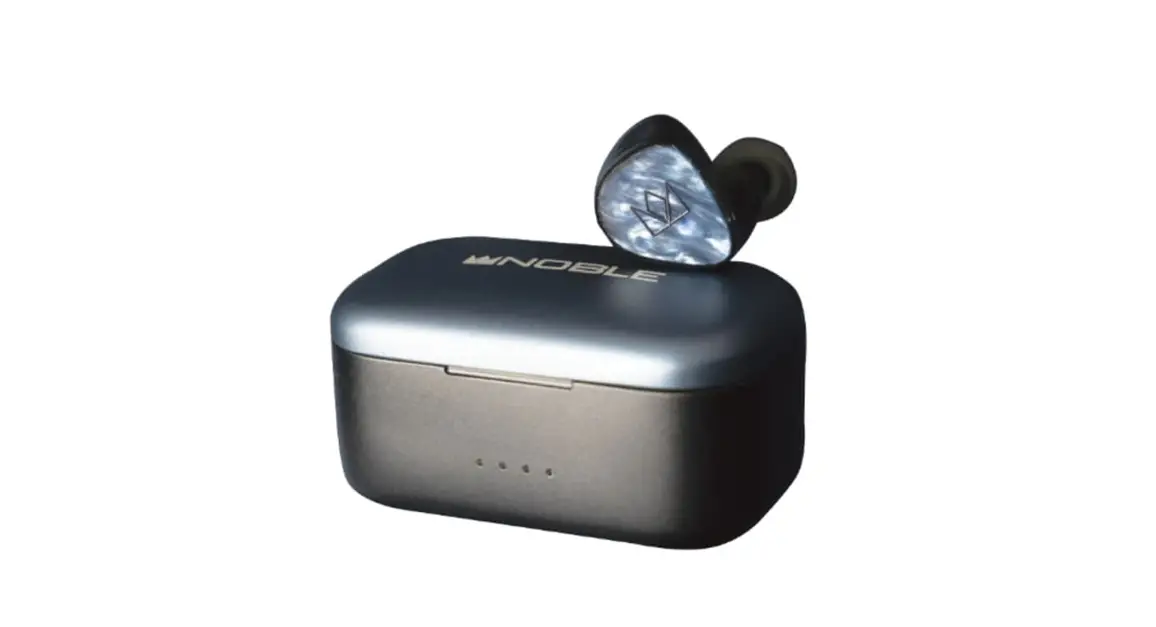
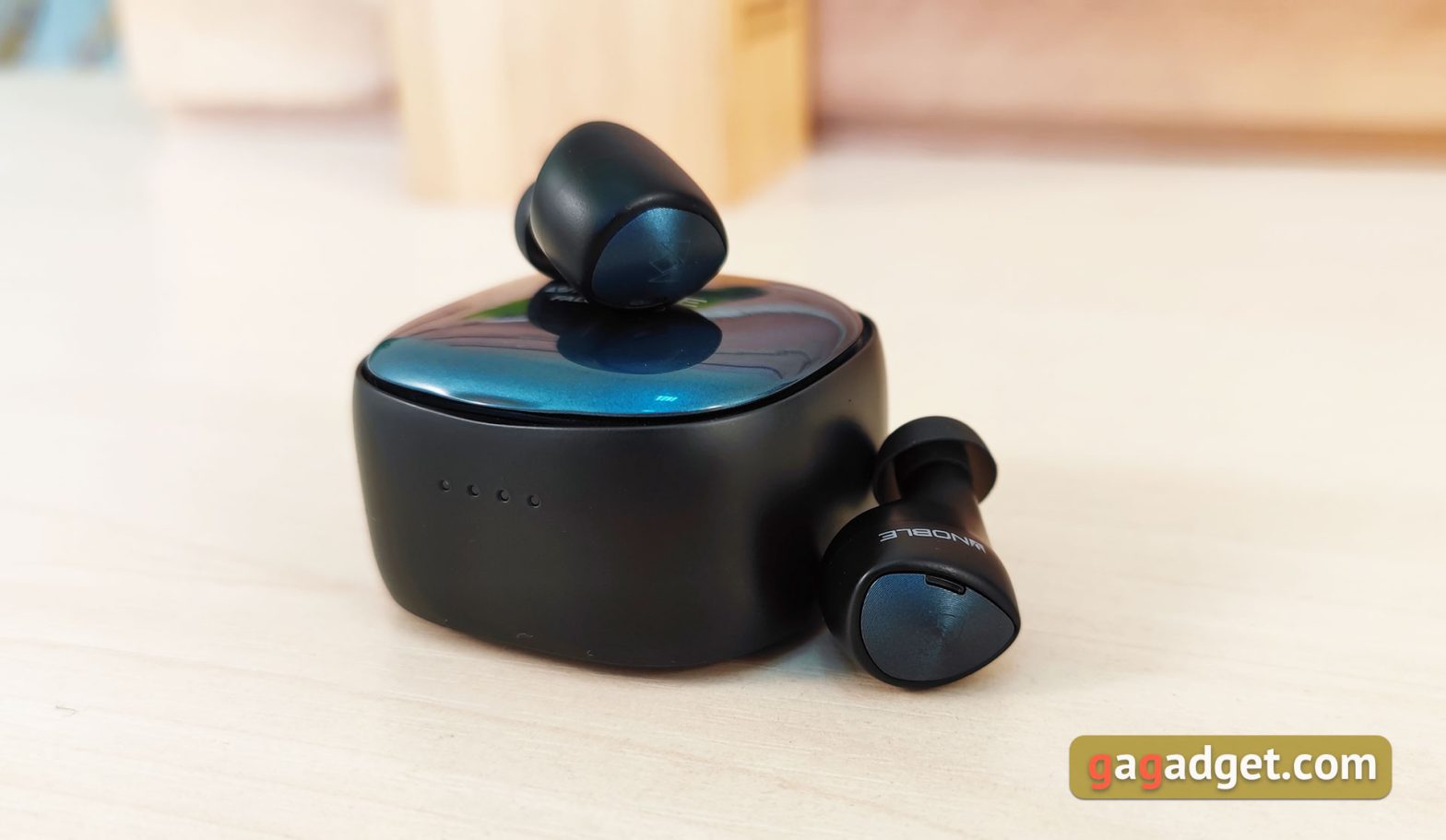
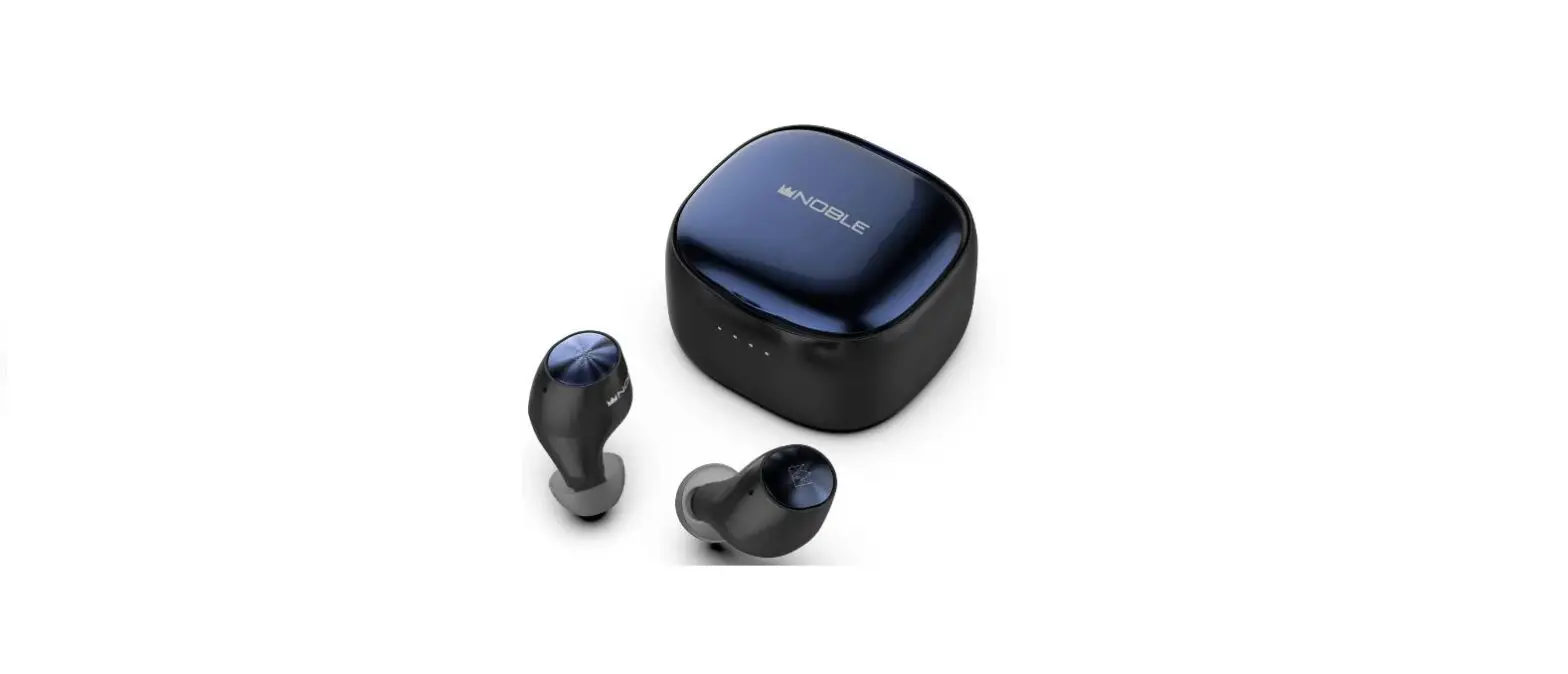
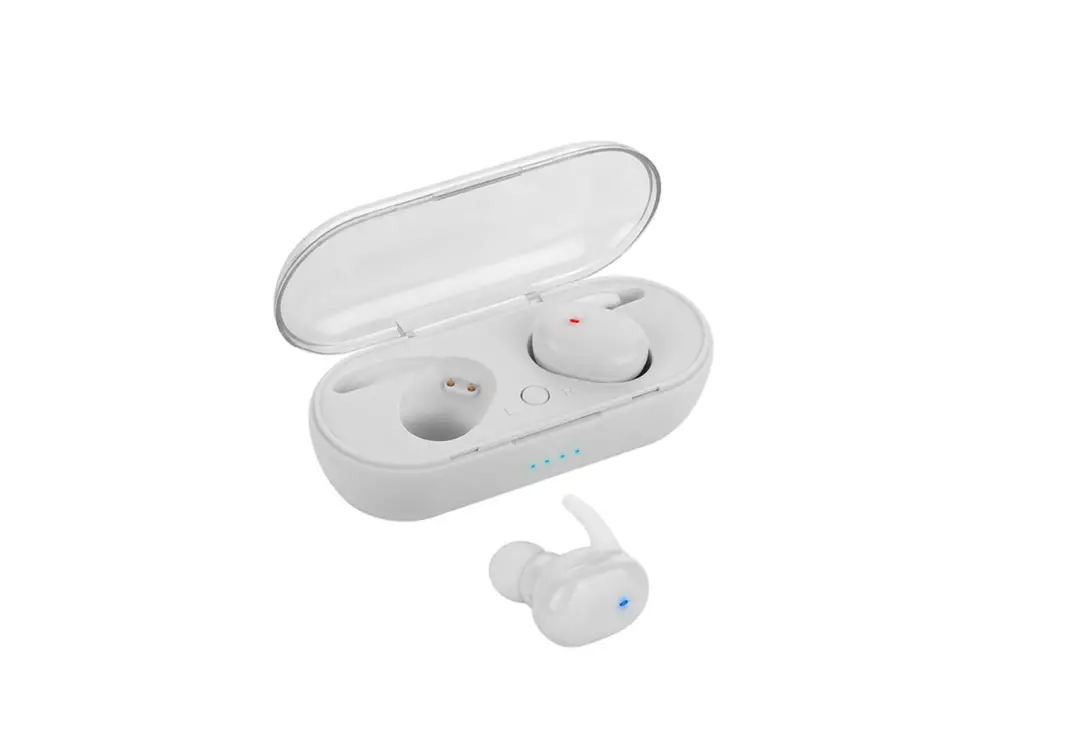
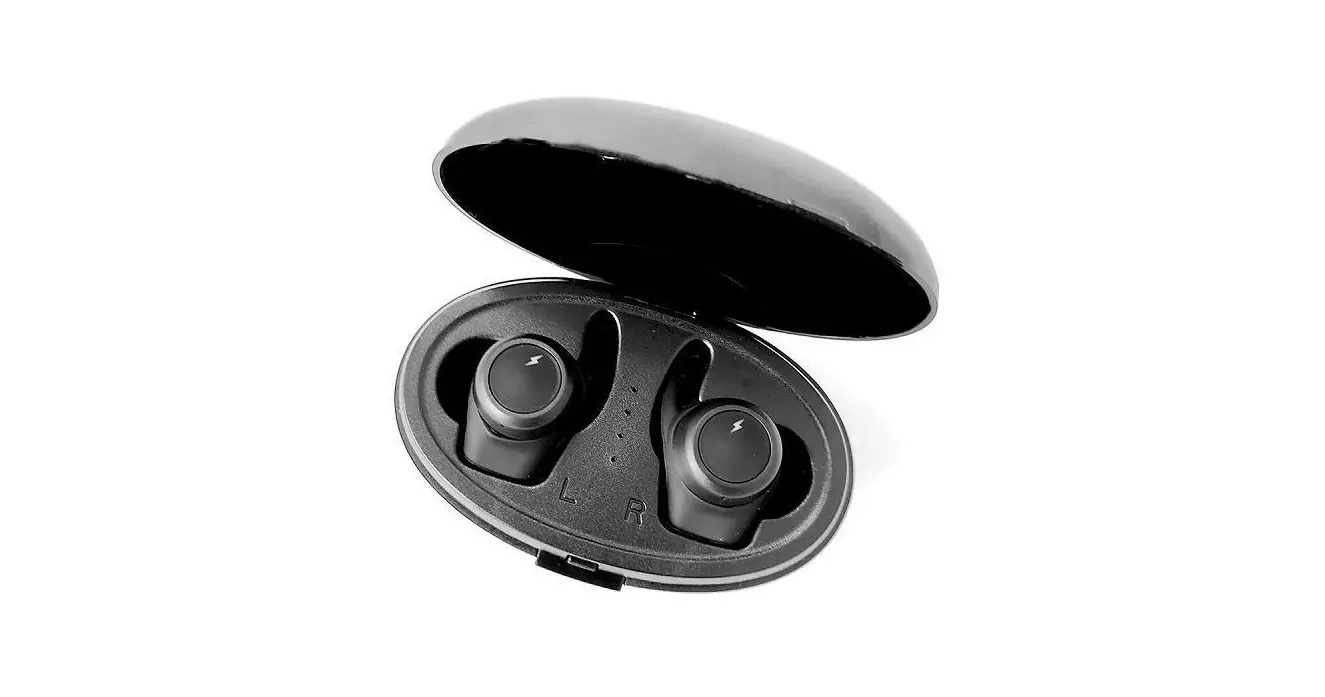
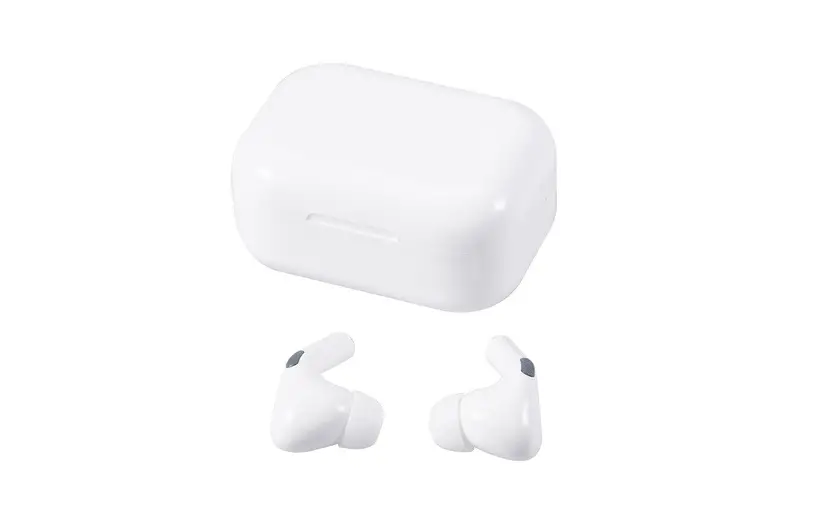
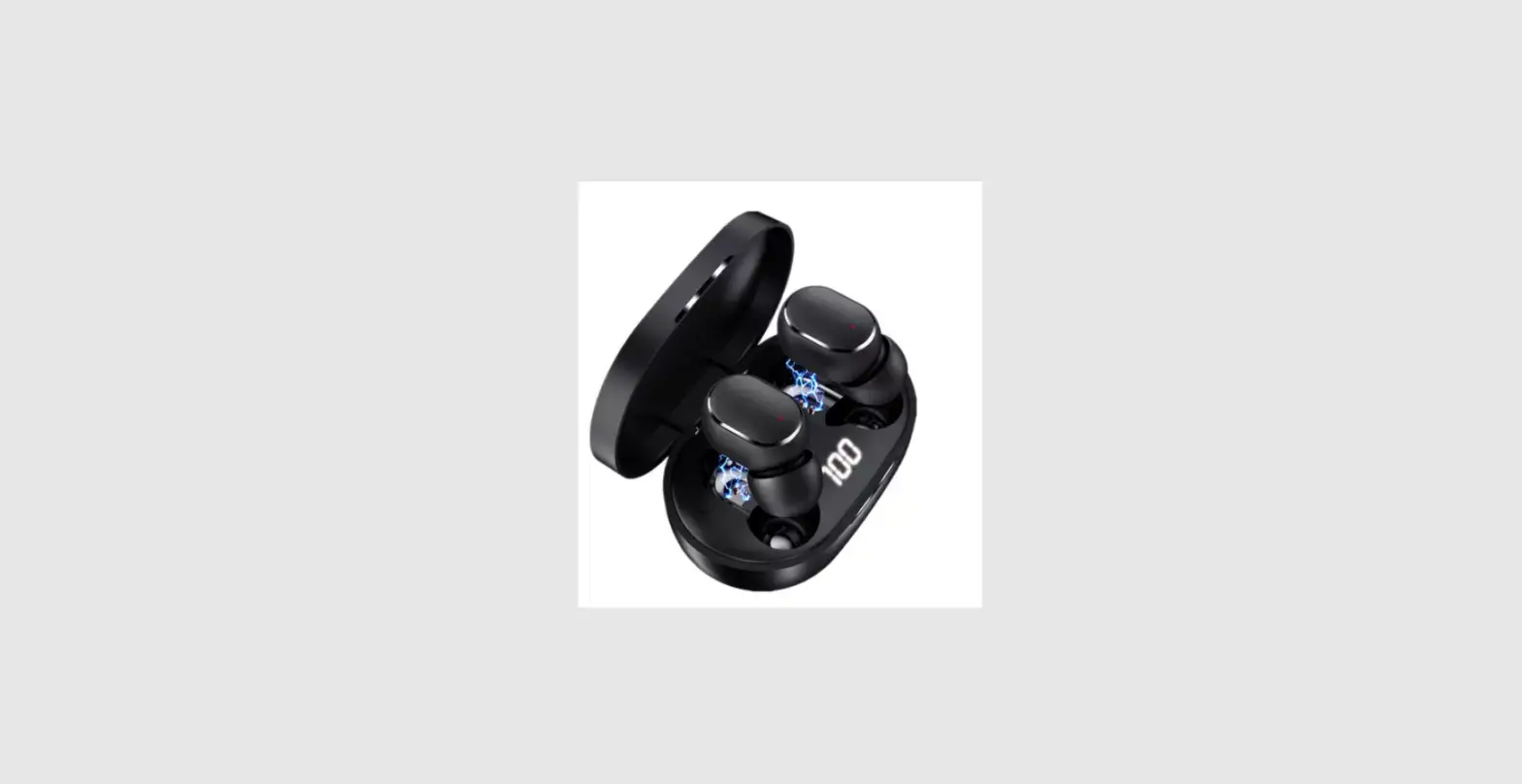
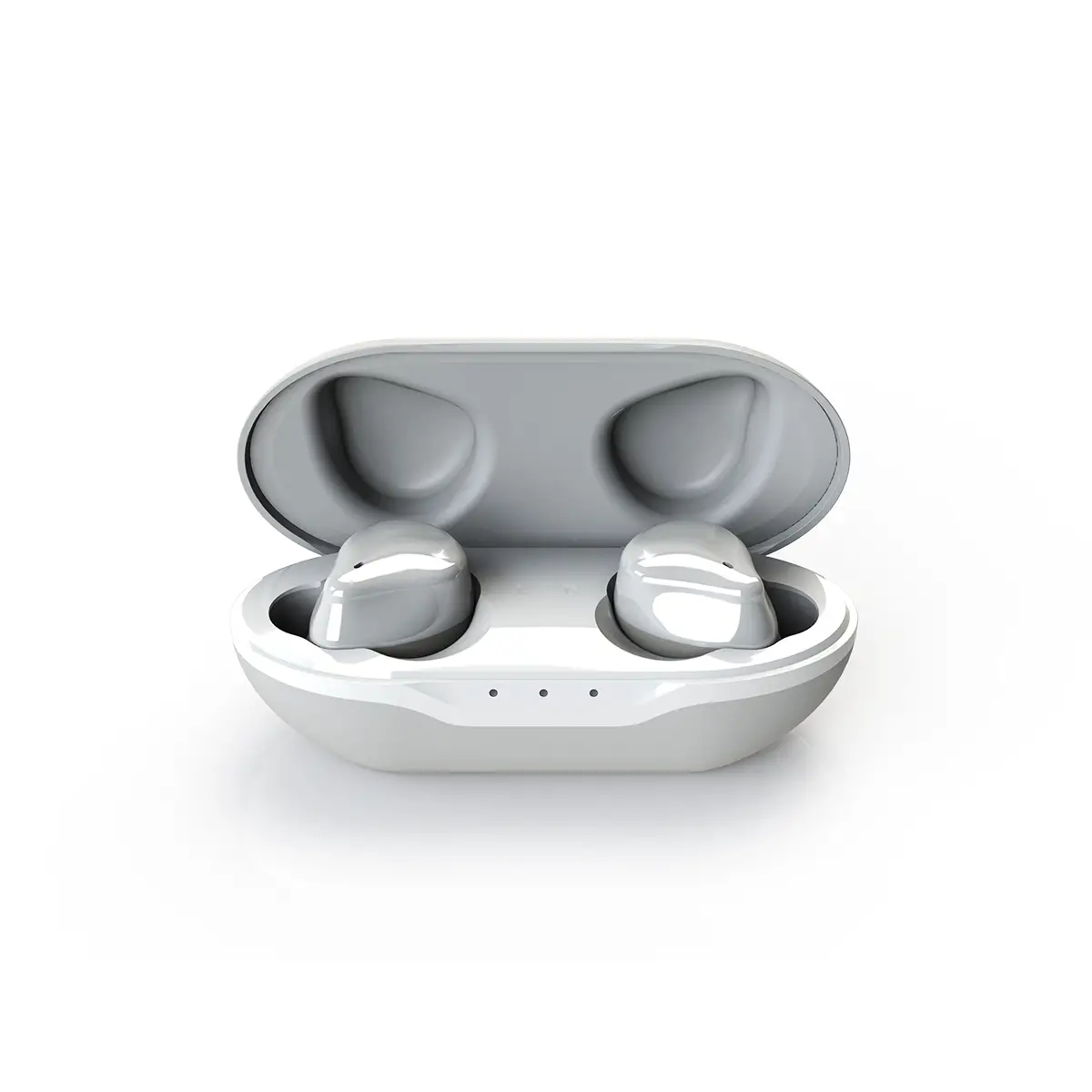
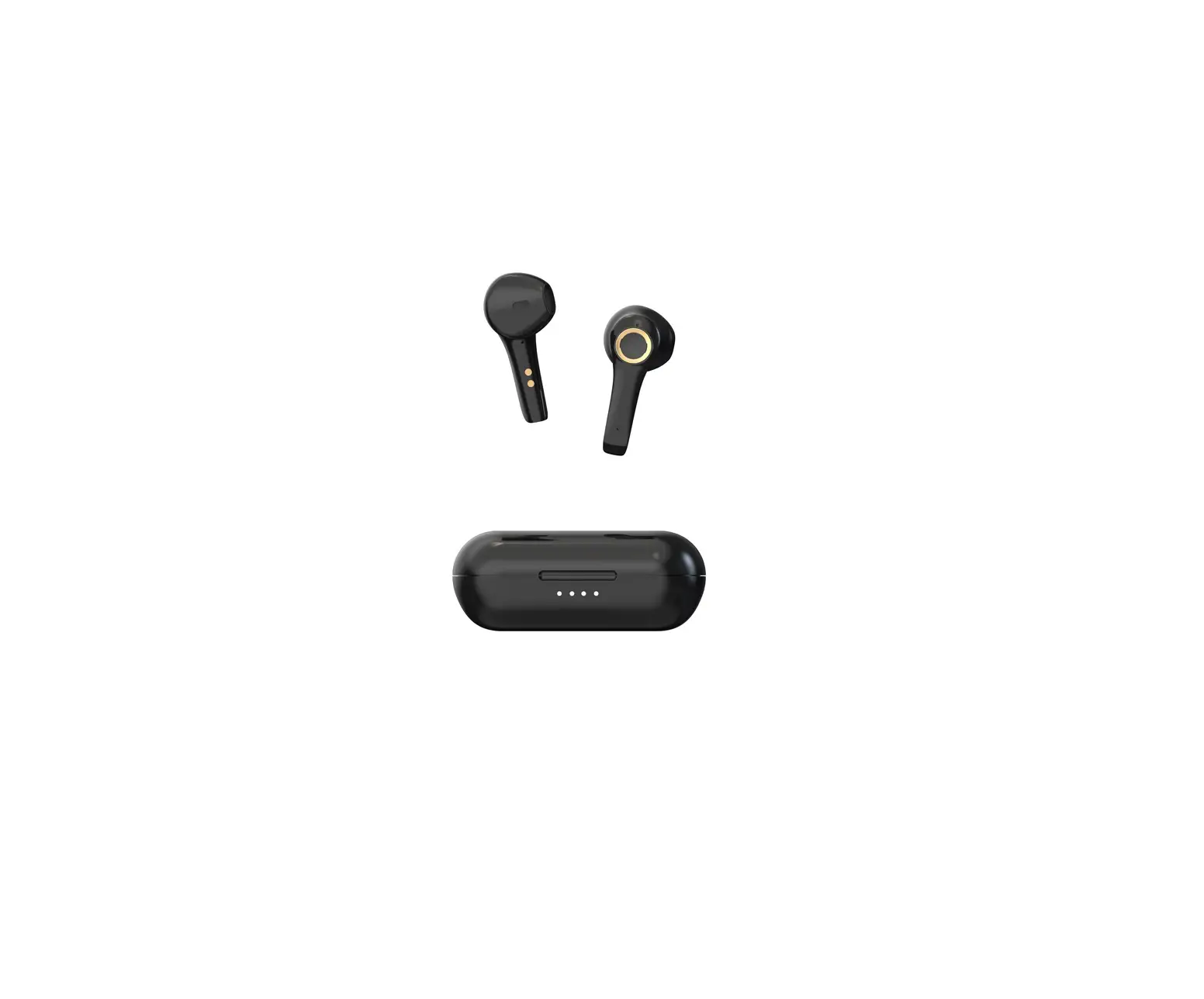
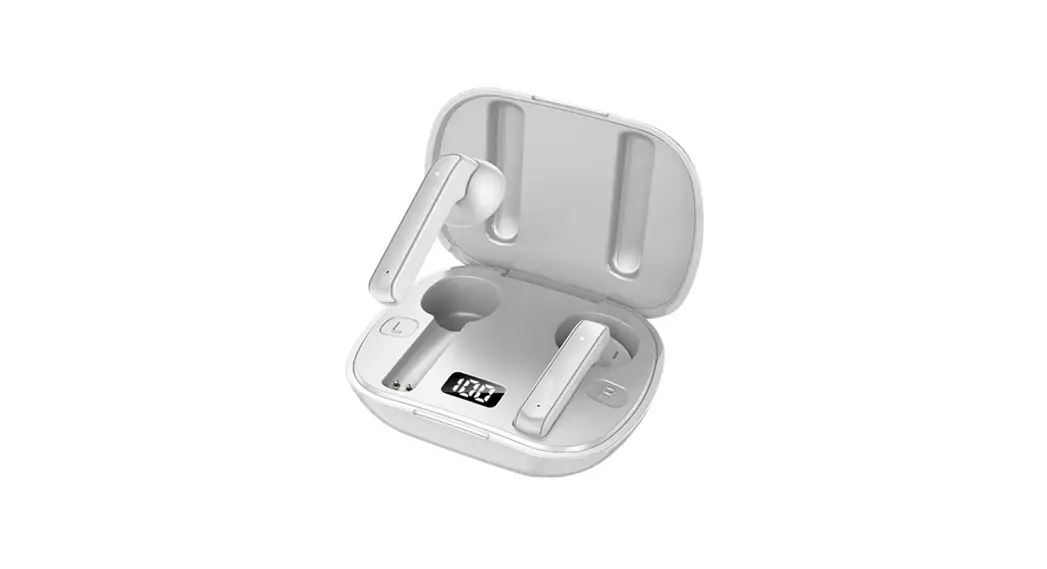
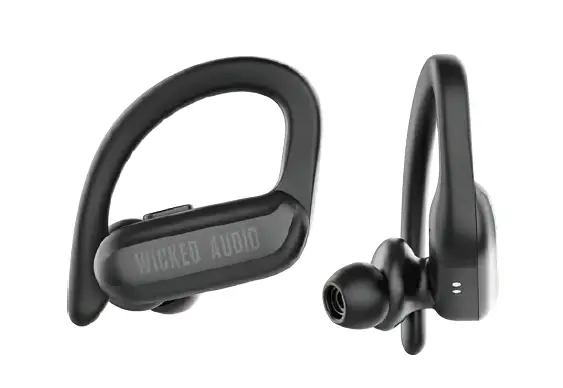
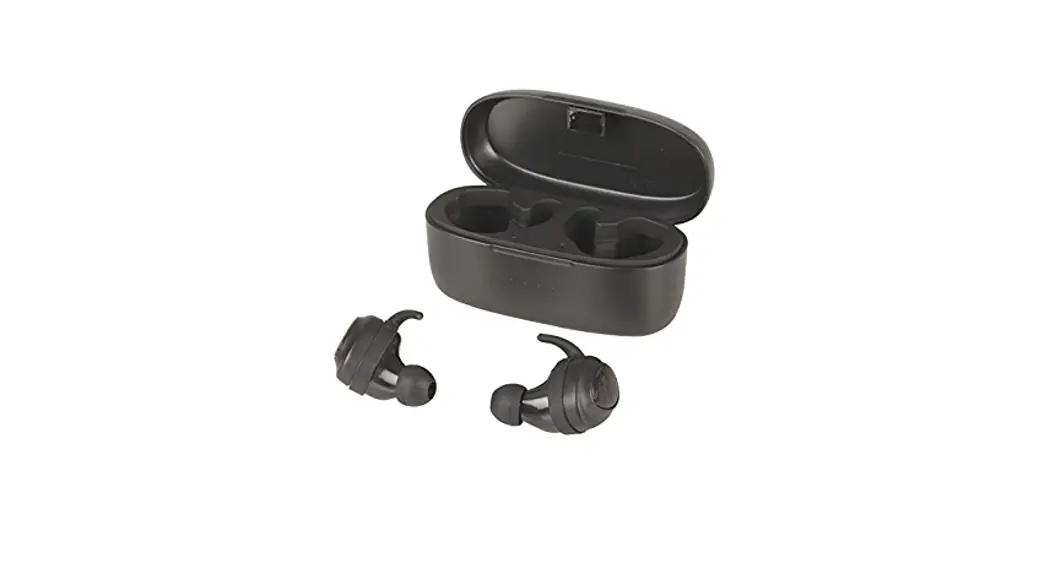
FoKus Prestige True Wireless Stereo Earphone
Product Information
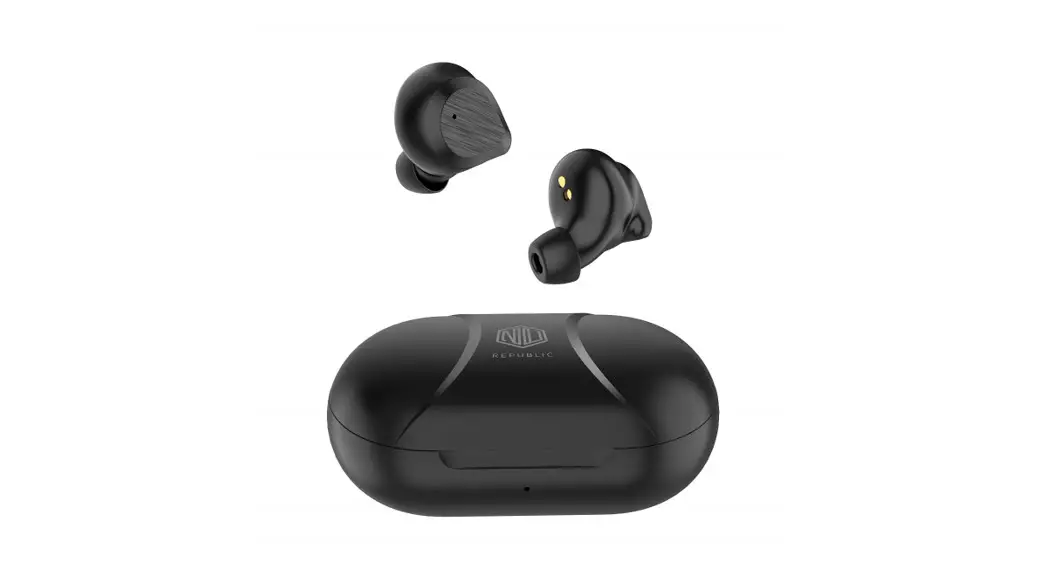
The Noble FoKus Prestige is a True Wireless Stereo Earphone that
provides high-quality audio and a comfortable fit. It features a
Multifunction Sensor (MFS) for easy control, a charging case for
convenient charging, and LED light indicators for power status. The
earphones come with a range of ear tips for a customizable fit and
a storage bag for easy portability.
Product Usage Instructions
Charging
Before using the earphones, ensure that both the earphones and
the charging case are fully charged. Also, make sure they are clean
and dry.
- The earphones will automatically power off when placed back in
the charging case and the lid is closed. The LED light indicators
on the case will show the power capacity when the lid is opened or
closed. - To charge the case, connect it to a power source using the
provided USB Type C charging cable.
Power On / Off
The earphones will automatically power on when the charging lid
is opened and power off when placed back in the charging case and
the lid is closed. To manually turn them on or off:
- To turn the earphones on, hold the Multifunction Sensor (MFS)
button for three seconds. - To turn the earphones off, hold the MFS button for seven
seconds. Both sides will power off automatically.
Fit
- Select an ear tip size (XS, S, M, L) suitable for your ear and
slide it onto the tip of the earphone. - Insert the earphones into your ear canals and adjust them to a
comfortable fit. Ensure that the ear tips have a secure seal.
Pairing/Unpairing Procedure
The Noble FoKus Prestige needs to be paired with your device
before use. Once paired, they will connect automatically each time
they are activated.
Pairing
- Open the lid of the charging case. The earphones will power on
automatically and enter pairing mode, indicated by blue and white
indicator lights flashing alternately. - Enable Bluetooth on your smartphone and search for “Noble FoKus
Prestige” in the available Bluetooth devices. Once found, select it
to initiate pairing. You will hear “connected,” indicating that the
earphones are ready for use.
Unpairing and Pairing with a New Device
- Open the lid of the charging case. The earphones will power on
automatically and connect to your current device. - To unpair the earphones from your last connected smartphone,
disconnect or delete “Noble FoKus Prestige” from your smartphone’s
Bluetooth device list. - Once disconnected, the earphones will automatically enter
pairing mode, indicated by blue and white indicator lights flashing
alternately. - Enable Bluetooth on your new device and search for “Noble FoKus
Prestige” in the available Bluetooth devices. Once found, select it
to initiate pairing. You will hear “connected,” indicating that the
earphones are ready for use.
Operation
- Play/Pause: Single Click MFS (L/R)
- Volume Up: Triple Click MFS (L)
- Volume Down: Double Click MFS (L)
- Previous Track: Double Click MFS (R)
- Next Track: Double Click MFS (R)
- Answer Call/Hang Up: Single Click MFS (R)
- Reject Call: Long Press MFS (R)
- Voice Assistant function (Siri / Google): Long Press MFS
(L/R) - Hearing-through: Long Press MFS (L/R)
105mm
105mm
www.nobleaudio.com https://www.facebook.com/NobleAudio https://www.instagram.com/nobleaudio/
Tweets by noblebywizard
Packing List
Prestige
TRUE WIRELESS STEREO EARPHONE
INSTRUCTION MANUAL
Overview
Multifunction Sensor (MFS)
Charging Case x1
L
R
Earphones
Charging Cable x1
Reset Button
Microphone
Microphone
XS
S
M
S
M
L
Ear Tips x6
Instruction Manual x1
Storage Bag x1
01
LED Light Indicators
USB Type C Charging Port 02
Charging
Notes: Please make sure the earphones and charging case are fully charged prior to first use. The earphones and charging case need to be clean and dry before and during the charging process.
Charging Steps: 1. The earphones will power off automatically when put back in the charging case and the charging lid is closed.
The LED light will indicate the power capacity when lid is opened or closed.
2. Connect the charging case with power source by inserting the USB Type C charging cable.
1
2
< 25% 25% – 50% 50% – 75% > 75% 100%
03
Power On / Off
The earphones will power on automatically when charging lid is opened. The earphones will power off automatically when put back in the charging case and the charging lid is closed.
ON
OFF
1
To manually turn the earphones on, hold the MFS button for three seconds.
To manually turn off the earphones, hold the MFS button for seven seconds. Both sides will power off automatically.
2 04
Fit
1. Select an ear tip size suitable for your ear and slide them on to the tip of the earphone. 2. Insert the earphones into your ear canals and adjust them to a comfortable fit. Be sure that the eartips have a secure seal.
1
2
XS
S
M
S
M
L
05
Pairing/Unpairing Procedure
The Noble FoKus Prestige will need to be paired to your device before use. Once paired, they will connect automatically each time they are activated.
Pairing
1. Open the lid of the charging case. The earphones will power on automatically and enter pairing mode, with blue and white indicator lights flashing alternately.
2. Enable Bluetooth on your smartphone and search for “Noble FoKus Prestige” in available Bluetooth devices. Once found, select “Noble FoKus Prestige” to initiate pairing. You will hear “connected”, now the earphones are ready for use.
Settings Bluetooth
Bluetooth DEVICES Noble FoKus Prestige
Pairing a new device
1. Open the lid of your charging case. The earphones will power on automatically and connect to your current device.
2. To unpair the earphones from your last connected smartphone by “disconnecting” or deleting “Noble FoKus Prestige” from your smartphone’s Bluetooth device list.
3. Once disconnected, the earphones will automatically enter pairing mode, with blue and white indicator lights flashing alternately.
4. Enable Bluetooth on your new device, and search for “Noble FoKus Prestige” in the available Bluetooth devices. Once found, select “Noble FoKus Prestige” to initiate pairing. You will hear “connected”, now the earphones are ready for use.
06
Operation
Play/Pause Volume Up+ Volume DownPrevious Track Next Track Answer Call/Hang Up Reject Call Voice Assistant functionSiri / Google Hearing-through
Single Click MFS (L/R Triple Click MFS (L Double Click MFS (L) Double Click MFS R
Triple Click MFScR Single Click MFS (L/R Press the MFS for 2 secondscL/R Press the MFS for 3 secondscR Press the MFS for 3 secondscL
07
LED Indicator Lights
Usage Scenario
Power On
Pairing Pairing succeeds Playing music or on calling Low Power When put earphones in the charger case Earphones are sitted in the charger case Charging Fully charged
LED Indicator Status White LED light flashes for one second Blue LED light flashes for one second Blue and White LED alternating flash White LED light flashes every 7 seconds
White LED light flashes twice every 8 seconds Blue LED light on
The last LED light flashes All LED lights on
Single Pairing mode: Put one side back in the charging case and the other earphone will work independently.
The earphones will automatically pair to the smartphone within 3 minutes if they are close to the smartphone again after being taken out of range.
08
Hearing-through In standby mode or when playing music
Hearing-through
Press and hold for 3 secs
Press and hold the left earbud touch sensor for 3 seconds with voice prompt “Ambient Mode On”, it will activate the external sound capturing function.
Hearing-through OFF
Press and hold for 3 secs
Press and hold the left earbud touch sensor for 3 seconds with voice prompt “Ambient Mode Off ”
In a word, hevre is the loop for “Ambient Mode On” and “Ambient Mode Off ” long pressing LEFT earbud for 3 seconds.
Press and hold for 3 secs
Reset Procedure
1. Press the reset button once. The blue and white LED lights on both earphones will flash alternately twice. All previously paired devices will be cleared.
2. If the earphones cannot pair to each other or to your bluetooth devices, please reset them.
Hold the reset button for 5 seconds until the blue LED lights on both earphones flash quickly. The reset process is completed. In the case that only one earphone is accidently reset, both earphones will need to be reset to function as a pair again.
1
2
x1
5″
09
Specification
Product Model Bluetooth Version Bluetooth Profile DD Diameter
Resistance Connection Distance Earphone Battery Capacity Charging Case Battery Capacity Play time
Charging time Charging Port
Noble FoKus Prestige V 5.2 A2DP, AVRCP, HFP, HSP Triple-driver arrangement, 1 Dynamic & 2 Balanced Armature
30±(15%) 10m 50mAh 500mAh 8 hours for earphone and more than 23 hours for charger case. Around 31 hours in total
~1.5 hour
USB Type C (5V 1A)
10
Declarations and Warnings Disconnect previous devices before pairing a new device.
WARNING! Long-term exposure to high noise volumes may cause permanent hearing loss. Do not use the Noble FoKus Prestige earphones in locations prohibiting the use of electronic equipment. Consult your physician prior to using your Noble FoKus Prestige earphones if you have a pacemaker or other electrical medical devices. This package contains small parts, which may pose a hazard to small children. Do not disassemble the Noble FoKus Prestige as it contains lithium batteries, and disassembly could result in electric shock or fire or serious injury. Any disassembly of the Noble FoKus Prestige, or attempt to replace or repair the Noble FoKus Prestige by an unauthorized person, will void the Noble FoKus Prestige warranty. This product is not designed for use in water or wet environments. Keep product away from water and liquids. Failure to do so will void any warranty and may cause permanent damage to the product.
11
12
FCC STATEMENT
This device complies with Part 15 of the FCC Rules. Operation is subject to the following two conditions: ( 1 ) This device may not cause harmful interference, and ( 2 ) This device must accept any interference received, including interference that may cause undesired operation. Warning: Changes or modifications not expressly approved by the party responsible for compliance could void the user’s authority to operate the equipment.
NOTE: This equipment has been tested and found to comply with the limits for a Class B digital device, pursuant to Part 15 of the FCC Rules. These limits are designed to provide reasonable protection against harmful interference in a residential installation. This equipment generates uses and can radiate radio frequency energy and, if not installed and used in accordance with the instructions, may cause harmful interference to radio communications. However, there is no guarantee that interference will not occur in a particular installation. If this equipment does cause harmful interference to radio or television reception, which can be determined by turning the equipment off and on, the user is encouraged to try to correct the interference by one or more of the following measures:
Reorient or relocate the receiving antenna. Increase the separation between the equipment and receiver. Connect the equipment into an outlet on a circuit different from that to which the receiver is connected. Consult the dealer or an experienced radio/TV technician for help.
FCC ID:2AT8X-FOKUSPREST
13
 Artisanal In Ear Monitors - Noble Audio
 Noble Audio (@nobleaudio) • Instagram photos and videos