TBB Power Solar Mate 100V-40A
Product Information
The Solar Mate is a solar controller that allows you to regulate
the charging of your battery using solar power. It is equipped with
Maximum Power Point Tracking (MPPT) technology to optimize the
efficiency of your solar panels.
The controller is compatible with the Solar Mate app, available
for download on both the App Store and Google Play. The app allows
you to connect and control your Solar Mate controller from your
mobile device.
Key Features:
- Preset battery charge algorithms for efficient charging
- Ability to modify charger settings and other features through
the app - Real-time monitoring of battery voltage, battery current, and
solar PV output power
Product Usage Instructions
- Download and install the Solar Mate app from the App Store or
Google Play. - Enable Bluetooth on your mobile device.
- Open the TBB Solar Mate app. Your Solar Mate controller will
appear on the screen. Tap on the controller to continue. - The first time you connect, the app will prompt you to pair
with a Future Solutions/TBB product. Choose your controller
identified by the last 4 digits of the Serial Number. - Once the pairing process is complete, you will be directed to
the home screen of your Solar Mate device on the app. - To access the settings page of your Solar Mate controller,
click on the gear icon located in the top right corner of the home
screen. - In the settings page, you can view and modify the charger
settings and other features according to your requirements. - Keep in mind that the Solar Mate controller is designed to
regulate the charging of your battery by converting the energy from
sunlight into DC power. It is recommended to connect a bank of
batteries to the controller for proper operation. - The performance of the Solar Mate controller will depend on
factors such as the amount of available sunlight, the size and type
of your battery, and your power usage.
For any service or warranty inquiries, please contact
[email protected] or call 574-262-3688. Additional information
can be found at FSI-SOLUTIONS.COM.
QUICK START GUIDE
TO START:
Download the Solar Mate app.
APP STORE
GOOGLE PLAY
TO CONNECT:
(1) Enable Bluetooth on your device.
(2) Open the TBB Solar Mate app and your Controller will appear. Tap on the controller to continue.
(3) The first time you connect, the app will ask to pair with a Future Solutions/TBB product. Choose your controller identified by the last 4 digits of the Serial Number.
(4) Once complete, you will reach the home screen for your Future Solutions/TBB device.
SOLAR CONTROLLER SETTINGS:
(1) Once paired to your Maximum Power Point Tracking (MPPT) Solar Controller, you will be taken to the home screen. The settings page is accessed by clicking on the gear icon in the top right. This page provides access to view or change the charger settings and other features.
(2) This MPPT Controller is configured with preset battery charge algorithms and can easily be modified via the TBB Solar Mate app.
NORTHWOODMFG.COM
Settings
Battery Voltage Battery Current
Solar PV Output Power
ADDED KNOWLEDGE
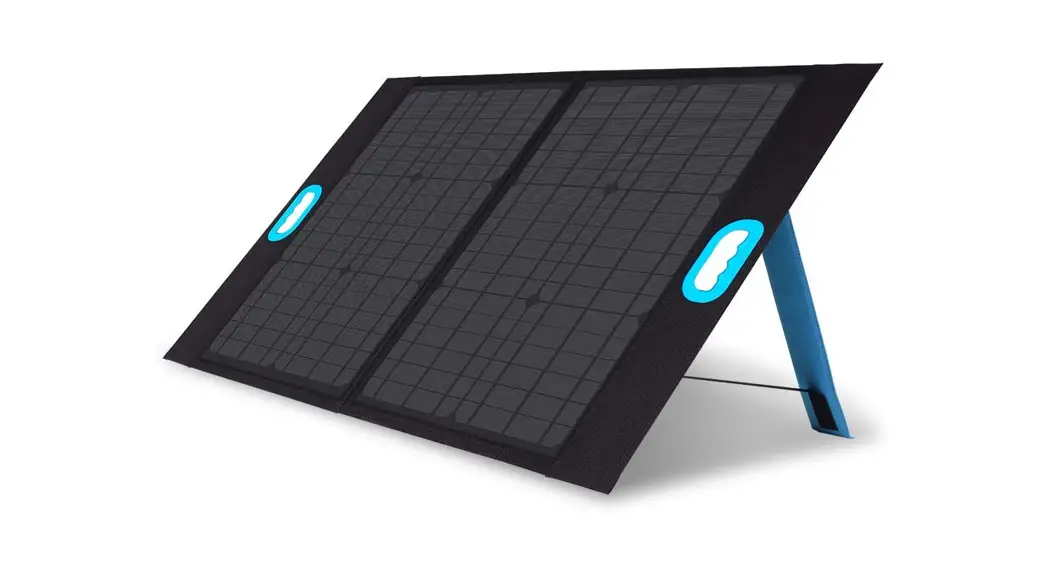
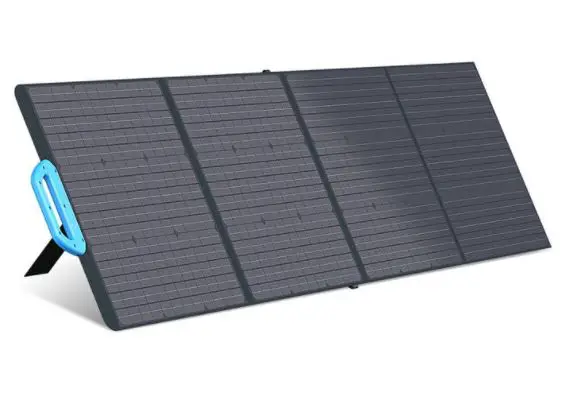
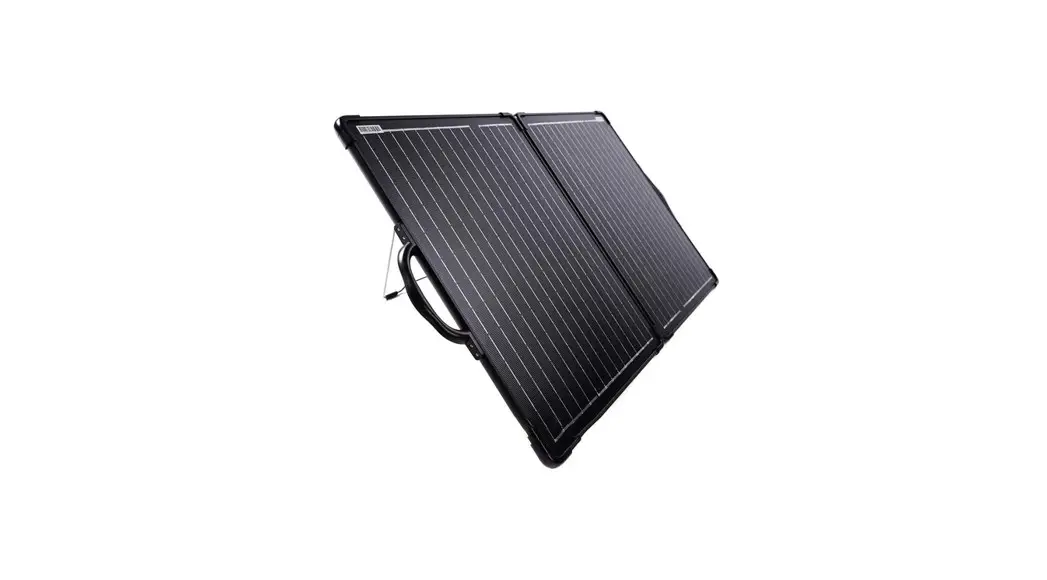
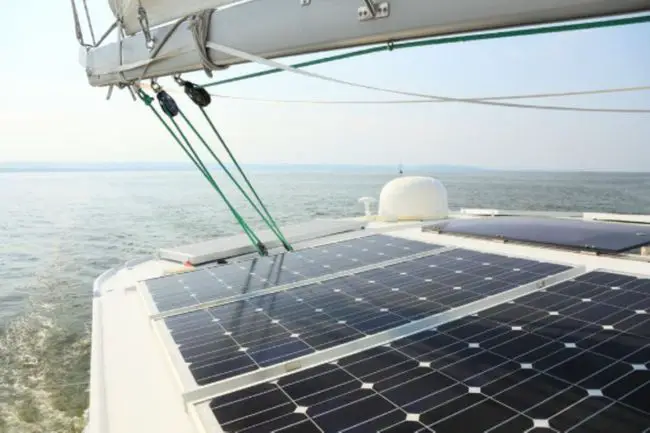
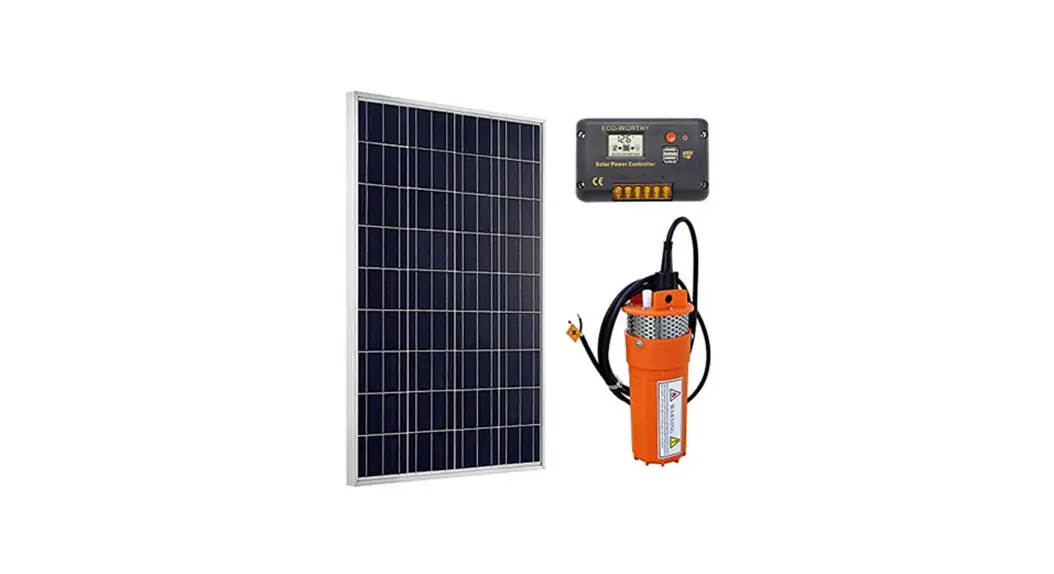
Solar panels convert the energy from sunlight into DC power, which is sent to the charge controller where it is regulated to charge a bank of batteries.
A common use of a charge controller is to maintain and refill the battery to operate on-board 12 volt systems.
Performance will vary based on the available sunlight, battery size/type, and power usage.
For service or warranty information please contact: [email protected] or call 574-262-3688
FSI-SOLUTIONS.COM
 Advanced Energy and Solar Power | Future Solutions | United States
 Northwood | Northwood Manufacturing
 Sales Cloud | Oracle