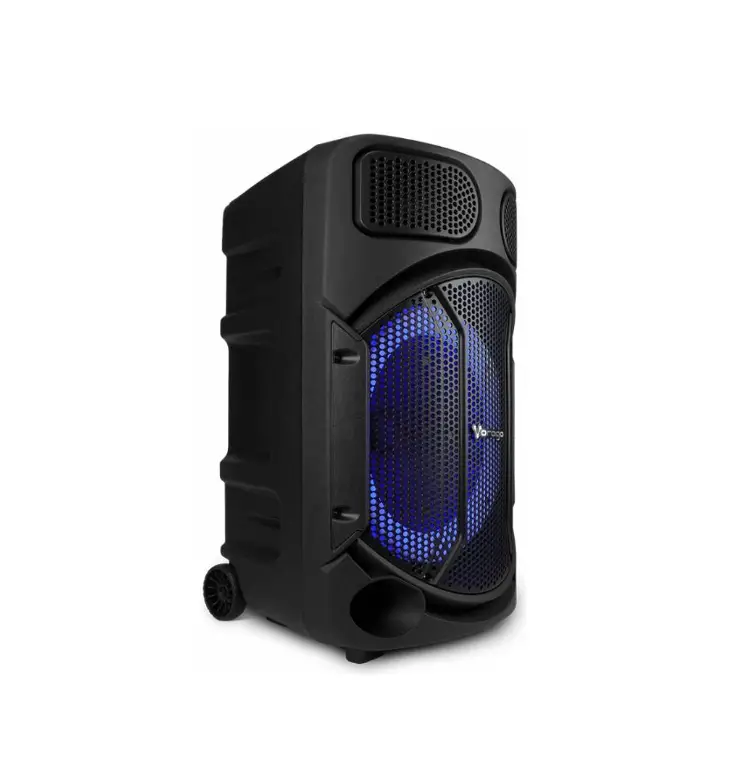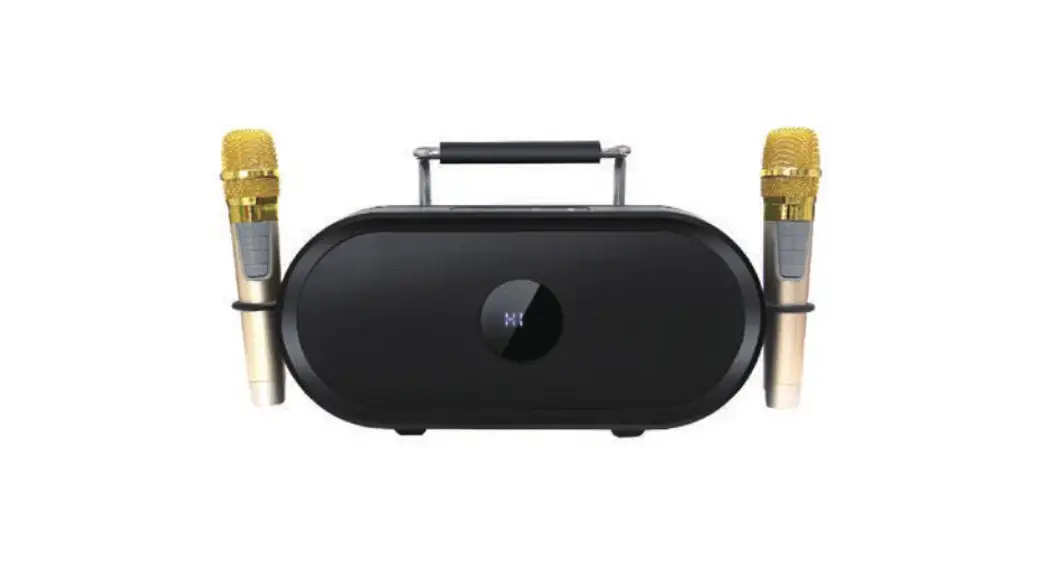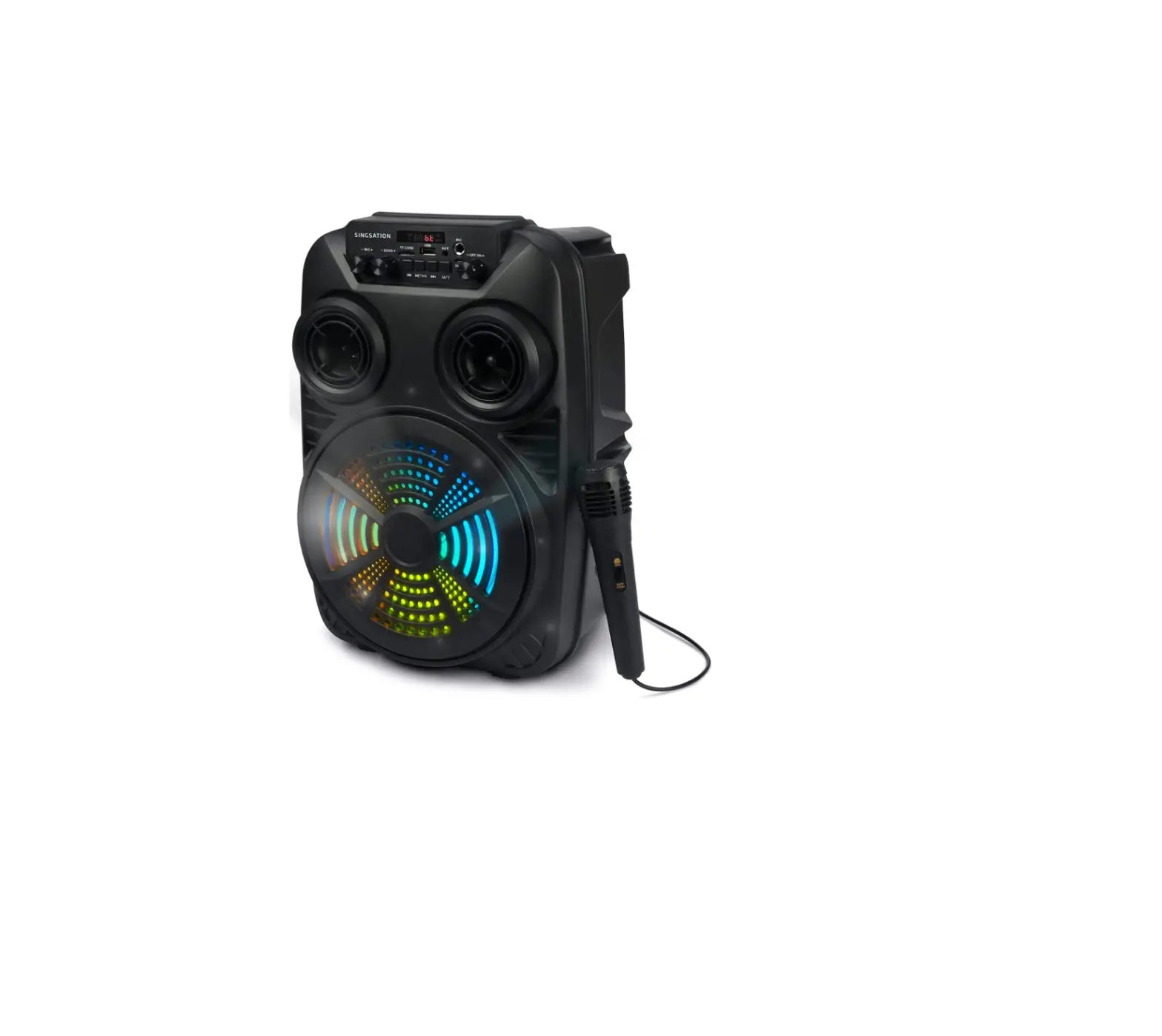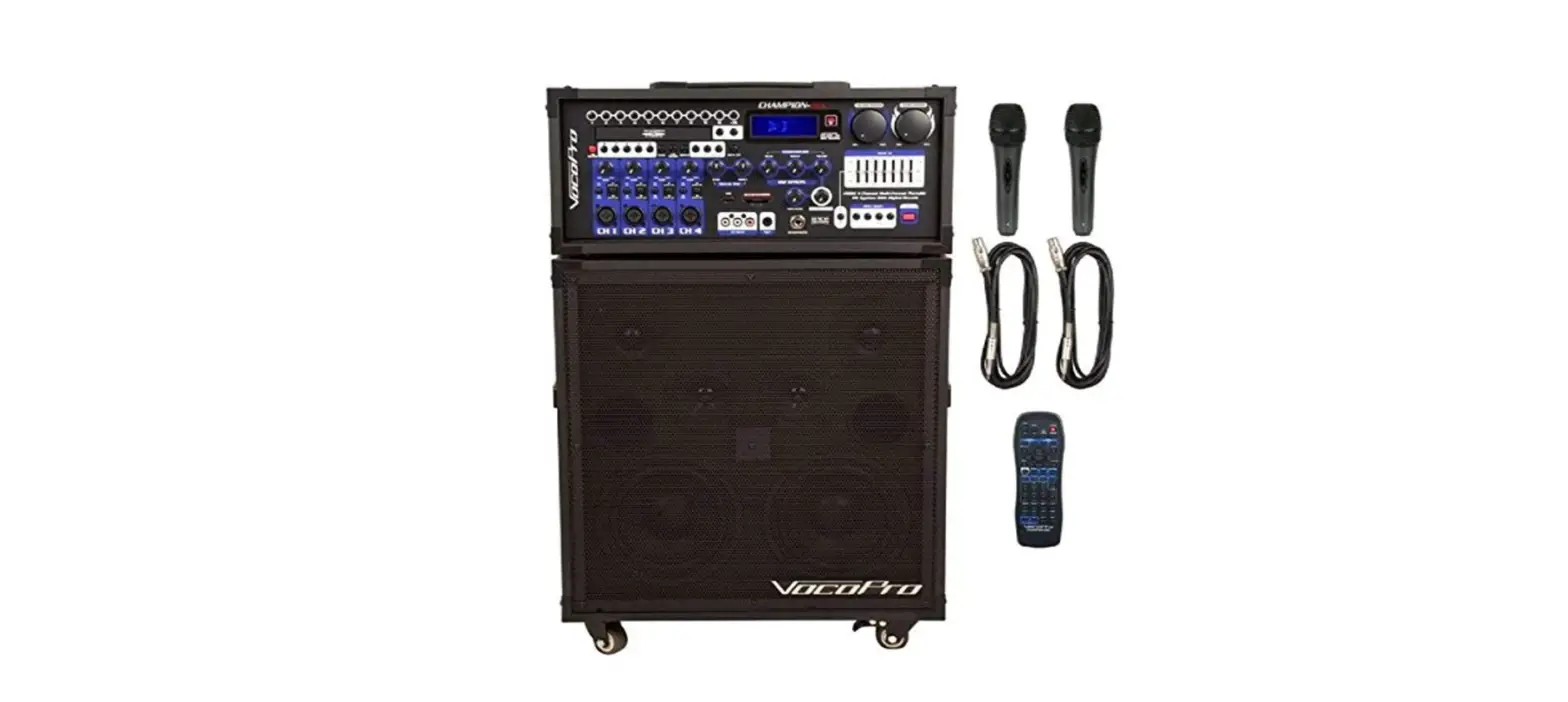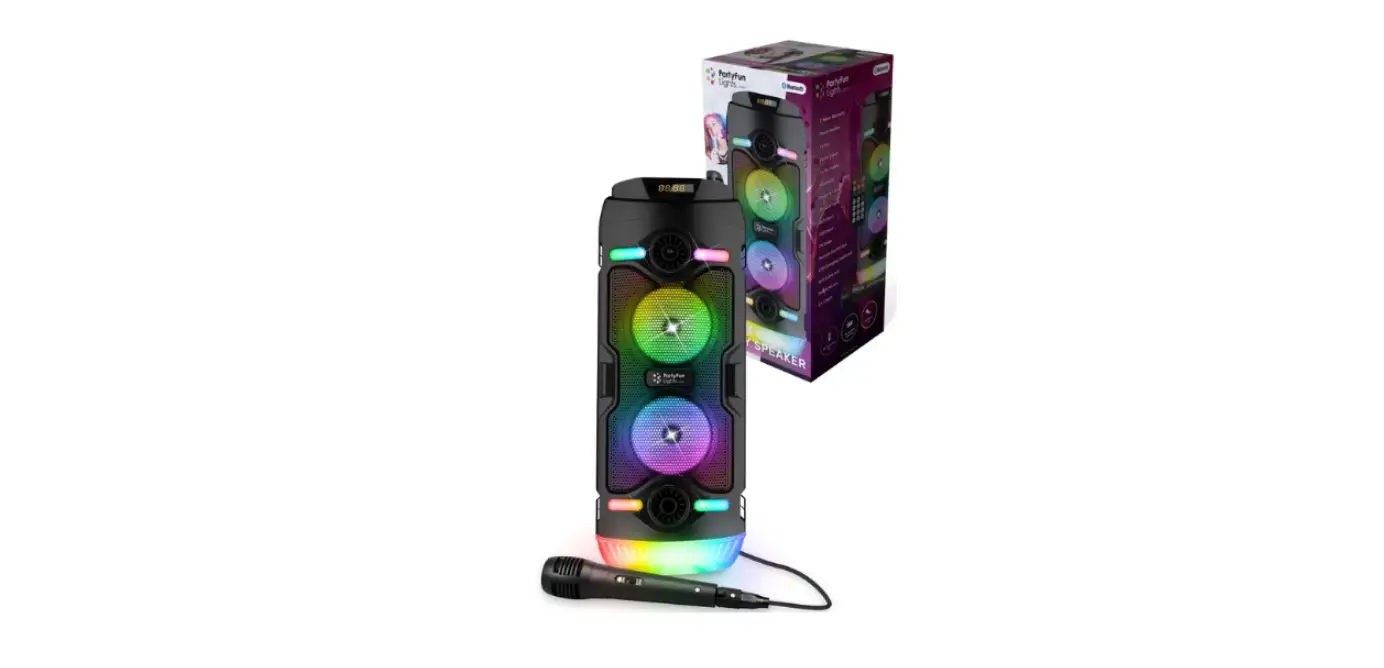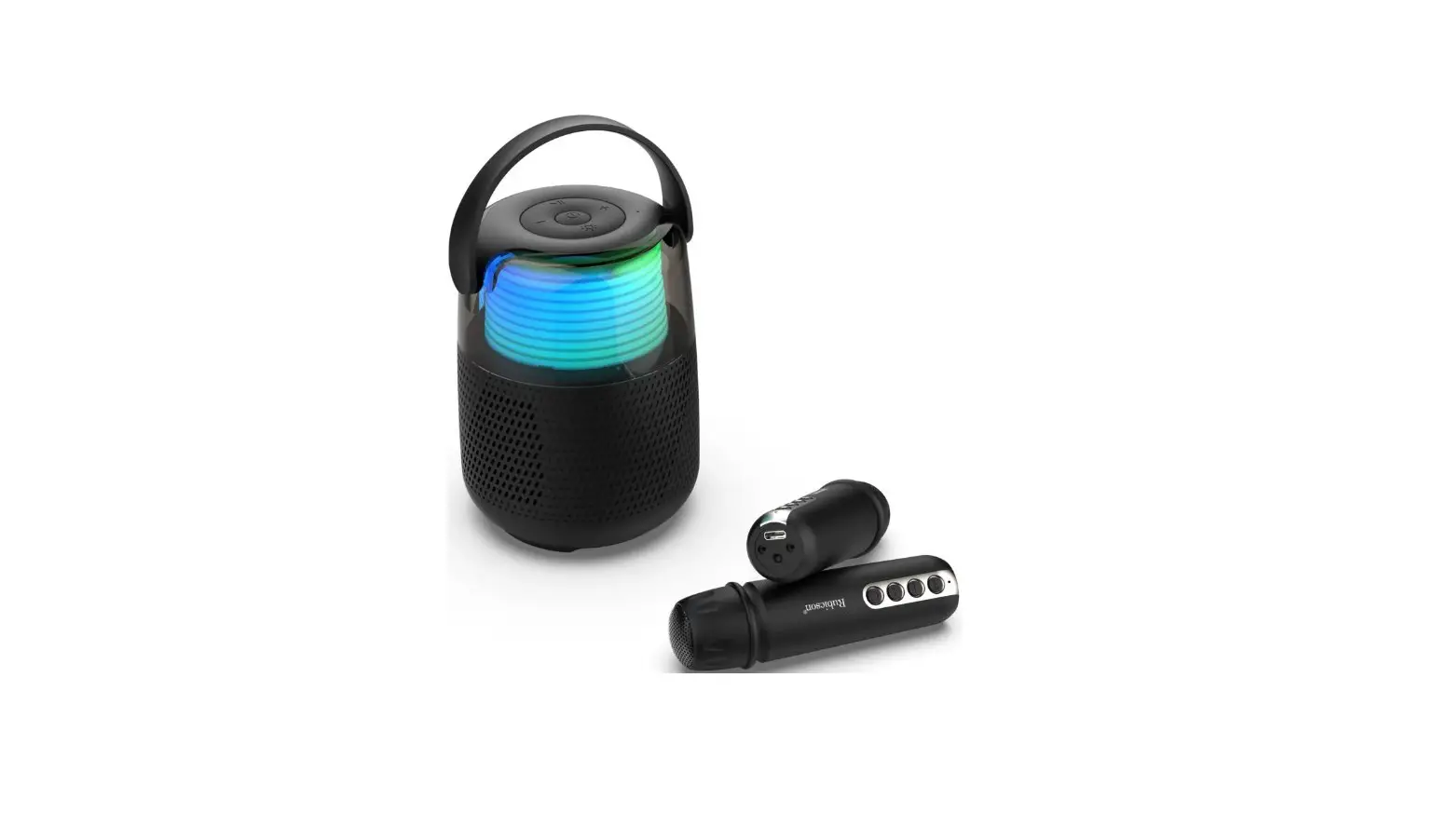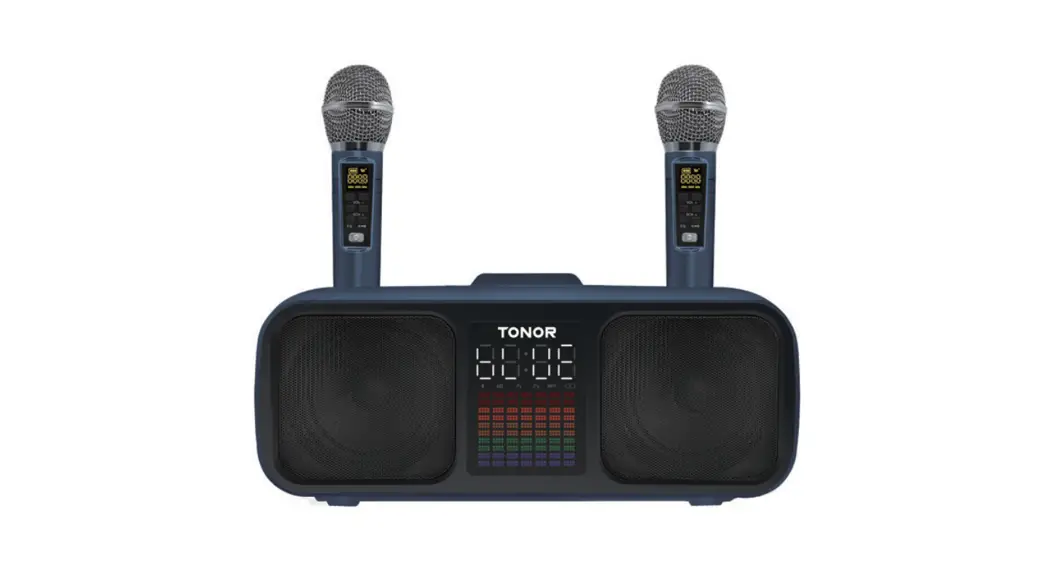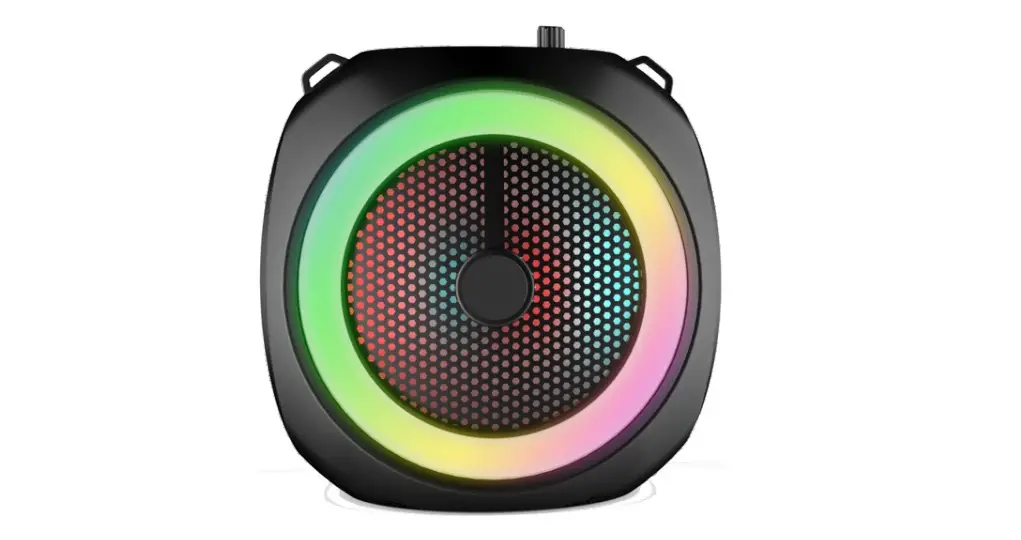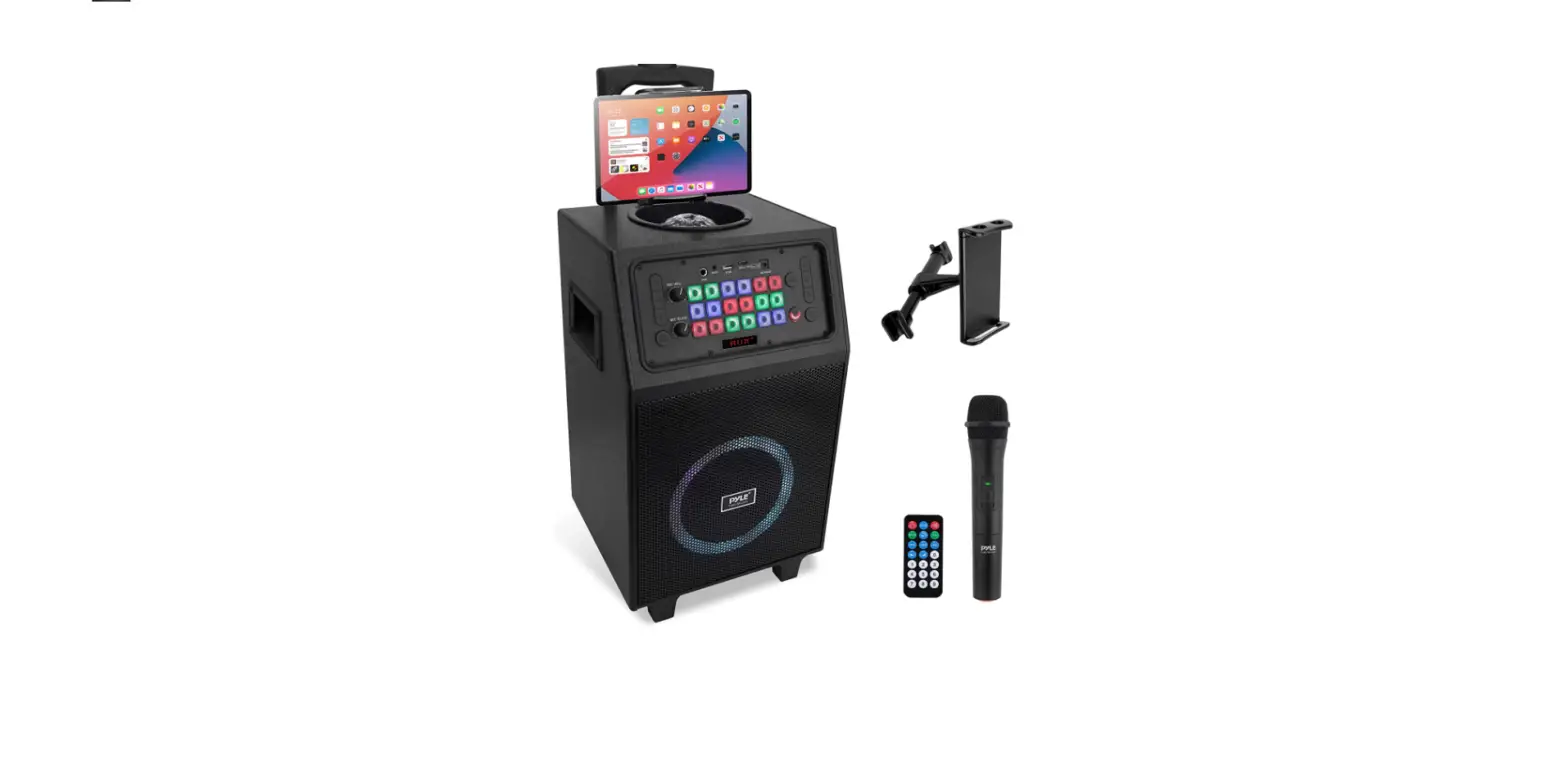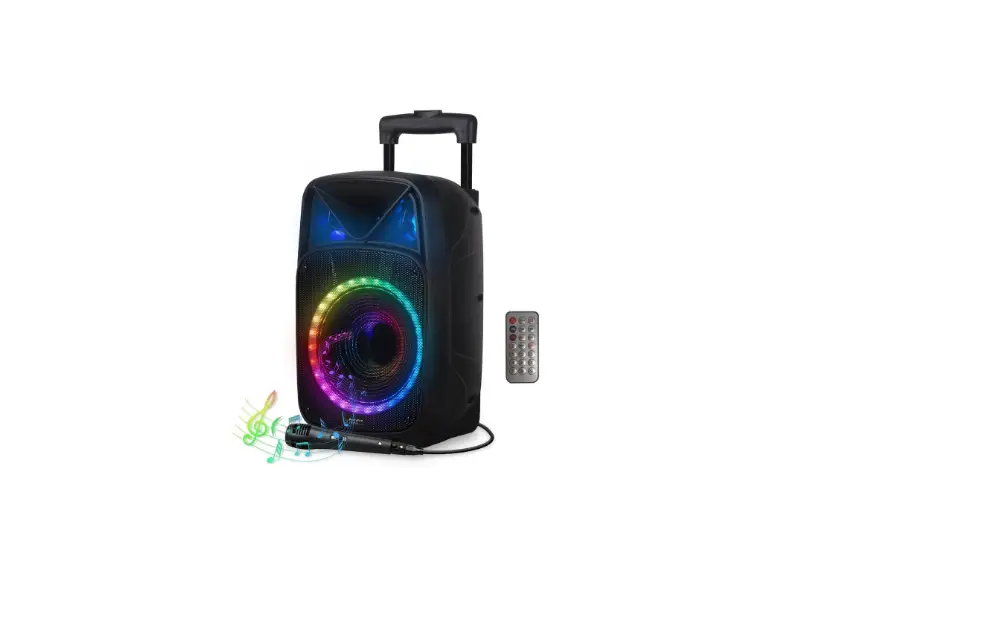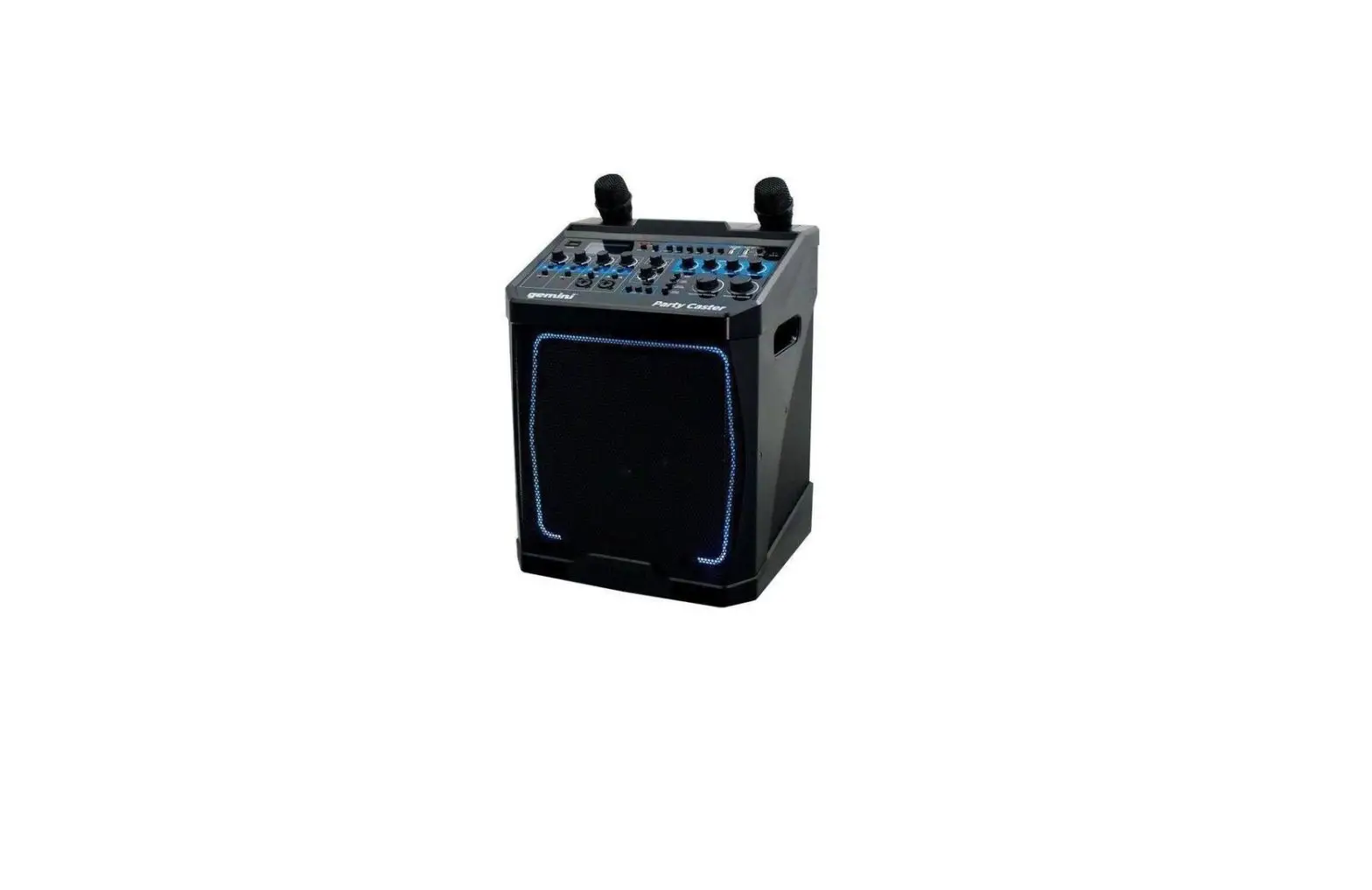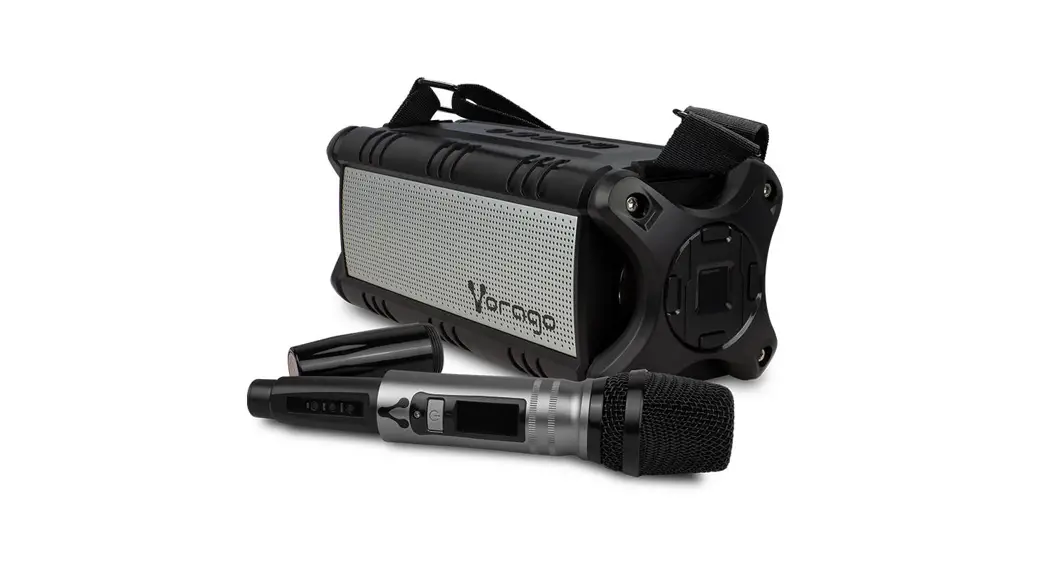

KARAOKE
SPEAKER 450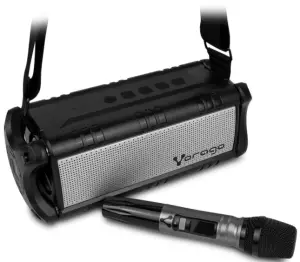
Quick guide
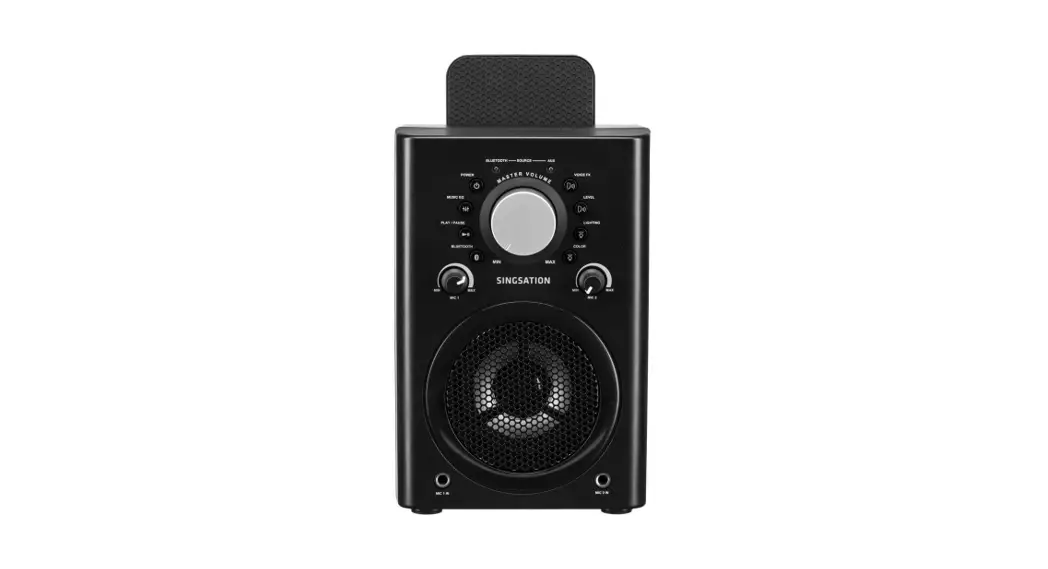
KNOW YOUR DEVICE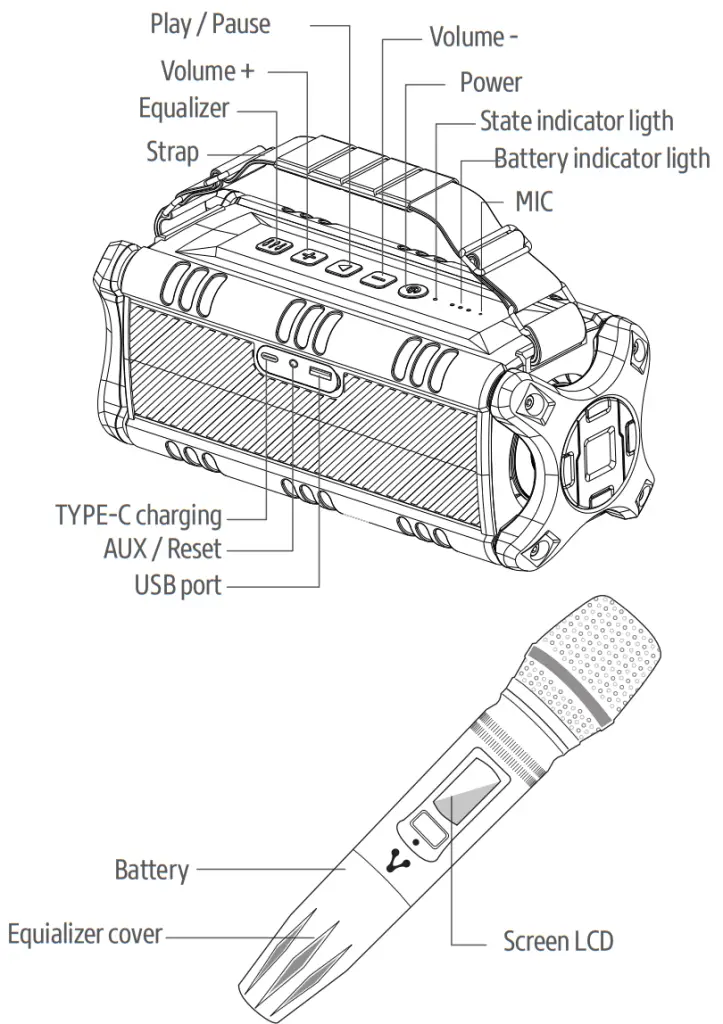
SPEAKER OPERATION
| Items | Instructions | LED States |
| Power On | Long press ” 0 ” for 2-3 seconds under Power off situation | Blue LED On |
| Power Off | Long press ” 0 ” for 2-3 seconds under Power on the situation | LED Off |
| Pairing | Auto to Enter Pairing Mode | Blue LED Flash(every 2 seconds) |
| Successful Pairing | Select Bluetooth Name on your Phone | Blue LED |
| Disconnect Bluetooth | Press “+””-” together | Blue LED flash (every 2 seconds) |
| Reconnect | Will connect automatically with the last connected device | Green LED |
| Receive the Call | Short press ” I> ” when an incoming call (Under TWS, only the main speaker wil work) | / |
| Reject the Call | Long press ” I> ” when an incoming call (Under TWS, only the main speaker wil work) | / |
| Hang up the Call | Short press ” I> ” when you are on call (Under TWS, only the main speaker wil work) | / |
| Call back | Long press ” I> ” (Under TWS, only the Main device can talk) | Blue LED |
| Mode Switch | Short press “0 “ | / |
| AUX Mode | Insert AUX cable to enter AUX mode | Green LED |
| USB Mode | Insert a USB memory to enter USB mode | |
| TF Card Mode | Insert to enter TF card mode |
| TWS Pairing | Double press “0 “ | Blue and Green LEDAlternately flash |
| TWS Successful Pairing | / | Main device blue LED slow flash, auxiliary device blue LED long light |
| Disconnect TWS | Press + – together | Blue LED fast flash |
| Sound effect switch | Short press ” 111 ” Sound effect button | Indoor: State indicator light long light; Outdoor: State indicator light flash |
| Volume Up | Short press + | / |
| Volume Down | Short press – | / |
| Next Song | Long press + | / |
| Previous Song | Long press – | / |
| Pause/Play/Mute | Short Press ” N ” (Mute in MU mode) | / |
| Low Battery Alarm | Battery Voltage lower than 6.5V | / |
| Low Battery Shutdown | Battery Voltage lower than 6.2V | / |
| Charging | Connect Type C USB cable | Red LED Long Light |
| Charging Finished | Auto completed | Red LED Off |
| Reset | Insert a toothpick on the AUX hole | LED off |
TWS MODE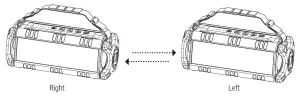
- Turn on two devices, blue LED flash.
- Select one of the devices and double press the power button, and then they will pair with each other. ( The main speaker LED will flash blue and green)
- After successful pairing, the main device is blue LED slow flash, auxiliary device blue LED long light.
- In your device search for “KSP-450” and connect, after successfully connecting, the two devices can play music together.
- Disconnect TWS, press “+ . – ” buttons together, the blue LED fast flash means it has been disconnected.
TECHNICAL SPECIFICATIONS
| Power: | USB |
| Voltage: | 5 V cc 1000 mA |
| Impedance: | 8 Ω |
| Battery: | 4000 mAh |
| Frequency range: | 40Hz-20KHz |
| BT Version: | 4.2 |
| Dimensions: | 319.5 x 118 x 119.5 mm |
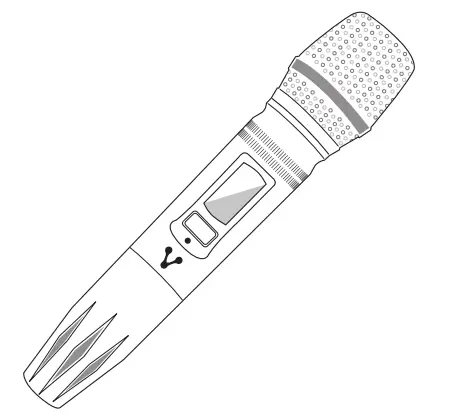
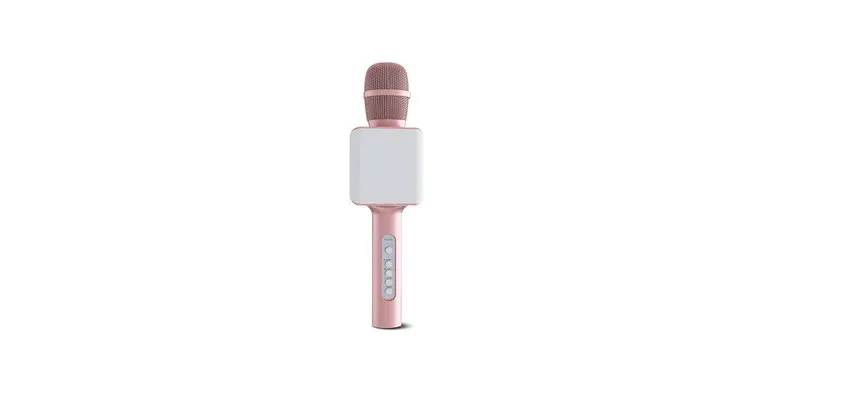
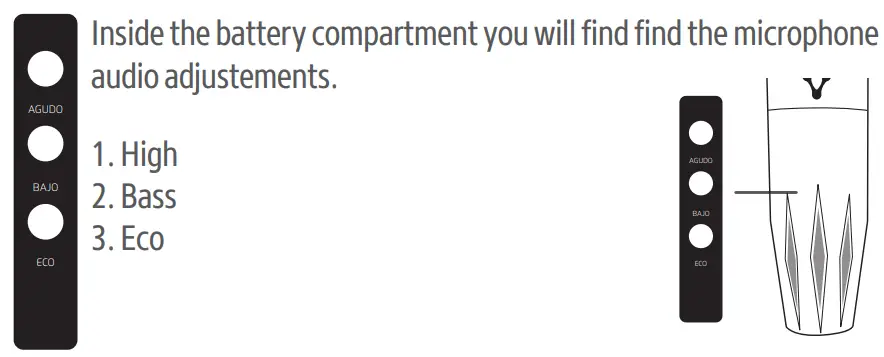
1. Power ON/OFF button: press and hold button to power on/off.
2. Pairing mode: when the speaker is at power off status, press and hold the button until the screen flashes 10 s (enter pairing mode); turn on the speaker for pairing them. Once they are successfully connected, the microphone will automatically reconnect with the speaker next time.
3. Microphone volume control: short press button to control the volume | (default is the maximum volume step six)
| Products | Validity |
| PC, tablets, cell phones, audio, keyboards, mouse, networks, and accessories | 12 Months |
| LCD Monitor * Except in panel (screen display) for which it will only be 12 months. | 36 Months* |
Guarantee Policy Important: Please read and complete this warranty policy and seal it in the store when purchasing the product.
| Product: Karaoke speaker | |
| Model: KSP-450 | Dealer stamp |
| Brand: Vorago | |
| Serial number: | |
| Invoice number: | |
| Delivery date: | |
Responsibilities
The total responsibility of Vorago will be to repair or replace the product, including labor and parts, at no cost to the buyer when it is returned to the point of sale, presenting this guarantee policy duly completed and stamped by the establishment where it was purchased. The product or copy of the receipt or receipt or invoice, in which the specific
data of the product object of the sale, in which the date of purchase is specified, to verify the times within the guarantee. virago may use new parts, restored or used in good condition to repair or replace any product, at no additional cost to the consumer. In the case of equipment and/or accessories that do not have repair, the change will be generated by a similar product or with superior characteristics. this guarantee covers the transportation expenses of the product derived from its fulfillment; which will be directly attributable to the supplier of the product. In all replacement products, the original warranty period will be renewed. Vorago is governed by international standards for the manufacture of products.
How to obtain warranty support
Guarantee claims are processed through the point of sale, during the first 15 days after the purchase, as long as they meet the requirements. Guarantee claims that can not be
processed through the point of sale and any concerns related to the product purchased should be sent with the prepaid guide by Vorago to the address of the Vorago headquarters in Francisco Villa No. 3, Col. San Agustín, CP 45645, Tlajomulco de Zúñiga, Jalisco, Mexico. Except in situations of force majeure or fortuitous event, the repair time in no case will be greater than 30 calendar days from the date of receipt of the equipment in Vorago.
Exclusions
This guarantee is not valid in the following cases:
a) When the product had been used in conditions other than normal.
b) When the product has not been operated in accordance with the instructions for use that accompany it.
c) When the product has been altered or repaired by unauthorized persons by Vorago.
Vorago does not offer any other express warranty for this product.
To make the guarantee valid, as well as the acquisition of parts, components, consumables, and accessories
To validate a guarantee, the following information must be sent to the email: [email protected]
1.- Model and color
2.- Product failure
3.-Ticket or purchase invoice (digitized)
4.-Your address with CP, telephone, and Full Name.
Available in the establishment where the product was purchased and/or in our central offices:
Vorago,S.A.deC.V.
Tel.(33) 3044 6666
Made in: China
Importador
Importadora Global Rida S.A. de C.V.