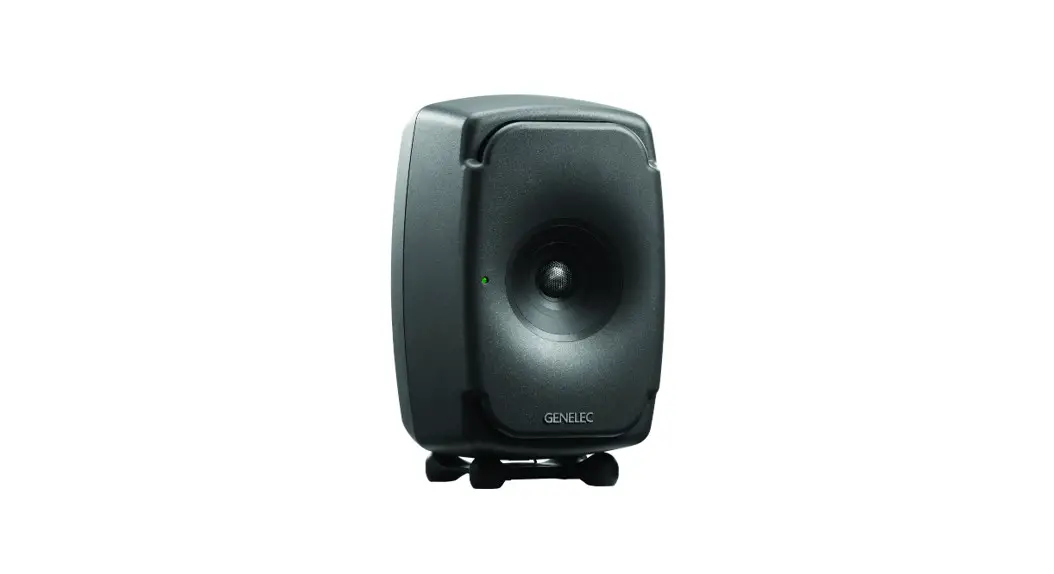
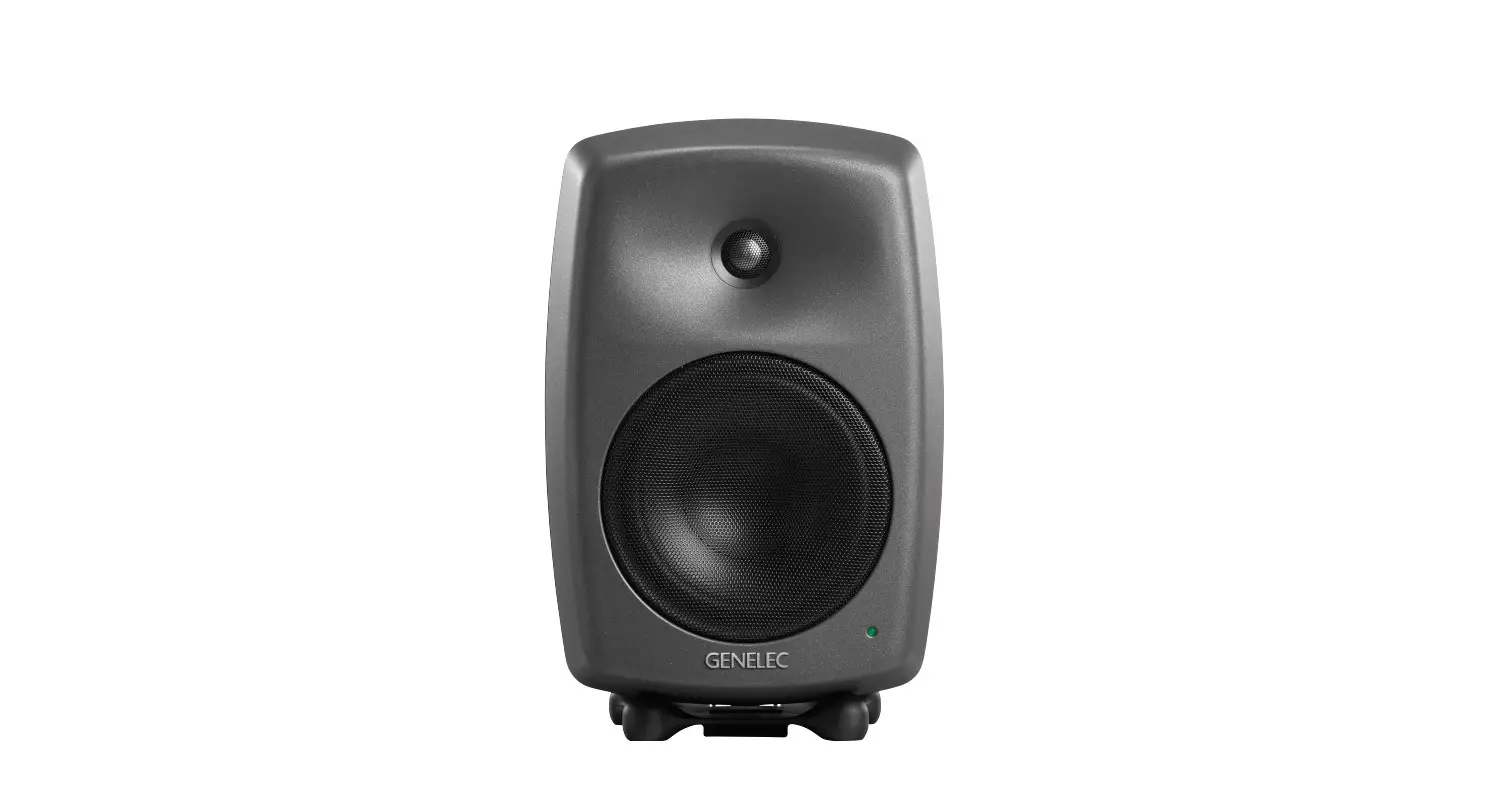
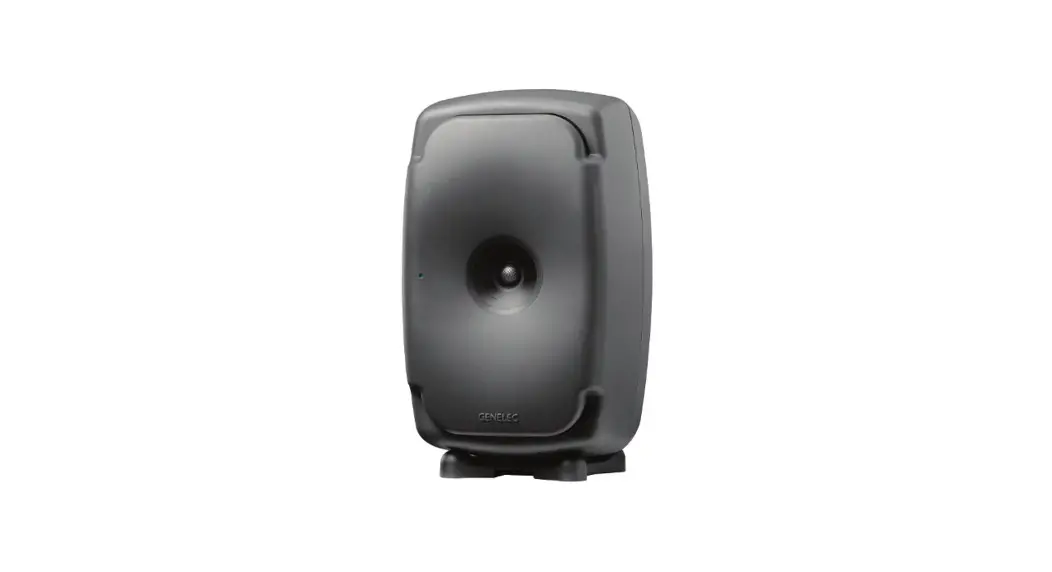
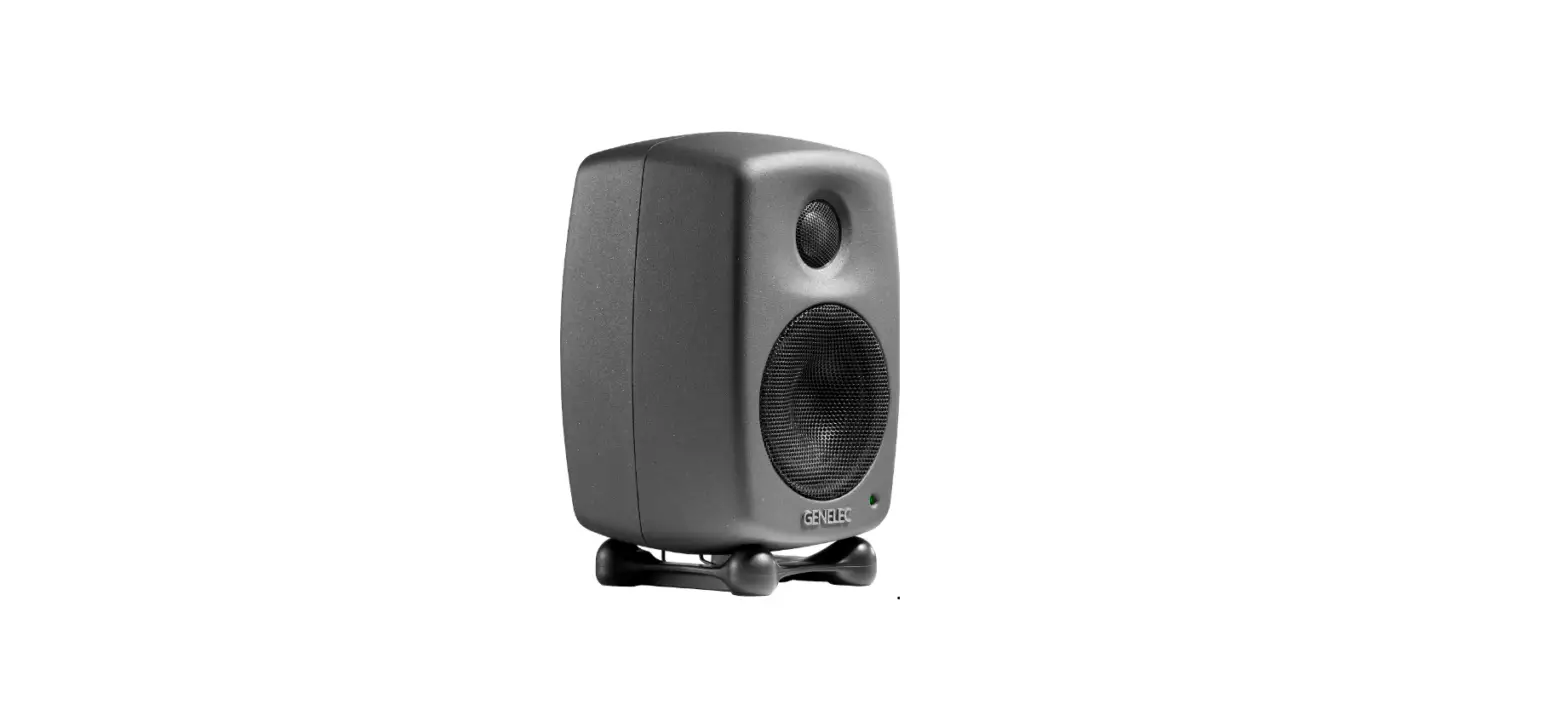
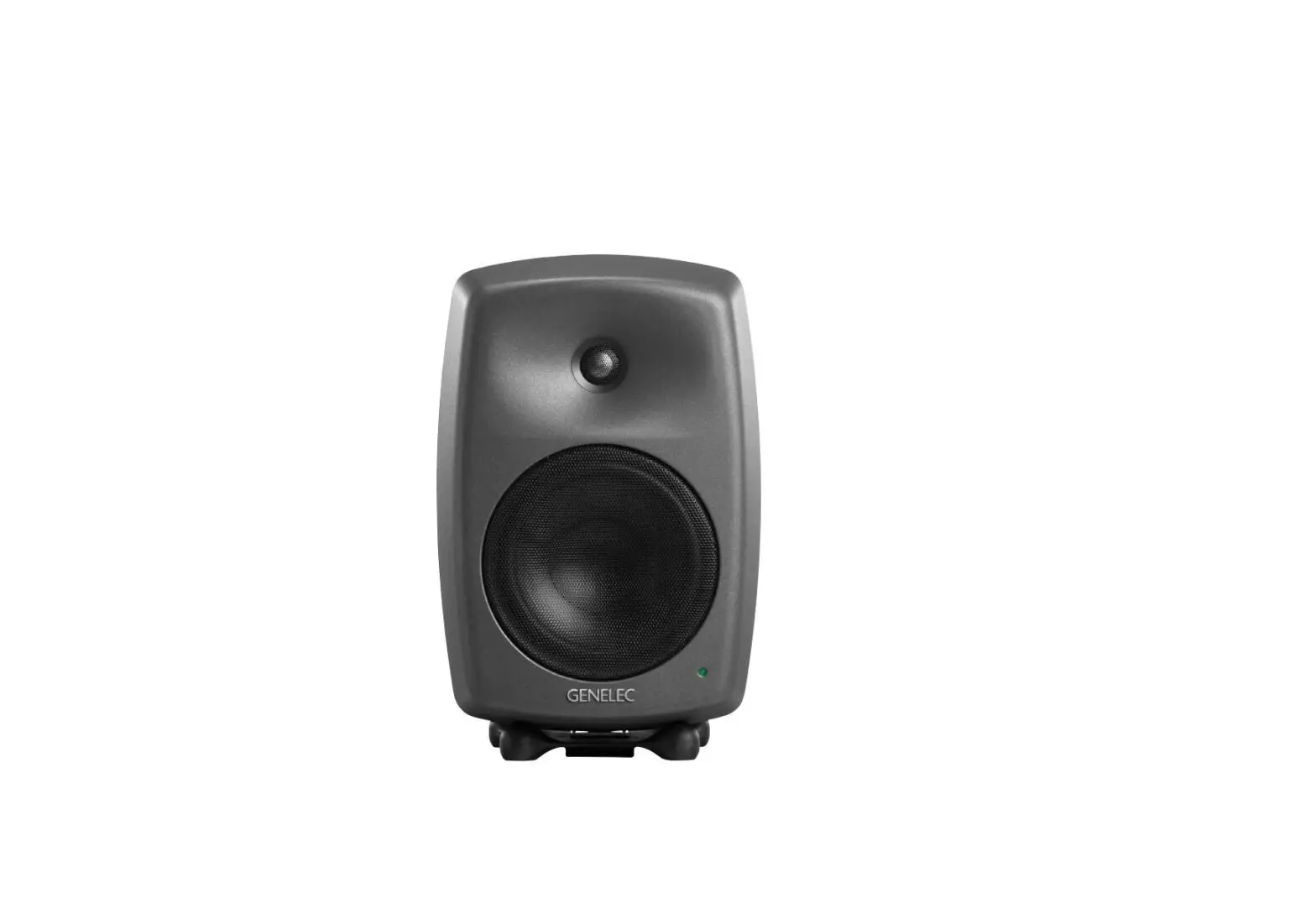
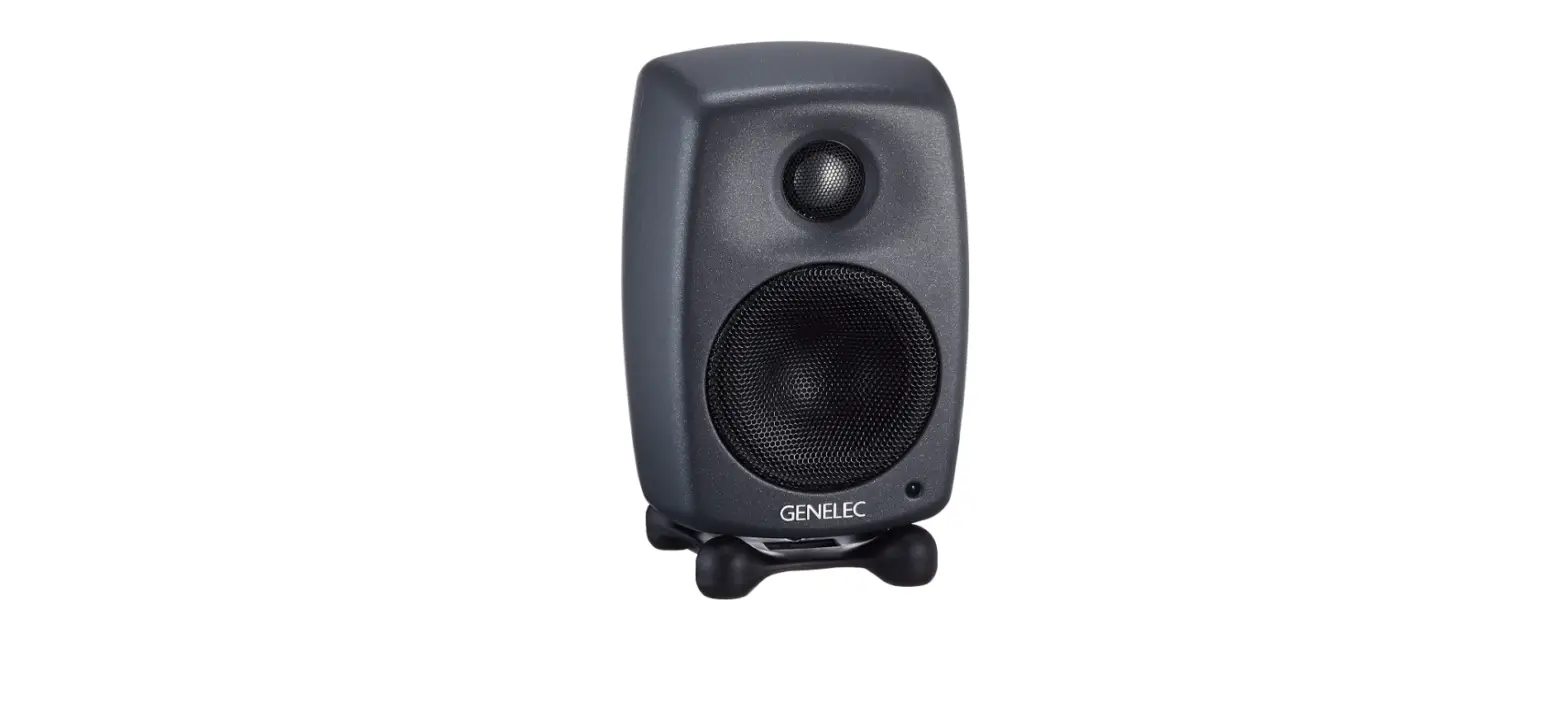
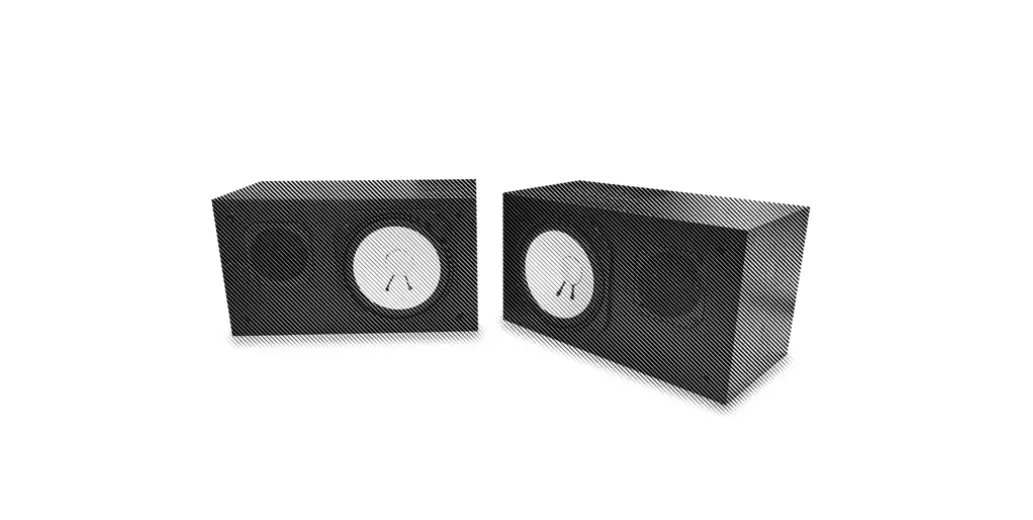
8350A Smart Active Monitor System
Product Information: Genelec Smart Active Monitor 8350A
The Genelec Smart Active Monitor (SAM) system is a
high-precision and reliable monitoring device suitable for
professional monitoring tasks. It is equipped with Minimum
Diffraction EnclosureTM (MDETM) and advanced Directivity Control
WaveguideTM (DCWTM) technologies to provide excellent frequency
balance even in difficult acoustic environments. The SAM system can
integrate easily into all professional environments, supporting
both standard analog line level audio and AES/EBU formatted digital
audio signals. The SAM system is also equipped with Intelligent
Signal Sensing (ISSTM) technology that automatically puts the
monitor into a deep sleep state where it consumes less than one
Watt of power. Upon sensing an input signal, the monitor wakes up
to full operation.
Product Usage Instructions:
To set up the SAM system, follow the steps below:
System Setup using GLMTM Control Network:
Figure 1 shows the GLM control network cabling. The setup is
fast and consists of the following steps:
- Connect the GLM Network Microphone to the USB port of your
computer. - Connect the GLM network cable to the GLM Network connector on
the back of the SAM monitor. - Connect the other end of the GLM network cable to the GLM
network connector on the GLM Network Microphone. - Launch the Genelec Loudspeaker Manager (GLMTM) software on your
computer and follow the instructions for system calibration and
setup.
Note: While the GLM network is disconnected, you can select the
settings stored using the Genelec Loudspeaker Manager software by
setting the STORED switch ON.
Setup without using the GLM:
When GLM is not available, you can use the settings on the
monitor for system setup. These settings are limited but provide
the basic acoustical calibrations and input selection. To use this
method, follow the steps below:
- Connect the MAINS INPUT to the mains supply. These products
support any mains voltage globally (100-240 VAC, 50-60 Hz) so they
can be plugged in anywhere. - Set the STORED switch OFF.
- Use the DIP switches to adjust the Bass Tilt, Desktop, Bass
Roll-Off, Treble Tilt, and LED Disable settings as per your
requirements.
Note: To reset the SAM system to factory settings, push the
RESET button for 10 seconds.
For more detailed instructions, refer to the operating manual
provided with the product.
8350A
Operating Manual
Introduction
Congratulations and a thank you for the purchase of this Genelec Smart Active Monitor (SAM) system. This manual addresses the stand-alone setup and use of the 8350A SAM monitor. These monitors can also be set up and used with the Genelec Loudspeaker Manager GLMTM and the proprietary Genelec monitor control network and software, offering much more versatile acoustic settings and features. Use with the GLMTM is described in the GLMTM System Operating Manual.
GLM NETWORK
GLM NETWORK MICROPHONE
USB
GLM NETWORK
All Genelec SAM systems are designed to integrate easily into all professional environments, supporting both standard analog line level audio and AES/EBU formatted digital audio signals.
LISTENING POSITION
The 8350A is suitable for professional monitoring tasks demanding high precision and reliability of monitoring. The Minimum Diffraction EnclosureTM (MDETM) and advanced Directivity Control WaveguideTM (DCWTM) technologies provide excellent frequency balance even in difficult acoustic environments.
Each monitor is supplied with a mains cable, one 5 m GLM network cable and an operating manual.
Energy saving Intelligent Signal Sensing (ISSTM) can be turned on to put the monitor automatically into a deep sleep state where the product consumes less than one Watt of power. Upon sensing an input signal the monitor automatically wakes up to full operation. The wait until entering the ISS power save can be configured using the GLM software. When the ISS is active you can have your monitoring system ready for action at all times.
System setup using GLMTM Control Network
Although the 8350A can be used without the GLMTM software and control network, they only reach their full potential when set up and calibrated using the GLMTM software. Genelec Loudspeaker Manager GLMTM and the proprietary Genelec monitor control network and software offer automated acoustic equalization and alignment for any reproduction system from simple stereo to very complex 3D immersive audio setups including also one or more subwoofers. GLM setup is fast and accurate. The settings can be controlled with a computer or be permanently stored in the monitors to make the setup available at all times even when a computer is not in use. Genelec recommends setting up SAM monitoring systems using GLM. You can find a detailed description of the setup and the use of GLMTM in the GLMTM System Operating Manual.
Figure 1. GLM control network cabling
The setup is fast and consists of the following steps:
· Connect a CAT5 (RJ45) cable between each monitor (and subwoofer) and finally to the control network input of the GLM Adapter device (see Figure 1).
· Connect the GLM Adapter device to computer USB connector.
· Using a microphone stand, place the Genelec measurement microphone at the listening location with the microphone pointing upwards and the microphone top at the height of the engineer’s ear. The microphone is a part of the GLM User Kit.
· Connect the microphone cable to the microphone input in the GLM Adapter device.
· Download the GLM software at the Genelec web site (www. genelec.com).
· Install the GLM software and follow the instructions in the software to measure and set up your monitors.
· If you plan to not use a computer for controlling the monitors, use the GLM software to write the setting into the monitors (use menu item “Store | Store the Current Group Settings…”).
While the GLM network is disconnected the settings stored using the Genelec Loudspeaker Manager software can be selected in use by setting the STORED switch ON.
Setup without using the GLM
When GLM is not available, you can use the settings on the monitor for system setup. These settings are limited but provide the basic acoustical calibrations and input selection. To use this method, set the STORED switch OFF.
Connect the MAINS INPUT to the mains supply. These products support any mains voltage globally (100-240 VAC, 50-60 Hz) so they can be plugged in anywhere. If the mains
DIP SWITCHES FOR STAND-ALONE USE
MAINS INPUT GLM NETWORK CONNECTORS
ON OFF
(dB)
SMART ACTIVE MONITOR
+2 0 -2 -4 -6
dB
20
ALL OFF
BASS TILT
DESKTOP
BASS ROLL-OFF
160
800 4k
Frequency (Hz)
TREBLE TILT
20k
BASS ROLL-OFF
-2 -4
DESKTOP 160 Hz -4
BASS TILT
-2 -4
TREBLE TILT
+2 -4
LED DISABLE
ISS
DIGITAL
A B
LEVEL
-10 dB -20 dB
STORED
ON OFF
-4
-2
-6
0
dBu
+2
+6
+4
INPUT dBu PRODUCING 100 dB SPL (1 m)
RESET TO FACTORY SETTINGS: PUSH
BUTTON FOR 10 SEC
MAINS INPUT 50 / 60 Hz 200 W
100 – 240 V~
GLM NETWORK
SERIAL NUMBER
DIGITAL IN AES/EBU
DIGITAL THRU AES/EBU
ANALOG IN
This device complies with FCC Part 15 and Canadian ICES-003 radio frequency Class B emission requirements. Refer to operating manual for full information.
8350A
MAGNETICALLY SHIELDED MADE IN FINLAND www.genelec.com
292-8350T-6
ROTARY LEVEL CONTROL
POWER SWITCH
AUDIO SIGNAL CONNECTORS:
-DIGITAL IN -DIGITAL THRU -ANALOG IN
Figure 2. Connectors and controls on the back panel of a 8350A.
power is provided with a generator, inverter or certain lowerquality UPS devices, we recommend filtering of the mains power voltage harmonics and taking care that the voltage supply is stable.
The ANALOG IN connector is used for analog audio signals. The maximum input level is +25 dBu. These monitors produce 100 dB SPL sound level at 1 meter in free space for an analogue input signal of -6 dBu.
The DIGITAL IN AES/EBU female XLR connector is for AES/ EBU formatted digital audio input signals. This input is selected automatically when a valid digital audio signal is present. Analog input is selected when the AES/EBU signal input is disconnected. The AES/EBU input supports two channels in a single cable). When the digital source device controls the digital output level, it may be advantageous to lower the level on the monitor’s controls, which will enable the use of a higher digital signal level with more digital resolution. With digital inputs the audio is referenced to 0 dBFS (dB relative to the digital full scale, the largest level that can be represented in the AES/EBU signal). These monitors produce 100 dB SPL sound level at 1 meter in free space for a digital input signal of 30 dBFS. The DIGITAL OUT male XLR carries an unaltered copy of the digital signal fed into the digital in connector. This enables daisy-chaining up to four monitors.
The CONTROL NETWORK RJ-45 connectors are used with Genelec Loudspeaker ManagerTM (GLMTM) network. These connectors are not Ethernet LAN compatible. Do not connect to Ethernet LAN.
Monitor Mounting Position
Flat anechoic response
Free standing in a damped room
Free standing in a reverberant room
Near field on a reflective surface
In a corner
Treble Tilt None
None
None
None
None
Bass Tilt
None
Bass Roll-Off
None
Desktop None
-2 dB
None
None
-4 dB
None
None
-2 dB
None
-4 dB
-4 dB
-4 dB
None
Table 1. Suggested Tone Control settings for some typical monitor placement positions.
Stand-Alone Control Functions
Bass Roll-Off Control
Bass Roll-Off control attenuates the monitor’s output near the cut-off frequency. Attenuation levels of -2 dB, -4 dB or -6 dB (both switches ON) can be selected.
Desktop 160 Hz
The desktop low frequency control (switch 5) attenuates the bass frequencies around 160 Hz by 4 dB. This feature is designed to compensate for the boost often occurring at this frequency range when the monitor is placed upon a meter bridge, table or similar reflective surface.
Bass Tilt Control
The Bass Tilt control switches (swiches 3 and 4) offer three attenuation levels for the bass response below 800 Hz, usually
> 0,7 m
h
ACOUSTIC
AXIS
8350A: h=290 mm (11 1/2 in)
Figure 3. The location of the acoustic axis is on the centerline of the monitor at the given height “h”.
Figure 4. Symmetrical layout and keeping the acoustic axis clear from obstructions minimizes reflection surfaces and maintains accurate localisation because reflections are symmetrical.
Min 5 cm
Max 60 cm >A6v0ocidm
Figure 5. Recommended distances from a single wall to the front baffle of free-standing monitors. Correct (green) and not recommended (red).
Figure 6. Recommended monitor positioning for 5.1 multichannel audio reproduction
necessary when the monitors are placed near room boundaries. The attenuation levels are -2 dB, -4 dB and -6 dB.
Treble Tilt Control
Treble Tilt control allows adjusting the treble response above 5 kHz by +2 dB, -2 dB or -4 dB, which can be used for correcting an excessively bright or dull sounding system or to compensate for high frequency level loss if the monitor is placed behind a screen.
LED Disable
This switch shuts off the front panel LED light.
ISS
This switch activates or deactivates the ISS automatic power saving function. The default time for ISS activation is 60 minutes, but can be adjusted in GLM.
Colour Solid greed Blinking green Green blink every 10 sec.
Red blink
Solid red Yellow
Yellow blinking
Indication
Normal state, normal operation
GLM is adjusting the monitor
Monitor is an ISS power saving sleep state
Power amplifier overload protection is active (audio is modified because of protection)
Monitor is muted
Monitor is not in the active (playing) group
Overheat protection is active (audio is modified because of protection)
Table 2. Monitor front panel light indications summary
Digital
The Digital switch selects the digital audio channels on the AES/EBU. Turning both switches on reproduces the sum of the A and B channels. A 6 dB of attenuation is applied to avoid overloading the monitor. If the AES/EBU cable is operated in dual-wire mode, the monitor detects this automatically and the channel selection switches have no effect.
Level
The Level switches scale down the monitor output level in 10 dB steps. The effects of these switches add up and combine with the effect of the rotary level adjustment control. The combined total setting range is 42 dB.
Stored
Stored switch selects the use of the controls on the monitor’s back panel or the settings stored inside the monitor memory using the GLM system calibration software. Setting the Stored switch to OFF position selects the settings defined by the monitor’s own controls. Setting the Stored switch to ON position selects the use of internally stored GLM settings. Using the Stored option overrides all adjustments done with the monitor’s own controls.
Operating Environment
These monitors are designed for indoor use only. The permissible ambient temperature is 15-35 degrees Celsius (50-95°F) and relative humidity 20% to 80% (non-condensing). When the product has been stored or transported in cool environment and is taken into a warm room, wait 0.5-1 hours before opening any packing to prevent condensation of humidity before connecting to mains power. Sufficient cooling must be ensured. The minimum clearance is 50 mm (2 in) behind, above and on both sides of the monitor. The space must be ventilated sufficiently to dissipate the heat.
Mounting and Placing Monitors
Mounting Options
The vibration insulating Isolation Positioner/DecouplerTM (IsoPodTM) table stand allows tilting of the monitor for correct alignment of the acoustic axis. The stand can be attached to three points on the enclosure, allowing vertical and two horizontal positions. Aim the monitor so that its acoustic axis point towards the listening position (see Figure 3). Vertical orientation is preferable, as this eliminates acoustical cancellation problems around the crossover frequency. Place the monitors symmetrically at equal distances from the listening position. If possible, place the listening position on the left-right centerline of the room (see Figure 4). When a monitor far away (1 to 2.2 m, 3-7 ft) from the acoustically hard wall behind the monitor, an acoustic reflection from the wall may cause cancellation of low frequencies and reduce bass output.
Acoustic reflections from objects like desks, cabinets, computer monitors etc. can cause unwanted colouration and blurring of the sound image. Minimise these by placing the monitors away from acoustically reflective surfaces. Putting the monitors on stands behind and above a mixing console usually improves the response over placing monitors on a meter bridge. Symmetrical positioning of the sound reflecting objects maintains a balanced soundstage (see Figure 4).
A wide variety of ceiling and wall mounts are available through your Genelec dealer. The 8350A can be fitted with König & Meyer monitor mounts using two M6 x 10 mm threaded holes on the enclosure back. There is an M10 x 10 mm threaded hole in the base of the monitor. Do not use this thread for mounting the monitor on a microphone stand. Monitor stands typically have an incompatible 3/8″ UNC thread. A wide selection of accessories is available for Genelec monitors. Consult the Genelec Accessories Catalogue at www.genelec. com or your local distributor/dealer for information.
Front Panel Light
Normally, the light on the front panel is green, indicating normal operational mode. Red and yellow colours are used to indicate special situations. See Table 2 above.
Use with Subwoofers
Genelec recommends using the 7300 series subwoofers. For more detailed system configuration and matching products, please consult the on-line Genelec Product Selection Tool at www.genelec.com.
Maintenance
There are no user serviceable parts inside the monitor. Maintenance or repair must only be done by a Genelec certified service.
Genelec Oy 8350A 90
31 March 2016
85
90 80 85
DESKTOP LF
80 90
BASS TILT
85
80
d B r
BASS ROLL-OFF
TREBLE TILT
A 20
50 100 200
500 1k
2k
5k 10k 20k Hz
Figure 7. The curves above show the effect of the “Bass Tilt”, “Treble Tilt”, “Desktop Low Frequency” and “Bass Roll-Off” controls on the free field response of the 8350A.
Genelec Oy 8350 horizontal off axis response level (dBr) vs freq (Hz) 9 Mar 16 100
95
90 d B r 85
A 80
75
70
0° 15° 30°
45° 60°
65
60
55
50 20
50 100 200
500 1k
2k
5k 10k 20k
Hz
Figure 8. The upper curve group shows the horizontal di-
rectivity characteristics of the 8350A measured at 1 m. The
lower curve shows the system’s power response.
Safety Considerations
Although the 8350A has been designed in accordance with international safety standards, to ensure safe operation and to maintain the monitor under safe operating conditions, the following warnings and precautions must be observed:
· Servicing and adjustment must only be performed by a certified Genelec service. The monitor enclosure must not be opened.
· Do not use this product with an unearthed mains cable or a mains connection without the protective earth contact as this may lead to personal injury.
· To prevent fire or electric shock, do not expose the unit to water or moisture.
· Do not place any objects filled with liquid, such as vases on the monitor or near it.
· Note that the amplifier is not completely disconnected from the AC mains service unless the mains power cord is removed from the amplifier or the mains outlet.
· Free flow of air behind the monitor is necessary to maintain sufficient cooling.
· Do not obstruct airflow around the monitors.
WARNING!
These monitors are capable of producing sound pressure levels in excess of 85 dB, which may cause permanent hearing damage.
Guarantee
The Genelec 8350A is guaranteed for two years against manufacturing faults or defects altering performance. Refer to the reseller for full sales and guarantee terms.
Genelec Oy 8350 40 ms 35
30
25
20
15 10
5
0
29 April 2016
50 100 200
500 1k
2k
5k 10k 20k Hz
Figure 9. The curve above shows the delay variation of the 8350A as a function of frequency.
Compliance to FCC Rules
Note: This equipment has been tested and found to comply with the limits for a Class B digital device, pursuant to part 15 of the FCC Rules. These limits are designed to provide reasonable protection against harmful interference in a residential installation. This equipment generates, uses and can radiate radio frequency energy and, if not installed and used in accordance with the instructions, may cause harmful interference to radio communications. However, there is no guarantee that interference will not occur in a particular installation. If this equipment does cause harmful interference to radio or television reception, which can be determined by turning the equipment off
and on, the user is encouraged to try to correct the interference by one or more of the following measures:
· Reorient or relocate the receiving antenna. · Increase the separation between the equipment and receiver. · Connect the equipment into an outlet on a circuit different
from that to which the receiver is connected. · Consult the dealer or an experienced radio/TV technician for
help · Modifications not expressly approved by the manufacturer
could void the user’s authority to operate the equipment under FCC rules.
Figure 10. The curves above show the horizontal directivity characteristics of the 8350A.
Figure 11. The curves above show the vertical directivity characteristics of the 8350A.
SYSTEM SPECIFICATIONS
Lower cut-off frequency, 6 dB
Upper cut-off frequency, 6 dB
Accuracy of frequency response, ± 1.5 dB
Maximum short term sine wave acoustic output on axis in half space, averaged from 100 Hz to 3 kHz at 1 m
Maximum long term RMS acoustic output in the same conditions with IEC weighted noise (limited by driver protection circuit) at 1 m
Maximum peak acoustic output per pair in a listening room with music material at 1 m
Self generated noise level in free space at 1 m on axis (A-weighted)
Harmonic distortion at 90 dB SPL at 1 m on axis Freq: 50…100 Hz > 100 Hz
Drivers Bass Treble
All drivers are magnetically shielded
Weight
Dimensions Height Width Depth Height with Iso-PodTM
8350A < 33 Hz > 22 kHz 38 Hz 20 kHz 112dBSPL
103 dB SPL
121dB 5dB
< 2 % < 0.5 %
205 mm (8 in) cone 25 mm (1 in) metal dome
12.8 kg (28.2 lb)
433 mm (171/16 in) 286 mm (111/4 in) 278 mm (1015/16 in) 452 mm (1713/16 in)
AMPLIFIER SECTION
Bass amplifier short term output power Treble amplifier short term output power (Long term output power is limited by driver protection circuitry)
Amplifier system THD at nominal output
System Signal to Noise ratio, A-weighted Bass Treble
Mains voltage
Power consumption ISS active Idle Full output (short term)
8350A 200 W 150 W
<0.01%
> 109 dB > 112 dB 100-240 VAC 50/60 Hz
< 1 W 12 W 230 W
SIGNAL PROCESSING SECTION
Analog signal input connector XLR female, balanced 10 kOhm
Maximum analog input signal Analog input sensitivity (100 dB SPL at 1 m) Analog input gain selection, rotary control
Digital signal input connector XLR female 110 Ohm Digital signal output / Thru connector XLR male 110 Ohm
Digital audio input Word length Sample rate
Digital input sensitivity (100 dB SPL at 1 m ) Digital input gain sensitivity, rotary control
Control network Type Connection
Crossover frequency
GLMTM software frequency response adjustment* Parametric notch filters Shelving filters
System room response calibration
8350A
pin 1 gnd pin 2 non-inverting,
pin 3 inverting +25.0 dBu -6 dBu
Adjustable from +6 to -6 dBu
AES/EBU Single Wire AES/EBU Single Wire
16 – 24 bits 32 – 192 kHz
-30 dBFS Adjustable from +6 to -6 dBu
Proprietary GLMTM network 2 RJ45, CAT5 cables
1.8 kHz
16 2 LF and 2 HF
Genelec GLM AutoCalTM AutoCalTM, GLMTM manual, Stand-alone*
* The notch and shelving filters adjustments, AutoCalTM and GLMTM manual system calibration features are part of the Genelec Loudspeaker Manager (GLMTM) software
Genelec Document D0133R002 Copyright Genelec Oy 9.2017. All data subject to change without prior notice.
International enquiries: Genelec, Olvitie 5 FIN-74100, Iisalmi, Finland Phone +358 17 83881 Fax +358 17 812 267 Email [email protected]
In the U.S. please contact: Genelec, Inc., 7 Tech Circle Natick, MA 01760, USA Phone +1 508 652 0900 Fax +1 508 652 0909 Email [email protected]
In Sweden please contact: Genelec Sverige Ellipsvägen 10A 14175 Kungens Kurva Phone +46 8 449 5220 Email [email protected]
www.genelec.com
In China please contact: Beijing Genelec Audio Co.Ltd B33 – 101 Universal Business Park No. 10 Jiuxianqiao Road Chaoyang District Beijing, China Phone +86 (10) 5823 2014, 400 700 1978 Email [email protected]
 World Leader in Studio Monitors - Genelec.com
 World Leader in Studio Monitors - Genelec.com