134-9306 Presto TV Unit
Product Information
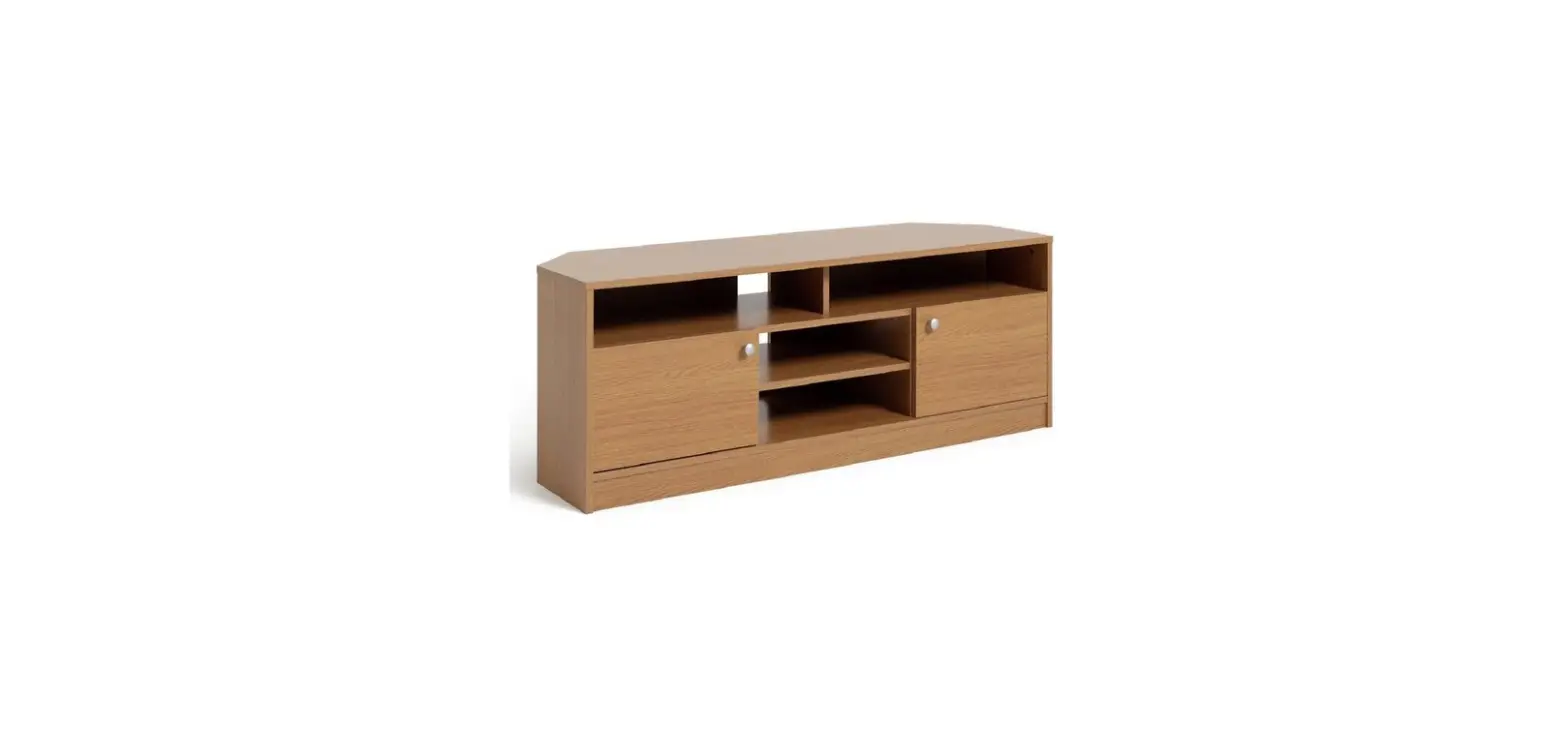
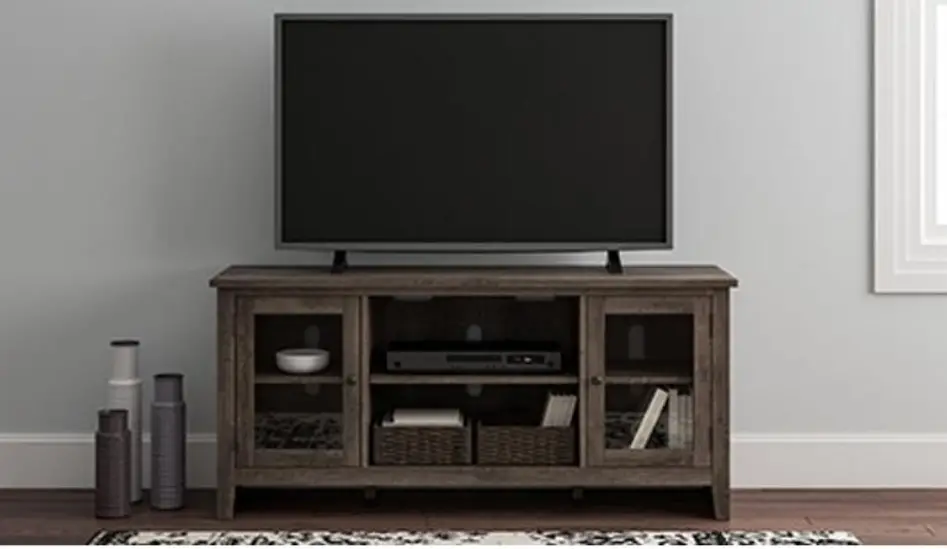
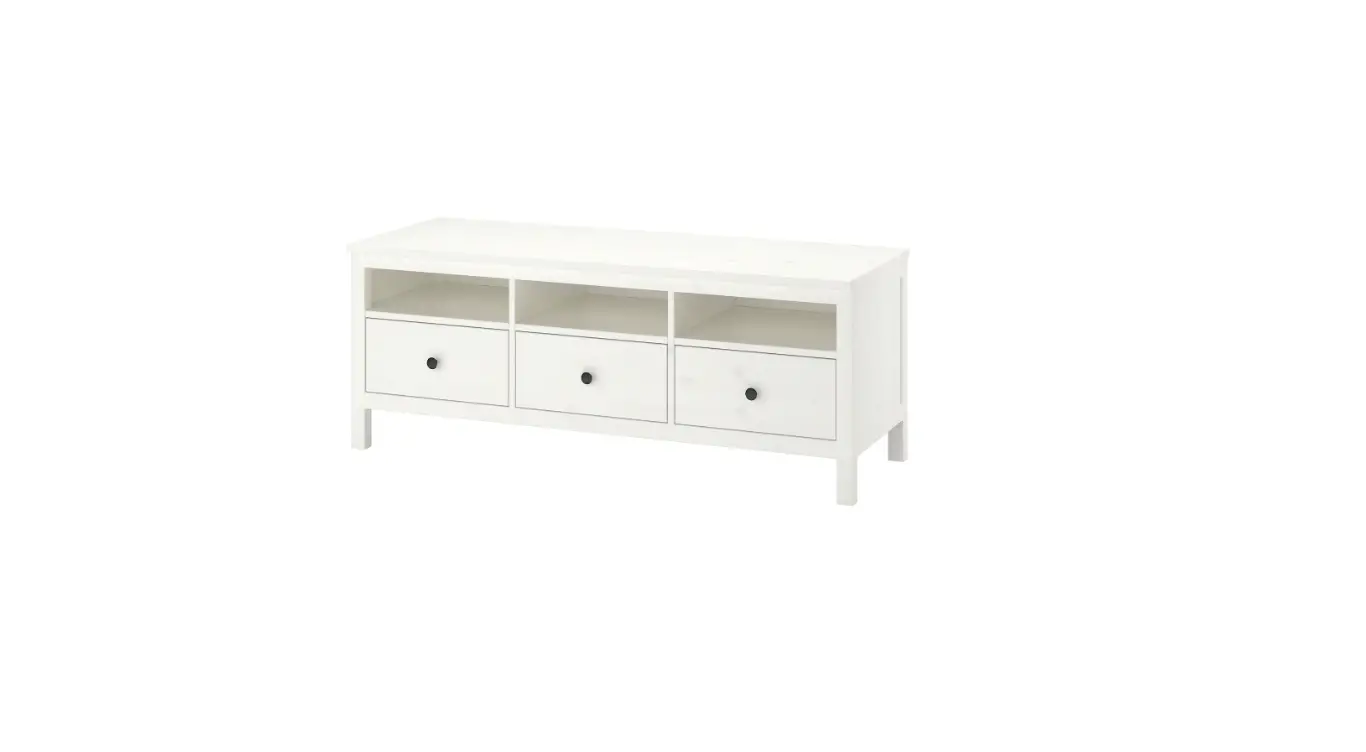
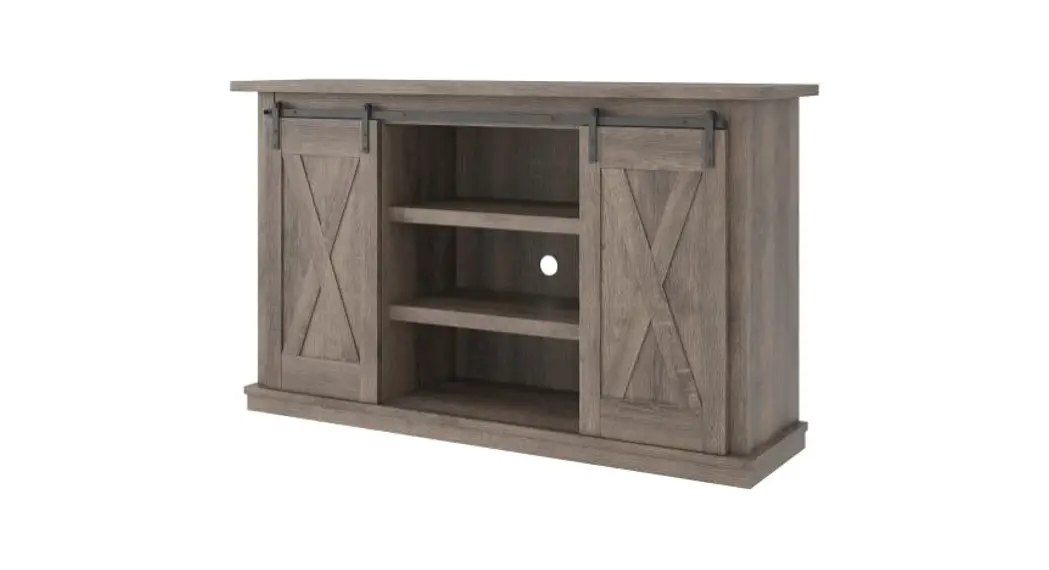
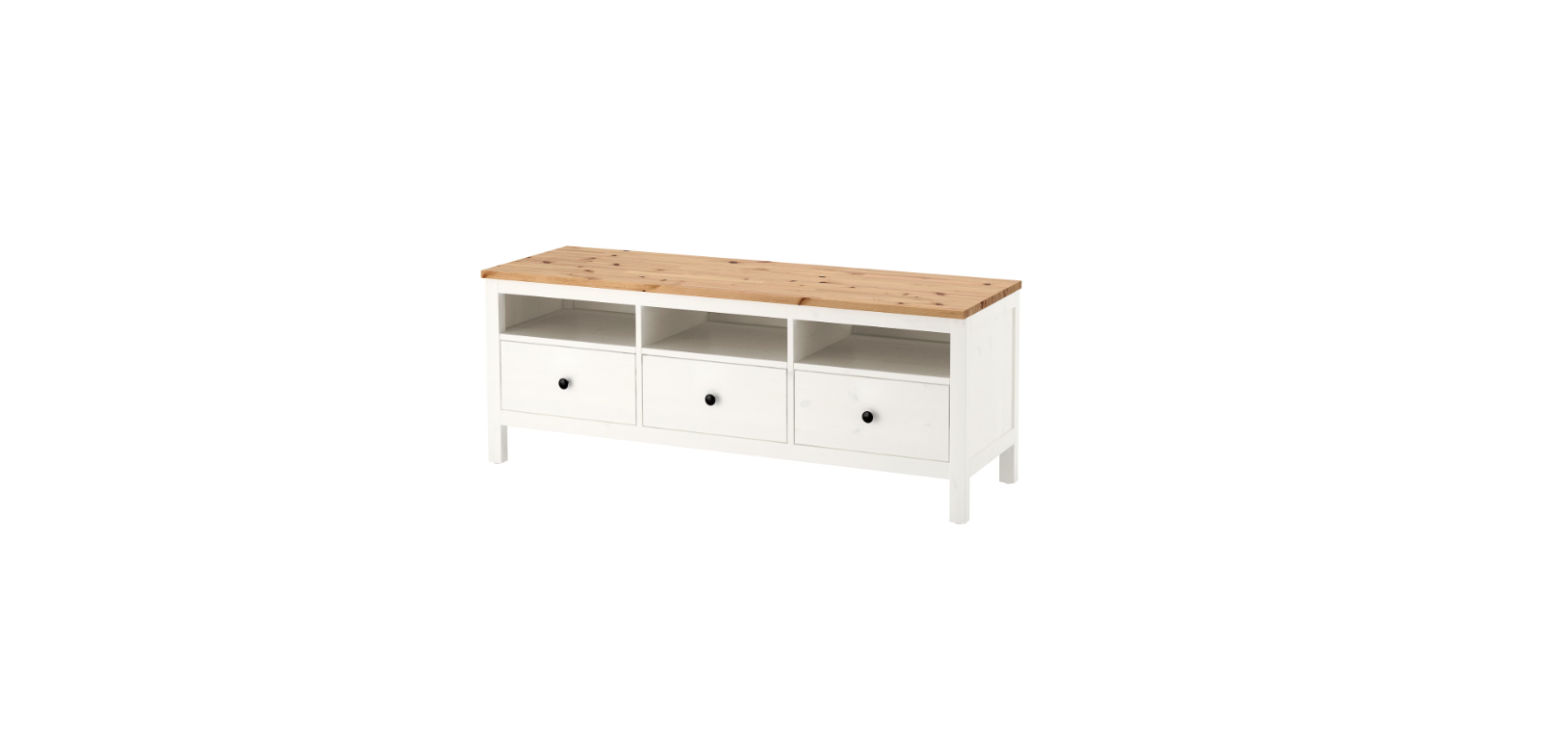
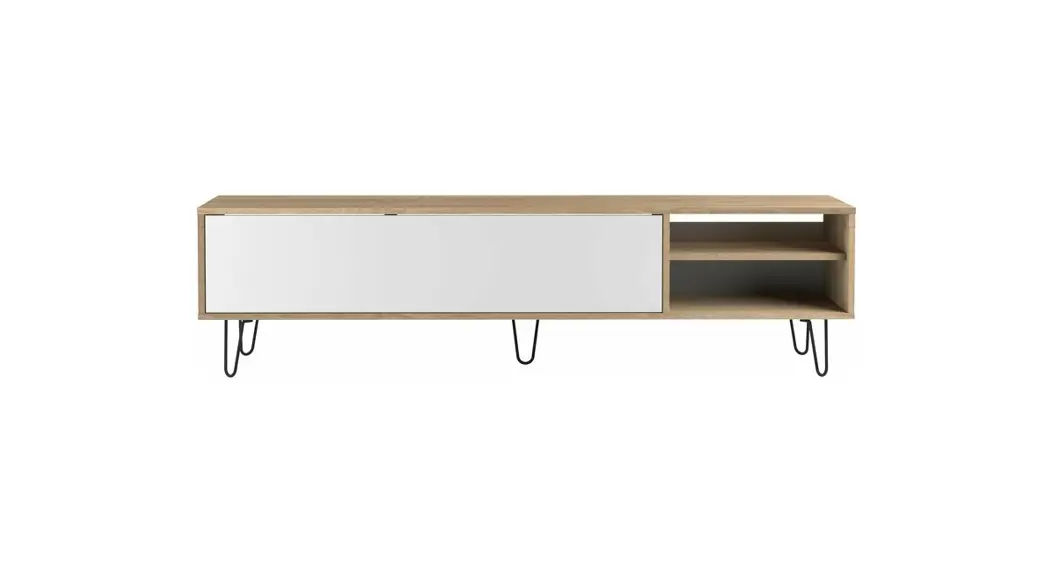
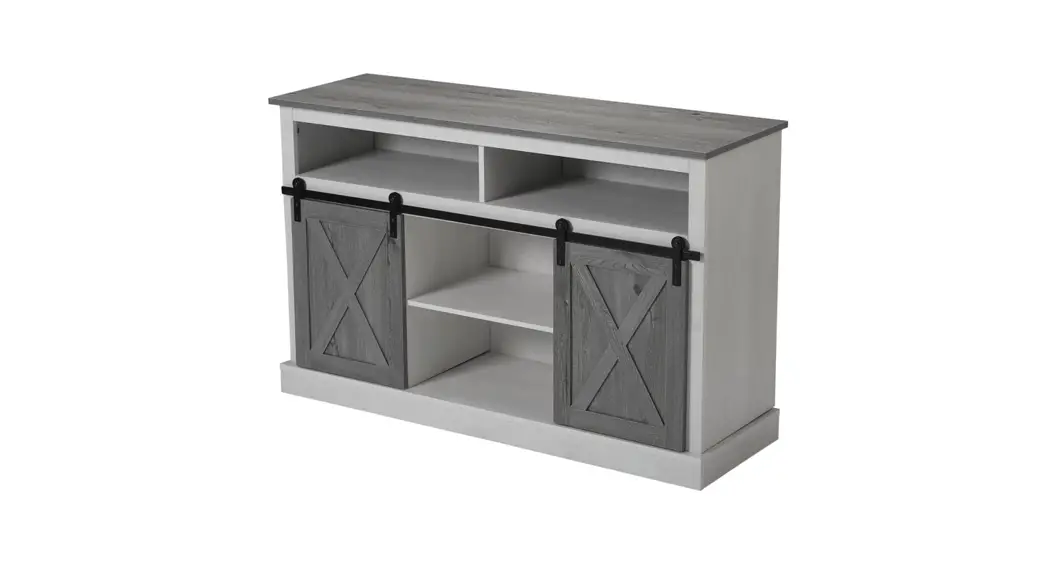
The PRESTO TV UNIT is a furniture product that provides a safe
and secure platform for placing your television. The unit’s overall
dimensions are (W)1088 x (D)356 x (H)495 mm. It comes with various
panels, including side panels, bottom panels, top panels, and back
panels, along with other small components. The product comes with
all the necessary parts and fitting checklists for easy assembly.
The assembly time is approximately 15 minutes, and no tools are
required. The product also comes with a disassembly pin for easy
disassembly.
Product Usage Instructions
- Carefully open the pack and check the contents against the
parts and fitting checklist. Do not destroy any packaging until you
are sure that you have all the necessary parts for assembly. - Familiarize yourself with the various stages of construction by
reading the instructions carefully. - Keep small components away from children while assembling the
unit to avoid choking hazards. - Refer to the assembly instructions and follow the steps
carefully to ensure safe operation of the product. - Make sure all connectors are tight and secure, and periodically
check to ensure that components are in their proper position, free
from damage. - To disassemble the product, insert the disassembly pin in part
01 as illustrated in bold. Push firmly until fully inserted. Then
gently tap panels apart. - Retain the instructions for future reference.
PRESTO TV UNIT ASSEMBLY INSTRUCTIONS
Thank you for purchasing the TV UNIT. Please read the instructions carefully to ensure safe operation of the product.
1088 356
495
Size : (W)1088 x (D)356 x (H)495 mm.
PLEASE READ this sheet prior to assembly to familiarise yourself with the various stages of construction.
Carefully open the pack supplied and check the contents against the parts and fitting check list. Do not destroy any the packaging until you are certain that you have the necessary parts for the assembly.
CAUTION: There are small components used in the constrution of this unit. These loose item should be kept away from your children whilst assembling your unit to avoit the danger of choking hazards.
No Tools Required
For more information on how to assemble your product visit:
Person Required
Assembled With
Approximate Assembly Time
x 1
Click Furniture Technology
Page 1 of 11
15 mins
IMPORTANT – READ CAREFULLY – RETAIN THESE INSTRUCTIONS FOR FUTURE REFERENCE.
INFORMATION · This product is intended for a maximum weight of 25kgs. Do not exceed this weight. · Due to the size of this product we recommend that is assembled in the room intended for use. · When you ready to start, make sure that you have, plenty of space and a clean, dry area for assembly. · Unwrap all packaging materials and place the components on top of the carton box or not on a clean floor
to prevent it from scratching. · Check the pack and make sure you have all the parts listed. · Ensure that this product is fully assembled as illustrated before use. · Check all screws or bolts are tightened and inspect regularly. · This product should only be used on firm, level ground. · Keep small parts out of reach of children. · Make sure the legs remain in contact with the ground. · Tools included.
WARNINGS · Do not sit or stand on the unit. · Never place hot items or liquids on the surface. Always use a heat resistand mat. CARE INFORMATION · To clean, wipe with a damp cloth. · Never use scourers, abrasives or chemical cleaners as surface shall be scratched. · Do not use solvent based cleaners or detergents as they can bleach or damage tha paint.
Page 2 of 11
Please check the pack contents before assembling the product. If any components are missing, please contact your retailer. The fitting pack contains small items should kept away from small children.
Parts
CODE
PART NAME
01 Side Panel (15 X 354 X 330 mm)
02 Bottom Panel (25 X 356 X 900 mm)
03 Top Panel (25 X 356 X 900 mm)
04 Back Panel (3 X 330 X 361 mm)
05 Right Side Panel (15 X 354 X 360 mm)
06 Smaller Top Panel (15 X 356 X 376 mm)
07 Smaller Bottom Panel (15 X 356 X 376 mm)
08 Shelf (15 X 296 X 343 mm)
QTY 2 1 1 1 1 1 1 1
03
06
04 01
08 01 05
07
02
Page 3 of 11
Fixings (to scale)
6 cm
5 cm
4 cm
3 cm
2 cm
1 cm
0 cm
6x D7 x 50mm
A Screw
6x D6 x 30mm
B Wooden Dowel
2x D15 x 3mm
C1 Plastic Cap
White
Fixings (not to scale)
2x D15 x 3mm
C2 Plastic Cap
Oak
8x D6 x 30mm
H Plastic Dowel
4x 102mm
D Wooden leg
2x 127mm
J Wooden leg
1x M4 E Hex Key
1x 30×25
F Adhesive tape
2x 400mm
G Disassembly Pin
Page 4 of 11
4x D6mm
I Shelf Support
STEP 1 B
B
6x
I
4x
I B
2X
01
05
Parts Required Qty
Panel (01)
2
Panel (05)
1
STEP 2
D
02
A
E
J
A
6x
D
4x
E
1x
J
2x
Parts Required Qty
Panel (02)
1
Panel (07)
1
A
07
Page 5 of 11
STEP 3
Parts Required Qty
Panel (01)
1
Panel (06)
1
STEP 4
01 06
Parts Required Qty
Panel (04)
1
01
04
06
Page 6 of 11
STEP 5
01 04
01 06
Parts Required Qty
Panel (01)
1
STEP 6
07
Parts Required Qty
Panel (07)
1
01 06
Page 7 of 11
STEP 5 H
H
02
Parts Required Qty
Panel (02)
1
Panel (03)
1
STEP 6
02
H
8x 03
07 06
Parts Required Qty
Panel (02)
1
Panel (05)
1
05
Page 8 of 11
STEP 5
Parts Required Qty
Panel (03)
1
STEP 6
03
02 05
08
Parts Required Qty
Panel (08)
1
Page 9 of 11
STEP 7
C1
2x
C2
2x
C1 07
02
C2
STEP 8
The disassembly pin can be secured at the back of the unit,
F
or in a safe place.
1x
G
2x
F
G
Page 10 of 11
Complete Assembly Your PRESTO TV UNIT is now completely assembled. Periodically check to ensure that the components are in their proper position, free from damage. Also, make sure the connectors are tight and secure.
Keep instructions for future reference
Disassembly To disassemble, insert the disassembly pin in the part “01” as illustred in bold. Push firmly until fully inserted. Then genty tap panels apart.
01
G
G
Page 11 of 11