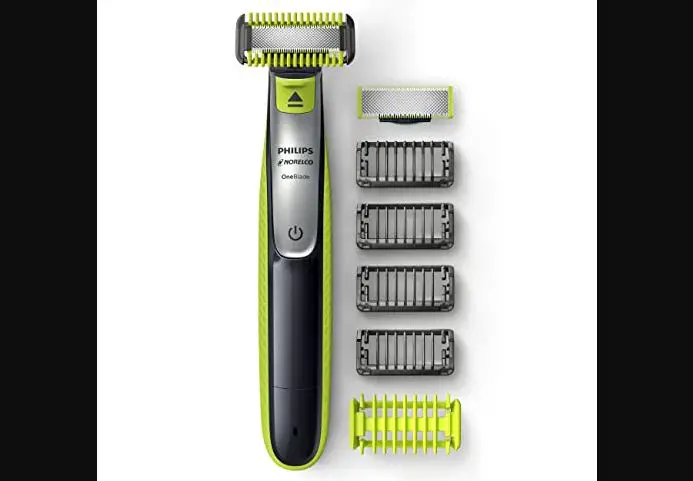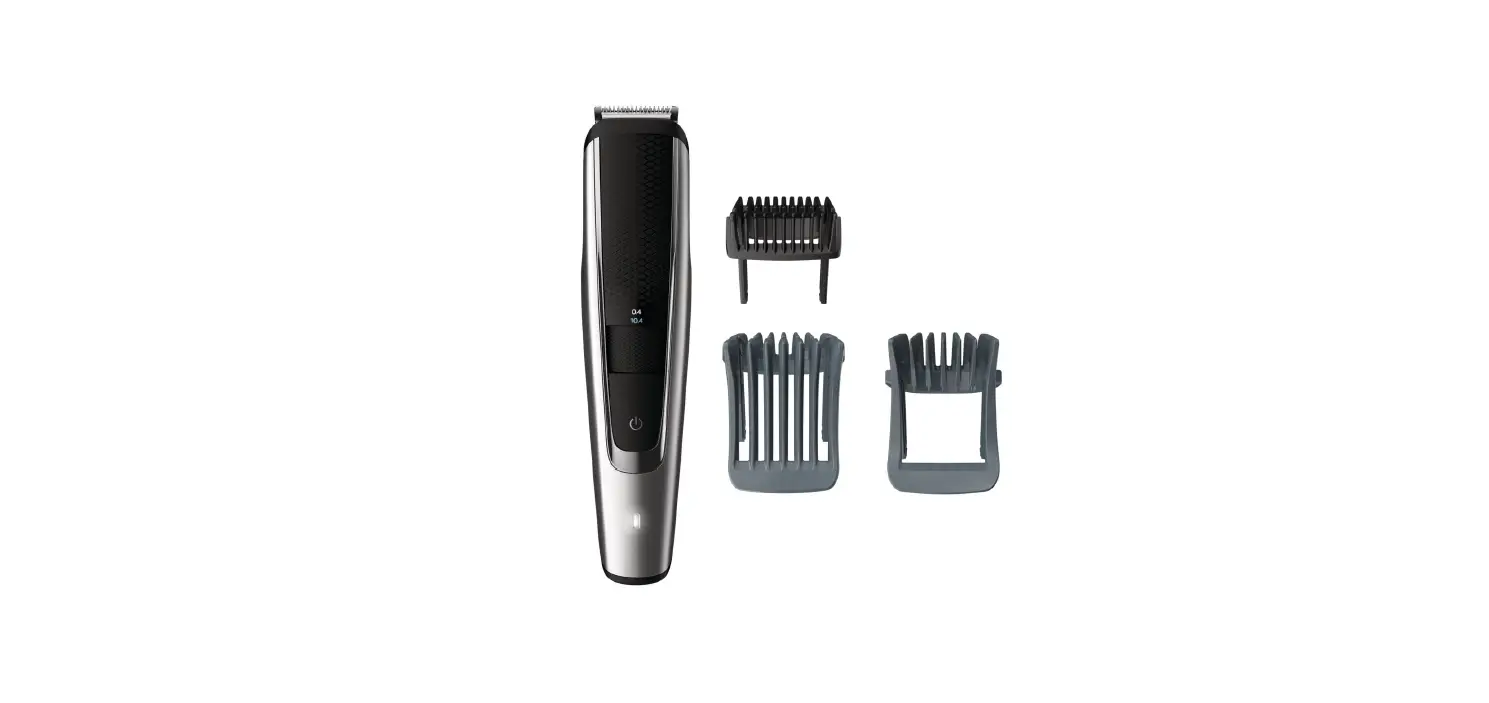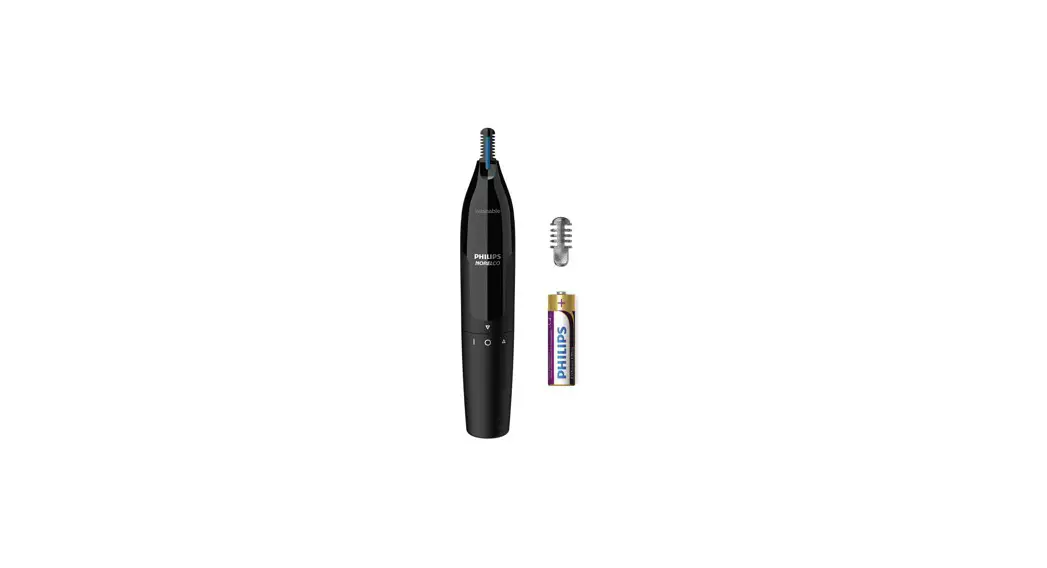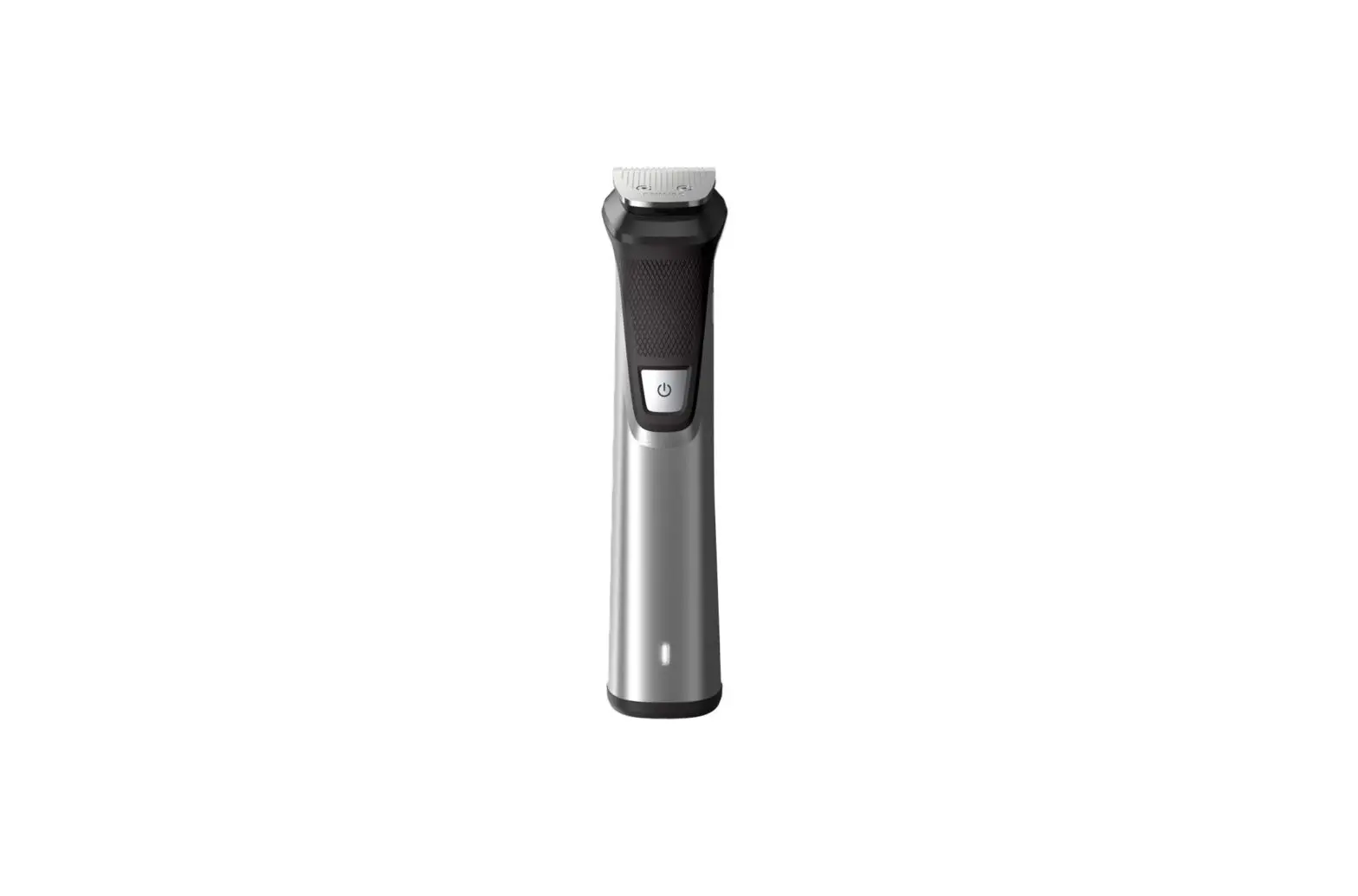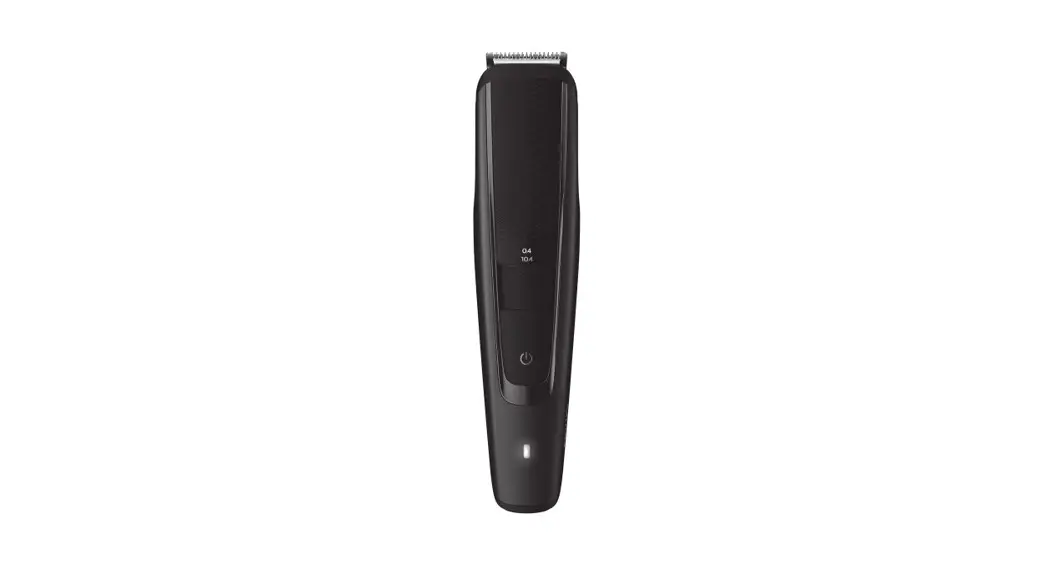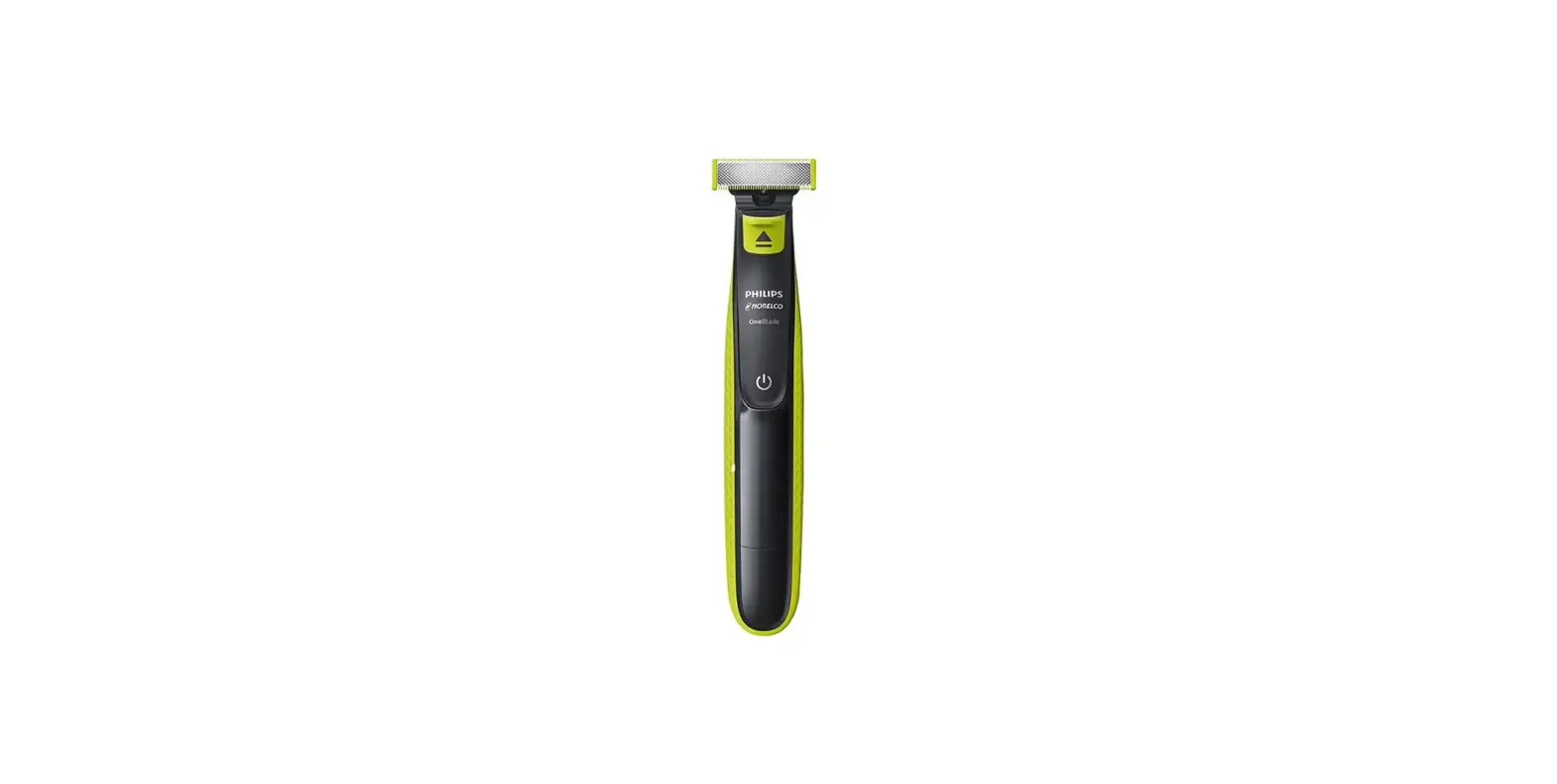

PHILIPS Norelco Hybrid Electric Trimmer
FAQ
Can I use my Philips OneBlade wet or dry?
Philips OneBlade can be used effectively on both wet and dry skin. It can be used with shaving gel or foam and also in the shower.
Can I use my Philips OneBlade on my body?
- If you want to know whether you can use your Philips OneBlade to shave and trim your body hair, please find the answer here.
- Using Philips OneBlade on the body
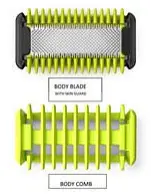
- You can use the body blade and body combs of your Philips OneBlade to shave and trim your body hair. These attachments come with all OneBlade Face and Body models.
- If you have a face-only OneBlade model, then you can also buy the face and body kit separately from our website. The body kit is compatible with all OneBlade models, including OneBlade Pro..

Can I use my Philips OneBlade while it is connected to the power outlet?
If you are wondering whether you can use your Philips OneBlade while it is connected to the power outlet, find the answer here.
Using Philips OneBlade corded
For safety reasons, the OneBlade is designed to only work cordless. This is because the Philips OneBlade can be used for both wet and dry shaving. Using it with water while connected to electricity can be very dangerous. To avoid any risks, the appliance does not work while it is connected to a power outlet. Also keep in mind that the adapter for OneBlade is not waterproof. Hence, while charging your OneBlade, make sure that you keep it and its adapter away from water or any wet surface.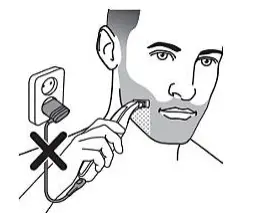
When should I replace the blades of my Philips OneBlade?
If you are wondering when you should replace the blades of your Philips OneBlade, find the answer here. Replacement indicator for OneBlade blades Like any other blade, the blades of your OneBlade will become blunt over time, which can result in increased hair pulling and reduced cutting performance. Therefore, it is important to replace these blades regularly. We recommend replacing the blades every four months. However, this can vary depending on usage and hair type. If you have very thick hair or if you use the OneBlade very frequently, the blades may need to be replaced sooner than four months. If you are a light user, then the blades can last much longer. The OneBlade is equipped with a blade-wear indicator. This means that with use you will see a green patch develop on your blade. This patch is also indicated by arrows on the side. Once this patch is completely green, it is a signal for you to get a new blade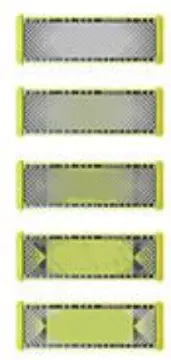
How do I trim my beard with my Philips OneBlade?
The Philips OneBlade can be used to shave, trim and edge up your beard. Follow the instructions below to trim your beard with your OneBlade. Before trimming your beard, ensure that your skin and facial hair are dry.
Trimming instructions for Philips OneBlade
- Your Philips OneBlade comes with different trimming combs, which allow you to trim your beard to different lengths.
- Place the comb onto the blade, with the teeth of the comb pointing upwards.
- Switch on your OneBlade and place it on your skin.
- Make sure the trimming comb is in full contact with your skin to obtain an even trimming result. Start trimming your hair in the direction of the teeth of the comb and move against the grain for the best results.
- Once you are done, switch off the OneBlade and remove the comb by holding it by its edges and pulling it off. Remember to clean the appliance after each use.
Note: The quantity and types of trimming combs may vary by OneBlade model. For specific instructions, always check your digital user manual or contact us.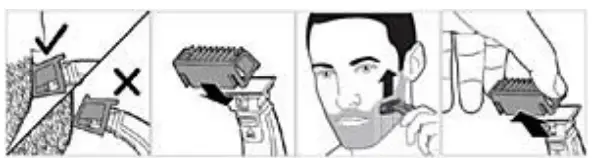
Trimming instructions for Philips OneBlade Pro
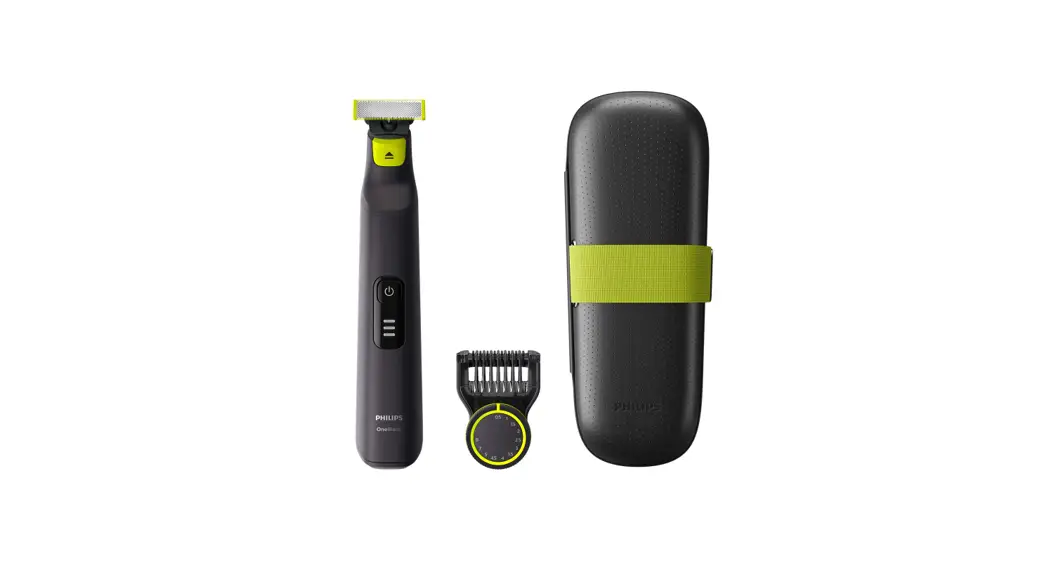
The OneBlade Pro comes with a precision trimming comb, which allows you to trim your hair to different lengths.
- Attach the comb to the blade until you hear a click.
- Turn the hair length setting wheel to select your desired hair length setting. These settings are in millimetres.
- Switch on your OneBlade Pro and place it on your skin. Now start trimming your facial hair by moving the blade against the grain.
- Once you are done, switch off your OneBlade Pro. You can now remove the comb by first pulling its back part off the body and then sliding it off. Remember to clean the attachments and device after each use.

How do I clean my Philips OneBlade?
Cleaning and maintaining your Philips OneBlade is easy. To clean your Philips OneBlade, follow our simple instructions below.
- Cleaning instructions for Philips OneBlade
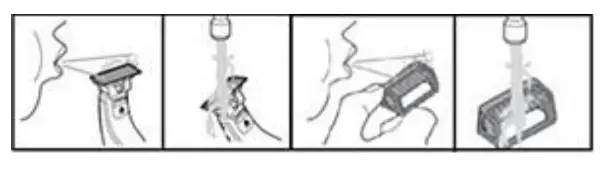
- After each use, blow off any hair accumulated on your OneBlade.
- Turn on your OneBlade and rinse it with some lukewarm water.
- If the attachments need further cleaning, turn your OneBlade off, take off the attachments and wash them separately.
- Allow the attachments to air-dry. Do not dry the blade with a towel or tissue and do not tap it against the sink or a hard surface, as these actions can damage your blade.