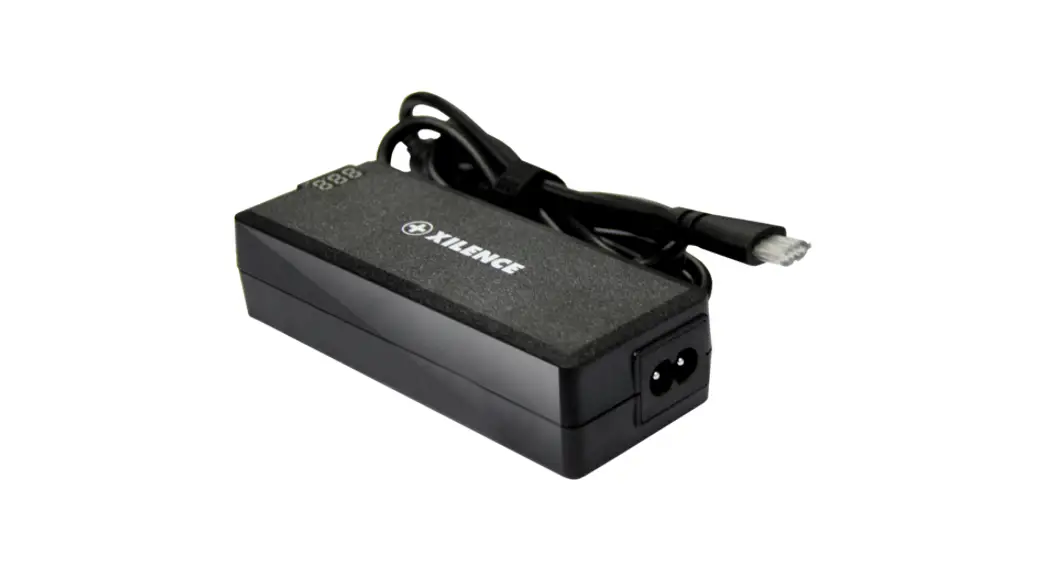
 XM008 Universal Notebook Adaptor
User Manual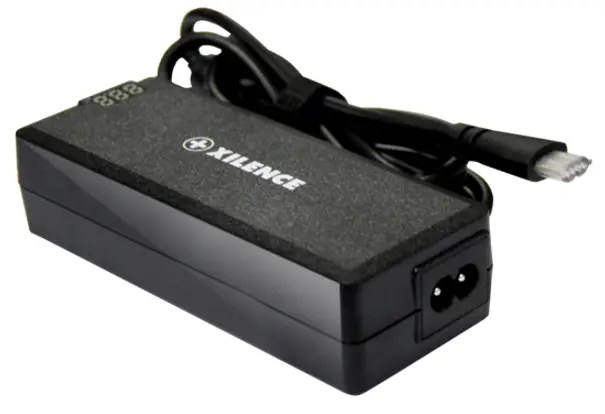
Universal Notebook Adaptor
Before using please read this user manual!!
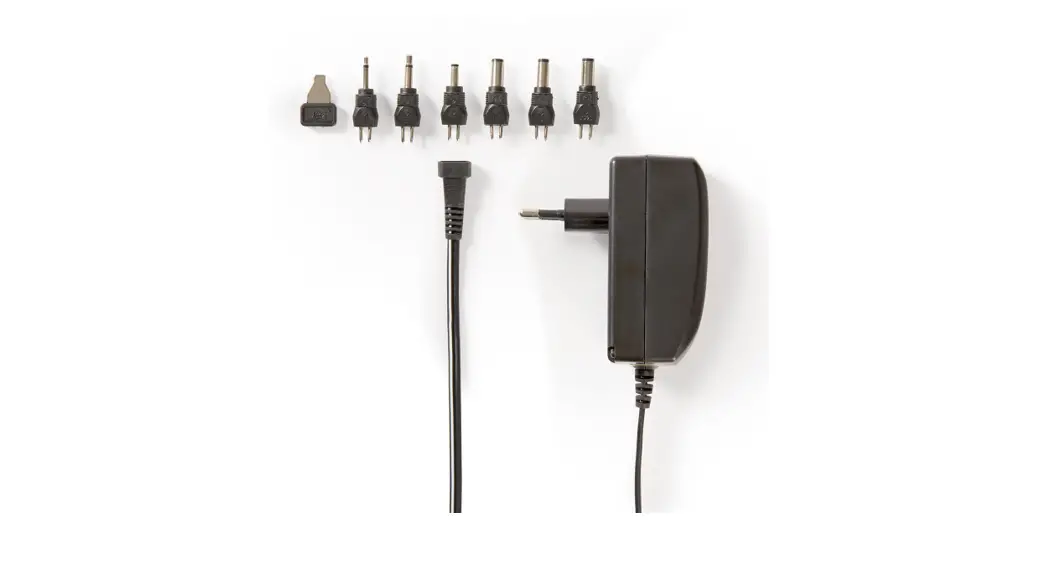
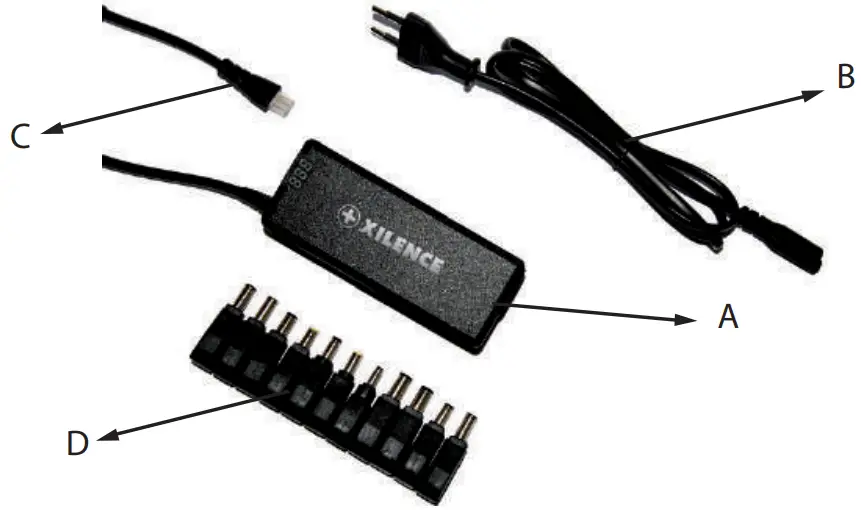
Scope of Delivery
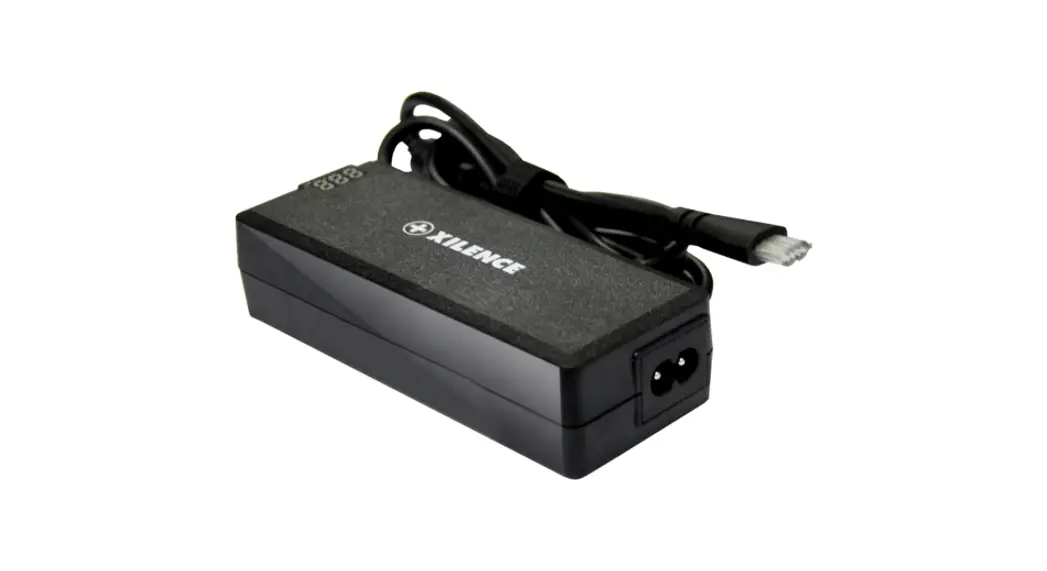
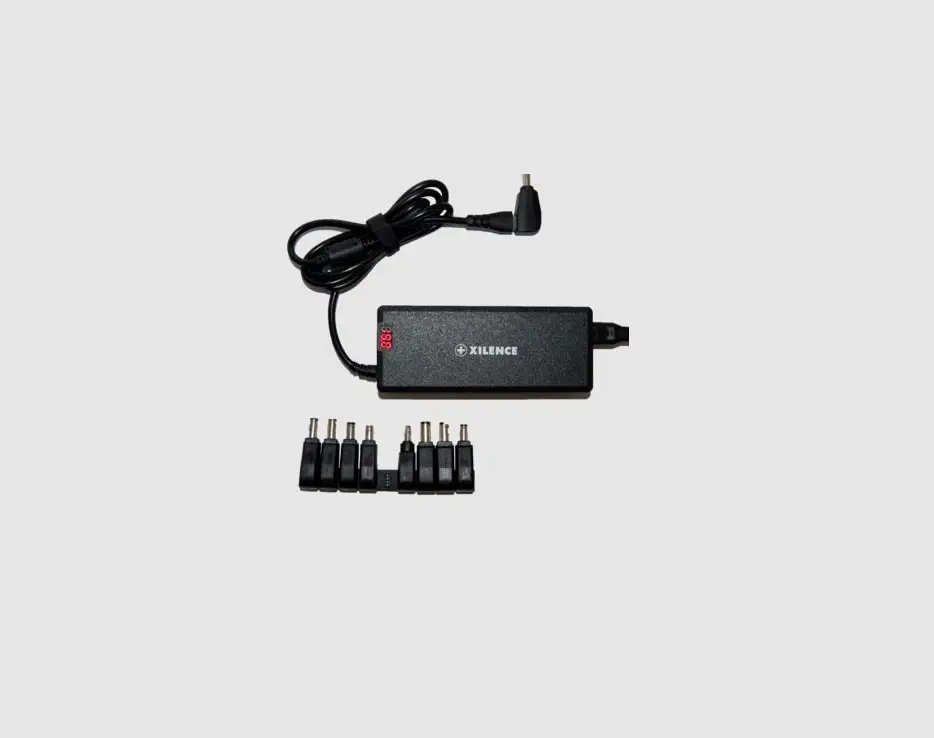
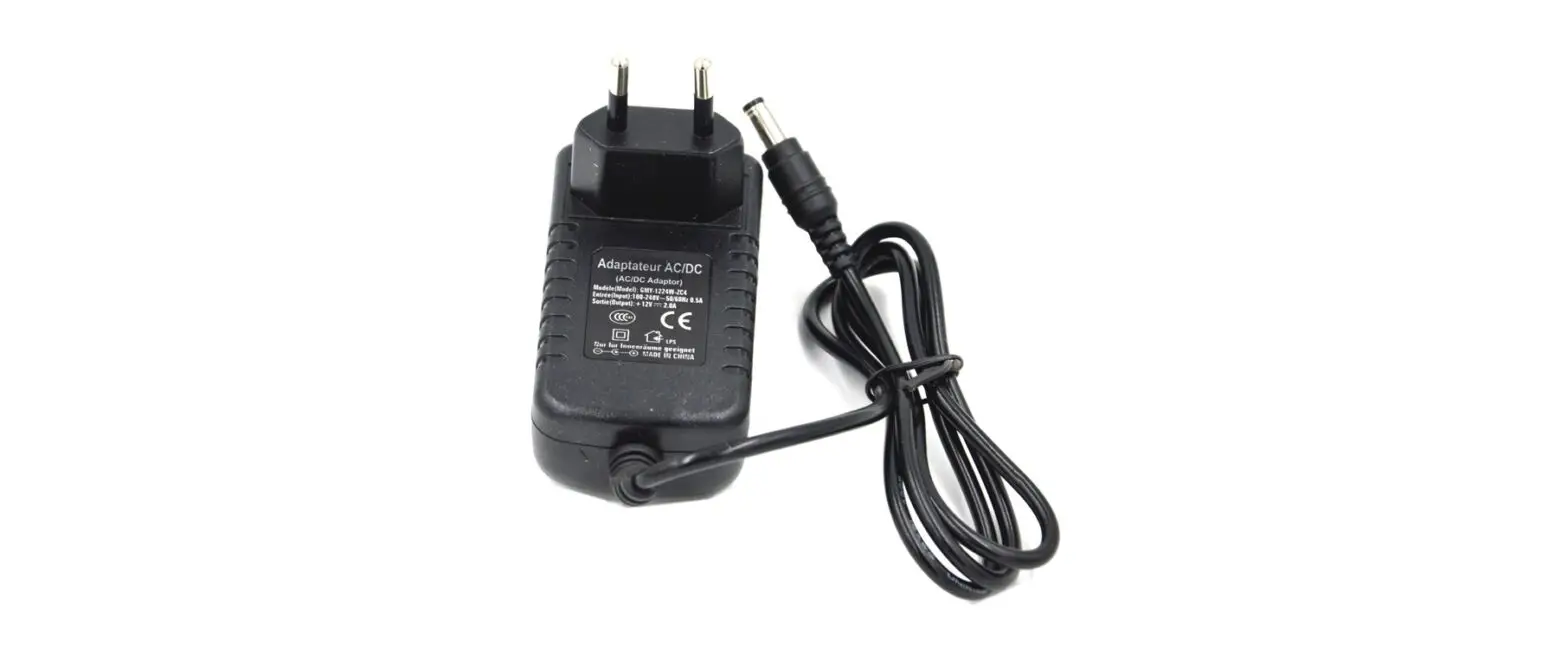
A.Universal Notebook Adaptor
B.AC input cable
C.DC cable
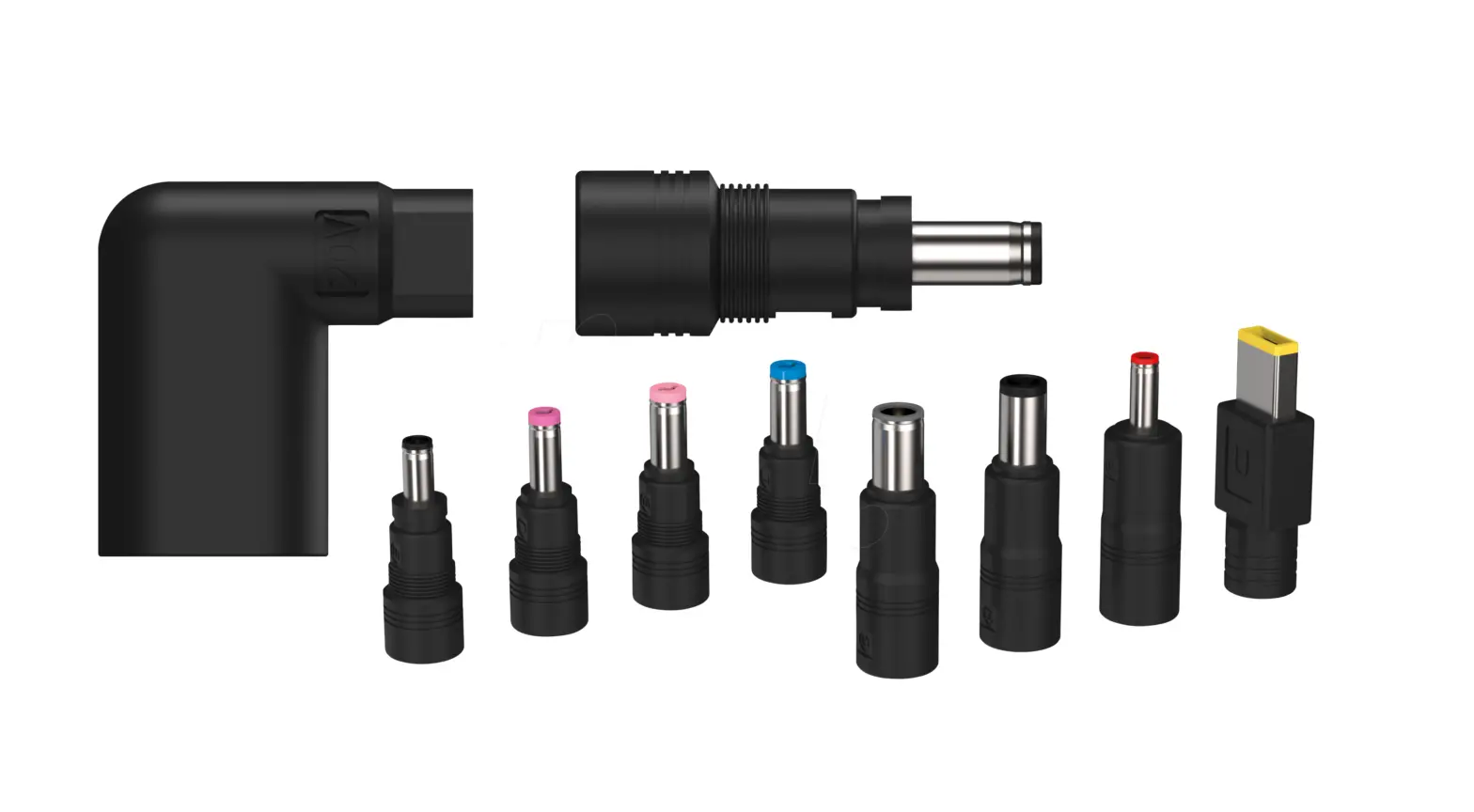
D. DC tips
Operating Steps
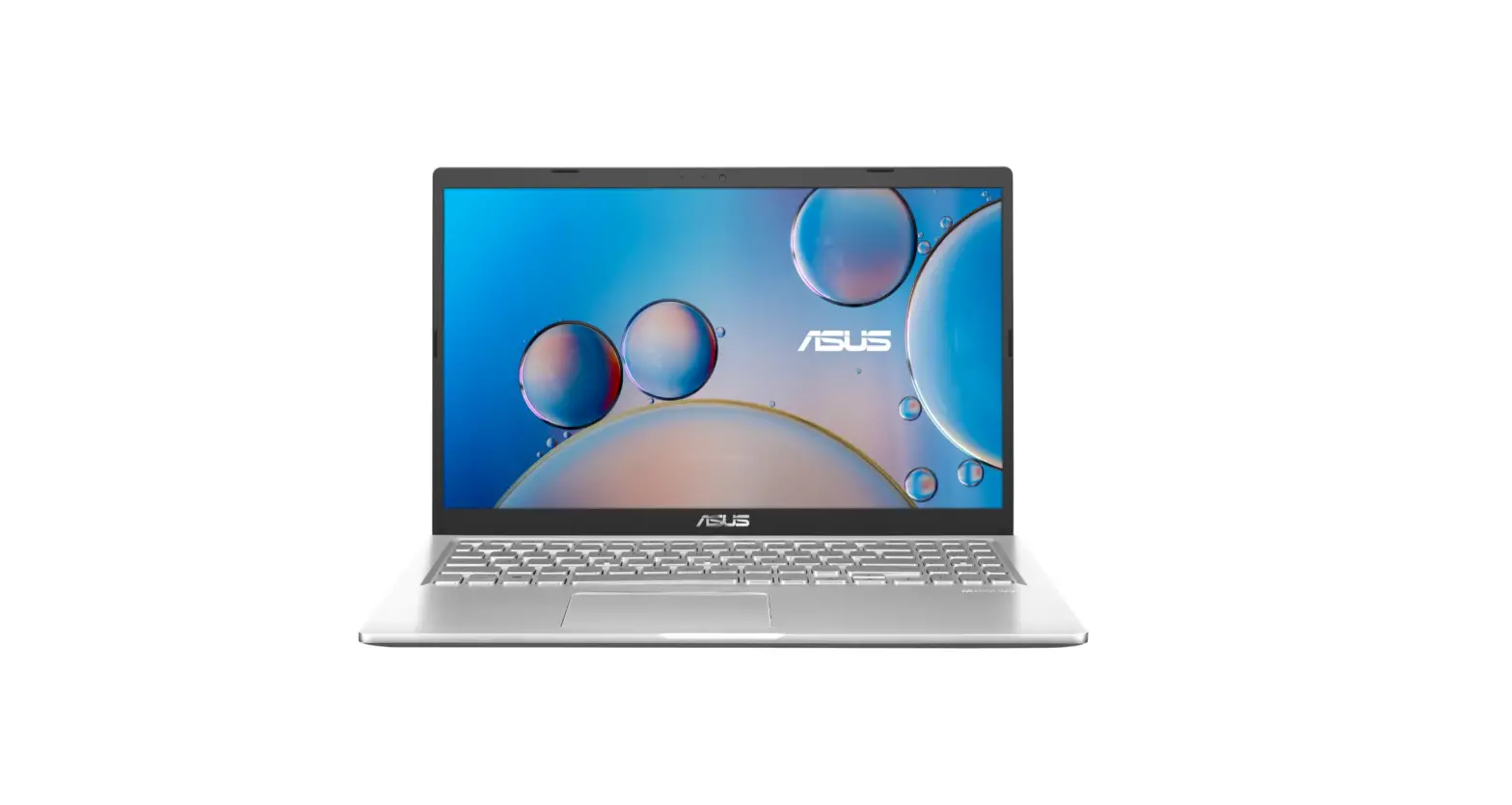
A.Check the notebook computer input voltage, for example: Input +19V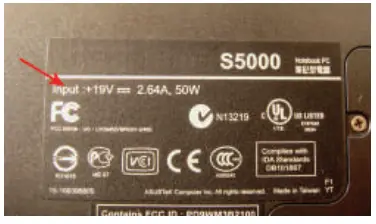 Check the output voltage of the original adapter, for example: output : 19v
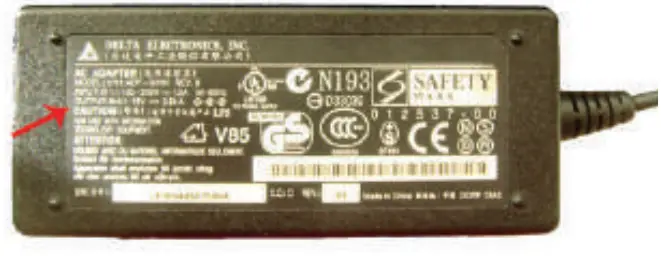 B. Choose the correct tip for your notebook (corresponding your notebook’s voltage and the tip size).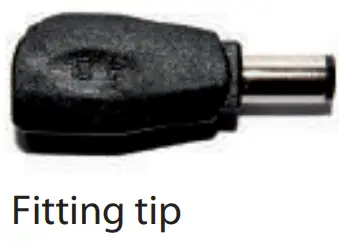
 Never connect the AC cable to the AC wall socket before connecting the tip !!
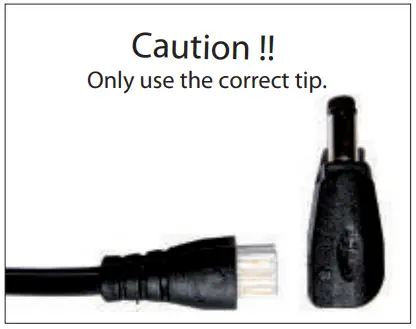 Connect the correct tip to the DC cable.
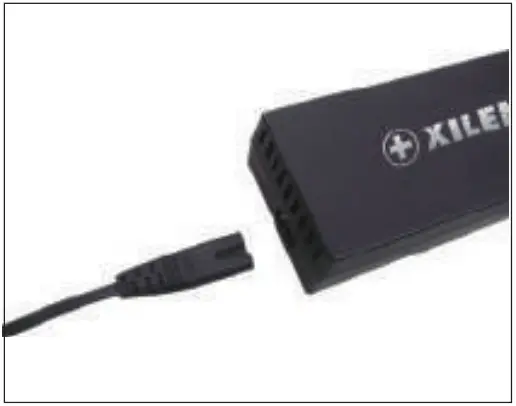 Connect the AC cable to adaptor and AC wall socket.
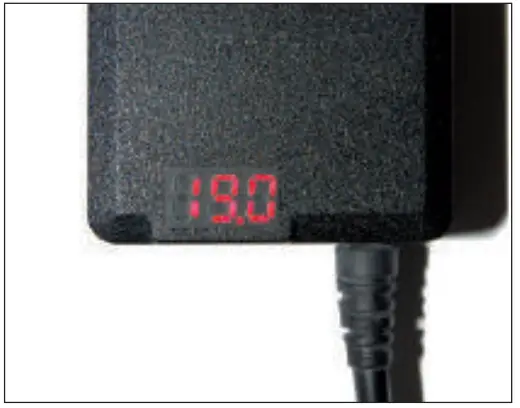 Check the voltage in the display equals your notebook’s voltage.
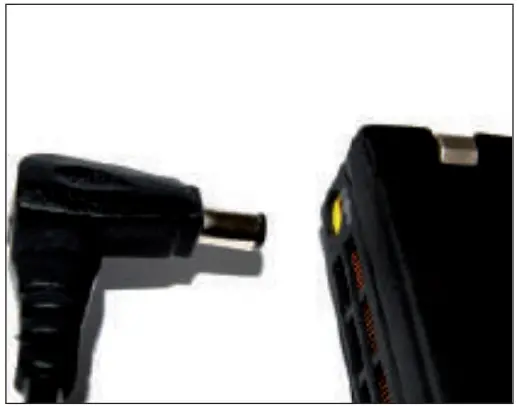 Connect the tip to your notebook. CAUTION:
- Do not try to open or disassamble the notebook adaptor!
- Keep away from children!
- Do not use the unit in rain or a wet environment!
- Please do not plug into AC wall socket before reading these instructions!
- Never attempt to use this adaptor to power any device that requeres more power than stated on the adaptor!
Disposal instructions
Used electronic equipment may no longer be disposed of in unsorted household waste pursuant to European guidelines.
These must be disposed of seperately. Waste electronic and electric equipment must be transferred to a special collection point (e.g. recycling centre). This is usually free.