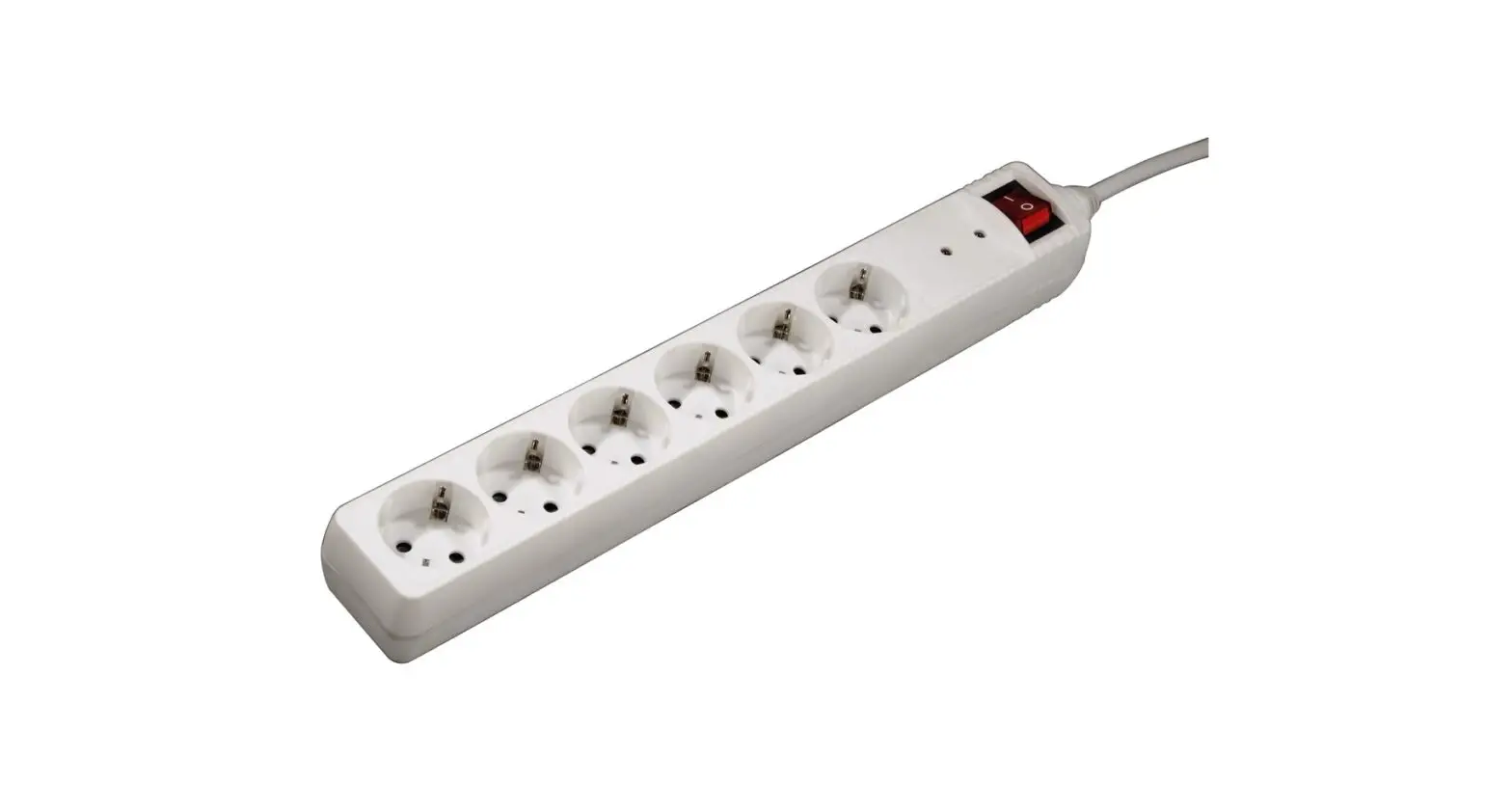
DV Series Lighted Power Strip
Product Information: Lighted Power Strip
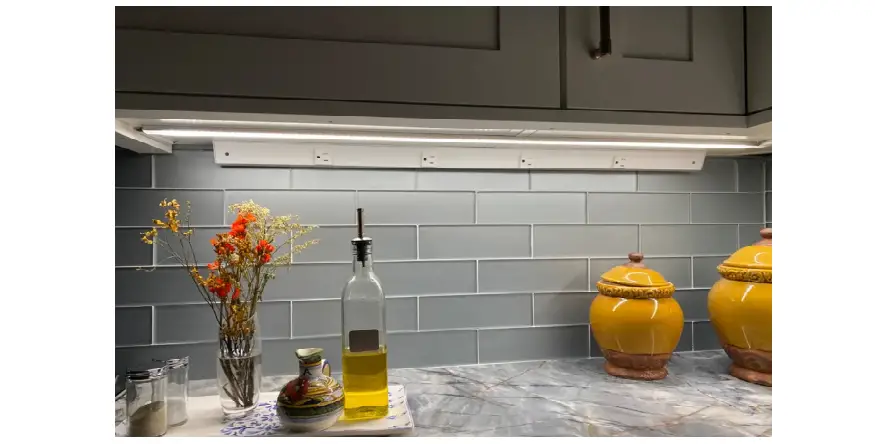
The Lighted Power Strip is a product that provides lighting and
power outlets under cabinets or shelves. It comes in two series,
the DV Series with a built-in power supply and the RM Series
without a built-in power supply. The DV Series has factory-wired
circuits for combined light and receptacle or separate light and
receptacle circuits. On the other hand, the RM Series requires a
remote power supply for operation.
Product Usage Instructions: Lighted Power Strip
Installation Instructions for LPS WITH Built-In Power
Supply
- Step 1: Turn off power at the panel. Using the tool provided,
carefully pry open each piece of the Lighted Power Strip. Insert
Romex connector into the knockout hole inside the back frame. Pull
wires into LPS. - Step 2: Secure LPS to the wall by screwing into wall studs or
use anchors provided. Connect BLACK Romex wire to BLACK wire from
receptacles and switch. Connect WHITE Romex wire to WHITE wire from
receptacles and driver. Ground all GREEN wires to PEM studs inside
of back frame. - Step 3: When connecting 2 or more LPS fixtures, run Romex from
fixture to fixture. Ground each section to the next. - Step 4: To terminate last LPS, use wire nuts on ends of wires.
Snap cover in place and turn power on.
Installation Instructions for LPS WITHOUT Built-In Power
Supply
- Step 1: Turn off power at the panel. Using the tool provided,
carefully pry open each piece of the Lighted Power Strip. Insert
Romex connector into the knockout hole inside the back frame. Pull
wires into LPS. - Step 2: Secure LPS to the wall by screwing into wall studs or
use anchors provided. Connect BLACK to BLACK, WHITE to WHITE.
Ground all GREEN wires to PEM studs inside of back frame. - Step 3: When connecting two LPS, run Romex from fixture to
fixture. Ground each section to the next.
Wiring Diagram for 18-1/2 LPS WITH Built-In Power Supply
The wiring diagram shows the positive and negative terminals of
the driver, back frame, divider plate, and cover. It also indicates
that the 120V receptacle circuit must be GFCI protected. The wiring
diagram illustrates the factory-wired circuits for combined light
and receptacle or separate light and receptacle circuits.
LIGHTED POWER STRIP installation instructions
January 2019
Customer Service: 800-445-6404 www.TaskLighting.com Design Services & Tech Support: 866-848-9094 [email protected]
Lighted Power Strip DV Series
Installation Instructions for LPS WITH Built-In Power Supply
General Guidelines
· Power source MUST be a 20 amp branch circuit protected by a GFCI at the panel or GFCI prior to the connection at LPS. · All wiring must meet NEC® and local codes. · Light valance recommended. · Firmly insert plug straight into receptacle, applying equal pressure to both blades at the same time. Gently rock plug, if needed.
Bottom of Cabinet Tool
Turn power off at panel. Carefully pry open each piece with tool (provided). Insert Romex connector into knockout hole inside of back frame. Pull wires into LPS.
Wiring for Combined Light and Receptacle Circuit – Non Dimmable
Factory Wired
RED +
BLUE –
SWITCH
DRIVER
BK BK
WT WT BK GRN WT GRN
DIVIDER PLATE
120V
BK
GRN WT
BK
GRN WT
12-1/2″ Fixture Shown
Step 1 Secure LPS to wall by screwing into wall studs or use anchors provided. Connect BLACK Romex wire to BLACK wire from receptacles and switch. Connect WHITE Romex wire to WHITE wire from receptacles and driver. Ground all GREEN wires to PEM studs inside of back frame.
Step 2 When connecting 2 or more LPS fixtures, run Romex from fixture to fixture. Ground each section to the next.
Step 3 To terminate last LPS, use wire nuts on ends of wires.
Step 4 Snap cover in place and turn power on.
Wiring for Separate Light and Receptacle Circuits
Factory Wired
RED +
BLUE –
SWITCH
BK BK
DRIVER
WT WT
DIVIDER PLATE 1201V20V
for lights
GRN
BK
GRN WT
BK
GRN WT
120V for 12-1/2″ Fixture Shown
receptacles
Step 1 Secure LPS to wall by screwing into wall studs or use anchors provided. If running two circuits, one for receptacles, one for lighting, connect fixture wires to appropriate Romex wires. BLACK to BLACK. WHITE to WHITE. Ground all GREEN wires to PEM studs inside of back frame.
Step 2 When connecting 2 or more LPS fixtures, run Romex from fixture to fixture. Ground each section to the next.
Step 3 To terminate last LPS, use wire nuts on ends of wires.
Step 4 Snap cover in place and turn power on.
Customer Service: 800.445.6404 · Design Services/Technical Support: 866.848.9094 · TaskLighting.com
Lighted Power Strip DV Series
Wiring Diagram for 18-1/2″ LPS WITH Built-In Power Supply
Wiring Diagram for Combined Light & Receptacle Circuit – Non Dimmable
Positive (+)
Negative (-)
DRIVER
Back Frame
Divider Plate
Cover
120V Receptacle Circuit. Must be GFCI Protected.
18-1/2″ Fixture Shown
Wiring Diagram for Separate Light & Receptacle Circuits
Positive (+)
Negative (-)
DRIVER
Back Frame
Divider Plate
Cover
Lighting Circuit
120V Receptacle Circuit. Must be GFCI Protected. (non dimmable)
18-1/2″ Fixture Shown
Customer Service: 800.445.6404 · Design Services/Technical Support: 866.848.9094 · TaskLighting.com
Lighted Power Strip RM Series
Installation Instructions for LPS WITHOUT Built-In Power Supply
General Guidelines · Power source MUST be a 20 amp branch circuit protected by a GFCI at the panel or GFCI prior to the connection at LPS. · All wiring must meet NEC® and local codes. · Light valance recommended. · Firmly insert plug straight into receptacle, applying equal pressure to both blades at the same time. Gently rock plug, if needed.
Bottom of Cabinet
Tool
Turn power off at panel. Carefully pry open each piece with tool (provided). Insert Romex connector into knockout hole inside of back frame. Pull wires into LPS.
RED +
BLACK LOW VOLTAGE DIVIDER PLATE
BK WT
GRN GRN 120V
BK
GRN WT
BK
GRN WT
12-1/2″ Fixture Shown
Positive (+)
Negative (-)
Back Frame
15vDC wire
Cover
Divider Plate
120V Circuit
18-1/2″ Fixture Shown
Remote Power Supply- 120V Entry
Step 1
Secure LPS to wall by screwing into wall studs or use anchors provided. Connect BLACK to BLACK, WHITE to WHITE. Ground all GREEN wires to PEM studs inside of back frame.
Step 2 When connecting two LPS, run Romex from fixture to fixture. Ground each section to the next.
Remote Power Supply-Low Voltage Entry
Step 4
Using appropriate knockout hole, pull low voltage wire from remote power supply into the low voltage space, connect BLACK wire (negative) to BLACK wire from lights and RED wire (positive) to RED wire.
Step 3 To terminate last LPS, use wire nuts on ends of wires.
Step 5 Snap cover in place and turn power on.
Customer Service: 800.445.6404 · Design Services/Technical Support: 866.848.9094 · TaskLighting.com
 Task Lighting | Task Lighting Under Cabinet | Bathroom Lighting
 Task Lighting | Task Lighting Under Cabinet | Bathroom Lighting