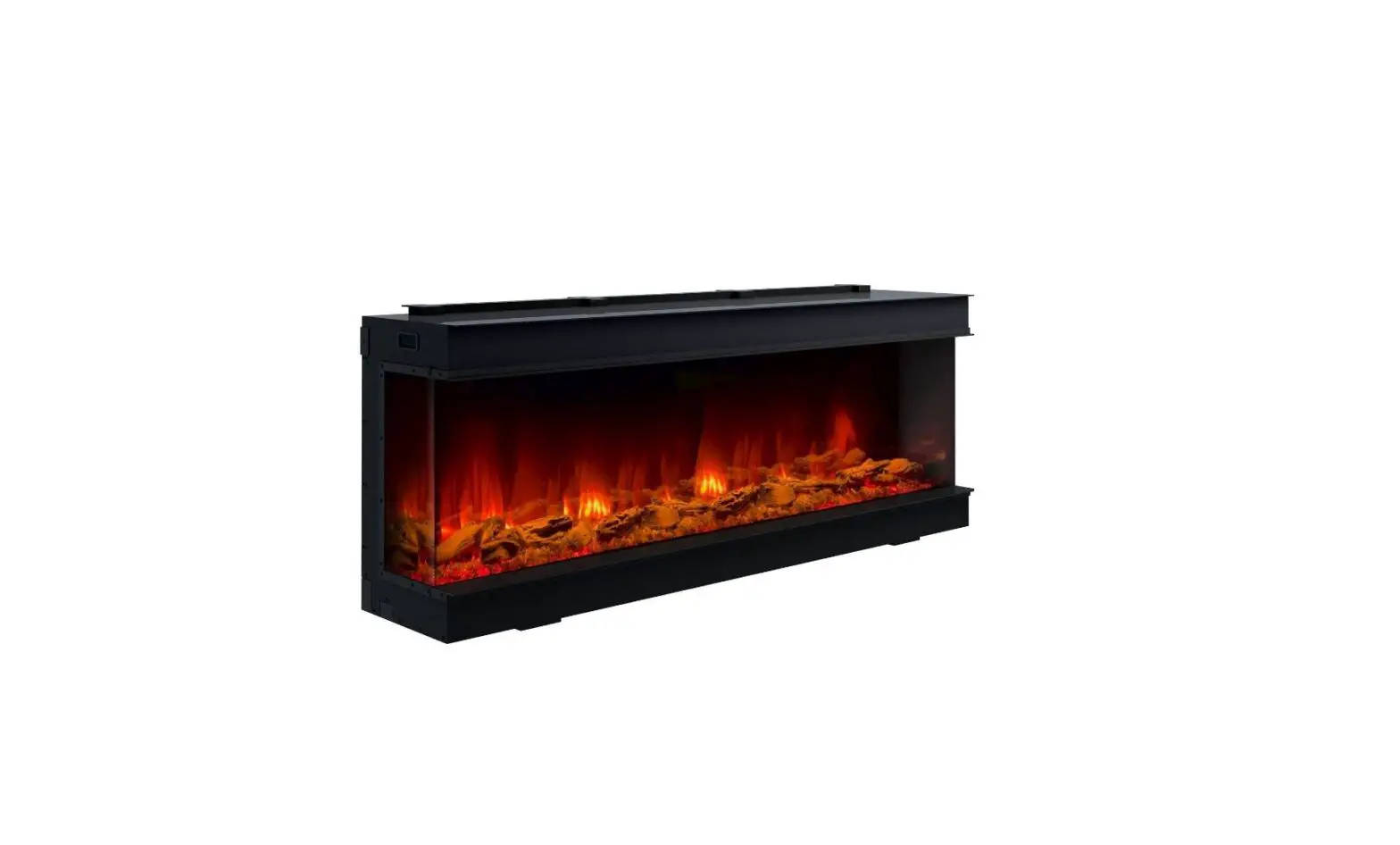
onyx Fireplace Remote Control
Product Information
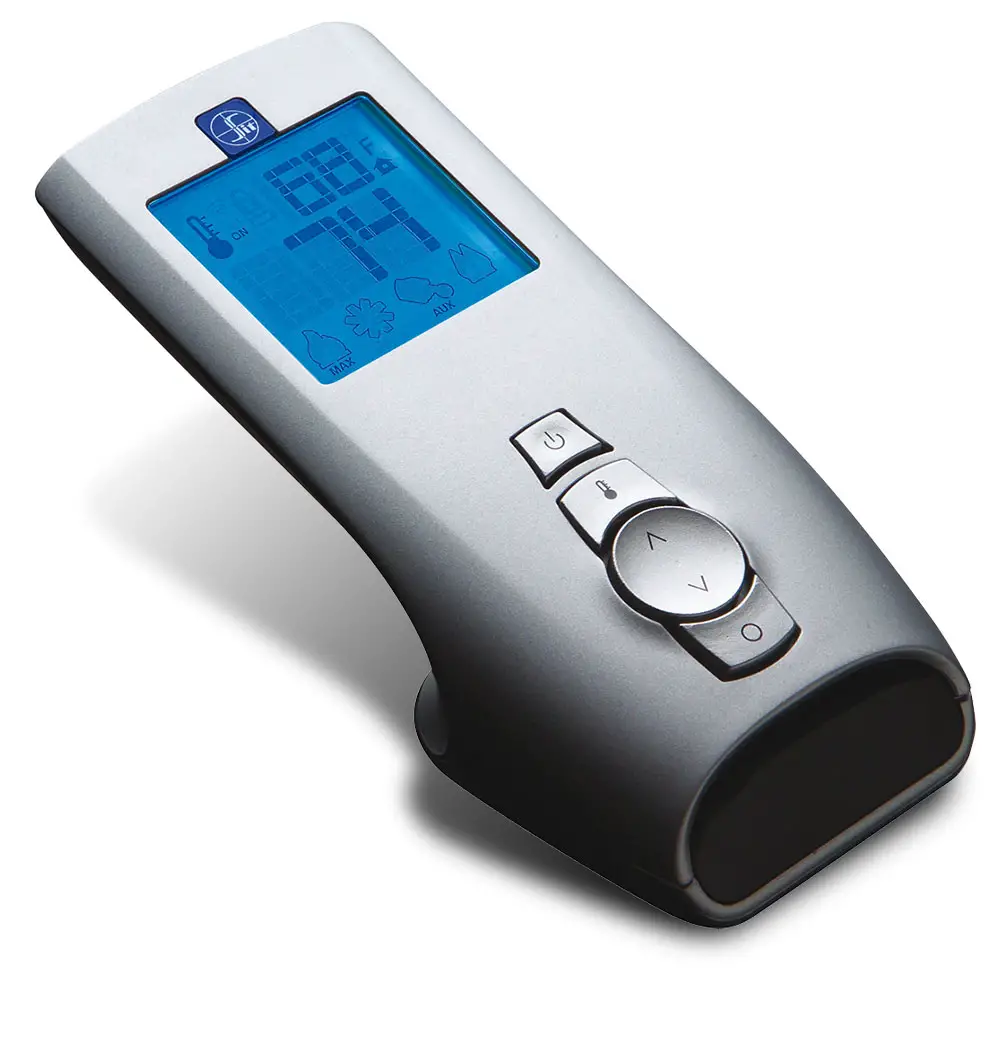
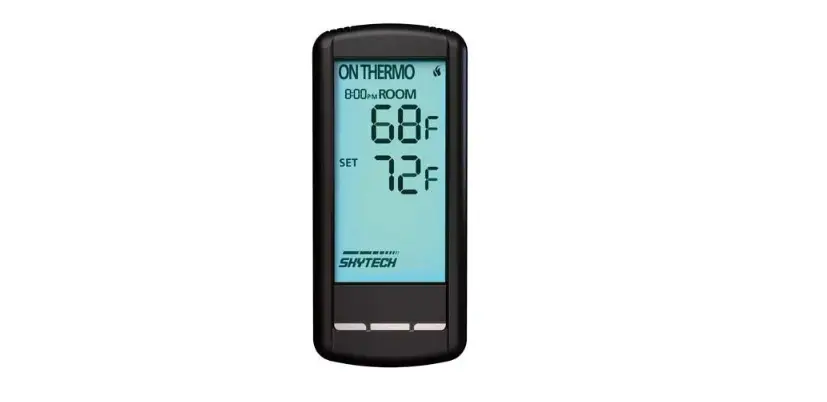
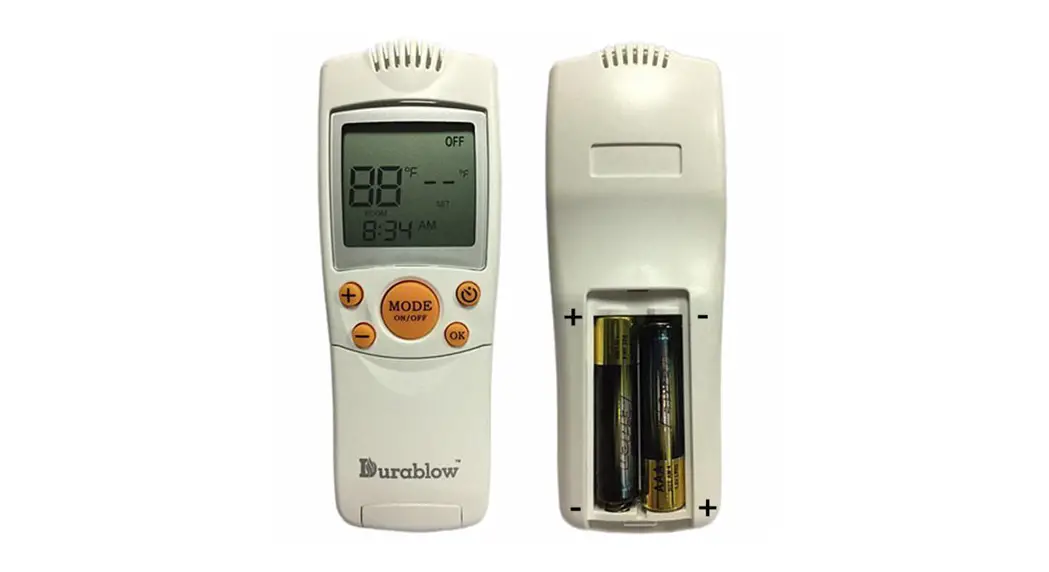
The remote control is a device used to control the various
functions of the fireplace. It has several buttons that correspond
to specific actions and settings that can be adjusted. The remote
control can be used to turn on/off the fireplace, adjust flame
settings, adjust glowing embers, glowing logs, downlight, sync
settings, mood lighting strip, and heating settings. The remote
control also has a timer function that can be set up to 10
hours.
Product Usage Instructions
- To turn on the fireplace, press the POWER button. This will
turn on/off all the functions at once but will hold the settings in
memory. - To adjust flame settings, press the MY FLAME button followed by
`+’ and `-‘ or `f’ and `g’ buttons. The unit will cycle through 9
flame settings. Flames 1-6 are default settings, 7-9 can be saved
as custom settings. - To enter the main flame effect adjustment screen, press the
MAIN FLAME button. Press `f’ and `g’ buttons to cycle through the
flame palette adjustment screen. - Press the FLAME SPEED button to enter the FLAME SPEED settings.
Press `+’ and `-‘ buttons to adjust the speed by five
settings. - To adjust glowing embers, glowing logs, downlight, and sync
settings, press the button. Press `f’ and `g’ buttons to cycle
through different settings for each function. - To adjust mood lighting strip settings, press the MOOD LIGHT
button. The setting will cycle through Cold White – White – Warm
White – Light Ember – Ember – Yellow – Gold Yellow – Red – Green –
Cyan – Blue – Light Purple – Purple -13 Colour Cycling and Off.
Press `+’ and `-‘ buttons to adjust the brightness from 10-100%,
total six settings including Off. - To adjust heating settings, press the HEATING button. The
heater will cycle through the heat setting: AUT – LOW – HIGH – OFF.
The AUTO heating will work after the weekly timer has been set in
the MyFlame App. - To set the desired time for the fireplace to run, press the
TIMER button. The Timer can be set 0.5H, 1.0H, and then each hour
up to 10.0H. - To turn on the flame effect, press the button. To turn off all
the functions under the manual heating control mode, press the
button. To turn off the flame effect under AUTO heating mode, press
the button. - Ensure that the remote control is left on a flat surface in the
room where the appliance is installed and away from any direct flow
of hot air.
REMOTE CONTROL
BUTTON
FUNCTION
ACTION
POWER
The POWER button will turn the fireplace on, and enter standby mode. This will turn on/off all the functions at once but will hold the settings in memory.
MY FLAME
Press the MY FLAME button followed by `+’ and `-‘ or `f’ and `g’ , the unit will cycle through 9 flame
settings. Flames 1-6 are default settings, 7-9 can be saved as custom settings.
MAIN FLAME/ FLAME PALETTE
Press the MAIN FLAME button to enter the main flame effect adjustment screen, press `f’ and `g’
button to cycle through Red – Ember – Yellow – Green Cyan – Blue Purple White 8 Colour Cycling – Off. Press `+’ and `-‘ button to adjust the brightness from 10 -100%, total six settings including Off.
Press again to enter the FLAME PALETTE adjustment screen. Press `f’ and `g’ button to cycle
through Red – Ember – Yellow – Green Cyan – Blue Purple White 8 Colour Cycling – Off. Press `+’ and `-‘ button to adjust the brightness from 10 -100%, total six settings including Off.
FLAME SPEED
Press the button to enter the FLAME SPEED settings. Press `+’ and `-‘ button to adjust the speed by five settings.
The remote control should be left on a flat surface in the room where the appliance is installed and away from any direct flow of hot air.
BUTTON
FUNCTION
ACTION
Press the button to enter the GLOWING EMBERS settings, press `f’ and `g’ button to cycle
through Red – Ember – Yellow – Green Cyan – Blue Purple White 8 Colour Cycling – Off. Press `+’ and `-‘ button to adjust the brightness from 10-100%, total six settings including Off.
GLOWING EMBERS/ GLOWING LOGS/ DOWN LIGHT/ SYNC
Press again to enter the GLOWING LOGS adjustment screen.
Press `f’ and `g’ button to cycle through Red – Ember – Yellow – Green Cyan – Blue Pink
White – 12 Colour Cycling – Red/Ember/Yellow – Yellow/Pink/Ember Cyan/Blue/Pink Off. Press `+’ and `-‘ button to adjust the brightness from 10-100%, total six settings including Off.
Press again to enter the DOWN LIGHT adjustment screen.
Press `f’ and `g’ button to cycle through Red – Ember – Yellow – Green Cyan – Blue Purple
White 8 Colour Cycling – Off Press `+’ and `-‘ button to adjust the brightness from 10-100%, total six settings including off.
MOOD LIGHT
Press the button the fourth time to enter the SYNC, the colours of flame palette, fuel bed, log burning and down light could be synced.
Press `f’ and `g’ button to cycle through Red – Ember – Yellow – Green Cyan – Blue Purple
White 8 Colour Cycling – Off Press `+’ and `-‘ button to adjust the brightness from 10-100%, total six settings including off.
Press the button to enter the MOOD LIGHT settings, and the setting will cycle through Cold White – White – Warm White – Light Ember – Ember – Yellow – Gold Yellow – Red – Green – Cyan – Blue – Light Purple – Purple -13 Colour Cycling and Off. Press `+’ and `-‘ button to adjust the brightness from 10-100%, total six settings including Off.
HEATING
Press the HEATING button, and the heater will cycle the heat setting: AUT – LOW – HIGH – OFF. The AUTO heating will work after the weekly timer has been set in the MyFlame App.
TIMER
Press the TIMER button to set the desired time for the fireplace to run. The Timer can be set 0.5H, 1.0H, and then each hour up to 10.0H.
–
Press the `f’ and `g’ button to choose different settings such as the colour settings of the
corresponding function.
–
Press the `+’ and `-‘ button to increase or decrease the settings such as the light setting.
Temperature Sensor Convection
Display
My Flame Settings Flame Palette
Glowing Embers/ Glowing Logs/ Downlight/Sync Settings
Heater Settings
OPERATING THE APPLIANCE – ADVANCED OPERATION
Timer Battery Power
Power Flame Speed Mood Lighting Strip
Timer Settings
Temperature Setting
Actual Room Temperature
Heating
TURN ON/OFF
Press button to turn on the flame effect.
Press button to turn off all the functions under the manual heating control mode.
Press button to turn off the flame effect under AUTO heating mode.